 Photoshop
 Illustrator
 After Effects
 Figma
 Affinity
Effects After Effects
doesn't have
Every Nexus effect runs as a native effect. Drop one on a layer, tune the controls, and keyframe every parameter on the timeline.
The plugins are free with an account. Paid plans add bigger renders and your own effects. See pricing

After Effects
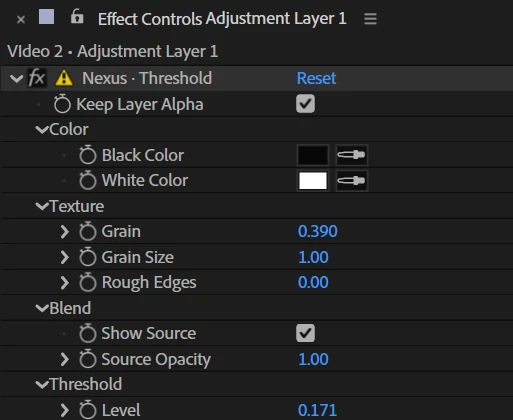
A native effect.
Its sliders and colors sit in Effect Controls, ready to keyframe. Stack several Nexus effects on one layer.
Effects to start with
Every one runs in After Effects with the same controls as the web editor. See every effect
- Risograph EffectPrint

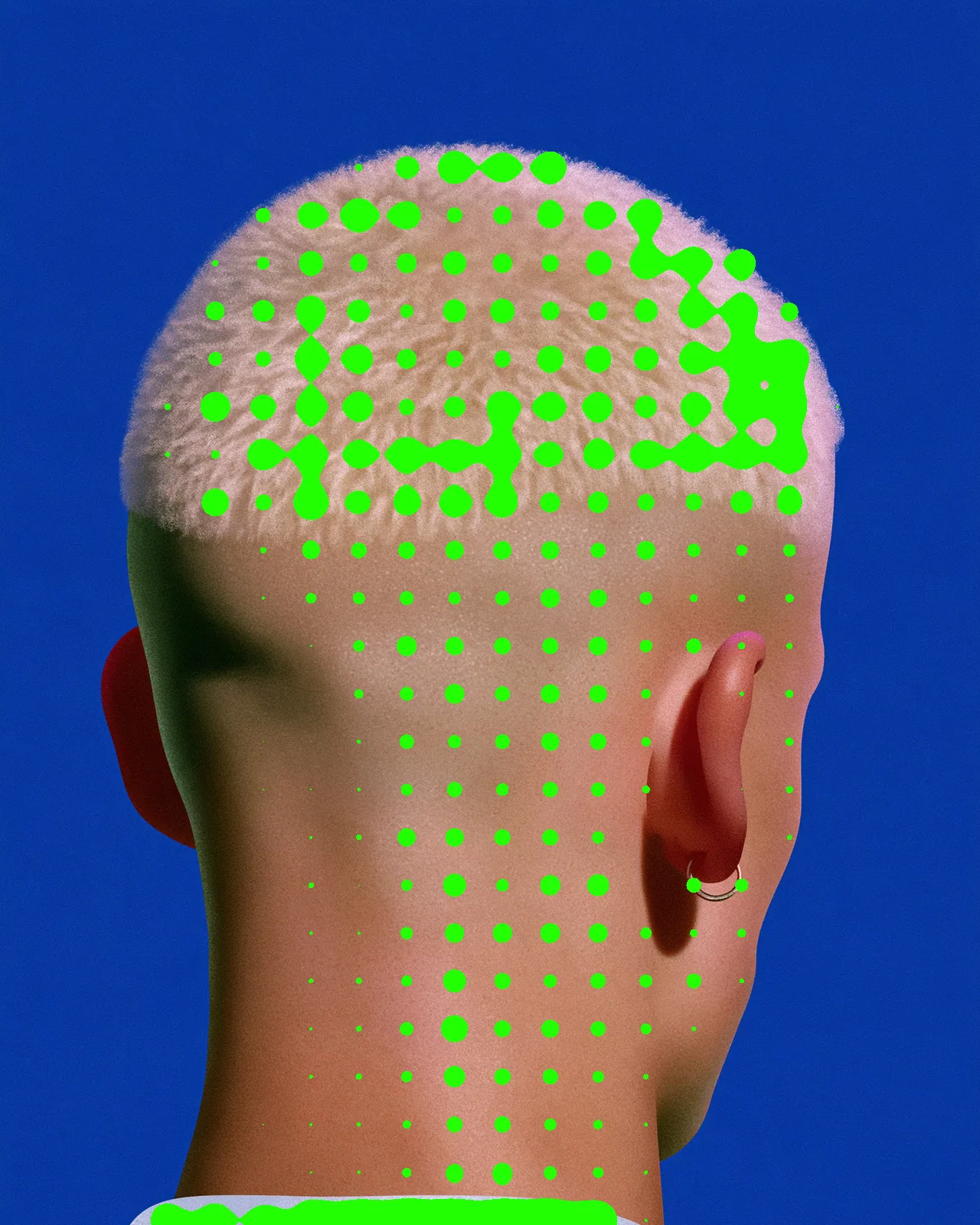
- Halftone EffectPrint

- Dither EffectPrint

- Metaball EffectBlobs
- Cyanotype EffectPrint

- Reeded Glass EffectTexture

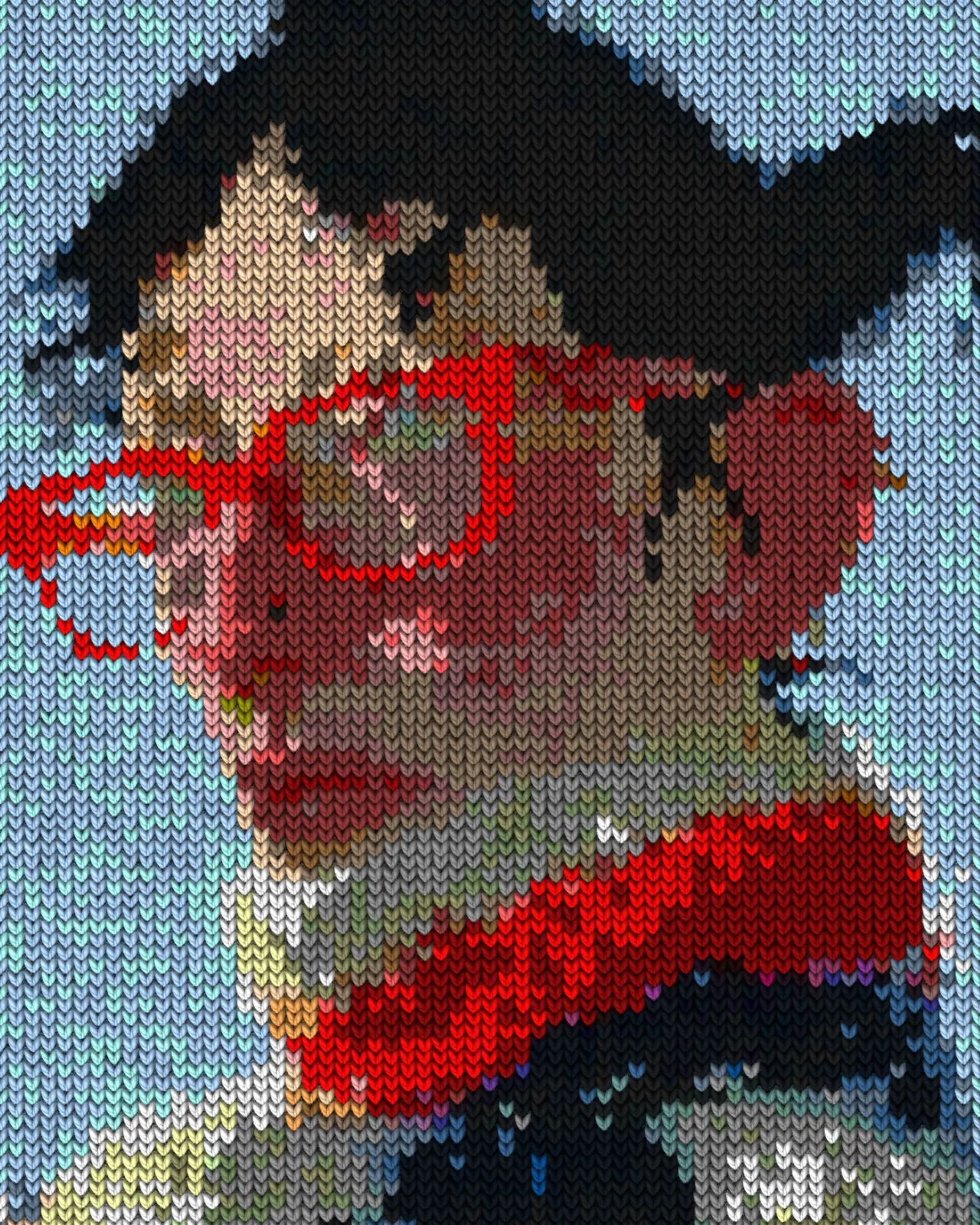
- Knit EffectTexture
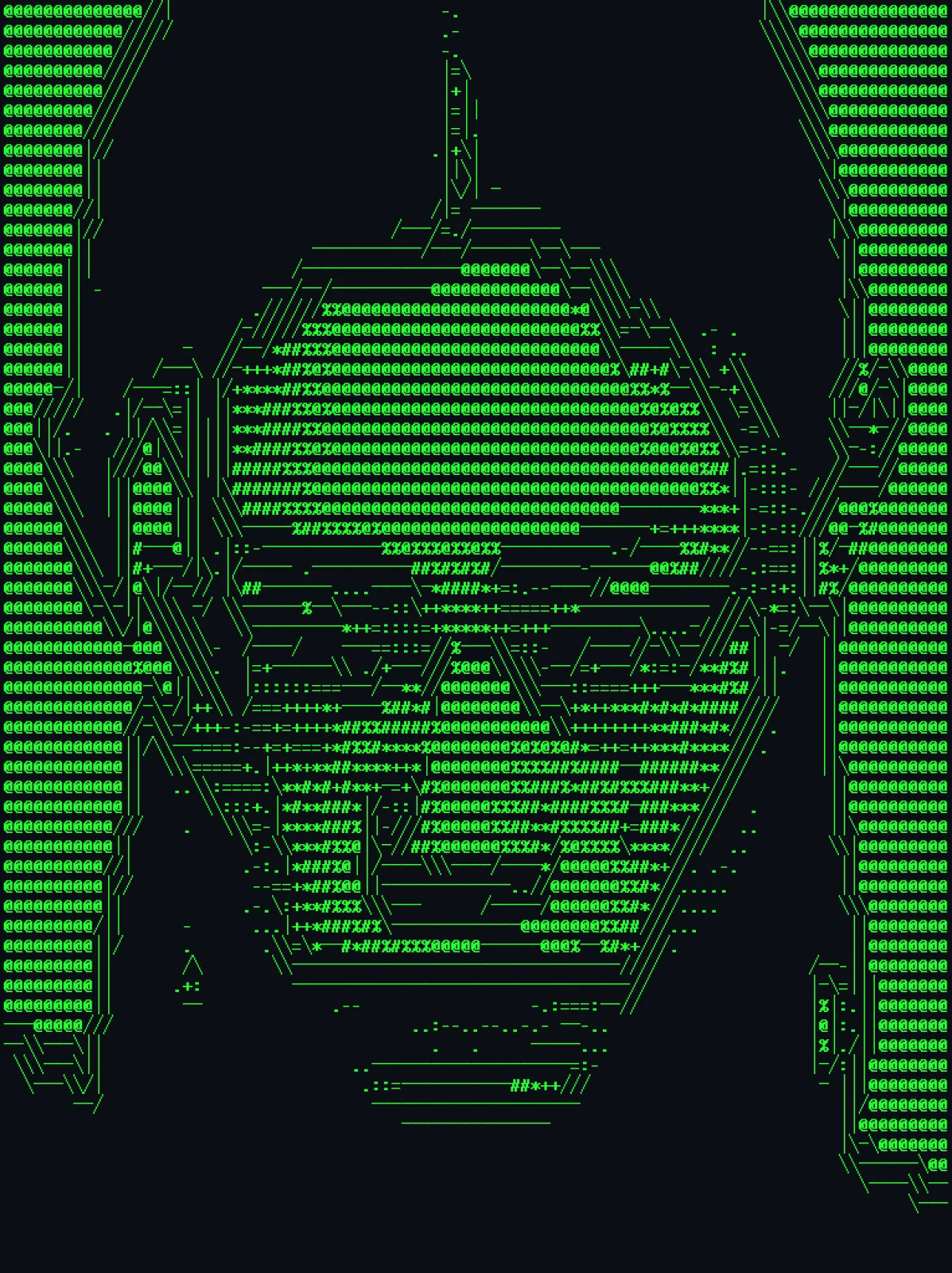
- ASCII Art EffectRetro
Every effect you get
- Risograph Effect
- Halftone Effect
- Dither Effect
- Metaball Effect
- Cyanotype Effect
- Reeded Glass Effect
- Knit Effect
- ASCII Art Effect
- CRT Effect
- Airbrush Effect
- Shape Halftone Effect
- Text Portrait Effect
- Torn Paper Collage Effect
- Plexus Effect
- Topographic Map Effect
- Wave Lines Effect
- Circuit Board Effect
- Blob Tracking Effect
- Brick Mosaic Effect
- Gradient Grid Background
- Thorn Frame
- Stencil Effect
- Pointillism Effect
- Stipple Effect
- CMYK Effect
- CCTV Effect
- Newspaper Effect
- Grunge Effect
- Pop Art Effect
- Holographic Effect
- Pixel Sort Effect
- Pattern Merge Effect
- VHS Effect
- Photocopy Effect
- Glitch Background
How it works in After Effects
Drop it on any layer as a native effect and keyframe every control on the timeline.
- Install Nexus for After Effects.
- Open it in After Effects.
- Pick an effect and apply it.