Pop Art Effect
Rebuilds any picture as torn sheets of colored card, each printed with its own halftone screen of dots or lines.
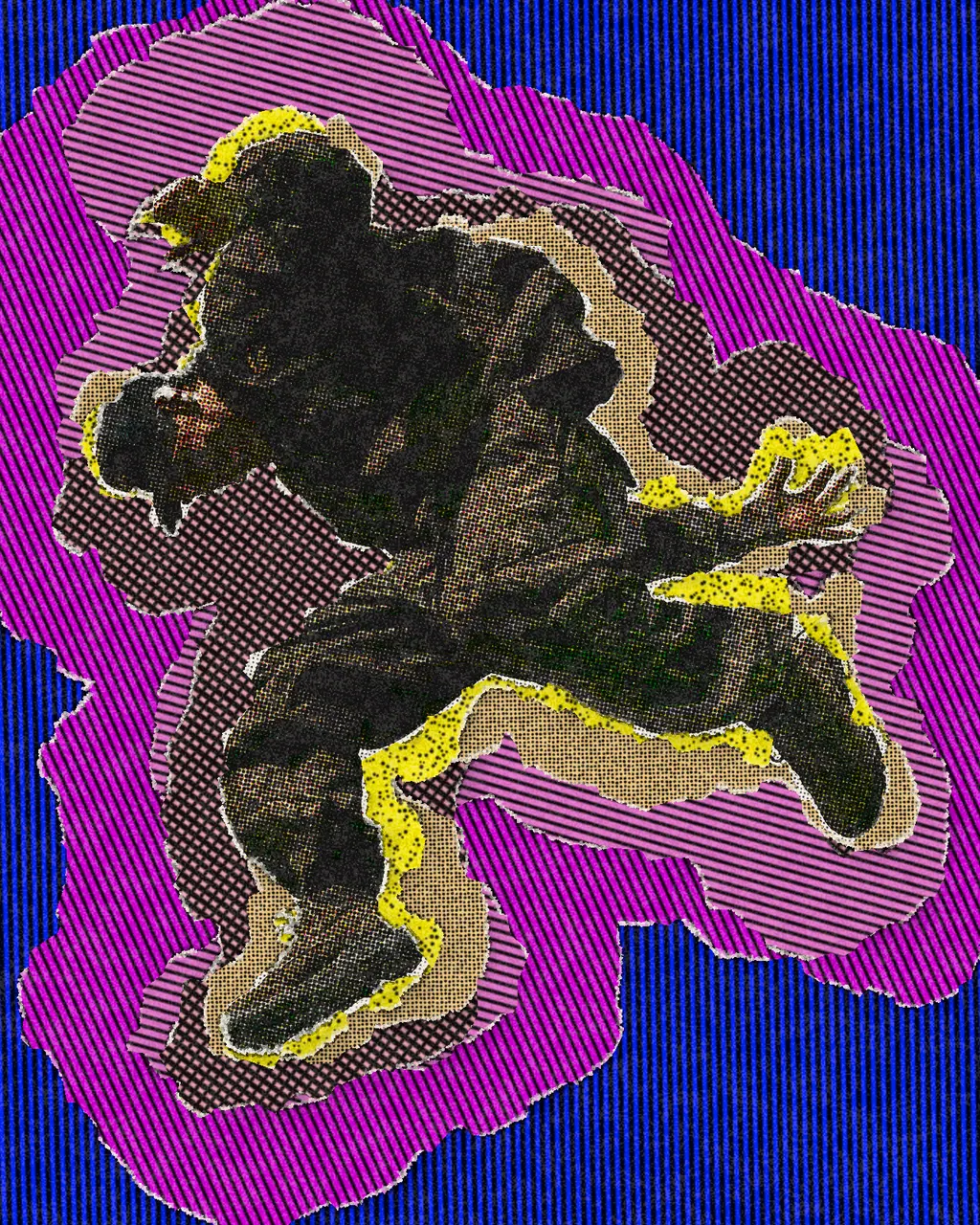
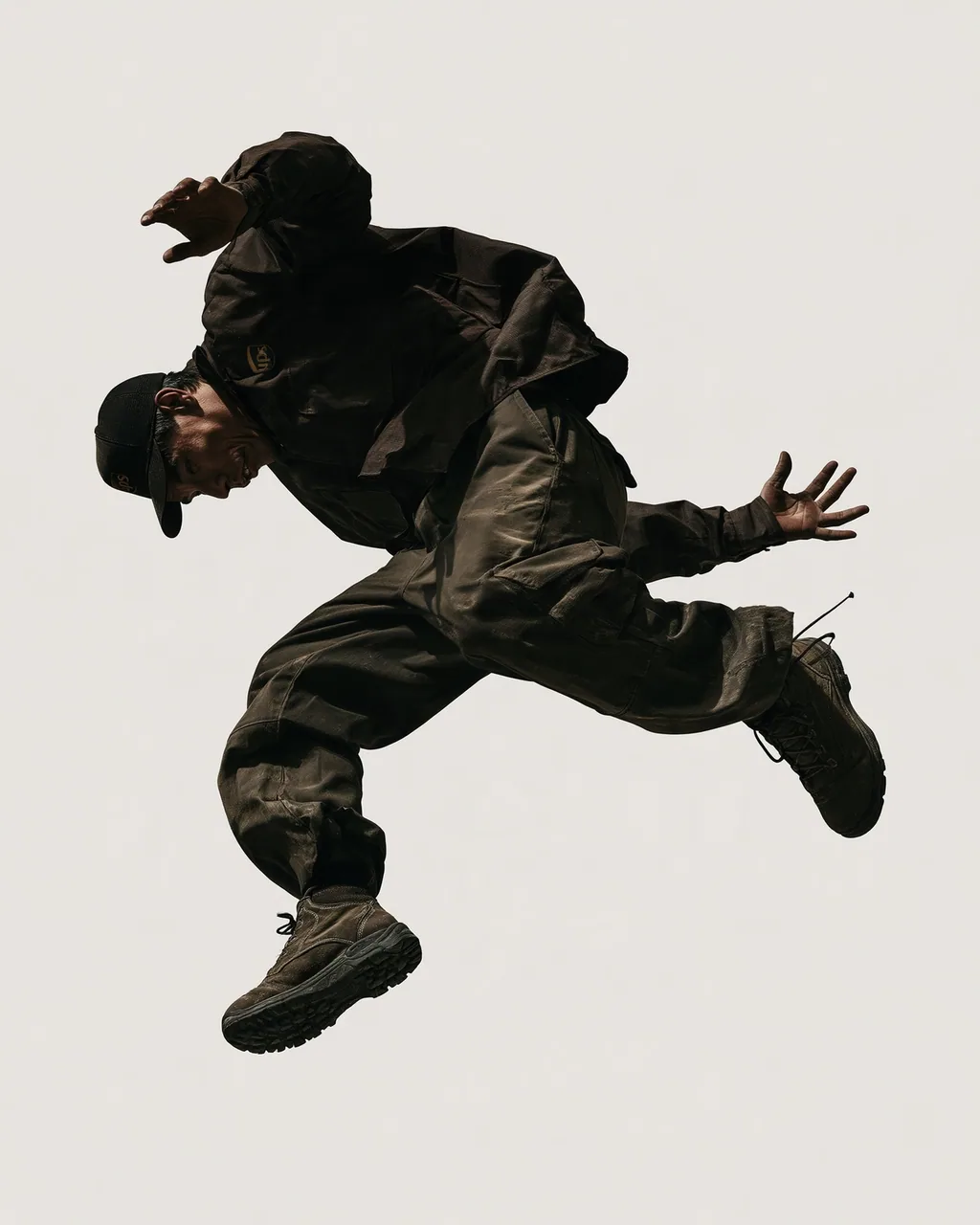
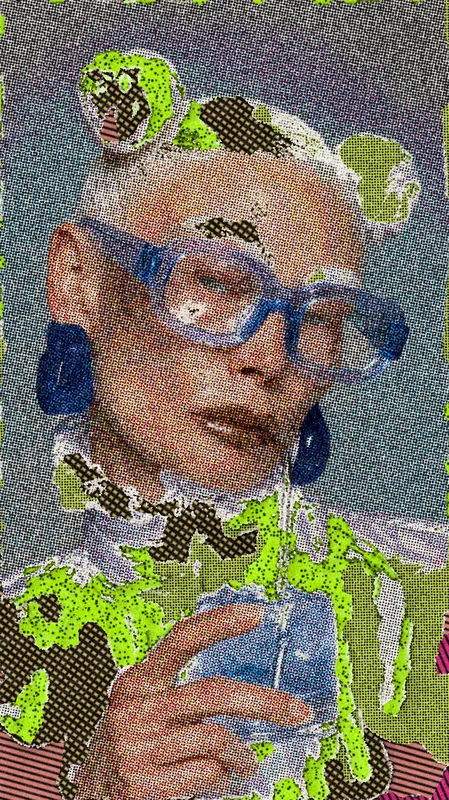
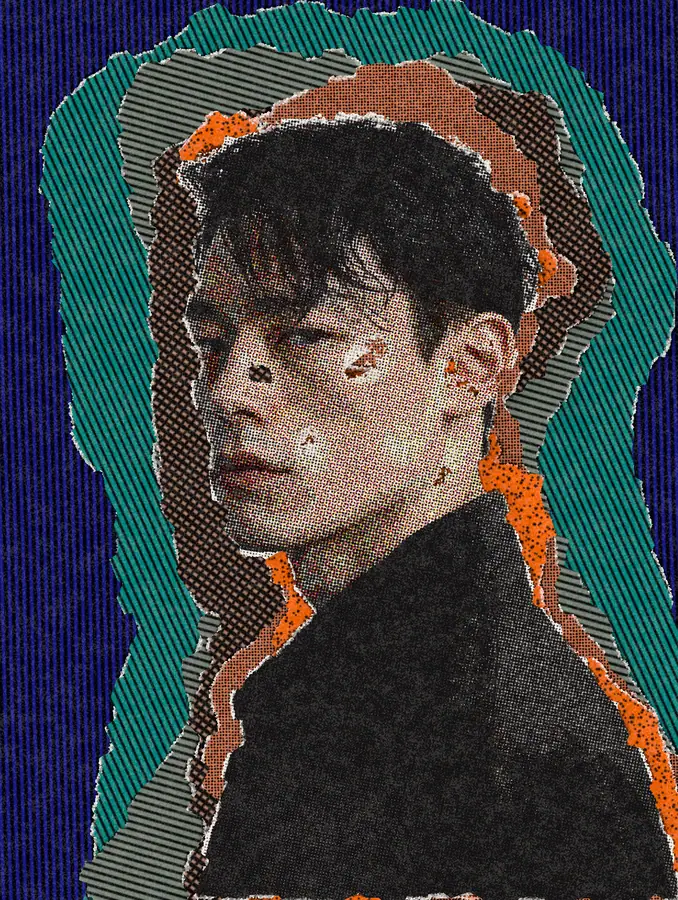
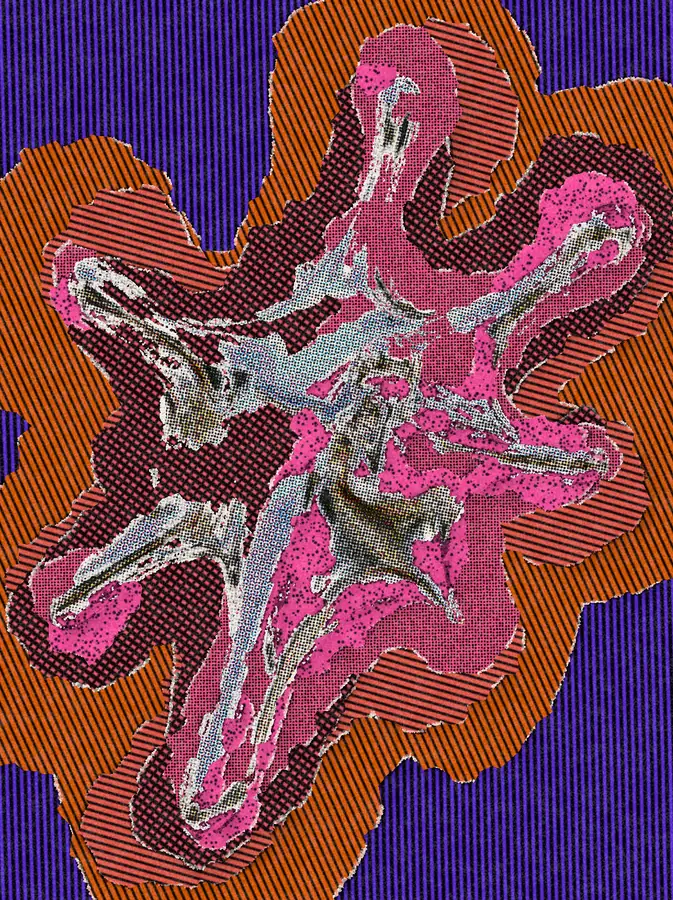
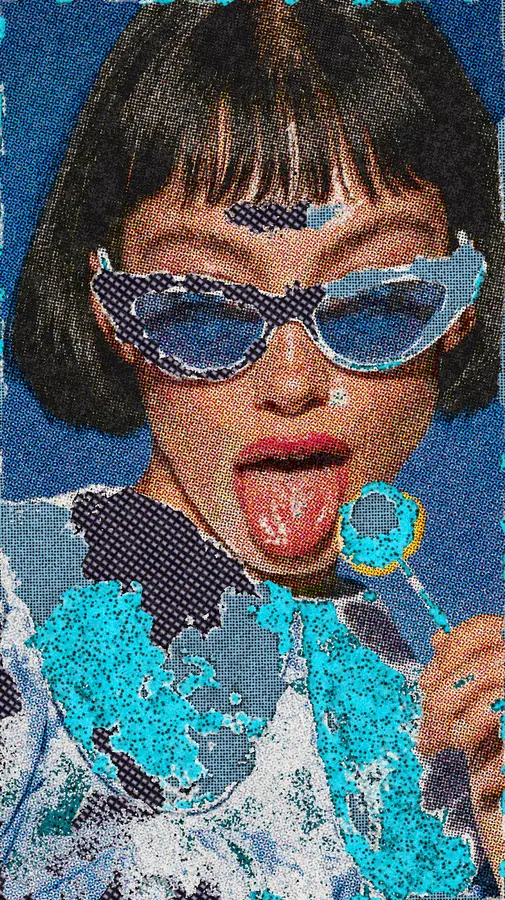
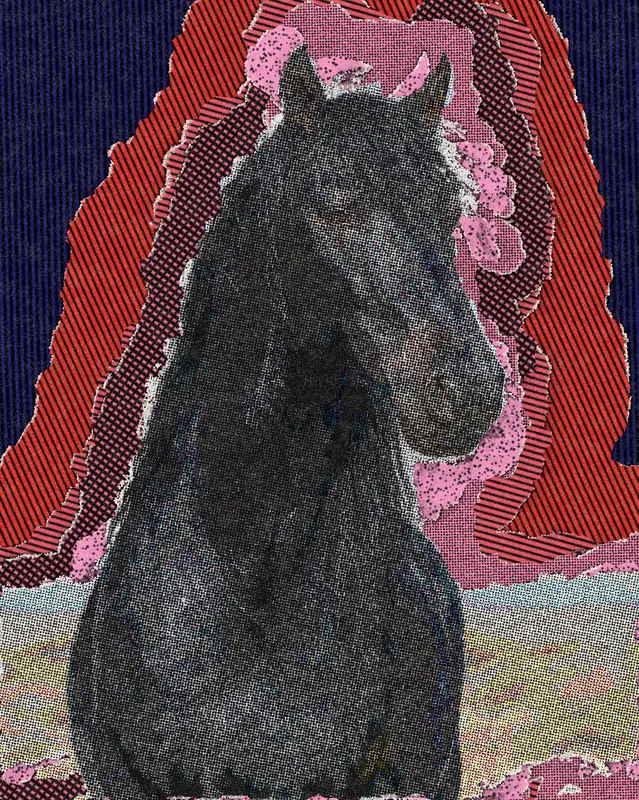
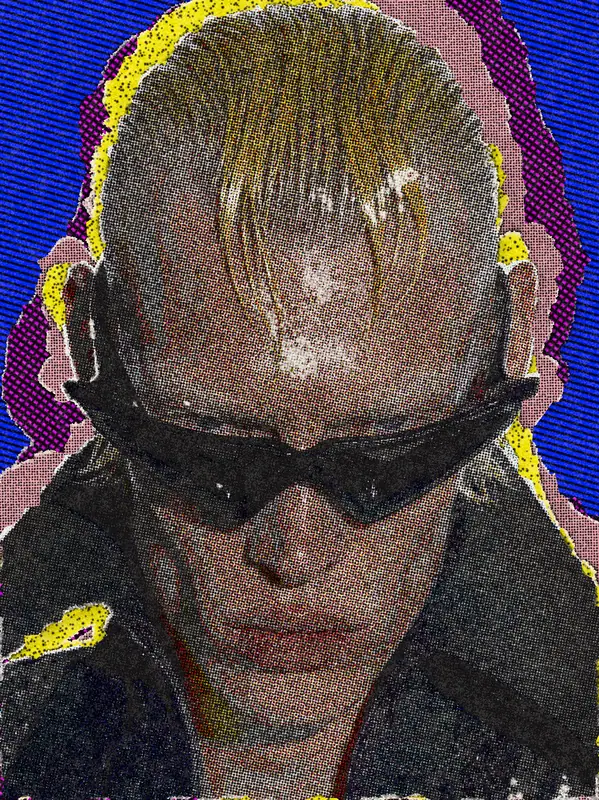
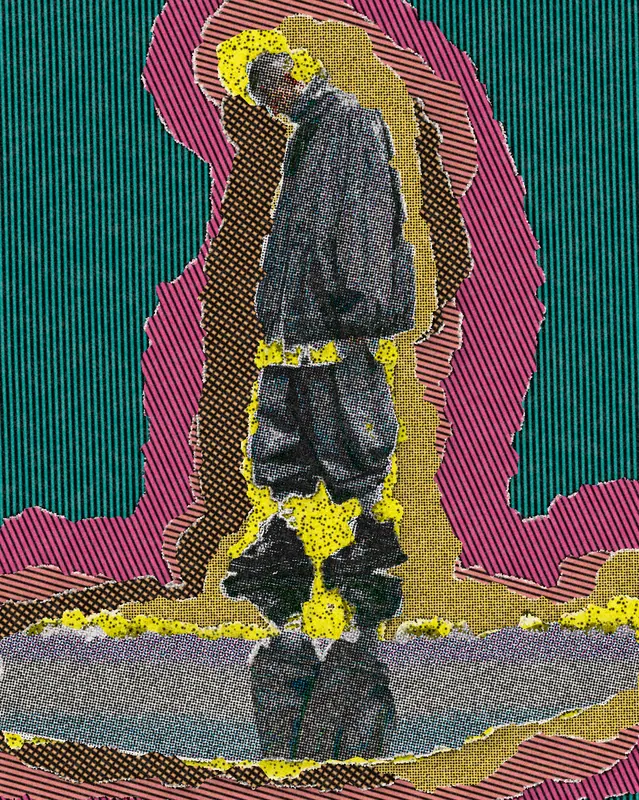
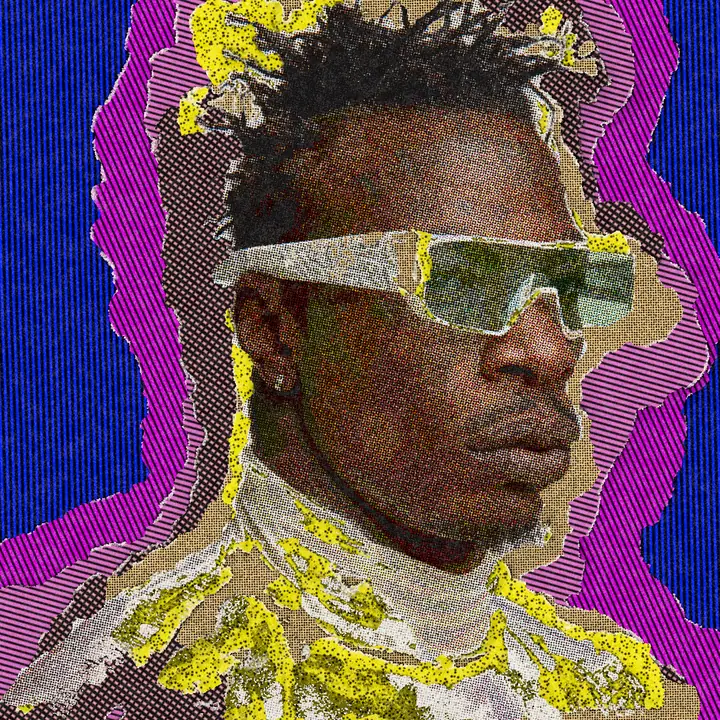
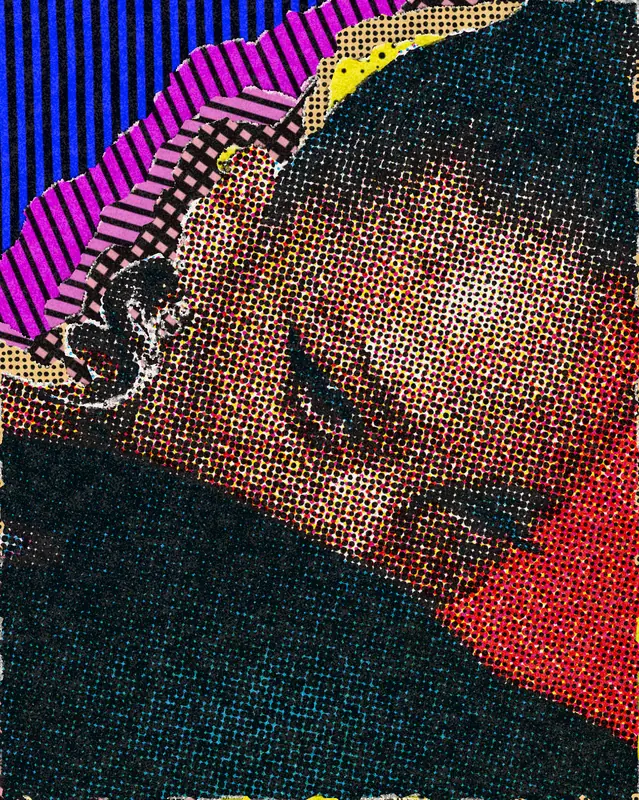
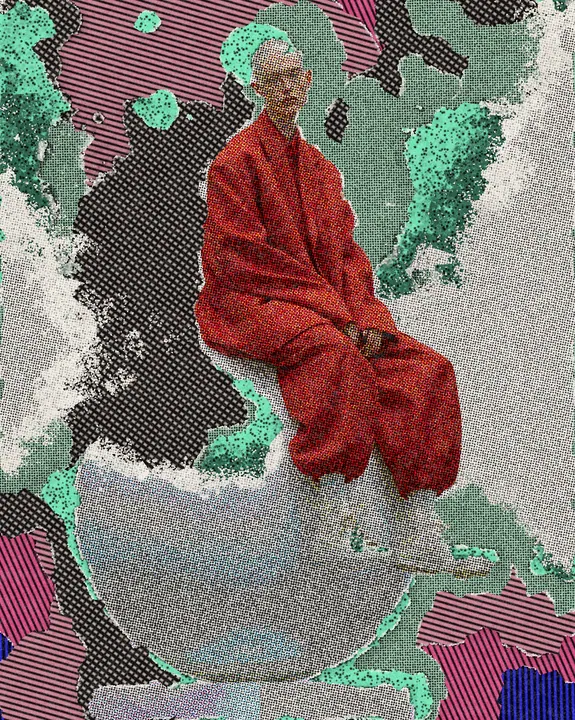
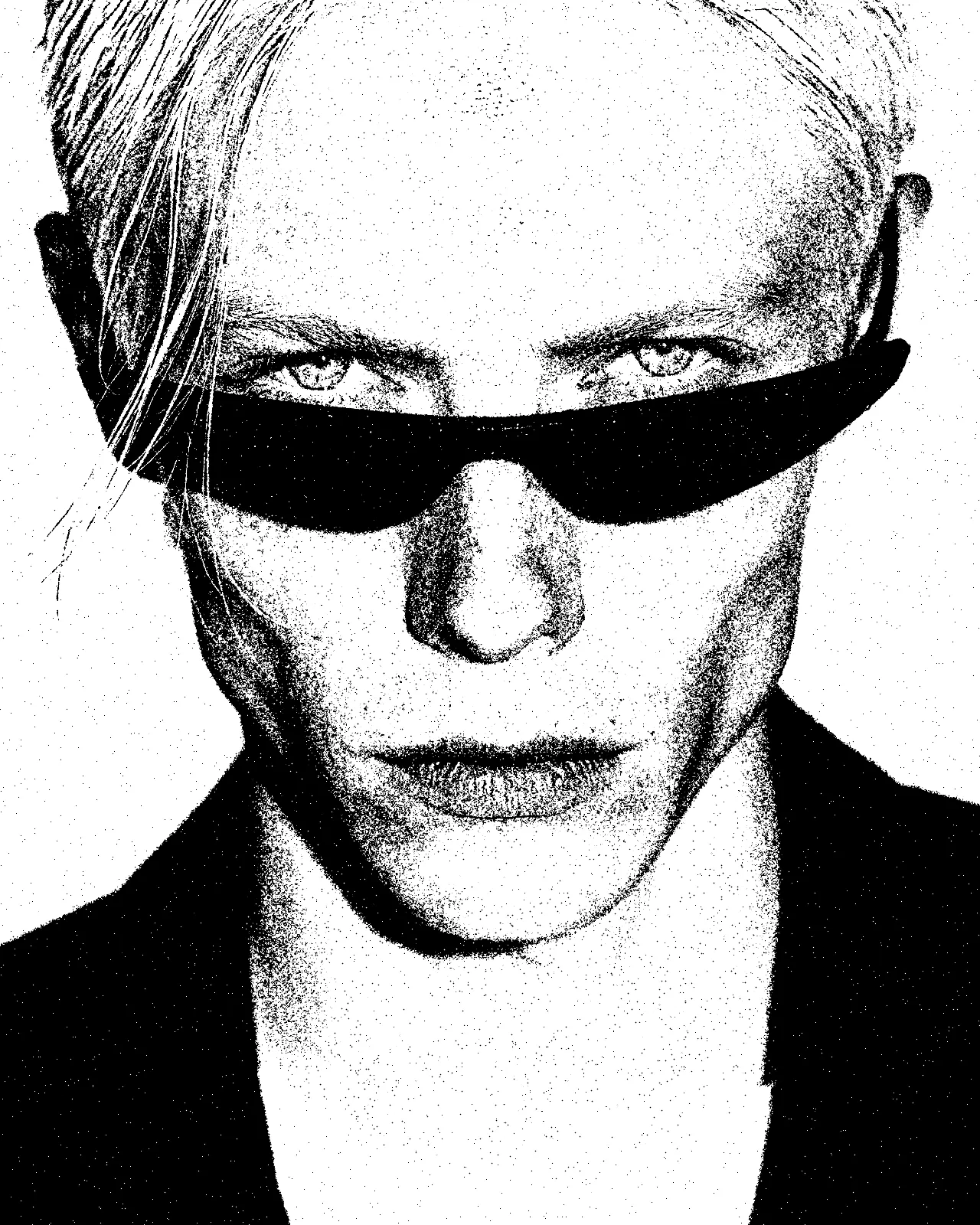
The pop art effect cuts your picture into torn paper, each piece printed with its own halftone screen. Layers mode stacks shifted, turned sheets around your subject; Grid mode tears the whole frame into scraps. The look starts in blue, magenta and yellow, and every color, edge and screen can change.
Same effect, different settings
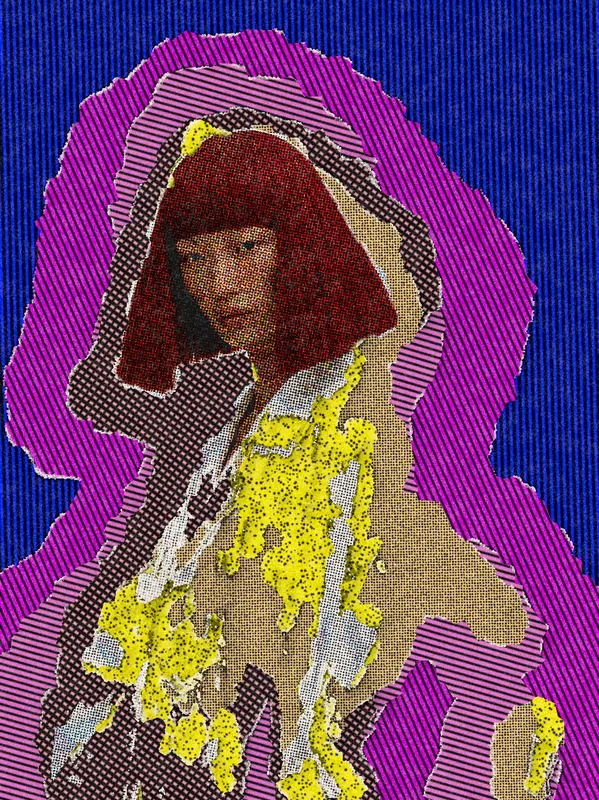
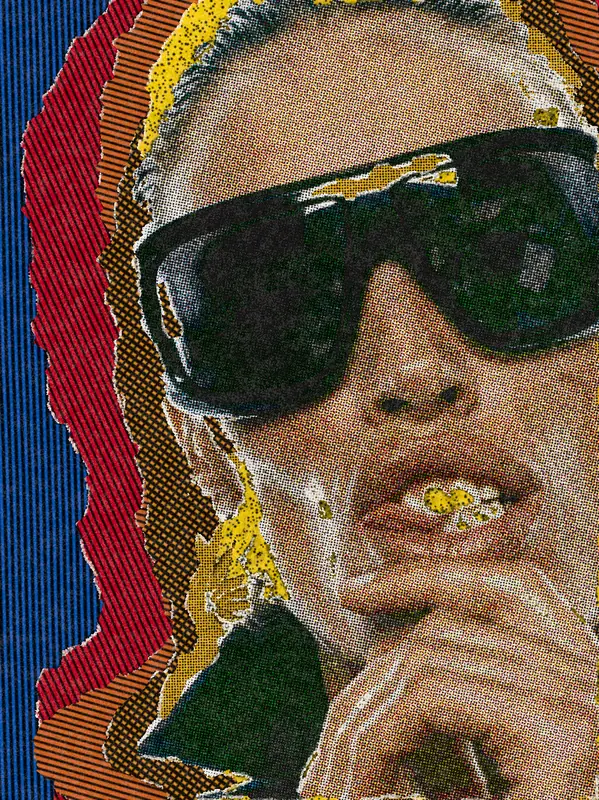
12 photos, each with its own settings. Try it on yours
Use Pop Art Effect in Photoshop, After Effects, Illustrator, Affinity or Figma
The plugins are free with an account. Paid plans add bigger renders and your own filters. See pricing
Photoshop
Apply it as a Smart Filter on a Smart Object, then double-click to change it.
After Effects
Drop it on any layer as a native effect and keyframe every control on the timeline.
Illustrator
Use a selection as the source and get back native vector paths or an embedded image.
Affinity
Open Filters > Plugins > Nexus, pick the look and apply it to a pixel layer.
Figma
Select a frame or image, run the look, and the result drops back into your file.
Settings worth touching
- Mode
- Layers builds torn sheets from your subject's shape. Grid tears the whole frame into scraps, each carrying its own halftone screen.
- Screen
- Sets how fine the halftone is. Low values give large dots and thick lines; high values give a fine, dense print.
- Sheets
- How many torn layers stack around the subject. The look starts at five; more sheets build a thicker, wider collage.
Frequently asked questions
How do I add the pop art effect in Photoshop?
Install Nexus for Photoshop, pick the look in the panel and apply it to a Smart Object as a Smart Filter, or render it as a new layer. Double-click the filter to change it later.
Can I use the pop art effect in Illustrator?
Yes. Nexus for Illustrator runs the look on a selection and places the result back as an embedded image. This effect makes pixels only, so it does not return vector paths.
Does the pop art effect use halftone dots?
Yes. Every sheet or scrap is printed with its own halftone screen, dots or lines. Screen sets how fine it is, Angle turns it, and Mixed styles varies the process between sheets.
Can I make a pop art collage effect from a whole photo?
Yes. Switch Mode to Grid and the effect tears the whole frame into scraps and pastes them back down. Columns and Rows set how many pieces, and Rotation turns them.
Is the pop art effect free to use?
You can open the look in the Nexus web editor and try it on your own image for free, without an account. Exporting a result needs a free account, and so does using it in the plugins.



Try Pop Art Effect in your browser
Free to try. Exporting needs a free account.