Cyanotype Effect
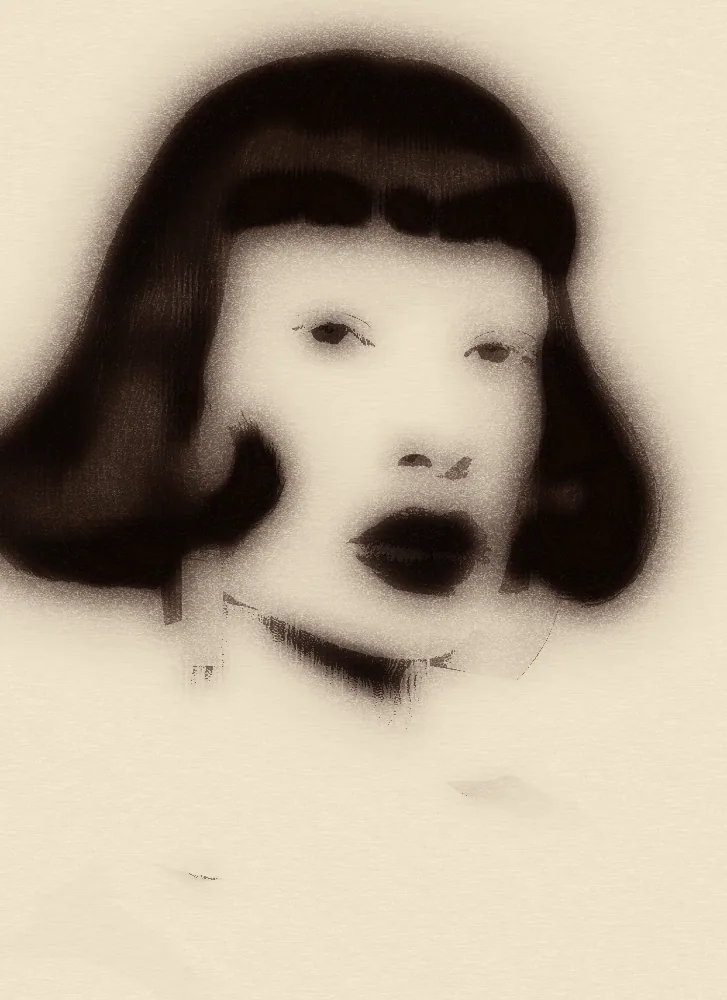
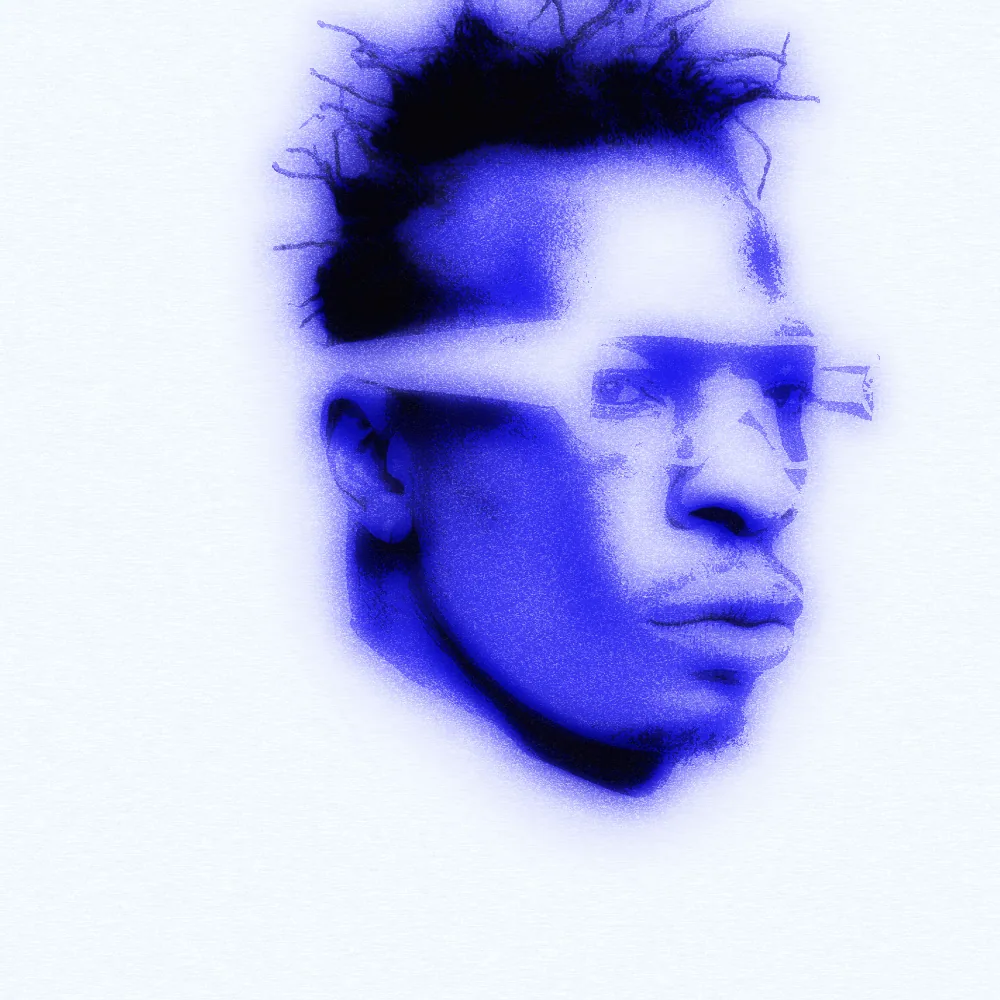
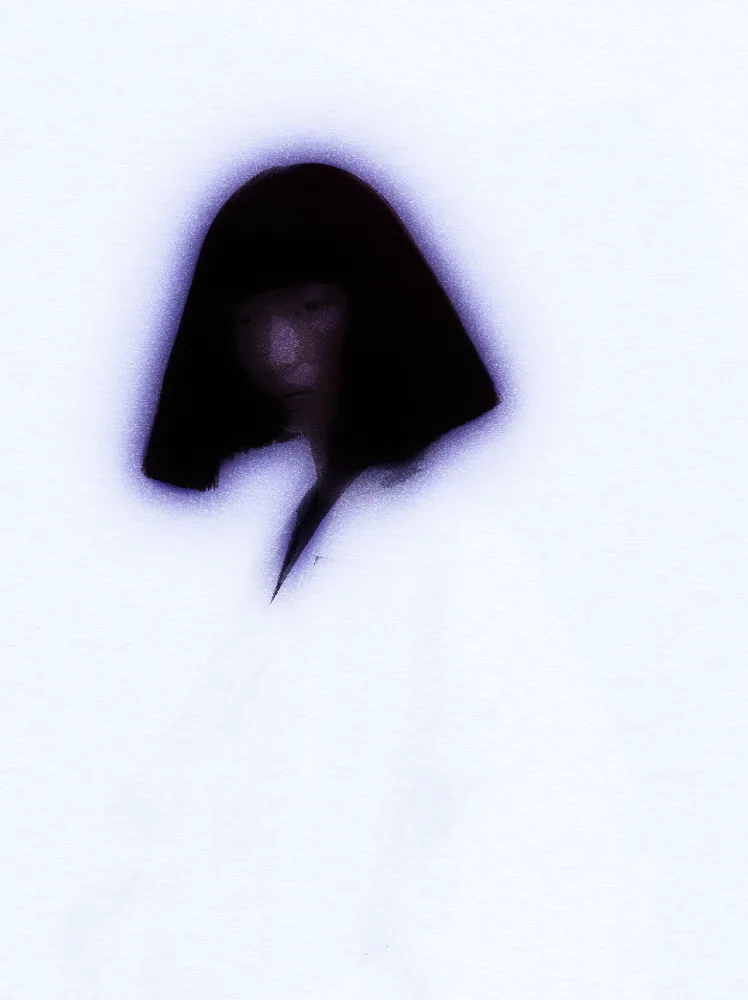
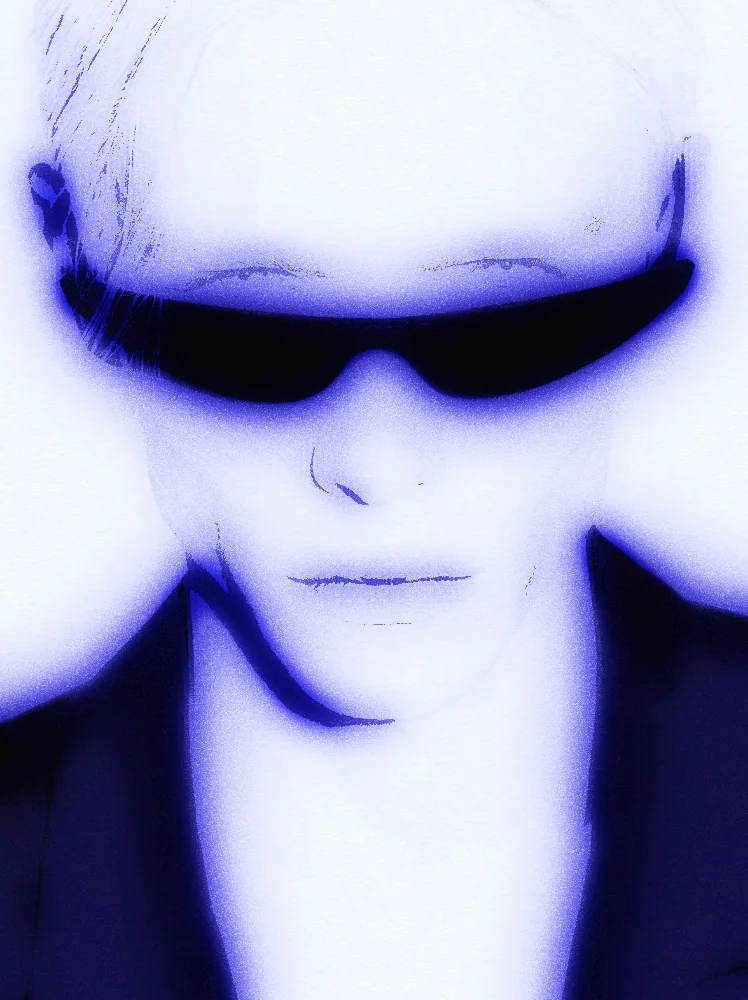
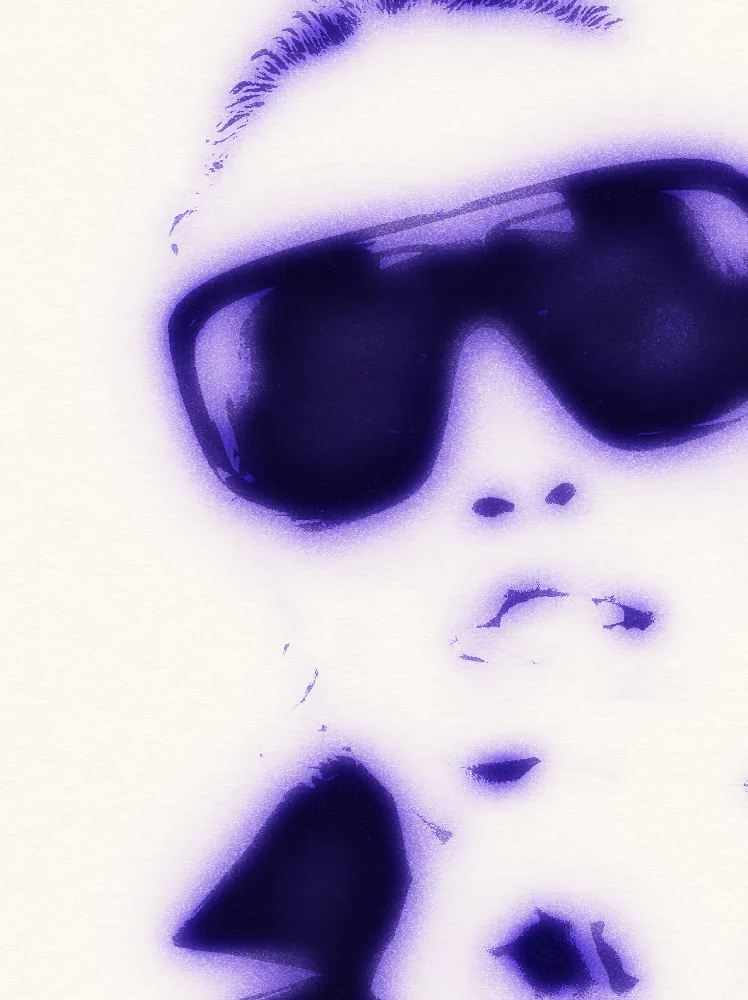
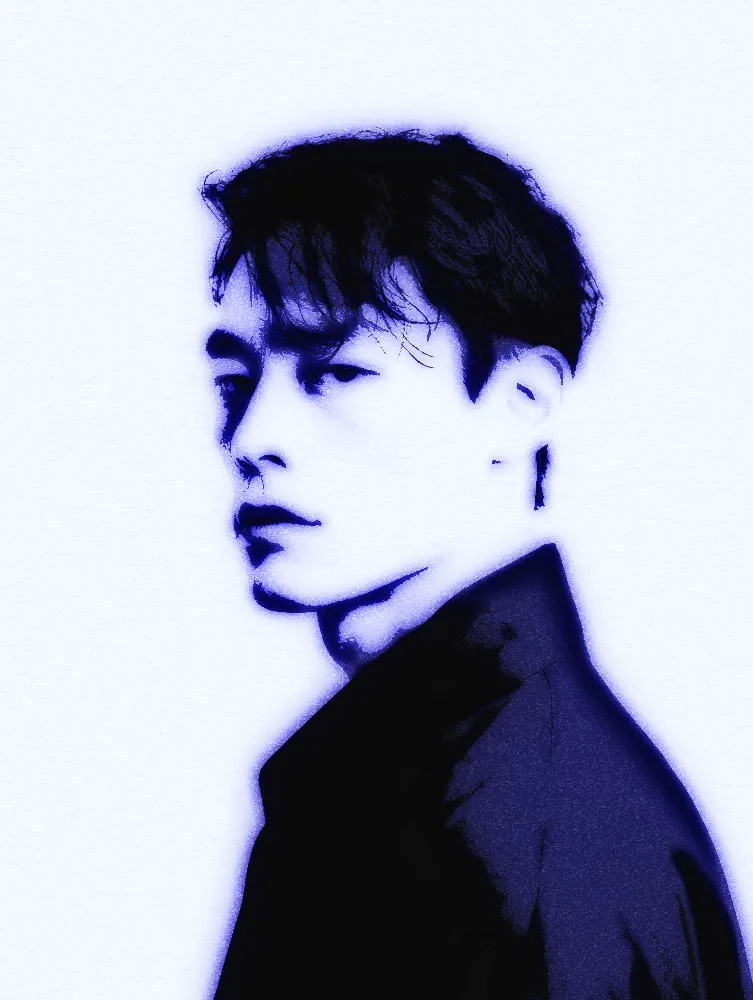
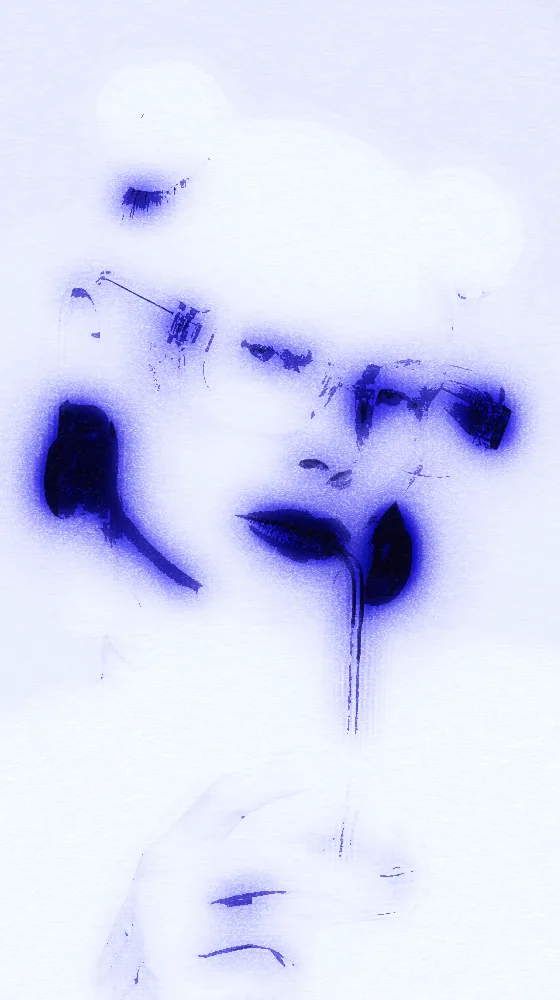
Turns any picture into deep blue pigment washes on pale paper, with soft bleeding edges, grain and paper texture.
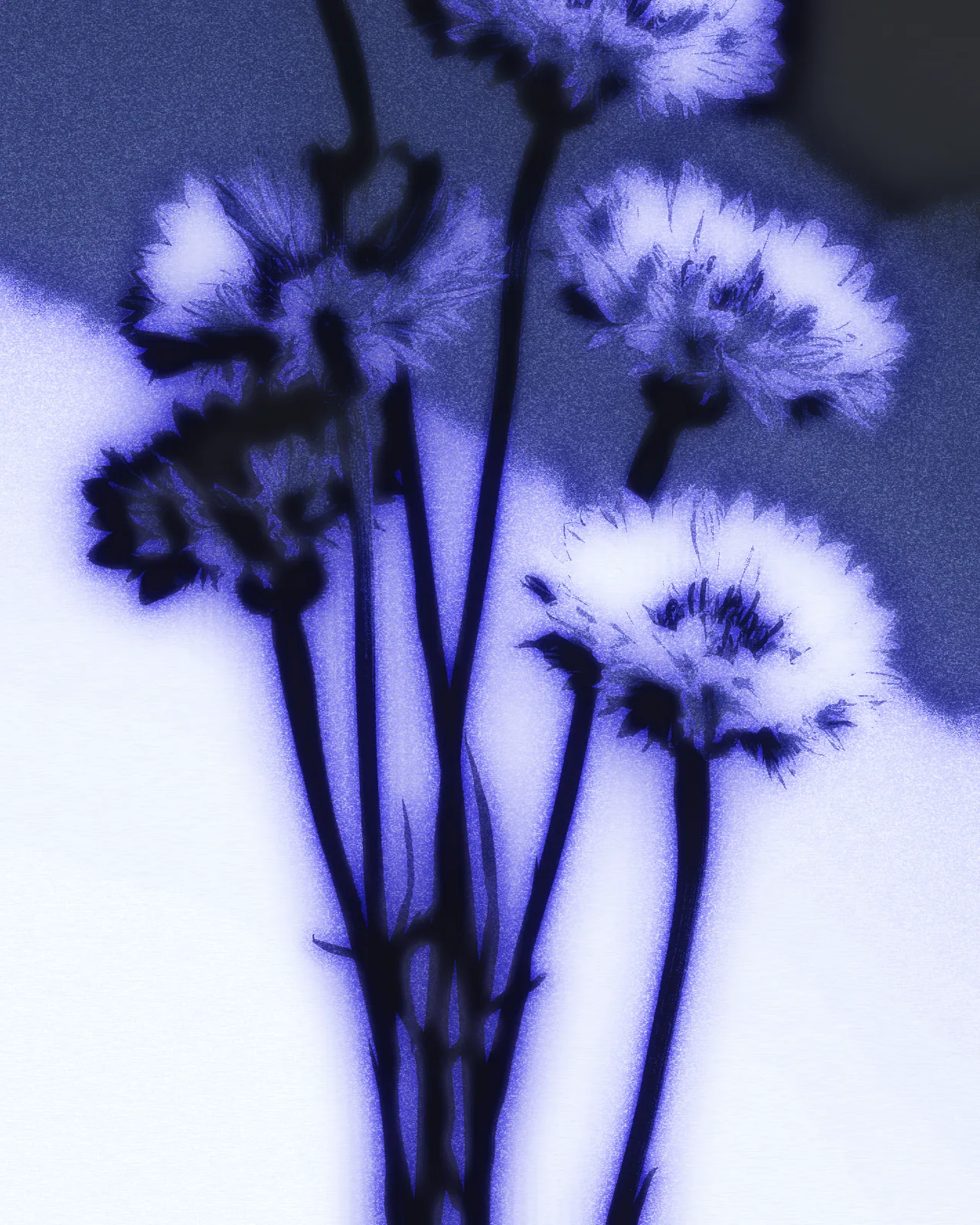

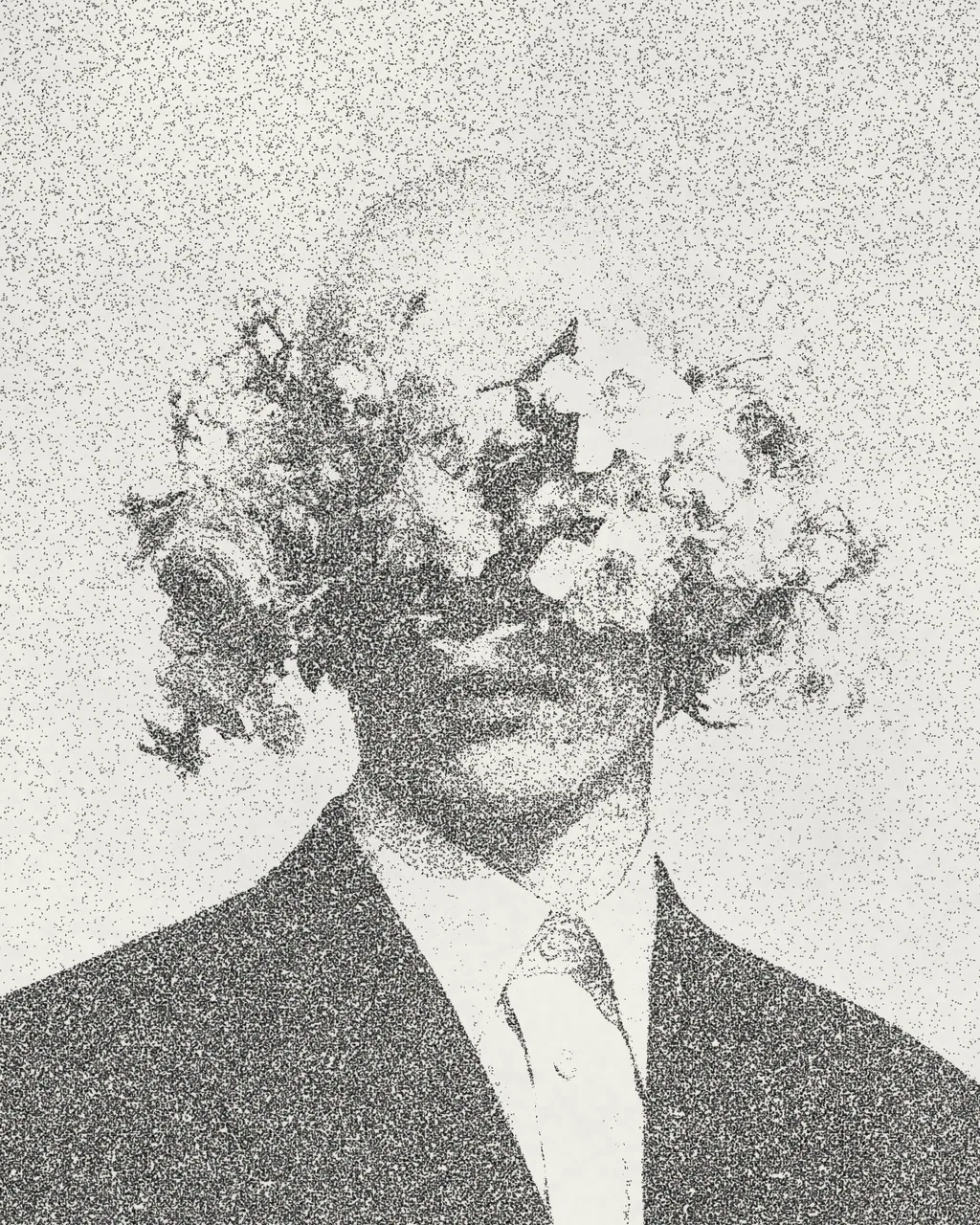
The cyanotype effect rebuilds your picture as layered blue pigment washes on a pale sheet. Darks become dense blue, highlights stay as bare paper, and edges bleed softly with grain on top. The look starts in blue, and you can change the pigment ramp, paper color, wash density, bleed and texture.
Same effect, different settings
10 photos, each with its own settings. Try it on yours
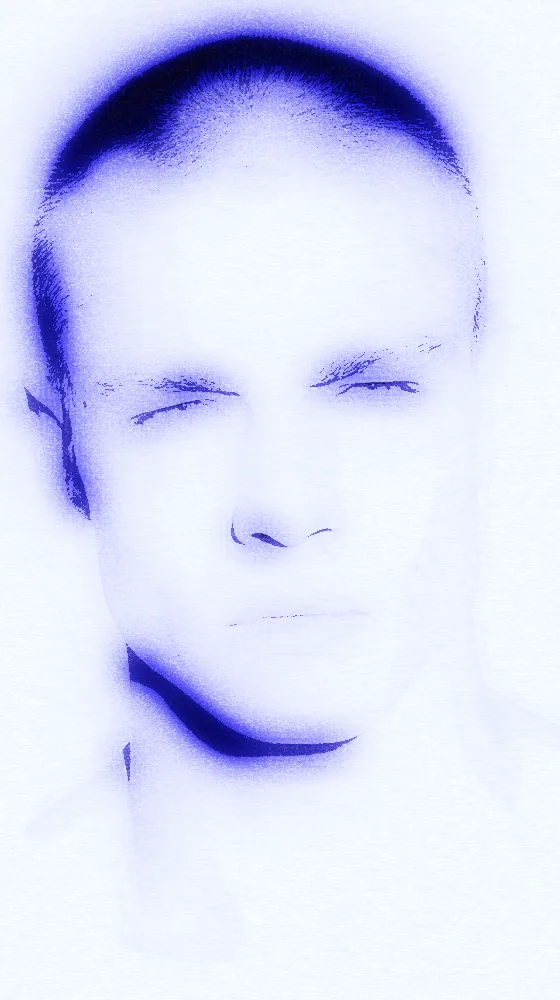
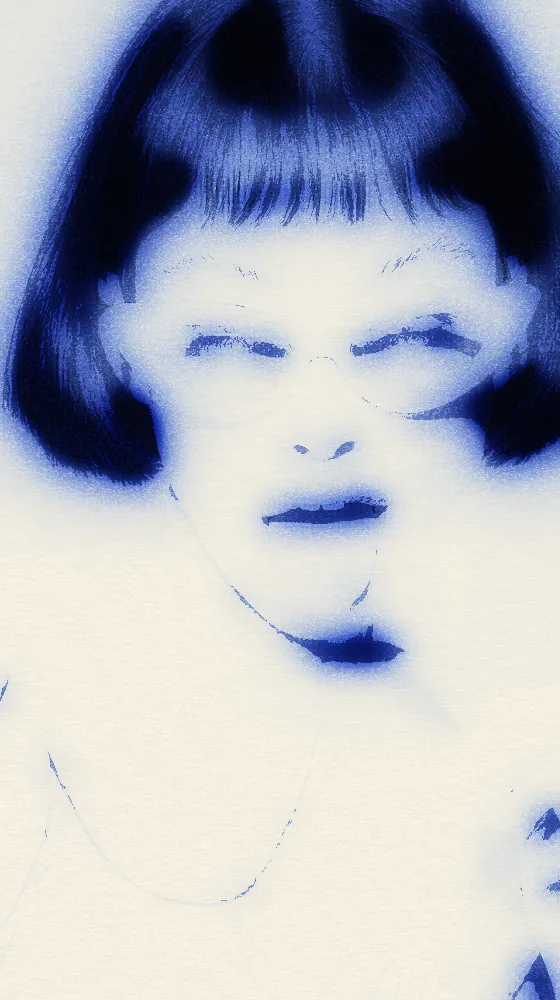
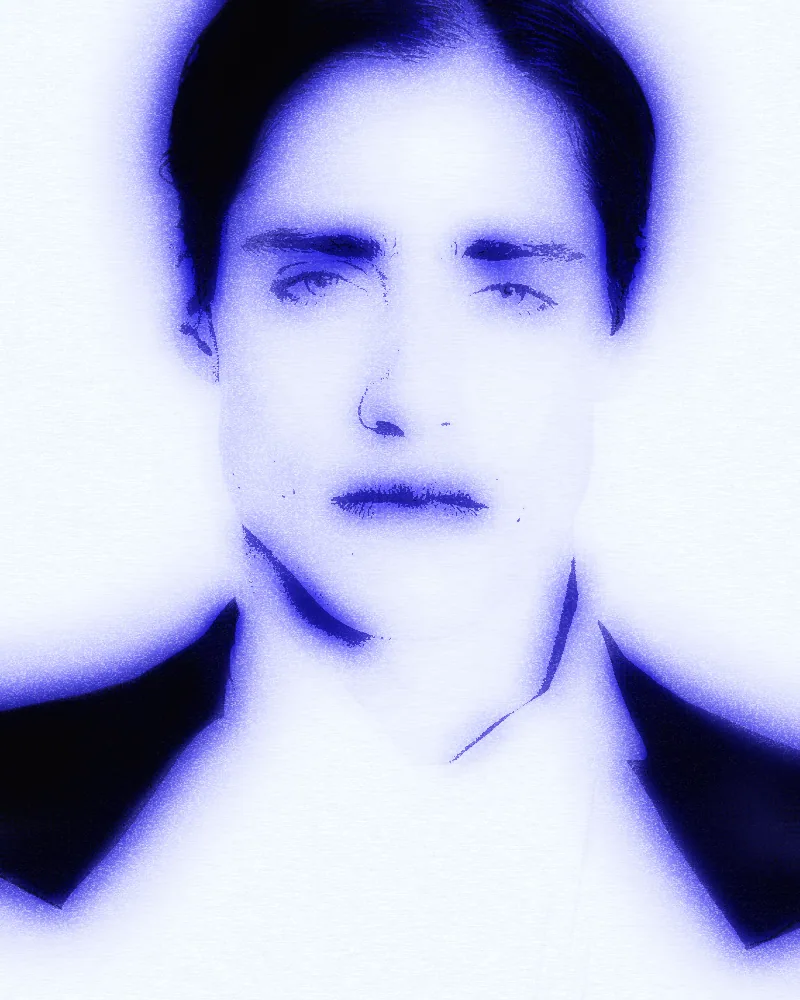
Use Cyanotype Effect in Photoshop, After Effects, Illustrator, Affinity or Figma
The plugins are free with an account. Paid plans add bigger renders and your own filters. See pricing
Photoshop
Apply it as a Smart Filter on a Smart Object, then double-click to change it.
After Effects
Drop it on any layer as a native effect and keyframe every control on the timeline.
Illustrator
Use a selection as the source and get back native vector paths or an embedded image.
Affinity
Open Filters > Plugins > Nexus, pick the look and apply it to a pixel layer.
Figma
Select a frame or image, run the look, and the result drops back into your file.
Settings worth touching
- Pigment Ramp
- Sets the ink colors from shadow to highlight. The look starts in blue, and you can swap the gradient for another tone.
- Wash Density
- Controls how heavy the pigment sits. Lower values keep more pale paper, higher values push the picture toward dense blue.
- Wet Bleed
- Sets how far washes spread into each other, from crisp shapes to soft, blurred edges that bleed like wet paper.
Frequently asked questions
How do I add the cyanotype effect in Photoshop?
Install Nexus for Photoshop, open the look and apply it to a Smart Object as a Smart Filter. Double-click the filter any time to change the controls.
Can I animate the cyanotype effect in After Effects?
Yes. Nexus for After Effects adds it as a native effect. Drop it on a layer and keyframe any control, such as Wet Bleed or Wash Density, on the timeline.
Is there a cyanotype filter I can try free?
Yes. Open the look in the Nexus web editor and try it on your own image without an account. Exporting needs a free account, which exports images up to 720px and video up to 720px with the Nexus mark.
Can I make a blueprint effect in a different color?
Yes. The look starts with a blue pigment ramp on a pale sheet. Edit Pigment Ramp for new ink colors and Paper Color for the sheet underneath.
Does the cyanotype effect in Illustrator give vector paths?
No. This look outputs pixels only. In Illustrator and Figma the result comes back as an embedded image, never as editable vector paths.




Try Cyanotype Effect in your browser
Free to try. Exporting needs a free account.