 Photoshop
 Illustrator
 After Effects
 Figma
 Affinity
Pixel Sort Effect
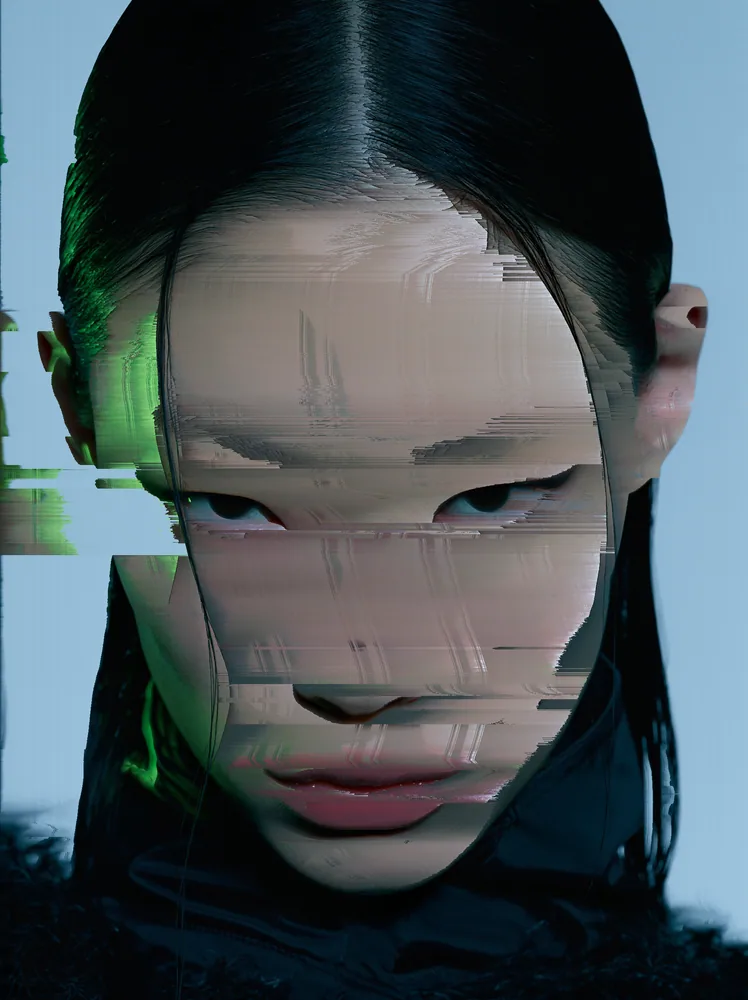
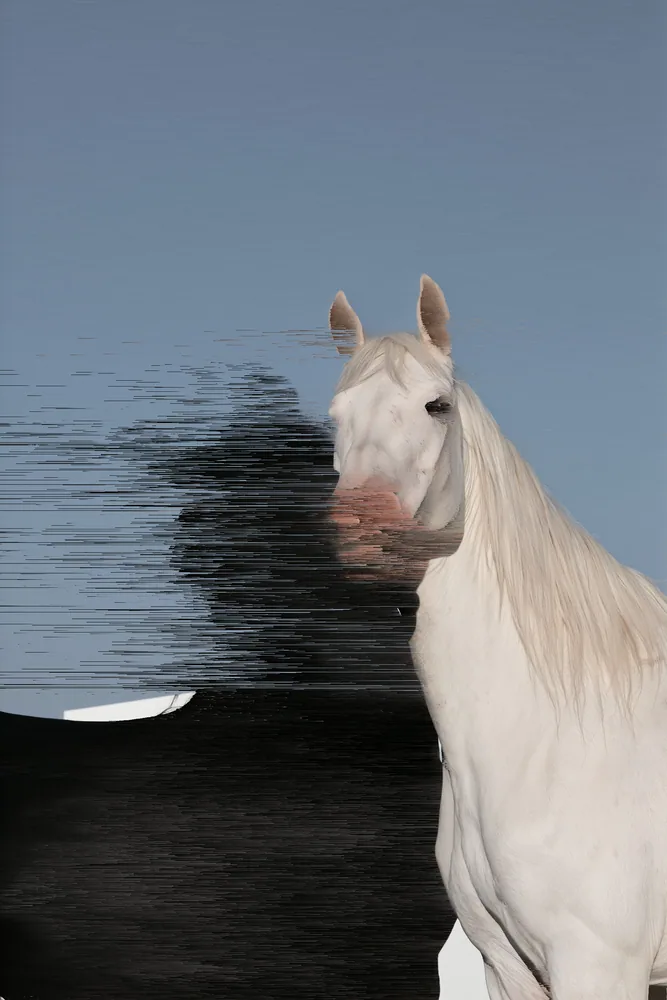
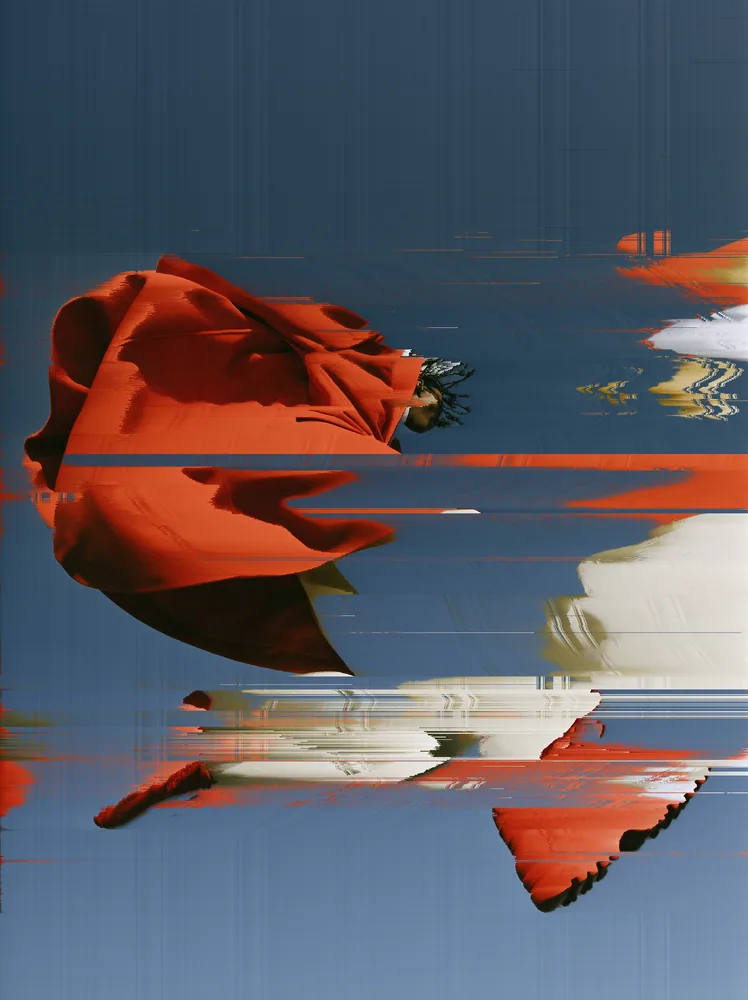
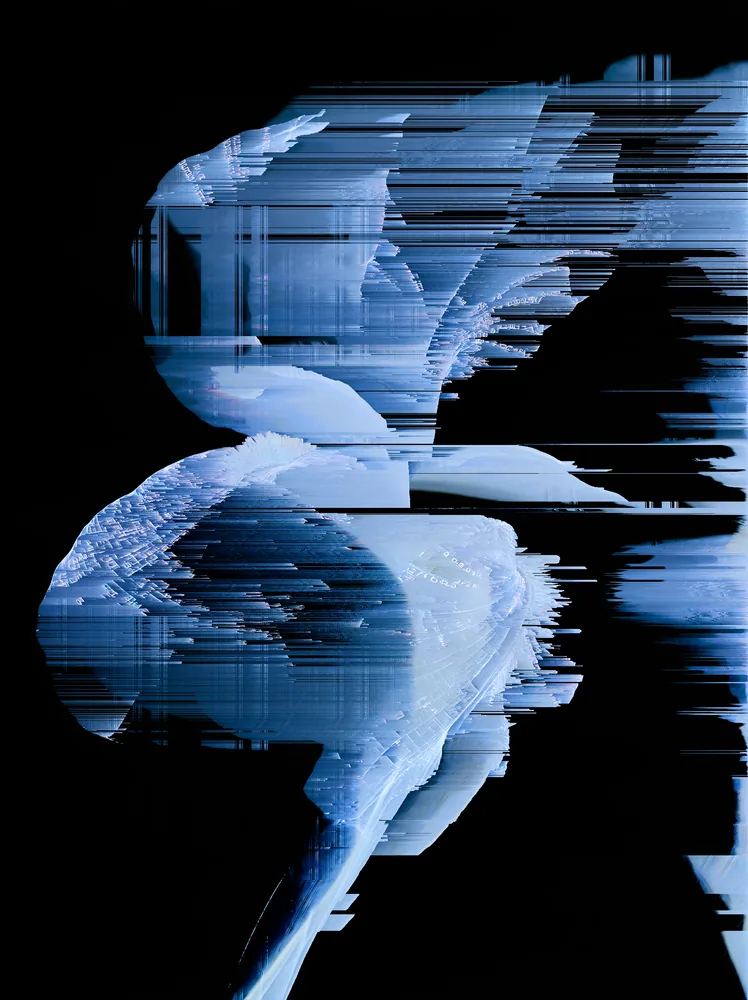
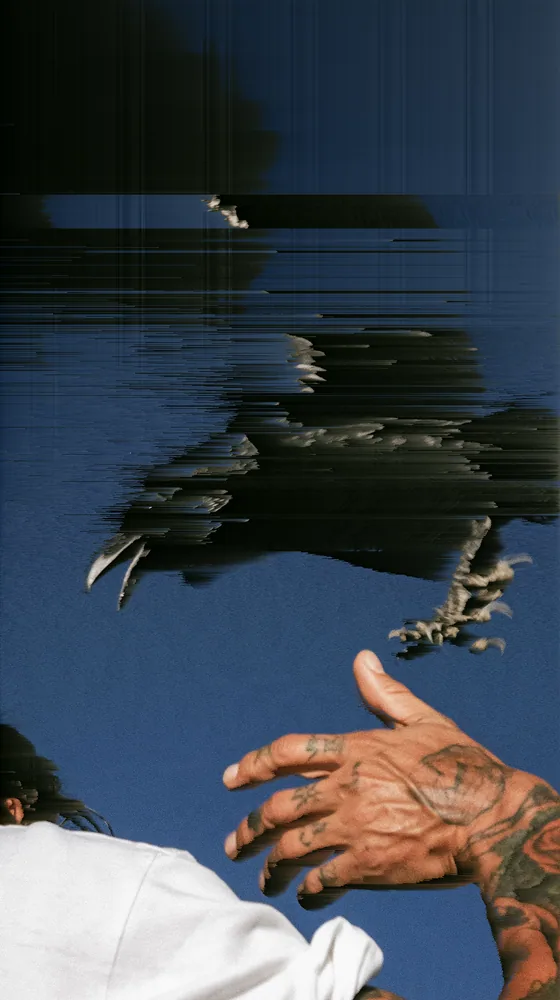
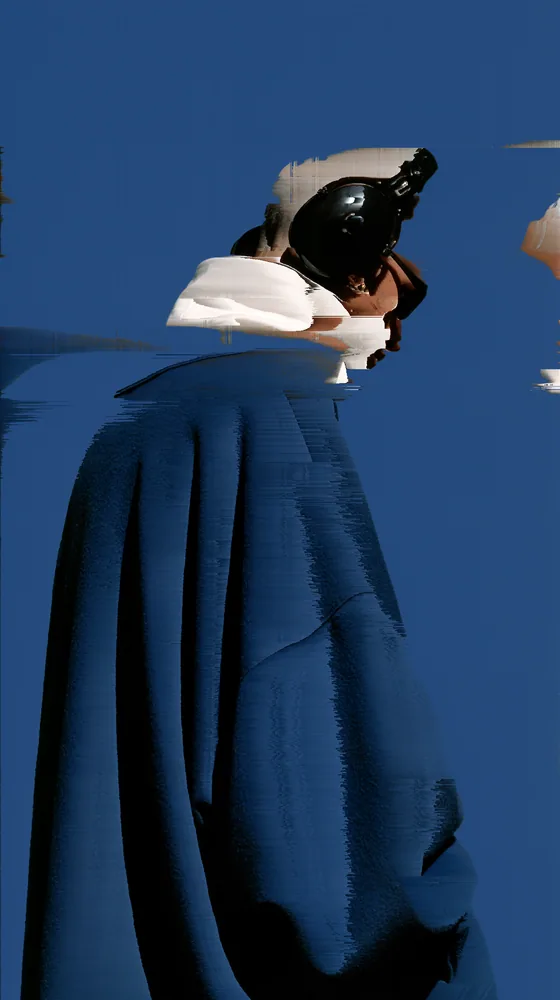
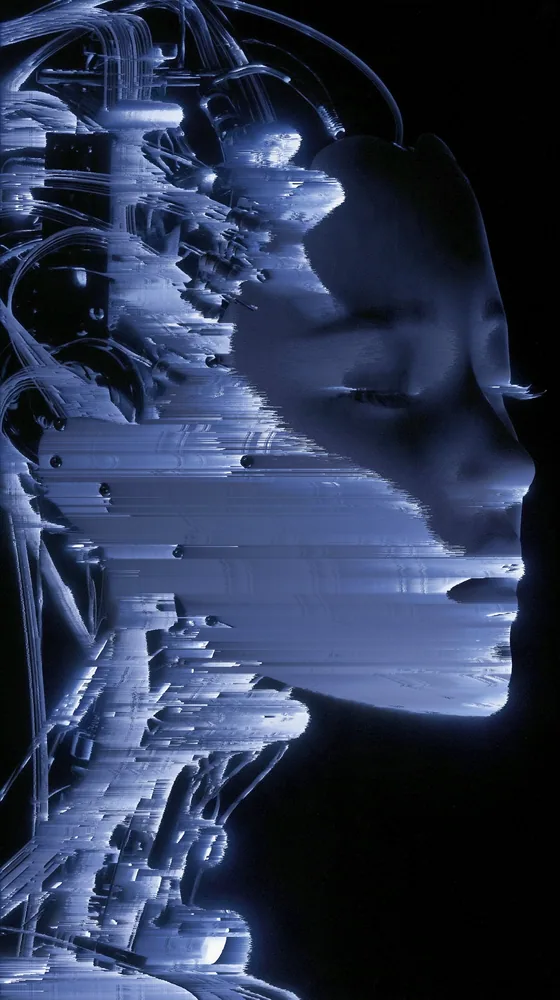
Sorts the pixels of any picture along one direction, so the tones you pick smear into long glitch streaks.
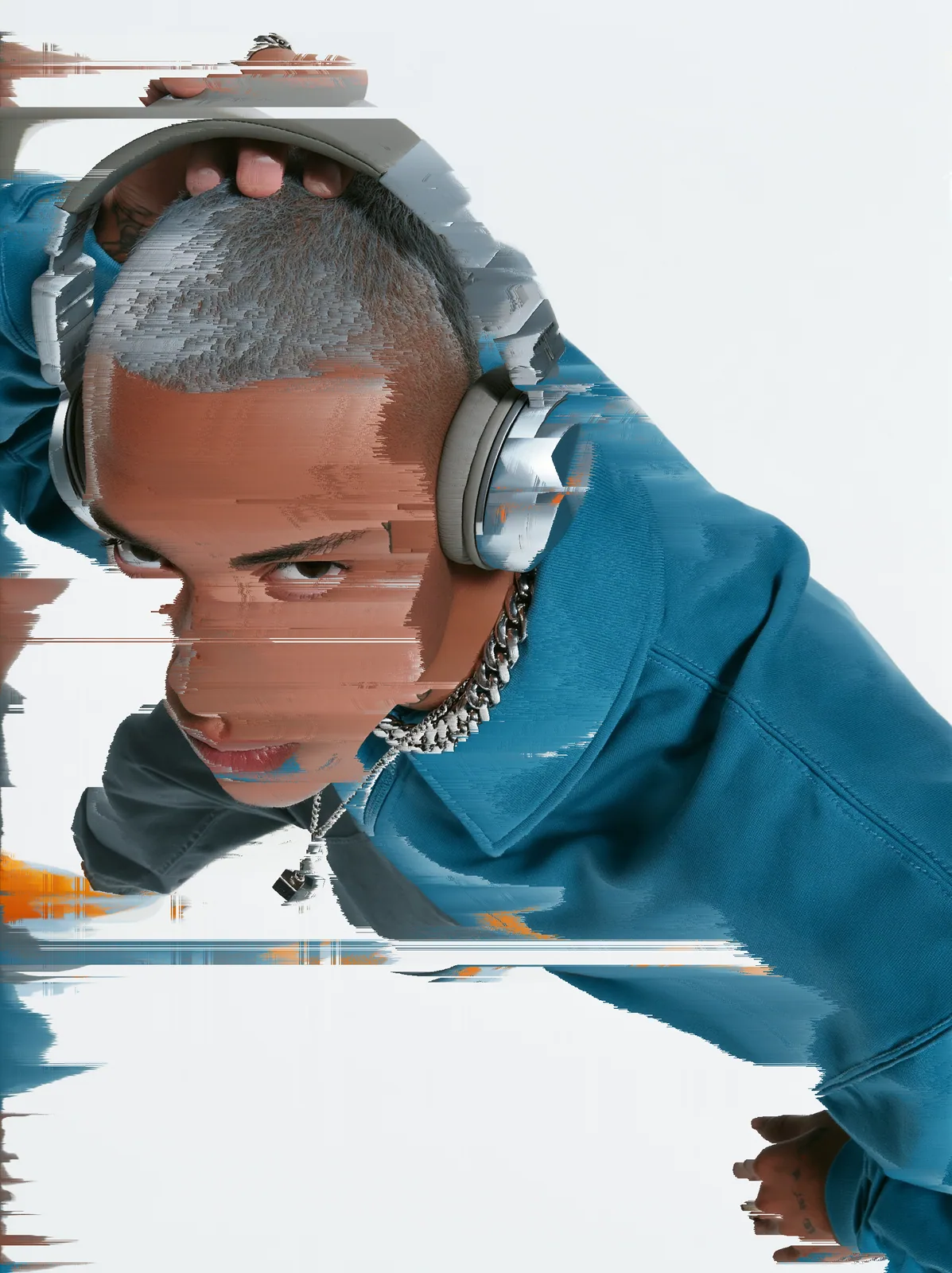
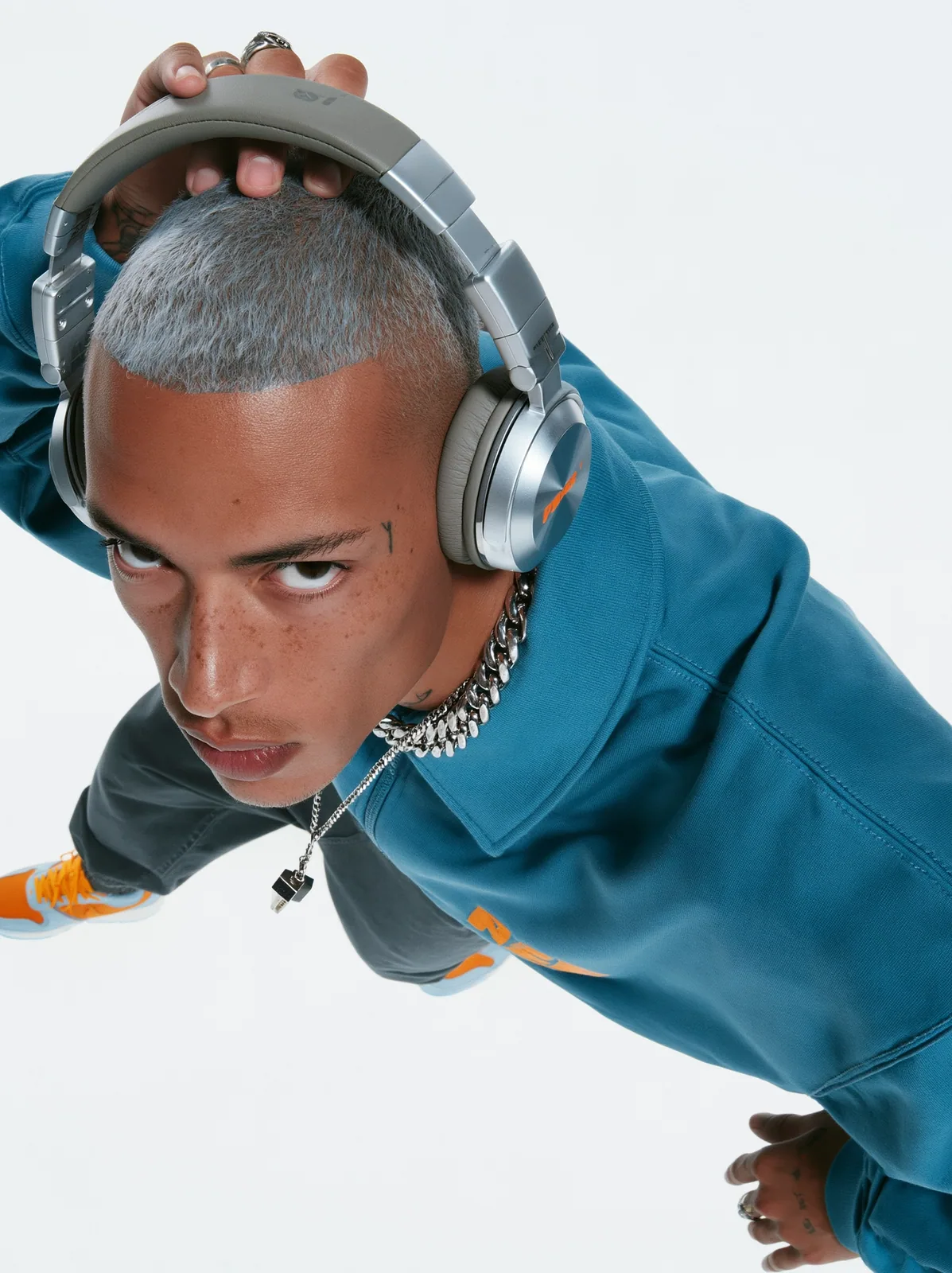
The pixel sort effect moves the pixels already in your picture instead of adding texture on top. Runs of pixels inside a tone range get sorted by brightness, hue or saturation, while everything outside that range stays sharp. You can change the range, the angle and what it sorts by. The pixel sort effect comes with Nexus, a plugin for Photoshop, After Effects, Illustrator, Affinity and Figma.
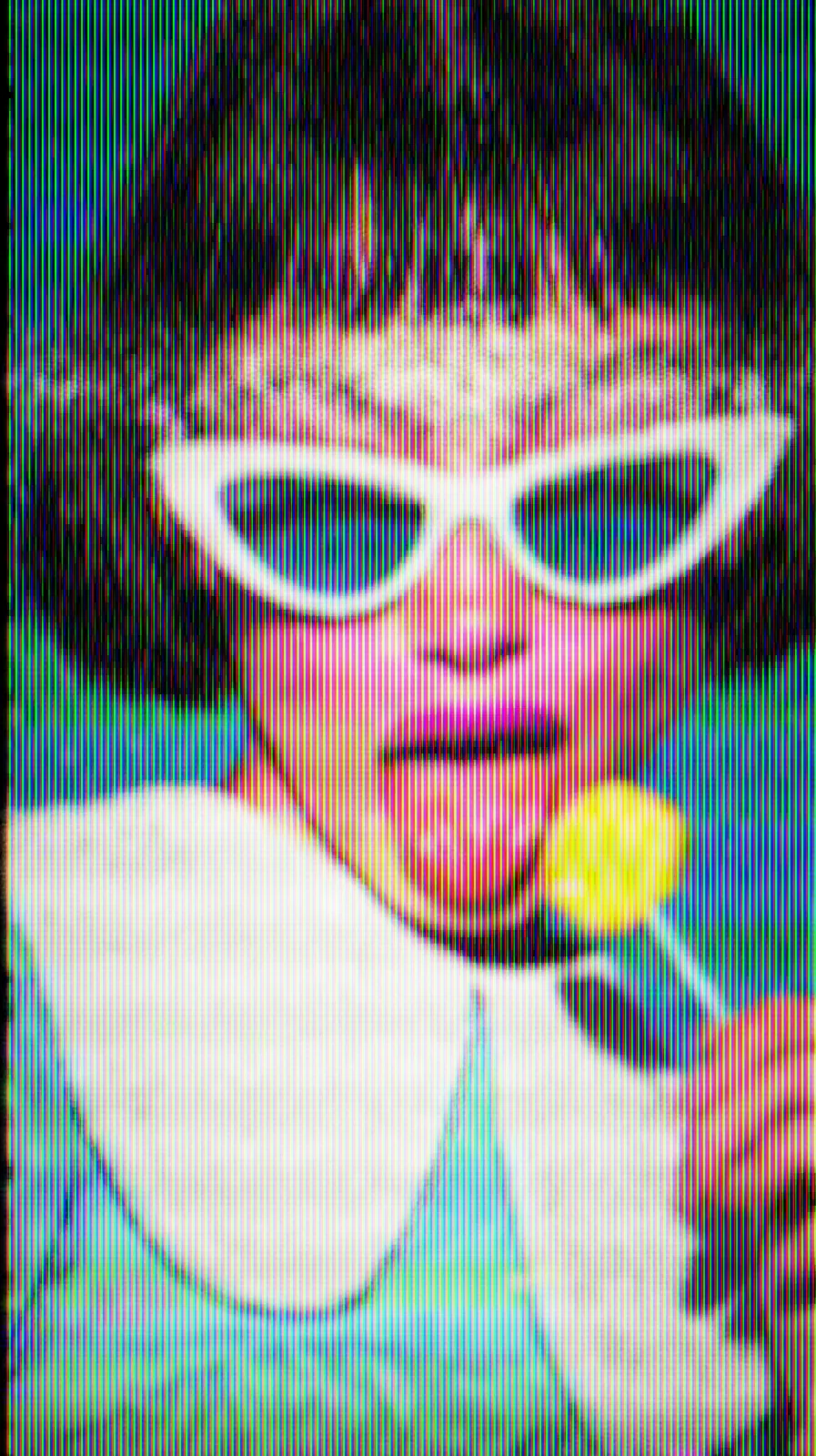
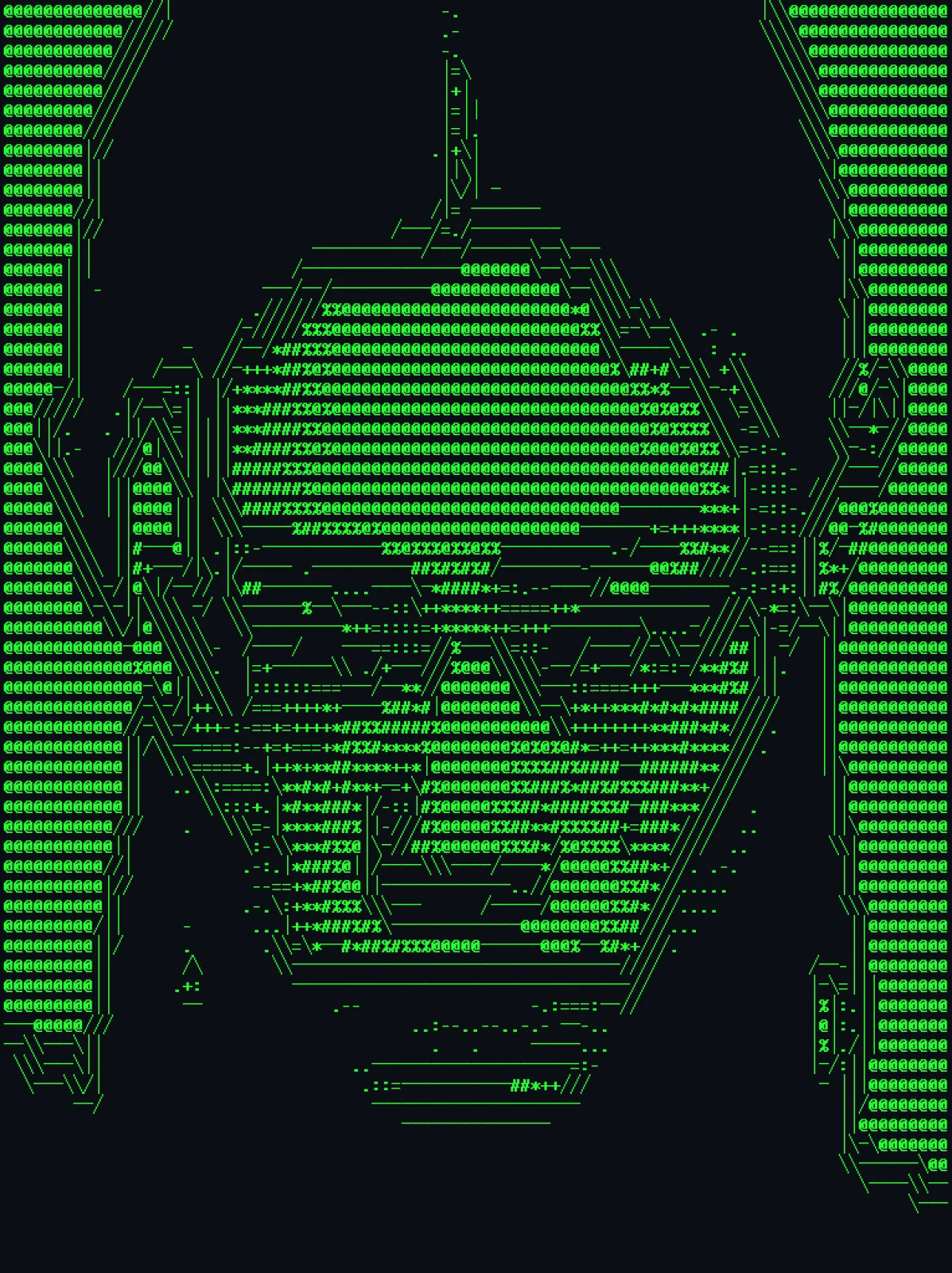
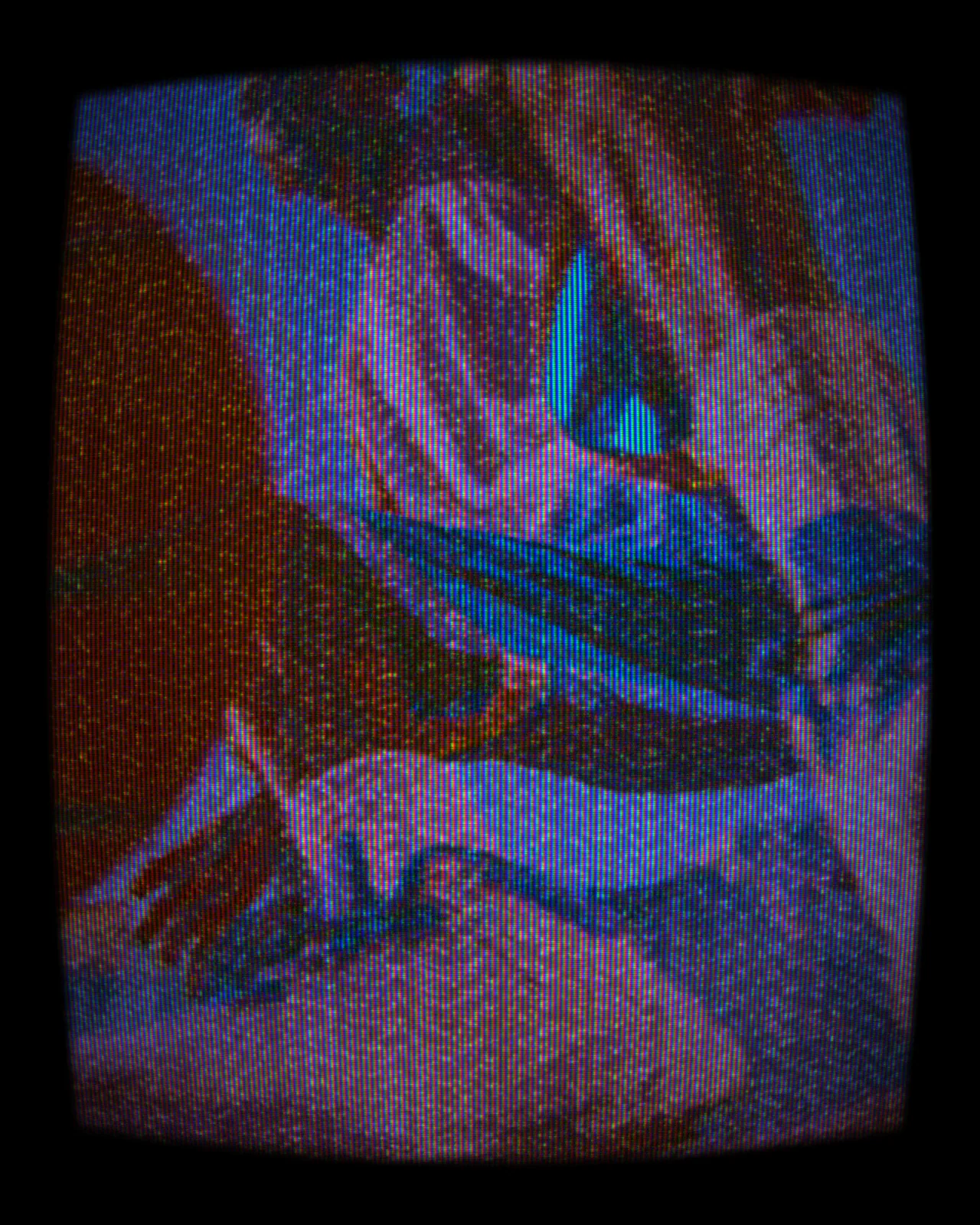
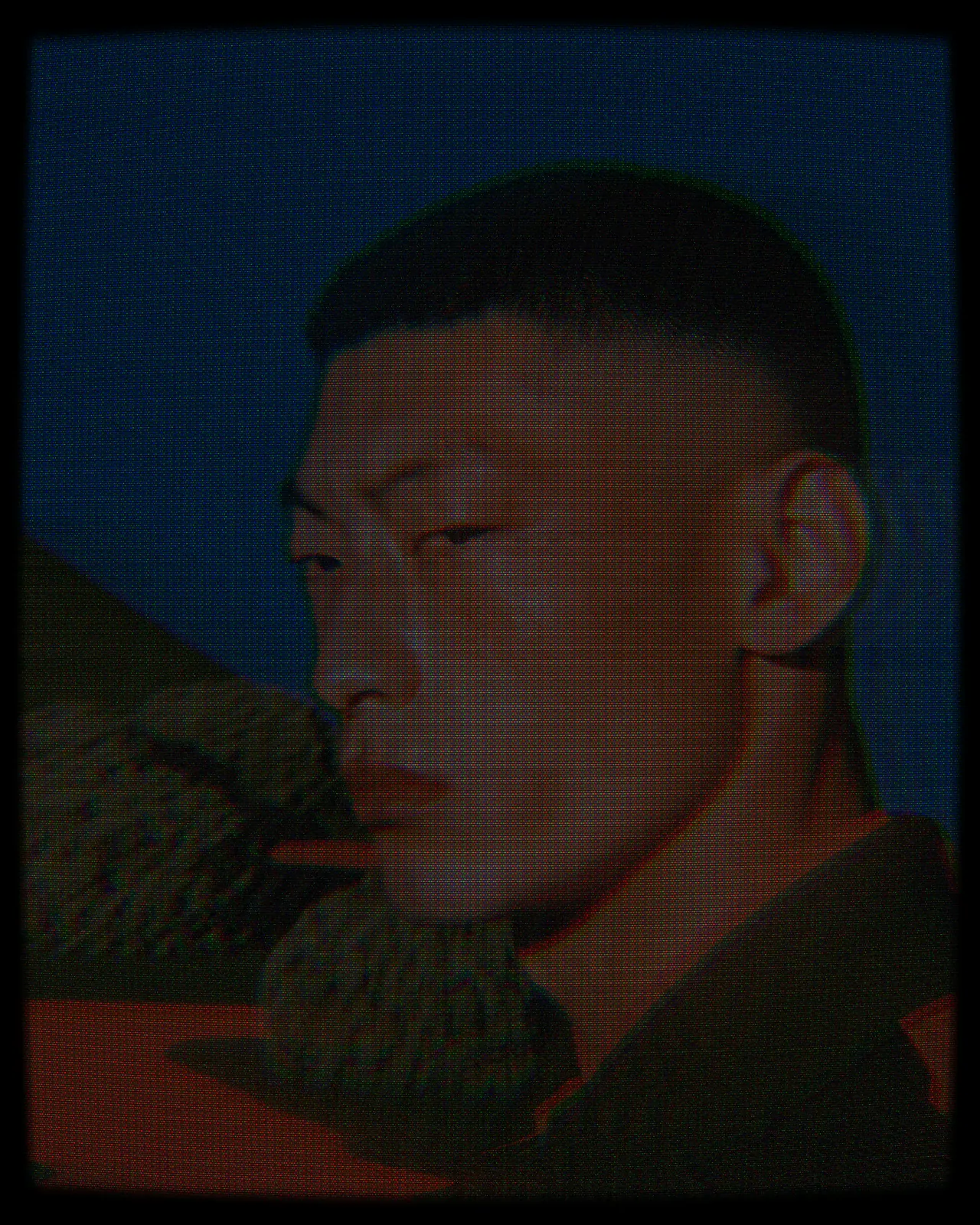
Same effect, different settings
7 photos, each with its own settings. Try it on yours
Use Pixel Sort Effect in your apps
It runs natively in Photoshop, After Effects, Illustrator, Affinity and Figma, with the same settings everywhere.
The plugins are free with an account. Paid plans add bigger renders and your own effects. See pricing
Photoshop
Apply it as a Smart Filter on a Smart Object, then double-click to change it.
After Effects
Drop it on any layer as a native effect and keyframe every control on the timeline.
Illustrator
Use a selection as the source and get back native vector paths or an embedded image.
Affinity
Open Filters > Plugins > Nexus, pick the look and apply it to a pixel layer.
Figma
Select a frame or image, run the look, and the result drops back into your file.
Settings worth touching
- Low
- The bottom of the range that gets sorted. Raise it to keep shadows and midtones sharp, lower it to tear more apart.
- Angle
- The direction of the streaks. 0 runs them sideways, 90 runs them up and down, and anything between cuts on a slant.
- Sort By
- What orders the pixels. Brightness gives smooth light to dark fades, Hue gives bands of color, and Saturation pulls vivid colors apart.
Questions, answered
Pixel sorting is a glitch technique that reorders the pixels in a line by a value such as brightness. Only pixels inside a set range move, so parts of the picture smear while the rest stays intact.
Open the look in the Nexus web editor and drop in your own image, no account needed. Adjust Low and Angle until the streaks sit right. Exporting needs a free account, which exports images up to 720px.
Install Nexus for Photoshop and apply the look as a Smart Filter. Double-click it later to change Low, Angle or Sort By, without losing the original picture.
Yes. It lands as a native effect on any layer, and its controls can be keyframed on the timeline, so the streaks can grow, fade or change direction over time.
Yes. Nexus for Illustrator uses your selection as the source and places the result back as an embedded image. This look outputs pixels only, so you do not get vector paths.