 Photoshop
 Illustrator
 After Effects
 Figma
Figma Affinity
Create your own effects
from words or a picture
Write a sentence or drop in a reference. Nexus plans the algorithm, writes the code, checks it, and hands you a new effect with its own controls. Not quite right? Reprompt until it is.
Create is part of Creator and Pro. Most new effects take 300 to 600 credits.
How it works
Each effect it makes is real code with its own controls, and it runs live like every other effect.
- Describe the lookA sentence, a reference picture, or both.
- Watch it buildNexus plans it, writes the code and checks it.
- Tune itIt lands on your picture with its own controls.
- Refine itAsk for a change in plain words.
Two kinds of effects
Pick one before you write. A raster effect paints pixels, a vector effect draws real paths.
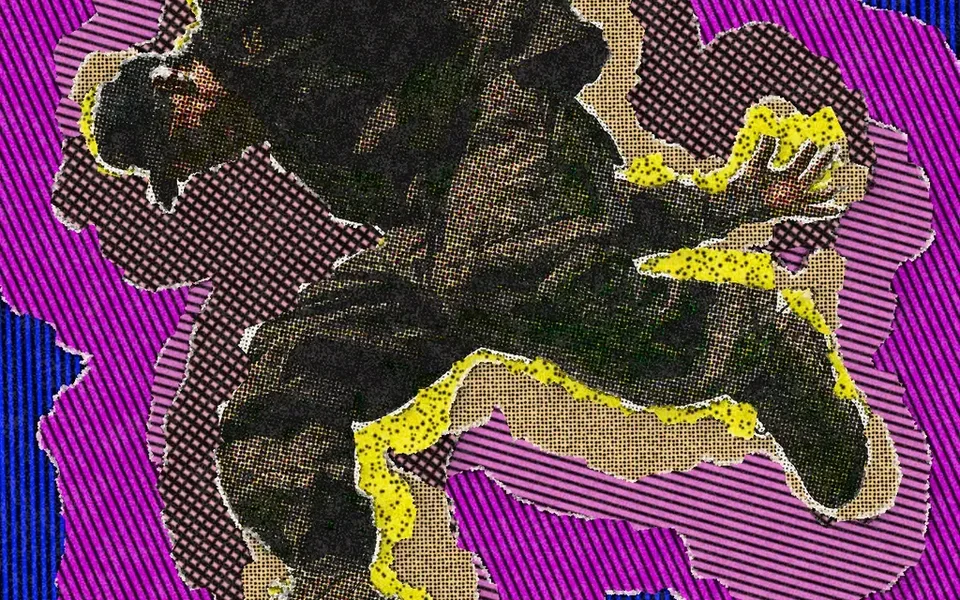
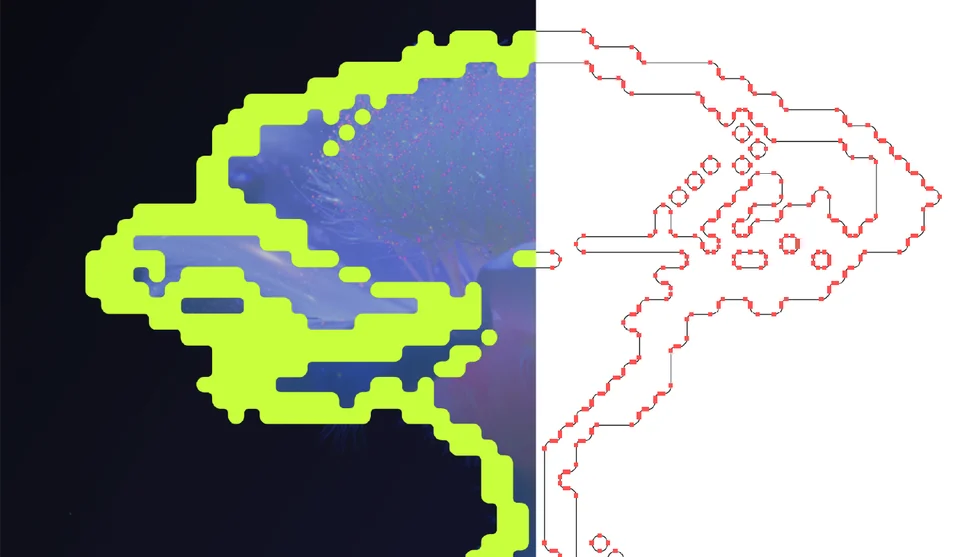
Made with Create
Real effects, the photo each one started on, and the words that made it.
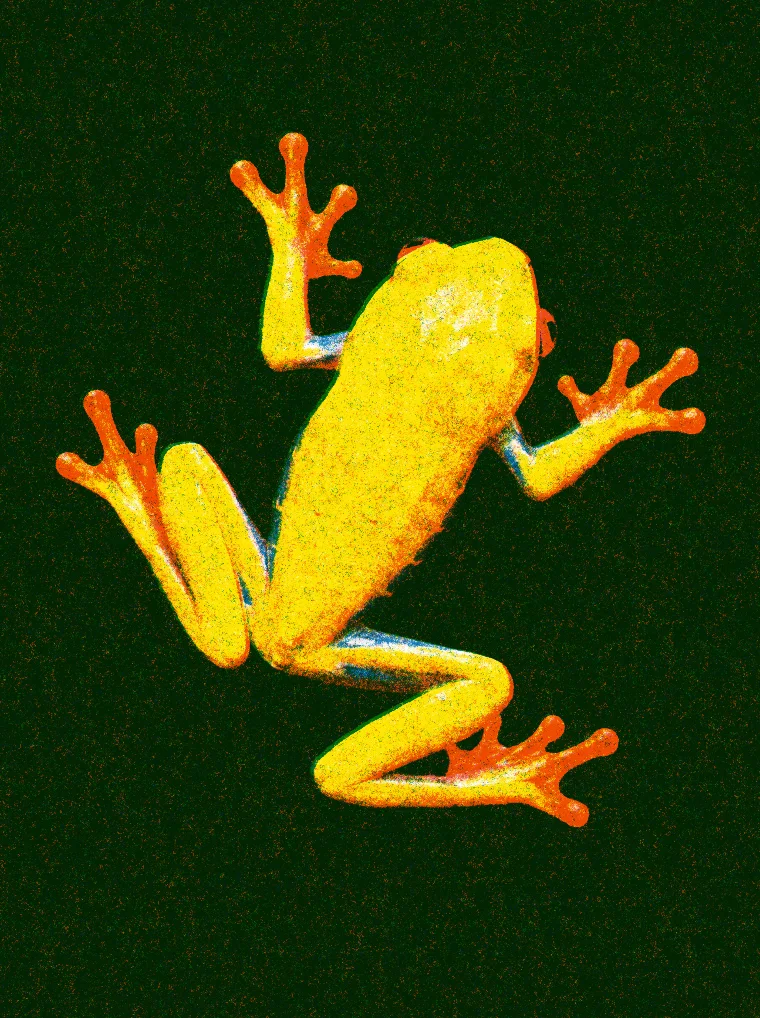

A three-color riso print on white paper, grainy, with the plates slightly out of register
RisoPrint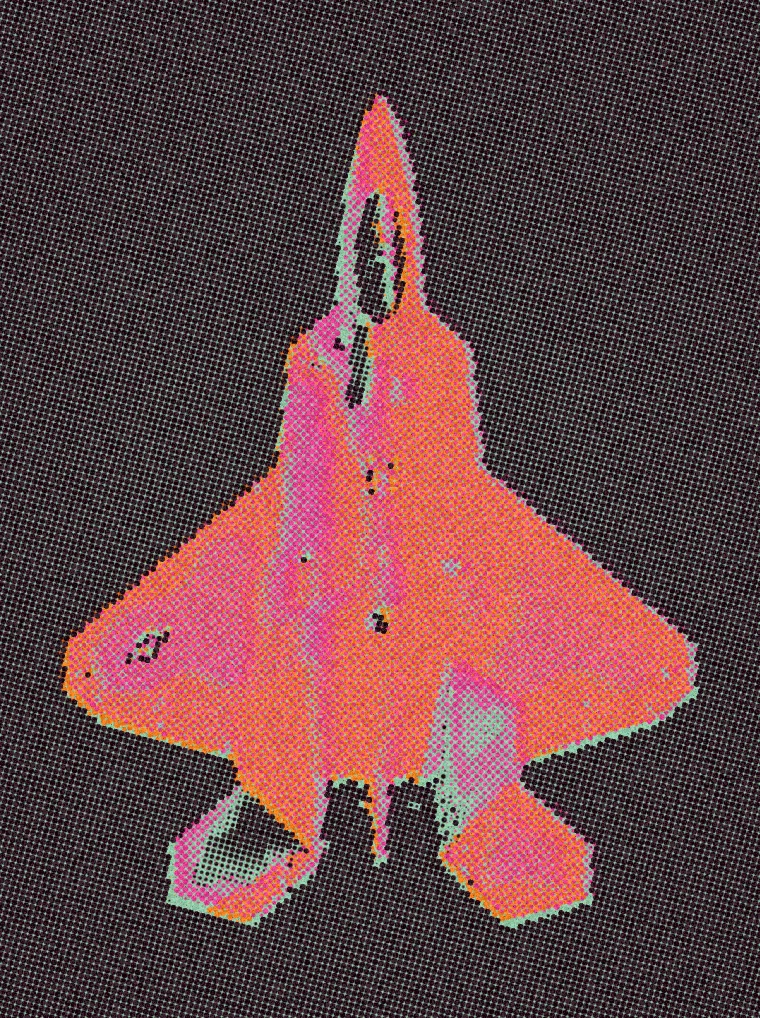
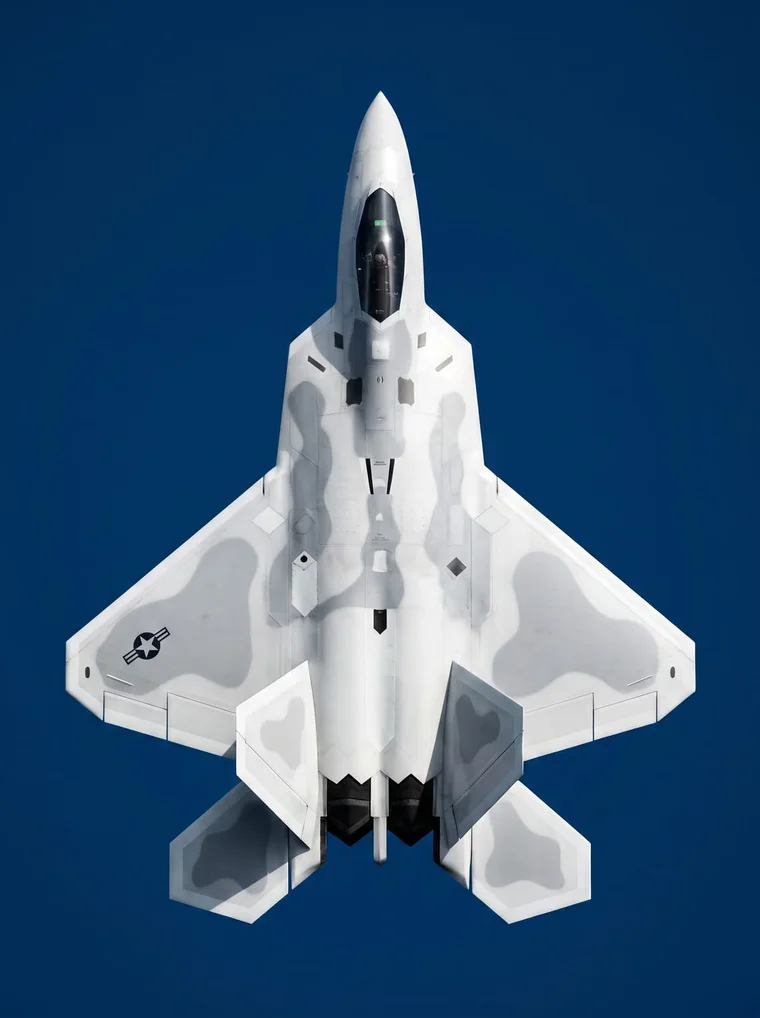
Three spot-ink halftone screens printed over colored paper, a little misregistered
Colortone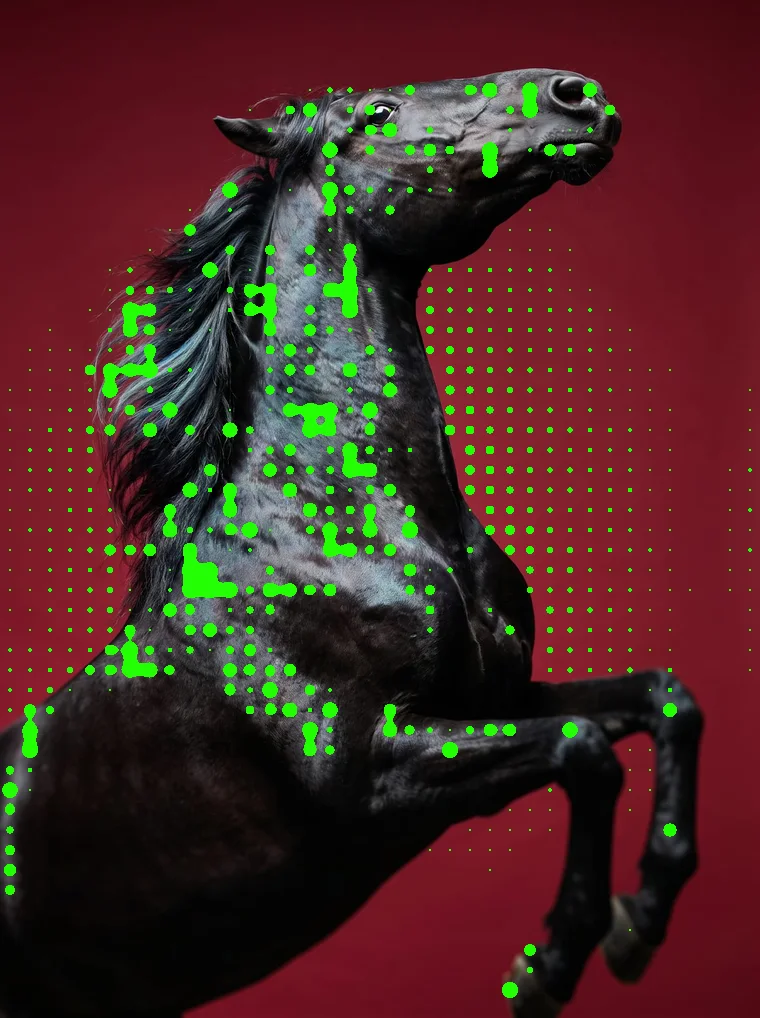

Bright green metaballs that grow and merge along the edges of the subject
Metablob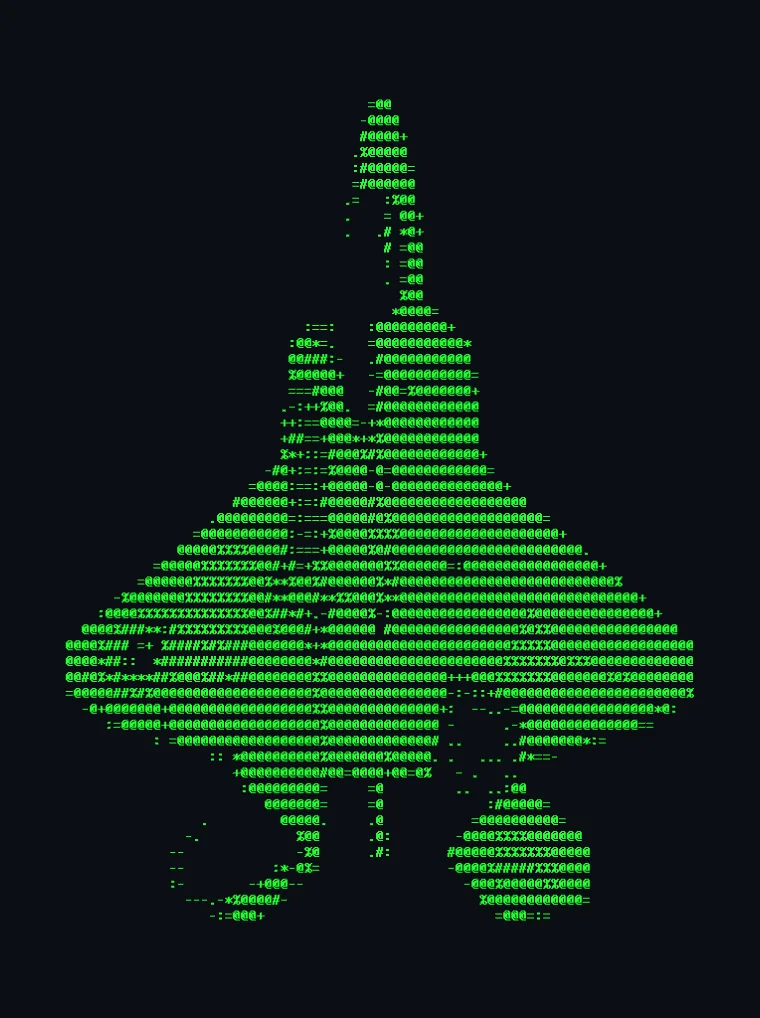
The photo as green ASCII characters on a dark terminal background
ASCII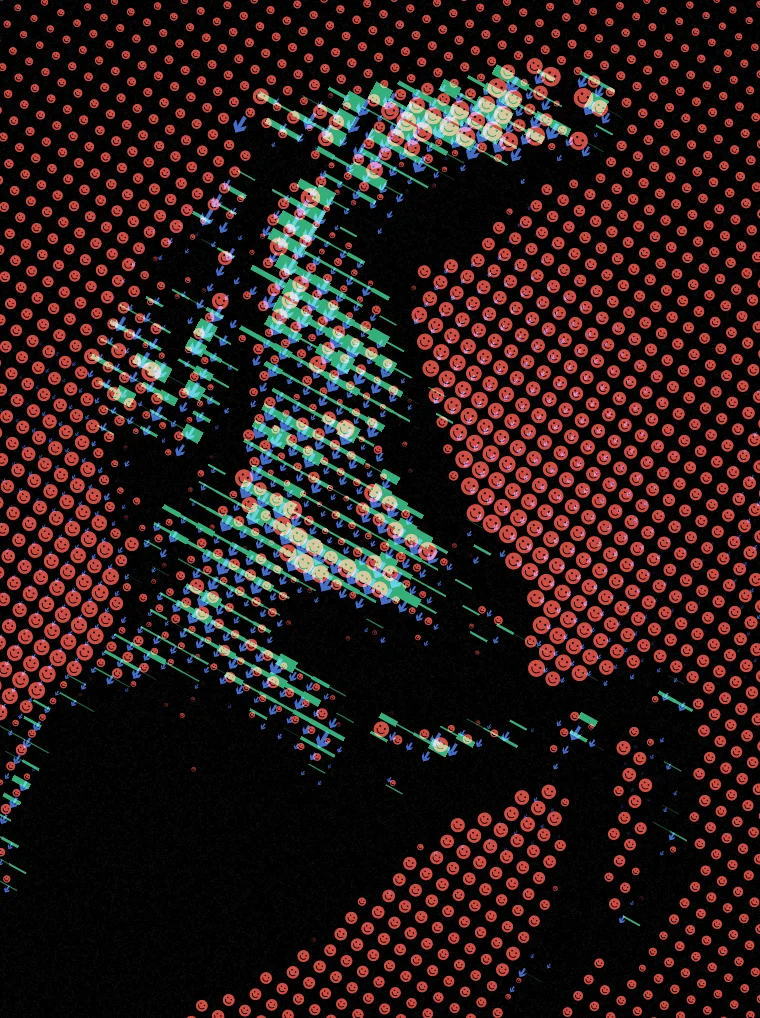
A three-ink halftone where each color prints in its own shape, smileys, arrows and lines
Shape Halftone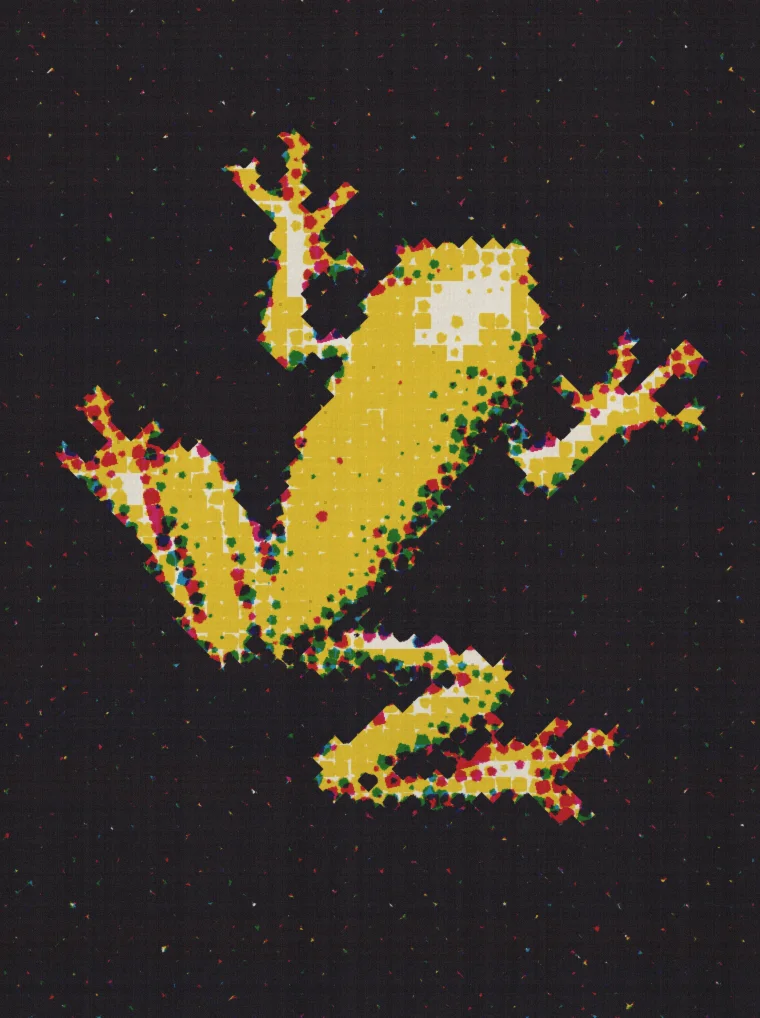
A cheap CMYK print: rough dots, heavy misregistration, grainy paper
CMYK Print
Yours in every app
Every effect you make is saved to your account and runs in the plugins, with the same settings everywhere.
In every app
Photoshop, After Effects, Illustrator, Affinity and Figma.
In your library
Saved to your account, ready for any project.
Easy to share
Send a private link or publish it to the Community.
Version history
Go back to an earlier version, on Pro.
Questions, answered
No. Describe the look or drop a reference; Nexus writes, validates and compiles the effect. You just adjust the settings.
A few minutes for most effects, and you can watch it build the whole time.
Create is part of Creator and Pro. Most new effects take 300 to 600 credits. Creator comes with 5,000 credits a month and Pro with 12,500.
Yes. Drop in a reference, with or without words, and Create builds an effect that matches its look.
Raster effects paint pixels and suit photos and footage. Vector effects draw real paths that Illustrator and Figma take back as shapes you can edit, and the web editor exports as SVG.
In the web editor and in every plugin: Photoshop, After Effects, Illustrator, Affinity and Figma, with the same settings.
Yes. Send a private link, or publish it to the Community for everyone to use.