Dither Effect
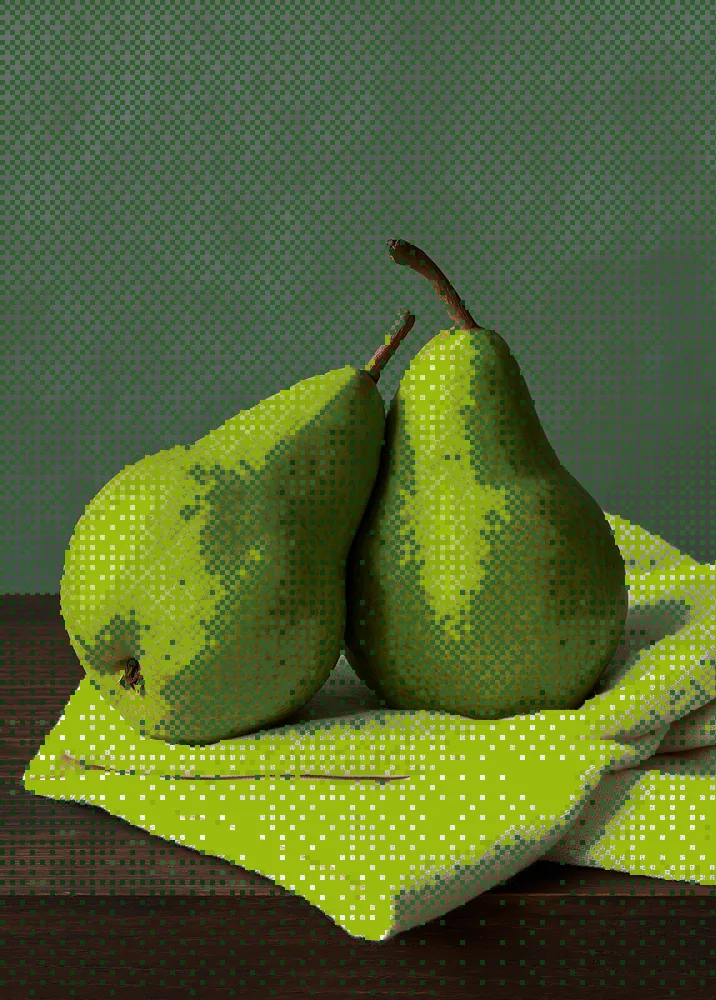
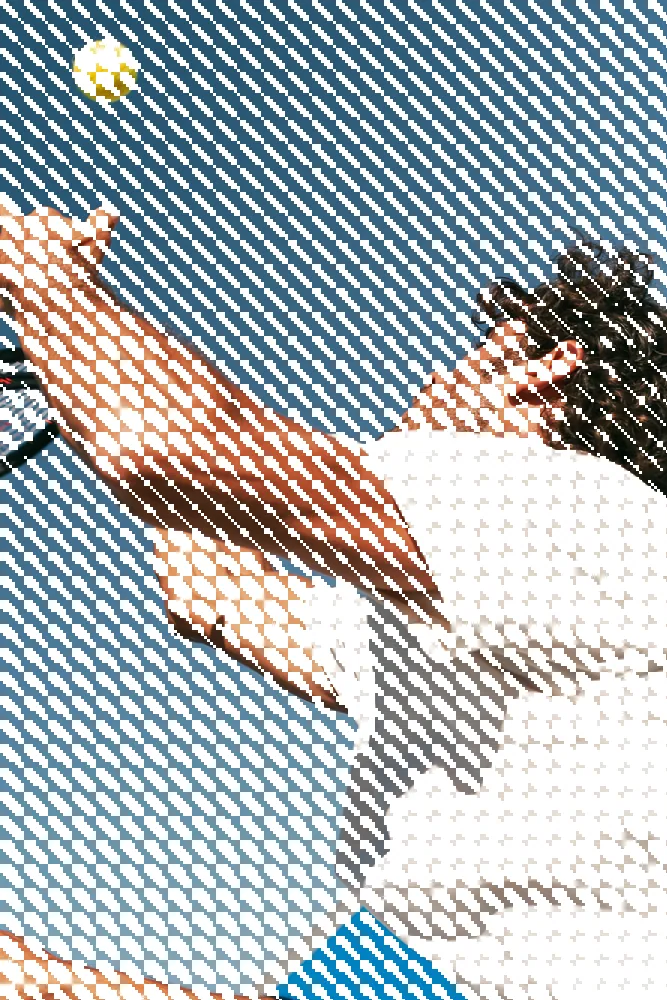
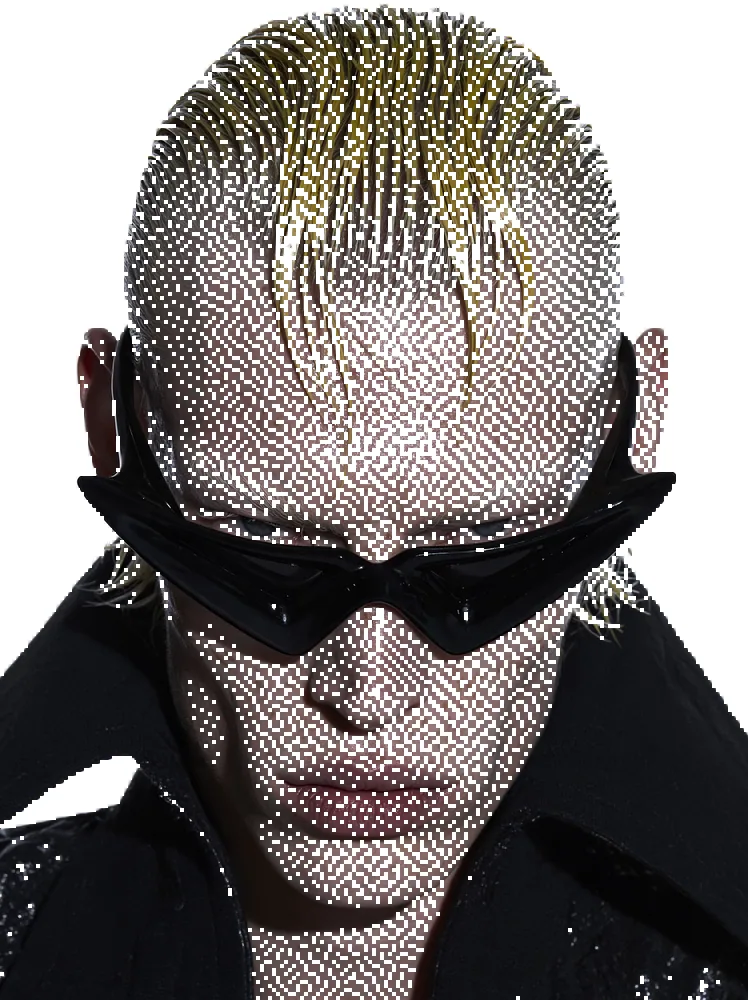
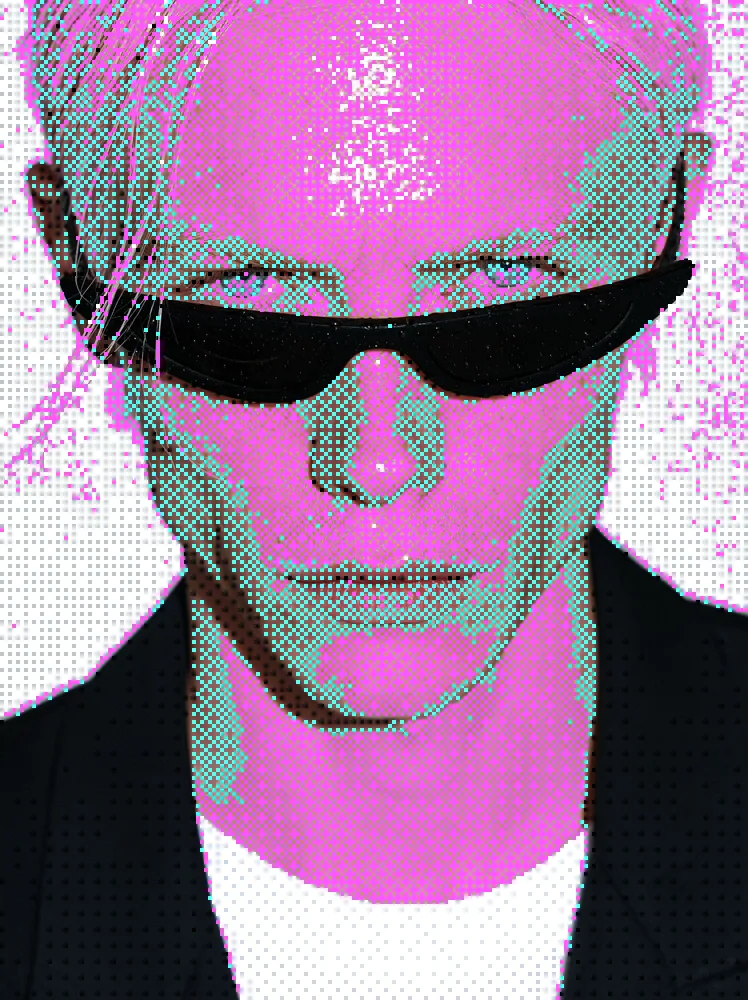
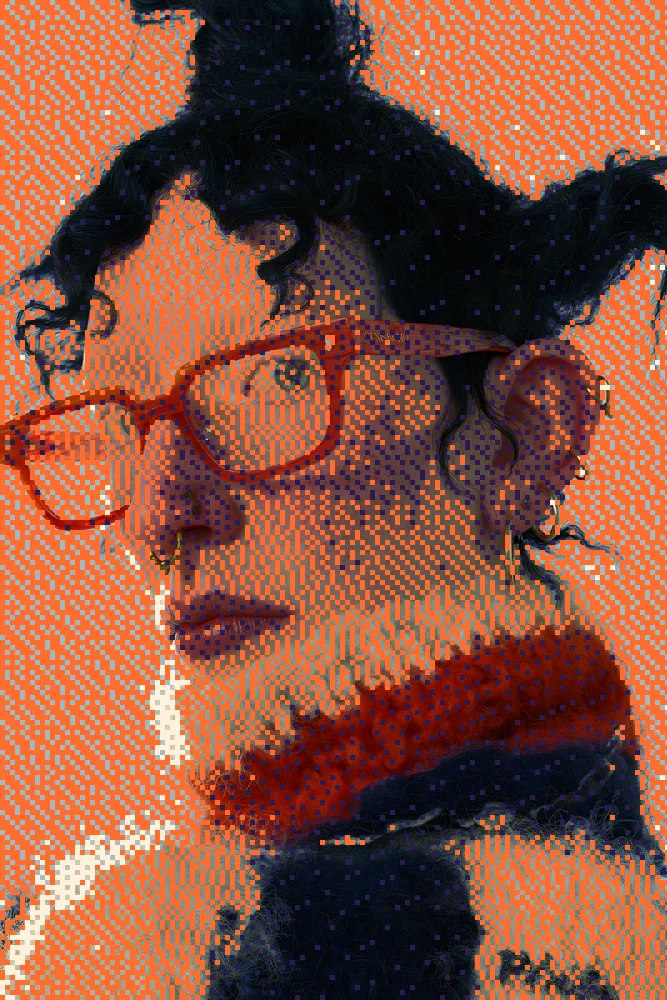
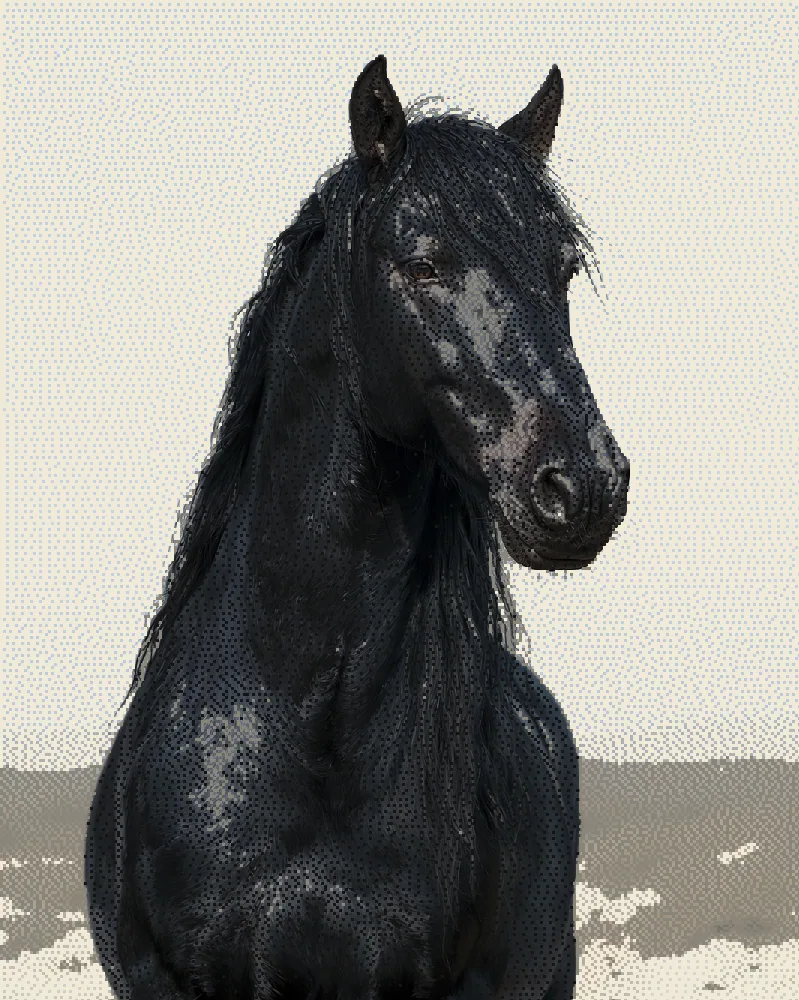
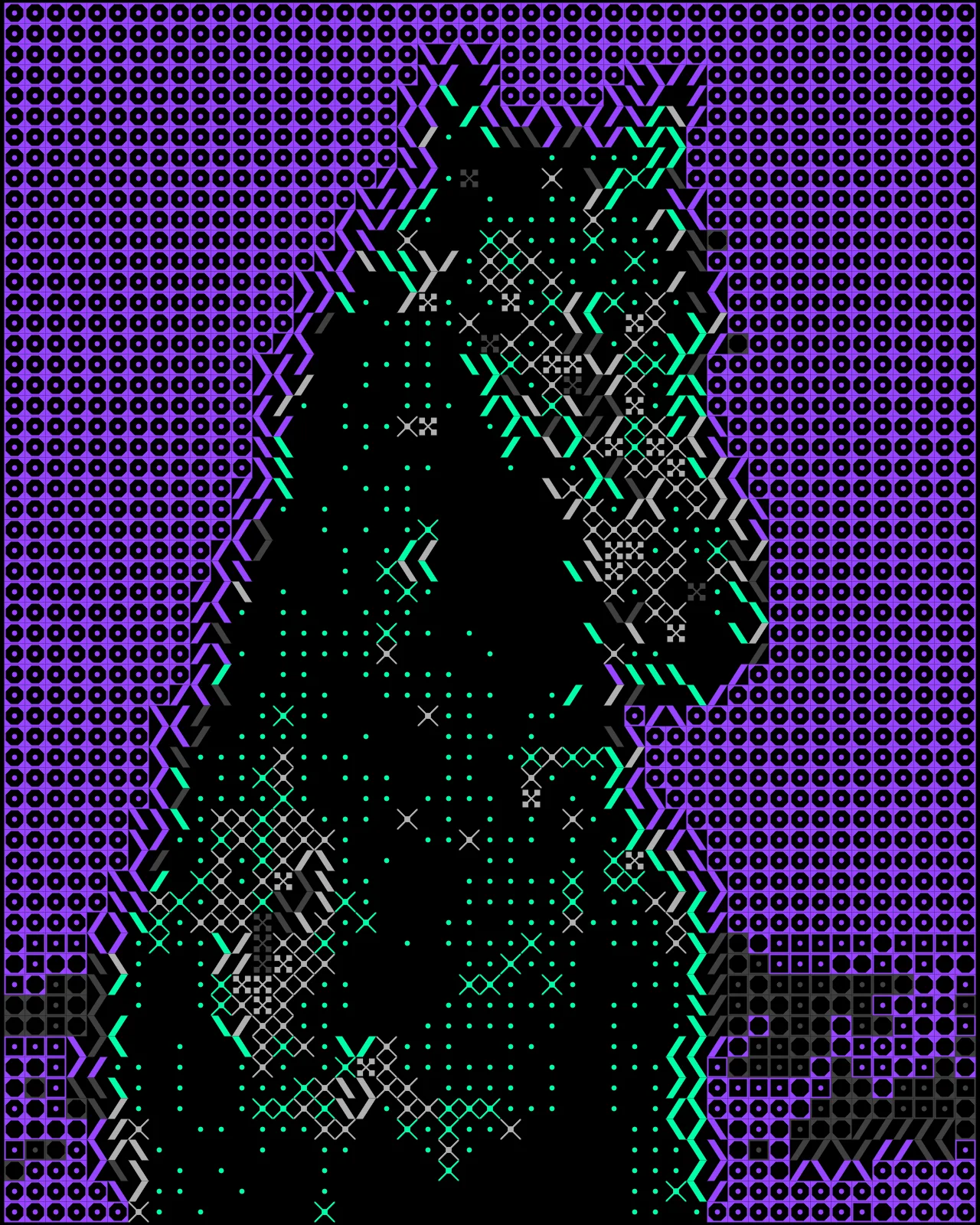
The dither effect turns any picture into a grid of dots, lines or squares, with tone set by how dense the marks are.


The dither effect rebuilds your picture from small marks on a grid. Dark areas get more or bigger marks, light areas fewer, so tone survives with a single ink. You can switch between halftone, ordered and error diffusion modes, change cell size and angle, and swap that color for a palette or gradient.
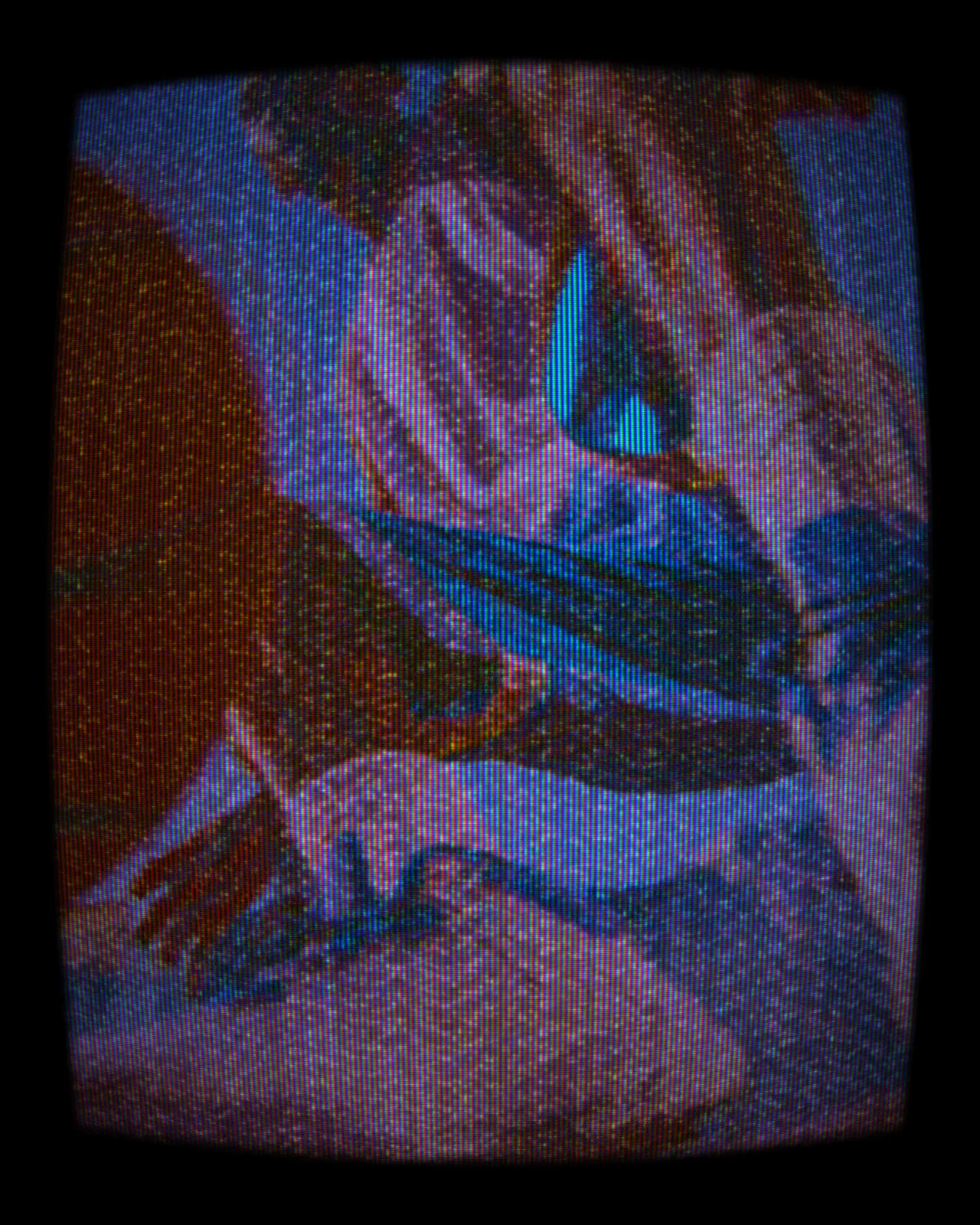
Same effect, different settings
12 photos, each with its own settings. Try it on yours






Use Dither Effect in Photoshop, After Effects, Illustrator, Affinity or Figma
The plugins are free with an account. Paid plans add bigger renders and your own filters. See pricing
Photoshop
Apply it as a Smart Filter on a Smart Object, then double-click to change it.
After Effects
Drop it on any layer as a native effect and keyframe every control on the timeline.
Illustrator
Use a selection as the source and get back native vector paths or an embedded image.
Affinity
Open Filters > Plugins > Nexus, pick the look and apply it to a pixel layer.
Figma
Select a frame or image, run the look, and the result drops back into your file.
Settings worth touching
- Mode
- Picks the pattern: halftone dots, Bayer grids, clustered dots or lines, or error diffusion like Floyd-Steinberg and Atkinson for scattered grain.
- Cell Size
- Sets how big each grid cell is. Small cells keep fine detail, large cells give a coarse, graphic print.
- Threshold
- Moves the point where tones flip to ink or paper, making the whole image lighter or darker.
Frequently asked questions
What is a dither effect?
Dithering fakes tone with a limited set of colors by arranging marks in a pattern. The dither effect maps each area's brightness to dots, lines or squares, so a photo reads with a single ink.
How do I add the dither effect in Photoshop?
Install Nexus for Photoshop, then apply the look as a Smart Filter on a Smart Object. Double-click the filter any time to change the mode, cell size or color.
Can I use the dither effect in Illustrator as vectors?
Yes. The output is vector shapes. Nexus for Illustrator returns native vector paths, Figma can take the result back as vectors too, and the web editor exports SVG on the Creator plan.
Can I animate a dithering effect in After Effects?
Yes. Nexus for After Effects adds it as a native effect. Drop it on a layer and keyframe any control, such as Cell Size or Angle, on the timeline.
Can I try the dither effect for free?
Yes. Open the look in the Nexus web editor and try it on your own image without an account. Exporting needs a free account, which exports images up to 720px and video up to 720px with the Nexus mark.


Try Dither Effect in your browser
Free to try. Exporting needs a free account.