Brick Mosaic Effect
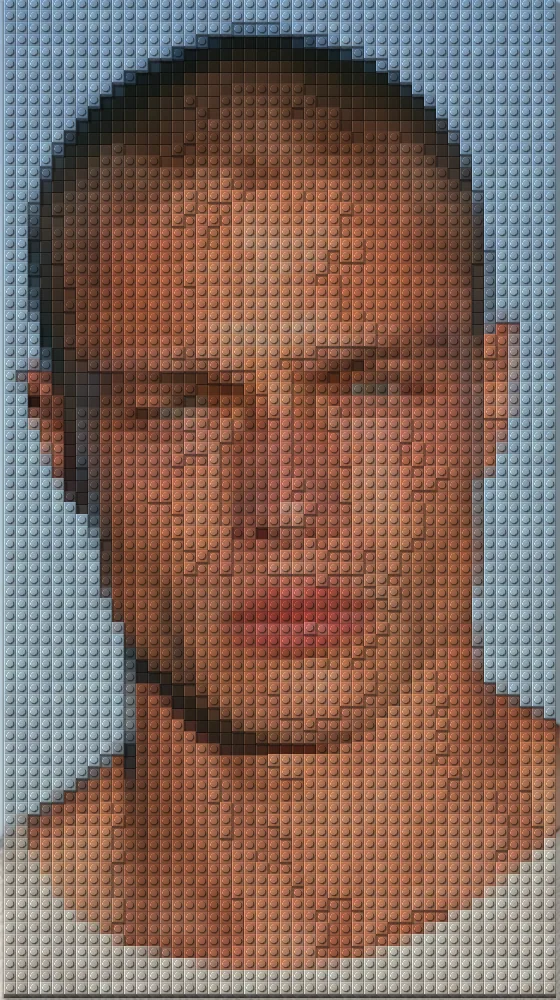
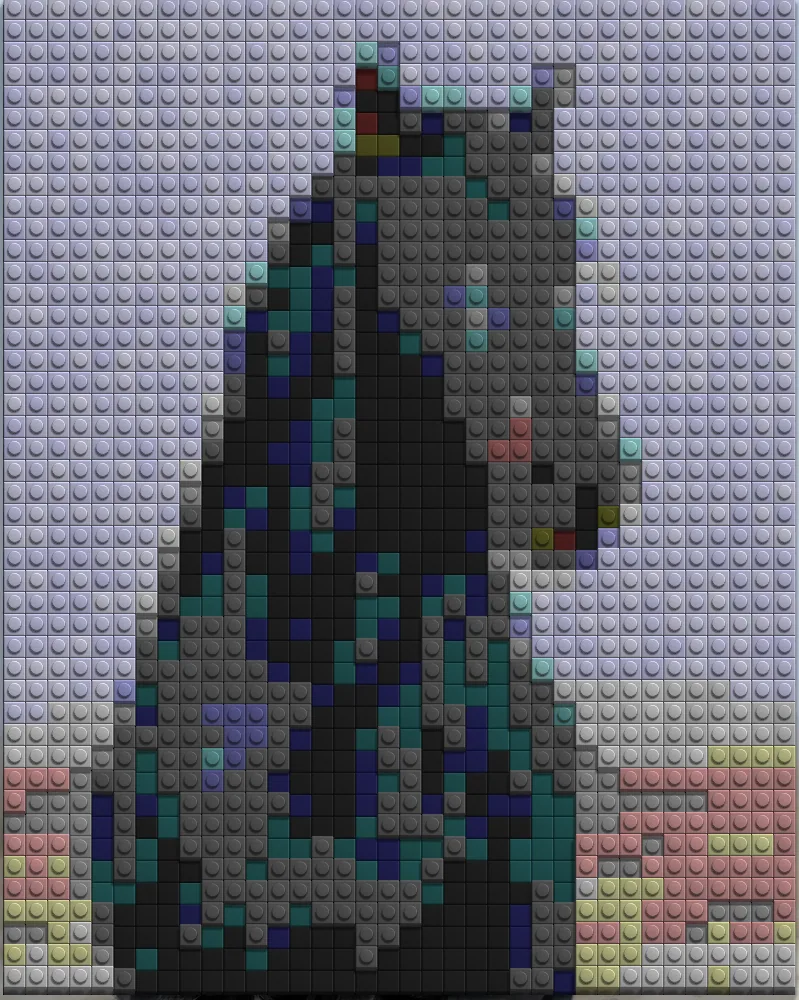
Rebuilds any picture as a grid of plastic bricks, with studs, beveled edges and raised tiles casting soft shadows.
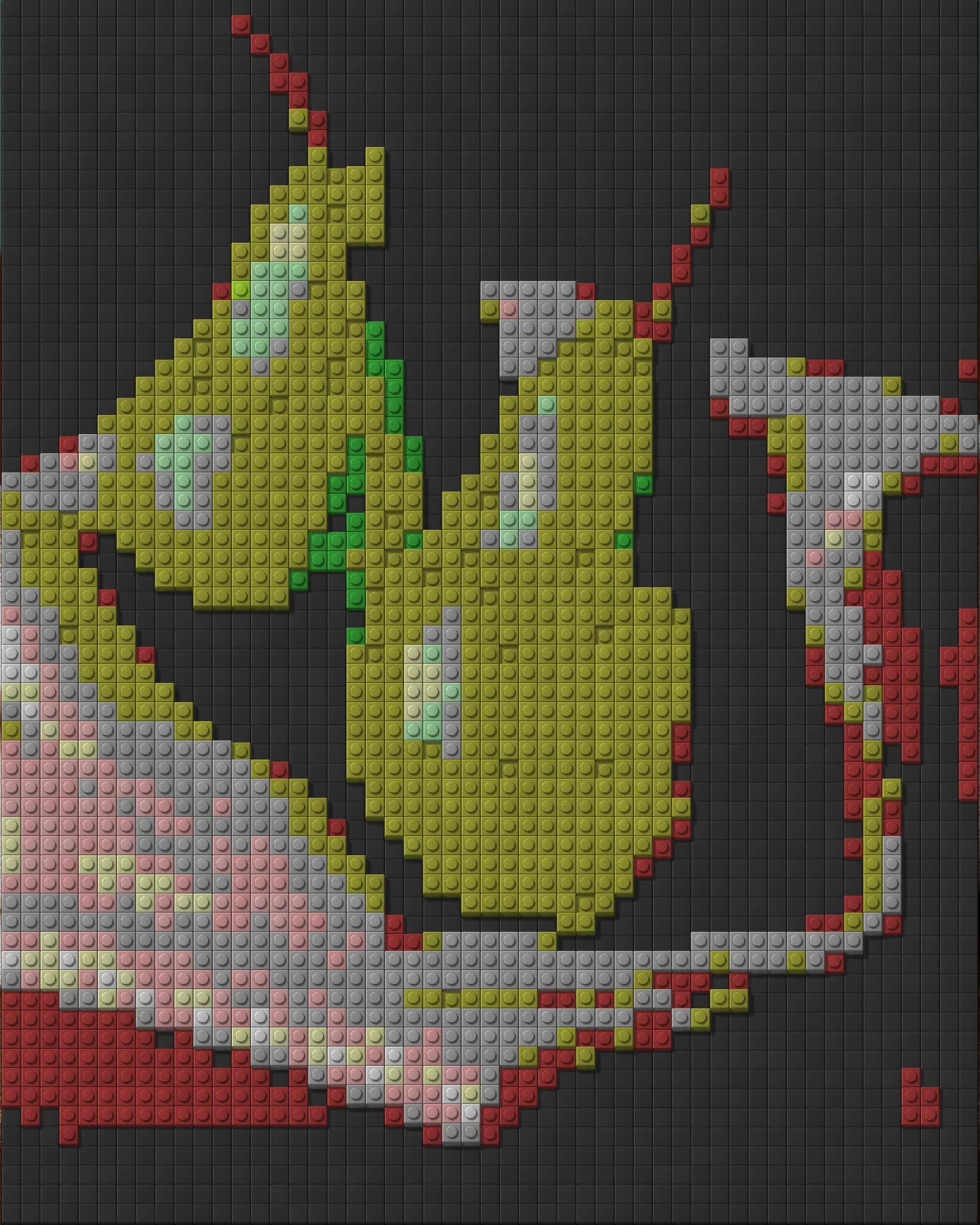

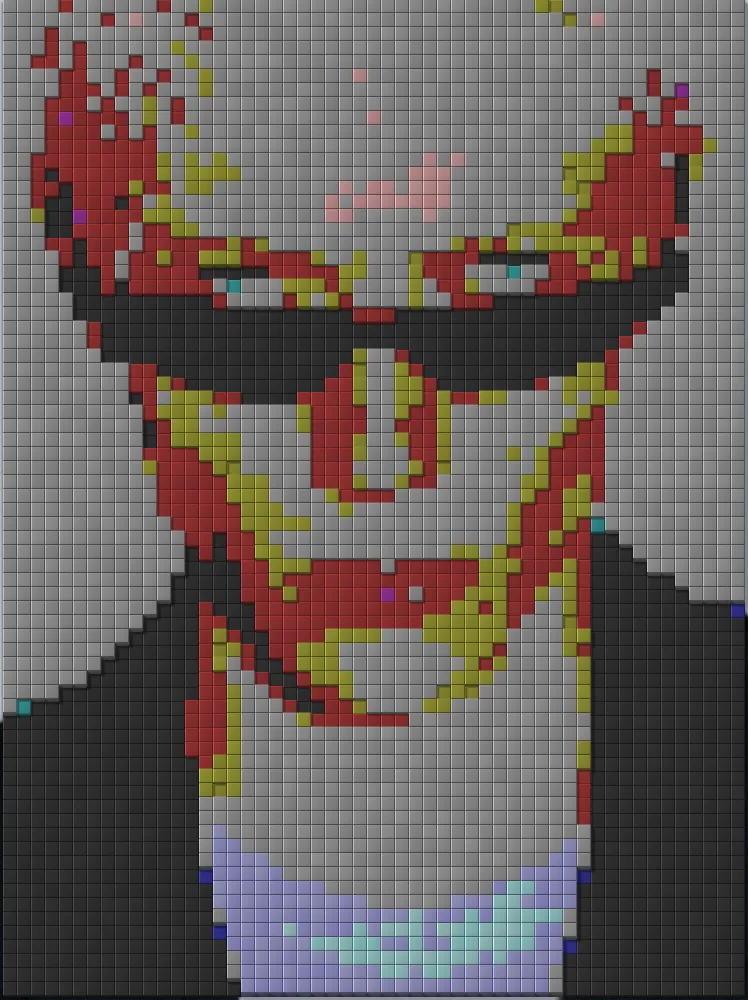
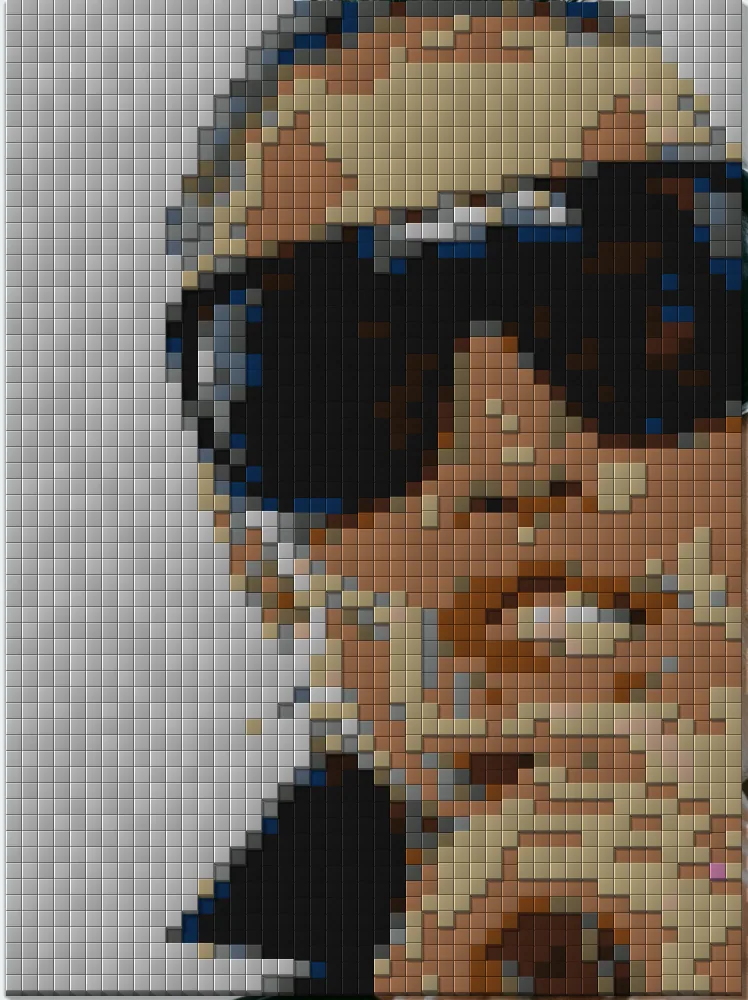
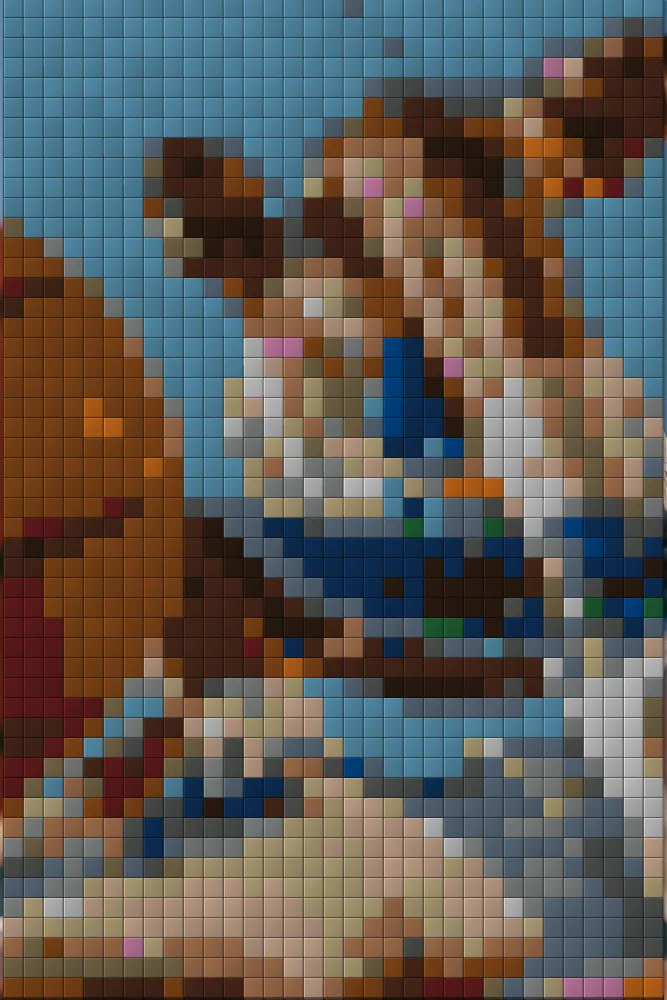
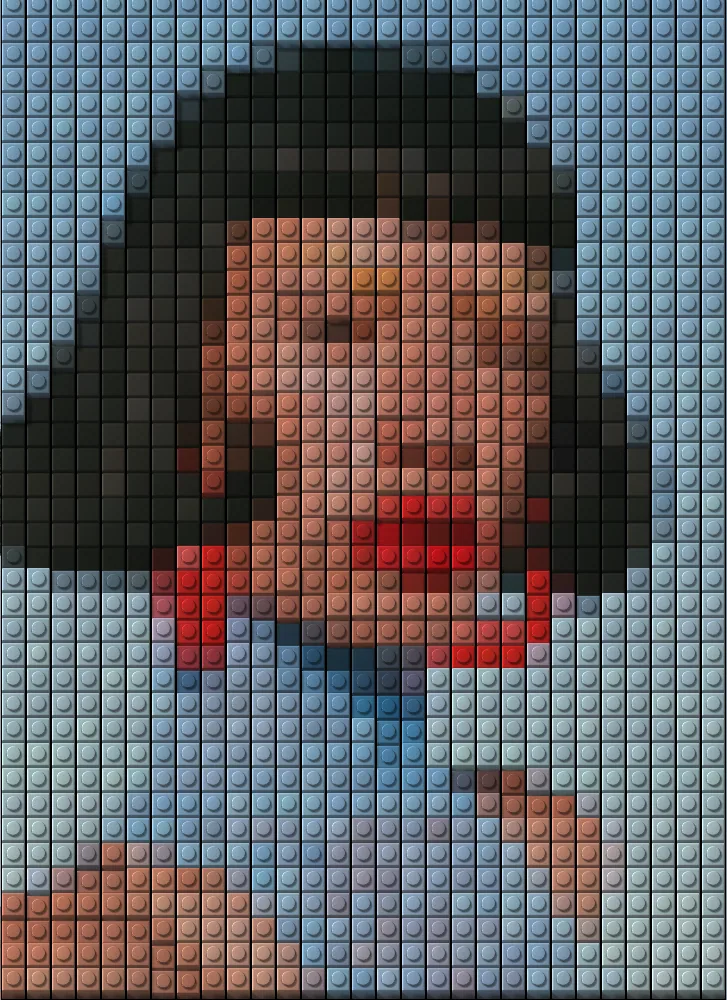
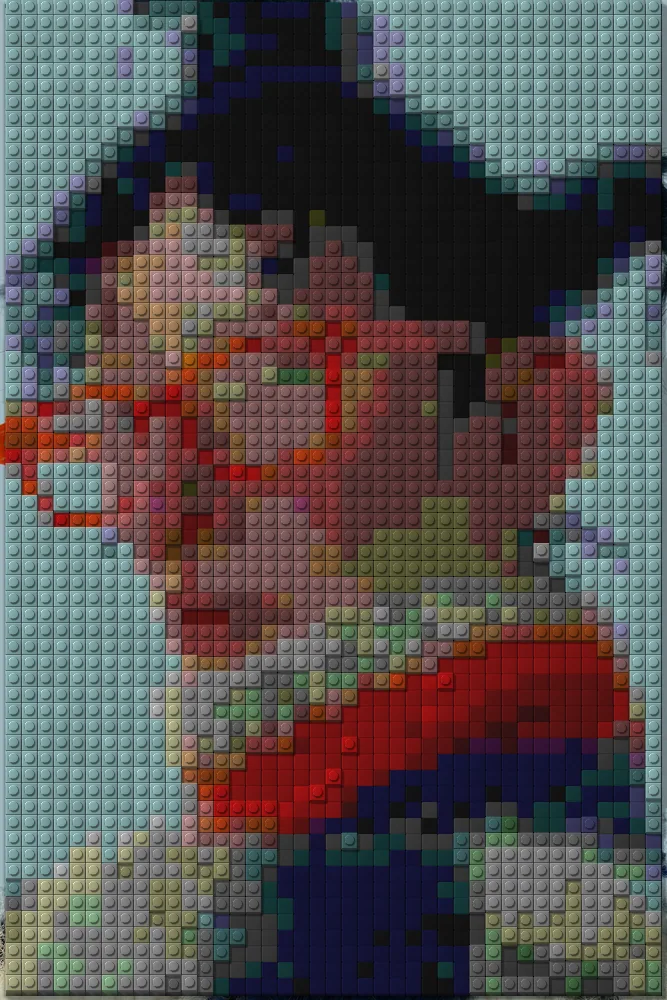
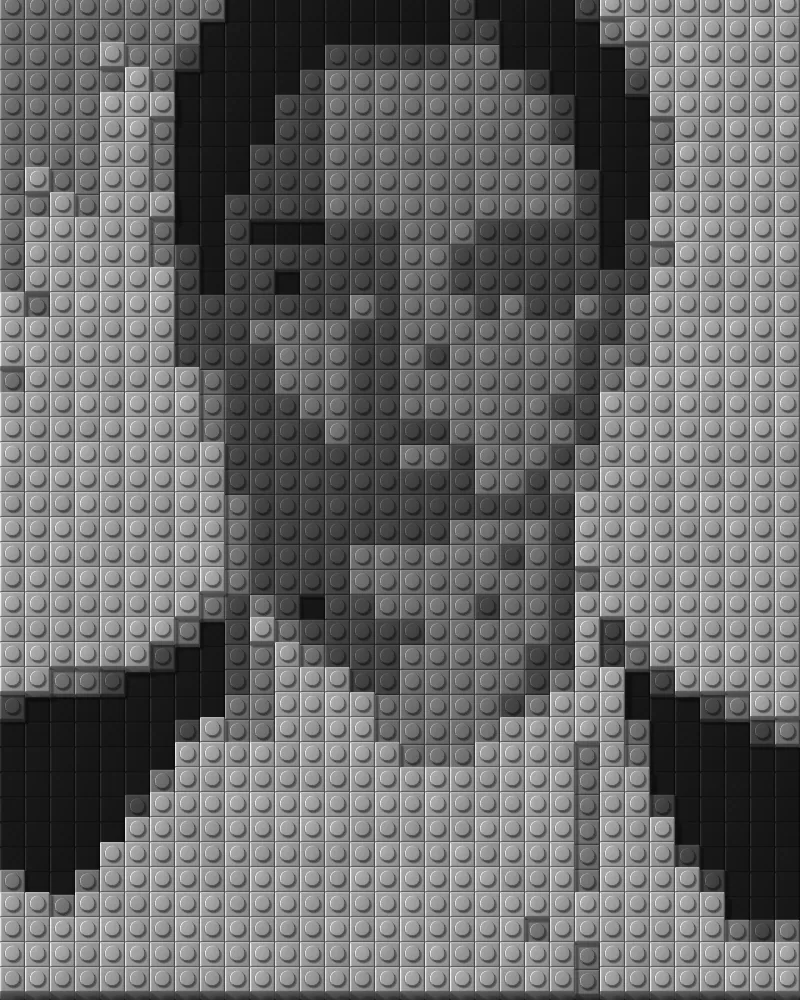
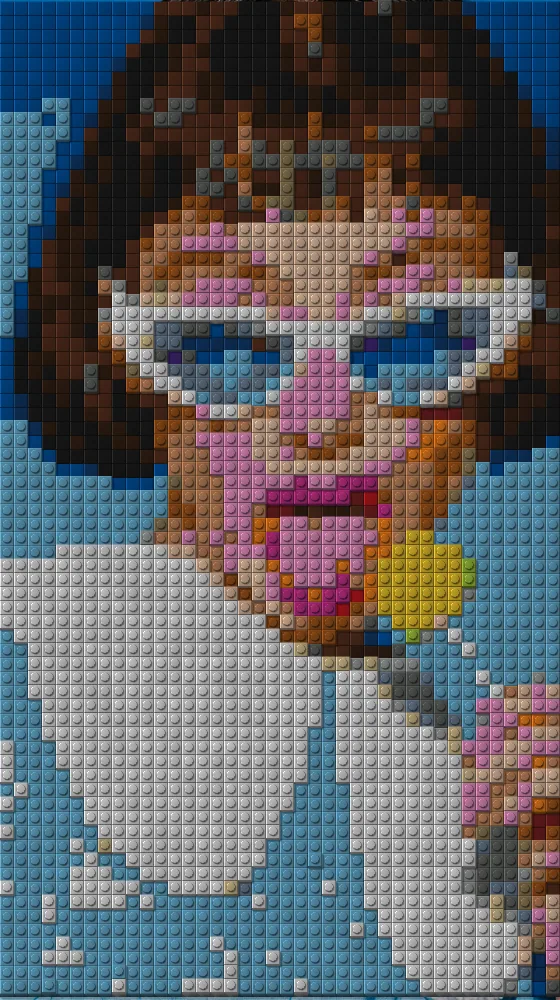
The brick mosaic effect rebuilds your picture as a grid of plastic bricks, built from the source image. Tiles can be studded or flat, rounded and beveled, and some sit higher to show a side face and a shadow. You set tile size, keep source colors, posterize or snap to a brick palette.
Same effect, different settings
12 photos, each with its own settings. Try it on yours
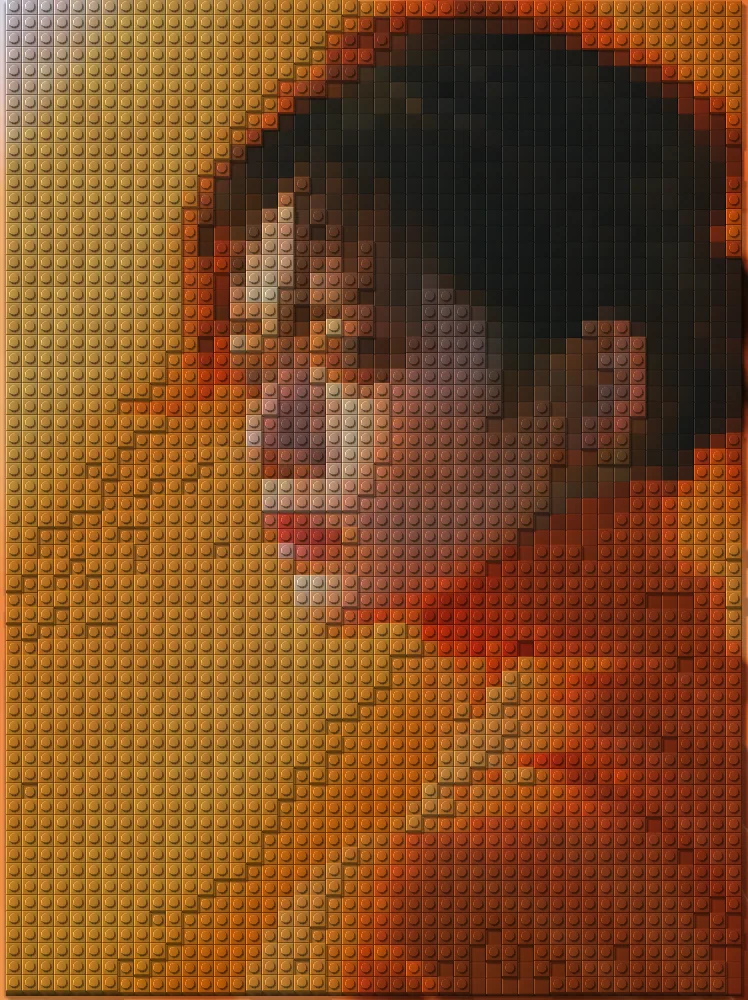
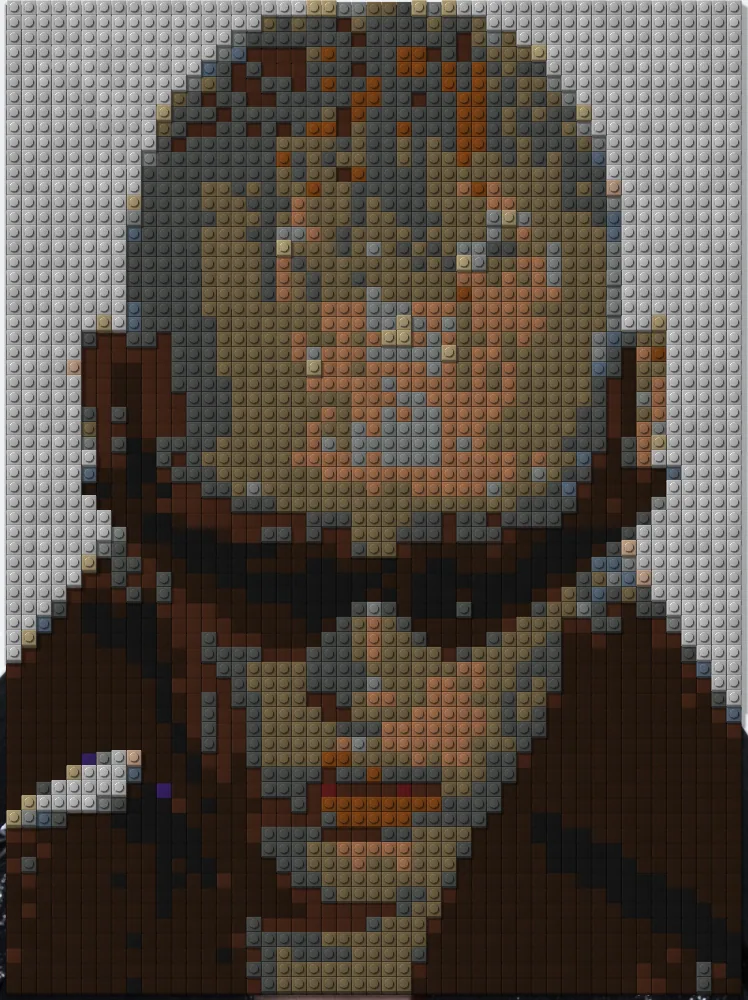
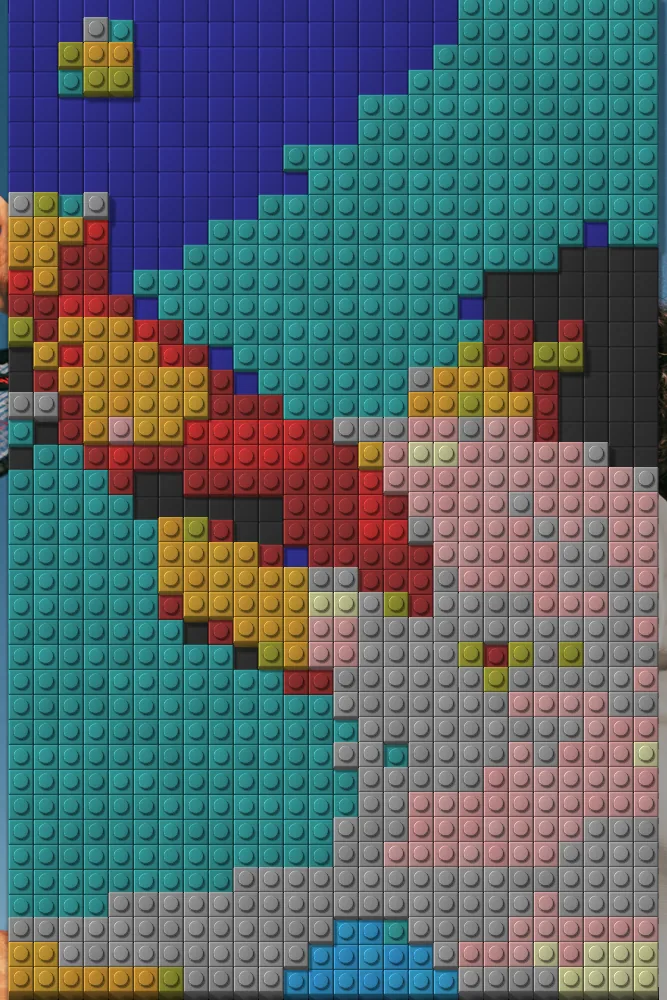
Use Brick Mosaic Effect in Photoshop, After Effects, Illustrator, Affinity or Figma
The plugins are free with an account. Paid plans add bigger renders and your own filters. See pricing
Photoshop
Apply it as a Smart Filter on a Smart Object, then double-click to change it.
After Effects
Drop it on any layer as a native effect and keyframe every control on the timeline.
Illustrator
Use a selection as the source and get back native vector paths or an embedded image.
Affinity
Open Filters > Plugins > Nexus, pick the look and apply it to a pixel layer.
Figma
Select a frame or image, run the look, and the result drops back into your file.
Settings worth touching
- Tile size
- Sets how large each brick is. Small tiles keep more detail, large tiles give a chunkier, more abstract mosaic.
- Colors
- Keep the source colors, posterize them to a set number of levels, or snap every tile to real brick colors.
- Raise tiles by
- Chooses which tiles sit higher: none, random ones, the brightest or the darkest. Raised tiles show a side face and cast shadows.
Frequently asked questions
How do I add the brick mosaic effect in Photoshop?
Open Nexus for Photoshop, pick the look and render it as a new layer, or apply it to a Smart Object as a live Smart Filter you can reopen and change.
Can I animate the mosaic effect in After Effects?
Yes. Nexus for After Effects adds it as a native effect. Drop it on a layer, tune the controls and keyframe any parameter, such as Tile size or Light angle, on the timeline.
Does the brick mosaic effect give vector output in Illustrator or Figma?
No. The result is pixels only. Illustrator and Figma receive it back as an embedded image, not as vector paths. Set Tile size before you export.
Can I remove the background behind the bricks?
Set Empty areas to Transparent to leave areas with no bricks see-through, or choose Baseplate and pick a Baseplate color for a studded board behind the tiles.
Can I try the brick mosaic effect for free?
Yes. Open the look in the Nexus web editor and try it on your own image without an account. Exporting needs a free account, which exports images up to 720px and video up to 720px with the Nexus mark.




Try Brick Mosaic Effect in your browser
Free to try. Exporting needs a free account.