Blob Tracking Effect
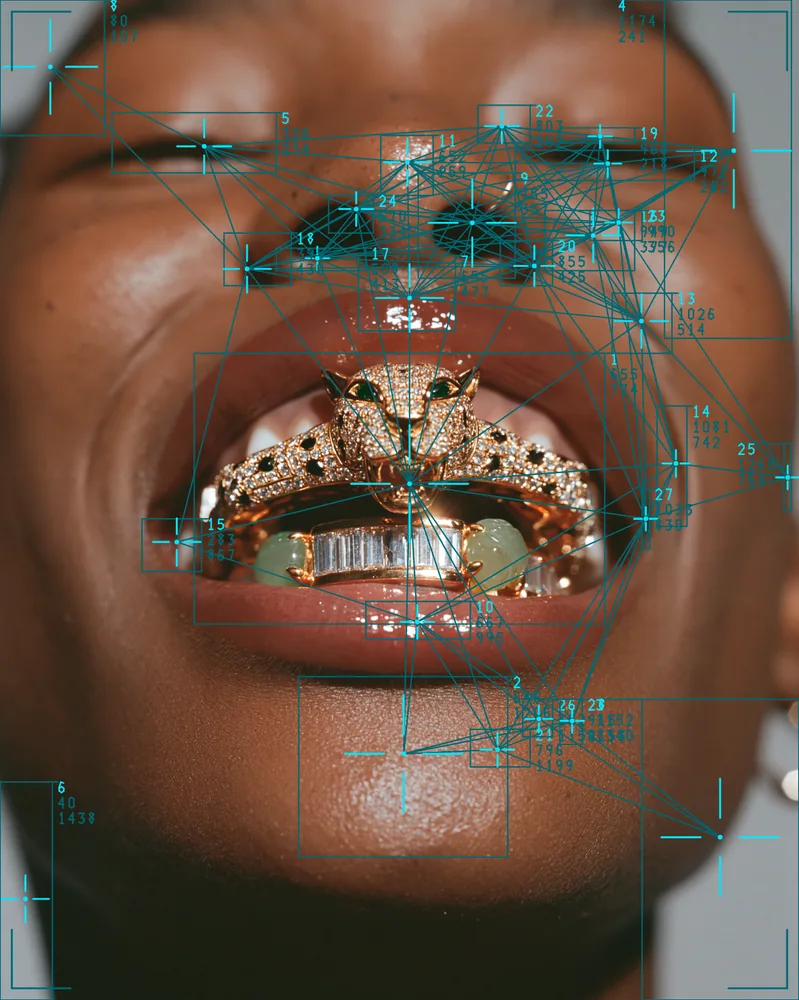
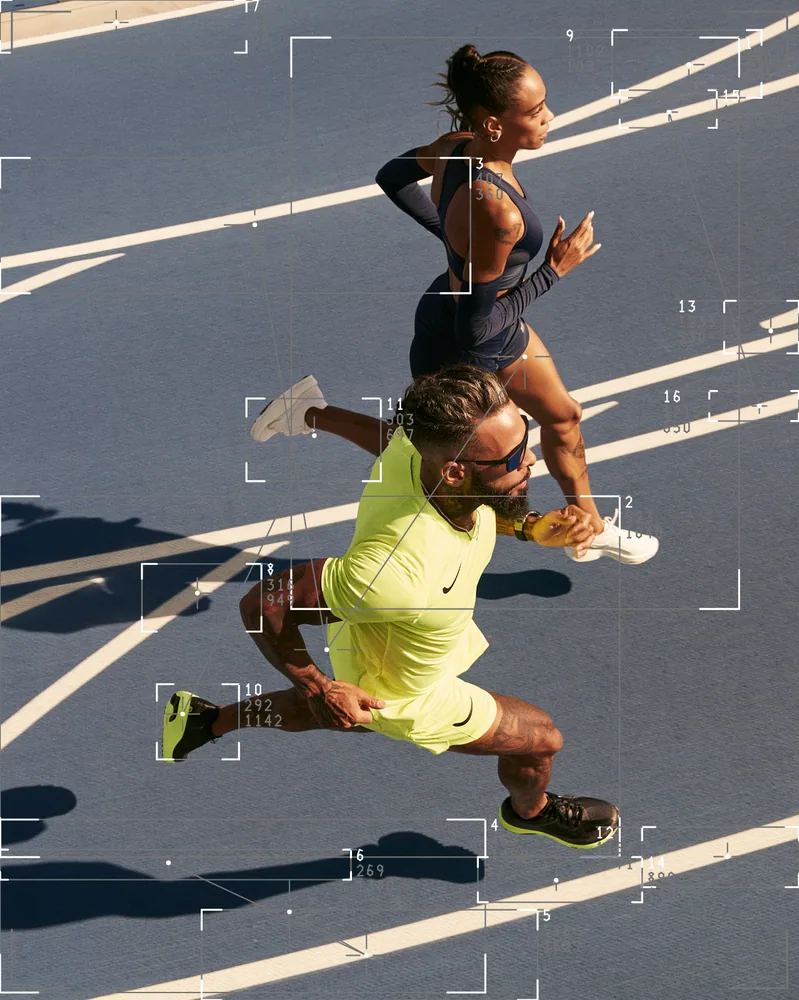
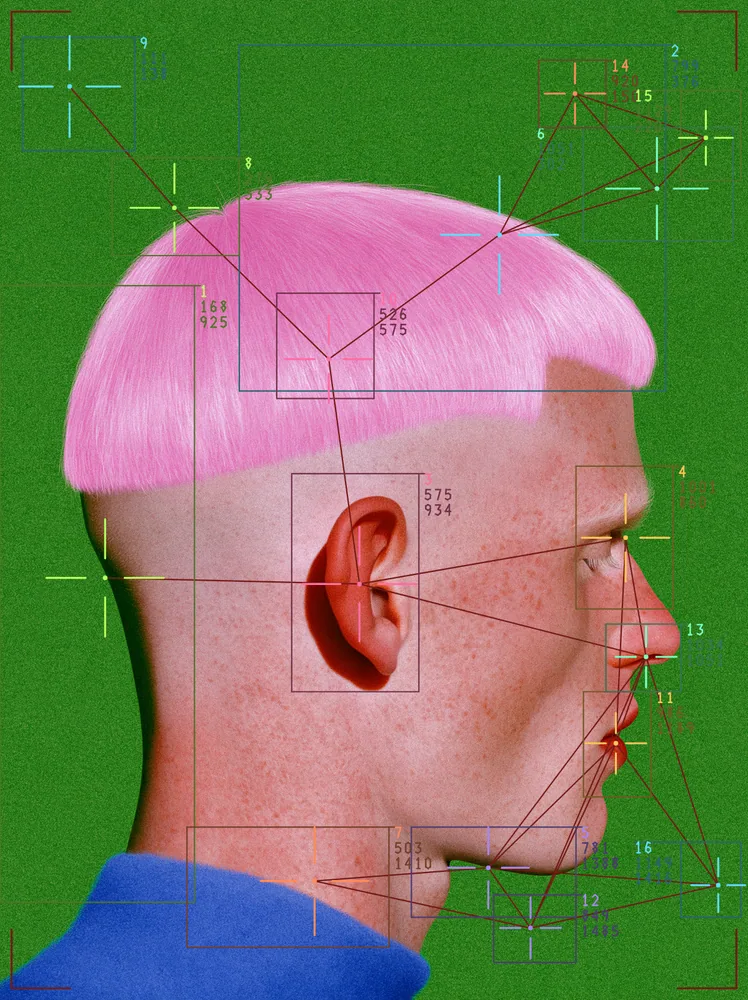
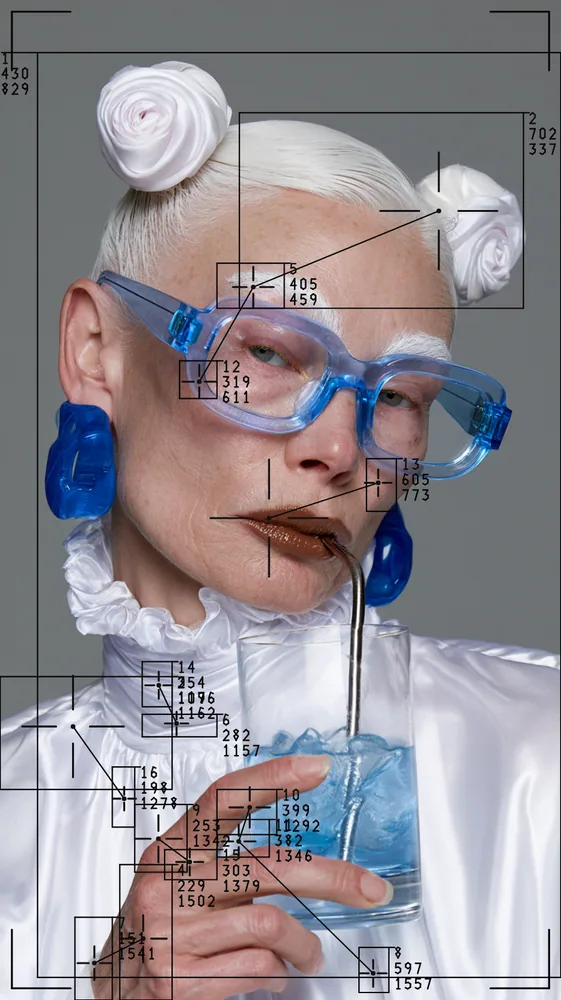
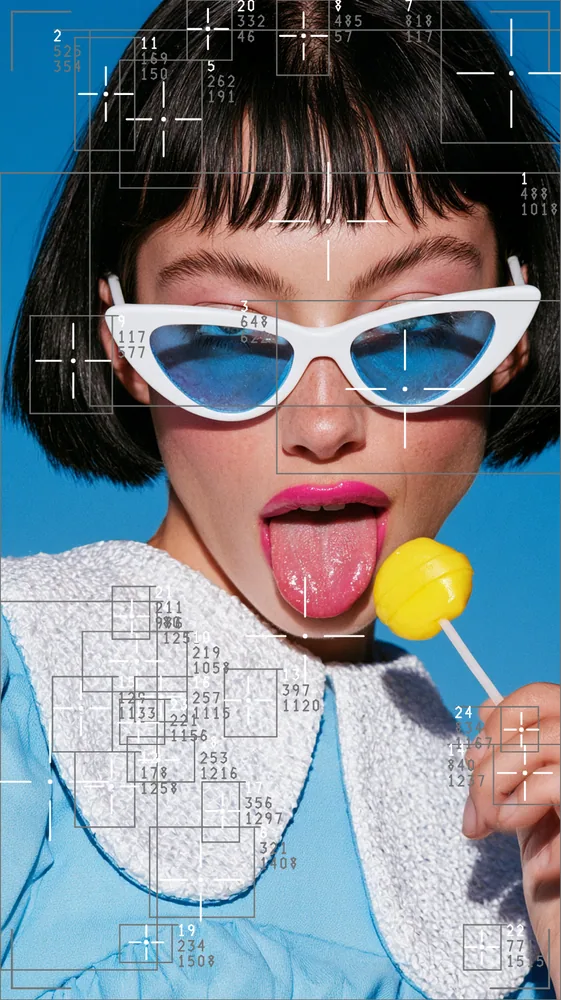
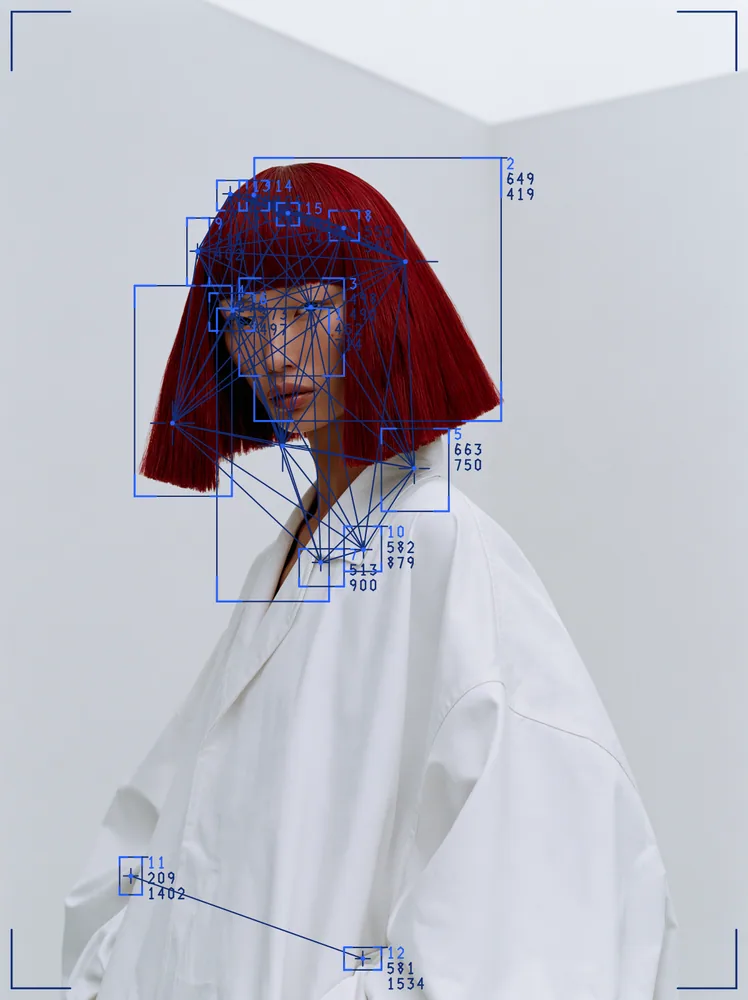
Finds blobs of light, dark or edge detail in your picture and marks each one with a box, a target and a numbered readout.
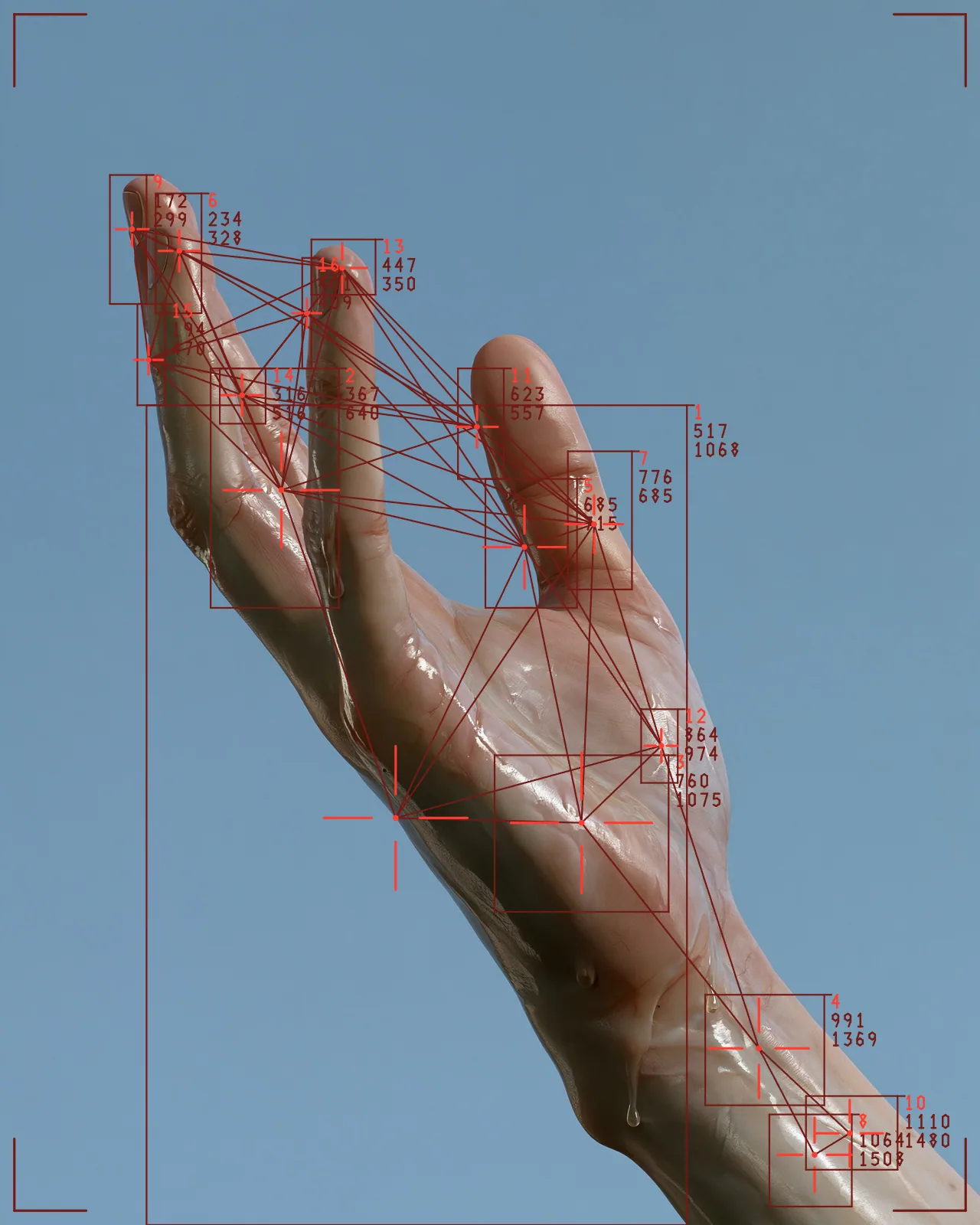
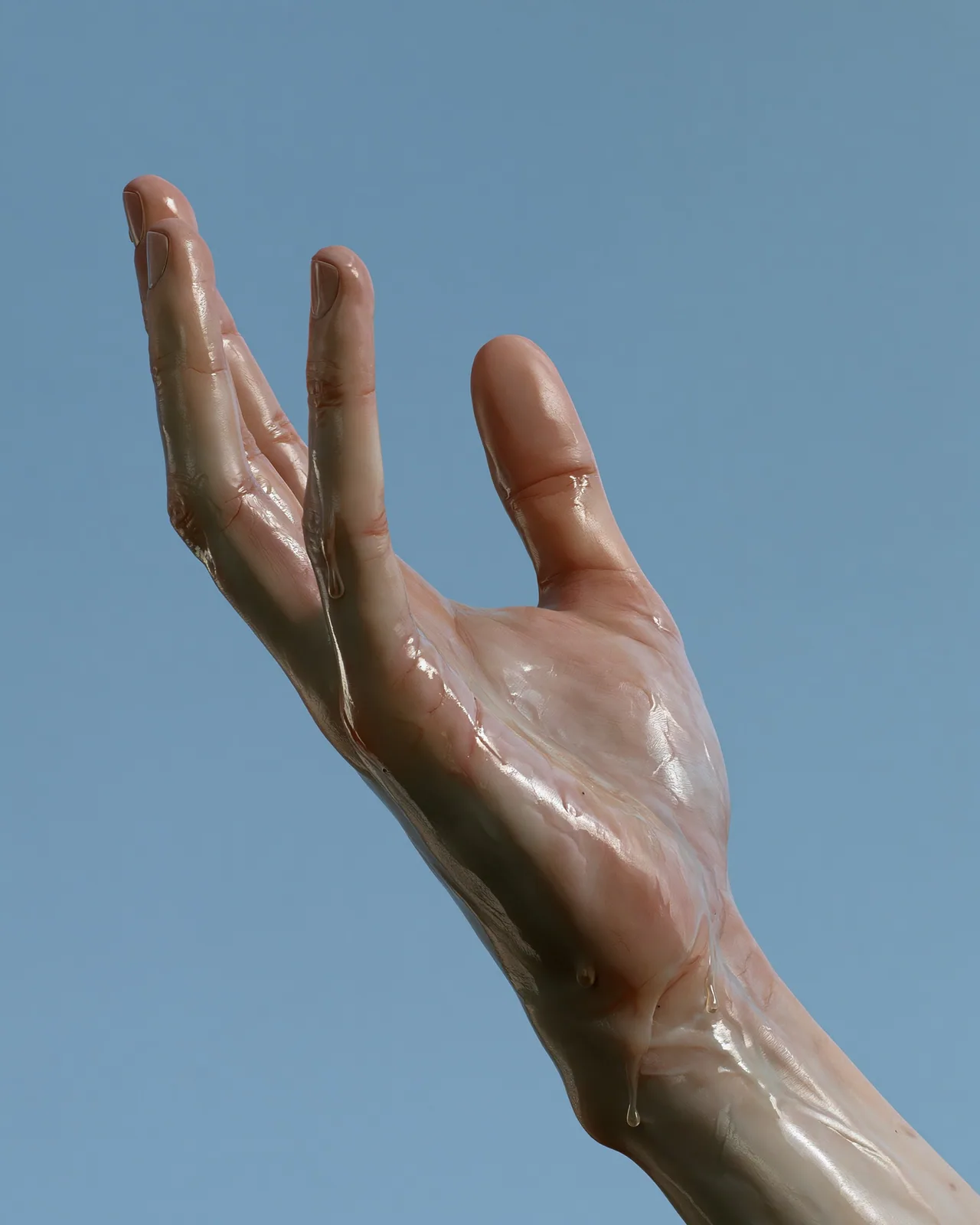
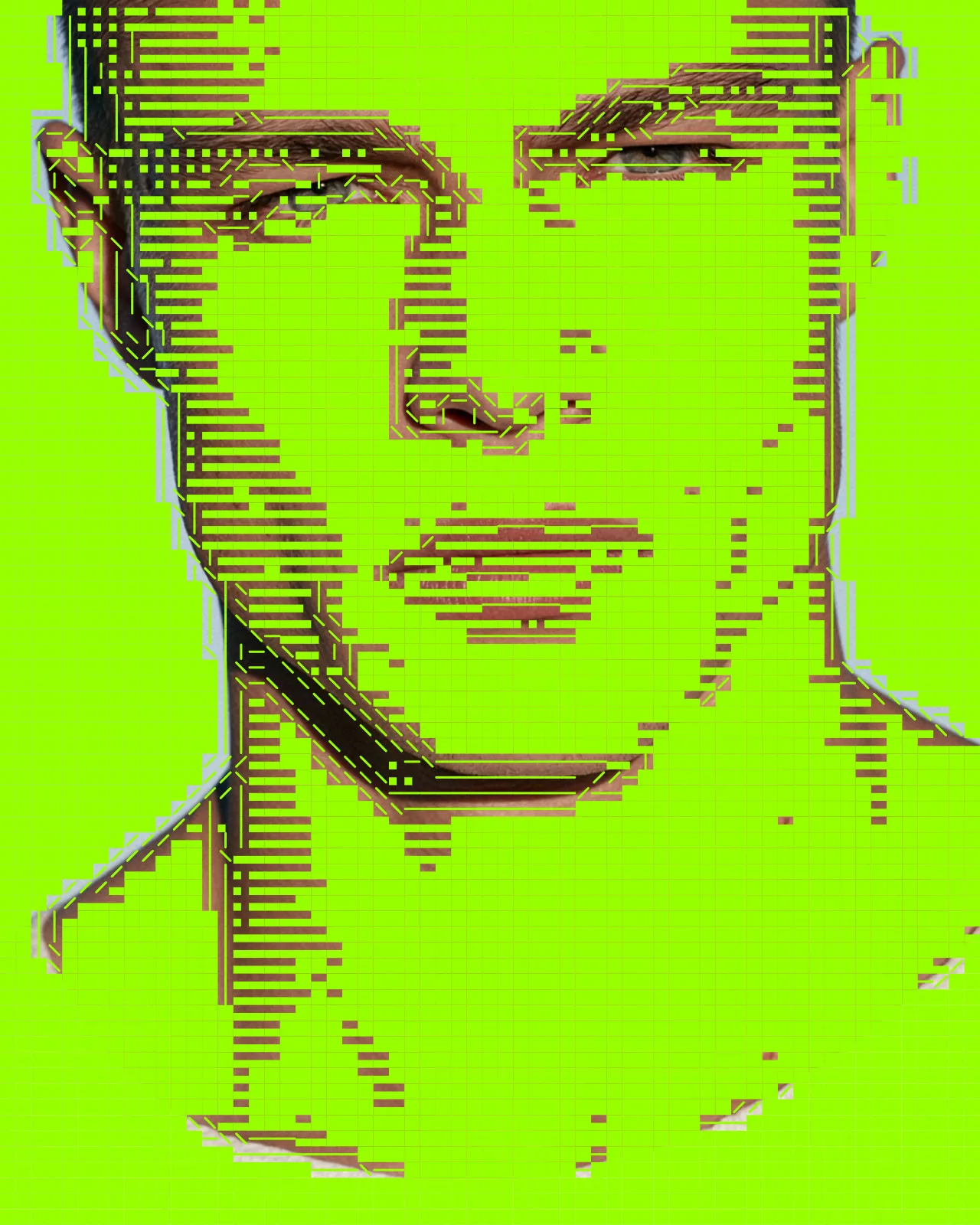
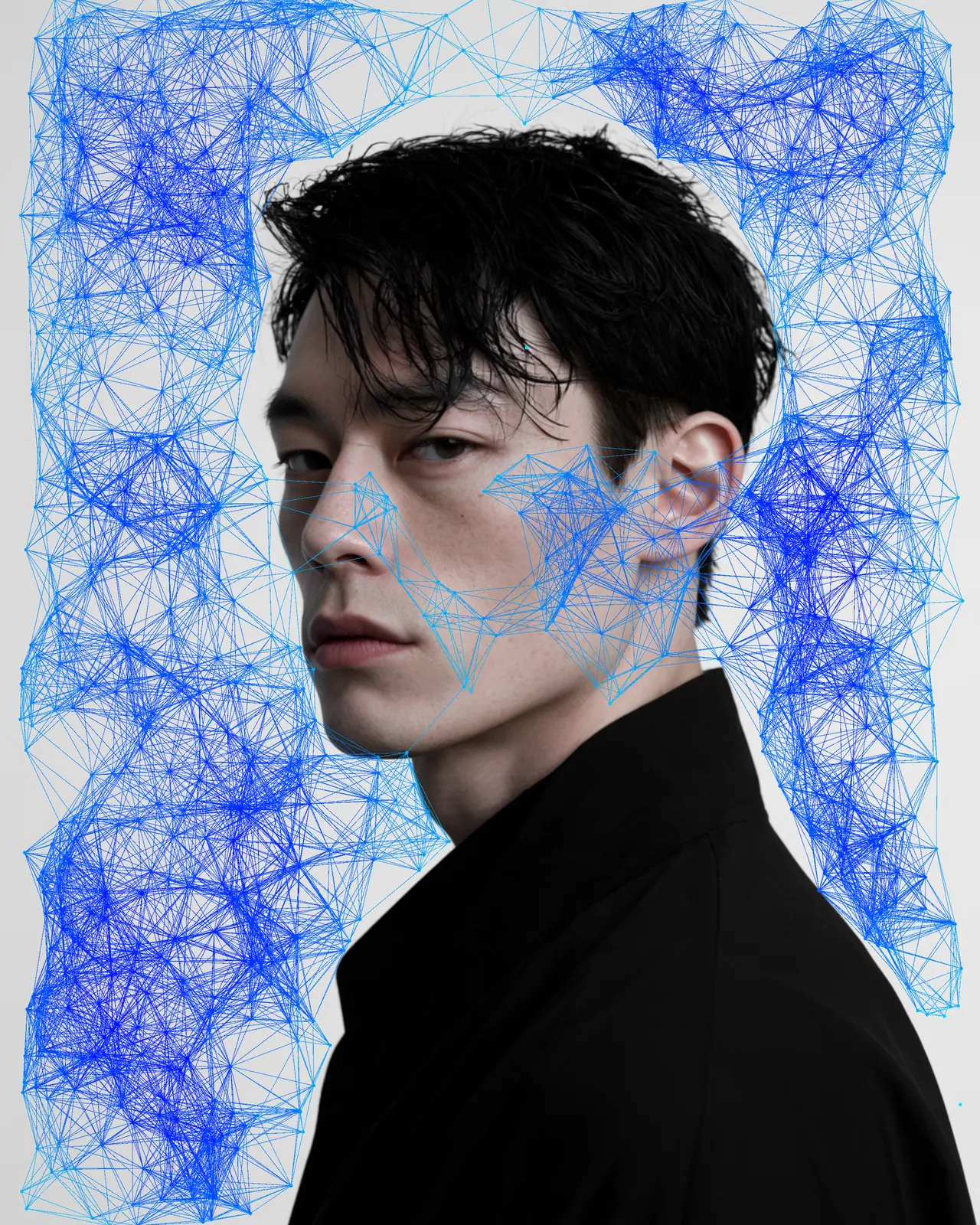
The blob tracking effect is a TouchDesigner-style overlay built from your picture. It detects bright blobs, dark blobs or edges, then draws bounding boxes, crosshairs or corner brackets, centroid dots, connecting lines and readouts. The look starts with sixteen targets in solid red, and you can change the count, color, threshold and line style.
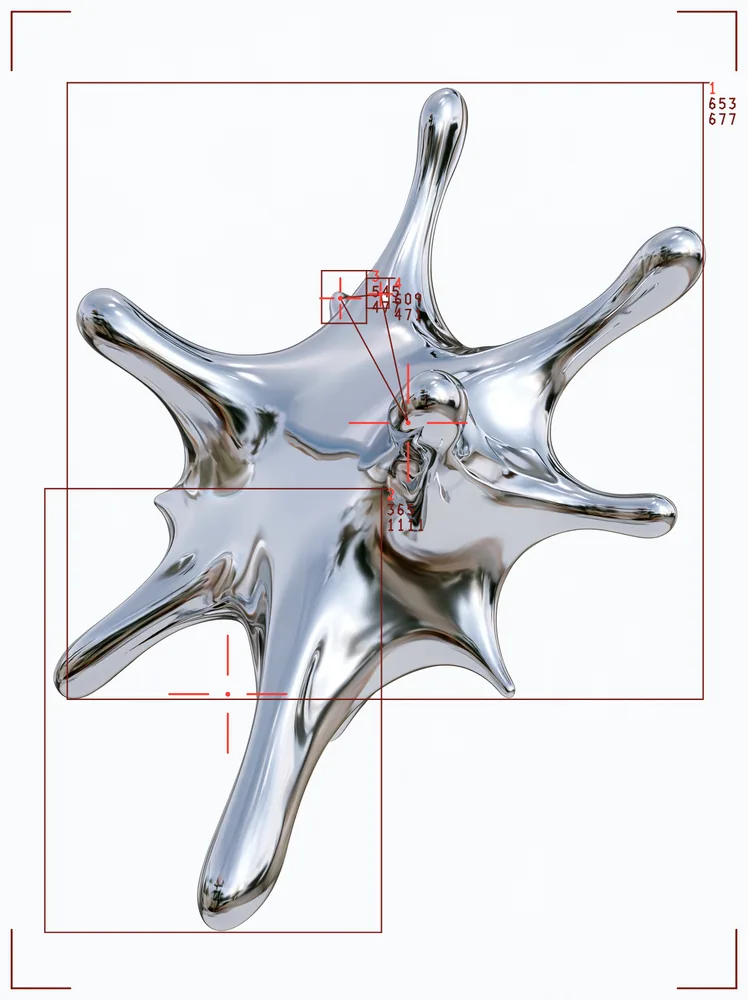
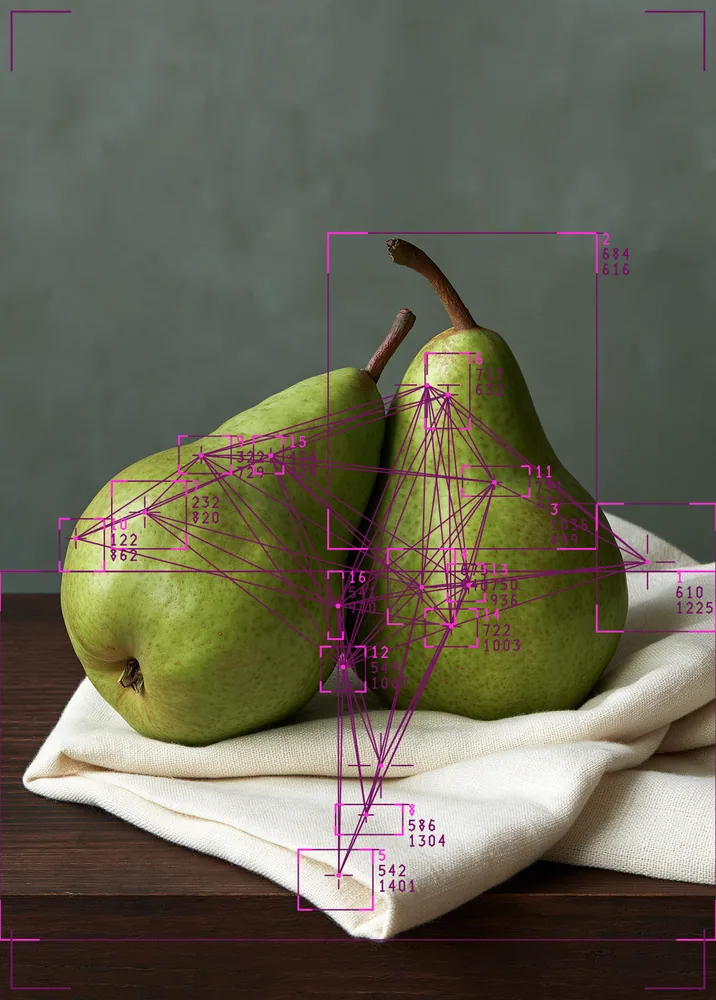
Same effect, different settings
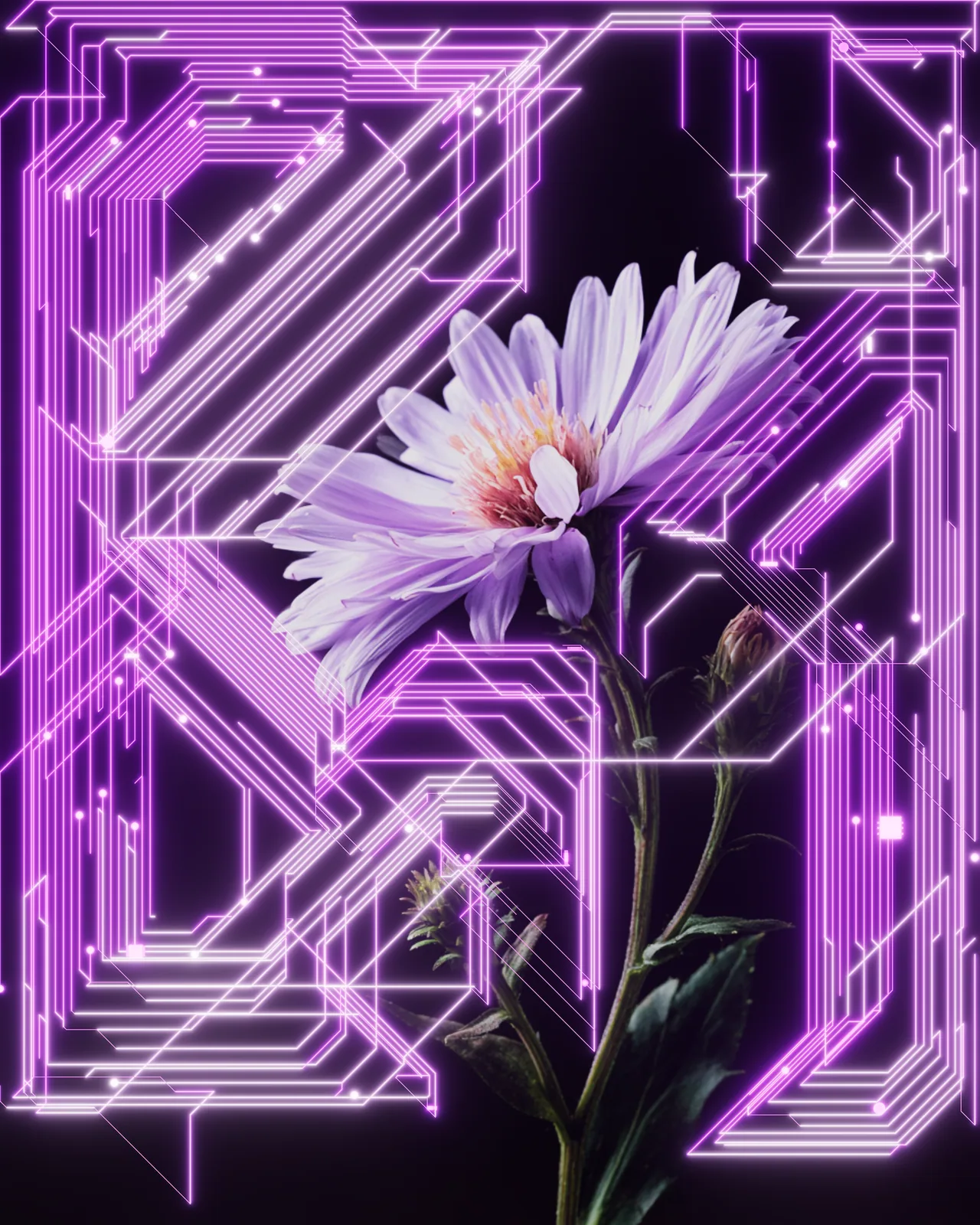
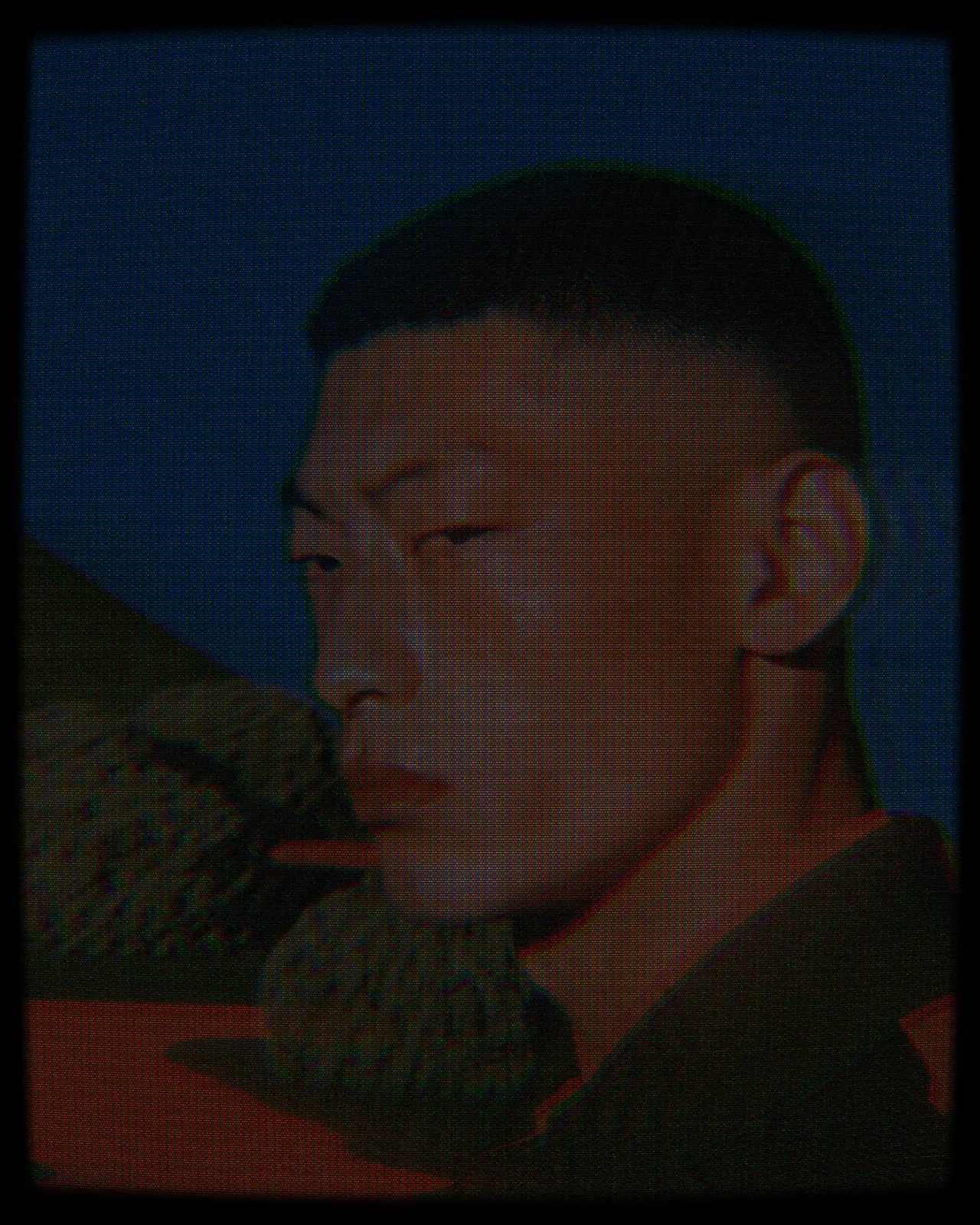
12 photos, each with its own settings. Try it on yours
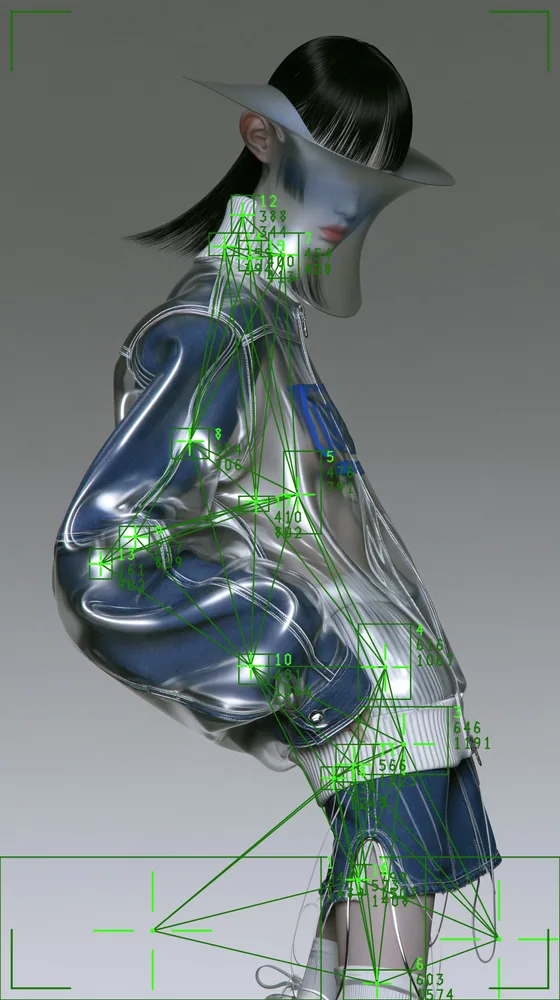
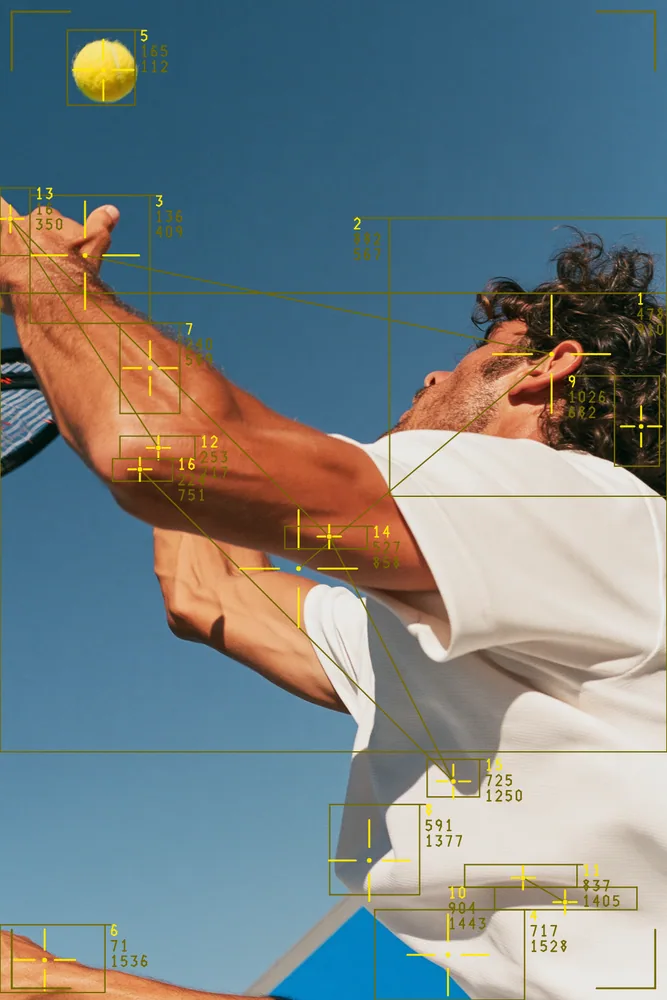
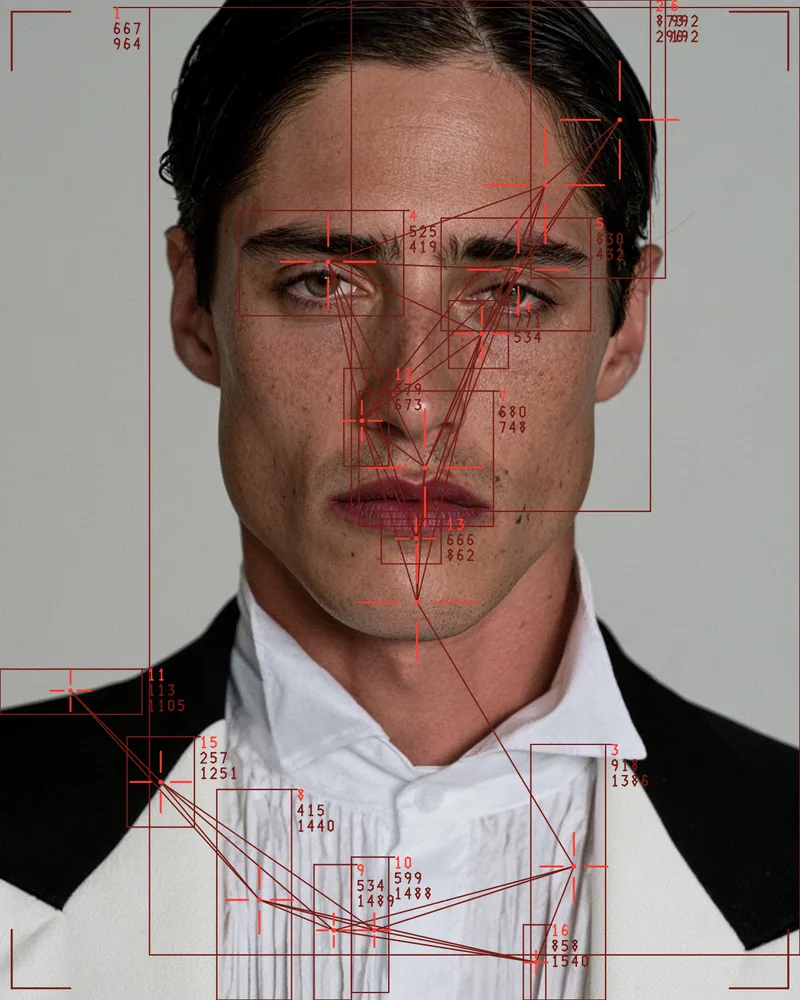
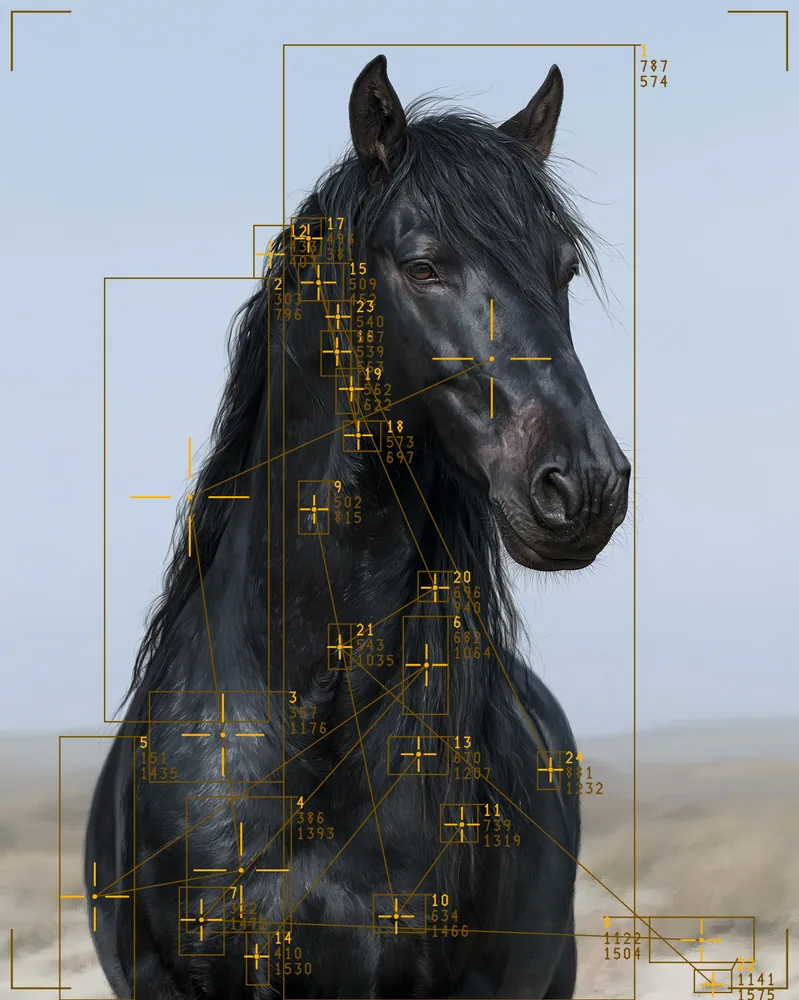
Use Blob Tracking Effect in Photoshop, After Effects, Illustrator, Affinity or Figma
The plugins are free with an account. Paid plans add bigger renders and your own filters. See pricing
Photoshop
Apply it as a Smart Filter on a Smart Object, then double-click to change it.
After Effects
Drop it on any layer as a native effect and keyframe every control on the timeline.
Illustrator
Use a selection as the source and get back native vector paths or an embedded image.
Affinity
Open Filters > Plugins > Nexus, pick the look and apply it to a pixel layer.
Figma
Select a frame or image, run the look, and the result drops back into your file.
Settings worth touching
- Detect Mode
- Chooses what counts as a blob: bright areas, dark areas or edges, which changes where the boxes land on your picture.
- Threshold
- Sets the brightness cutoff for detection. Move it to pick up more small regions or fewer, larger ones.
- Connect Lines
- Links blob centers with no lines, nearest neighbors, a single chain or a full mesh of crossing lines.
Frequently asked questions
How do I add blob tracking in After Effects?
Install Nexus for After Effects, drop the look on a layer as a native effect, then keyframe any control on the timeline. Detection runs on every frame, so the boxes redraw as the picture changes.
Can I try the blob tracking effect for free?
Yes. Open the look in the Nexus web editor and try it on your own image without an account. Exporting needs a free account, which exports images up to 720px and video up to 720px with the Nexus mark.
Is this like blob tracking in TouchDesigner?
The drawing follows the TouchDesigner style: bounding boxes, crosshairs, centroid dots, connecting lines, a HUD corner frame and clean readouts. Nexus runs it in the web editor and as a plugin in five design apps.
Does the blob tracking effect keep IDs across frames?
No. Detection is per frame only, with no persistent IDs or trails between frames. Blobs are numbered by a stable sort on area, so the numbering stays consistent within each frame.
How do I use the blob tracking effect in Photoshop?
Install Nexus for Photoshop, which is free with a Nexus account. Render the look as a new layer, or add it to a Smart Object as a live Smart Filter.


Try Blob Tracking Effect in your browser
Free to try. Exporting needs a free account.