CMYK Effect
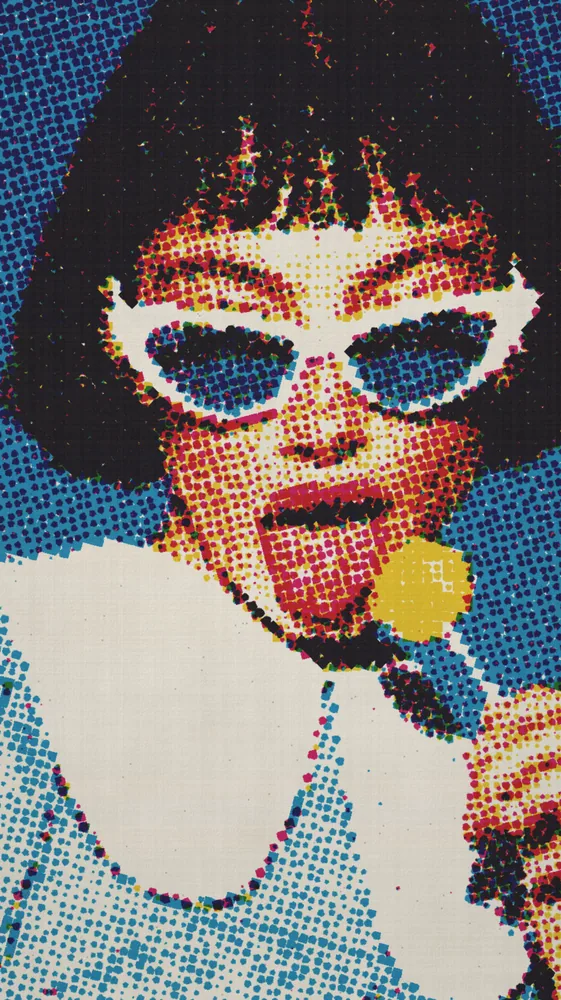
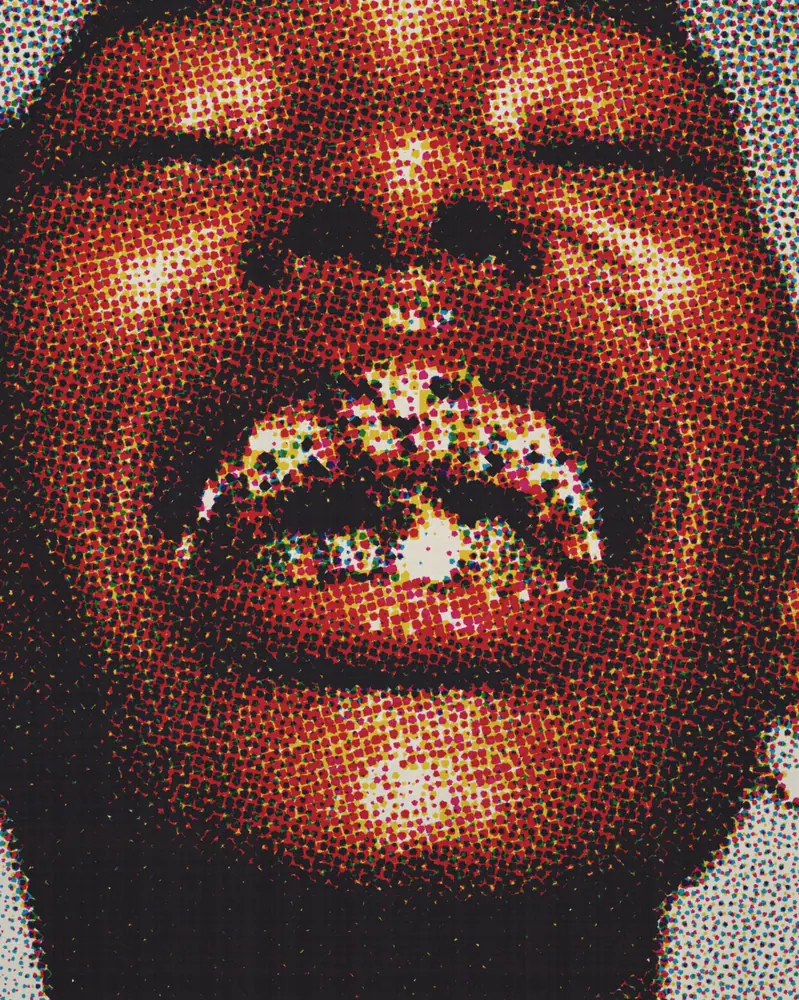
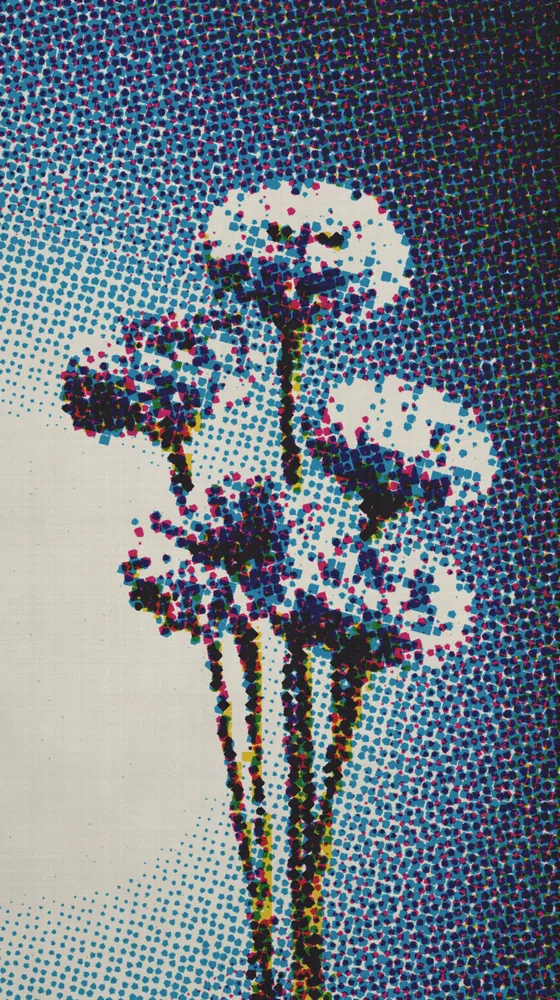
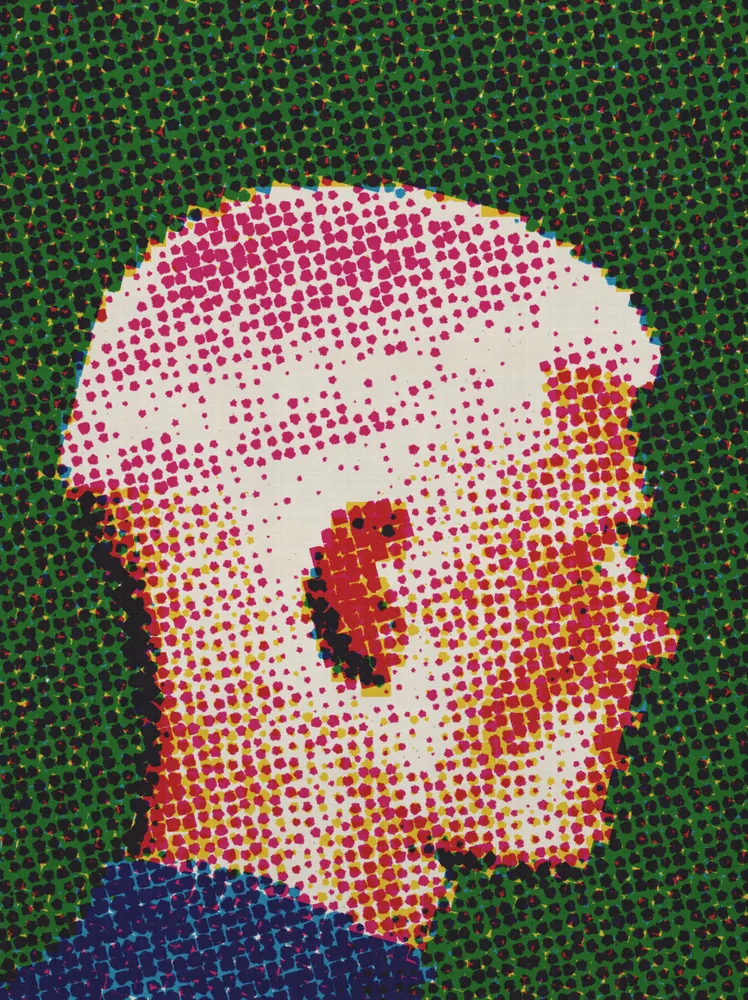
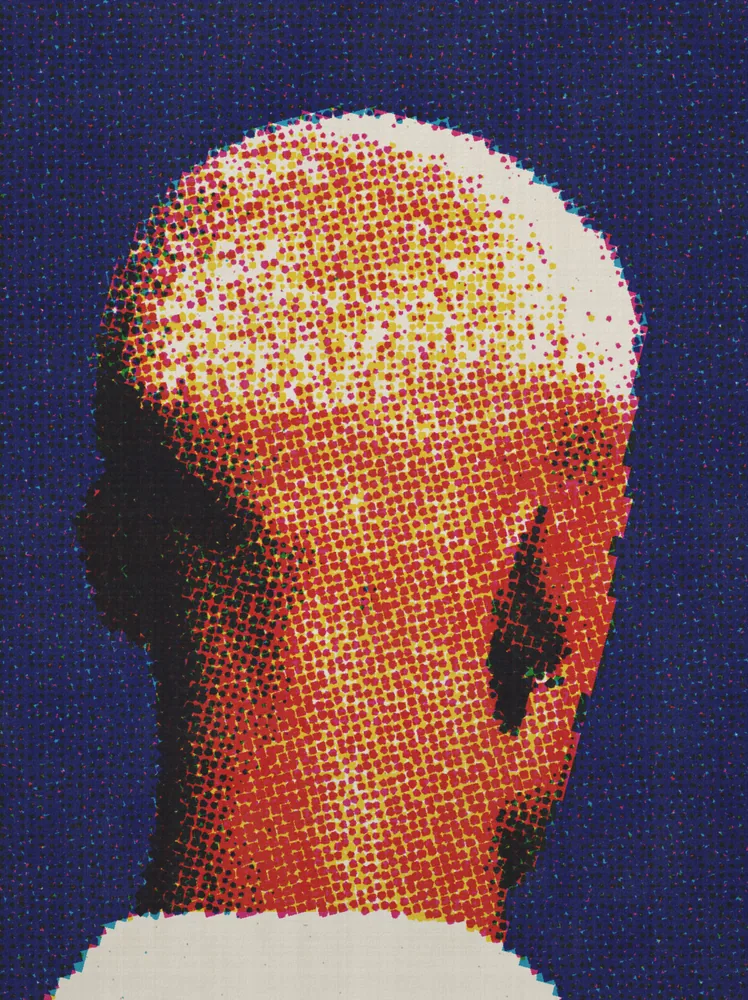
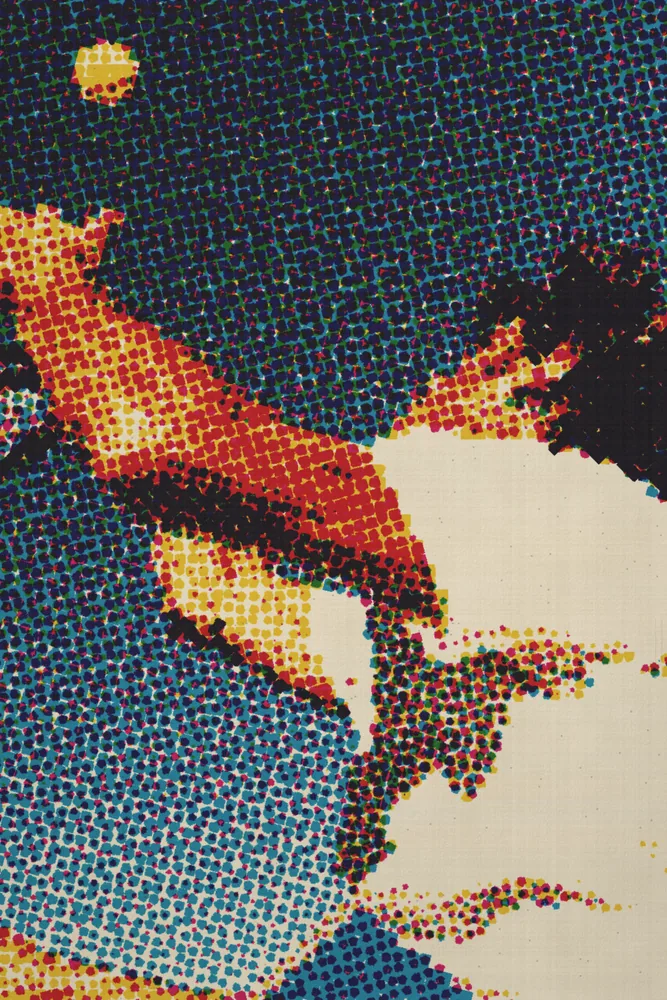
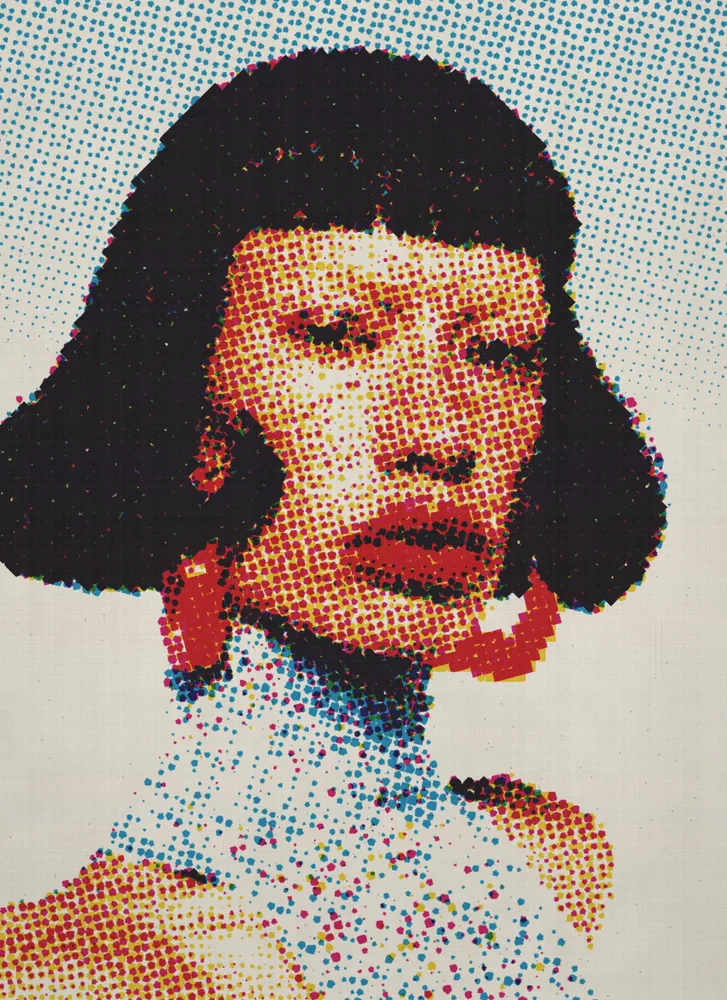
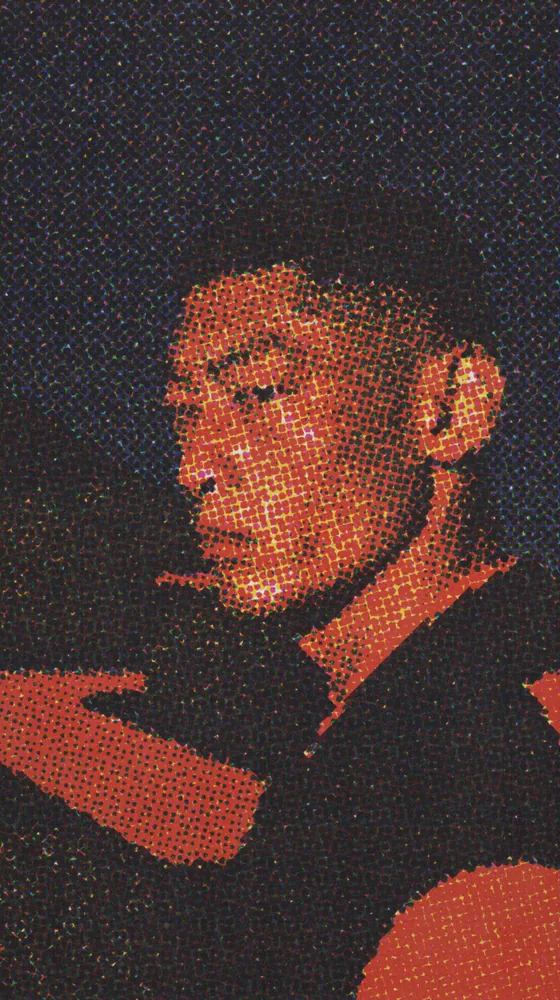
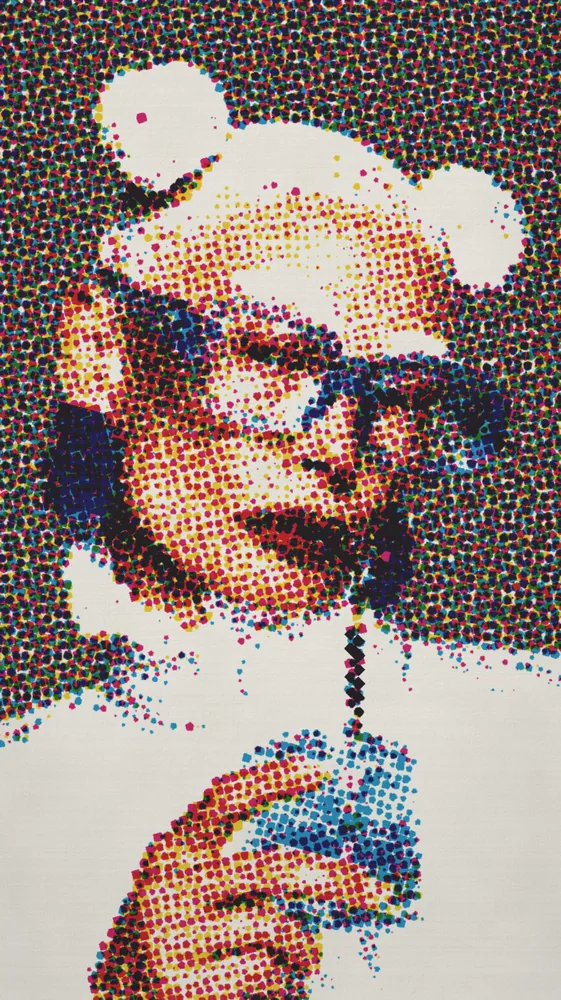
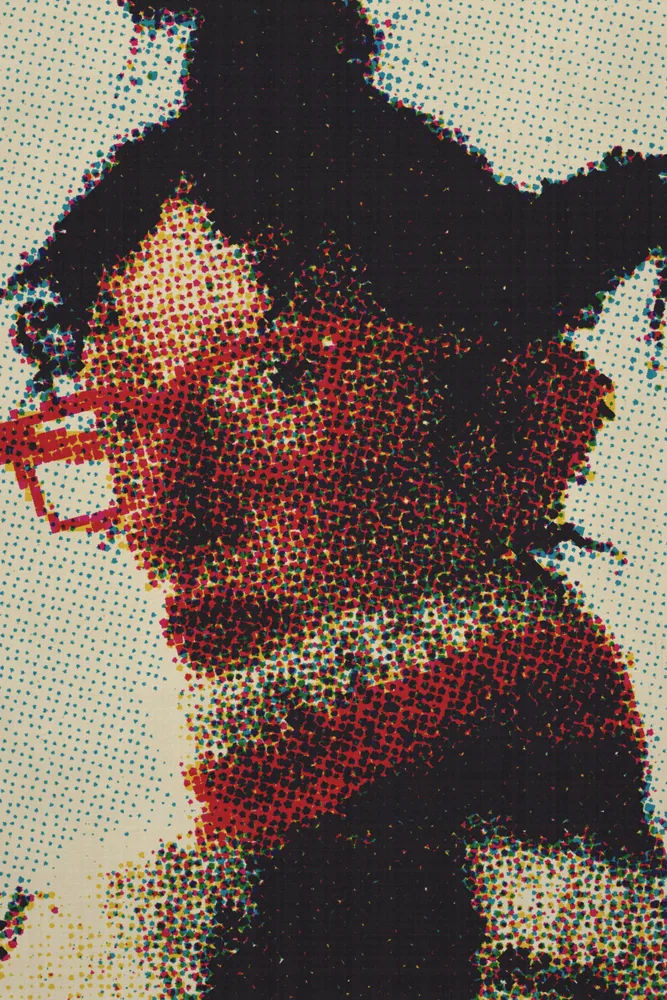
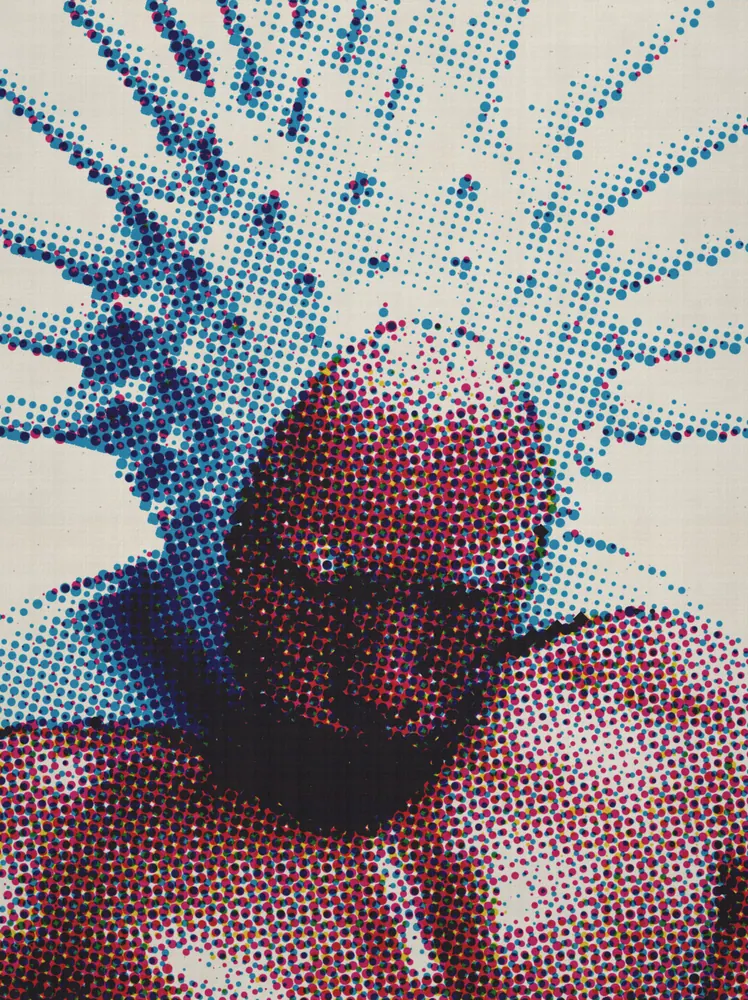
Turns any picture into a four-color halftone print, with rosette dots, shifted plates and a scanned paper surface.
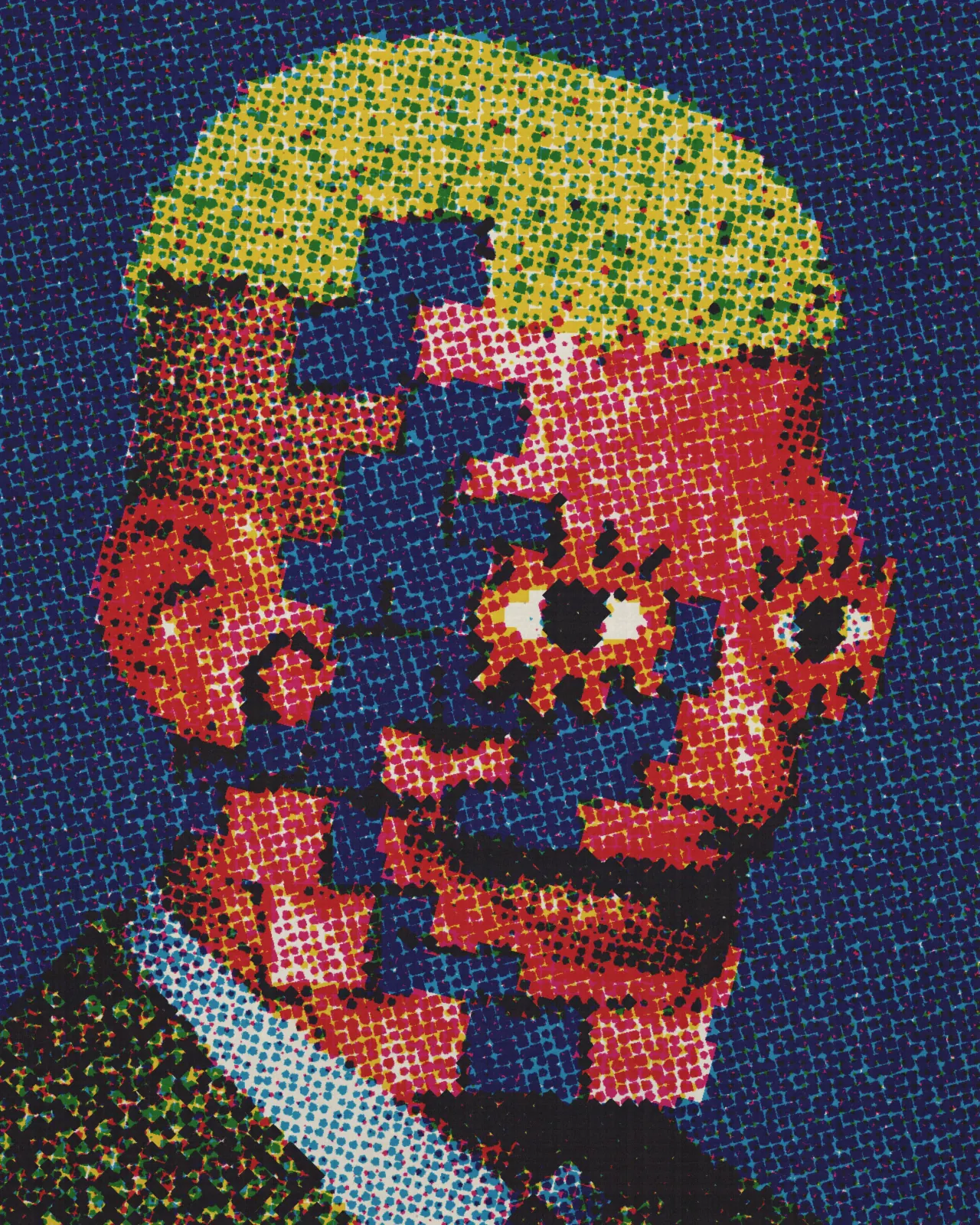
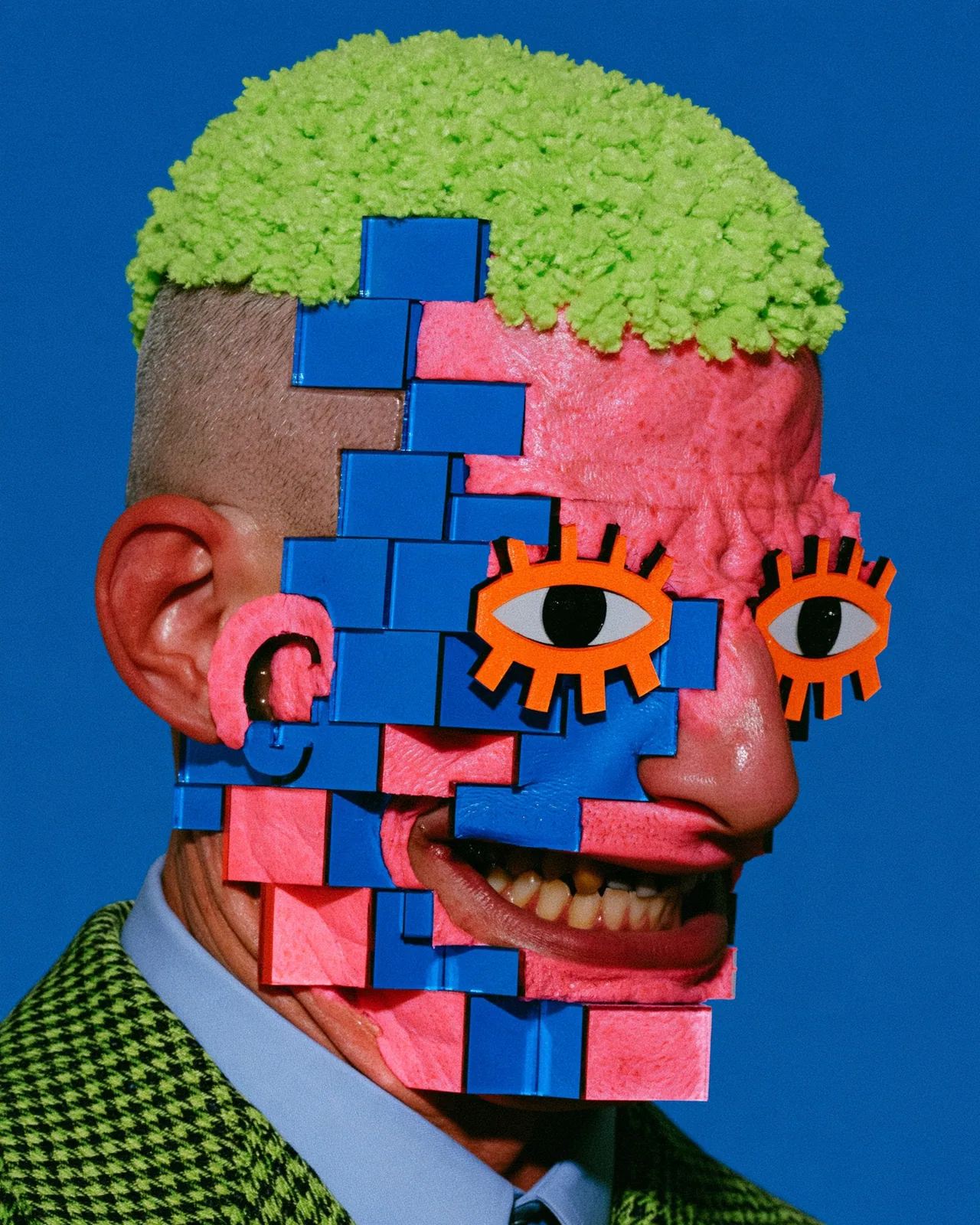
The CMYK effect rebuilds your image from four halftone plates, cyan, magenta, yellow and black, printed as rough dots on textured paper. Colors break into rosettes, plates drift out of register, and ink spreads. You can change the dot size, ink density, misregistration, paper color and how much scan texture shows.
Same effect, different settings
12 photos, each with its own settings. Try it on yours

Use CMYK Effect in Photoshop, After Effects, Illustrator, Affinity or Figma
The plugins are free with an account. Paid plans add bigger renders and your own filters. See pricing
Photoshop
Apply it as a Smart Filter on a Smart Object, then double-click to change it.
After Effects
Drop it on any layer as a native effect and keyframe every control on the timeline.
Illustrator
Use a selection as the source and get back native vector paths or an embedded image.
Affinity
Open Filters > Plugins > Nexus, pick the look and apply it to a pixel layer.
Figma
Select a frame or image, run the look, and the result drops back into your file.
Settings worth touching
- Screen Pitch
- Sets the spacing of the halftone grid. Low values give fine, tight dots; high values give big, coarse dots you can see from afar.
- Misregistration
- Shifts the four ink plates apart, so colored edges and fringes appear where the plates no longer line up.
- Texture & Tone
- Fades out paper grain, scan texture and the lifted-black scan tone together, leaving a clean, full-range print at zero.
Frequently asked questions
What is a CMYK effect?
It imitates offset printing: your image is split into cyan, magenta, yellow and black plates, each printed as a grid of dots at its own angle, which forms rosettes where the colors overlap.
How do I add a CMYK effect in Photoshop?
Install Nexus for Photoshop, pick the look in the panel and render it as a new layer, or apply it to a Smart Object as a live Smart Filter you can edit later.
Can I use the CMYK effect in Illustrator?
Yes. Store a selection as the source and run the look. The result comes back as an embedded image, not vector paths, because this effect outputs pixels only.
How do I make a CMYK halftone effect look cleaner?
Lower Texture & Tone toward zero. It removes paper grain, scan texture and the lifted-black, softened-white scan tone, leaving crisp halftone dots with a full tonal range.
Can I try the CMYK print effect for free?
Yes. Open the look in the Nexus web editor and try it on your own image without an account. Exporting needs a free account, which exports images up to 720px and video up to 720px with the Nexus mark.



Try CMYK Effect in your browser
Free to try. Exporting needs a free account.