 Photoshop
 Illustrator
 After Effects
 Figma
Figma Affinity
A whole studio
in your browser
Photos, footage and vectors on one canvas, with every effect live as a layer and every setting ready to animate. Nothing to install.
The web editor is free with an account. Paid plans add bigger exports and your own effects. See pricing

Web editor
The full studio.
Stack effects like layers, with video, keyframes and a vector suite, right in your browser.
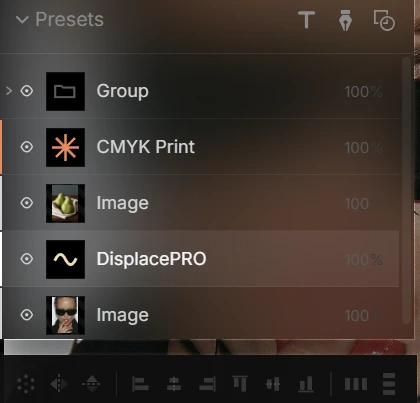
Everything in one editor
Nexus is a complete editor for images, footage and vectors, with effects built into the canvas.
An infinite canvas
Photos, footage and effects together.
Keyframe any setting
Animate every slider and color.
Real vectors
Pen, shapes and text, copied as SVG.
Export up to 8K
Transparent PNG, SVG and MP4 video.
How it works
Start with a photo or a clip and build the look in layers.
- Drop in a photo or a clip.
- Pick an effect, then stack more.
- Export a PNG, an MP4 or an SVG.
Make your own effects
Describe a look or drop in a reference, and Create builds it as a new effect with its own controls, right in the editor.
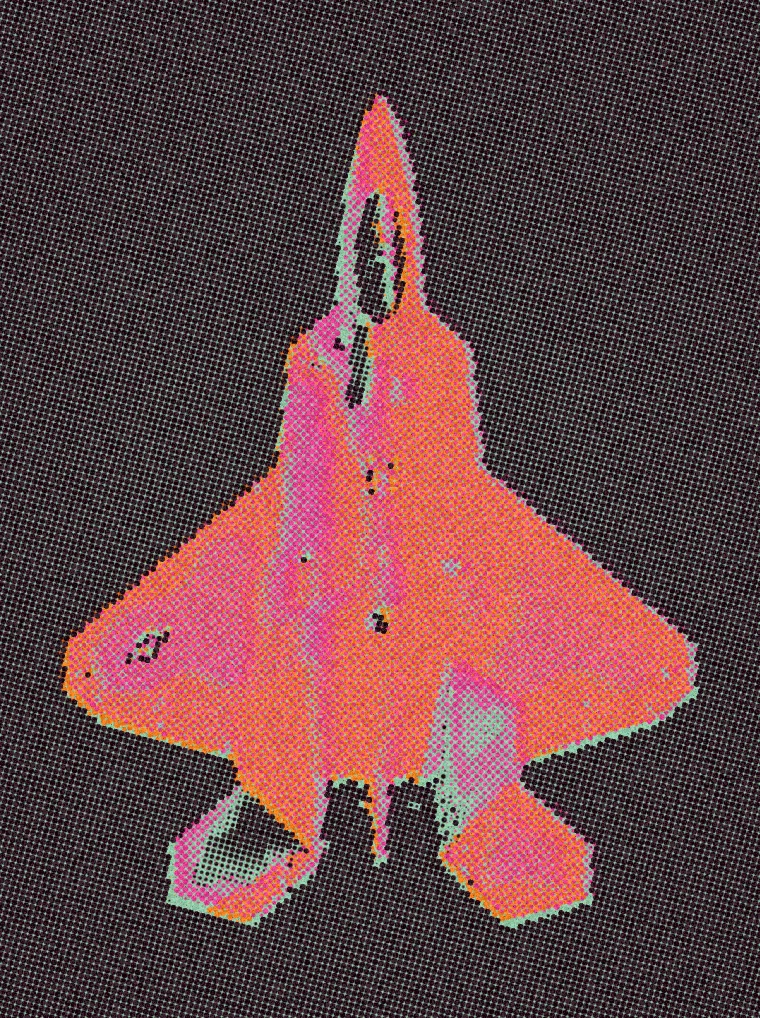


Export what you need
Stills, video and vectors from the same canvas.
Stills
PNG with transparency, up to 8K on Pro.
Video
MP4 on every plan, plus transparent animated PNG on Creator and up.
Vectors
Real paths you can edit, on Creator and up.
Up to 720p on Free, 4K on Creator and 8K on Pro. See pricing
Nexus in your other apps
Sign in and every effect you've made comes with you, with the same settings everywhere.
Questions, answered
No. The web editor runs right in your browser. The plugins are separate, for when you want the same effects in your other apps.
PNG and MP4 video on every plan, plus real editable SVG and transparent animated PNG on Creator and up. Stills and video go up to 720p on Free, 4K on Creator and 8K on Pro, and Free video carries the Nexus mark.
Yes. Keyframe any setting, from a slider to a color, and export the result as MP4 video.
Yes. Drop in a clip and every effect runs on each frame, then export it as MP4.
Yes. Every effect runs with the same settings in the web editor and in the plugins. The web editor adds the canvas, video, keyframes and vectors around them.
Yes, with Create on Creator and Pro. Describe a look or drop in a reference, and it lands in the editor as a new effect with its own controls.