Circuit Board Effect
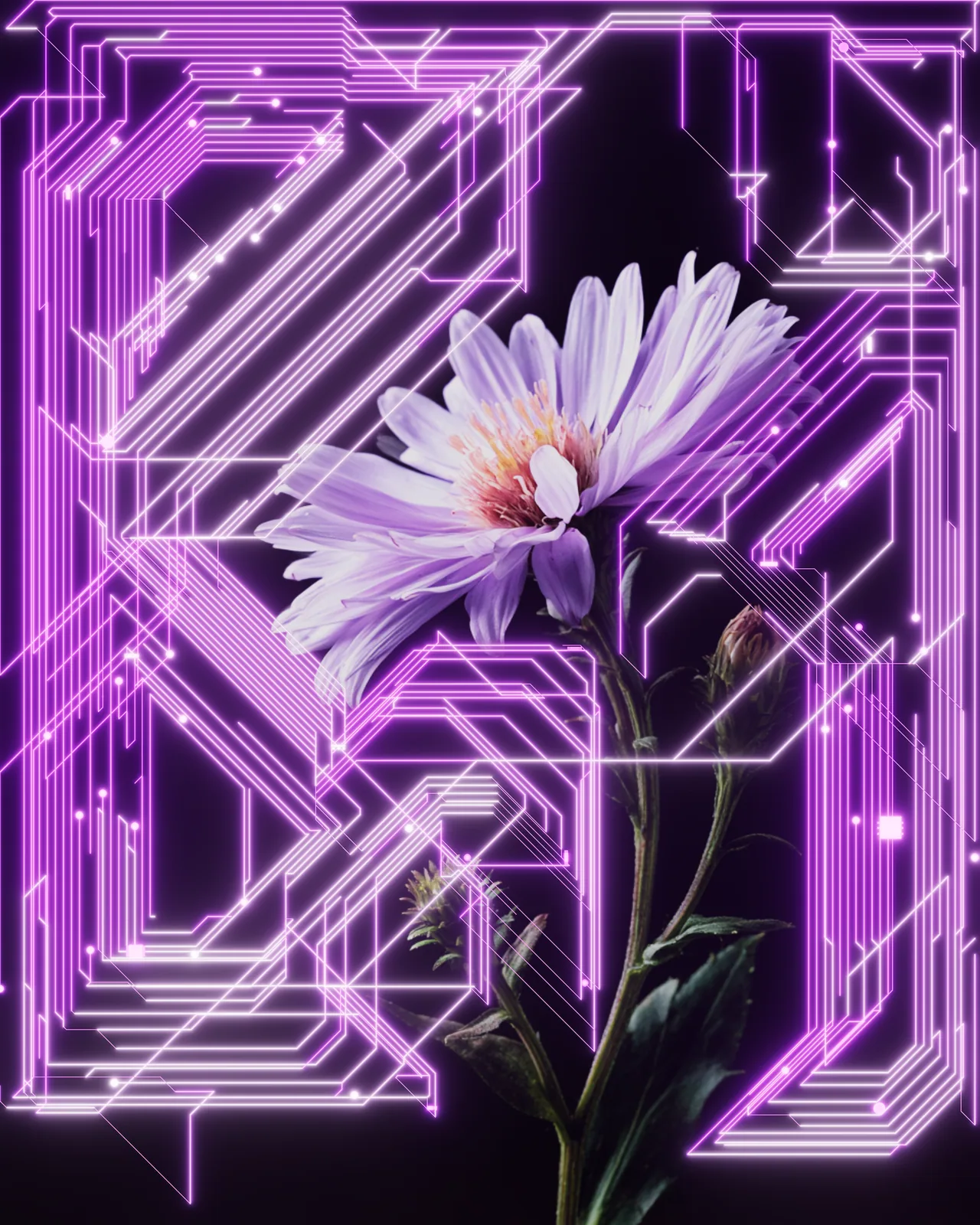
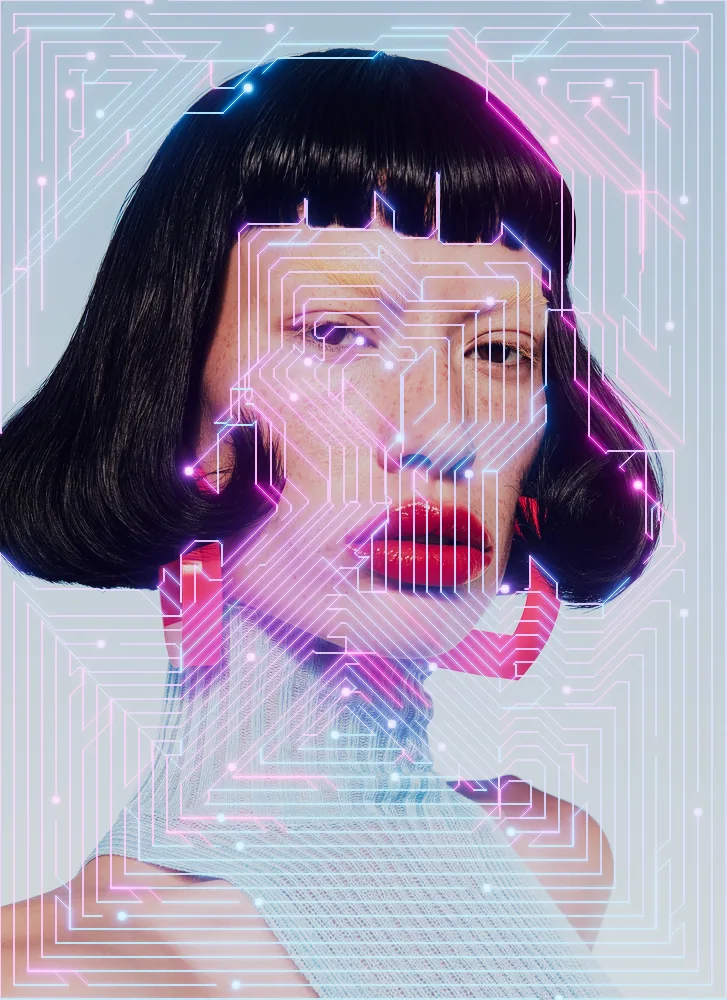
Builds a network of glowing circuit traces, pads and components from the shapes and brightness in your picture.

Also a standalone Photoshop plugin: Node + Circuit Machine
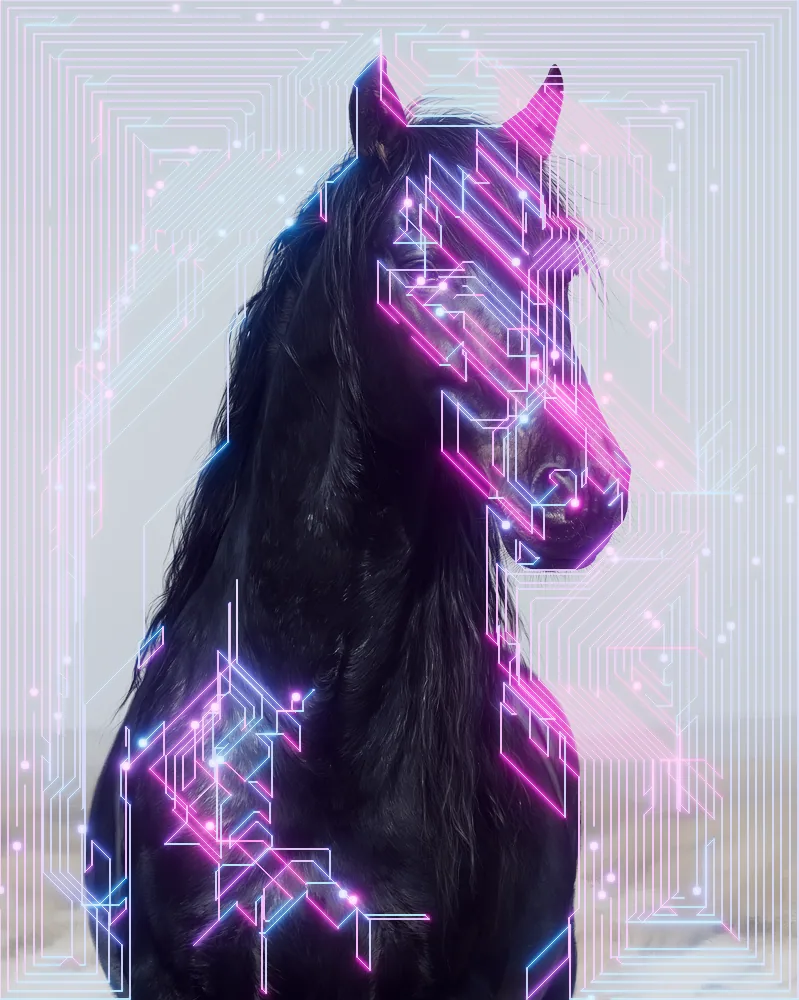
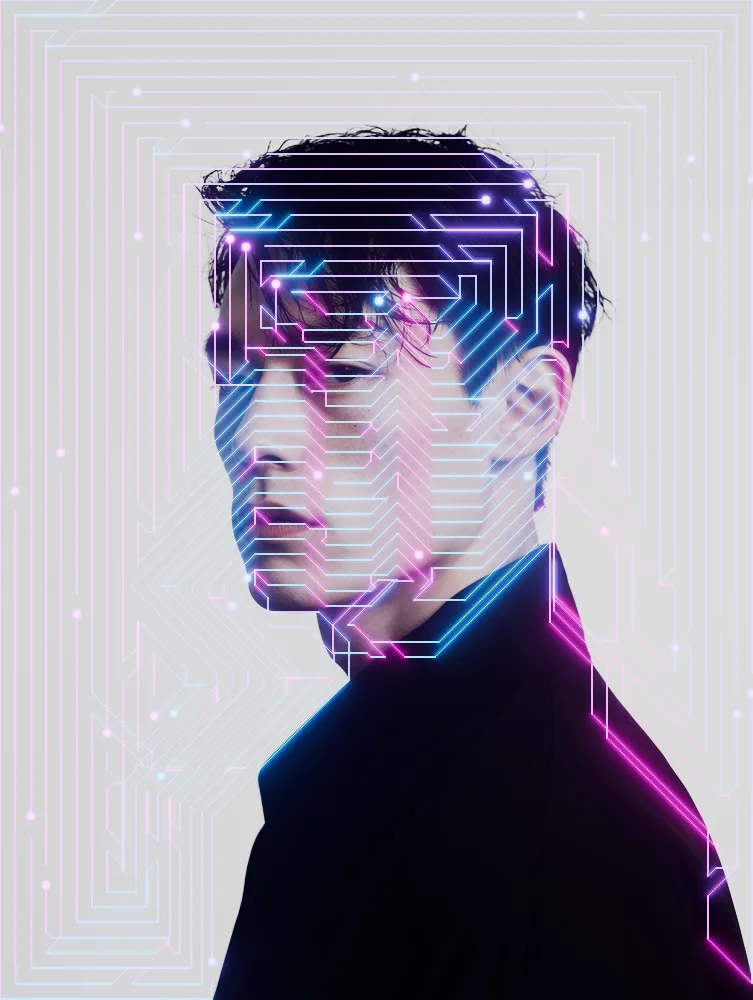
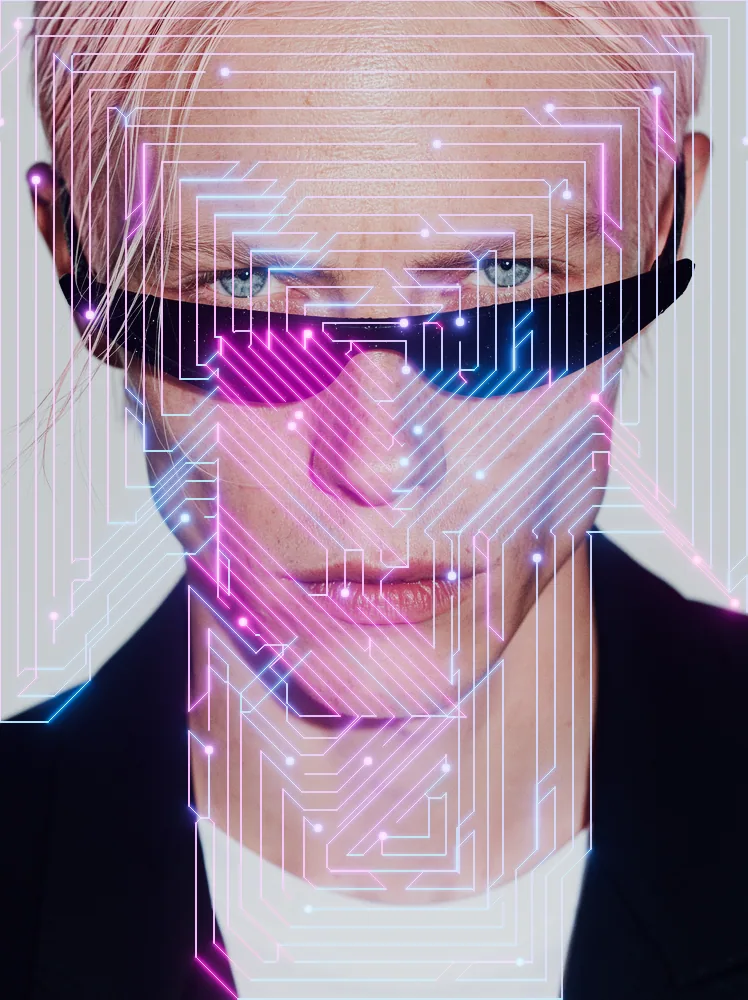
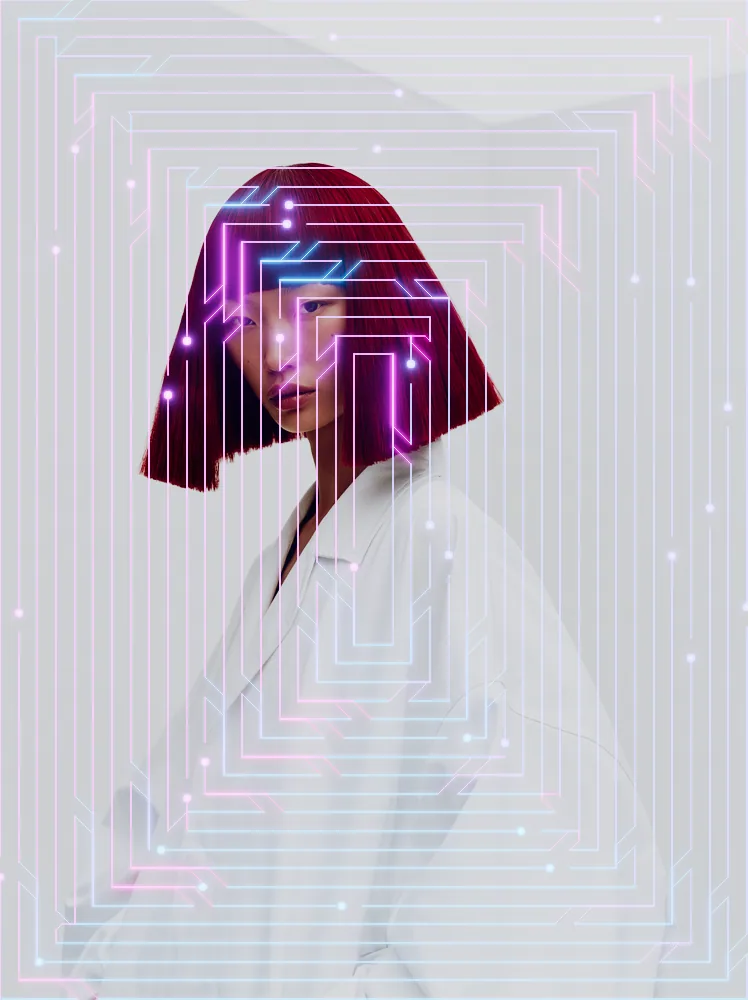
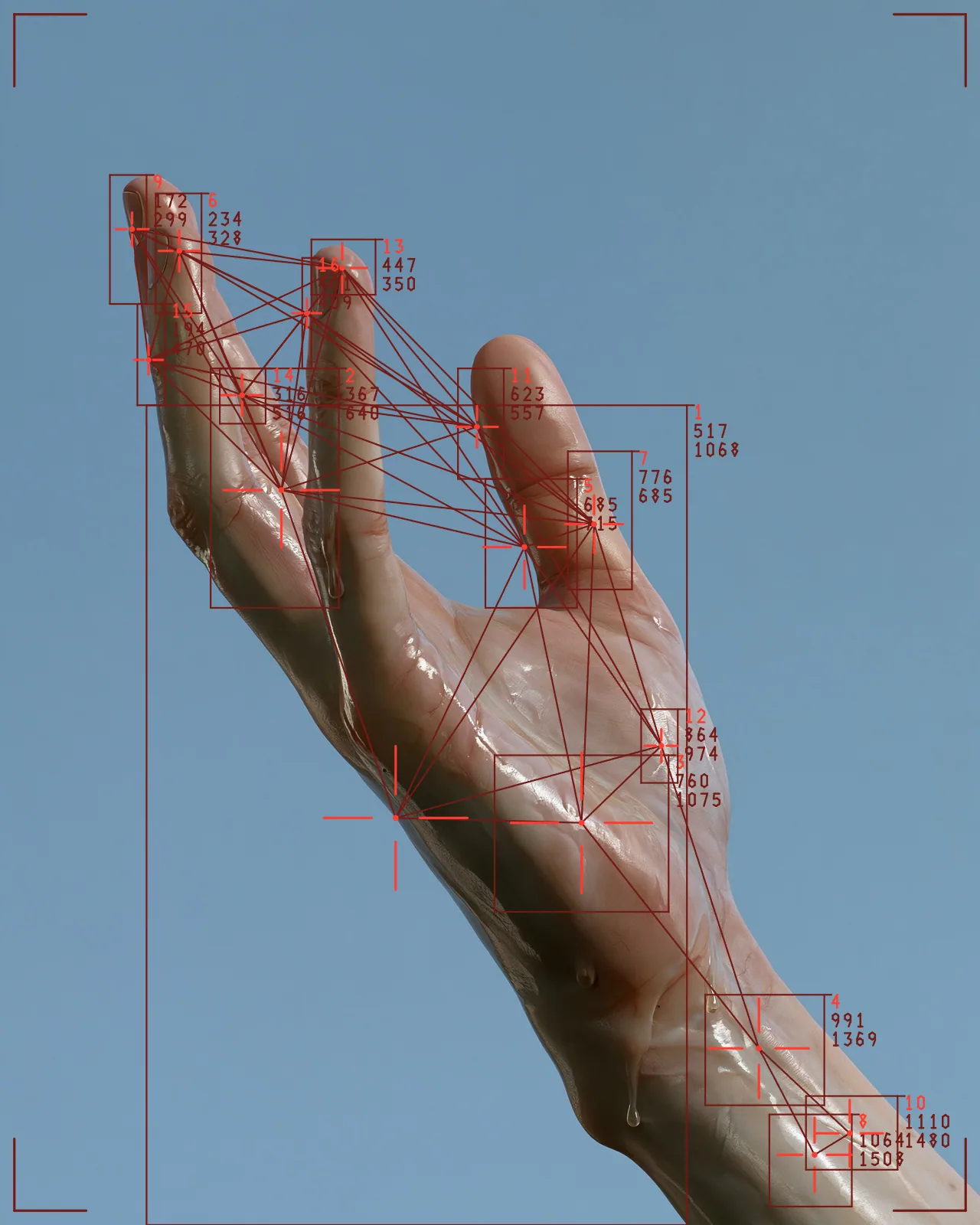
The circuit board effect reads your picture through a brightness threshold and grows a circuit from it: traces, solder pads and small components, output as vector shapes. The look starts with diagonal traces in rings, a purple gradient and a soft glow. You can change the routing, trace count, colors, glow and seed.
Made with this effect
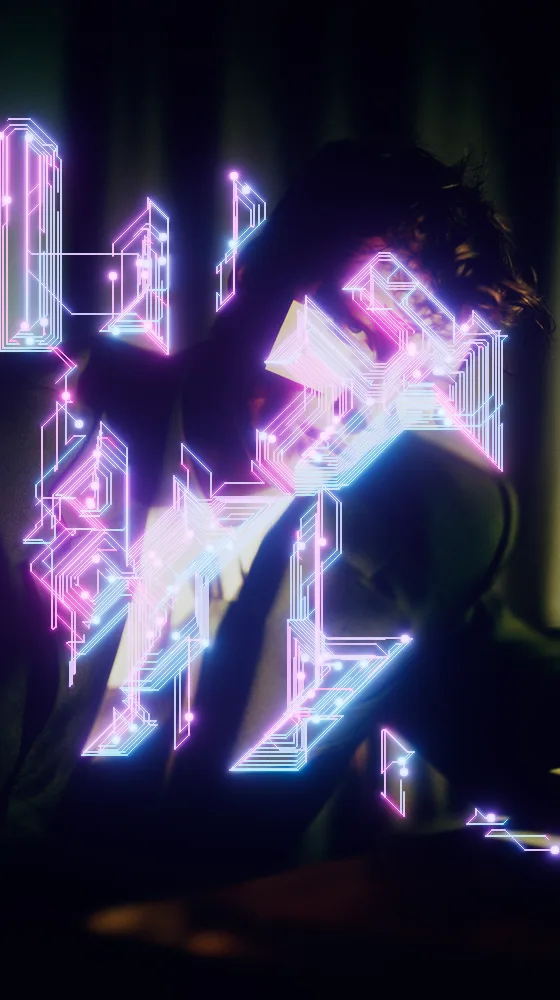
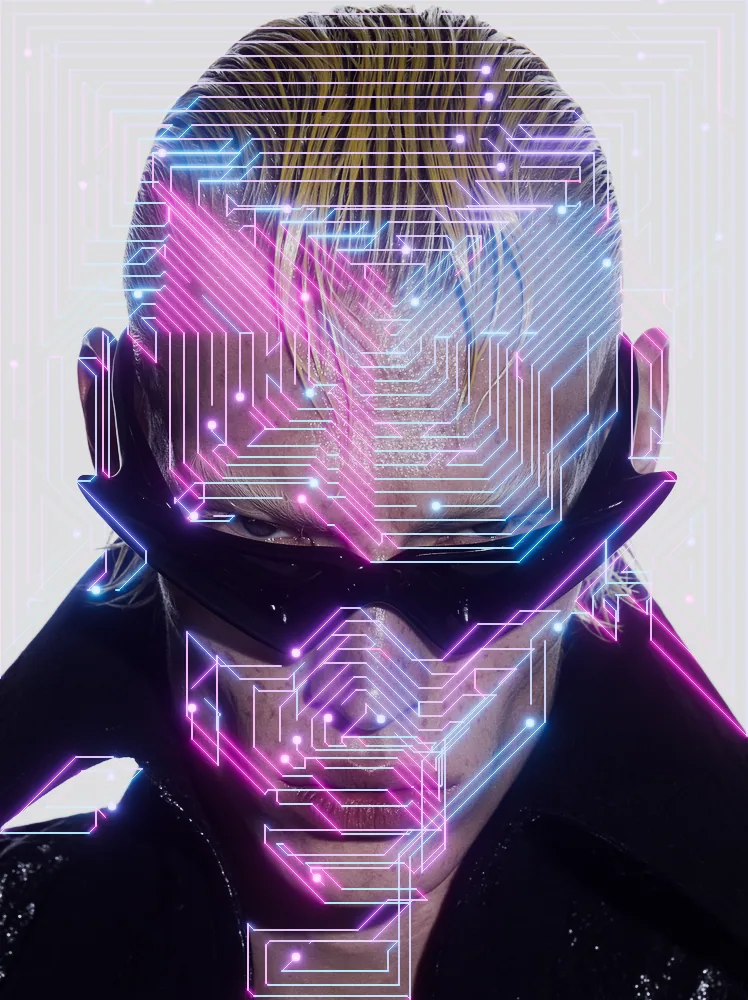
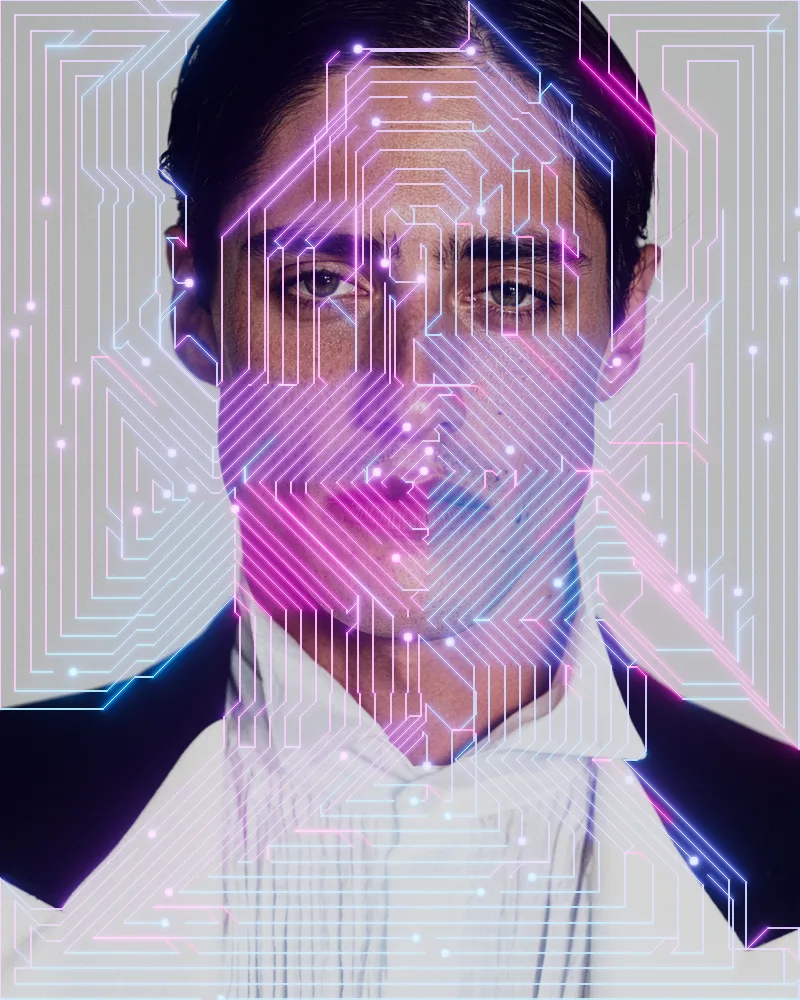
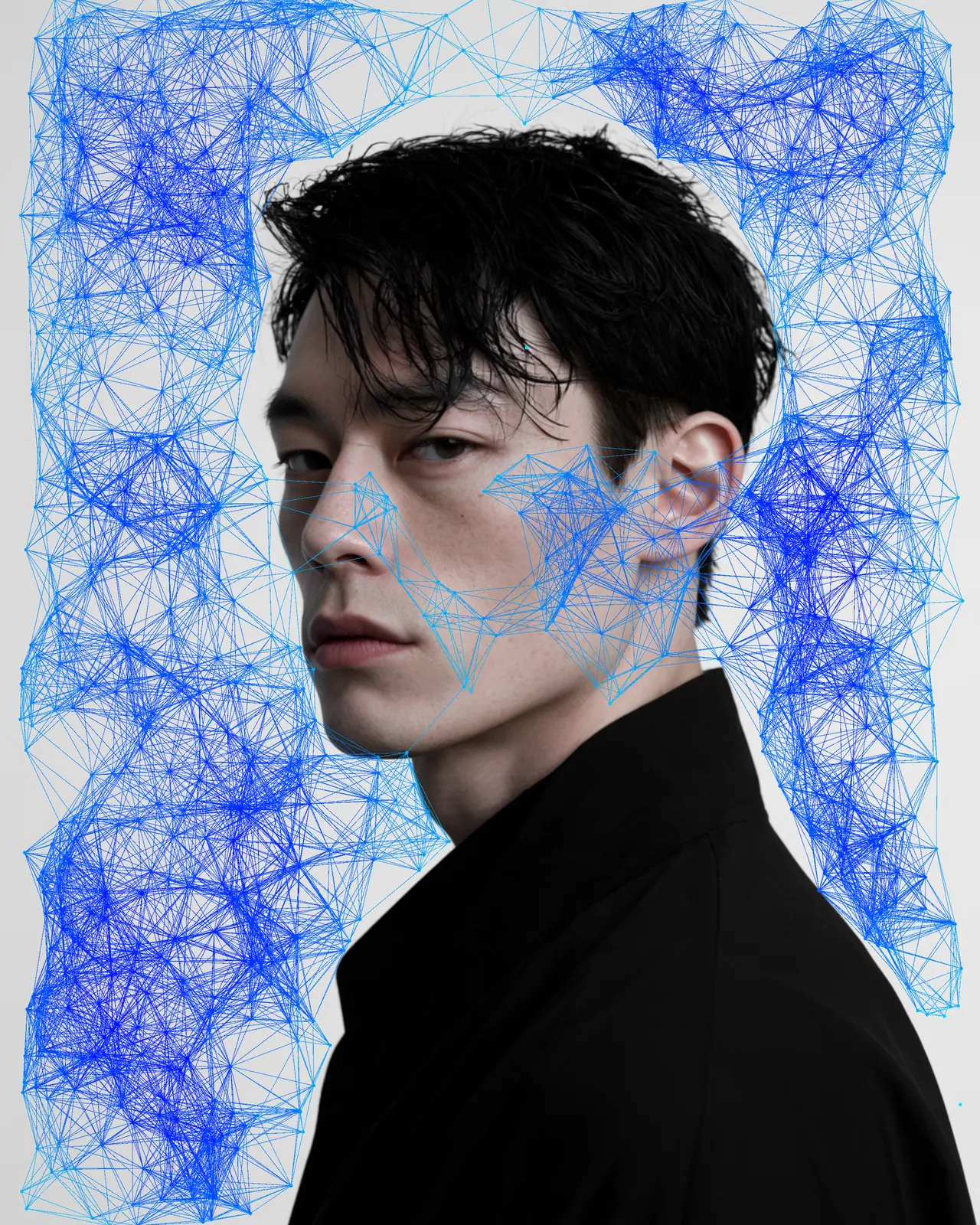
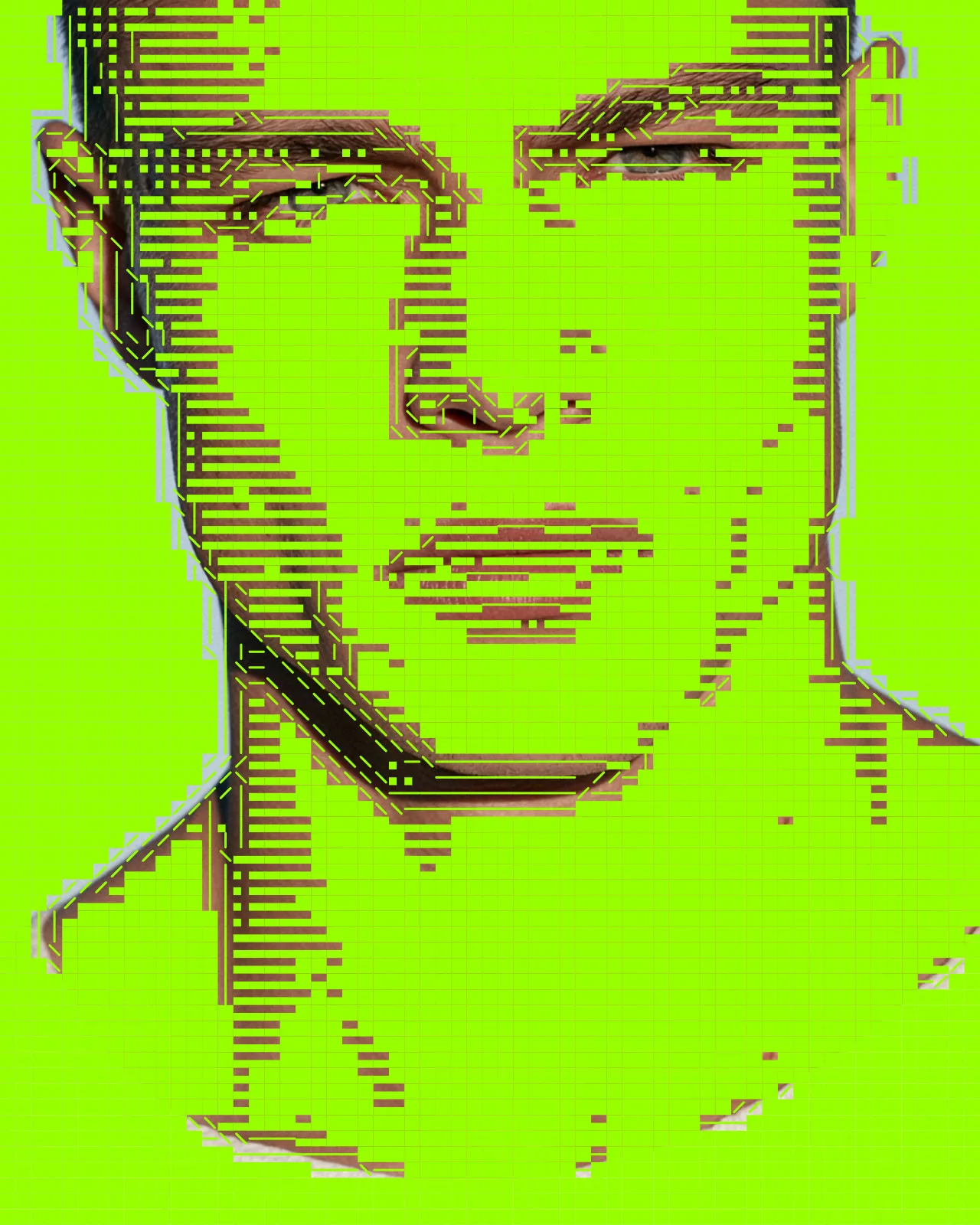
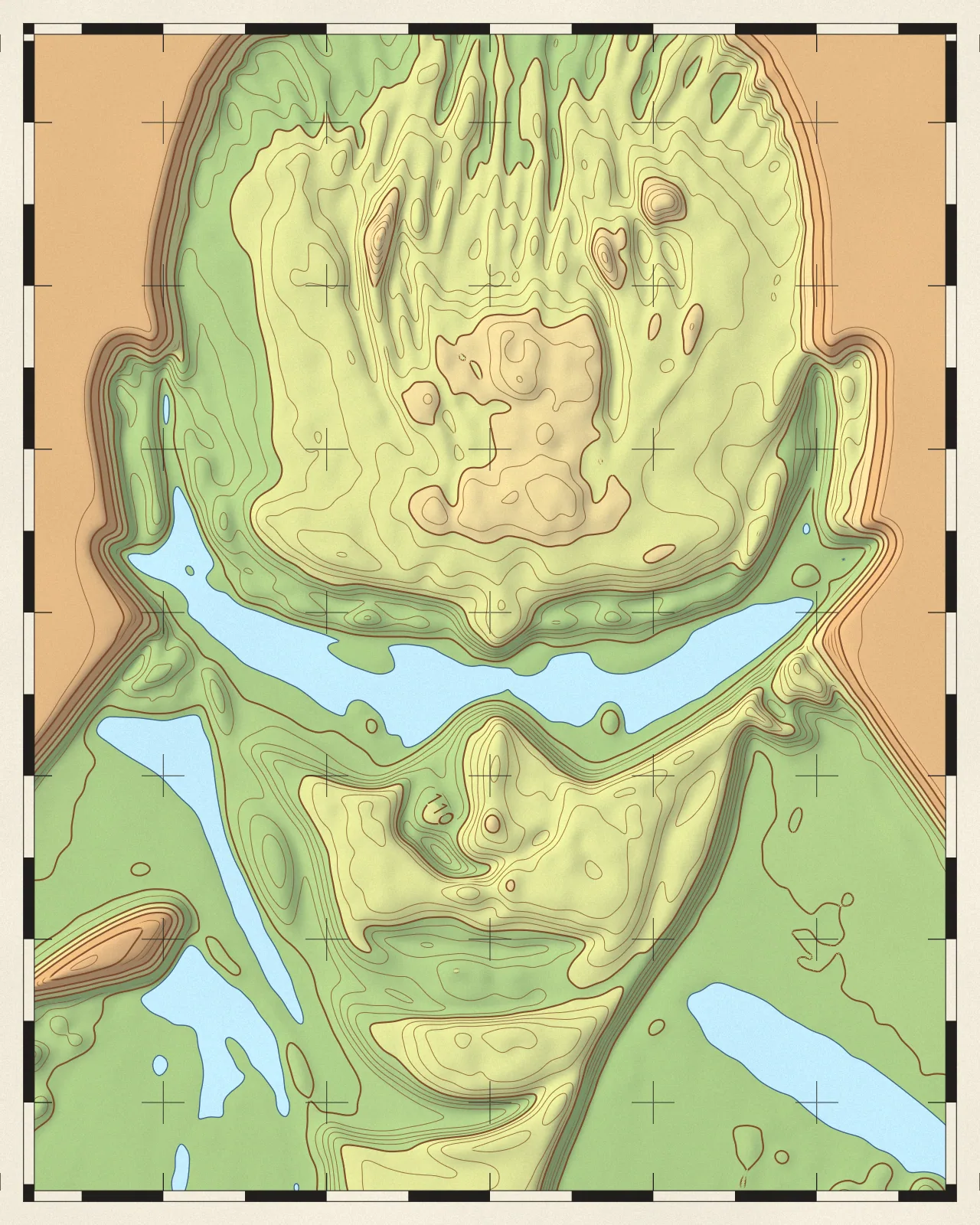
The same look on 12 different photos. Try it on yours




Use Circuit Board Effect in Photoshop, After Effects, Illustrator, Affinity or Figma
The plugins are free with an account. Paid plans add bigger renders and your own filters. See pricing
Photoshop
Apply it as a Smart Filter on a Smart Object, then double-click to change it.
After Effects
Drop it on any layer as a native effect and keyframe every control on the timeline.
Illustrator
Use a selection as the source and get back native vector paths or an embedded image.
Affinity
Open Filters > Plugins > Nexus, pick the look and apply it to a pixel layer.
Figma
Select a frame or image, run the look, and the result drops back into your file.
Settings worth touching
- Routing
- Sets how traces travel: free, strict with no crossings, directional, following flow, or in rings. Traces (rings) gives nested looping paths.
- Threshold
- Decides which parts of your picture carry the circuit. Pair it with Mask Source and Invert to move traces into dark or bright areas.
- Color Mode
- Colors traces with one fixed color, colors sampled from your picture, or a gradient mapped to brightness, position, trace length or flow.
Frequently asked questions
How do I make a circuit board animation in After Effects?
Apply Nexus to a layer as a native effect, then keyframe controls such as Traces, Loops, Glow Strength or Seed on the timeline so the circuit changes over time.
How do I add the circuit board effect in Photoshop?
Nexus for Photoshop renders it as a new layer or a live Smart Filter, and is free with a Nexus account. If you only want this engine, Node + Circuit Machine from Synkit is a standalone Photoshop plugin.
Can I use it as a circuit board background?
Yes. The output is vector shapes, so the web editor exports it as SVG on the Creator plan, and Illustrator and Figma bring it in as native vector paths you can scale and edit.
Can I try the circuit board effect for free?
Yes. Open the look in the Nexus web editor and try it on your own image without an account. Exporting needs a free account, which exports images up to 720px and video up to 720px with the Nexus mark.
How do I get a different circuit layout?
Change the Seed. It gives a new arrangement of components and traces while your other settings stay the same, so you can try layouts until one sits well with your picture.


Try Circuit Board Effect in your browser
Free to try. Exporting needs a free account.