Knit Effect
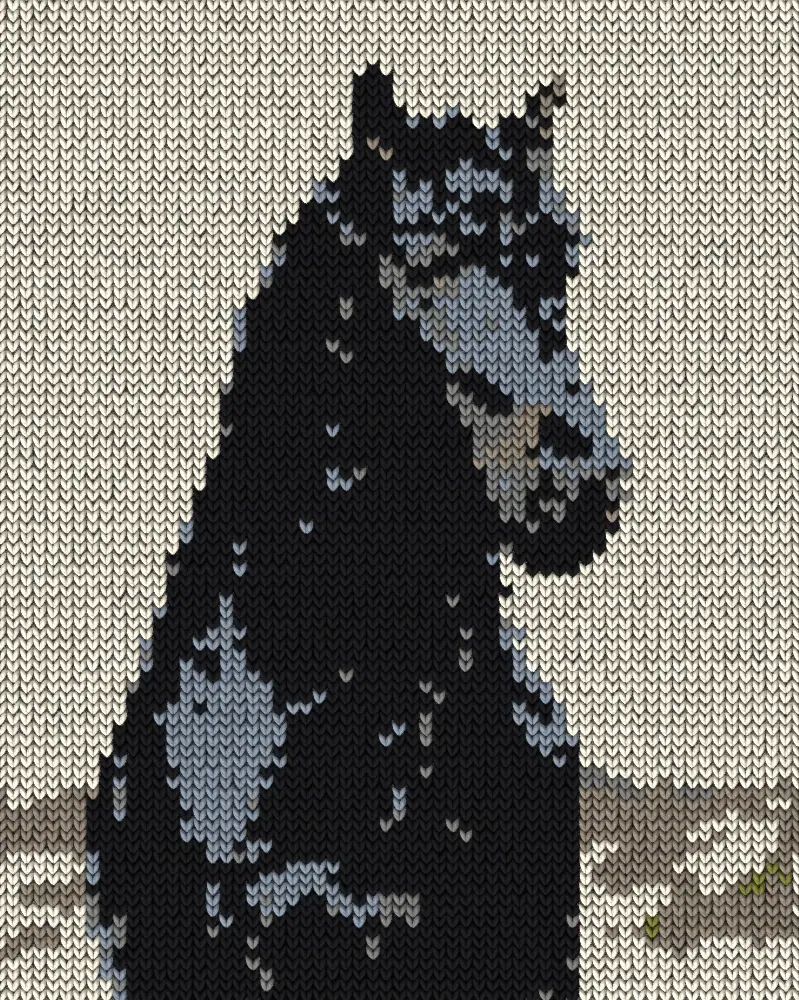
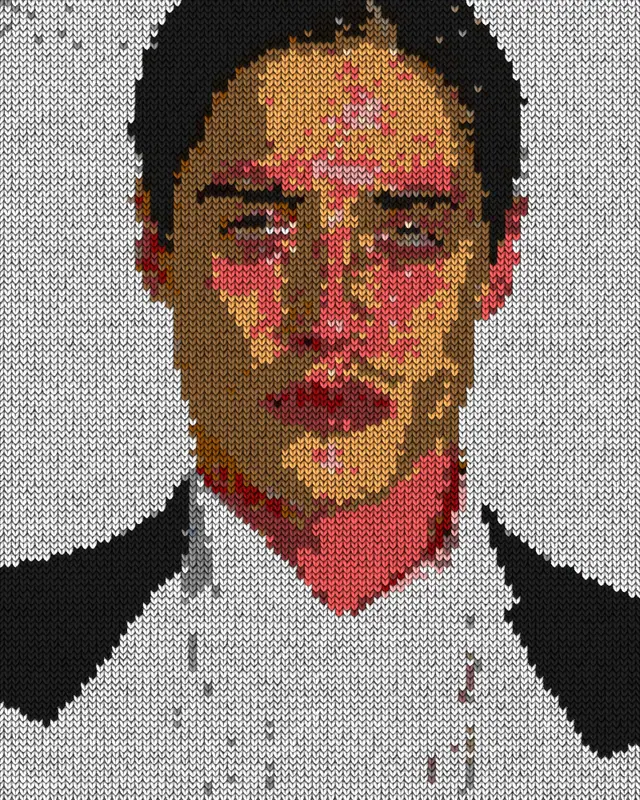
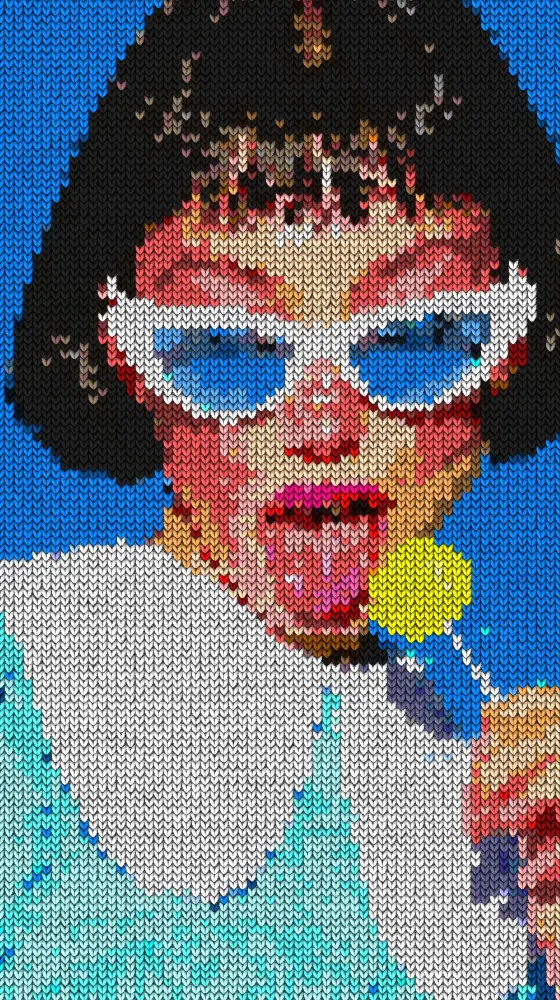
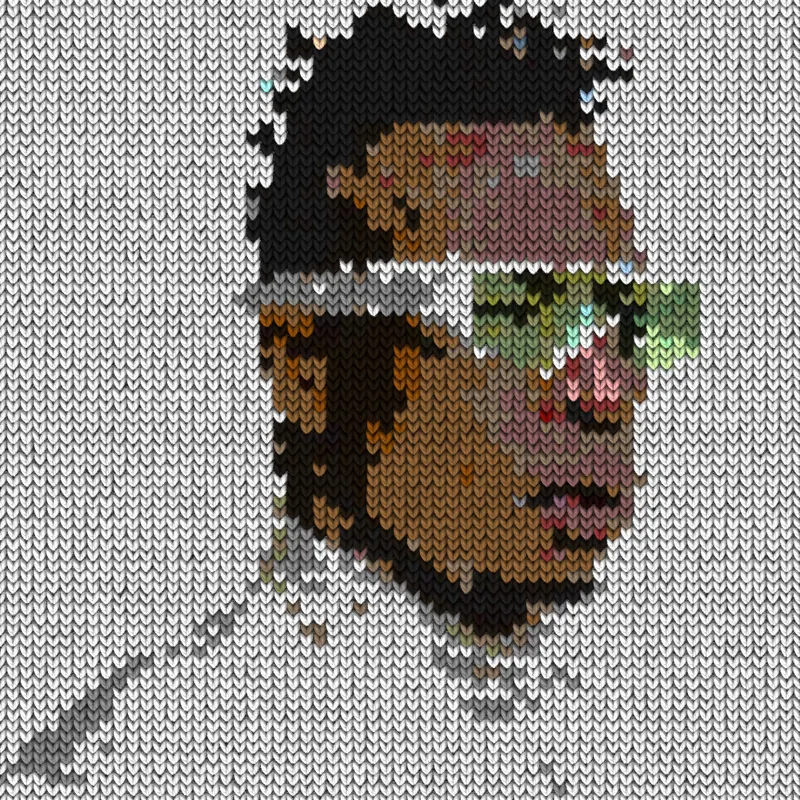
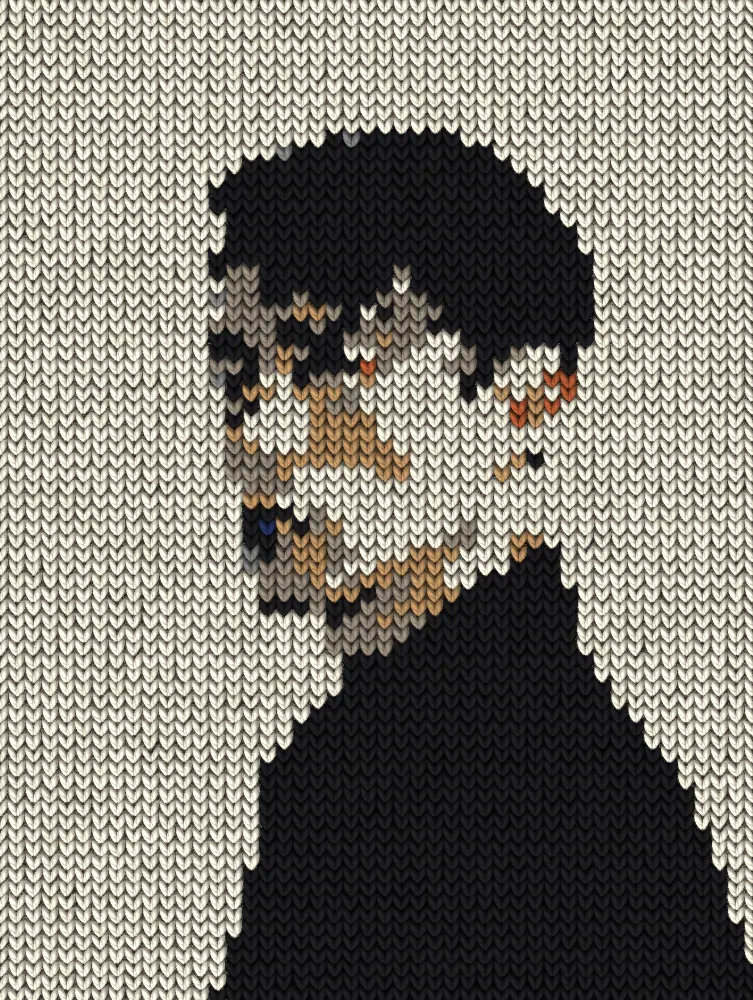
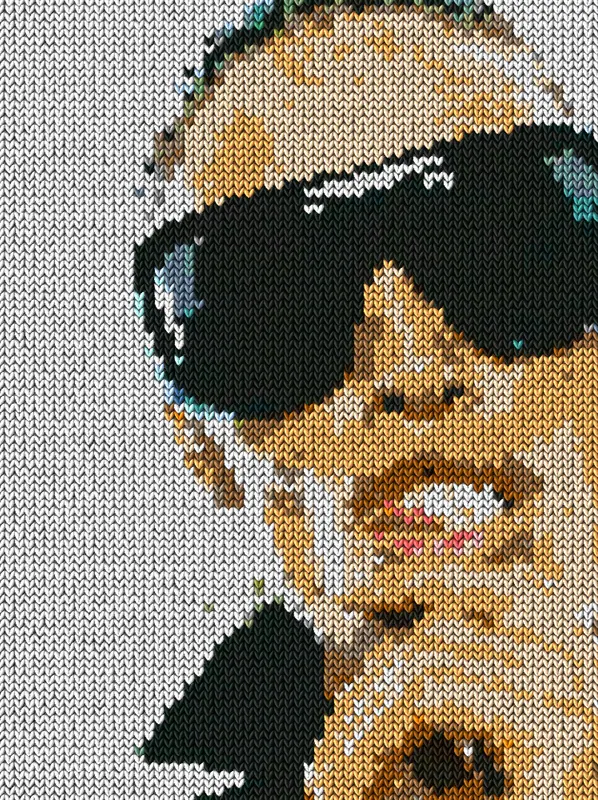
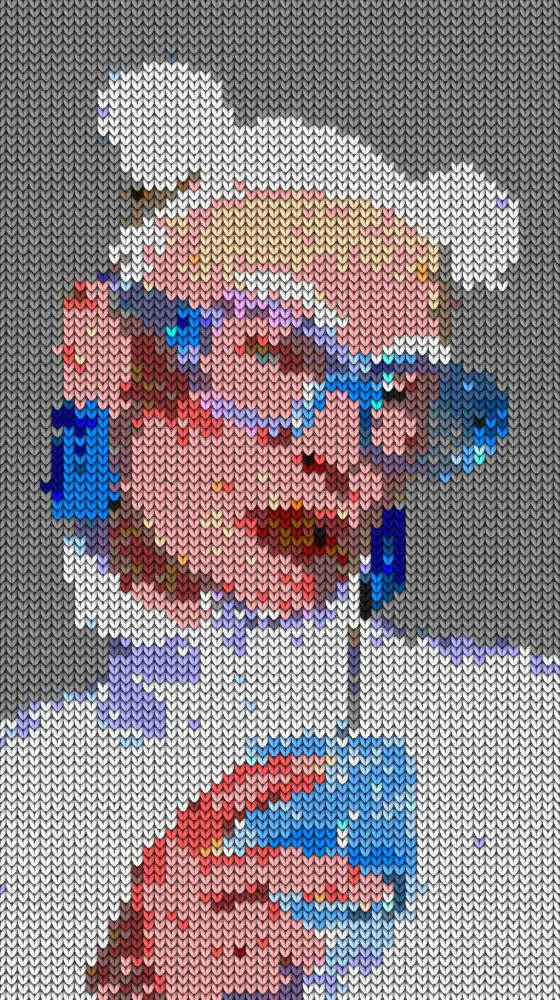
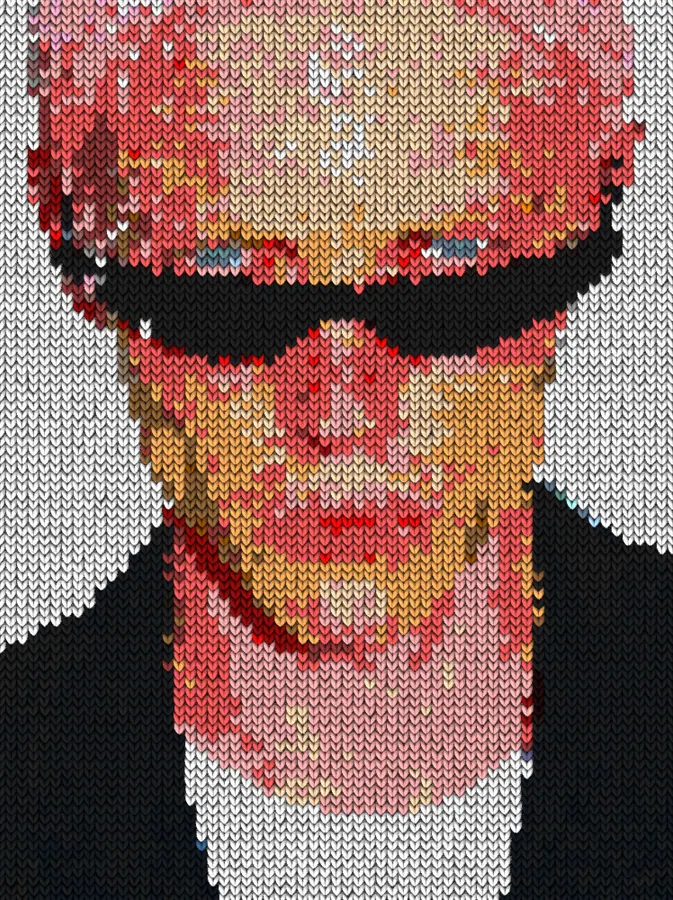
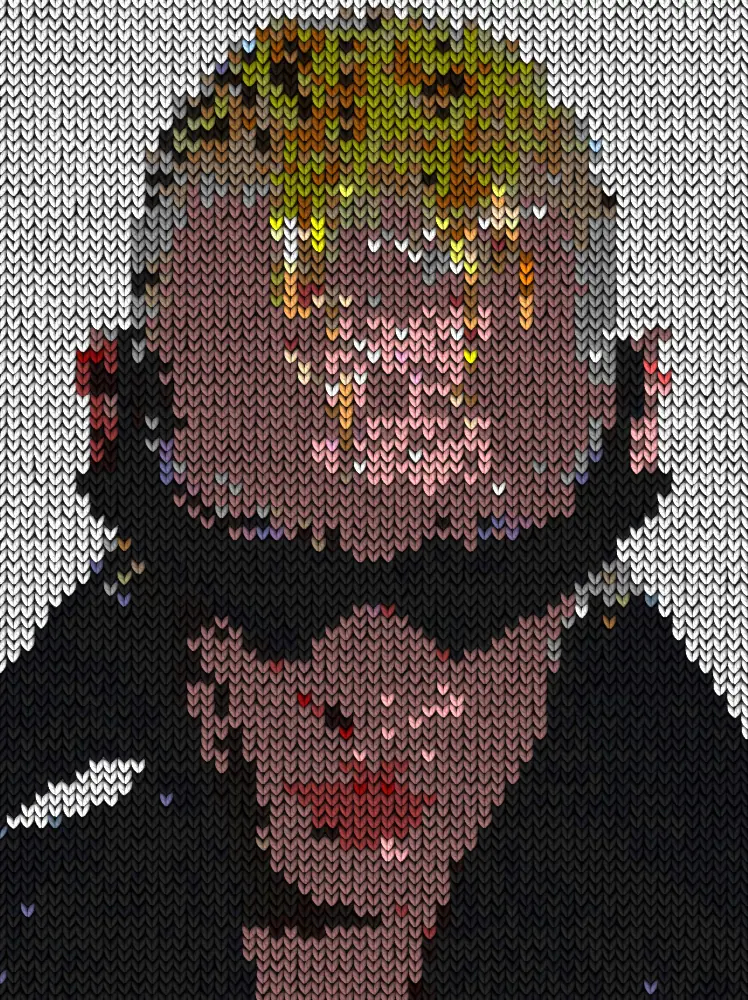
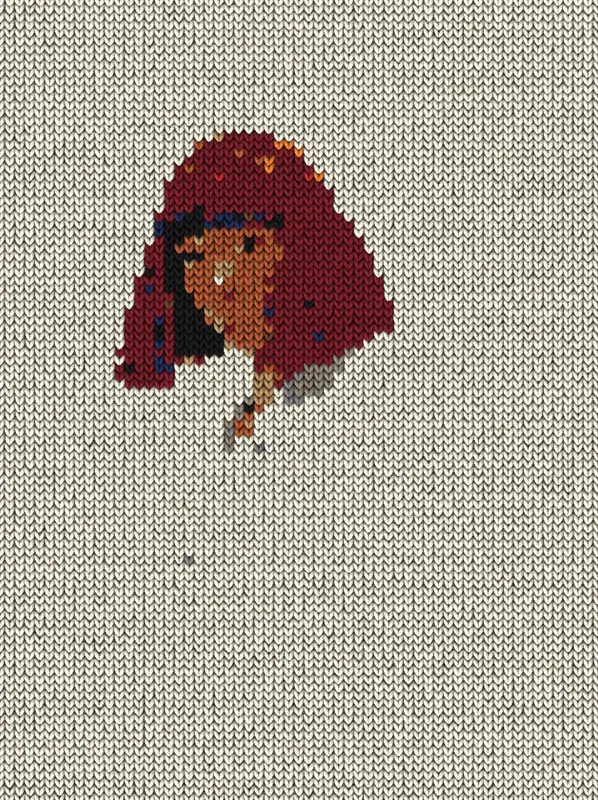
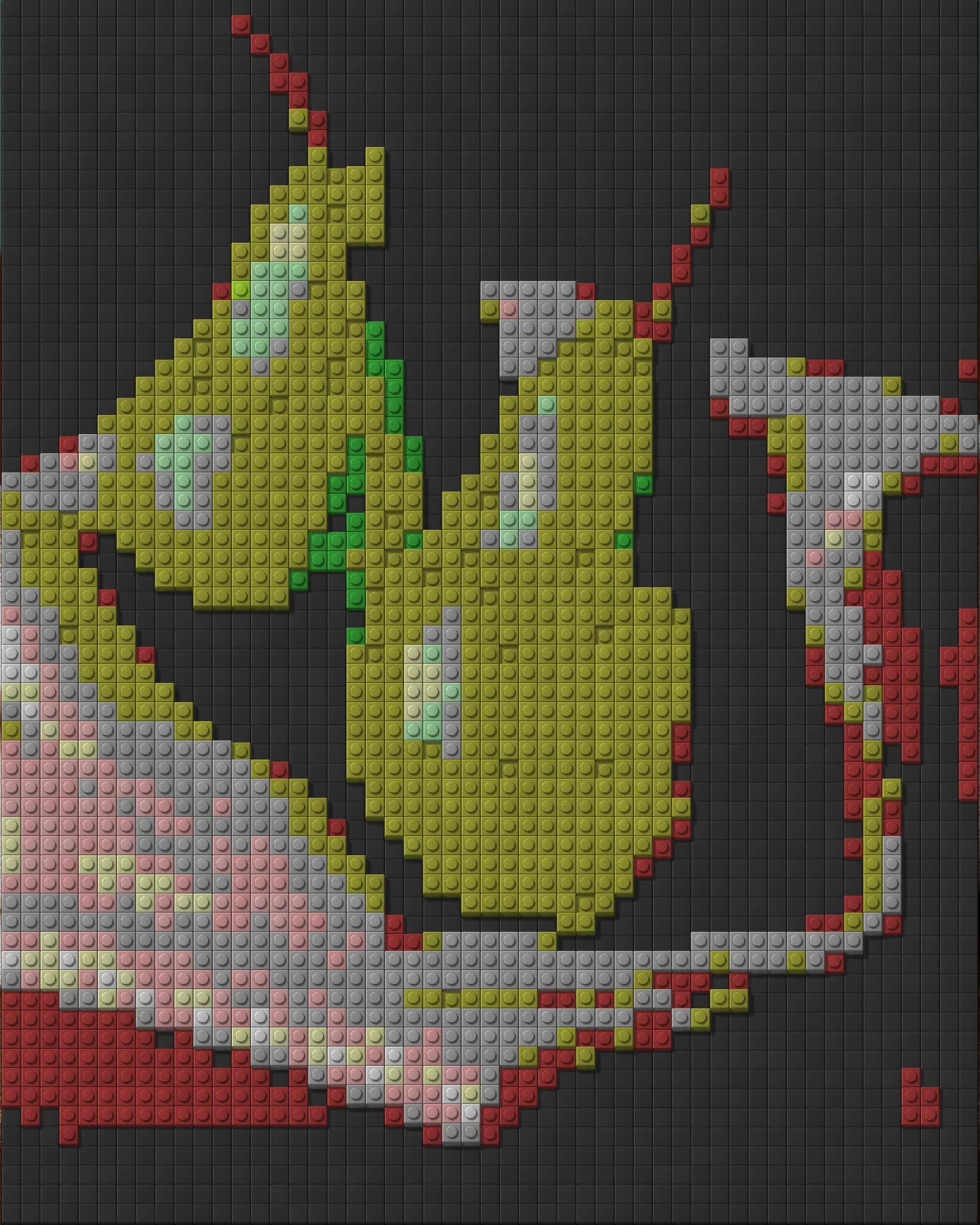
The knit effect rebuilds any picture as a wool sweater, with V-shaped stitches, fuzzy fibers and shadows between the loops.
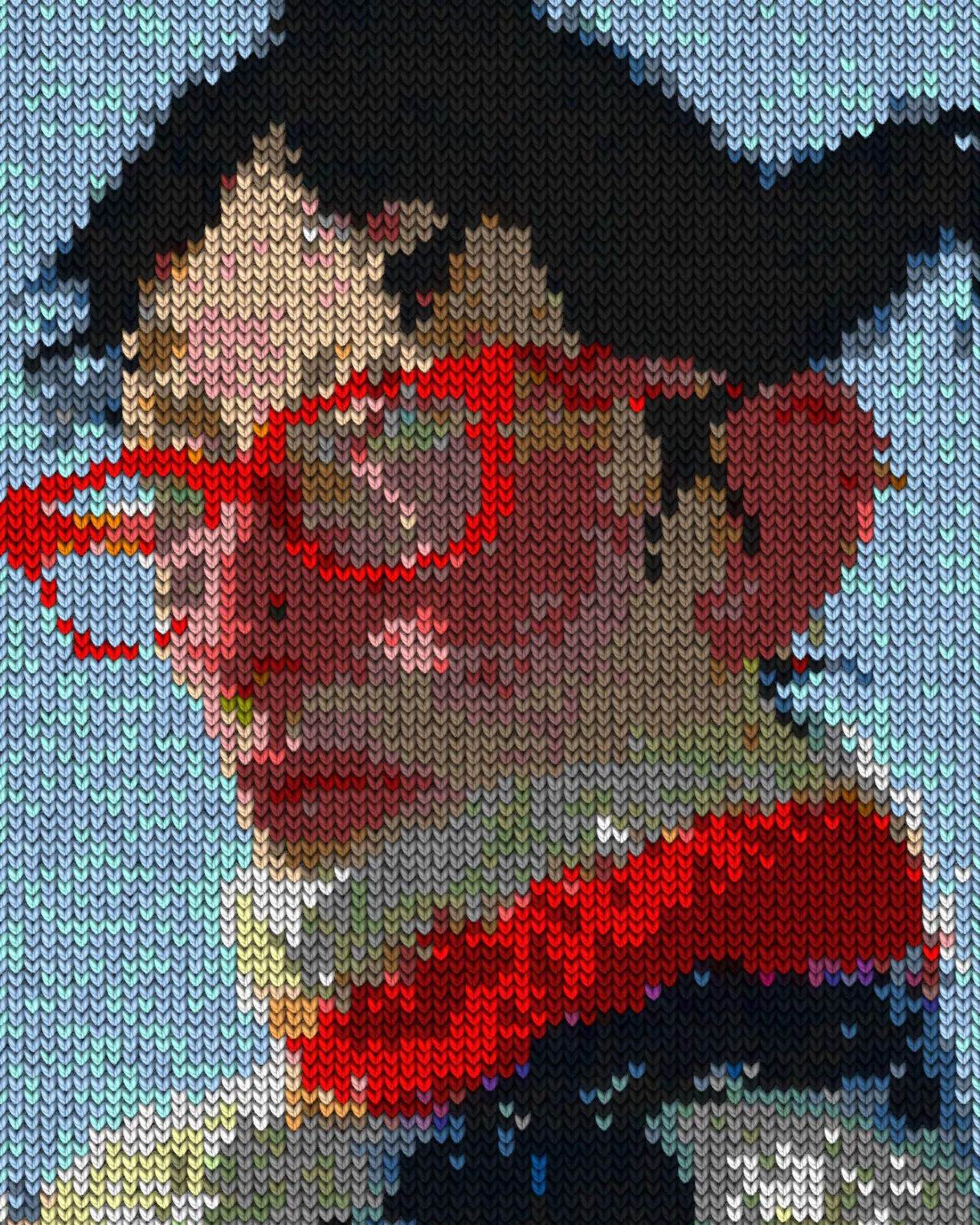
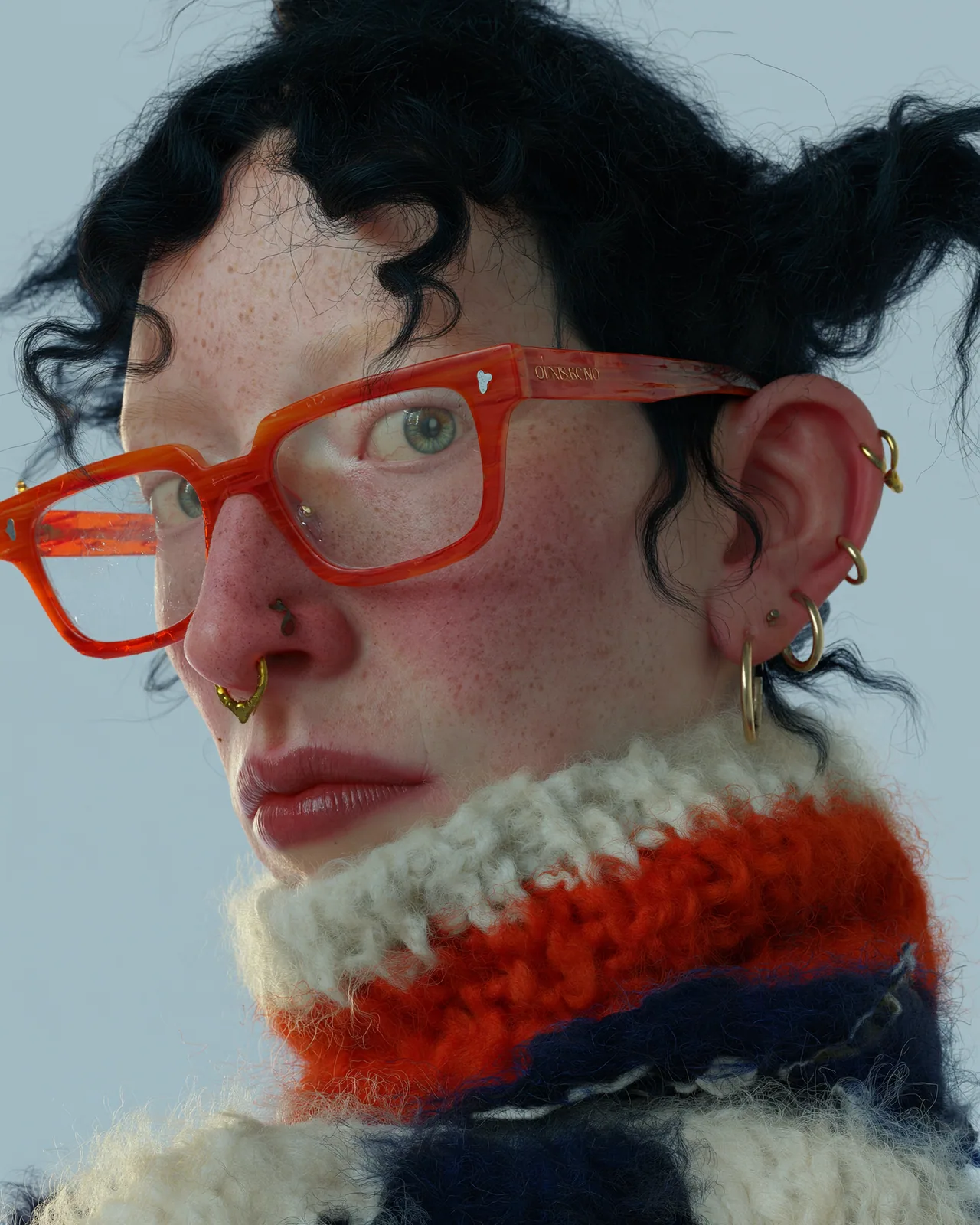
The knit effect turns any image into knitted fabric. Each stitch is a plump wool V with twisted plies and fuzz, and colors snap to a small set of yarns taken from wool shades, your source or a gradient. You can change stitch size, lighting, yarn count and how hand-made the rows look.
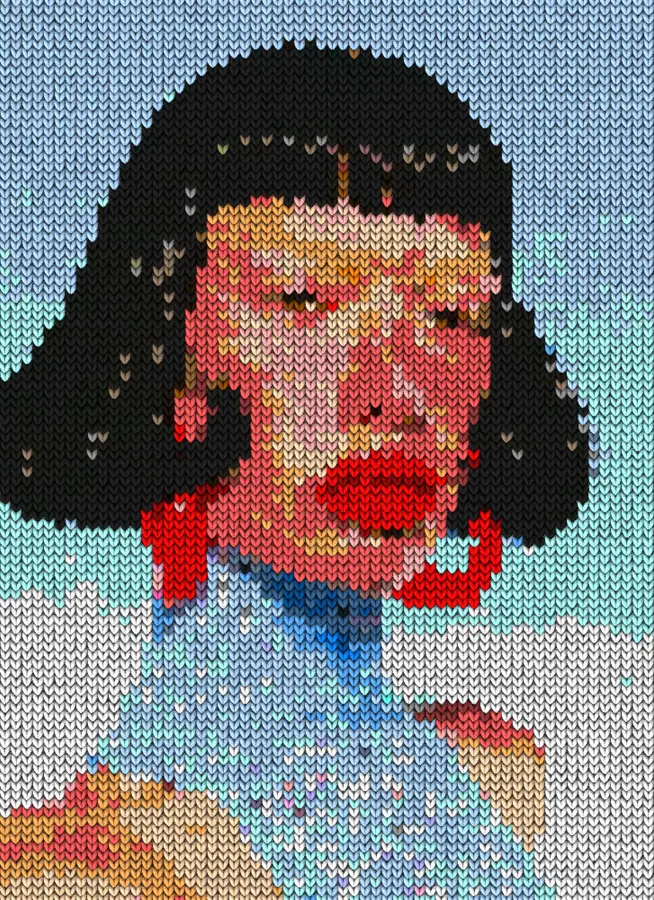
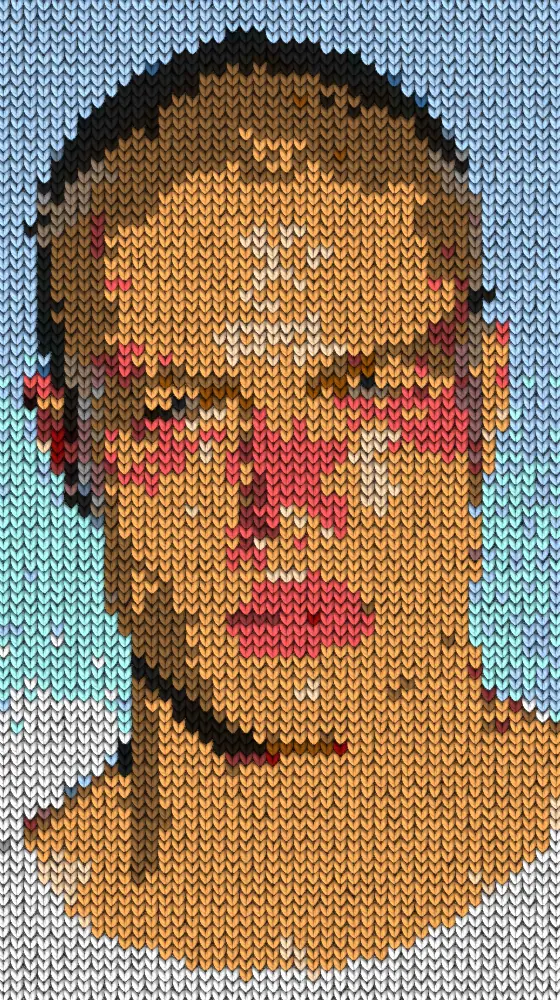
Same effect, different settings
12 photos, each with its own settings. Try it on yours
Use Knit Effect in Photoshop, After Effects, Illustrator, Affinity or Figma
The plugins are free with an account. Paid plans add bigger renders and your own filters. See pricing
Photoshop
Apply it as a Smart Filter on a Smart Object, then double-click to change it.
After Effects
Drop it on any layer as a native effect and keyframe every control on the timeline.
Illustrator
Use a selection as the source and get back native vector paths or an embedded image.
Affinity
Open Filters > Plugins > Nexus, pick the look and apply it to a pixel layer.
Figma
Select a frame or image, run the look, and the result drops back into your file.
Settings worth touching
- Stitch Size
- Sets how big each stitch is. Smaller stitches keep more detail, larger ones give a chunky, coarse sweater.
- Yarn Colors
- Sets how many yarns the picture snaps to, from 2 to 8. The look starts at three for a bold, limited palette.
- Hand Knit
- Adds the unevenness of hand-made rows. The look starts near full, so stitches wobble. Lower it for a tidy machine knit.
Frequently asked questions
How do I add a knit effect in Photoshop?
Install Nexus for Photoshop, convert your layer to a Smart Object and apply the look as a Smart Filter. Double-click the filter any time to change stitch size, yarn colors or lighting.
Can I get a knitted texture in Illustrator as vectors?
No. The knit effect is pixels only. In Illustrator you store a selection as the source and the result comes back as an embedded image, not vector paths.
Can I animate the knit effect?
Yes. Keyframe the Knit slider from 0 to 1 and the sweater grows row by row. In After Effects every control can be keyframed on the timeline.
How do I keep my original colors in a knitted effect?
Set Yarn Palette to Source so the yarns come from your picture. Raise Yarn Colors for more shades, or switch to Wool shades for real wool tones or Gradient for your own colors.
Can I try the knit effect for free?
Yes. Open the look in the Nexus web editor and try it on your own image without an account. Exporting needs a free account, which exports images up to 720px and video up to 720px with the Nexus mark.


Try Knit Effect in your browser
Free to try. Exporting needs a free account.