Effects Affinity doesn't have
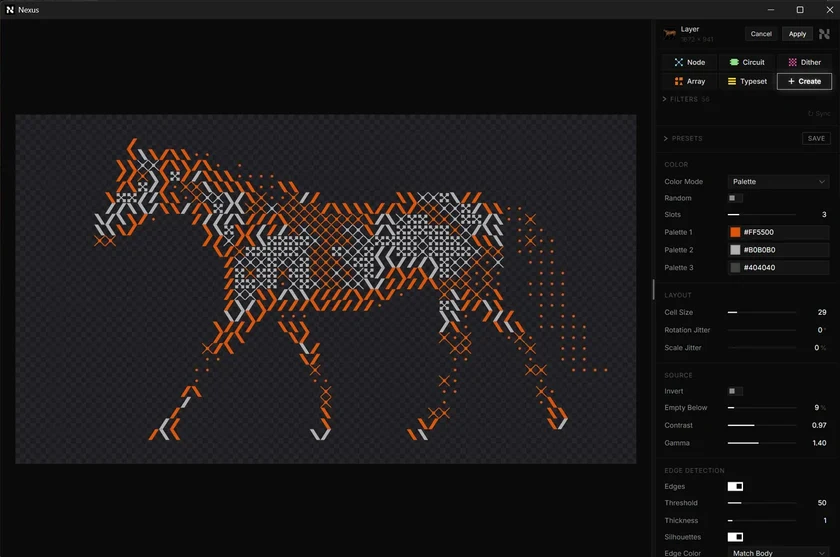
Open Nexus from the Filters menu, tune the look beside a live preview, and apply it at full size.
The plugins are free with an account. Paid plans add bigger renders and your own filters. See pricing

Affinity
A native filter.
Pick a look in the Nexus window and apply it to a pixel layer.




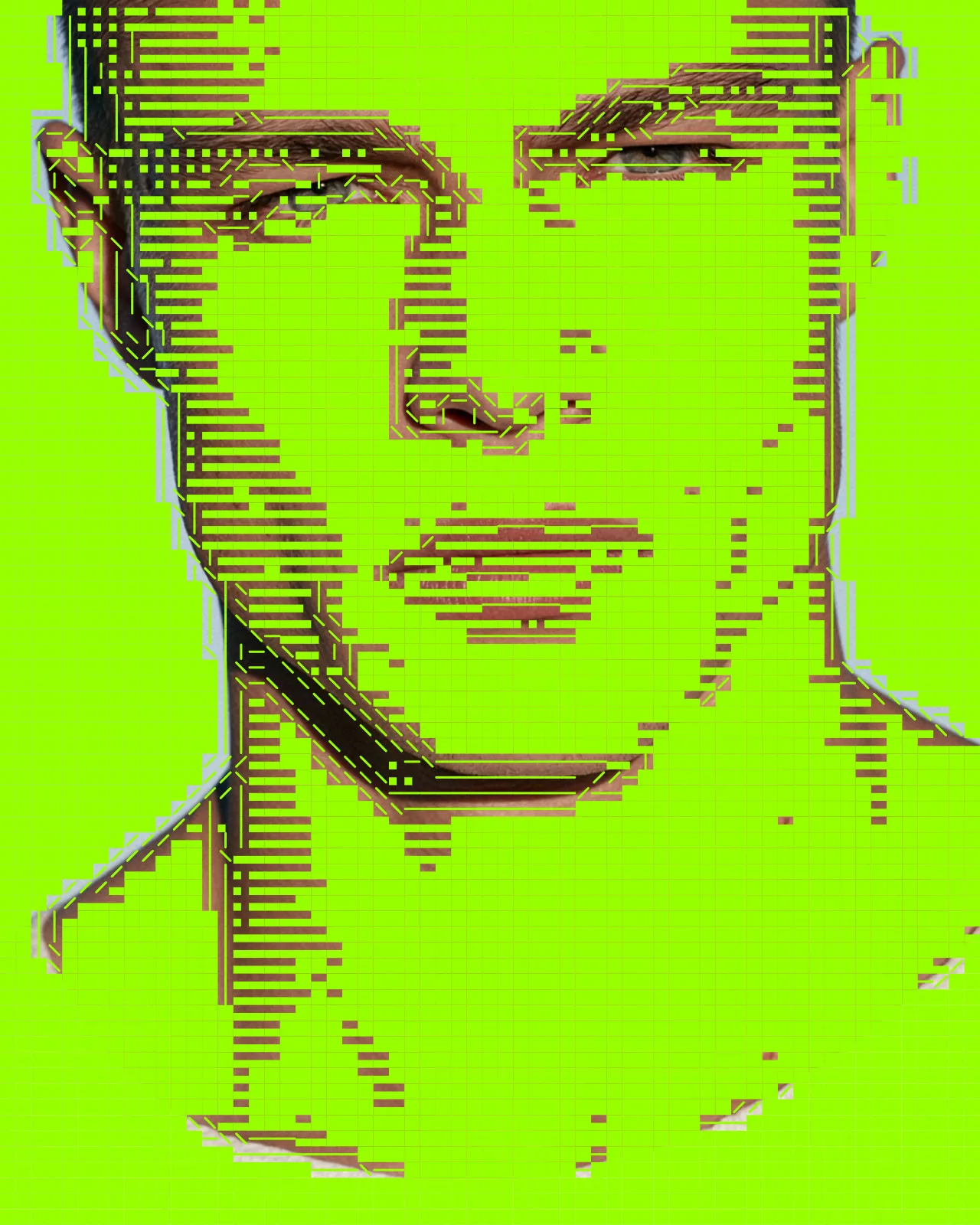
Every effect you get
- Risograph Effect
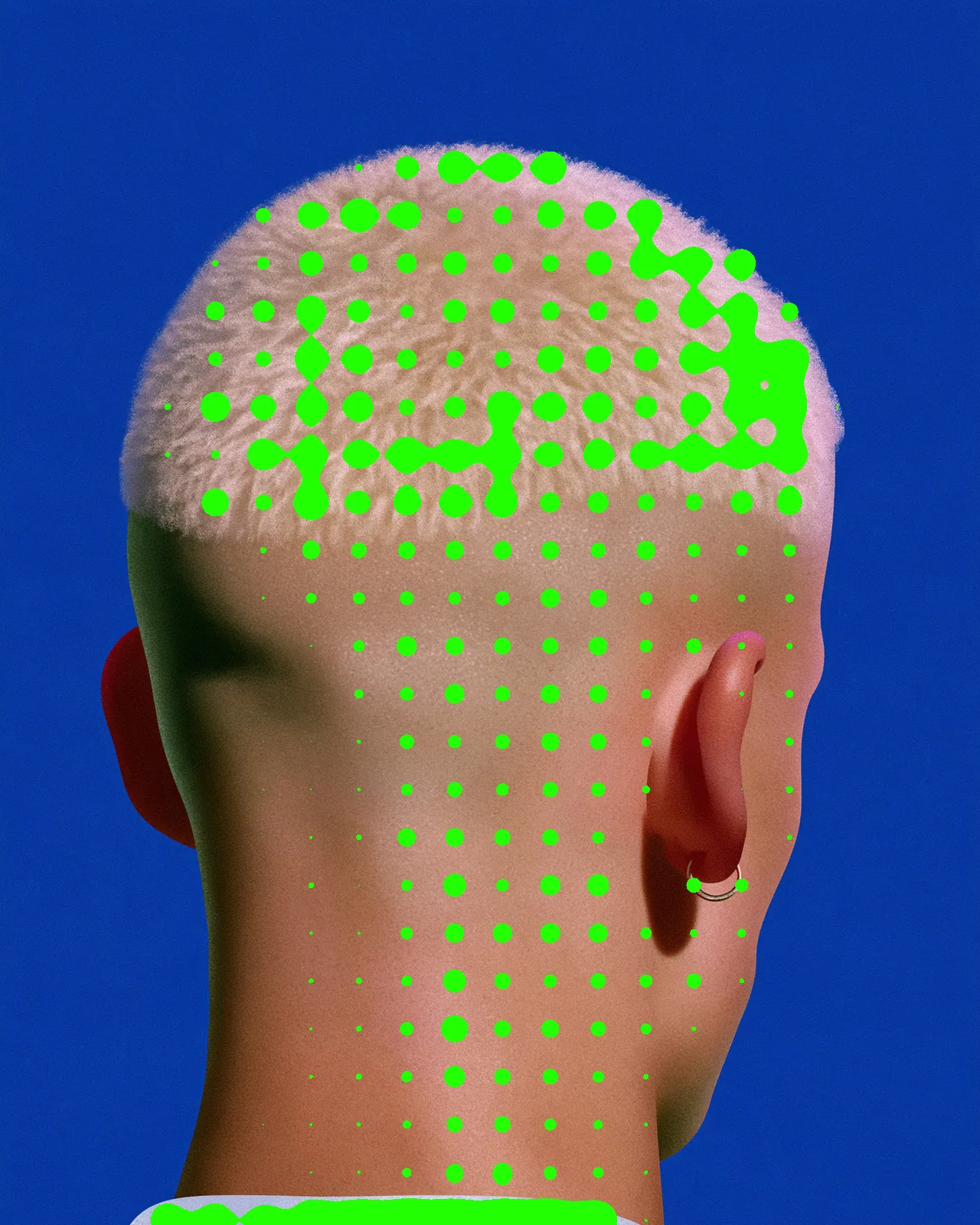
- Halftone Effect
- Dither Effect
- Metaball Effect
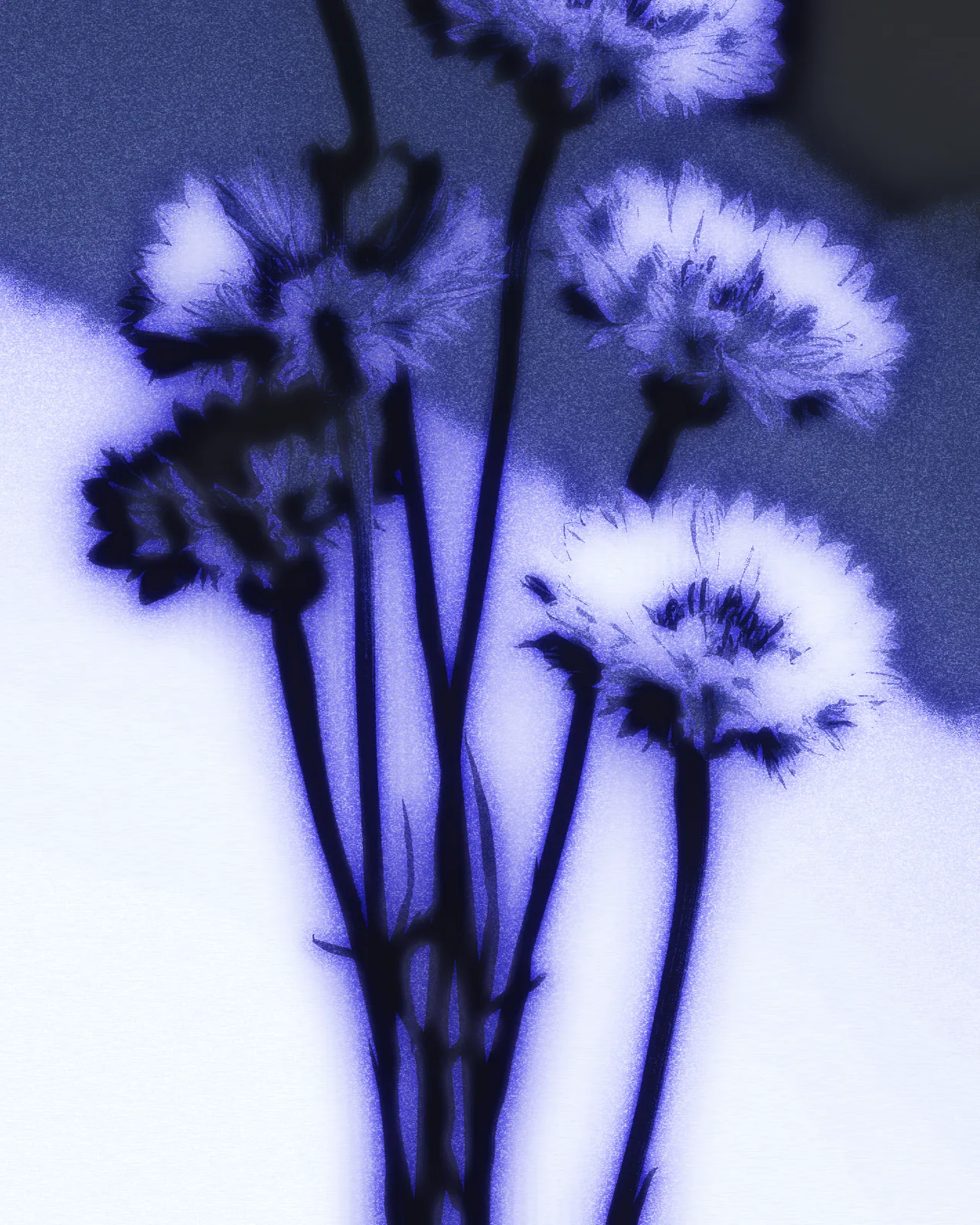
- Cyanotype Effect
- Reeded Glass Effect
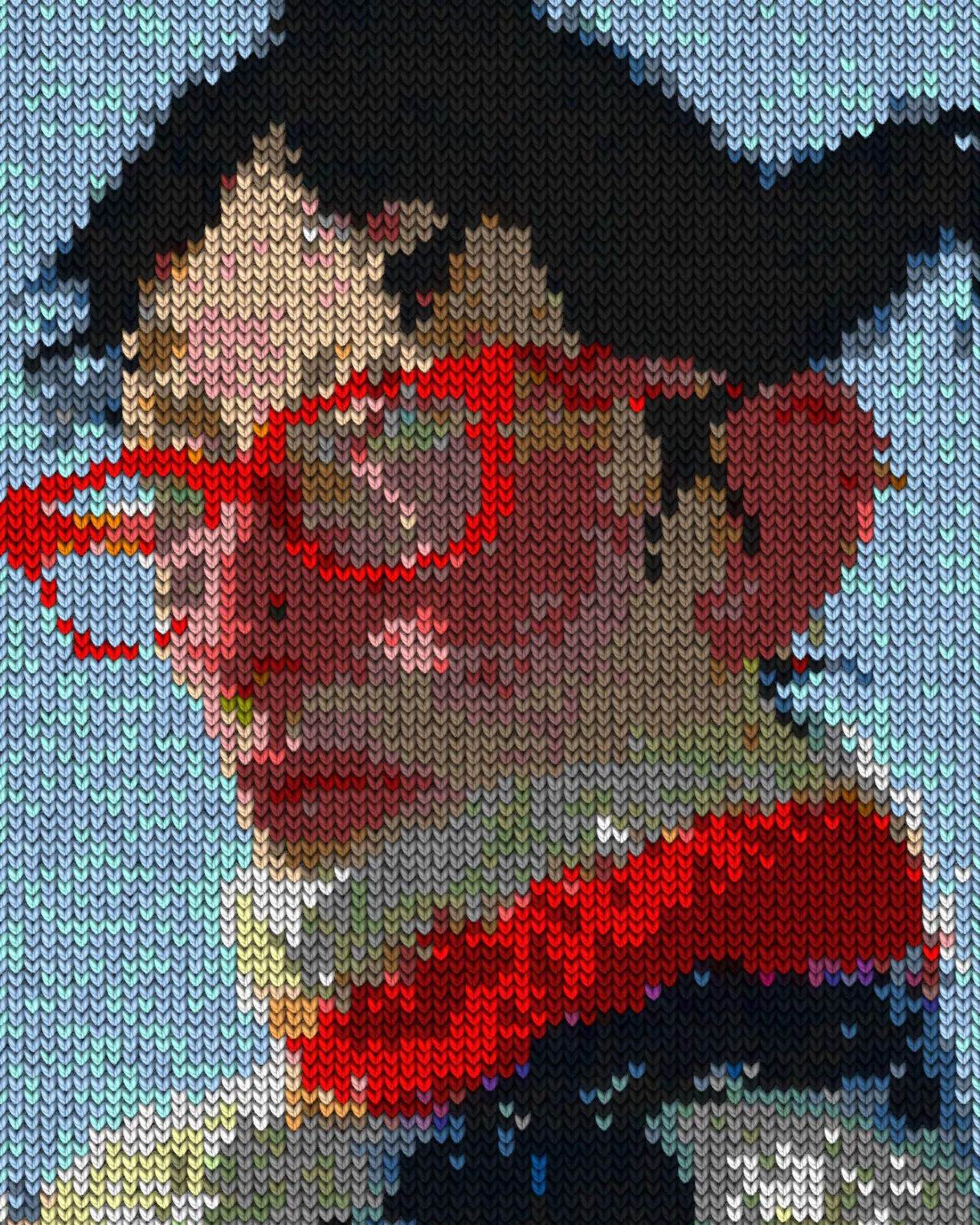
- Knit Effect
- ASCII Art Effect
- CRT Effect
- Airbrush Effect
- Shape Halftone Effect
- Text Portrait Effect
- Torn Paper Collage Effect
- Plexus Effect
- Topographic Map Effect
- Wave Lines Effect
- Circuit Board Effect
- Blob Tracking Effect
- Brick Mosaic Effect
- Gradient Grid Background
- Thorn Frame
- Stencil Effect
- Pointillism Effect
- Stipple Effect
- CMYK Effect
- CCTV Effect
- Newspaper Effect
- Grunge Effect
- Pop Art Effect
- Holographic Effect
How it works in Affinity
Open Filters > Plugins > Nexus, pick the look and apply it to a pixel layer.
- Install Nexus for Affinity.
- Open it in Affinity.
- Pick a look and apply it.