Text Portrait Effect
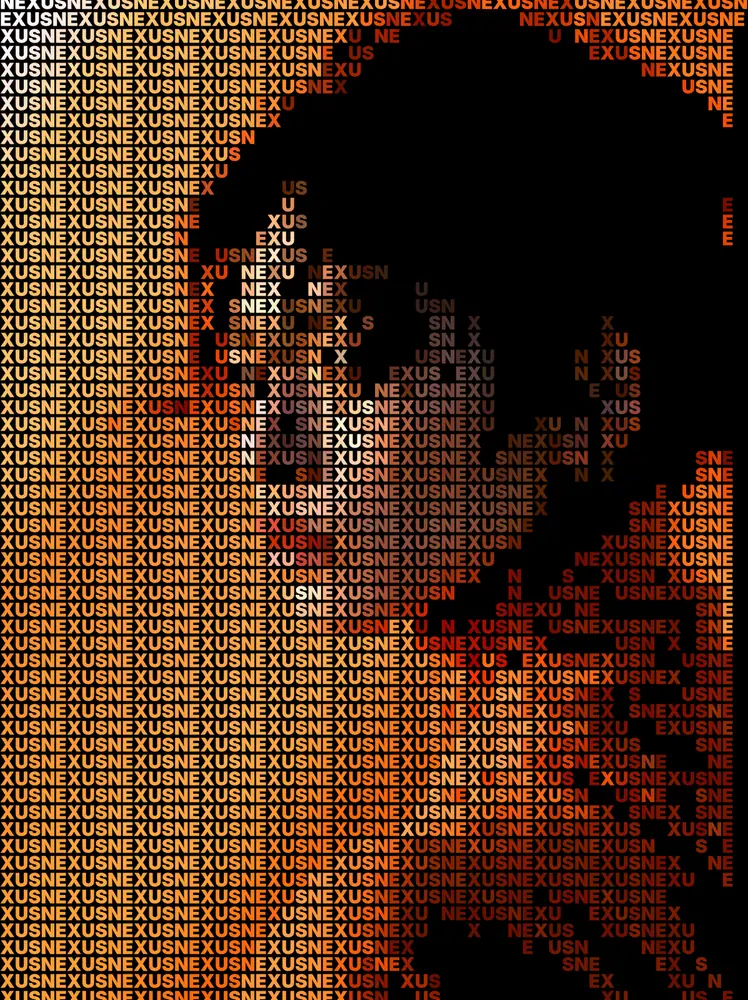
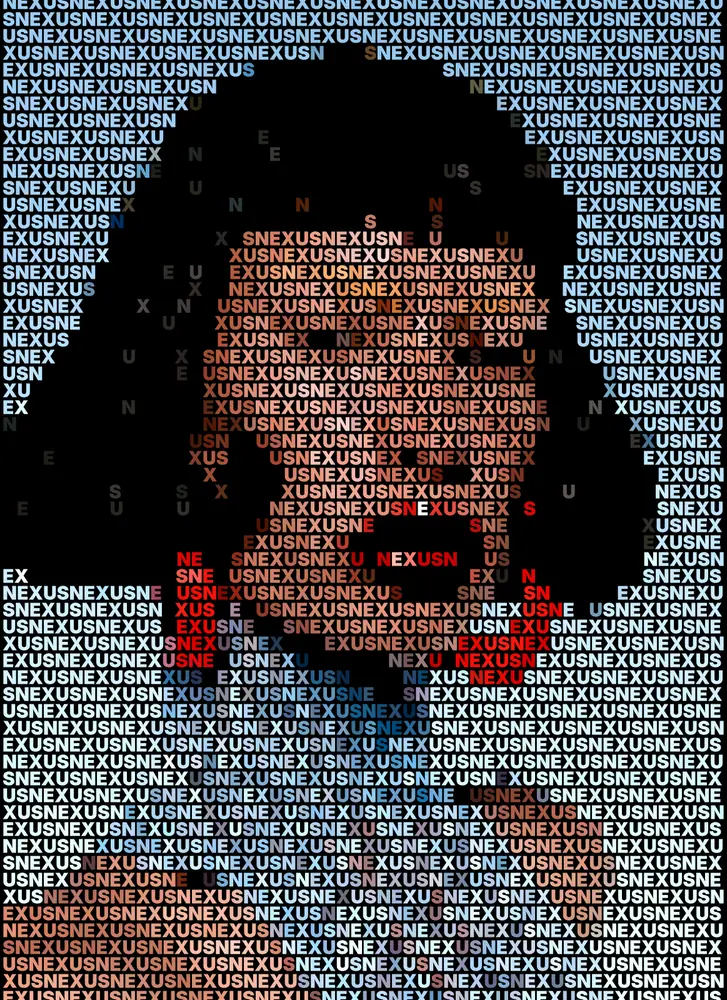
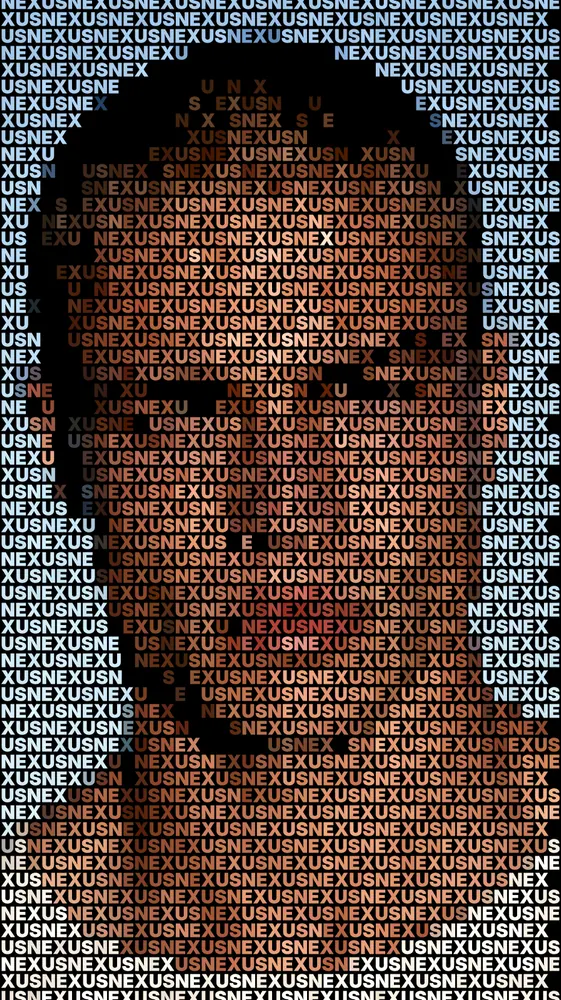
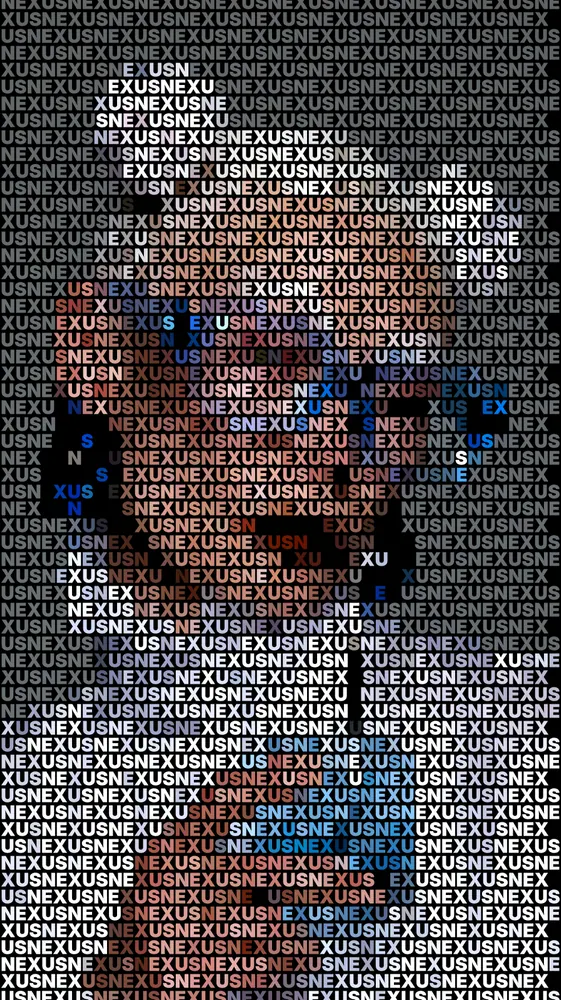
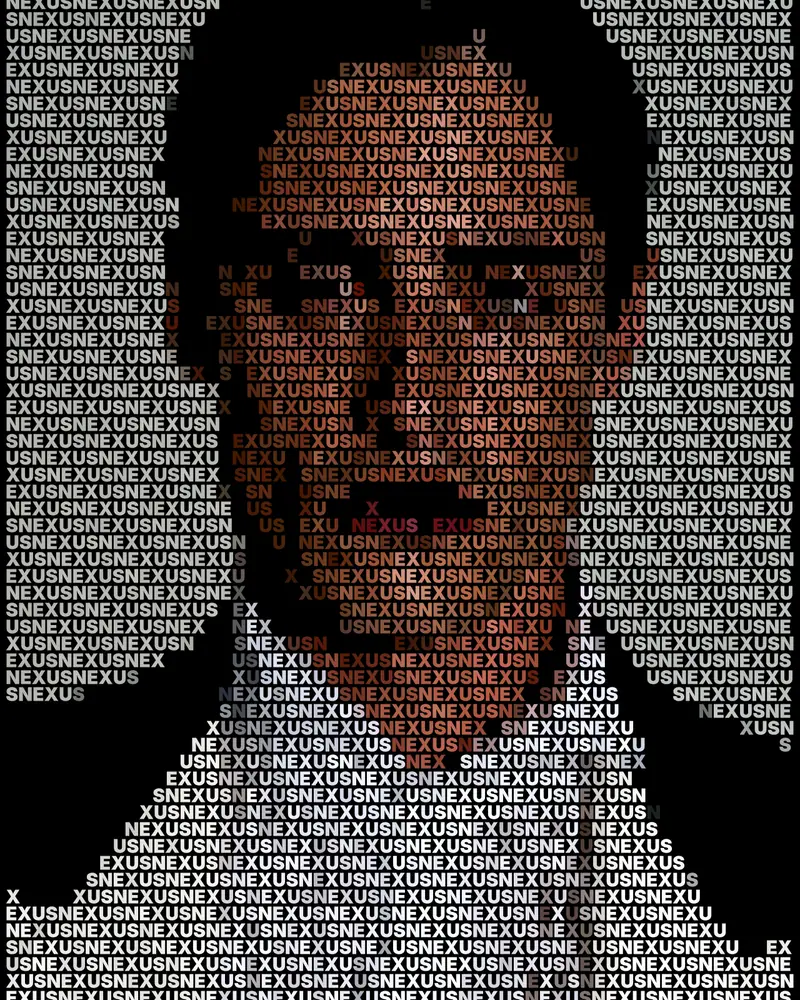
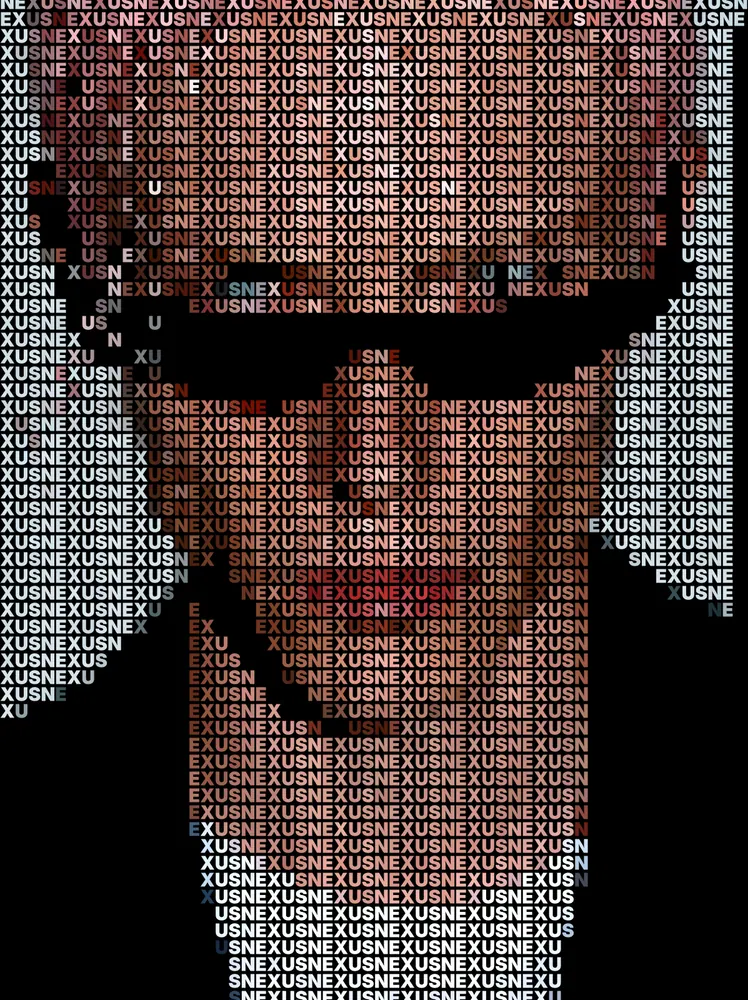
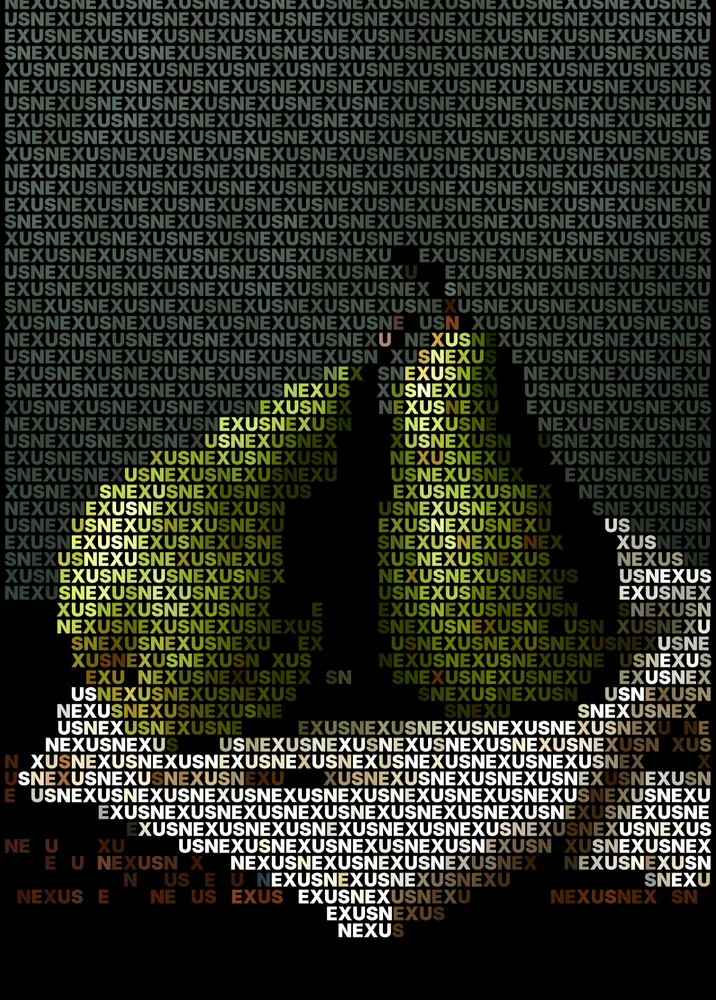
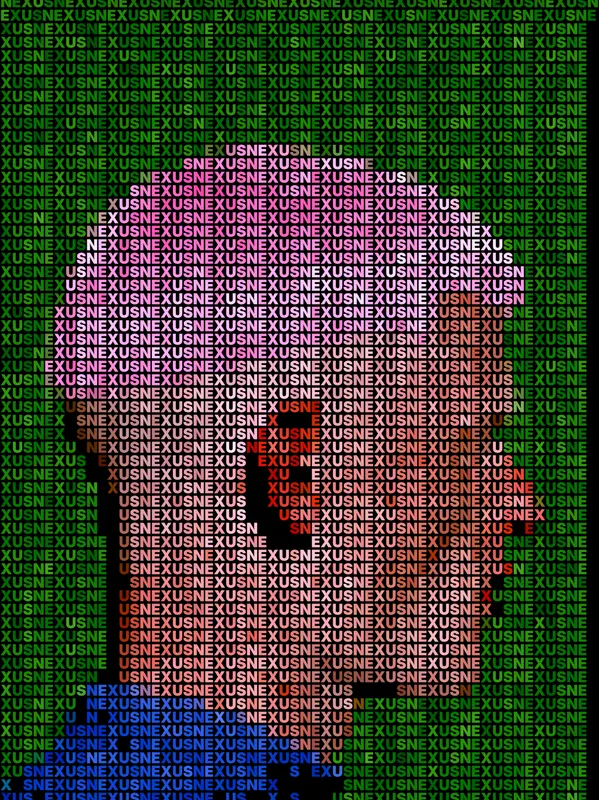
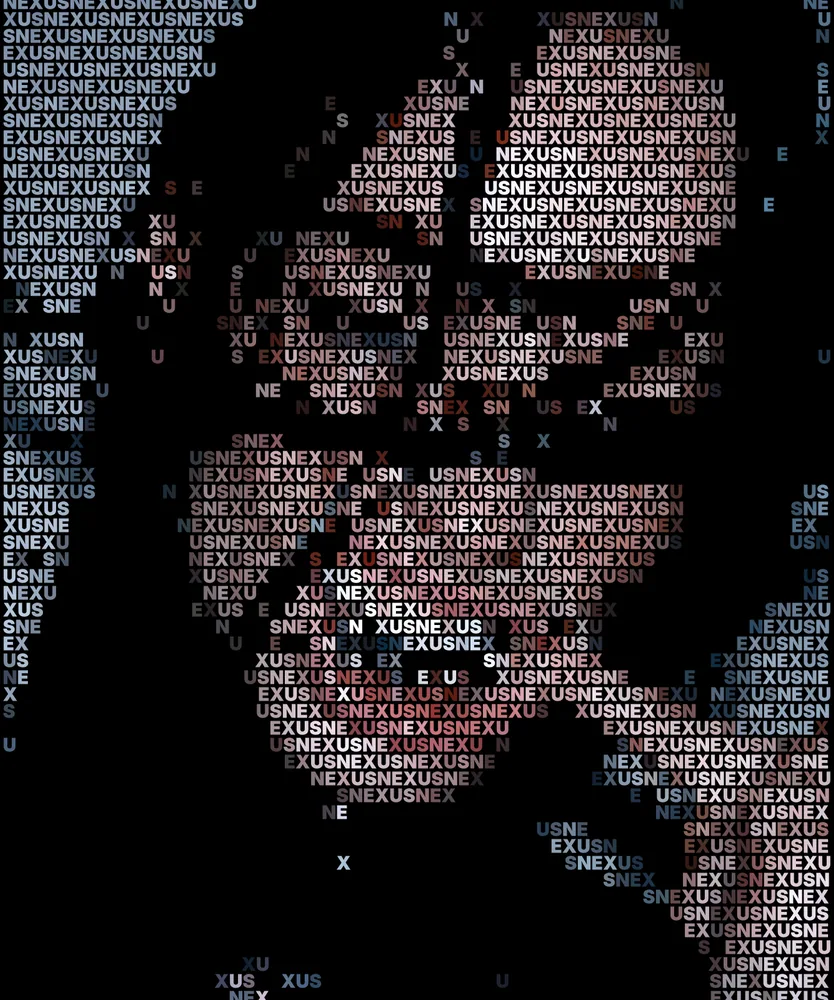
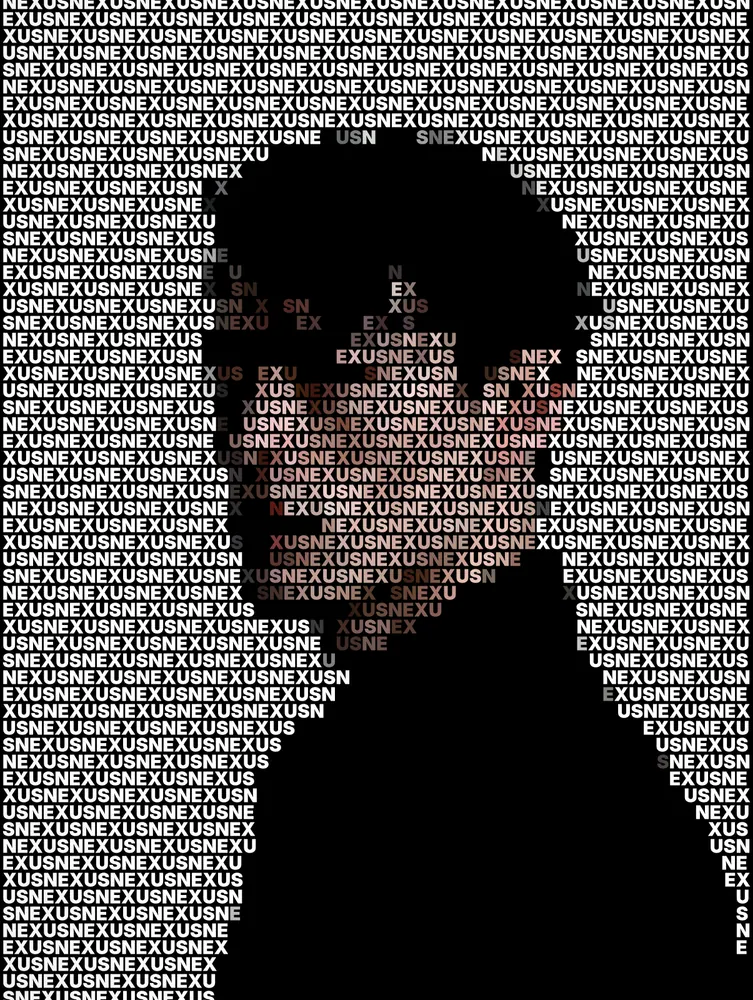
Rebuilds any picture from rows of repeated text, with each letter colored by the image underneath.
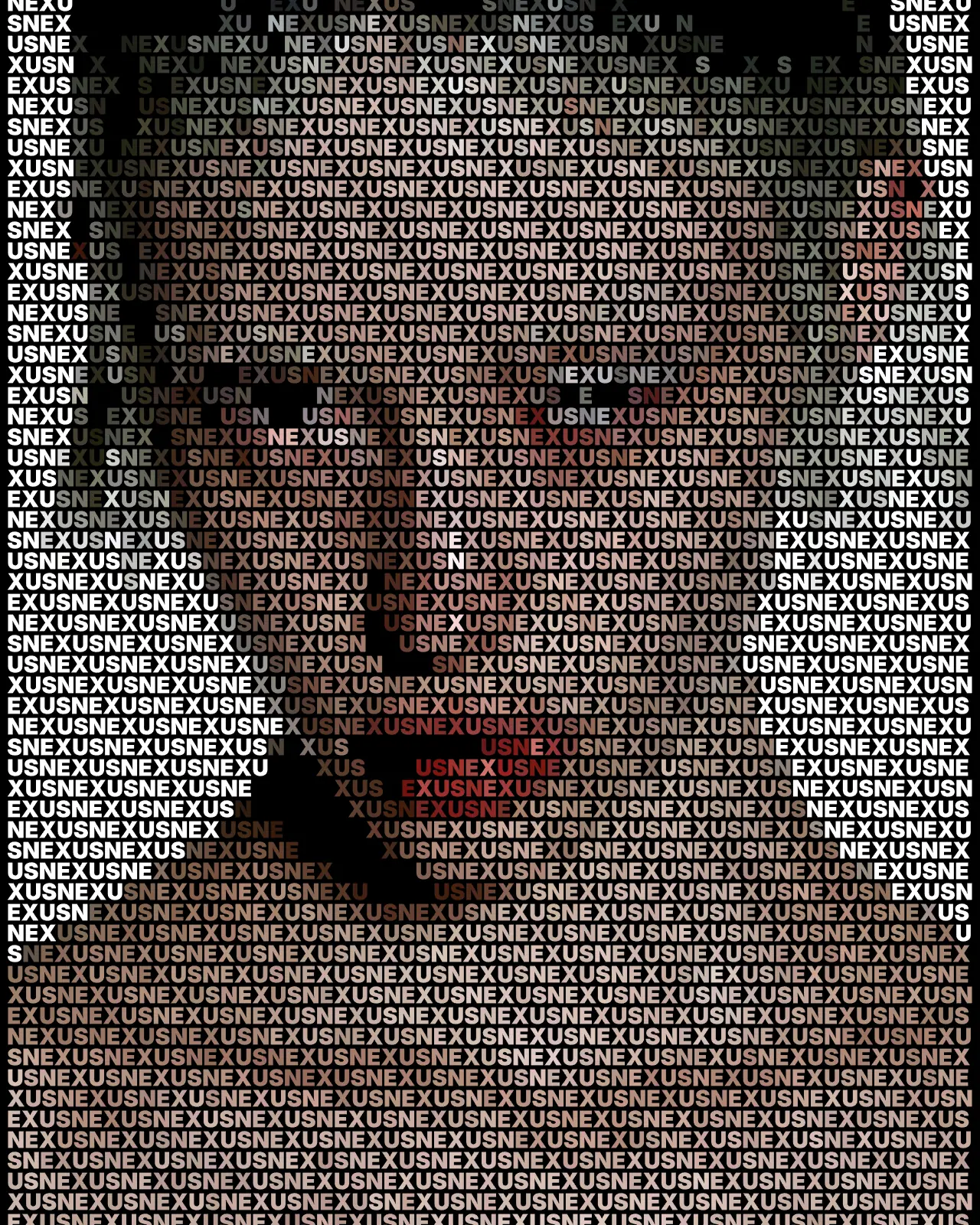
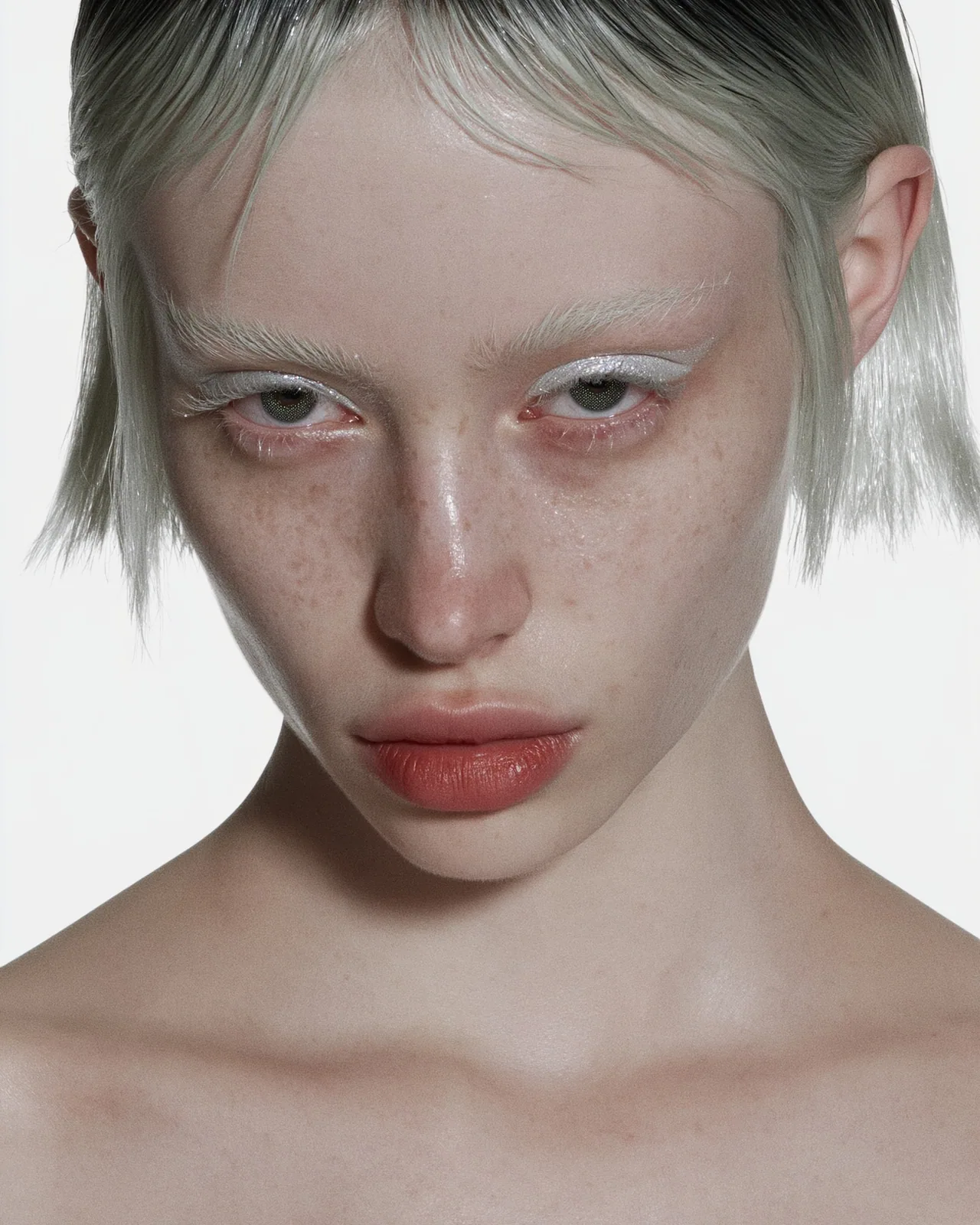
The text portrait effect fills your picture with rows of reflowed type and lets each glyph sample its color from the source layer below. Dark areas can drop out to empty space. The look starts with bold, tightly packed words, and you can change the text, font, weight, size, line height and contrast.
Made with this effect
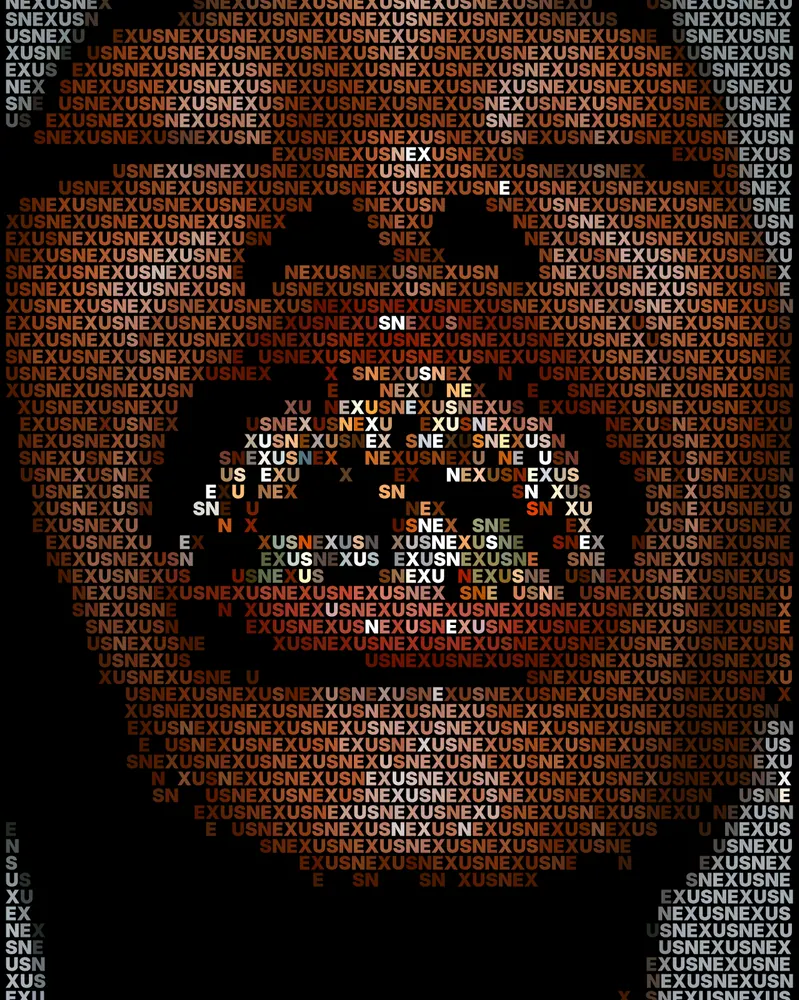
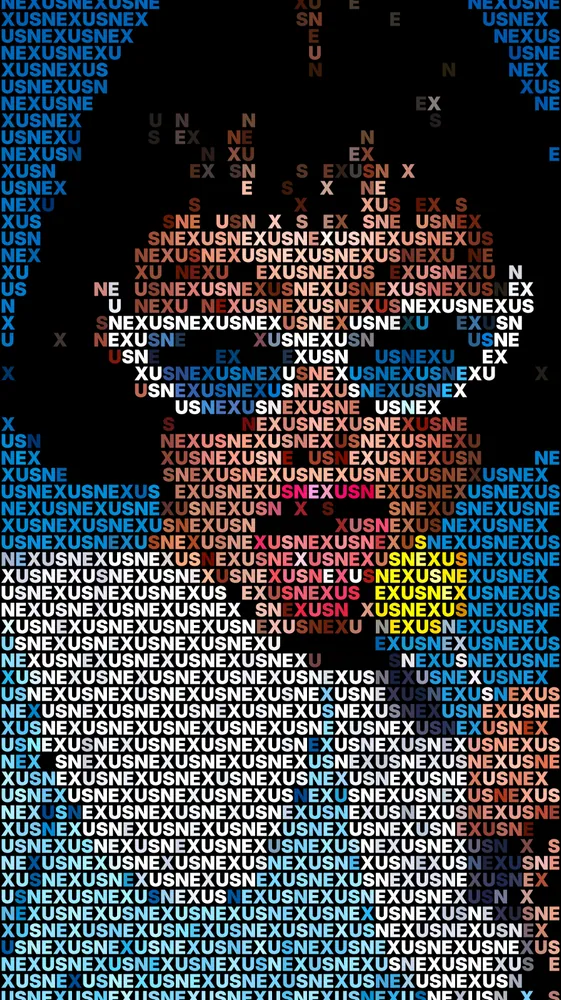
The same look on 12 different photos. Try it on yours
Use Text Portrait Effect in Photoshop, After Effects, Illustrator, Affinity or Figma
The plugins are free with an account. Paid plans add bigger renders and your own filters. See pricing
Photoshop
Apply it as a Smart Filter on a Smart Object, then double-click to change it.
After Effects
Drop it on any layer as a native effect and keyframe every control on the timeline.
Illustrator
Use a selection as the source and get back native vector paths or an embedded image.
Affinity
Open Filters > Plugins > Nexus, pick the look and apply it to a pixel layer.
Figma
Select a frame or image, run the look, and the result drops back into your file.
Settings worth touching
- Content
- The words that repeat across the picture. The look starts with NEXUS; type a name, a slogan or any phrase.
- Size
- Sets the letter size. Smaller type gives more detail and a finer picture; larger type makes the words easier to read.
- Empty Below
- Leaves glyphs out where the source falls below this level, opening empty space that shapes the image.
Frequently asked questions
How do I add the text portrait effect in Photoshop?
Install Nexus for Photoshop, then apply the look as a Smart Filter on a Smart Object. Double-click the filter any time to change the text, size or color. You can also render it as a new layer.
How do I make a typography portrait in Illustrator?
Store your image selection as the source and run the look over it. The result comes back as native vector paths, one per glyph, so you can edit and scale it freely.
Can I use my own words and font for a text portrait?
Yes. Type any text into Content and turn on Repeat to Fill to cover the frame. Pick a typeface with Font, or add your own file with Upload Font.
Why are some parts of my picture empty?
Empty Below removes glyphs where the source is dark, so shadows become open space. The look starts at 12%. Lower it to fill more of the frame, or turn on Invert to flip which areas drop out.
Can I try the text portrait effect without installing anything?
Yes. Open the look in the Nexus web editor and try it on your own image without an account. Exporting needs a free account, which exports images up to 720px. SVG export comes with the Creator plan.



Try Text Portrait Effect in your browser
Free to try. Exporting needs a free account.