Plexus Effect
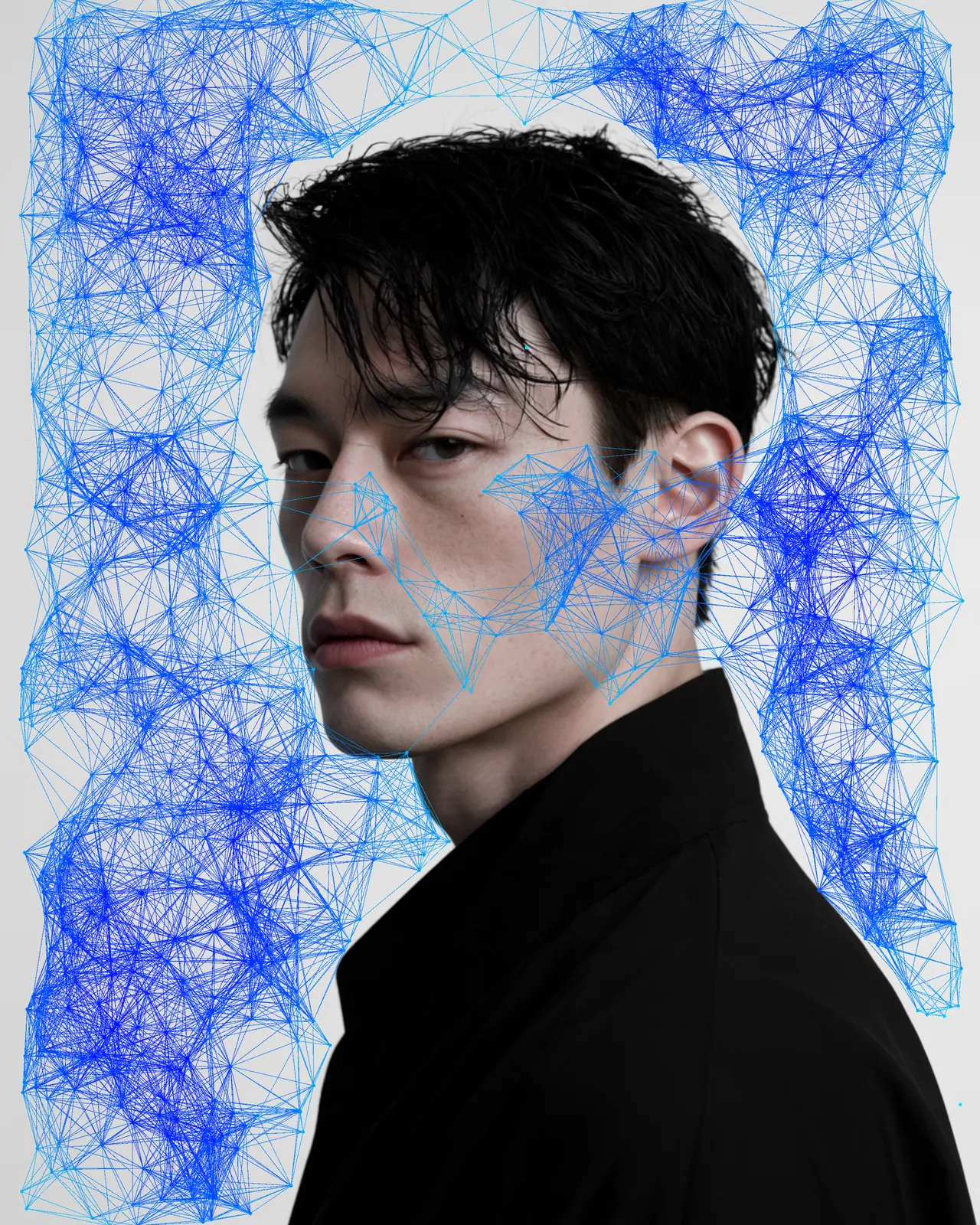
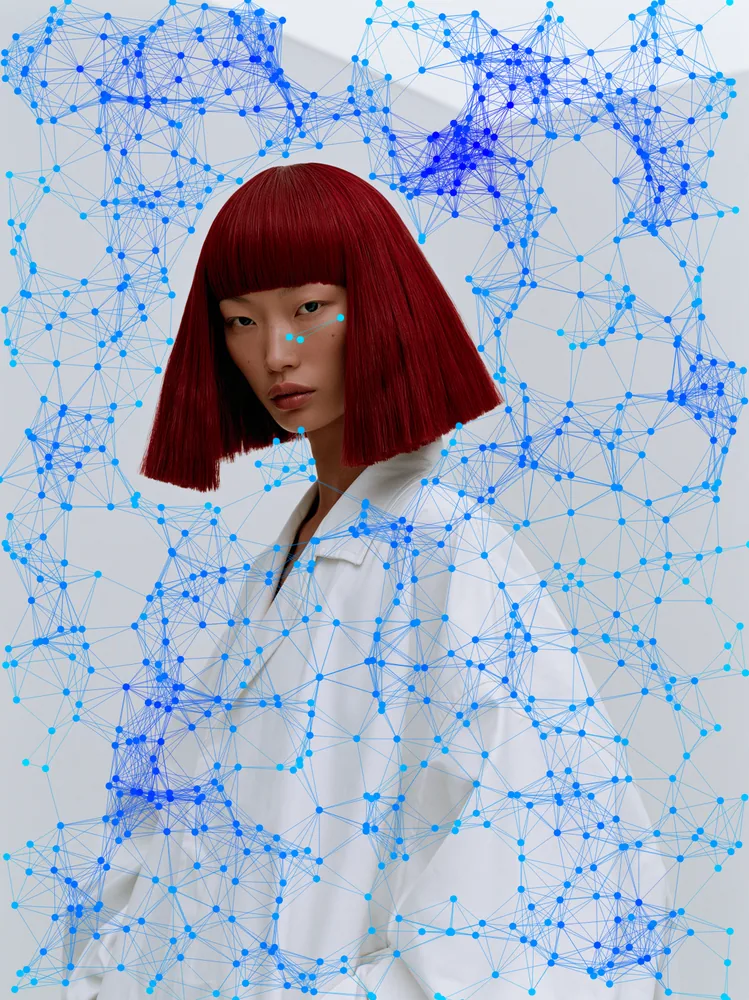
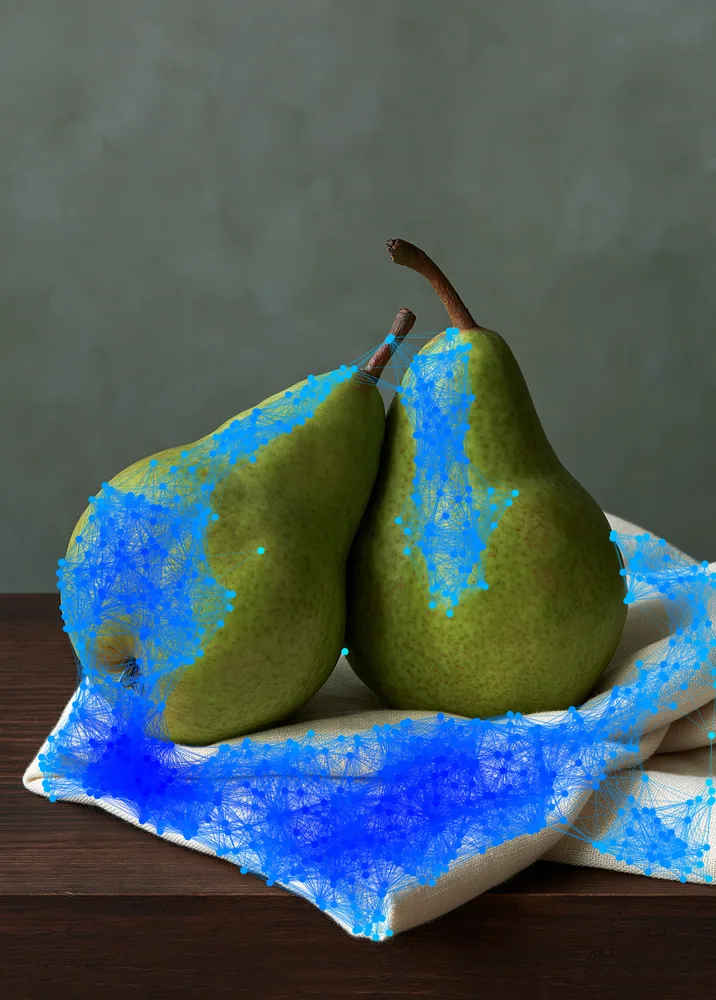
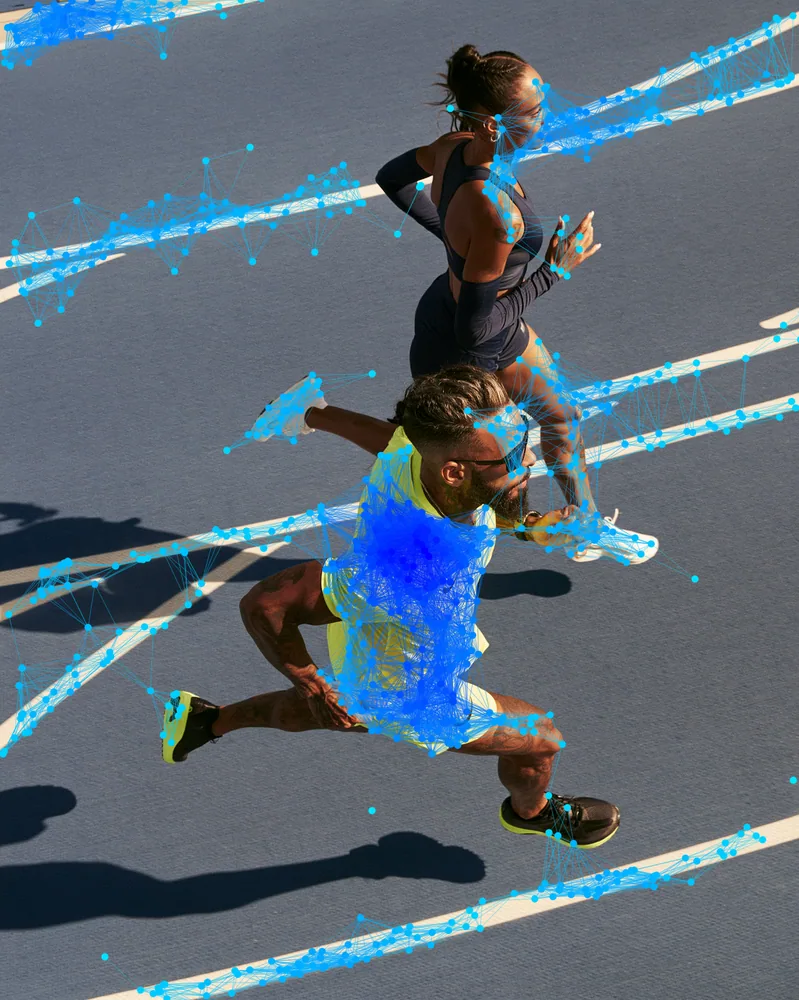
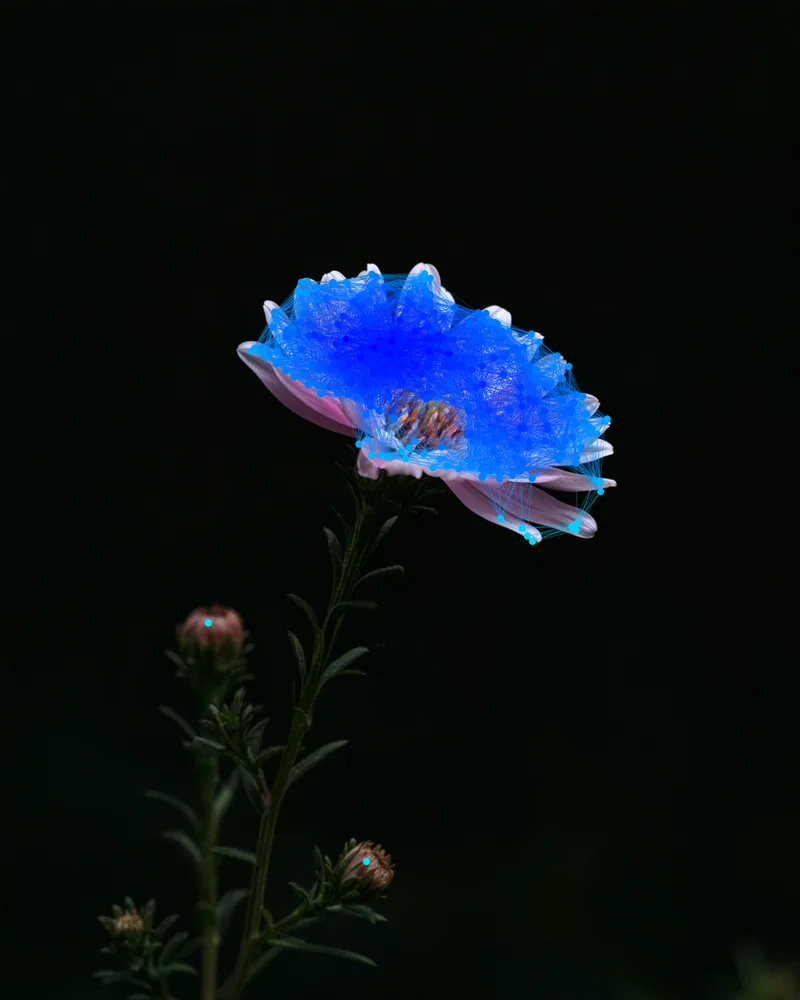
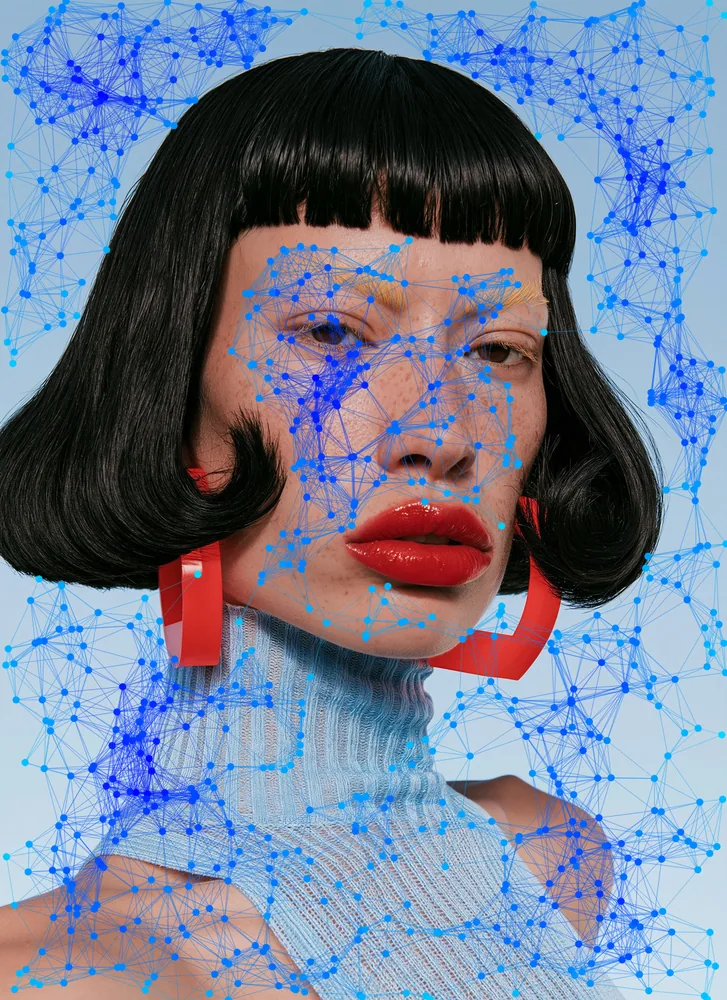
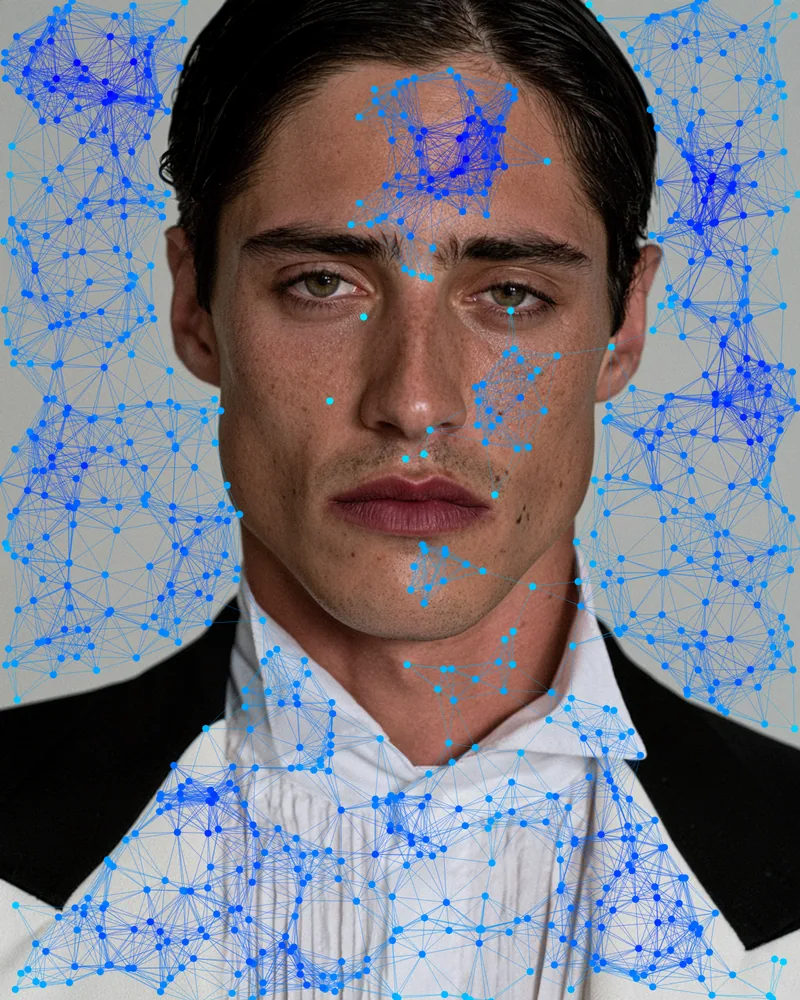
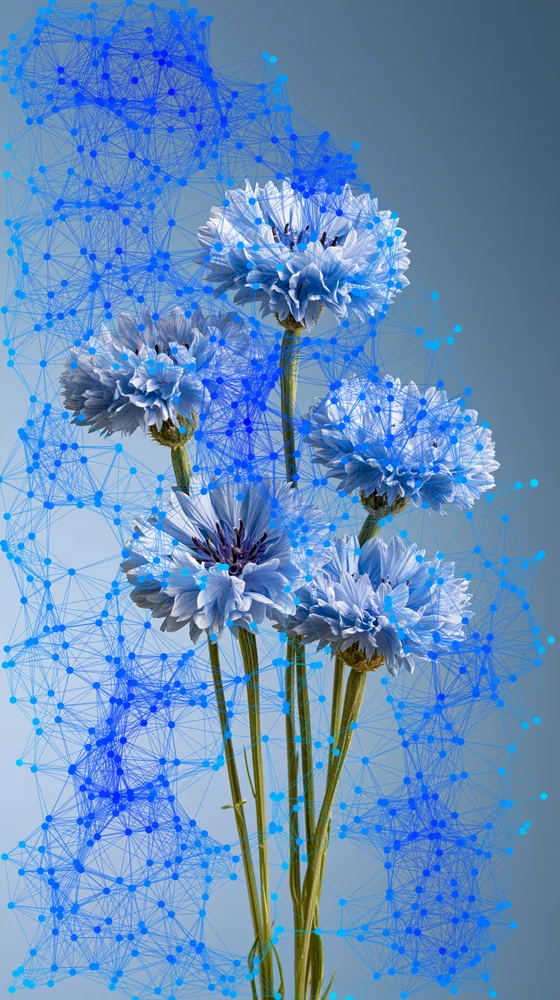
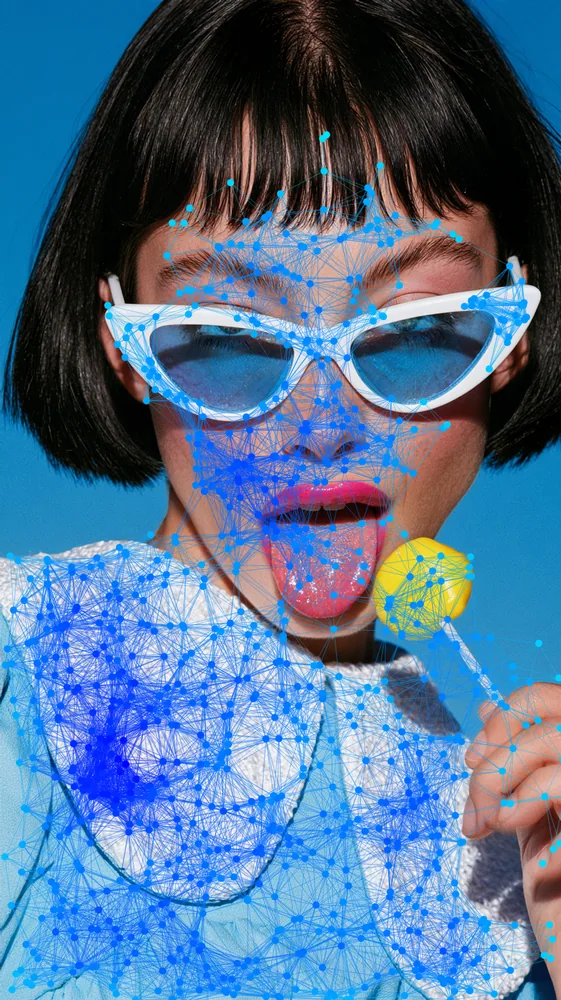
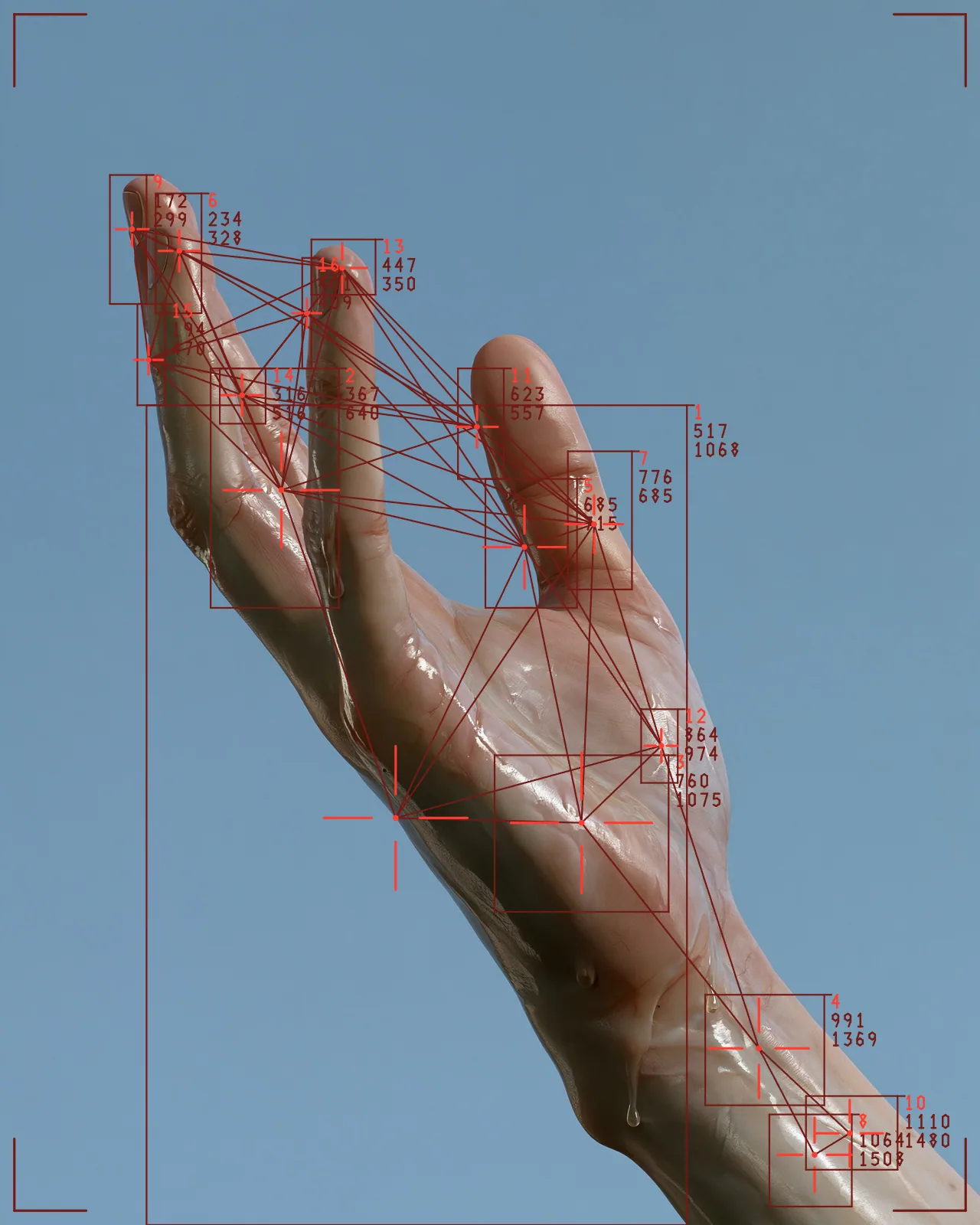
Scatters points across your picture and links nearby ones with thin lines, building a constellation from the image.

Also a standalone Photoshop plugin: Node + Circuit Machine
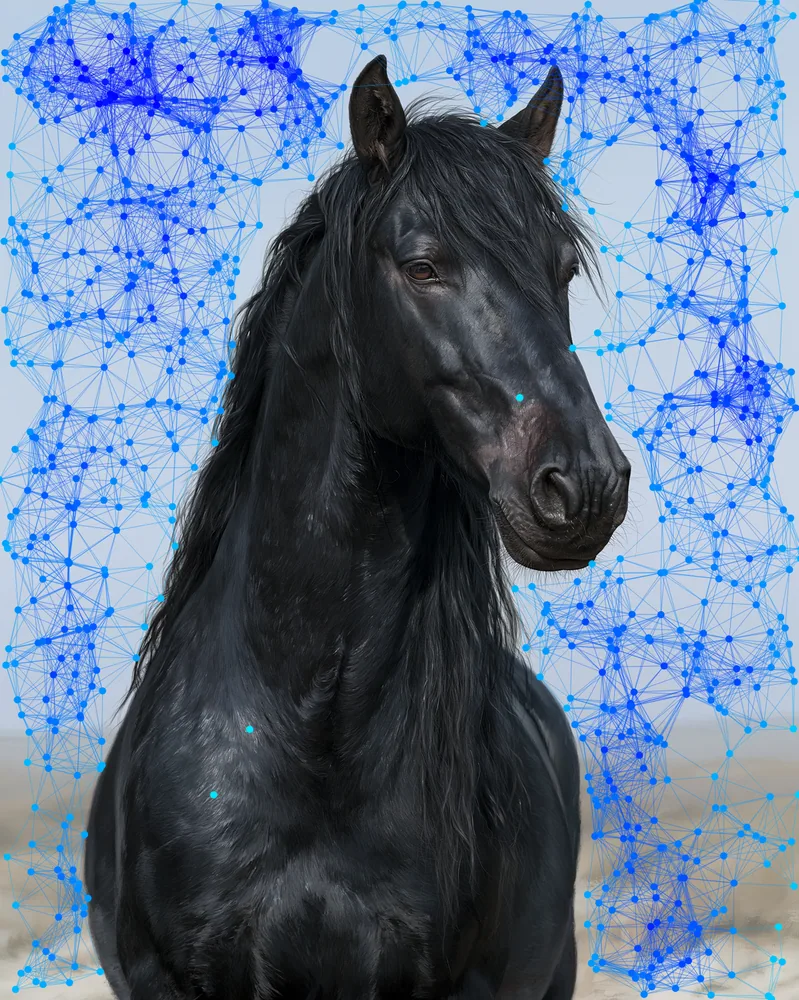
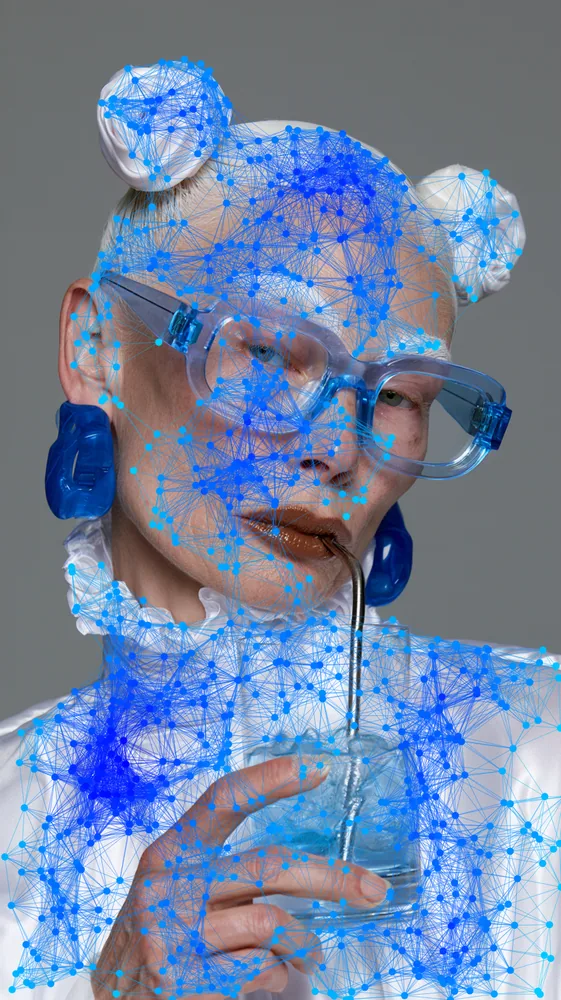
The plexus effect samples points from the picture underneath and joins neighbors with lines, so the image turns into a network of dots and strands. The look starts with a blue gradient keyed to density and light turbulence. You can change the colors, line reach and point count.
Made with this effect
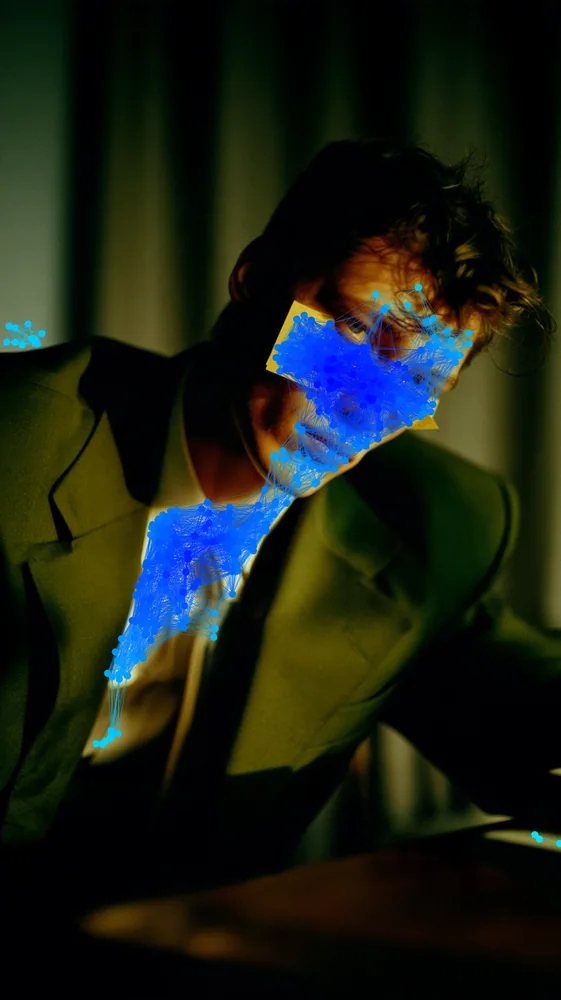
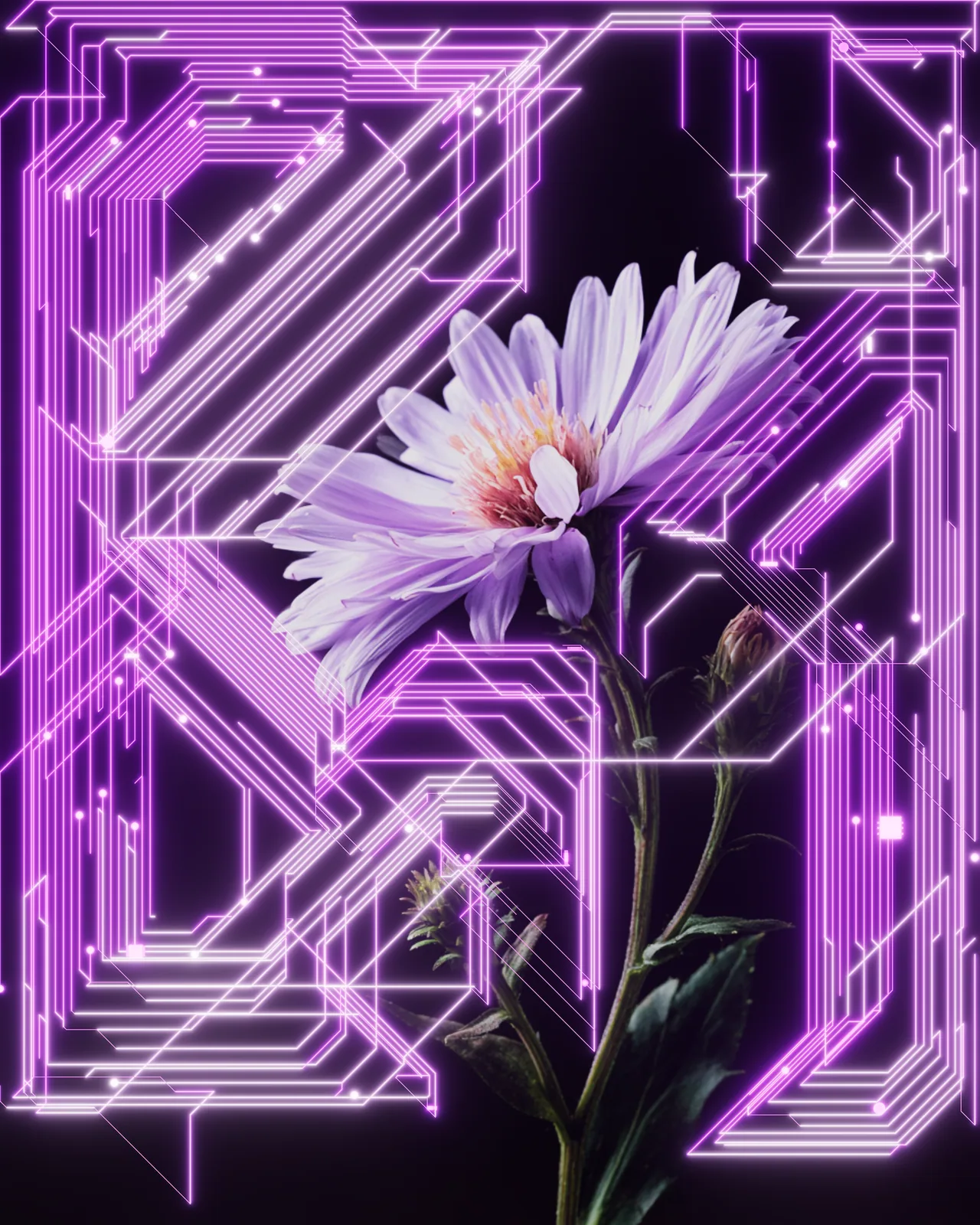
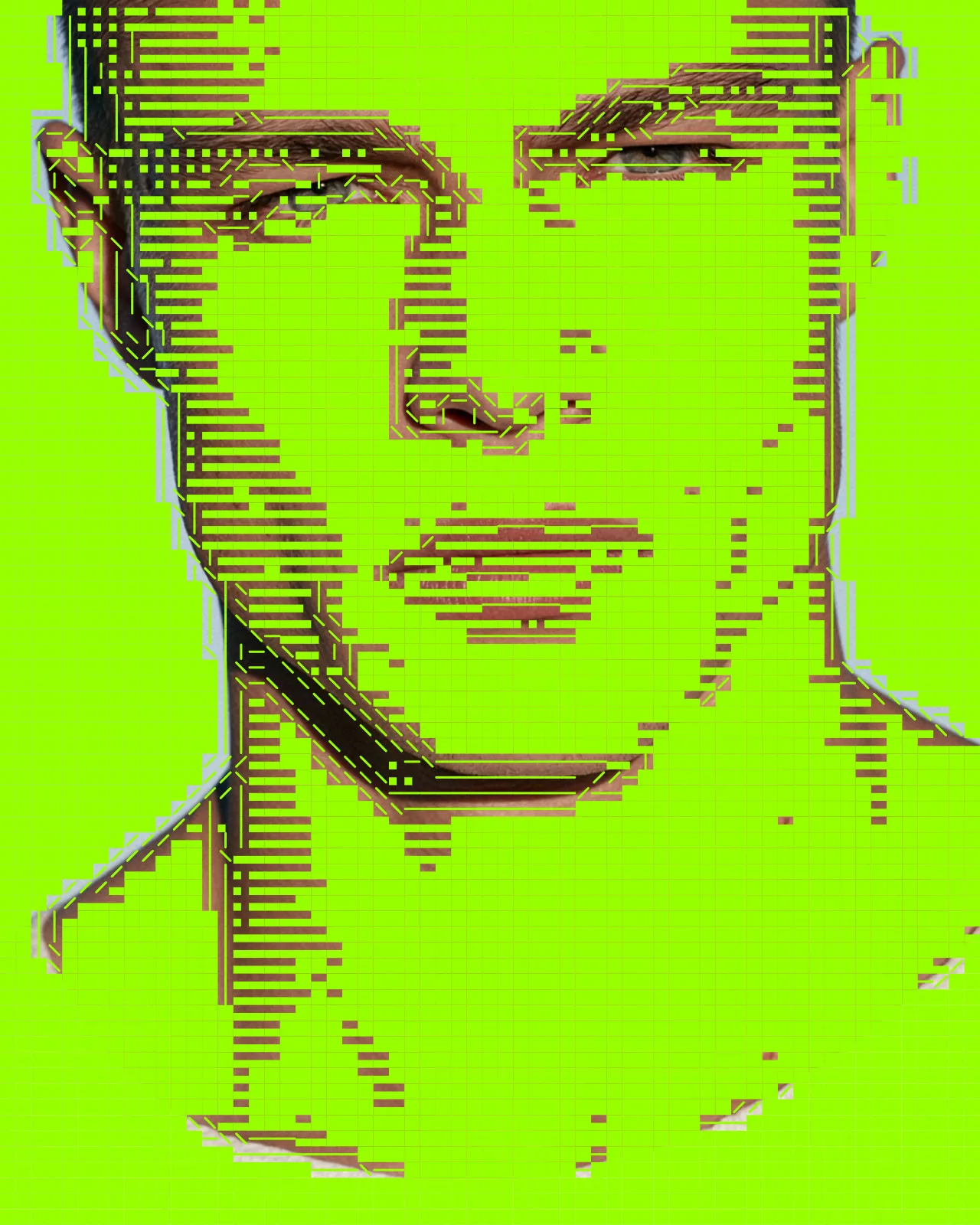
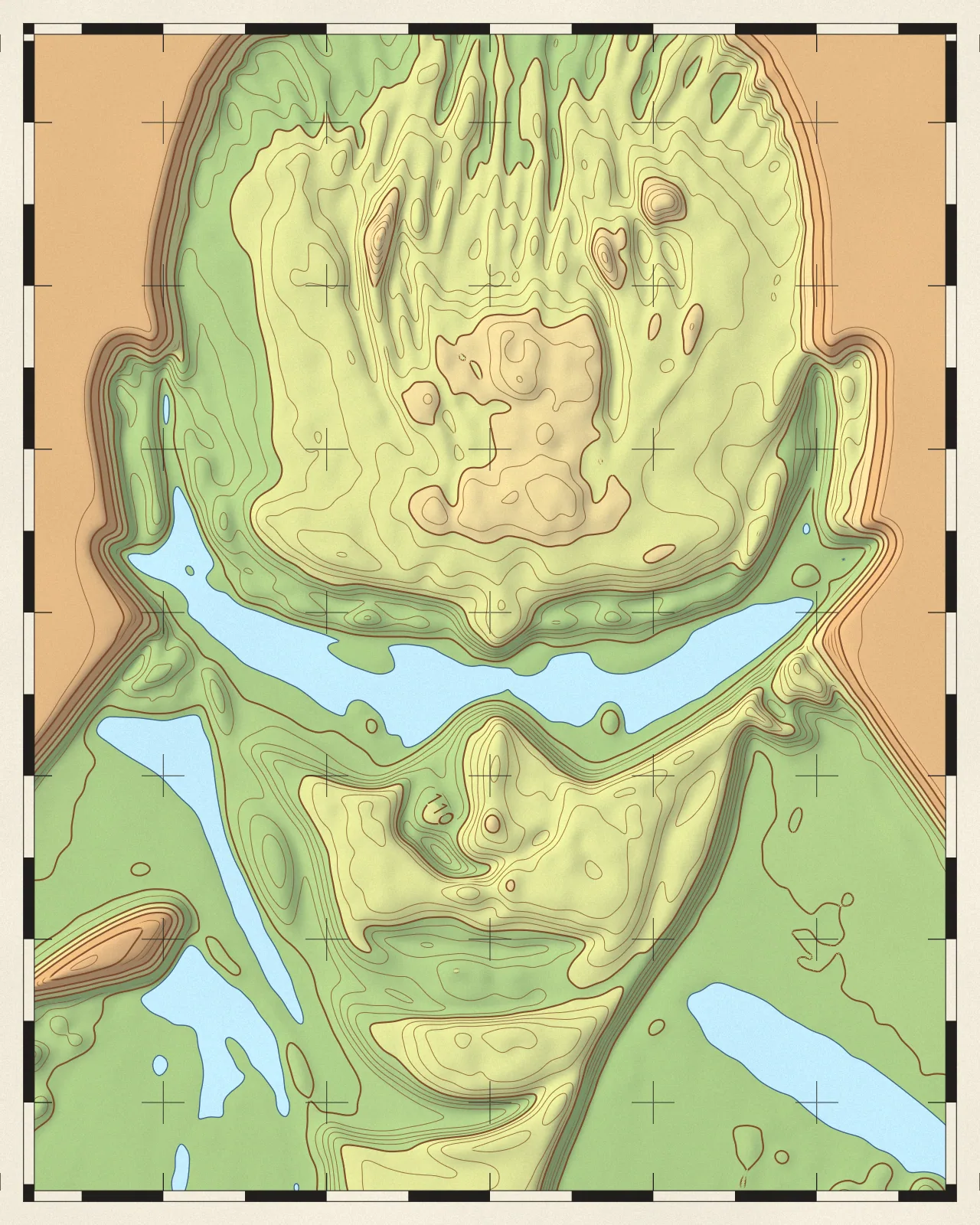
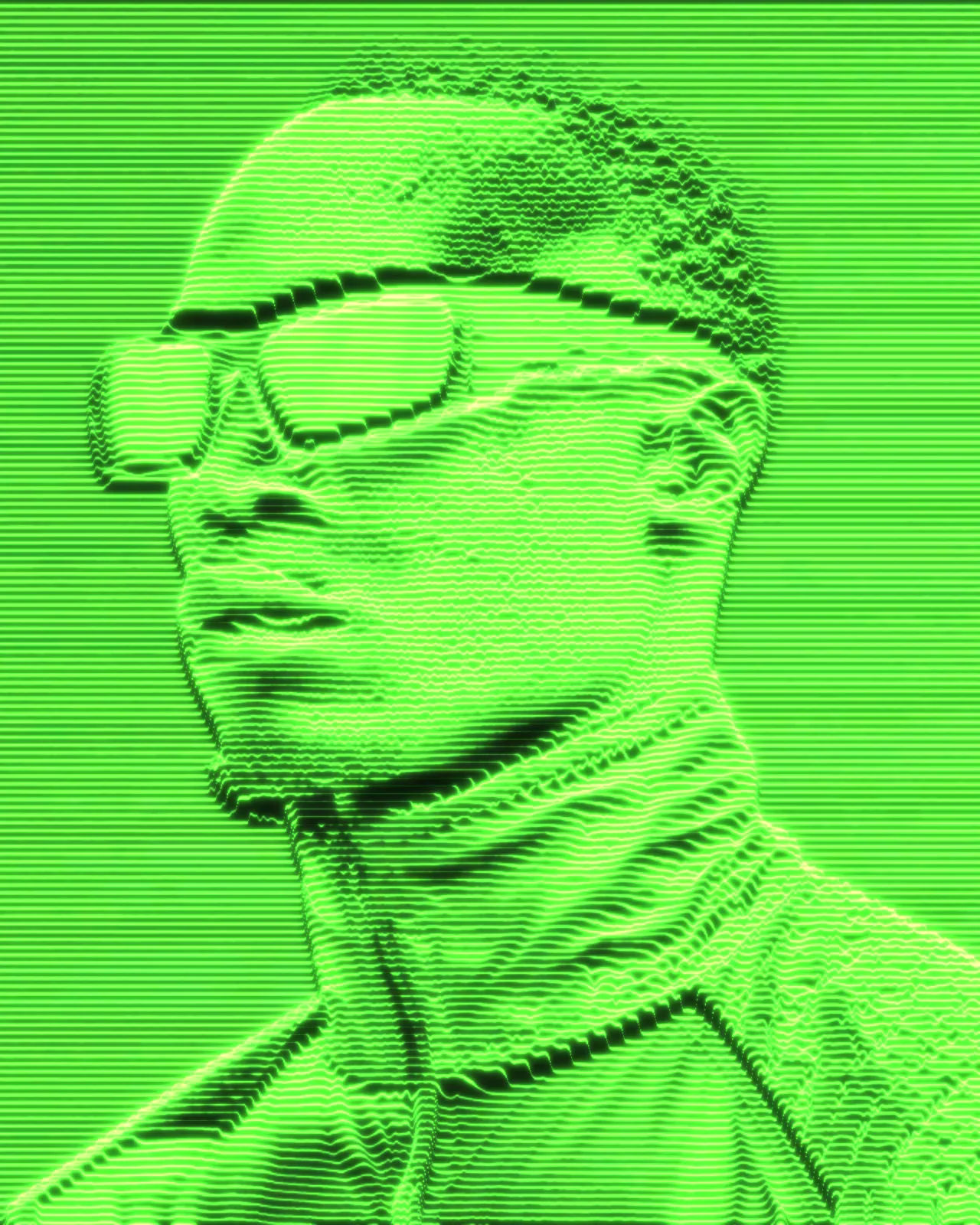
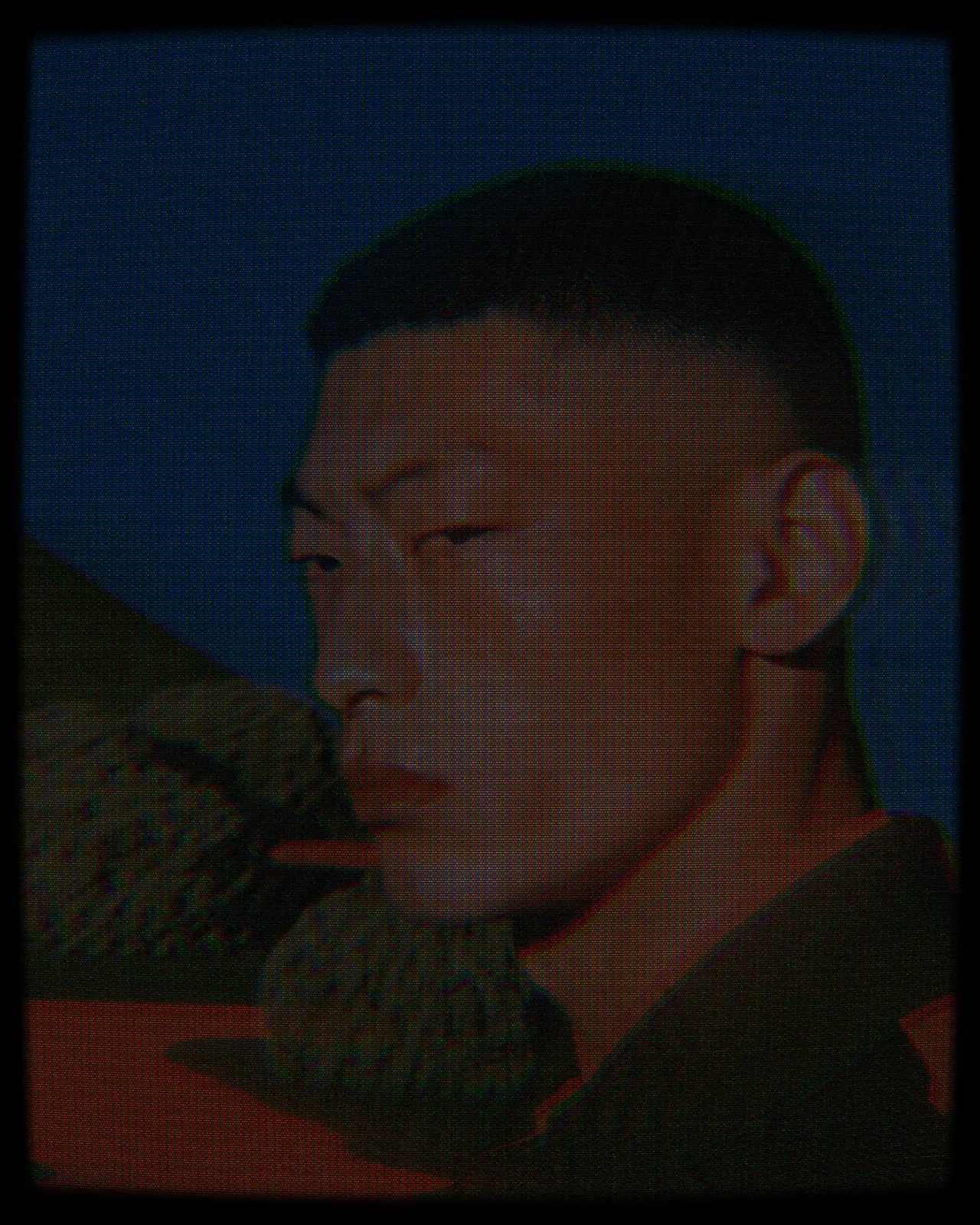
The same look on 12 different photos. Try it on yours

Use Plexus Effect in Photoshop, After Effects, Illustrator, Affinity or Figma
The plugins are free with an account. Paid plans add bigger renders and your own filters. See pricing
Photoshop
Apply it as a Smart Filter on a Smart Object, then double-click to change it.
After Effects
Drop it on any layer as a native effect and keyframe every control on the timeline.
Illustrator
Use a selection as the source and get back native vector paths or an embedded image.
Affinity
Open Filters > Plugins > Nexus, pick the look and apply it to a pixel layer.
Figma
Select a frame or image, run the look, and the result drops back into your file.
Settings worth touching
- Distance
- Sets how far apart two points can be and still be linked. Raise it for dense webs, lower it for sparse clusters.
- Density
- Sets how many points are scattered across the picture. More points give a finer, busier mesh; fewer give an open, sketchy one.
- Mode
- Chooses Fixed colors, colors Sampled from your image, or a Gradient mapped to a variable such as density, distance or brightness.
Frequently asked questions
What is a plexus effect?
A plexus effect is a network of points joined by straight lines, like a constellation. Nexus places the points from your picture, so the web follows its shapes and tones.
How do I make a plexus effect in After Effects?
Add Nexus for After Effects, drop the look on a layer as a native effect, and keyframe any control, such as Distance or Turbulence, to animate the web over time.
Can I get the plexus effect in Illustrator as vectors?
Yes. The output is vector shapes. In Illustrator, use a selection as the source and the result comes back as native vector paths you can edit.
How do I add the plexus effect in Photoshop?
Use Nexus for Photoshop and apply the look as a Smart Filter so you can reopen it later. If you only want this engine, Node + Circuit Machine from Synkit is a standalone Photoshop plugin.
Is a constellation effect the same thing?
Yes, it is another name for the same look: dots linked by thin lines. You can try it on your own image in the Nexus web editor without an account; exporting needs a free account.
Try Plexus Effect in your browser
Free to try. Exporting needs a free account.