Holographic Effect
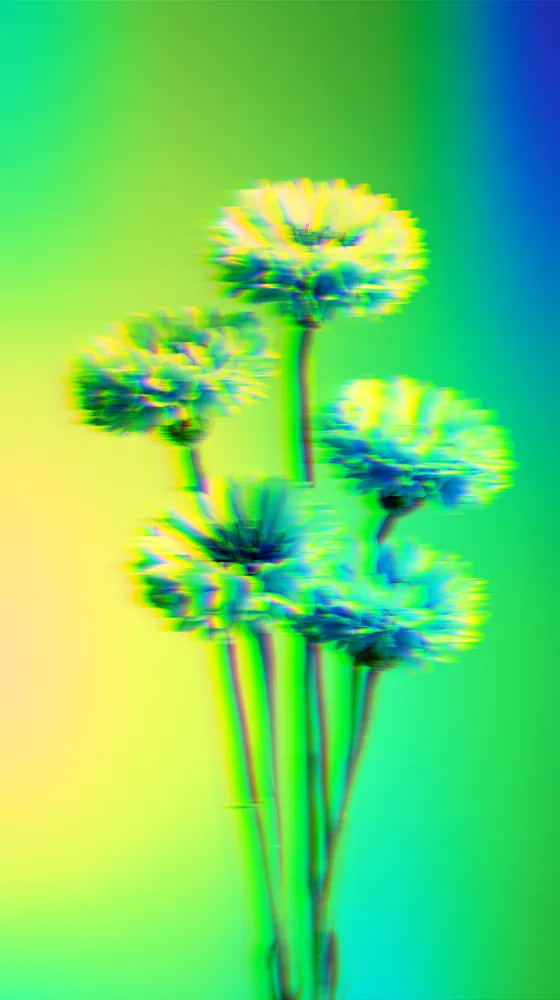
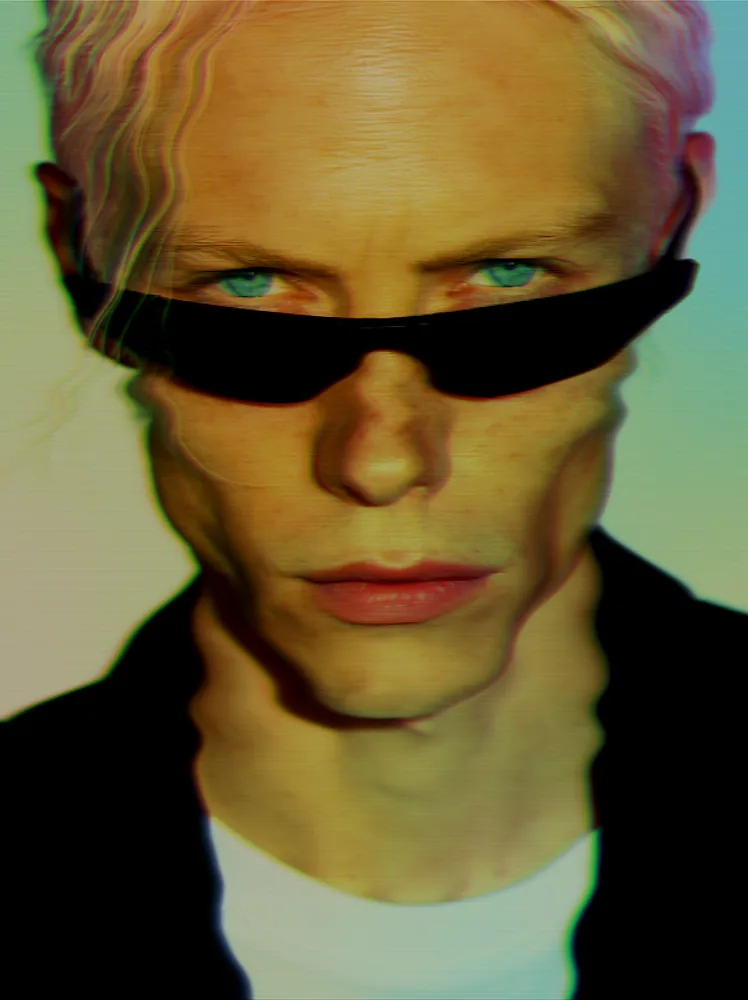
Splits any picture into rainbow color fringes over fine scanlines, with soft wavy tearing like a melting CRT signal.
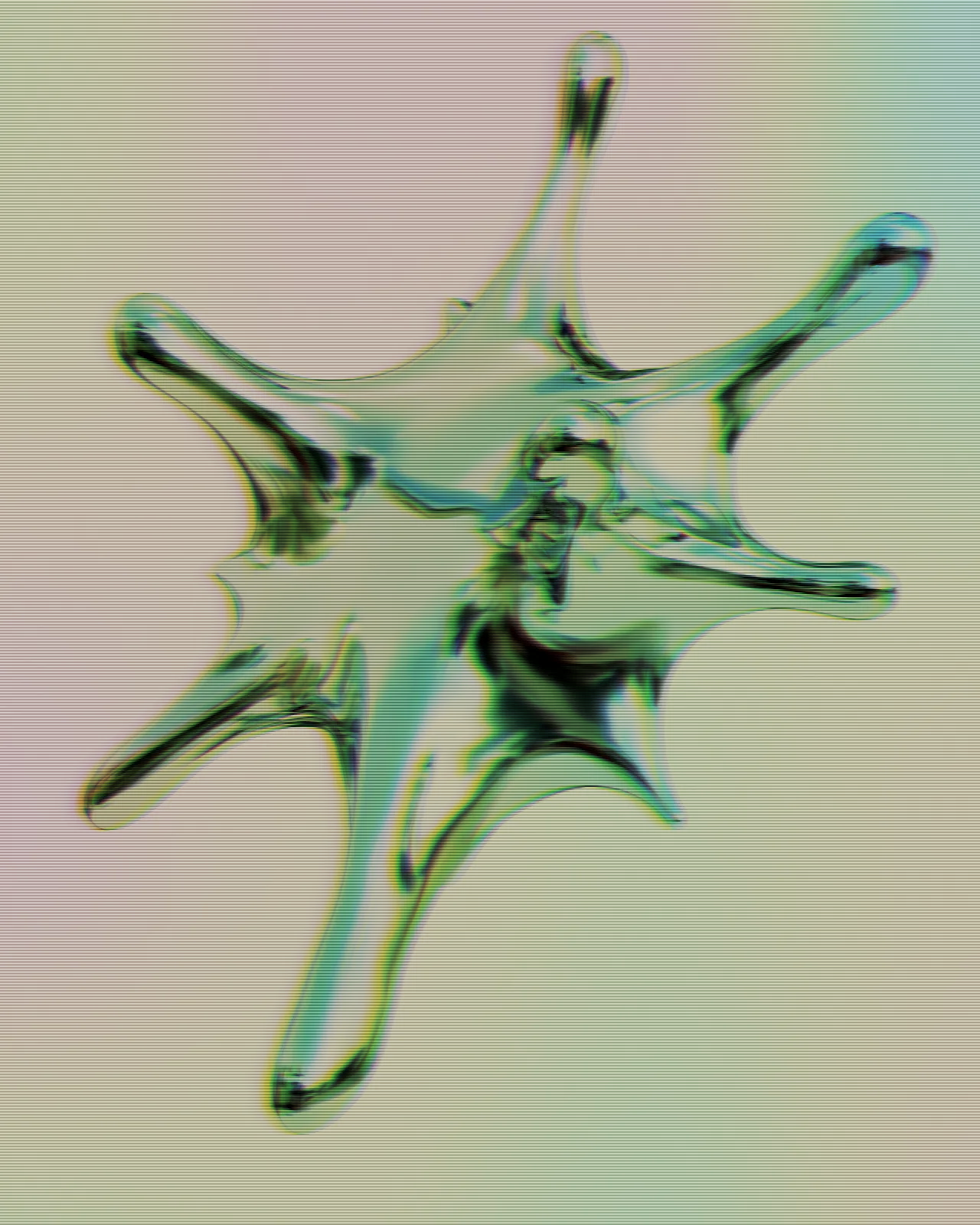

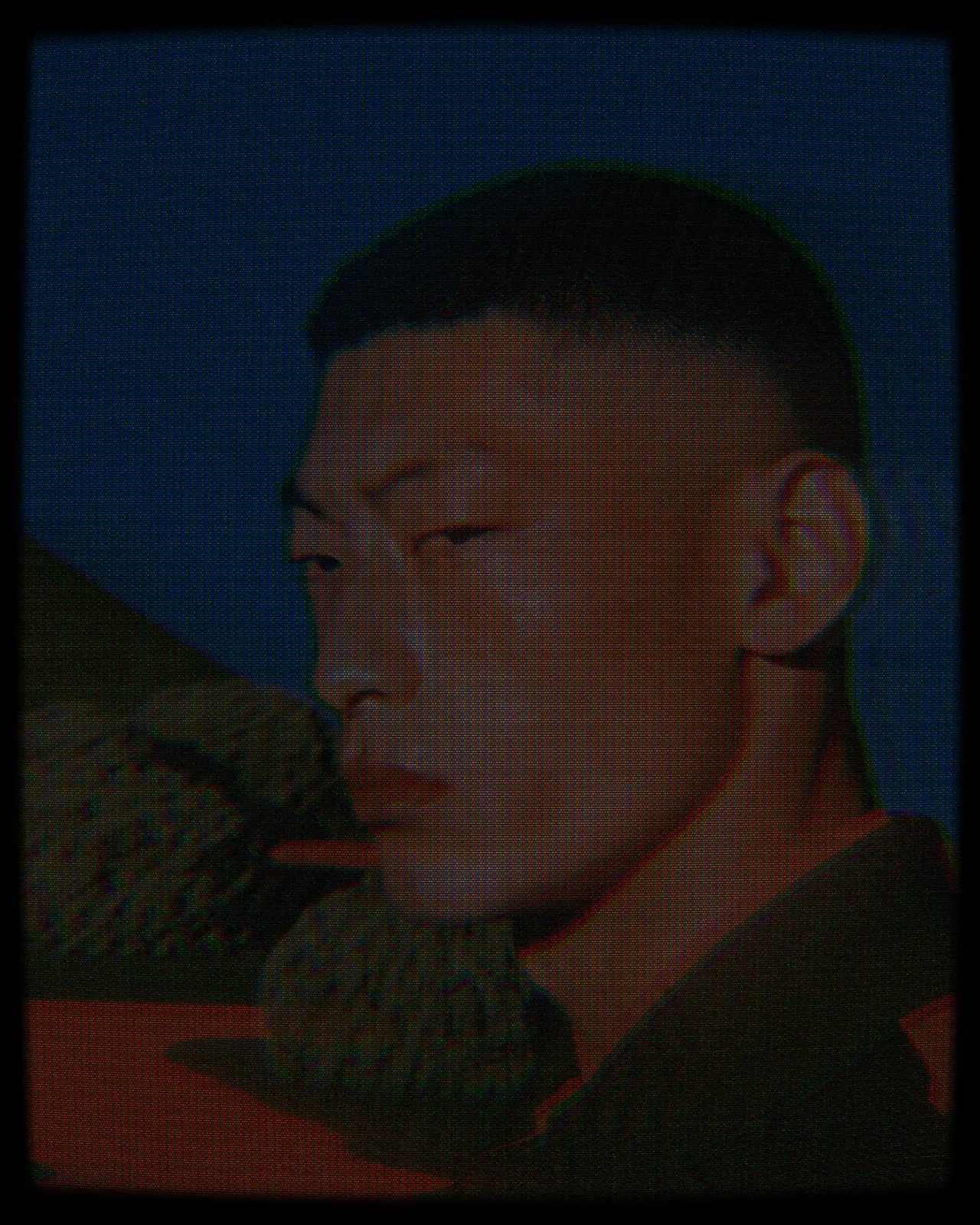
The holographic effect runs your picture through a CRT signal filter. Edges split into rainbow bands of color, fine scanlines cover the frame and rows tear in gentle waves. The look starts with light dispersion and full scanlines, and you can change the spread, wave, smear, contrast, gamma and saturation.
Same effect, different settings
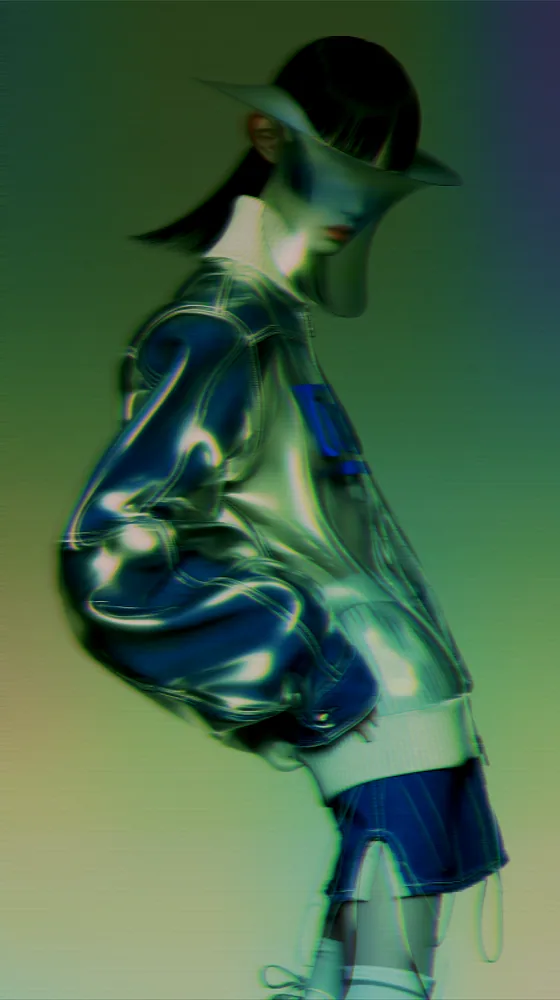
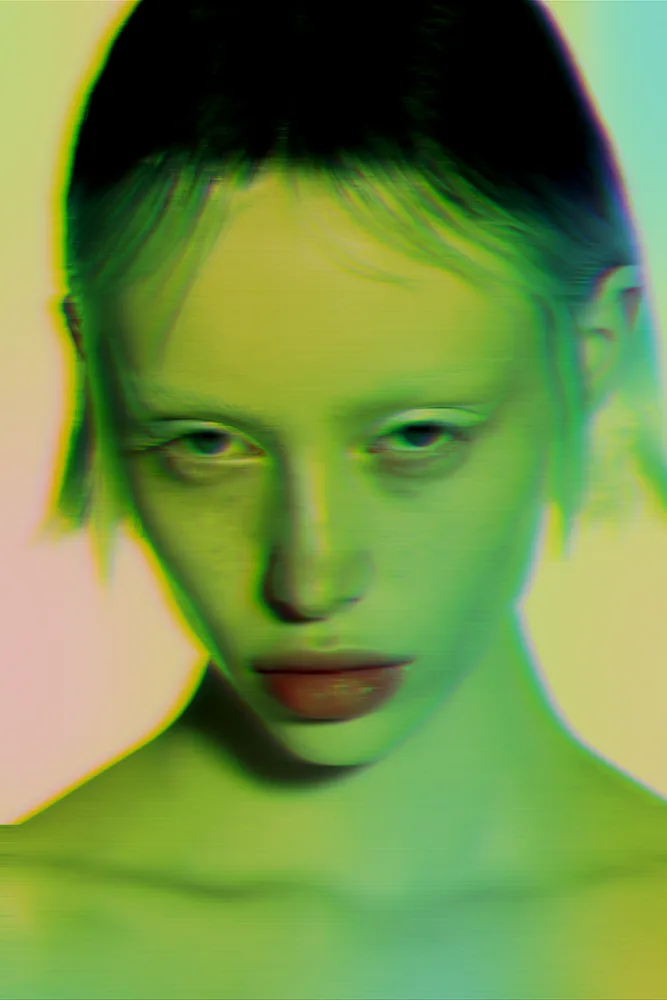
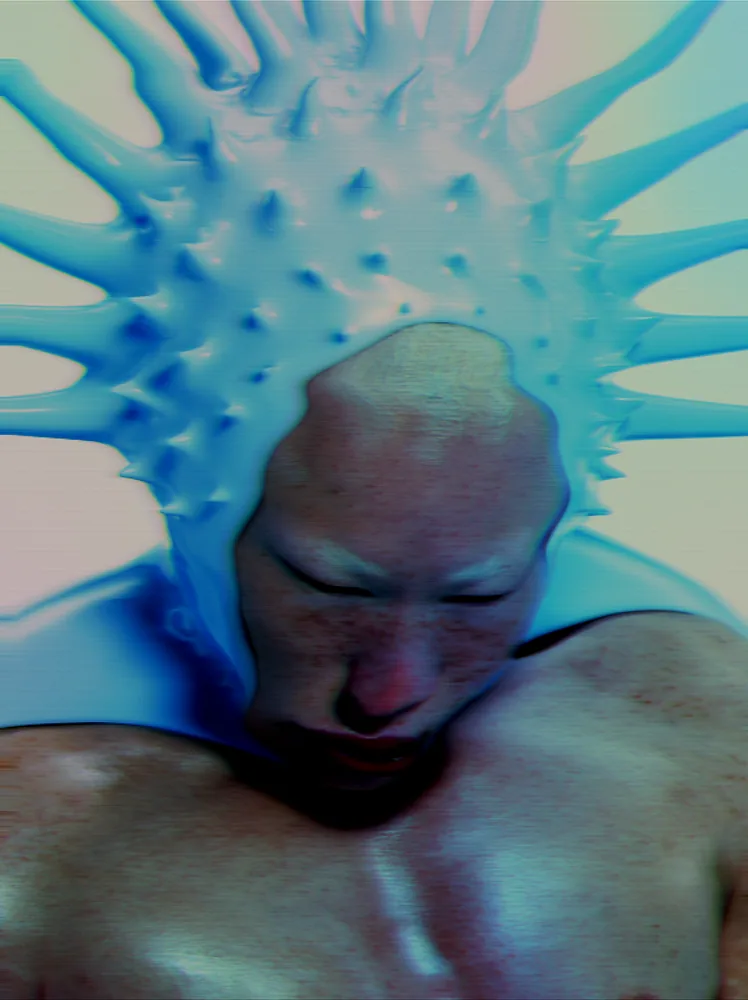
8 photos, each with its own settings. Try it on yours



Use Holographic Effect in Photoshop, After Effects, Illustrator, Affinity or Figma
The plugins are free with an account. Paid plans add bigger renders and your own filters. See pricing
Photoshop
Apply it as a Smart Filter on a Smart Object, then double-click to change it.
After Effects
Drop it on any layer as a native effect and keyframe every control on the timeline.
Illustrator
Use a selection as the source and get back native vector paths or an embedded image.
Affinity
Open Filters > Plugins > Nexus, pick the look and apply it to a pixel layer.
Figma
Select a frame or image, run the look, and the result drops back into your file.
Settings worth touching
- Chroma Spread
- Sets how far color splits into rainbow bands at edges. Low values give thin fringes, high values give wide color smears.
- Scanlines
- Controls the strength of the horizontal lines across the frame, from none at all to dense CRT rows.
- Wave Amount
- Bends the scanlines sideways into wavy tears. Pair it with Wave Frequency to set how many ripples run down the picture.
Frequently asked questions
What is a holographic filter?
In Nexus it is a procedural filter that splits the colors of your picture into rainbow bands along edges, adds scanlines and wavy tearing, and builds the result from your source image.
How do I add a holographic effect in After Effects?
Drop the look on any layer as a native effect, tune the controls and keyframe every parameter on the timeline. Each frame renders on its own, with no trails carried between frames.
Can I use the holographic effect in Illustrator?
Yes. Store a selection as the source and run the look. The result comes back as an embedded image, not vector paths, because this filter outputs pixels only.
How do I get a stronger iridescent effect?
Raise Chroma Spread for wider rainbow bands and push Saturation up for richer color. Adjust Contrast and Gamma if dark areas swallow the fringes or light areas wash them out.
Is the holographic effect free to use?
You can try it on your own image in the Nexus web editor for free, without an account. Exporting needs a free account. Using it in the plugins is free with an account too.



Try Holographic Effect in your browser
Free to try. Exporting needs a free account.