Airbrush Effect
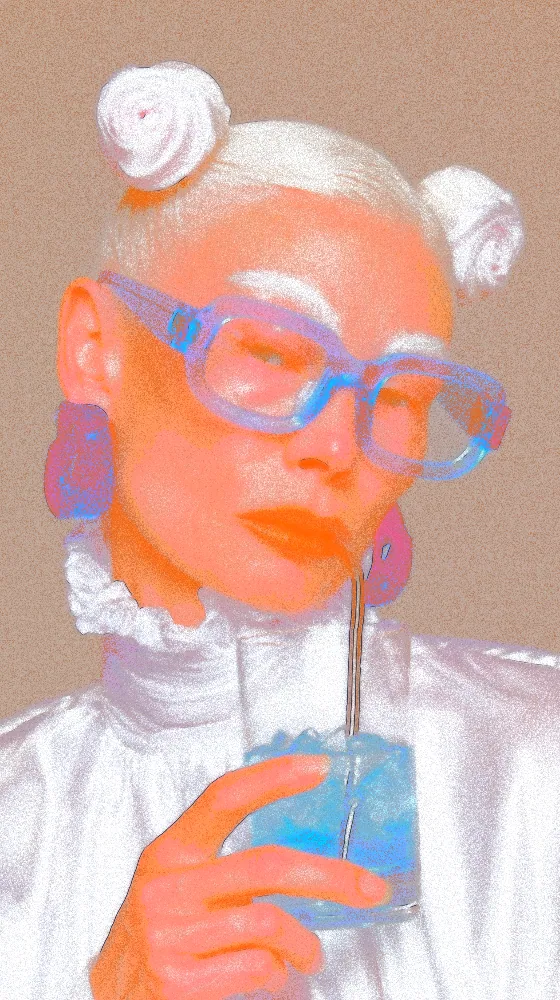
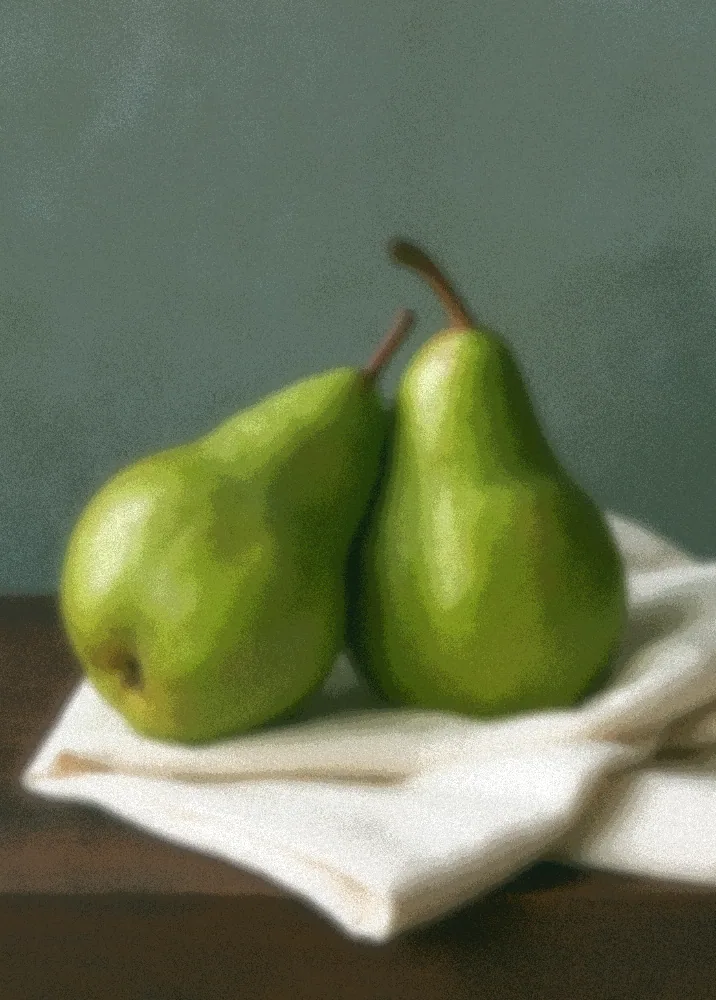
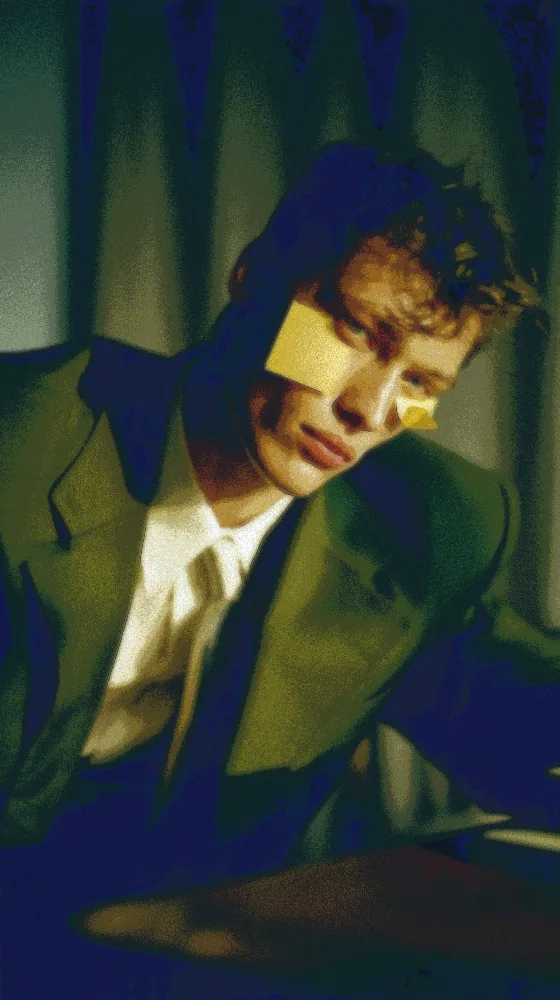
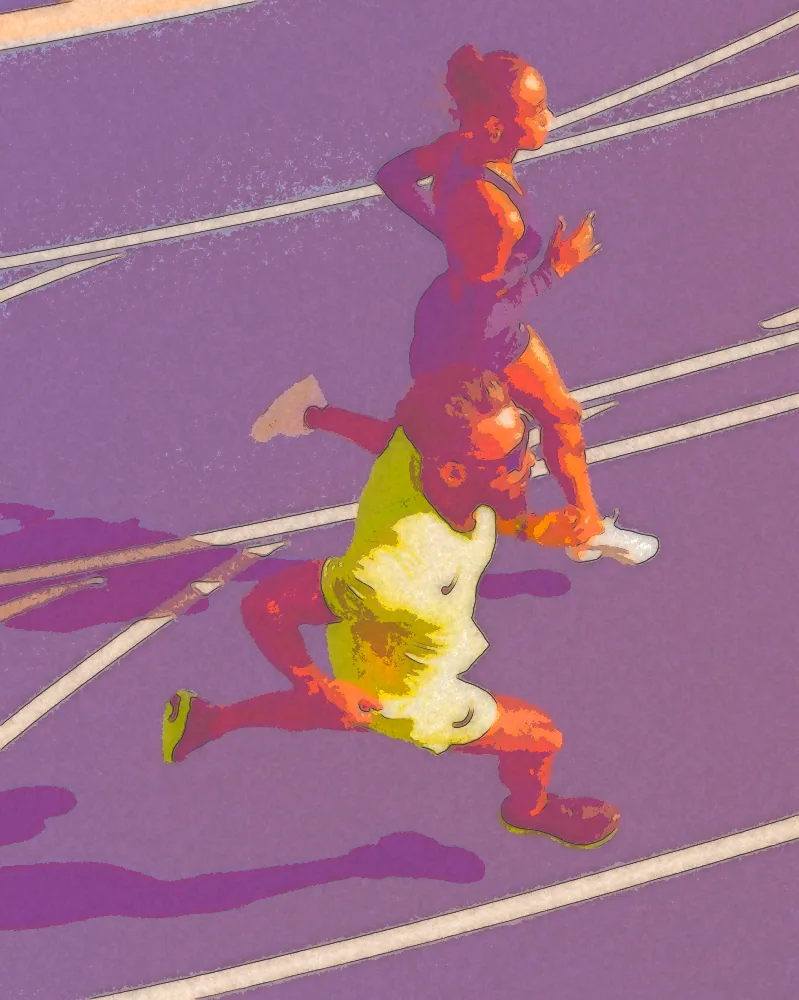
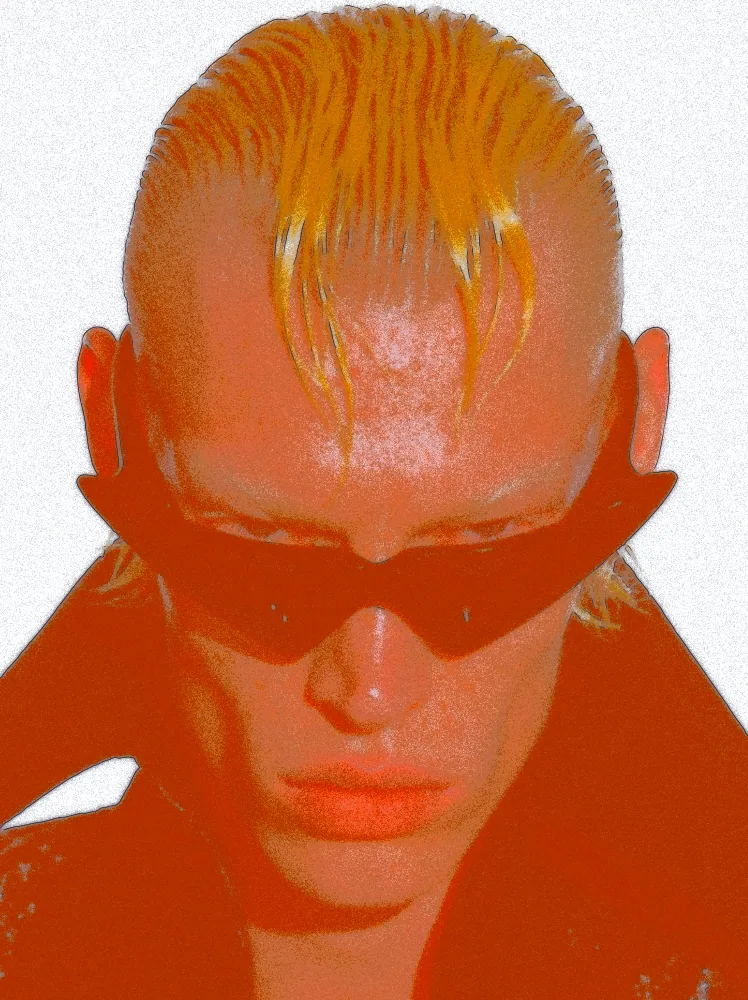
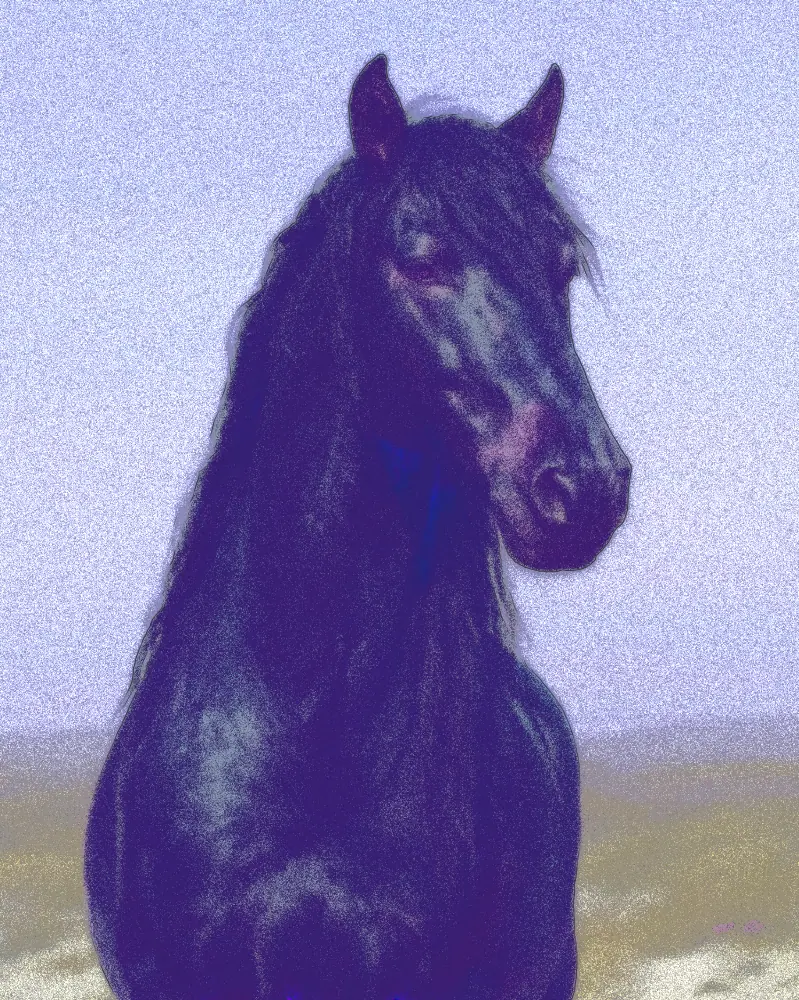
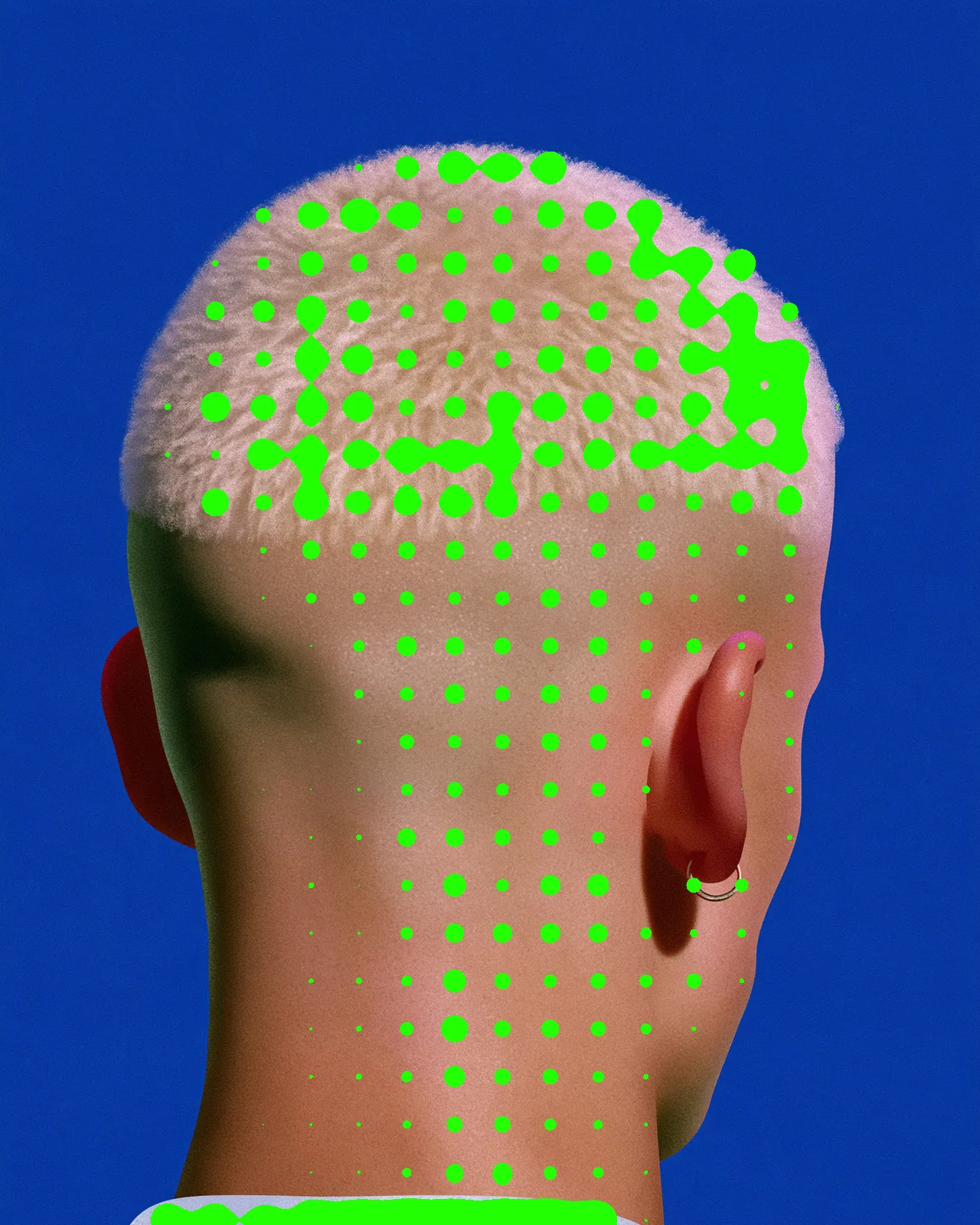
Turns any picture into sprayed paint: soft color bands, misty handoffs, a sprayed outline and grainy overspray.

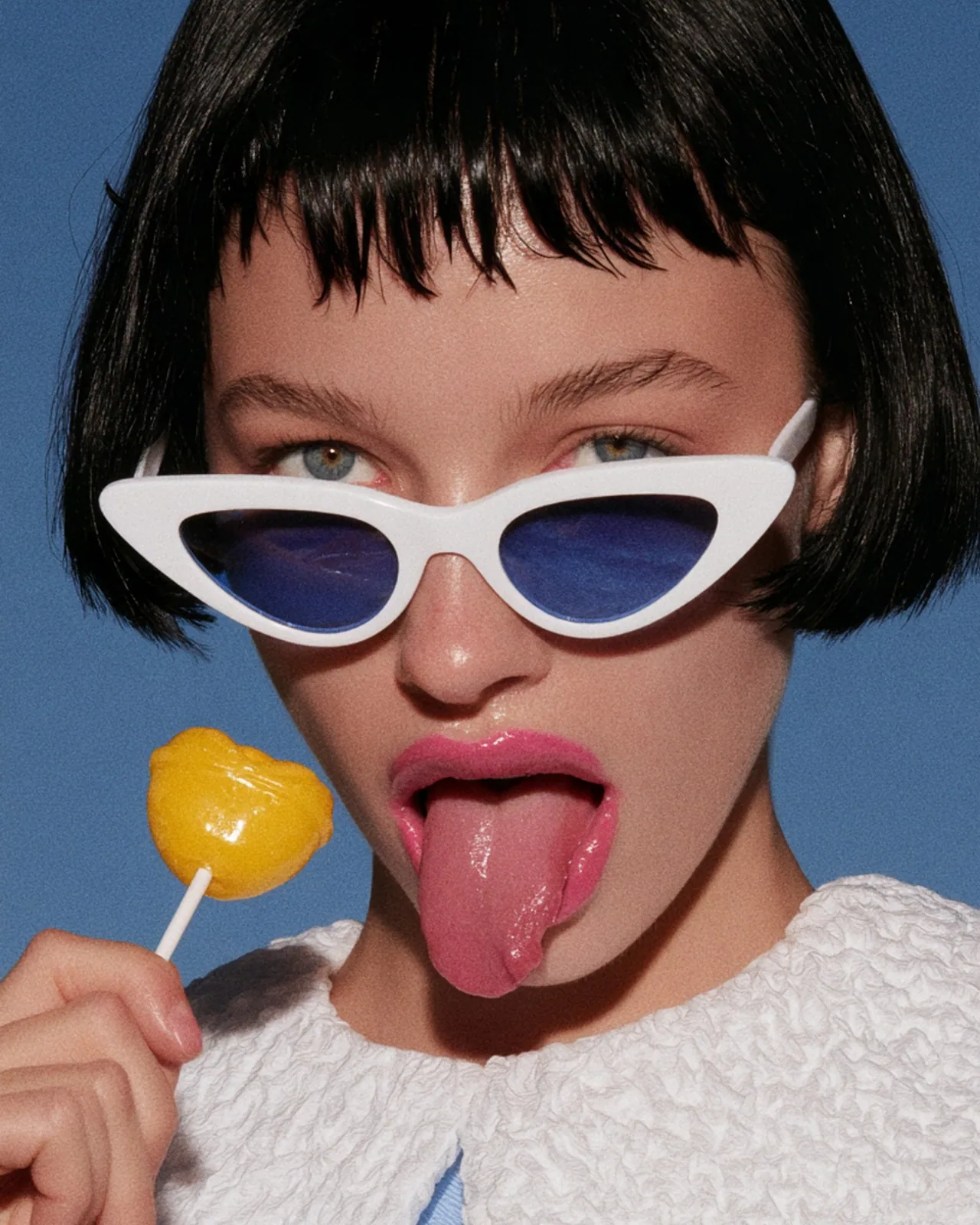
The airbrush effect sprays your picture instead of drawing it. Tone melts into soft posterized bands that dissolve into each other as colored mist, edges get a liner with a solid core and a sprayed skirt, and overspray drifts into open space. You set the band count, liner reach, palette, grain and softness.
Same effect, different settings
12 photos, each with its own settings. Try it on yours
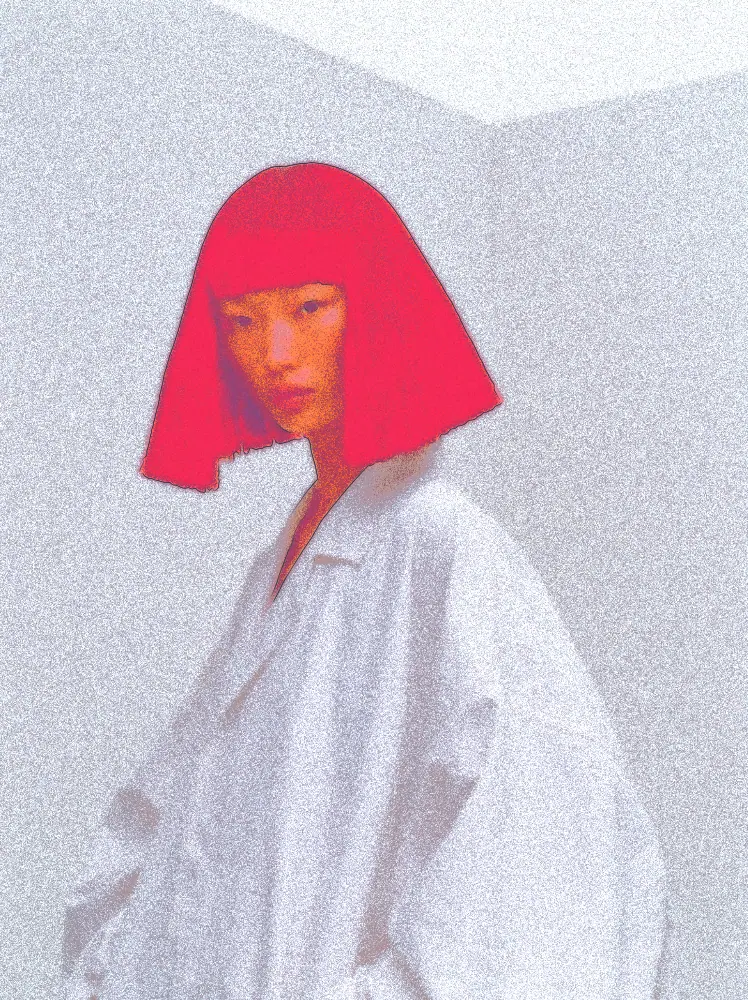
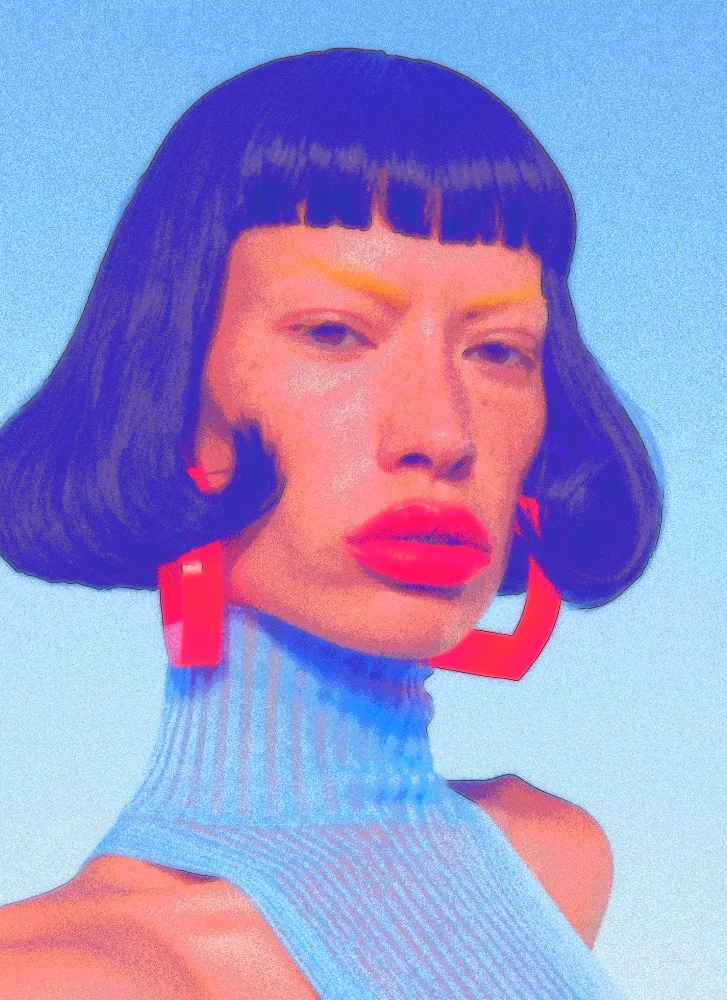
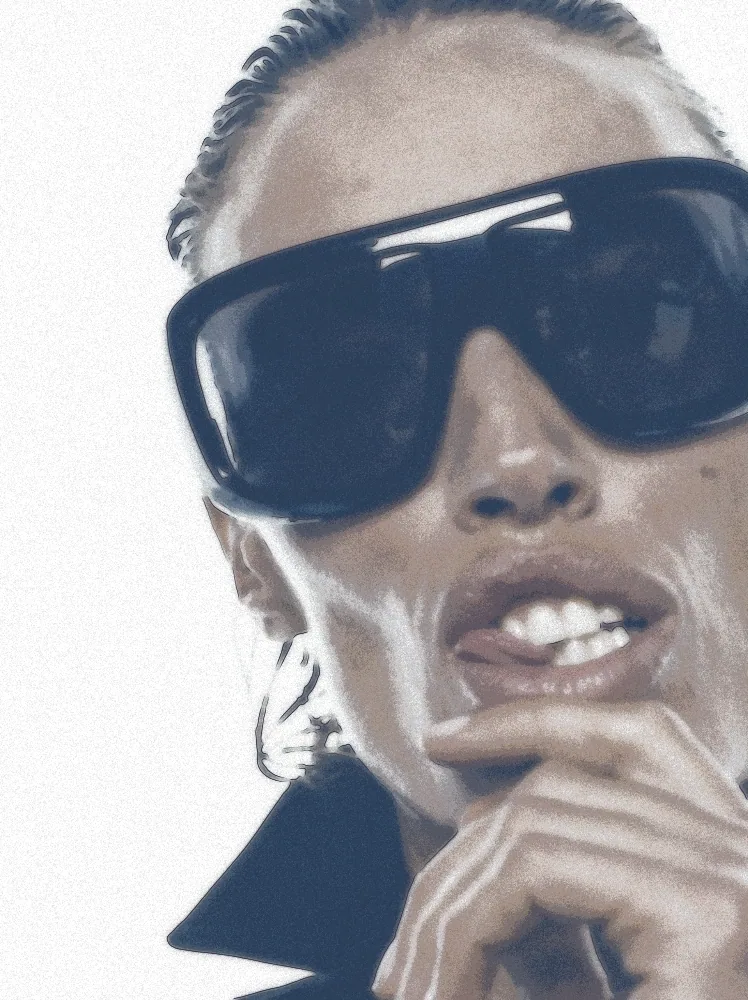



Use Airbrush Effect in Photoshop, After Effects, Illustrator, Affinity or Figma
The plugins are free with an account. Paid plans add bigger renders and your own filters. See pricing
Photoshop
Apply it as a Smart Filter on a Smart Object, then double-click to change it.
After Effects
Drop it on any layer as a native effect and keyframe every control on the timeline.
Illustrator
Use a selection as the source and get back native vector paths or an embedded image.
Affinity
Open Filters > Plugins > Nexus, pick the look and apply it to a pixel layer.
Figma
Select a frame or image, run the look, and the result drops back into your file.
Settings worth touching
- Bands
- Sets how many flat tone fields the picture breaks into, from 2 for bold poster shapes up to 12 for smoother gradients.
- Ink reach
- Decides which edges get a liner, from the outer silhouette only up to every small crease inside the shape.
- Overspray
- Controls how much sprayed color drifts off the liner into open space, with spatter at the fringe.
Frequently asked questions
How do I add the airbrush effect in Photoshop?
Install Nexus for Photoshop, convert your layer to a Smart Object and apply the look as a Smart Filter. Double-click it later to change settings, or render the result as a new layer.
Can I use the airbrush effect in Illustrator?
Yes. Nexus for Illustrator uses a selection as the source and places the result back as an embedded image. This look outputs pixels only, so it does not return vector paths.
Can I try the airbrush effect for free?
Yes. Open the look in the Nexus web editor and try it on your own image without an account. Exporting needs a free account, which exports images up to 720px and video up to 720px with the Nexus mark.
How do I make the airbrush look softer or grainier?
Raise Soften and Band blend for mistier transitions between color fields. Grain adds the sprayed speckle, and Grain scale sets how coarse or fine that speckle looks.
Can I animate the airbrush effect in After Effects?
Yes. Nexus for After Effects adds it as a native effect. Drop it on a layer, tune the controls and keyframe any parameter on the timeline.



Try Airbrush Effect in your browser
Free to try. Exporting needs a free account.