Grunge Effect
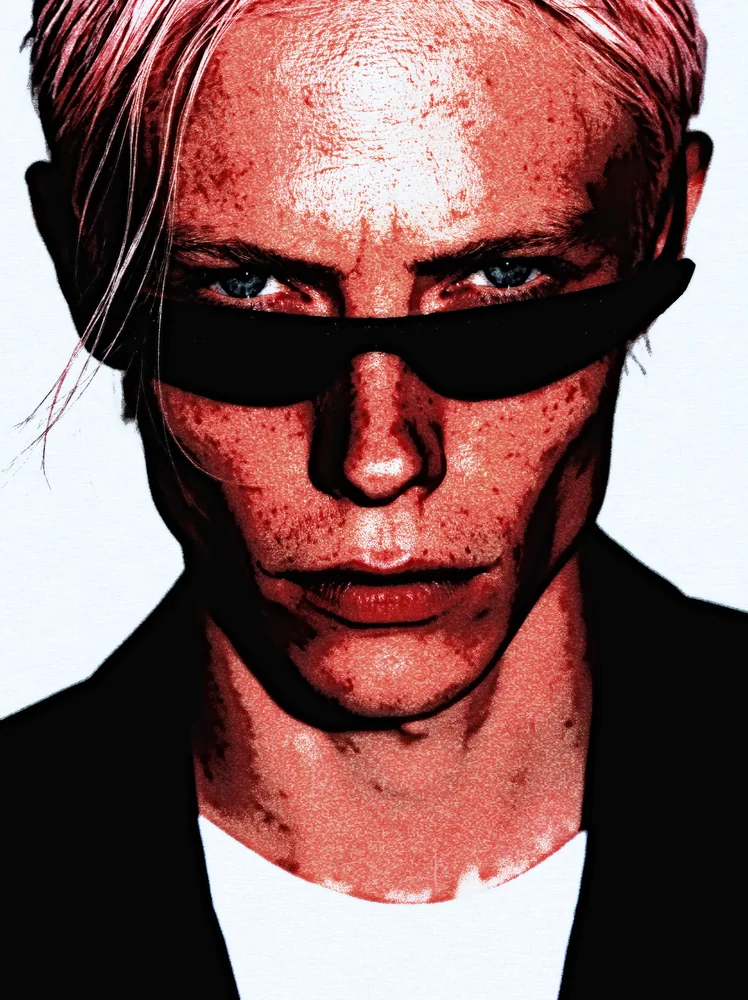
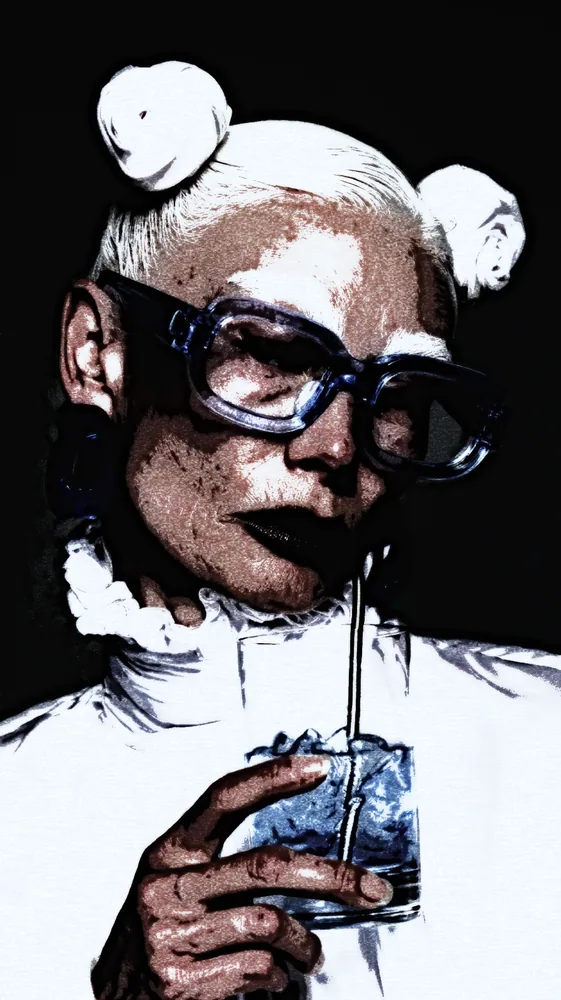
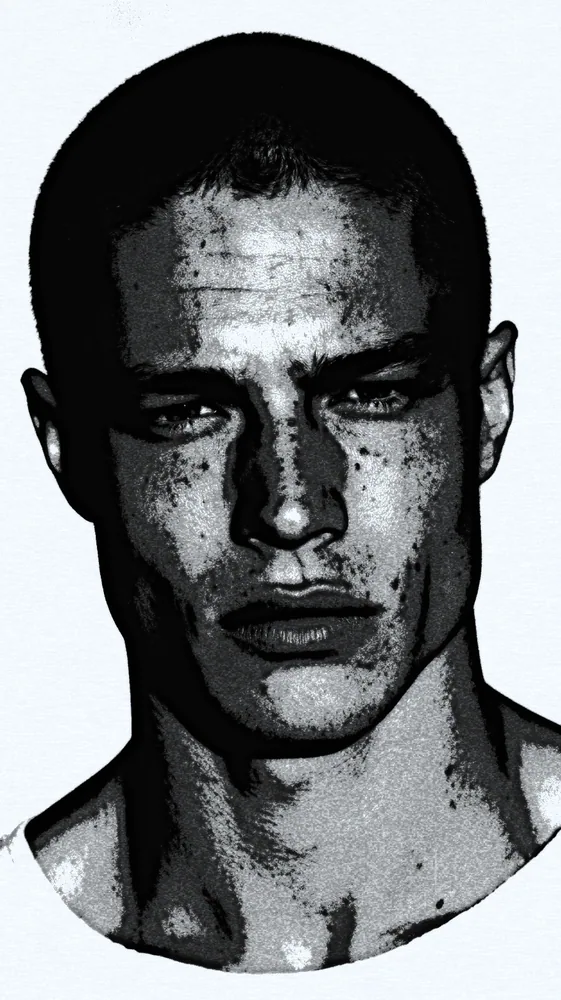
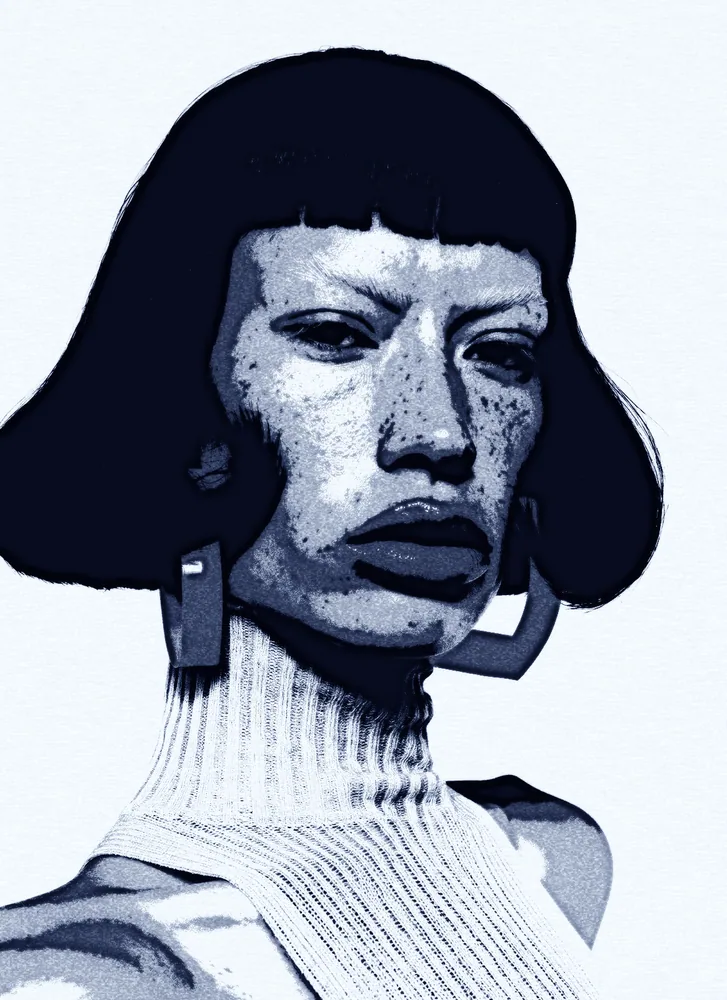
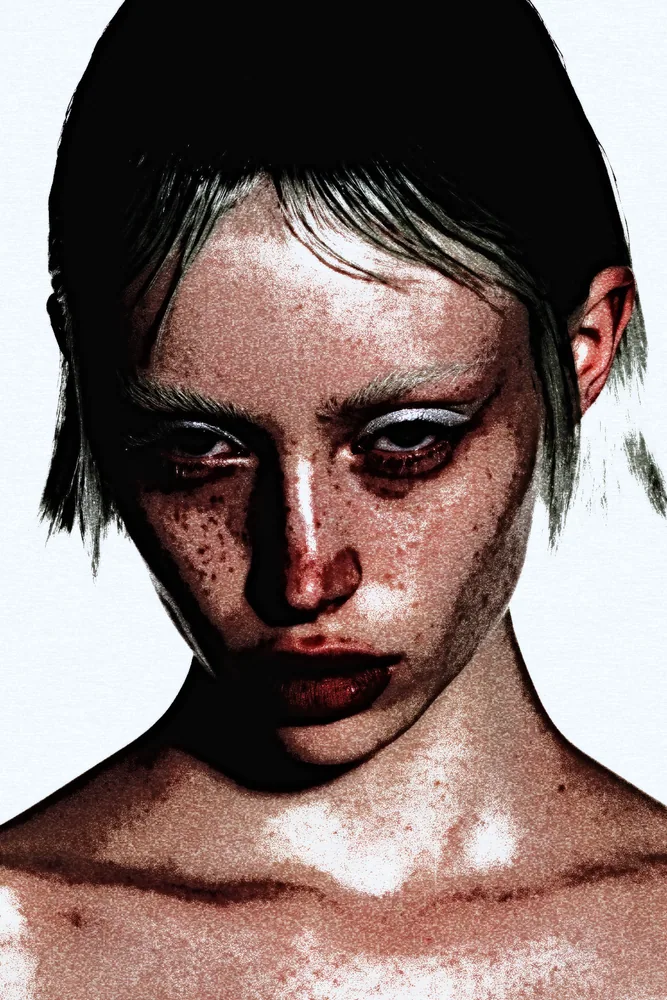
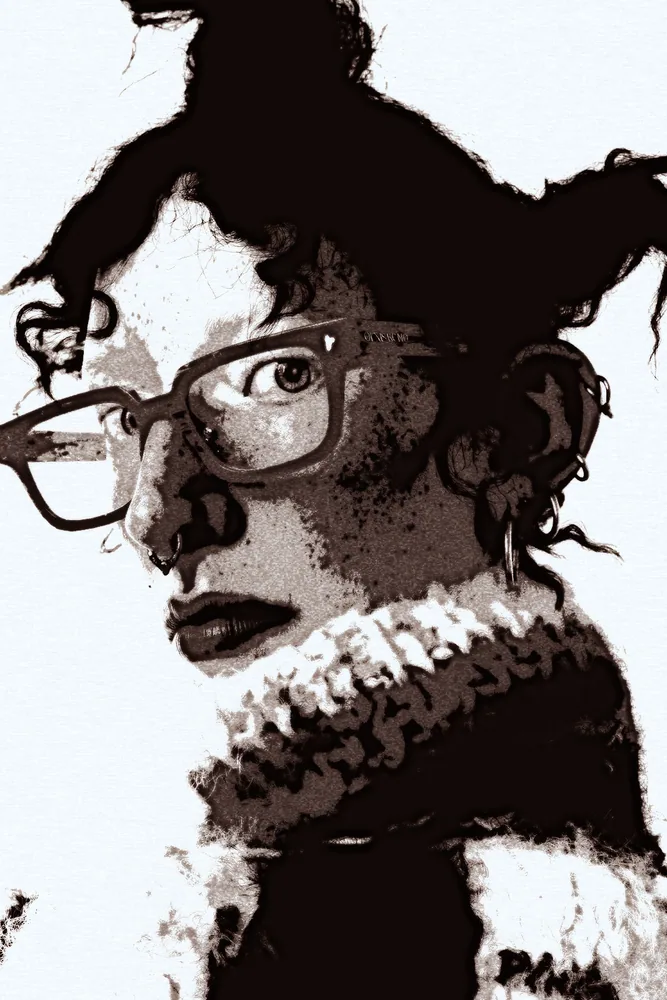
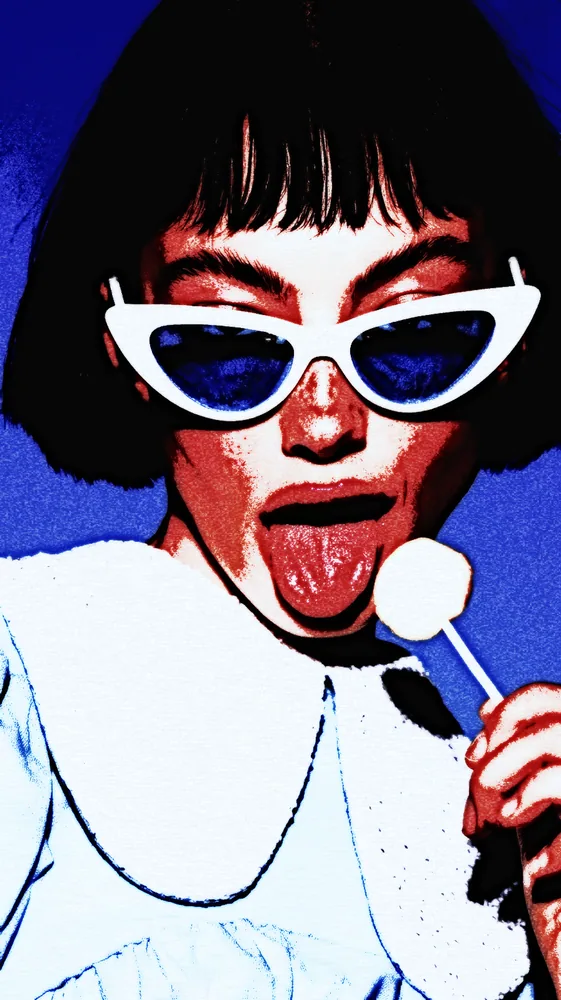
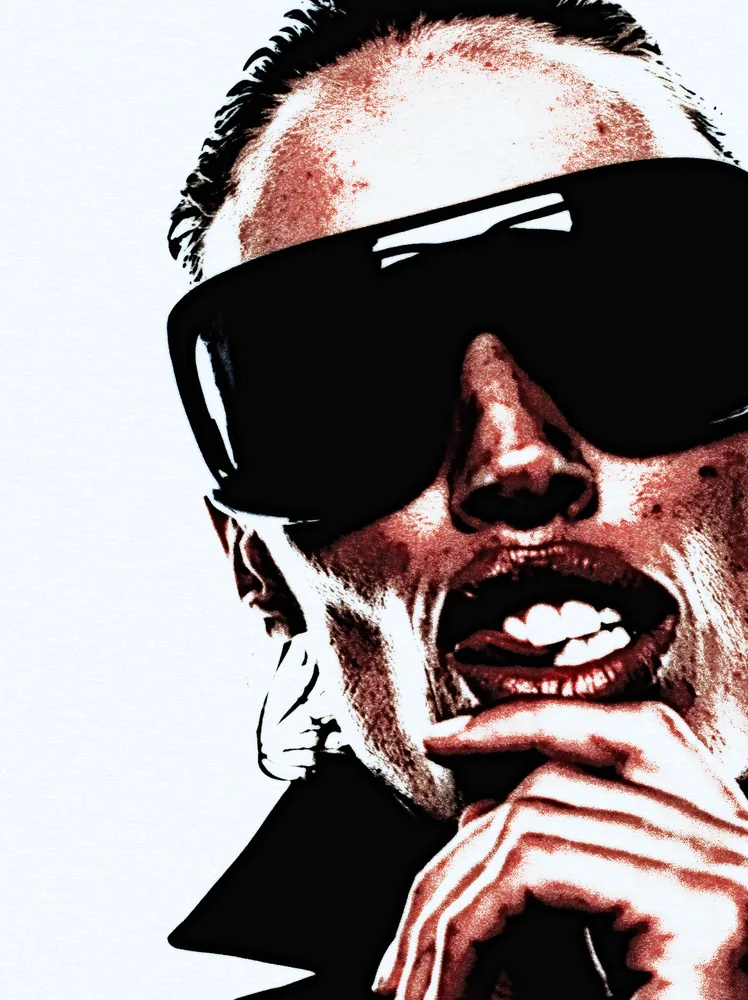
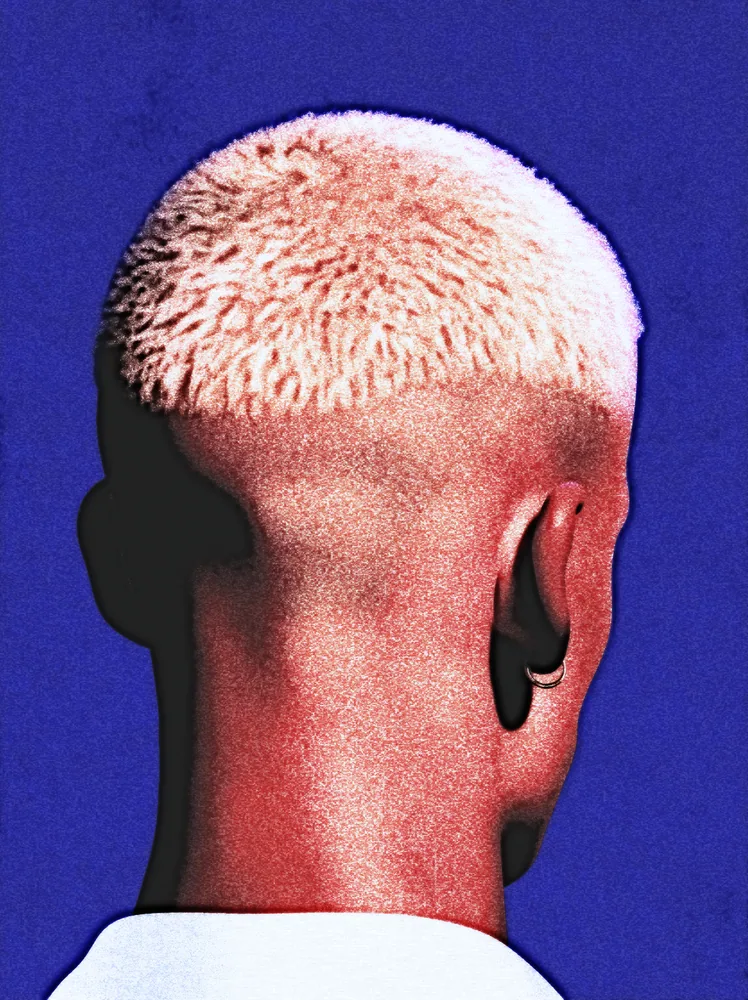
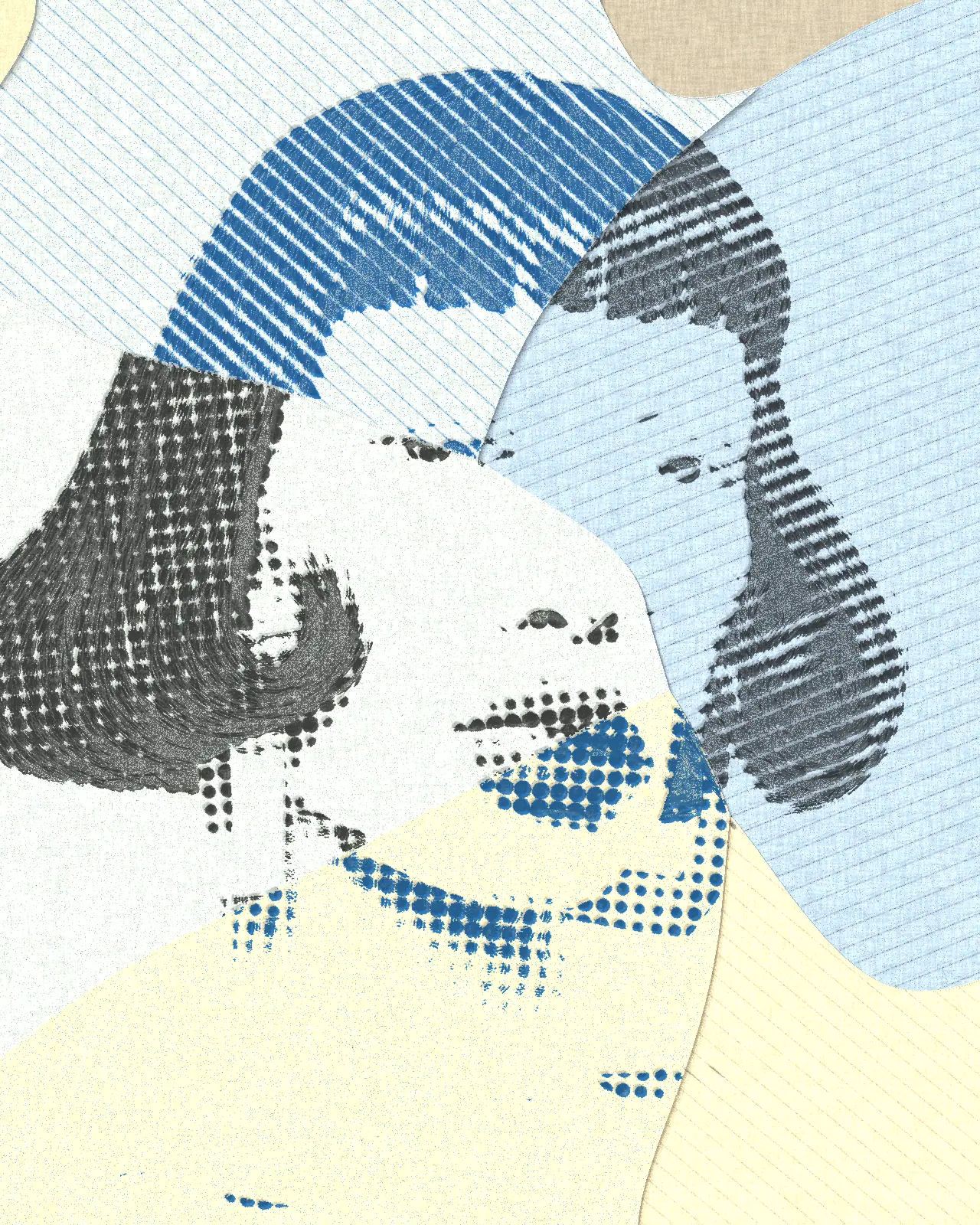
The grunge effect crushes shadows to solid black and breaks the rest of your picture into gritty, speckled pigment.
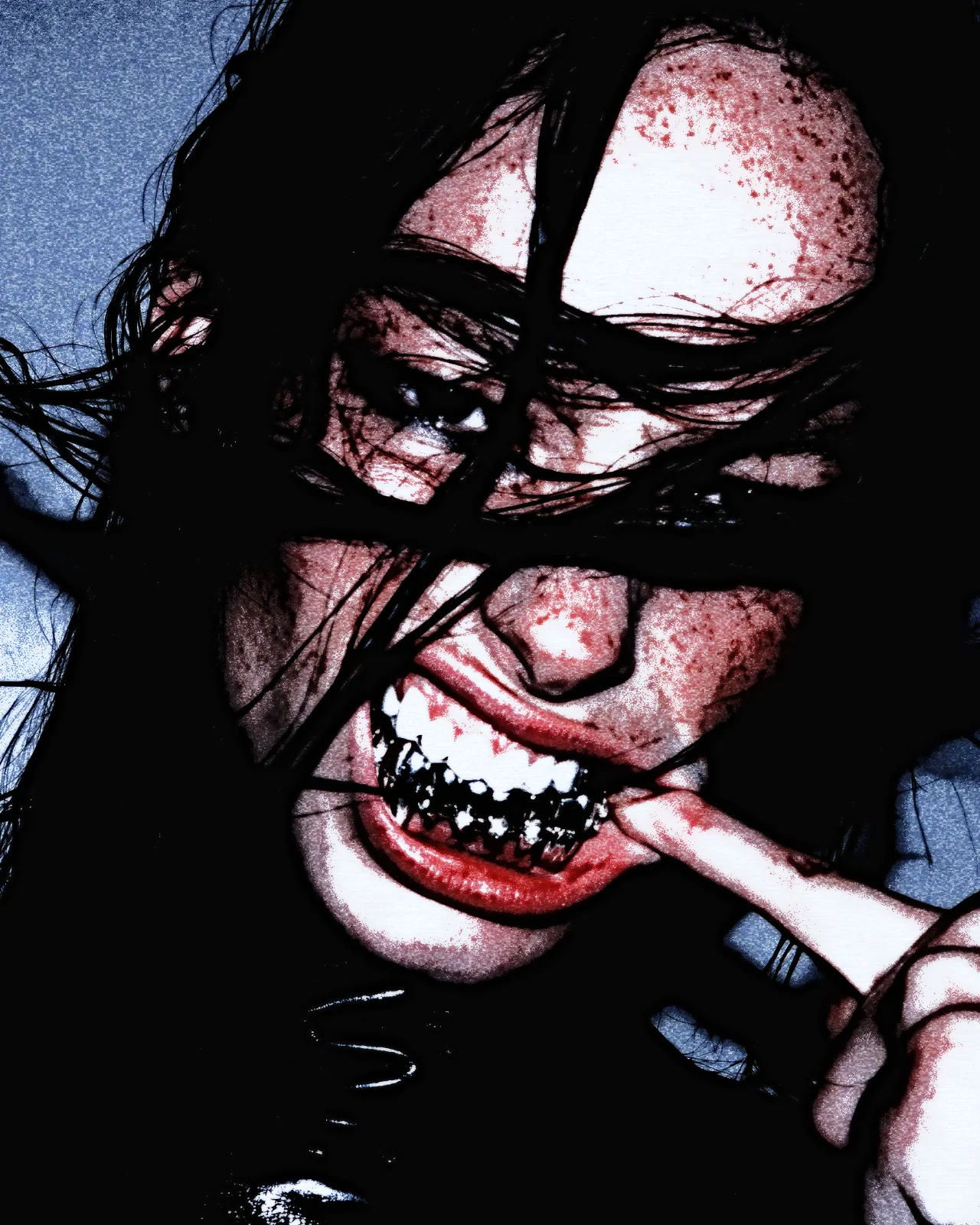
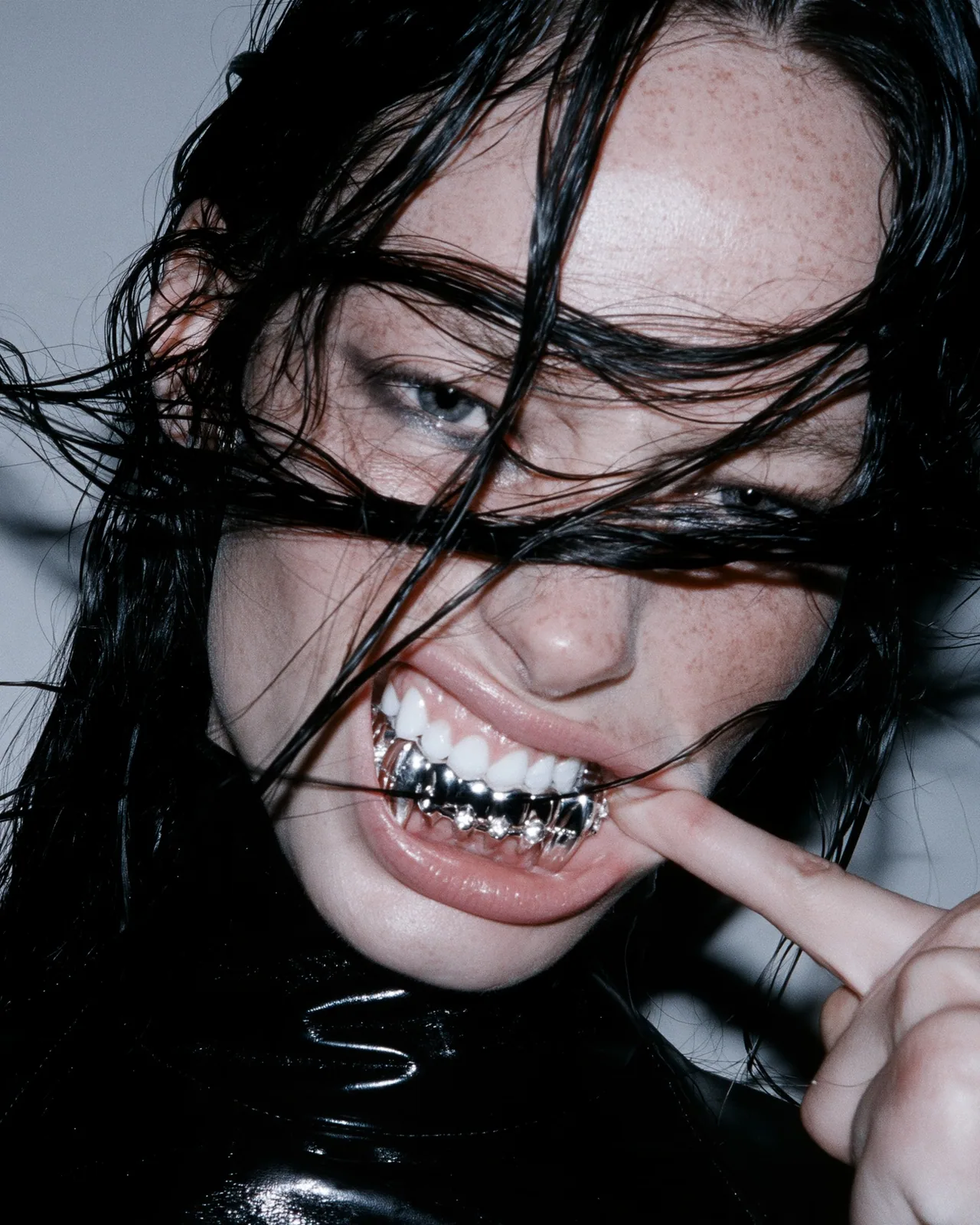
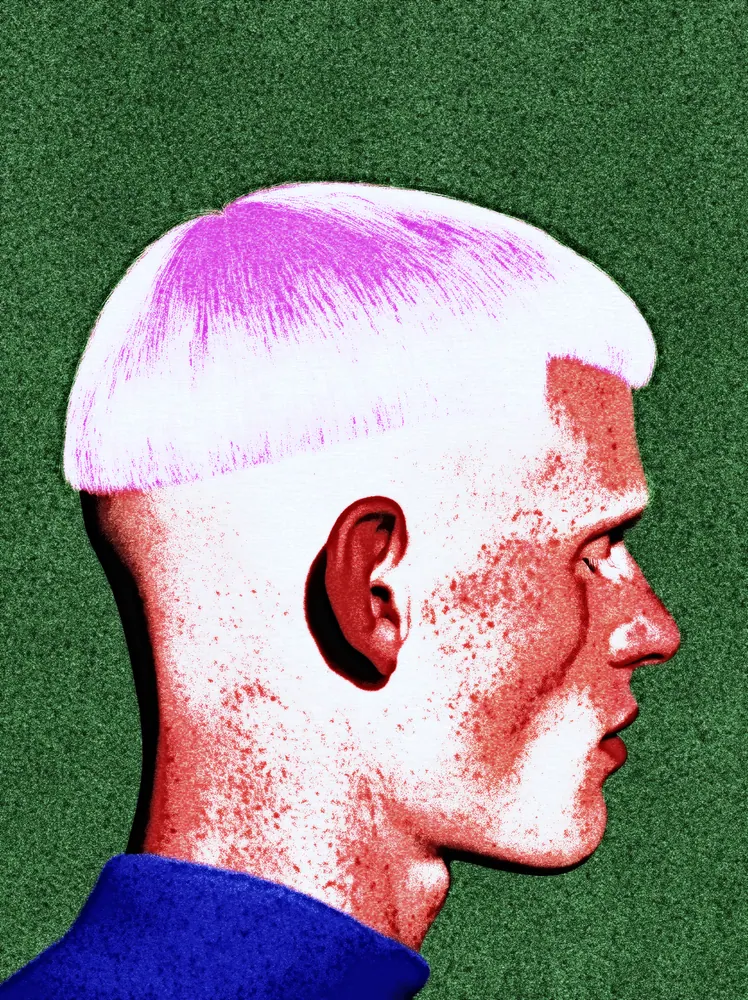
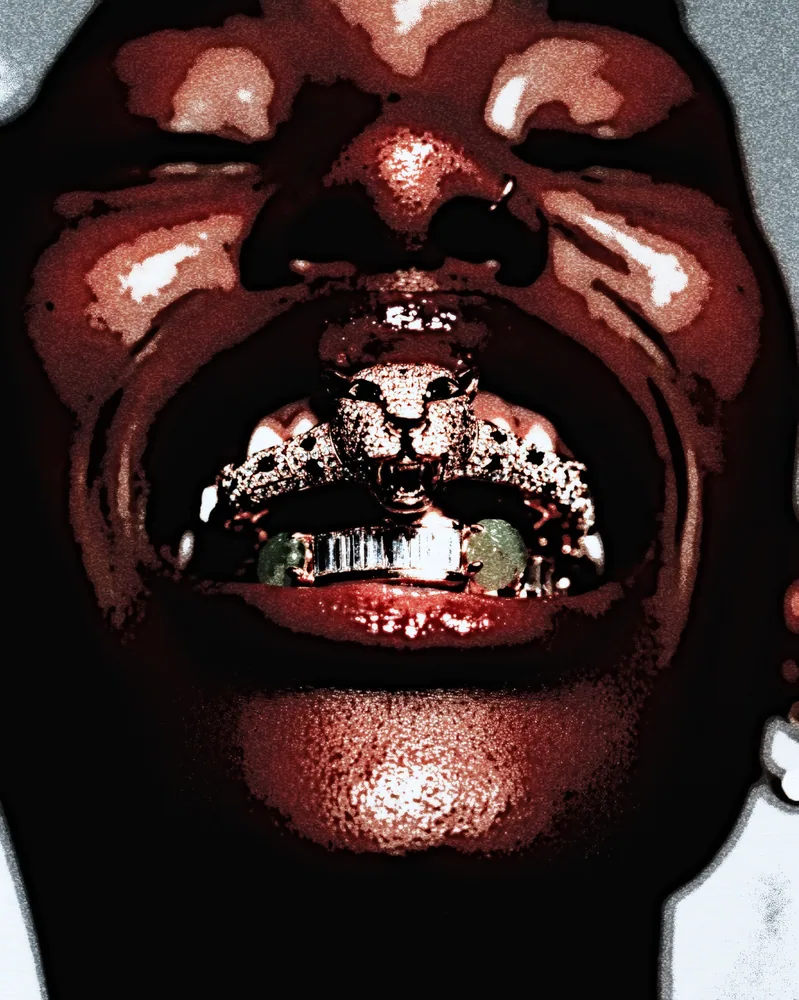
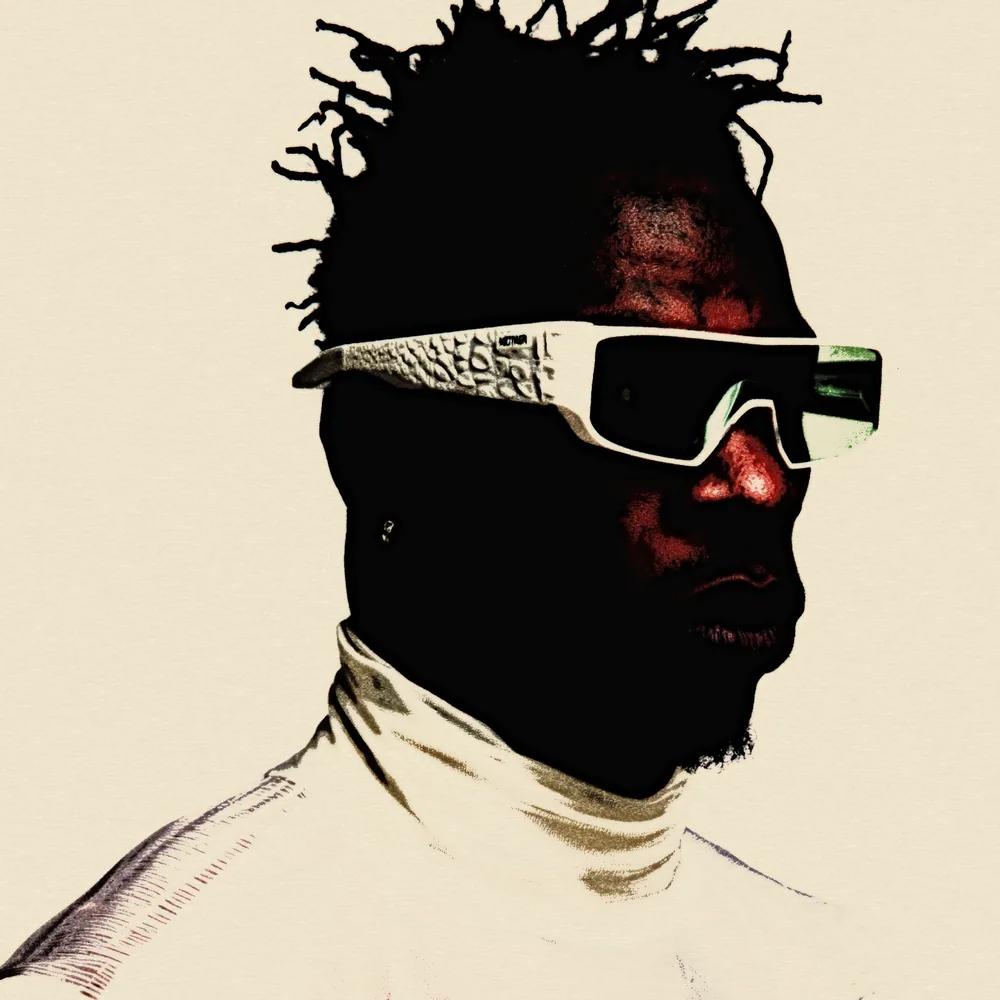
The grunge effect is a Nexus look built on a watercolor engine pushed hard. It sinks shadows into flat black, lifts contrast, and scatters grainy pigment speckle through the midtones, tinted from your picture's own color. You can change the pigment gradient, the grain size, how far the ink spill spreads, and the contrast.
Same effect, different settings
12 photos, each with its own settings. Try it on yours
Use Grunge Effect in Photoshop, After Effects, Illustrator, Affinity or Figma
The plugins are free with an account. Paid plans add bigger renders and your own filters. See pricing
Photoshop
Apply it as a Smart Filter on a Smart Object, then double-click to change it.
After Effects
Drop it on any layer as a native effect and keyframe every control on the timeline.
Illustrator
Use a selection as the source and get back native vector paths or an embedded image.
Affinity
Open Filters > Plugins > Nexus, pick the look and apply it to a pixel layer.
Figma
Select a frame or image, run the look, and the result drops back into your file.
Settings worth touching
- Gamma
- Sets how far the shadows sink. The look starts low, so darker tones fill with black; raise it to open them back up.
- Granulation Scale
- Sets the size of the speckled grain. Smaller values give fine grit, larger values give coarse, blotchy texture.
- Pigment Ramp
- The gradient that colors the washes. The look starts with a custom ramp; change its stops for any palette you want.
Frequently asked questions
What is a grunge photo effect?
A grunge photo effect makes a picture look rough and worn: heavy blacks, harsh contrast and gritty texture. This look builds it from your image with crushed shadows and speckled pigment grain.
How do I add the grunge effect in Photoshop?
Install Nexus for Photoshop, apply the look as a Smart Filter on a Smart Object, then double-click it to change settings. You can also render it as a new layer.
Can I use the grunge effect in Illustrator?
Yes. Nexus for Illustrator uses your selection as the source and returns the result as an embedded image. This look is pixels only, so it does not produce vector paths.
How do I make the grunge texture effect stronger?
Lower Gamma to push more of the picture into black, raise Contrast, and reduce Granulation Scale for finer, denser grit. Raising Spill Reach spreads the ink further across the image.
Can I try the grunge filter for free?
Yes. Open the look in the Nexus web editor and try it on your own image without an account. Exporting needs a free account, which exports images up to 720px and video up to 720px with the Nexus mark.


Try Grunge Effect in your browser
Free to try. Exporting needs a free account.