 Photoshop
 Illustrator
 After Effects
 Figma
Figma Affinity
Raster effects
for photos and footage
A raster effect reads the picture under it and paints a new one, pixel by pixel. Print, glass, glow and grain, live on any photo or clip.
The plugins are free with an account. Paid plans add bigger renders and your own effects. See pricing
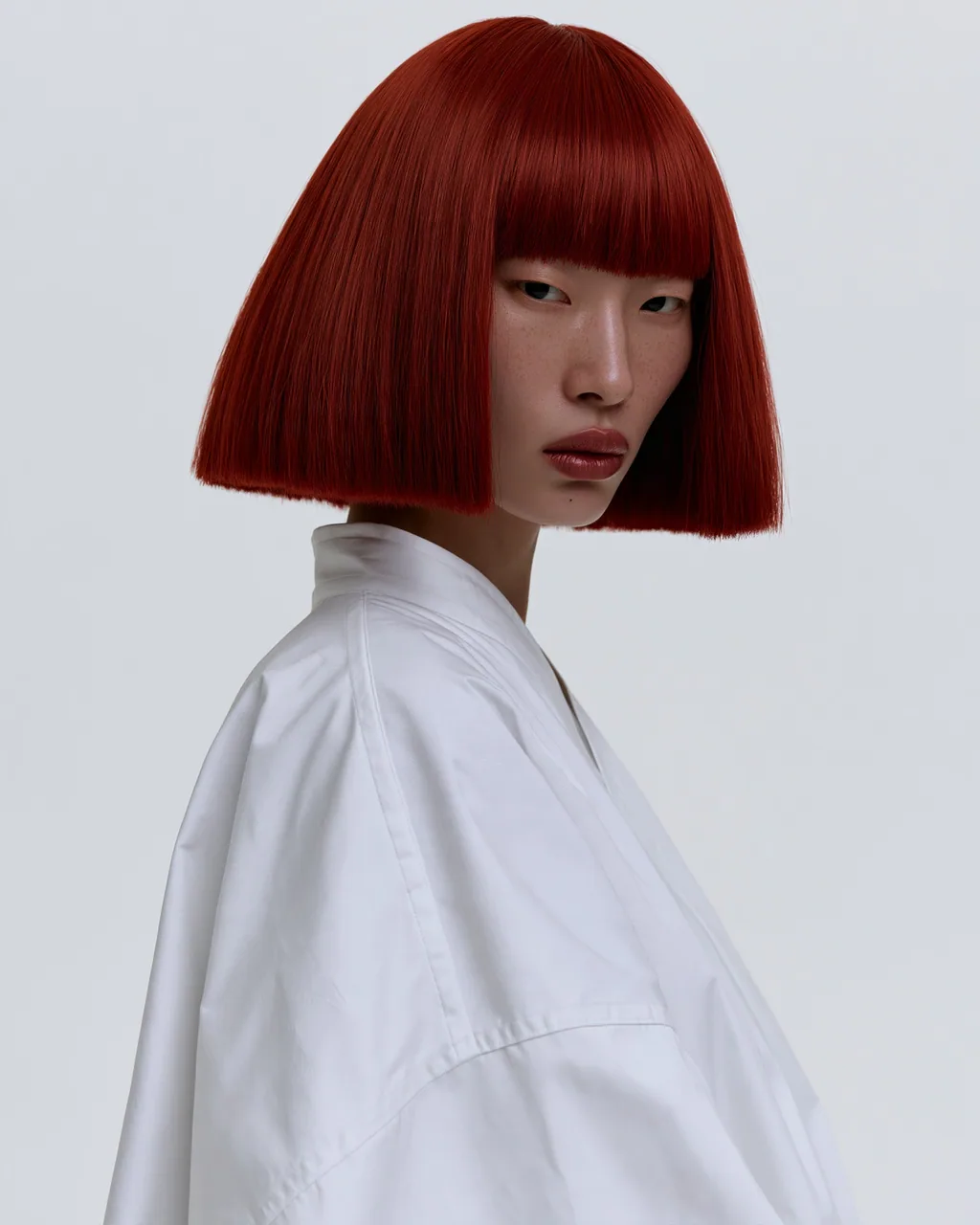

How a raster effect works
It looks at the colors under it and paints new pixels on top, the way photo effects always have.
It reads the picture
Every pixel it paints starts from the colors under it.
It paints new pixels
Ink, grain, glass and light, rendered at your size.
It runs on footage
Every frame gets the effect, and every setting can be keyframed.
Raster effects to start with
Every one runs in your apps with the same controls as the web editor. See every effect
- Risograph EffectPrint
- Halftone EffectPrint

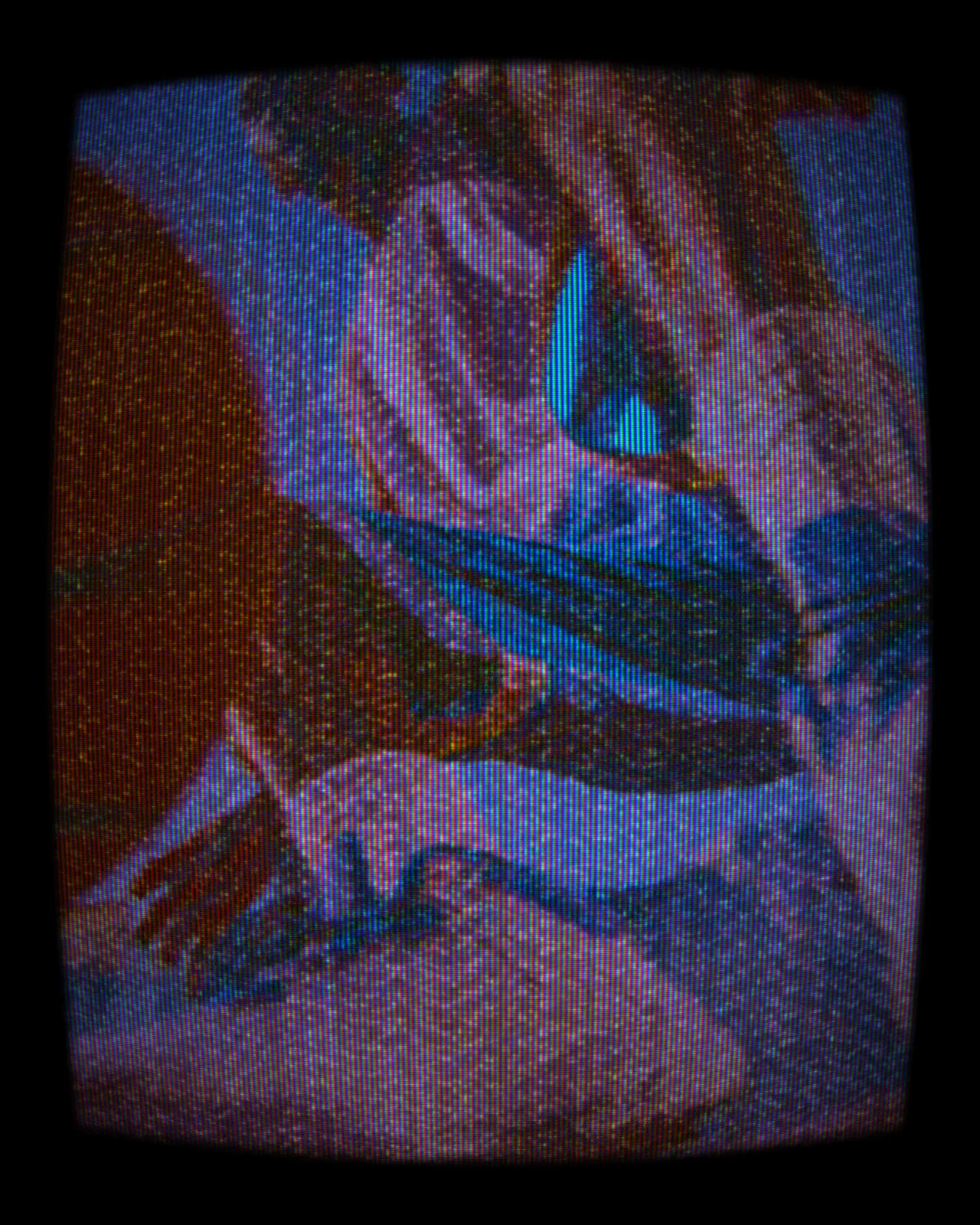
- CRT EffectRetro
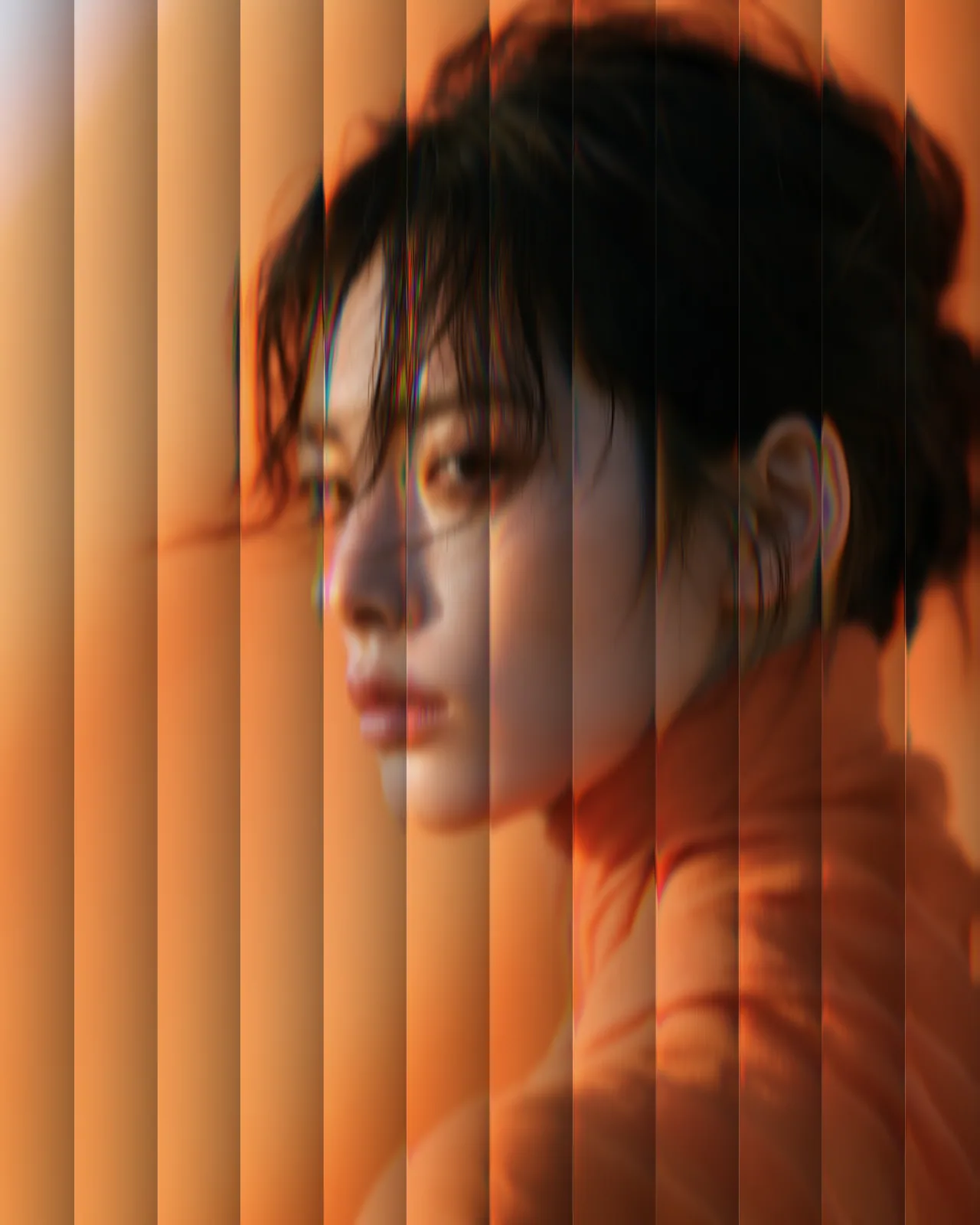
- Reeded Glass EffectTexture
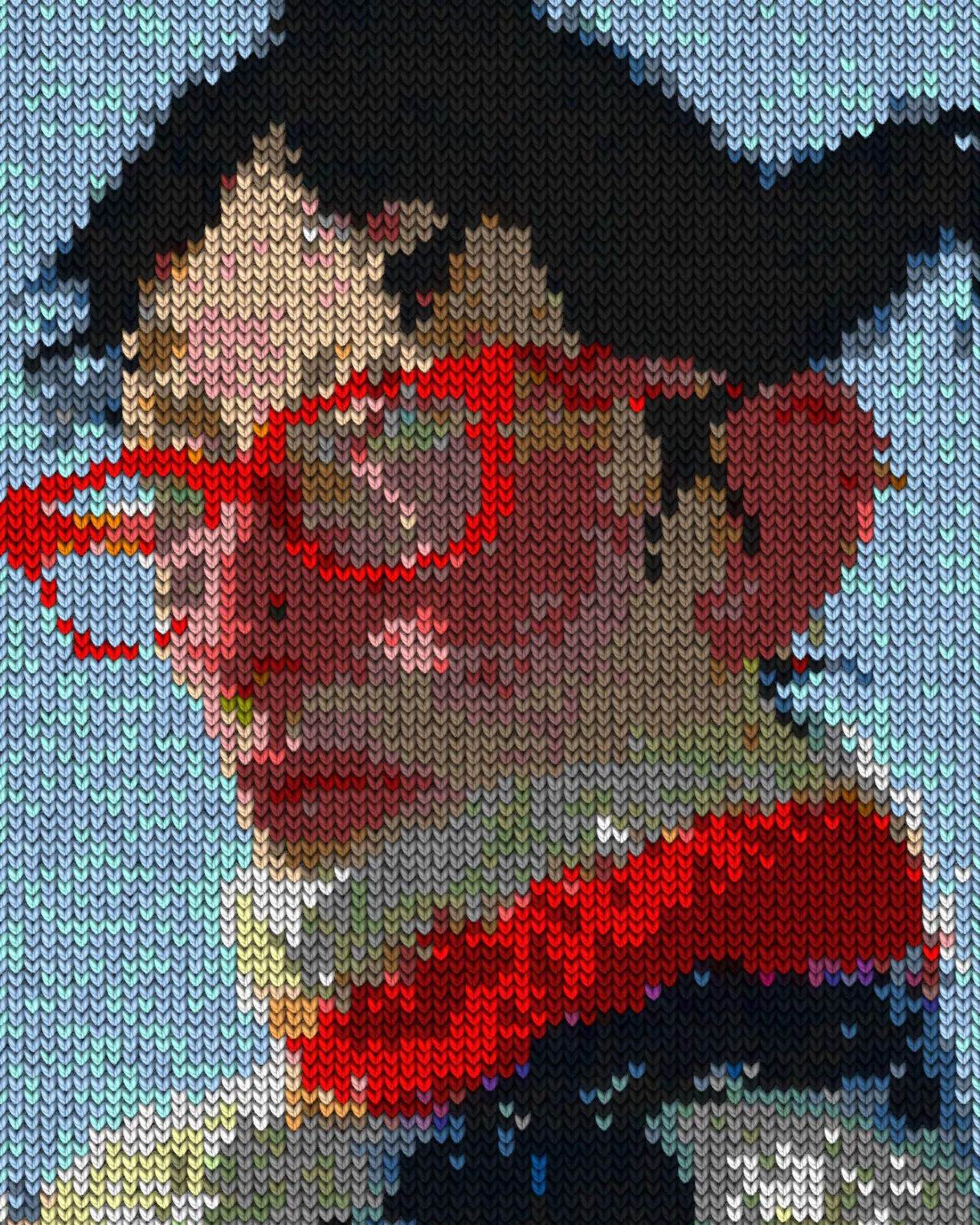
- Knit EffectTexture
- Metaball EffectBlobs
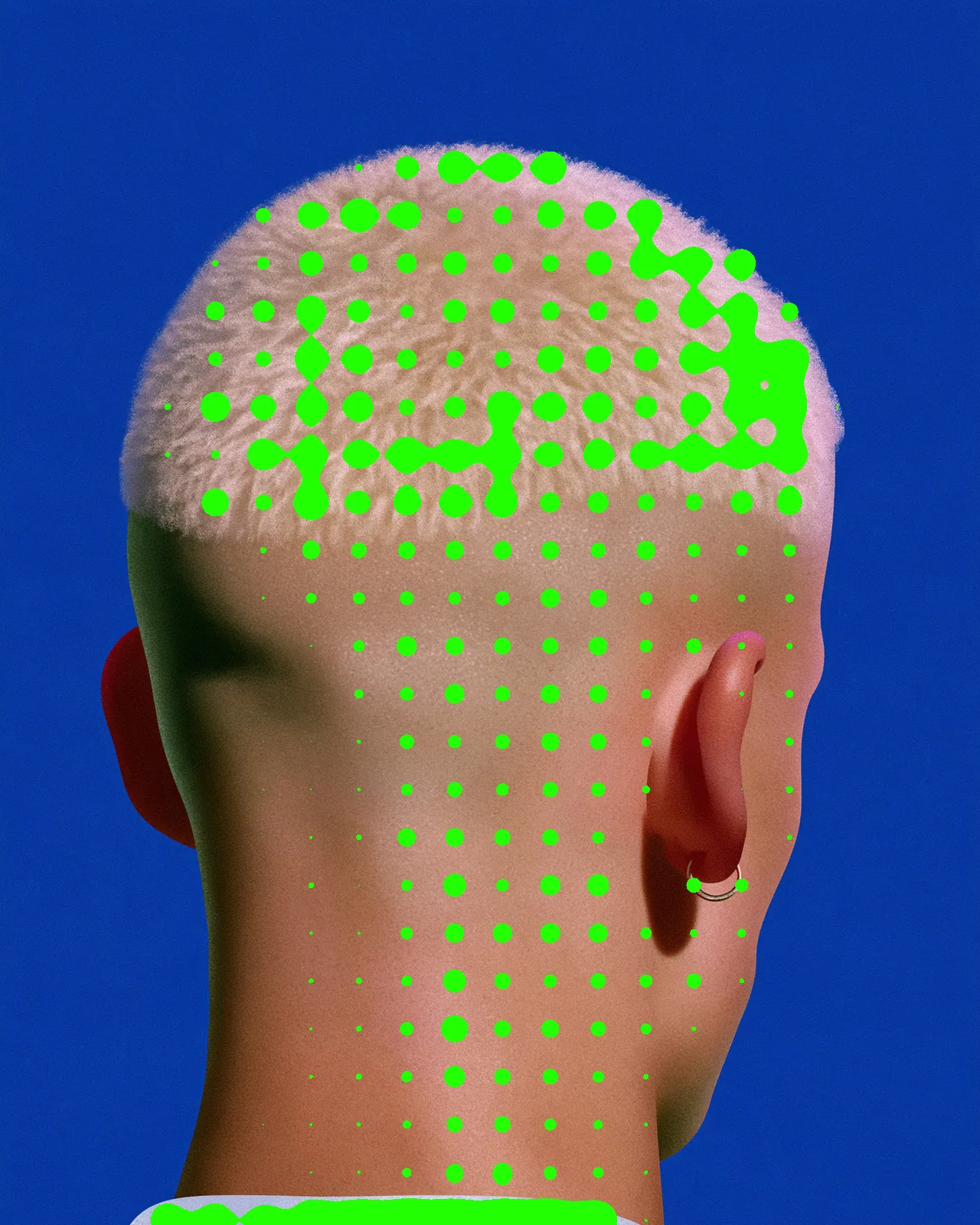
Every raster effect
- Risograph Effect
- Halftone Effect
- Metaball Effect
- Cyanotype Effect
- Reeded Glass Effect
- Knit Effect
- CRT Effect
- Airbrush Effect
- Torn Paper Collage Effect
- Topographic Map Effect
- Wave Lines Effect
- Brick Mosaic Effect
- Gradient Grid Background
- Thorn Frame
- Stencil Effect
- Pointillism Effect
- Stipple Effect
- CMYK Effect
- CCTV Effect
- Newspaper Effect
- Grunge Effect
- Pop Art Effect
- Holographic Effect
In every app you use
A raster effect renders as pixels everywhere, so Illustrator and Figma place it as an image.
Describe a raster effect
Switch Create to Raster and say what you want, or drop in a reference. A sentence is enough.
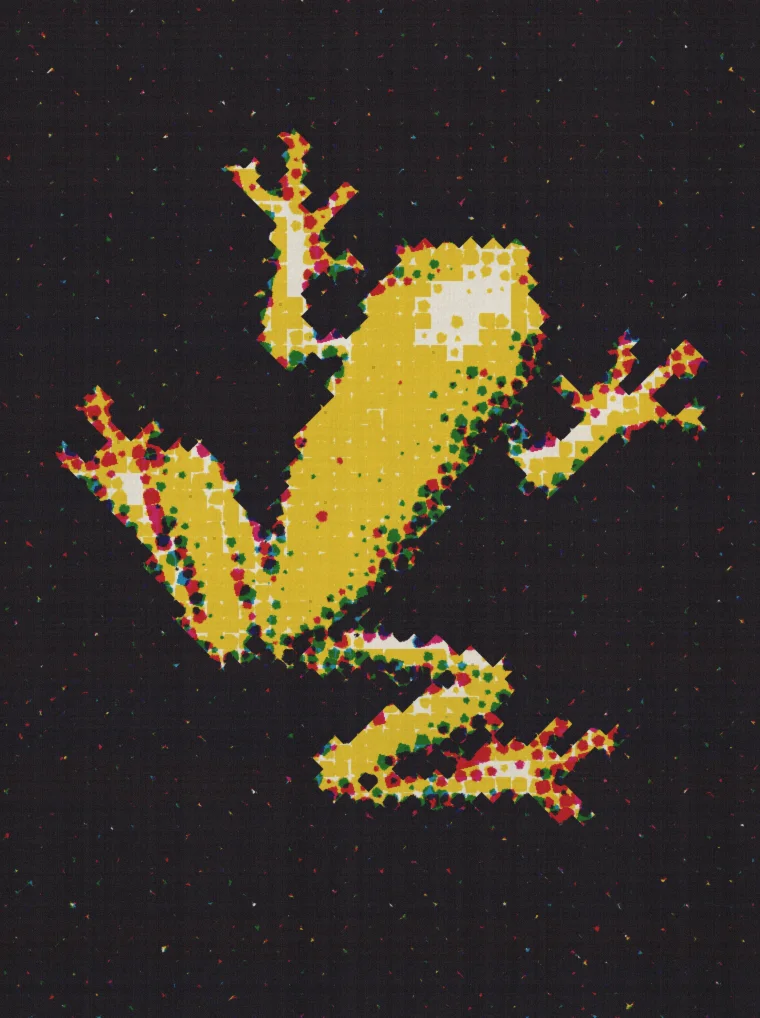
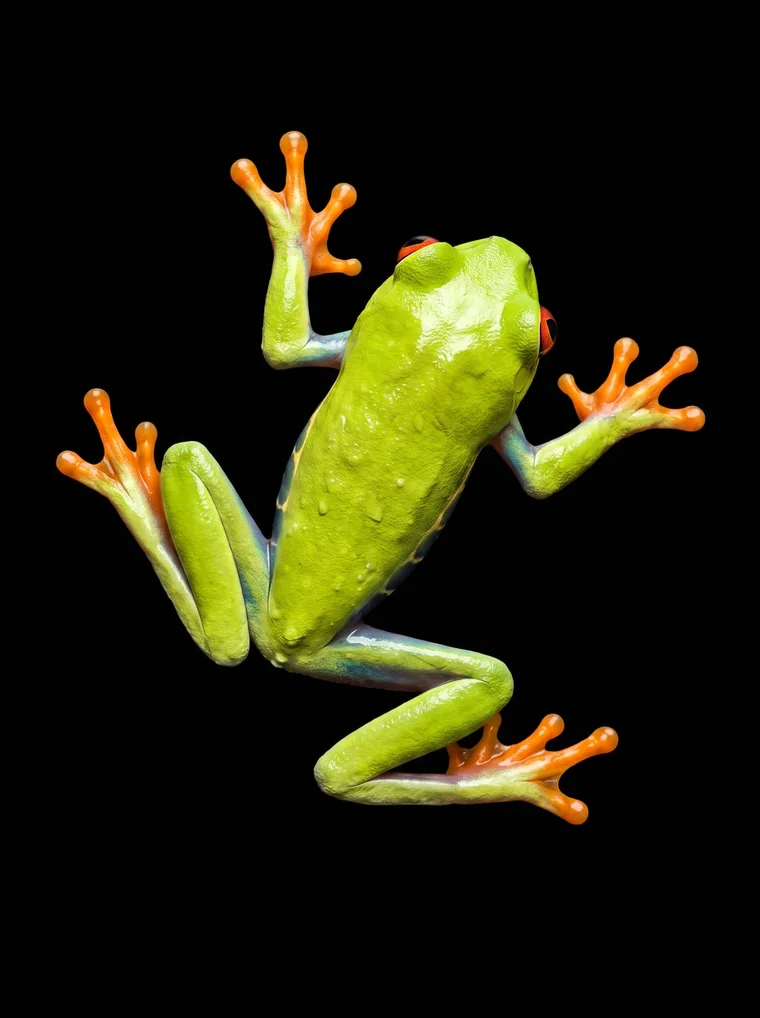
A cheap CMYK print: rough dots, heavy misregistration, grainy paper
CMYK Print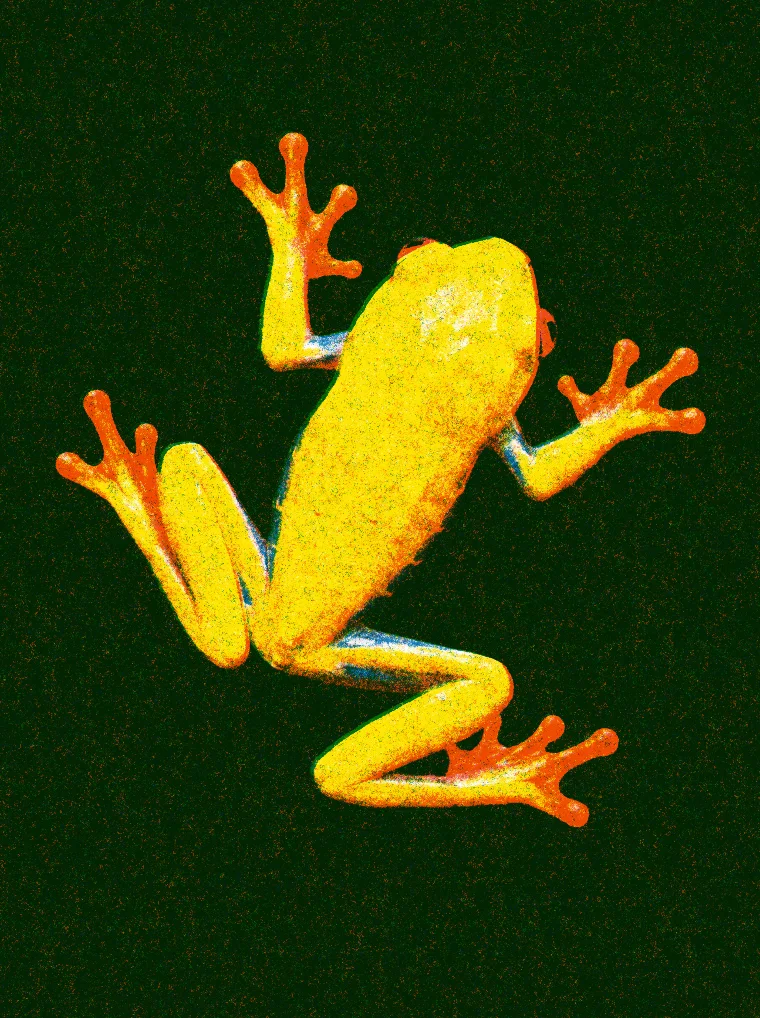
A three-color riso print on white paper, grainy, with the plates slightly out of register
RisoPrint
Raster or vector?
Questions, answered
An effect that works in pixels: it reads the picture under it and paints a new one. Halftone, CRT, risograph and reeded glass are raster effects.
Yes. In After Effects and in the web editor it runs on every frame, and every setting can be keyframed.
The result comes back as an image. For paths you can edit, use a vector effect.
In the web editor, up to 720p on Free, 4K on Creator and 8K on Pro. In the plugins, Free renders at 480 pixels on the short side and Creator and up at full size.
Yes, with Create on Creator and Pro. Switch it to Raster, describe the look or drop in a reference, and it lands as a new effect with its own controls.