Topographic Map Effect
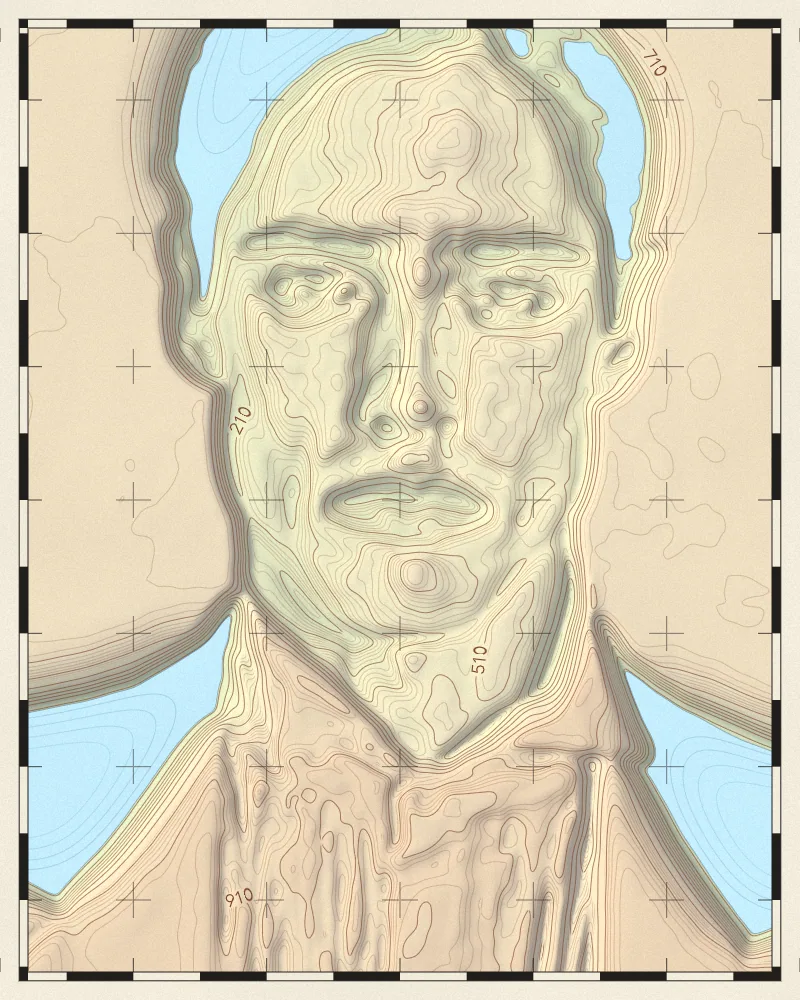
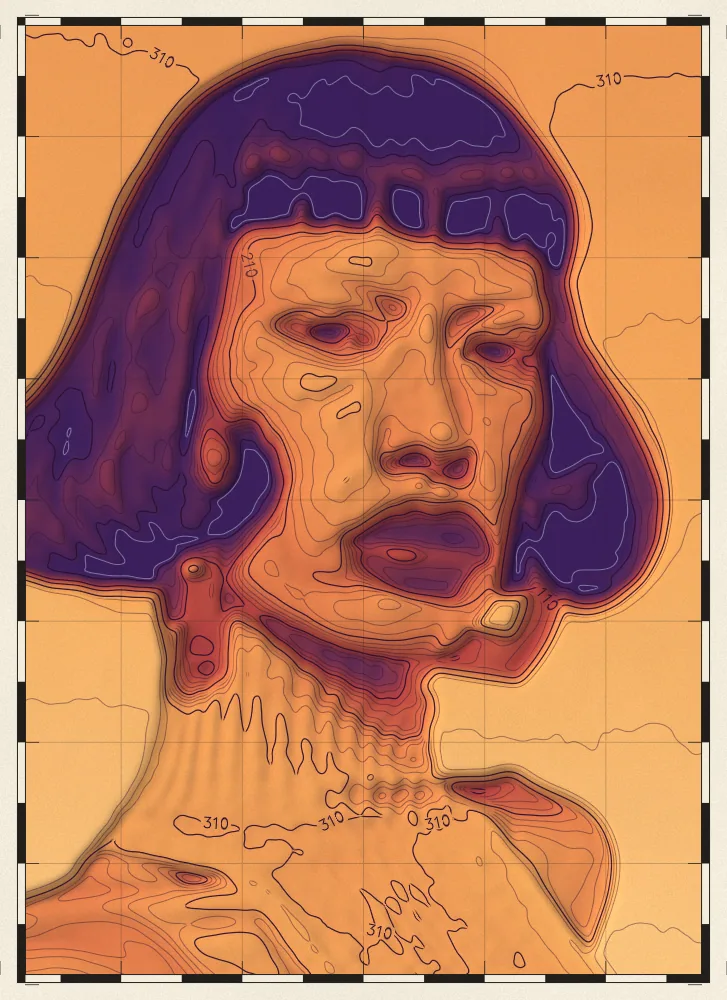
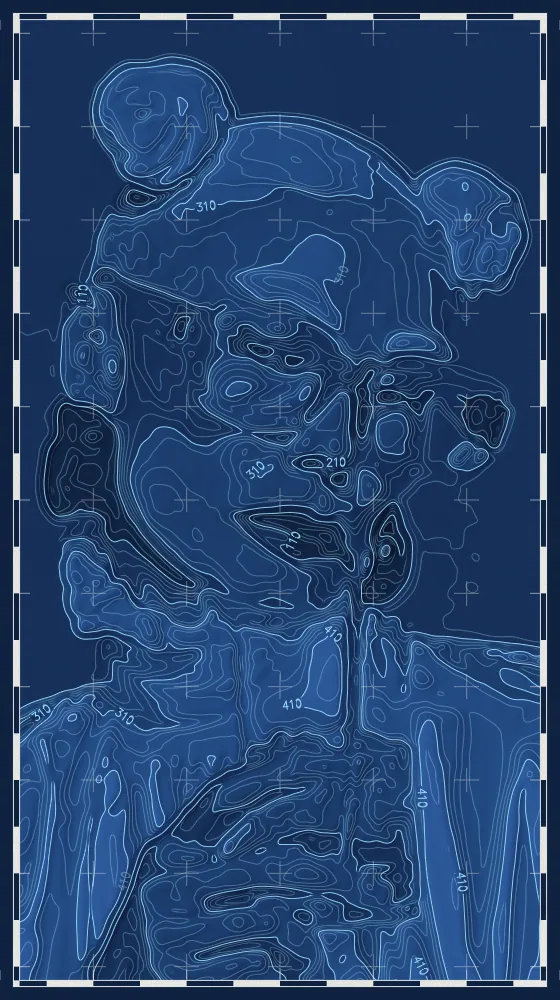
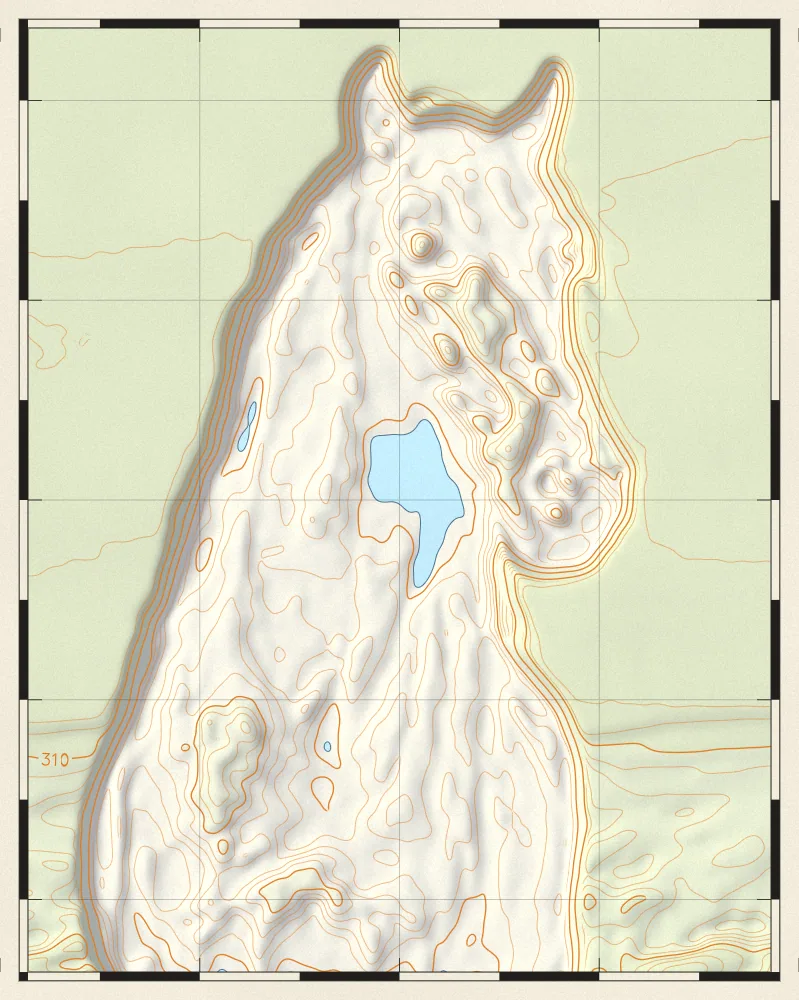
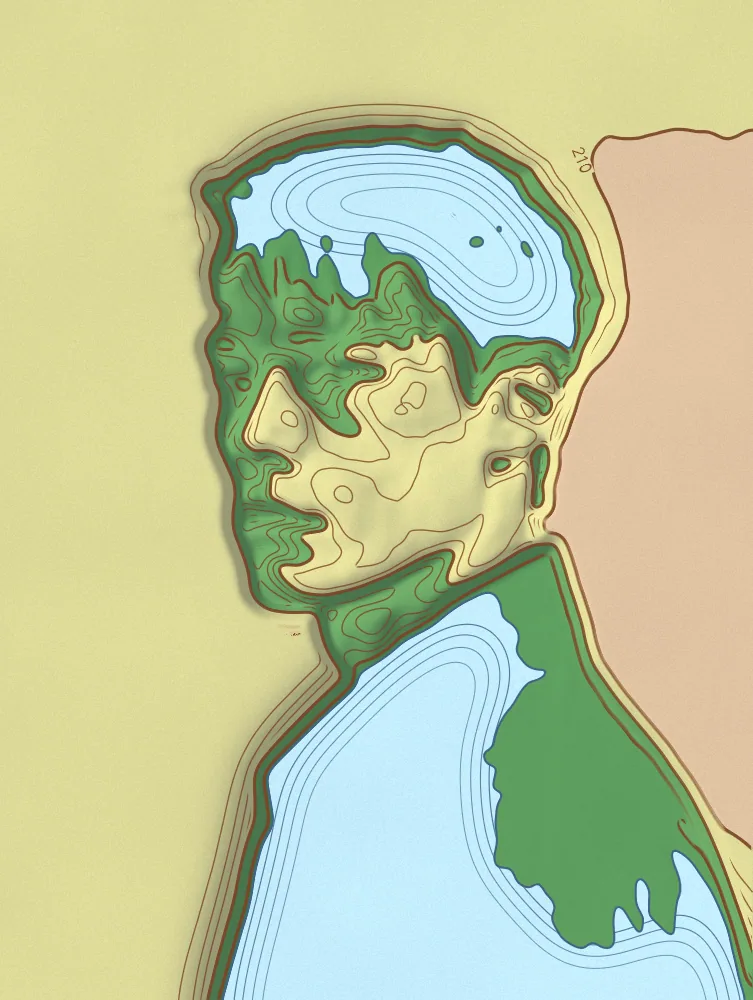
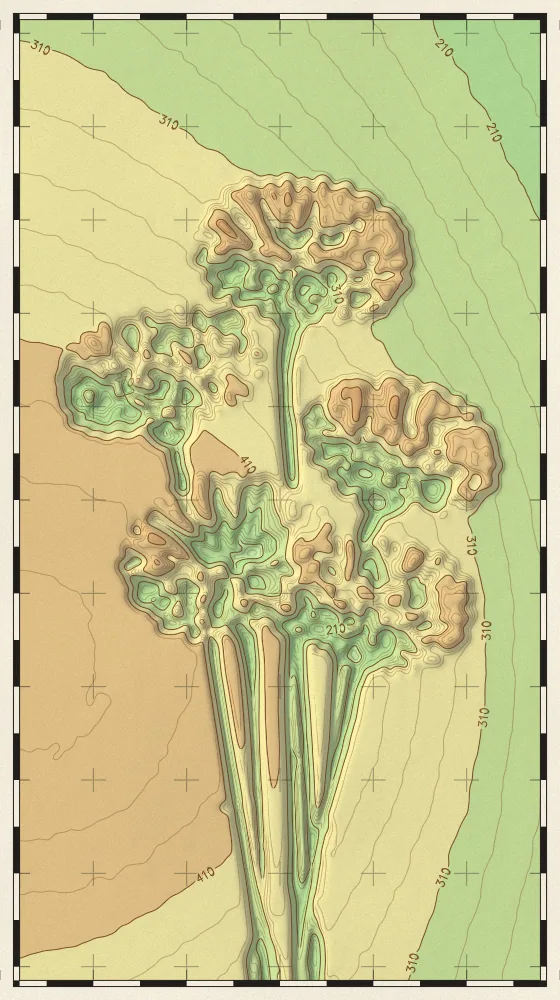
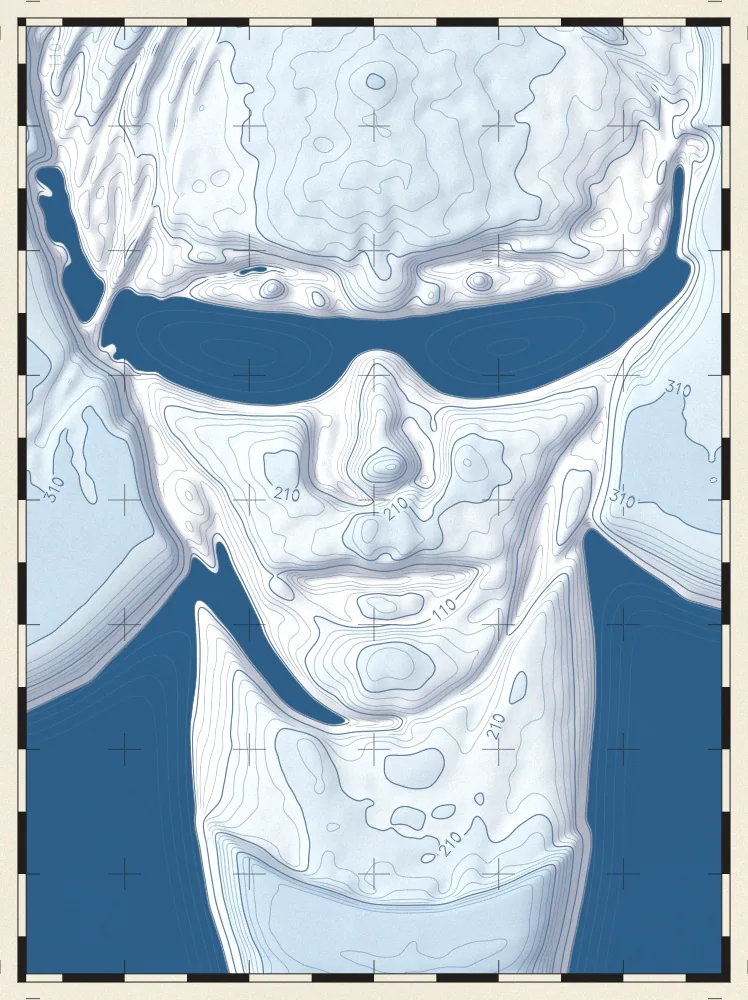
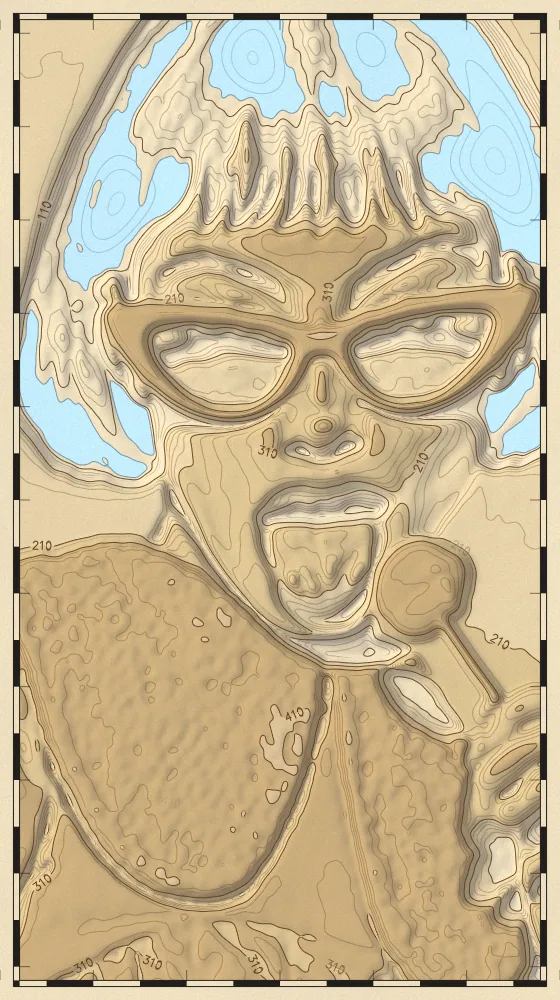
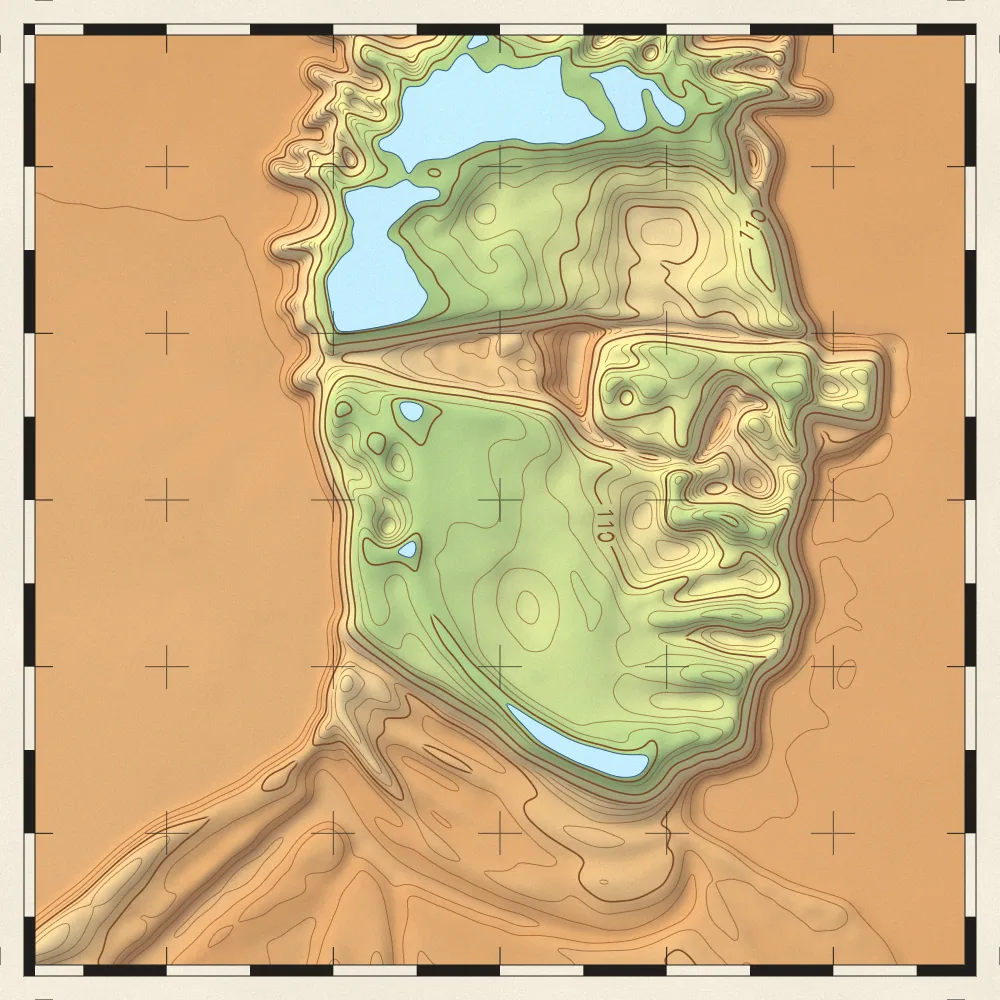
Reads the brightness of any picture as height and redraws it as a survey map with contour lines, shaded relief and elevation tints.
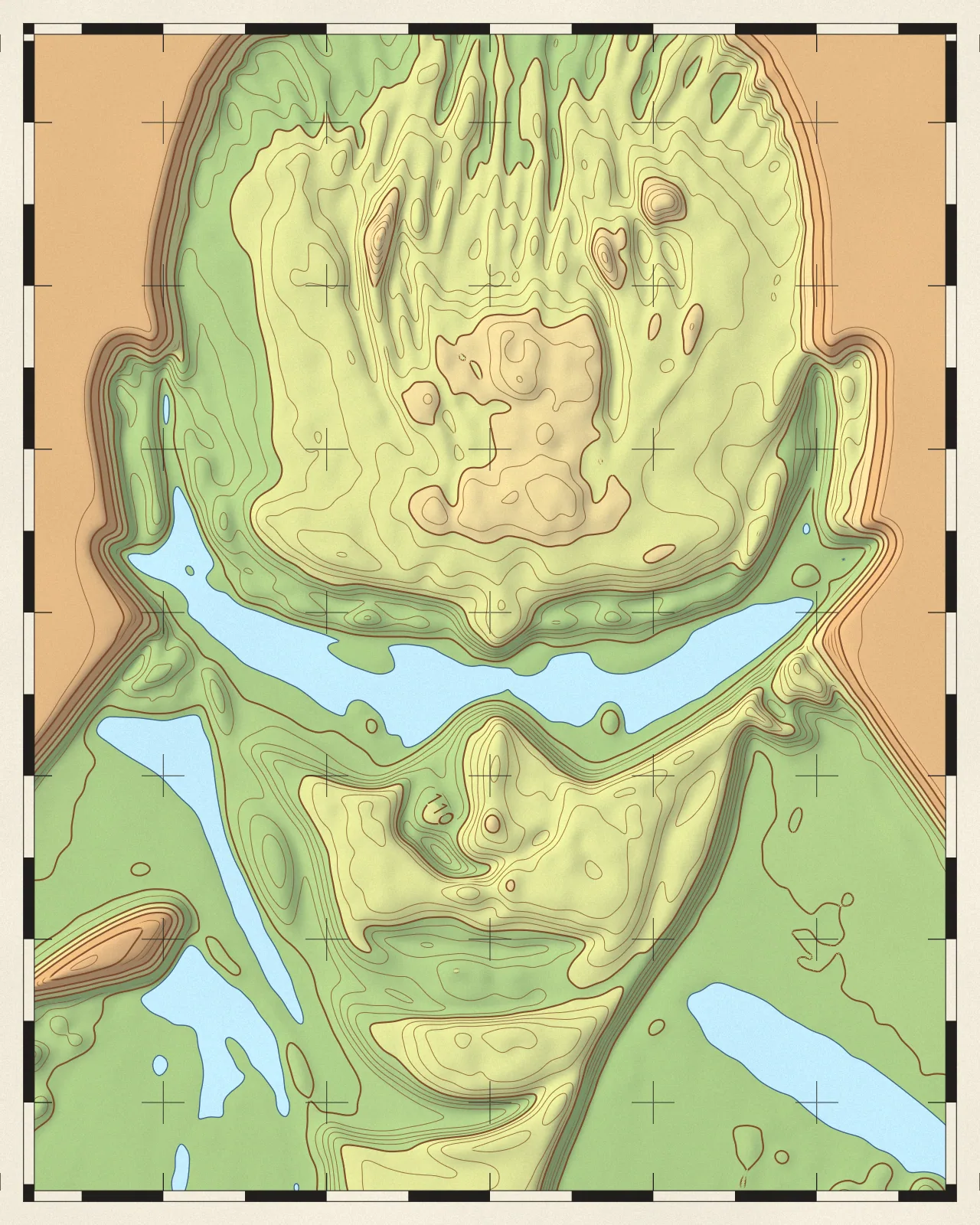

The topographic map effect treats light areas of your picture as high ground and dark areas as low ground, and prints a survey map. You get contour lines with heavier index contours, hillshading, layered elevation tints, lined water and a framed grid. You can change tint colors, line weight, sun angle and contour count.
Same effect, different settings
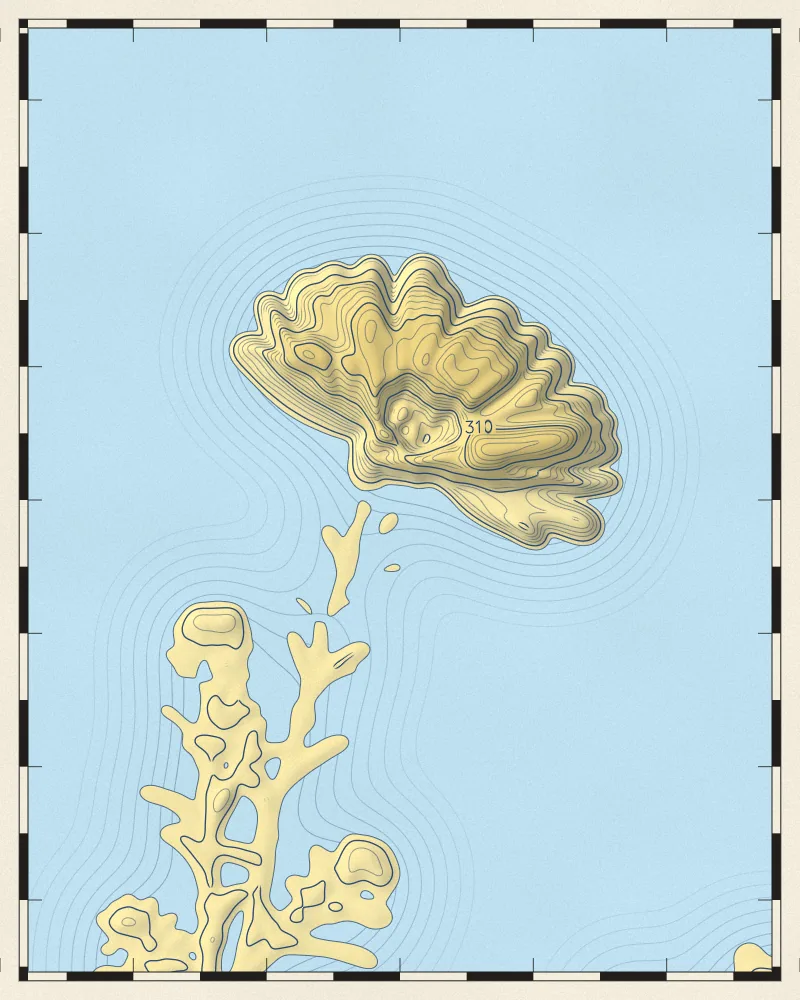
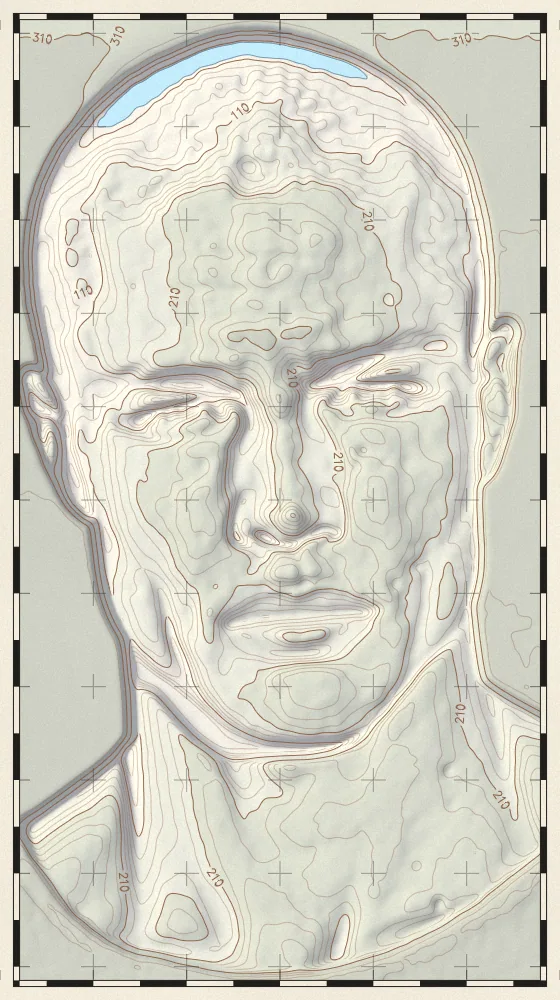
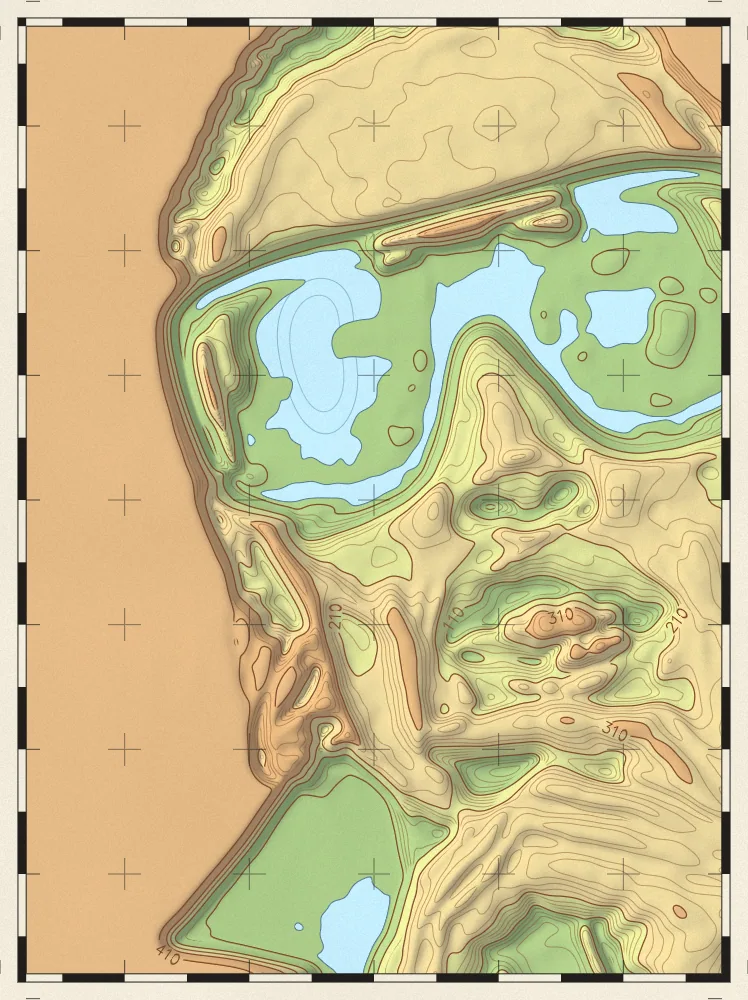
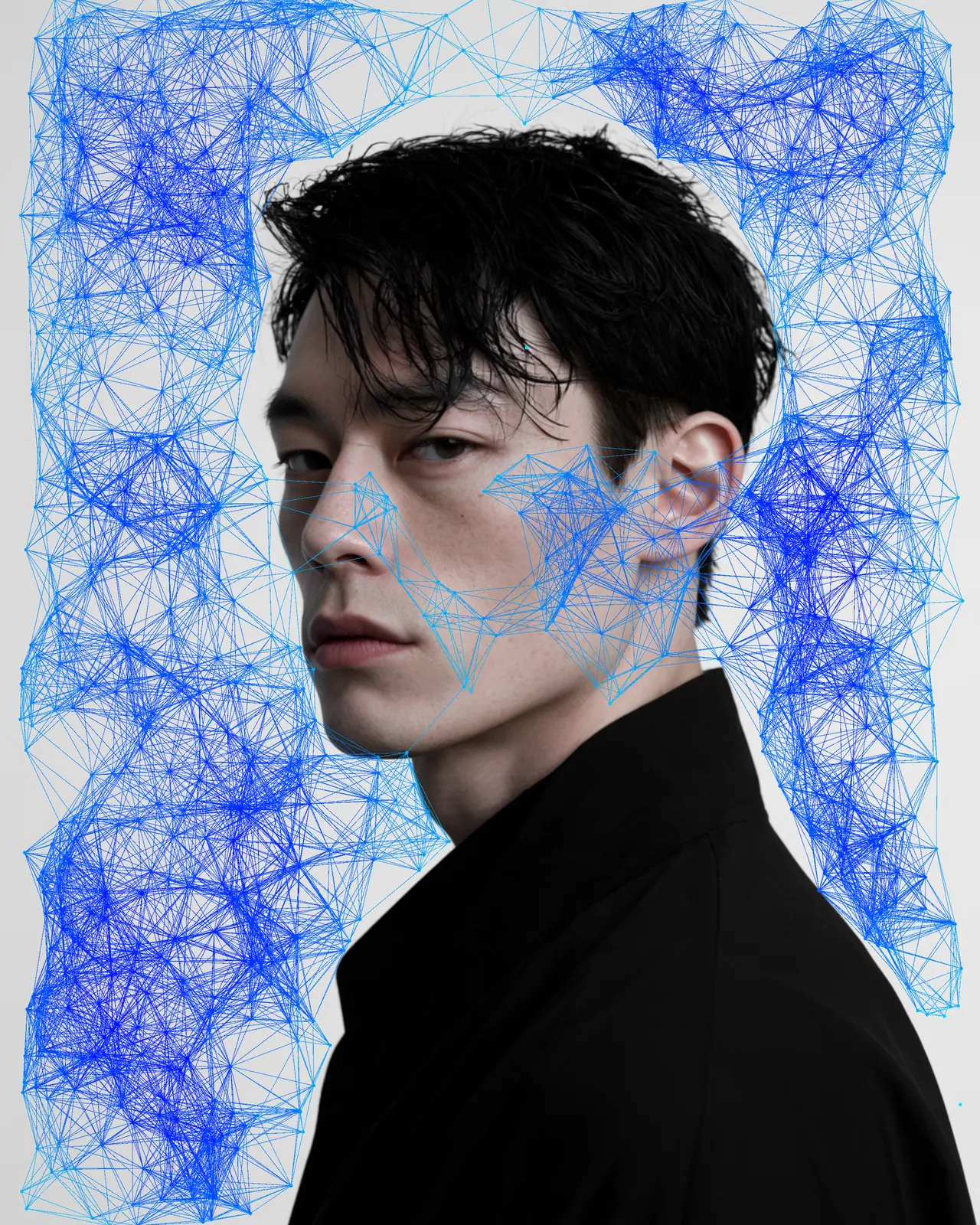
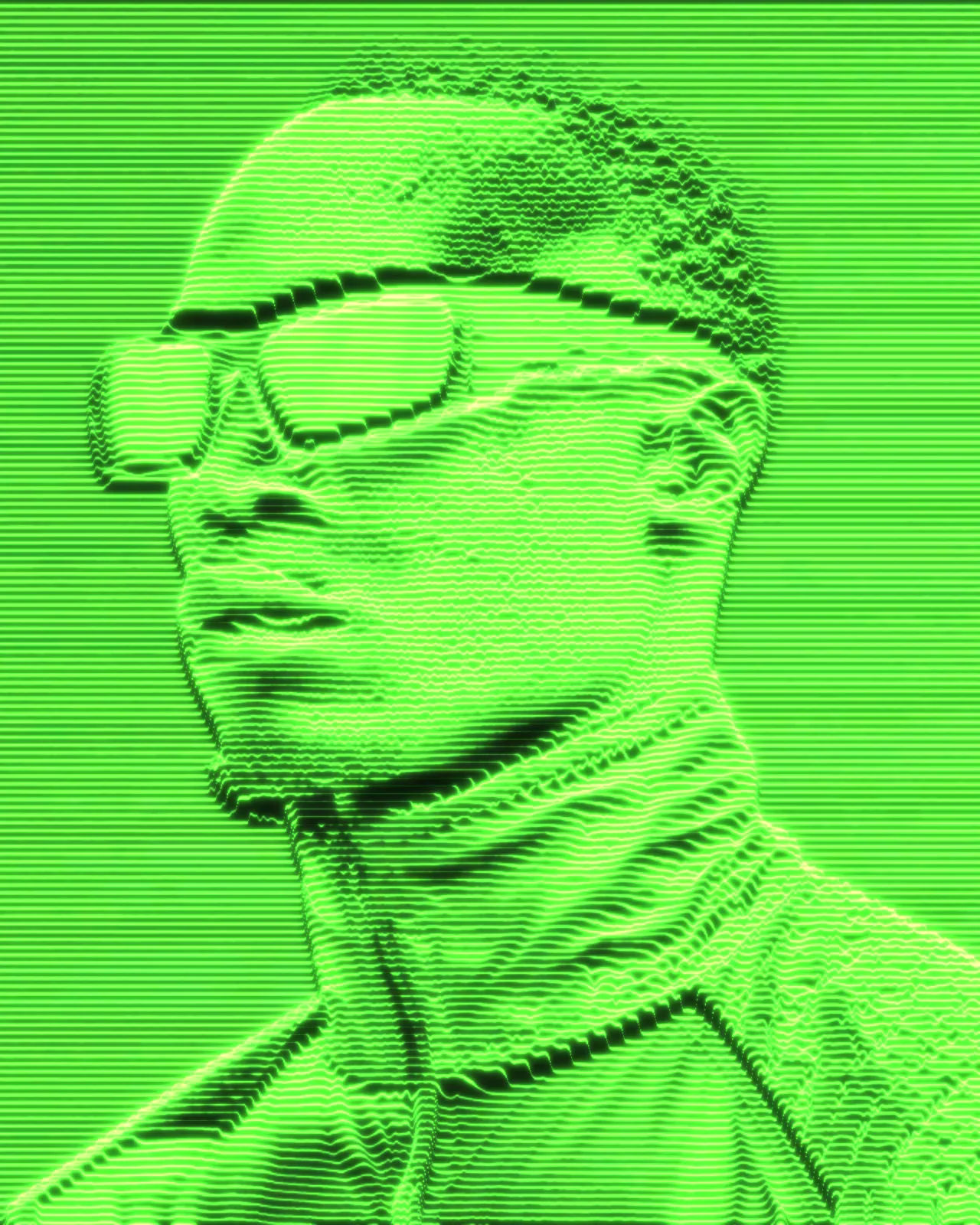
12 photos, each with its own settings. Try it on yours
Use Topographic Map Effect in Photoshop, After Effects, Illustrator, Affinity or Figma
The plugins are free with an account. Paid plans add bigger renders and your own filters. See pricing
Photoshop
Apply it as a Smart Filter on a Smart Object, then double-click to change it.
After Effects
Drop it on any layer as a native effect and keyframe every control on the timeline.
Illustrator
Use a selection as the source and get back native vector paths or an embedded image.
Affinity
Open Filters > Plugins > Nexus, pick the look and apply it to a pixel layer.
Figma
Select a frame or image, run the look, and the result drops back into your file.
Settings worth touching
- Contour Levels
- Sets how many contour lines divide the height range. Fewer gives broad, simple bands. More gives dense, fine detail.
- Sun Angle
- Turns the light source for the hillshading, changing which slopes catch light and which fall into shadow.
- Tint Ramp
- Sets the gradient of elevation colors. It starts with greens rising through yellows to tans, and you can change every stop.
Frequently asked questions
How do I add a topographic map effect in Photoshop?
Open Nexus for Photoshop and pick the look. Render it as a new layer, or apply it to a Smart Object as a Smart Filter you can reopen by double-clicking.
Can I make a topographic map effect in Illustrator?
Yes. Store a selection as the source and run the look. This effect outputs pixels only, so the map comes back as an embedded image, not as vector paths.
How do I animate a topographic map in After Effects?
Apply the look to a layer as a native effect and keyframe Level Drift. The contour levels shift so the terrain appears to rise and fall in a loop.
How do I get a contour map effect with cleaner lines?
Lower Contour Levels for fewer bands and raise Generalize to smooth small bumps into simpler shapes. Line Weight sets how thick lines print, and Index Every sets which lines run heavier.
Can I try the topographic map effect for free?
Yes. Open the look in the Nexus web editor and try it on your own image without an account. Exporting needs a free account, which exports images up to 720px and video up to 720px with the Nexus mark.




Try Topographic Map Effect in your browser
Free to try. Exporting needs a free account.