Reeded Glass Effect
Slices any picture into glass ribs that bend, blur and split light, like looking through a fluted window.
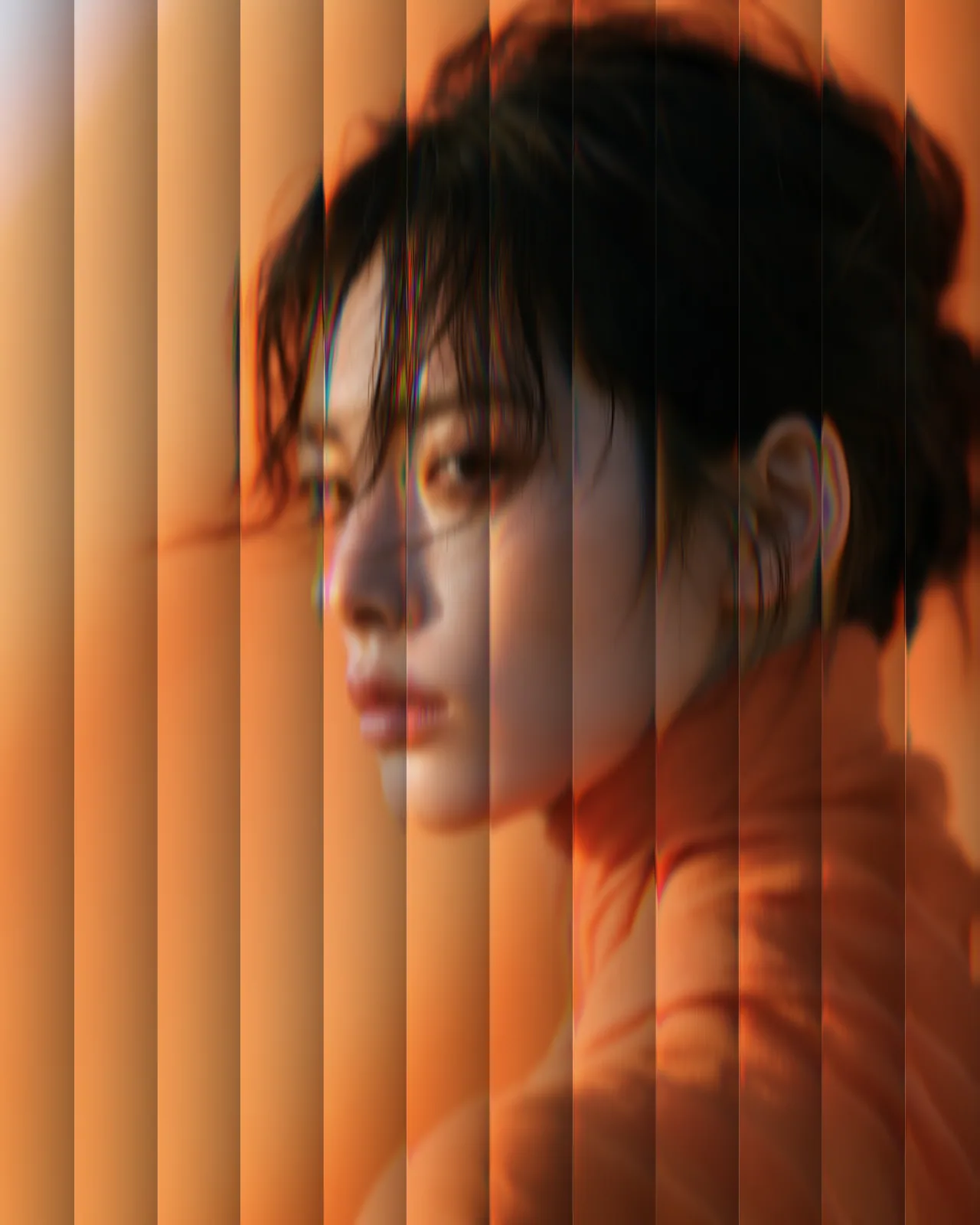

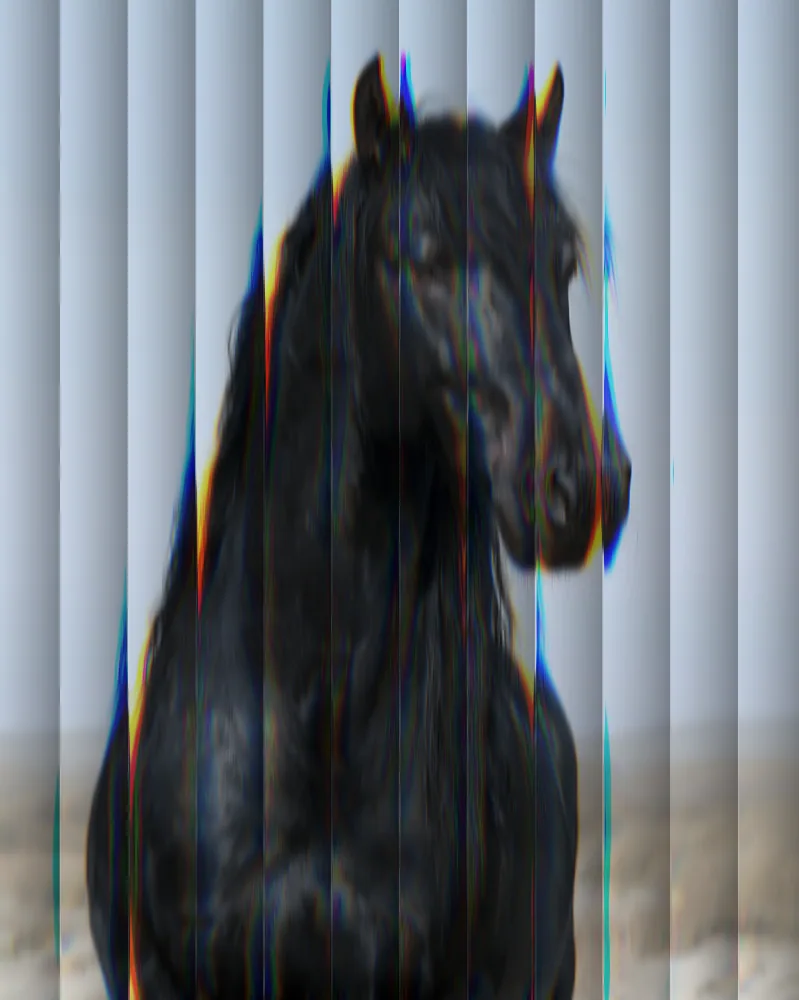
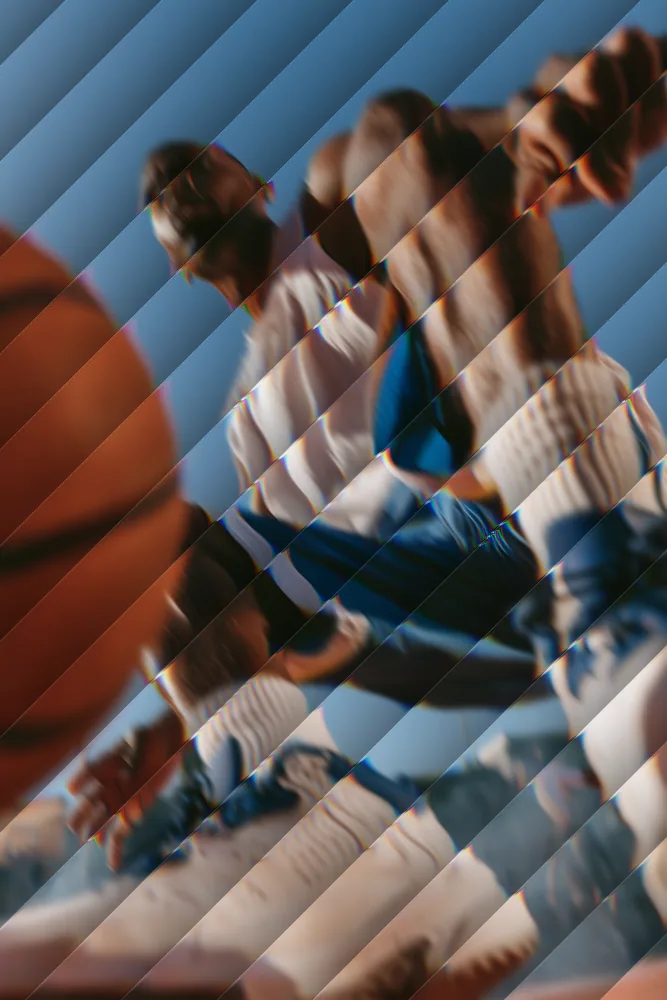
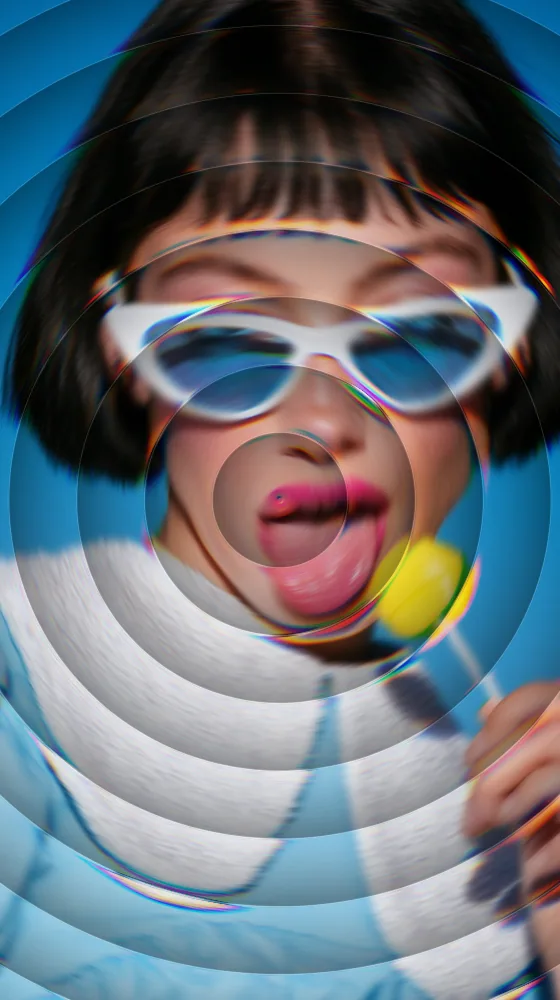
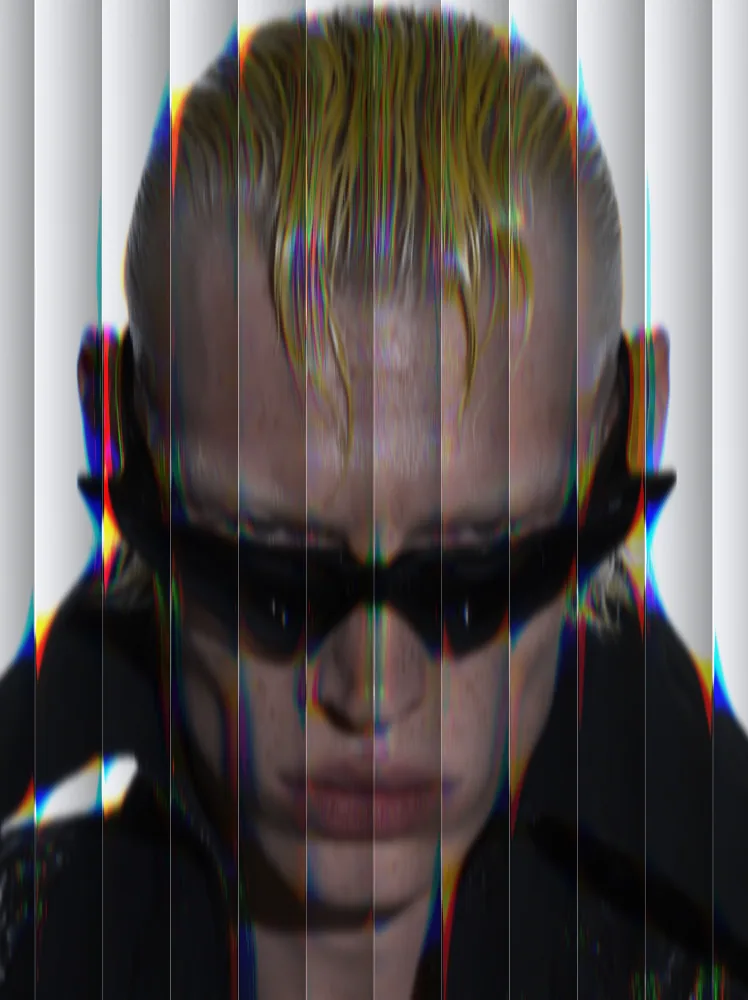
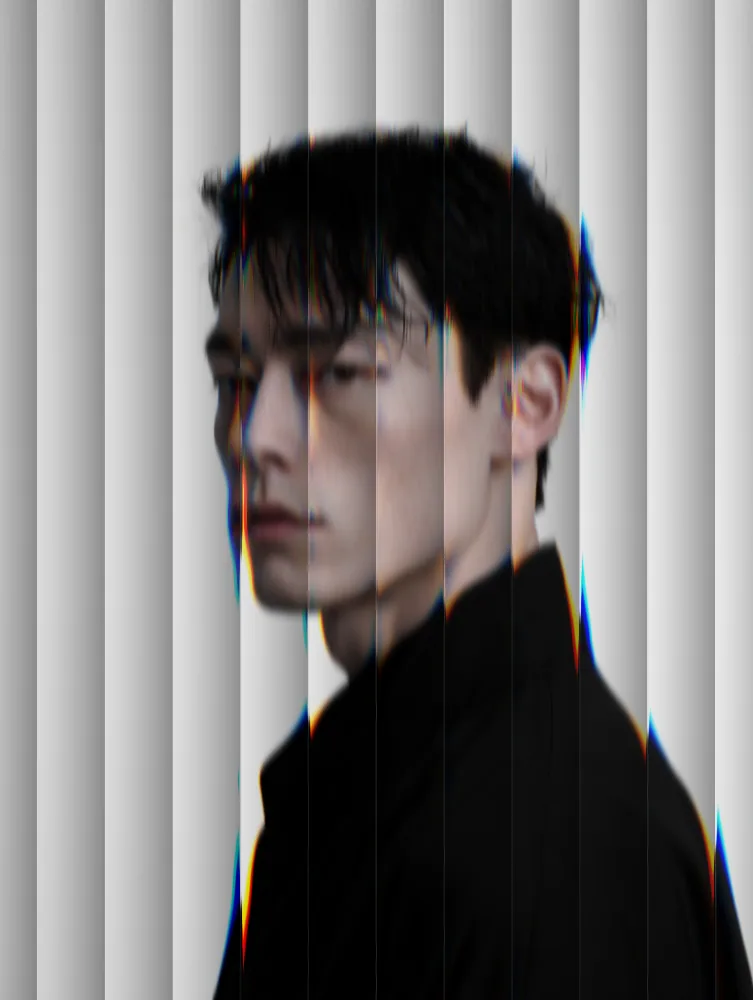
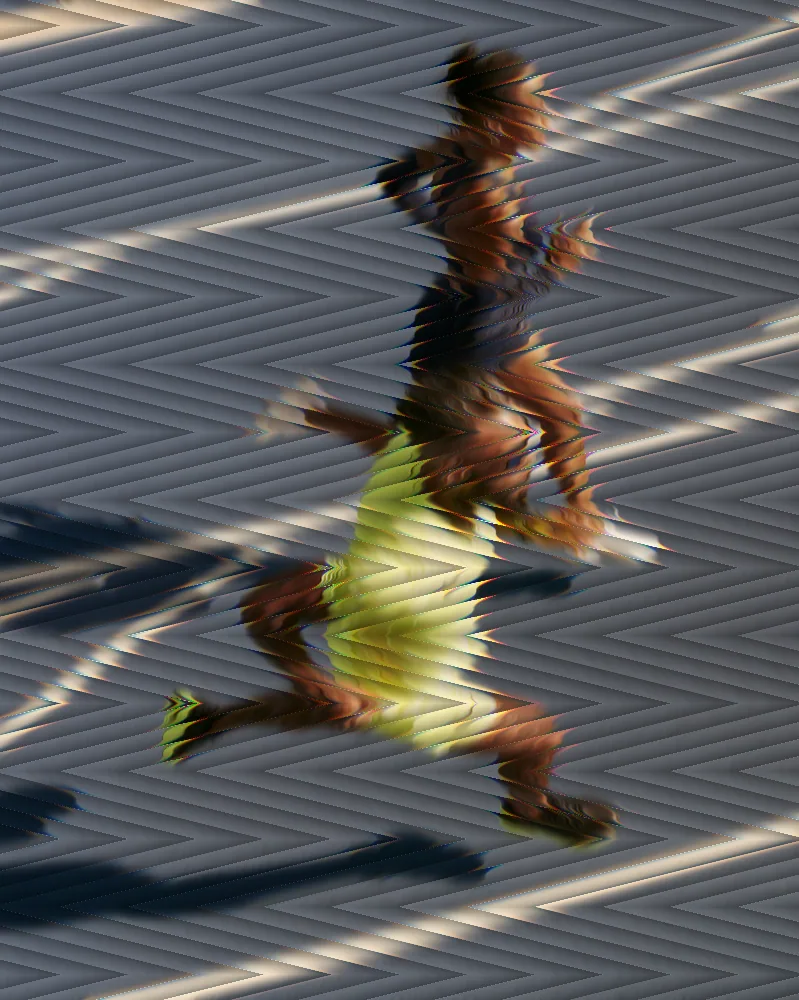
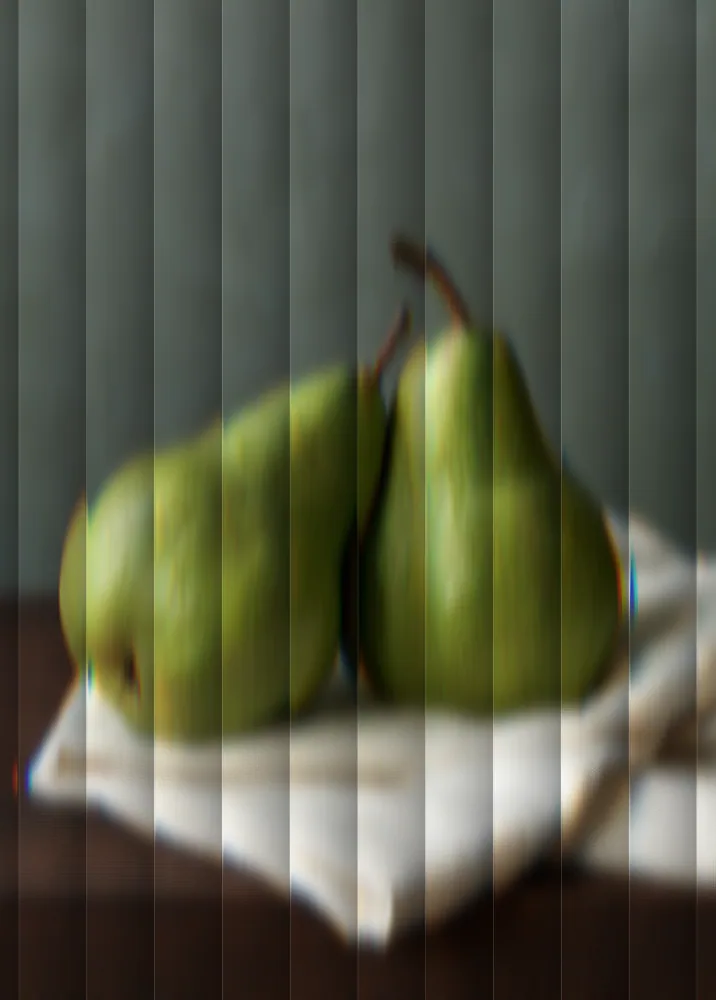
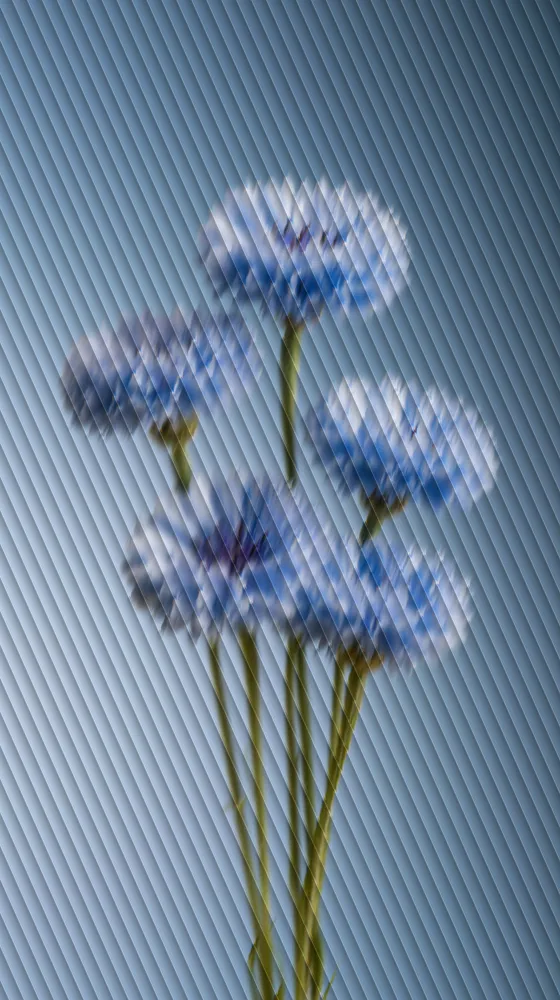
The reeded glass effect runs your picture through a sheet of ribbed glass. Each reed bends the image beneath it, smears it along the flute and adds a thin color fringe at the edges. The look starts with straight vertical lines, and you can change reed size, angle, pattern, blur and dispersion.
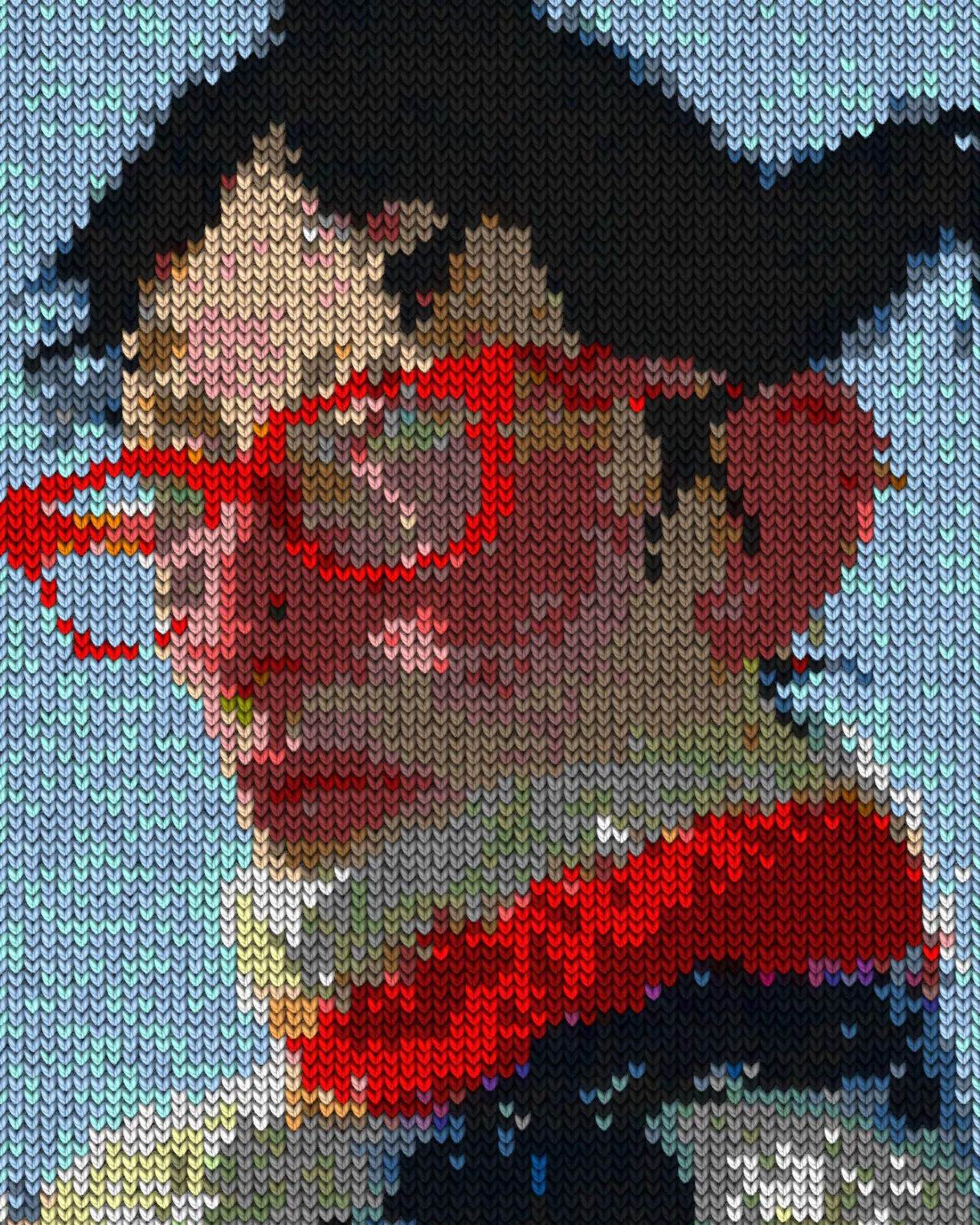
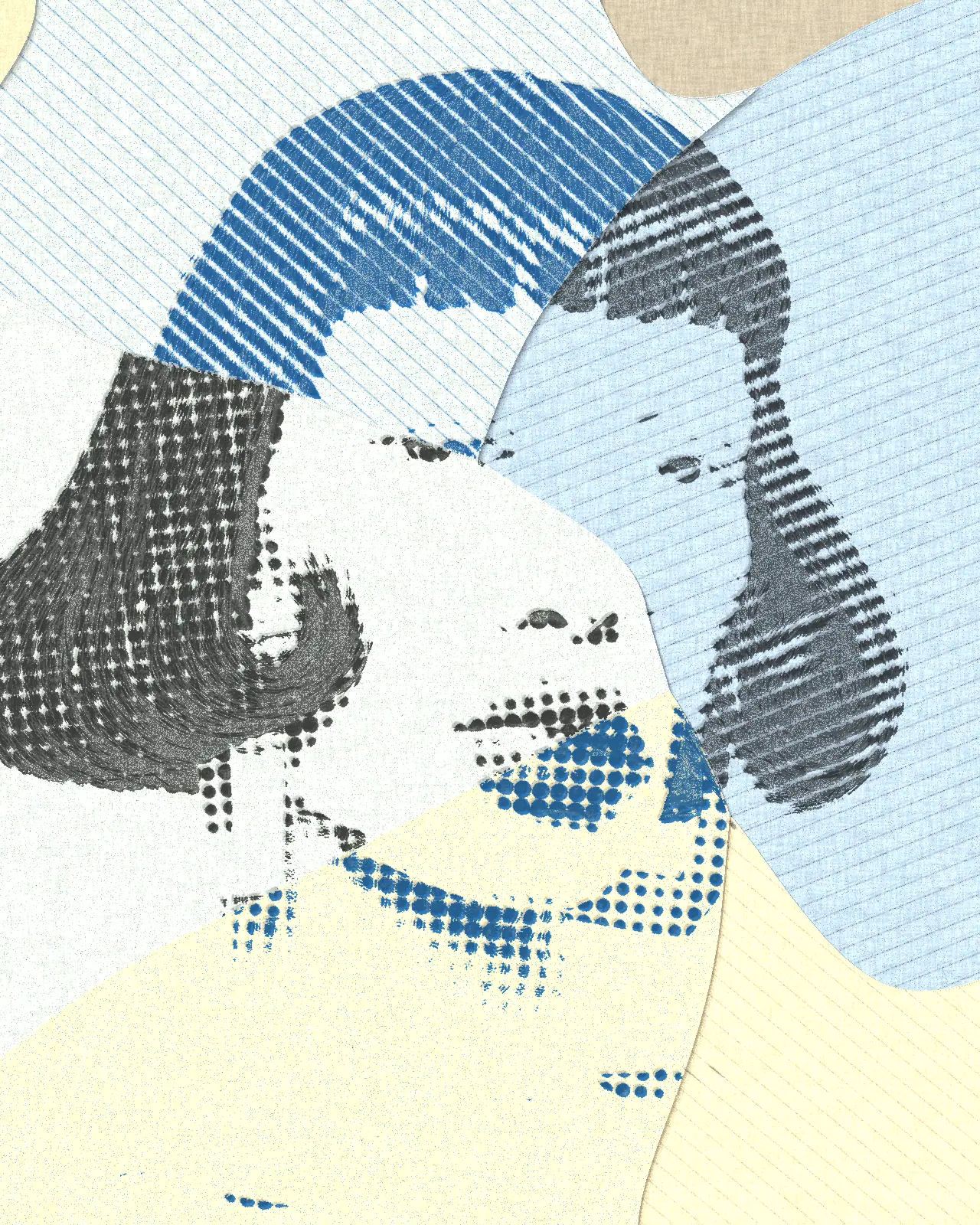
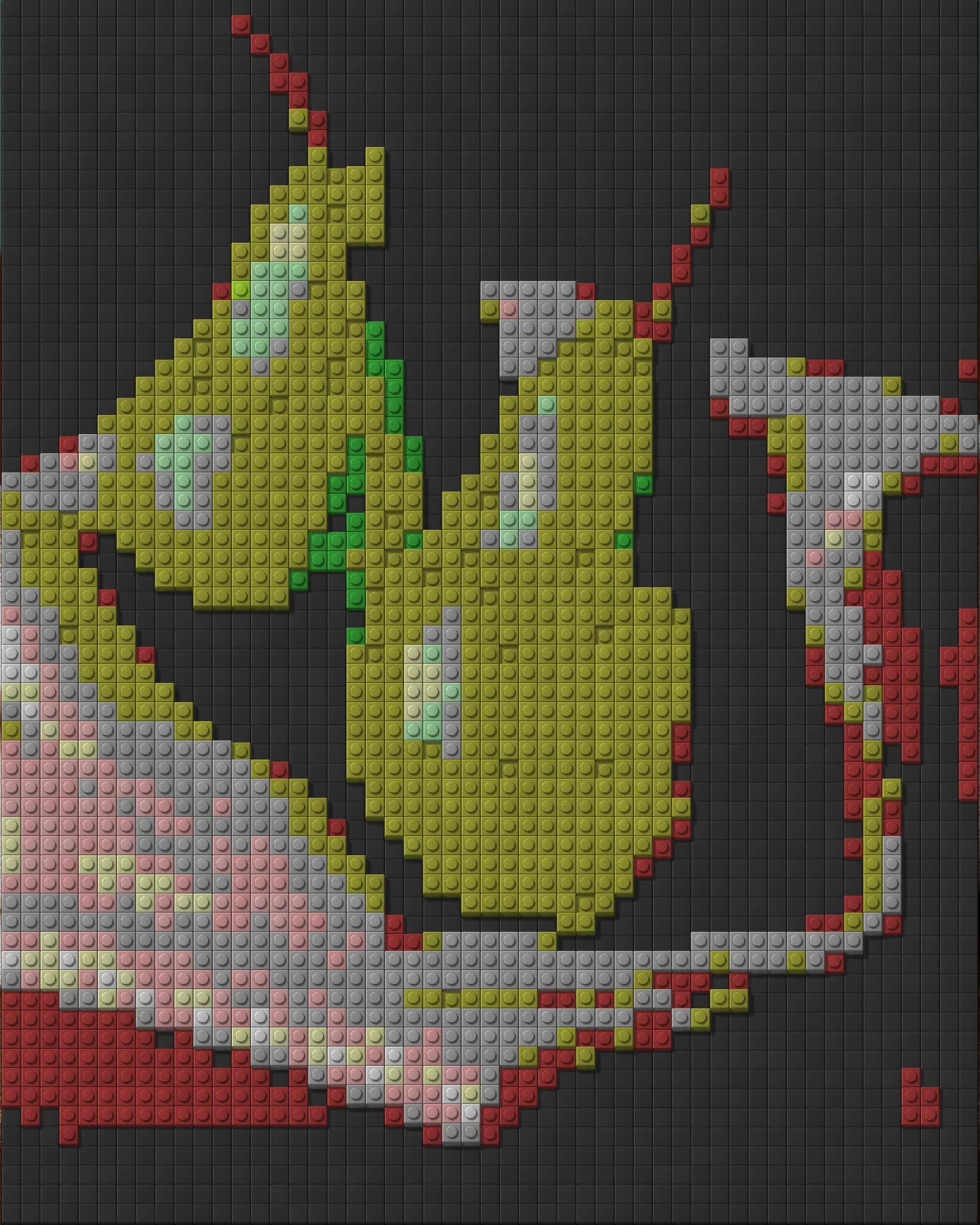
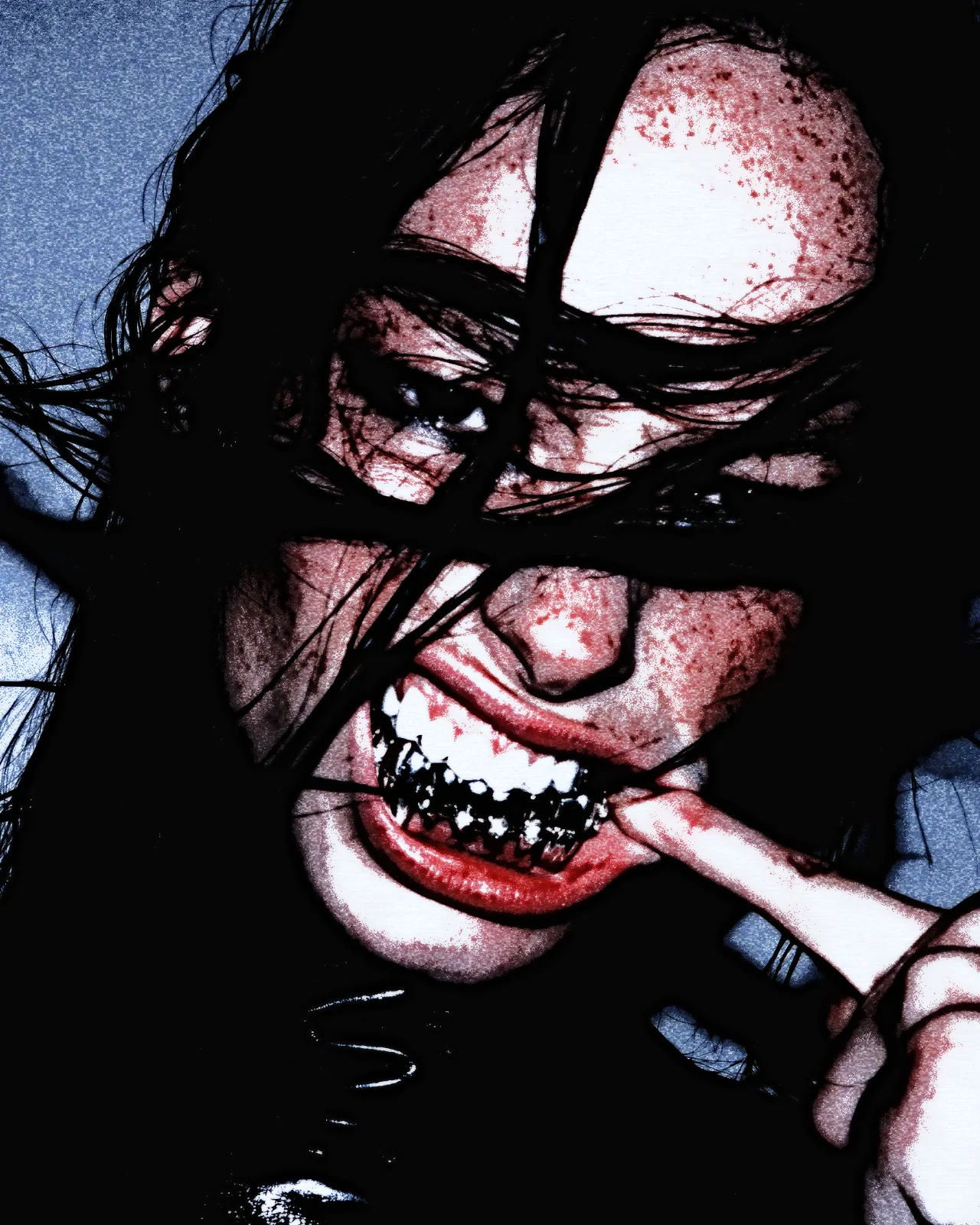
Same effect, different settings
12 photos, each with its own settings. Try it on yours
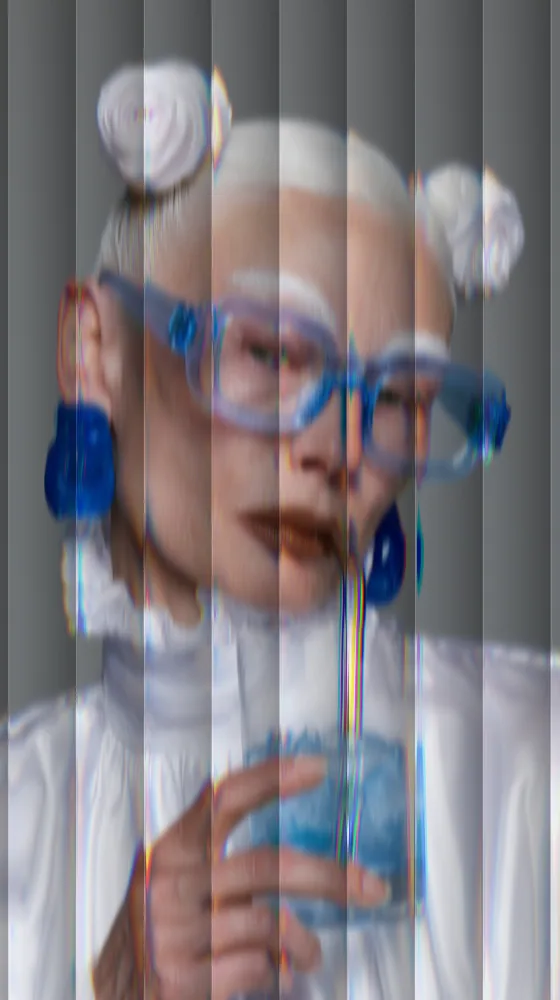

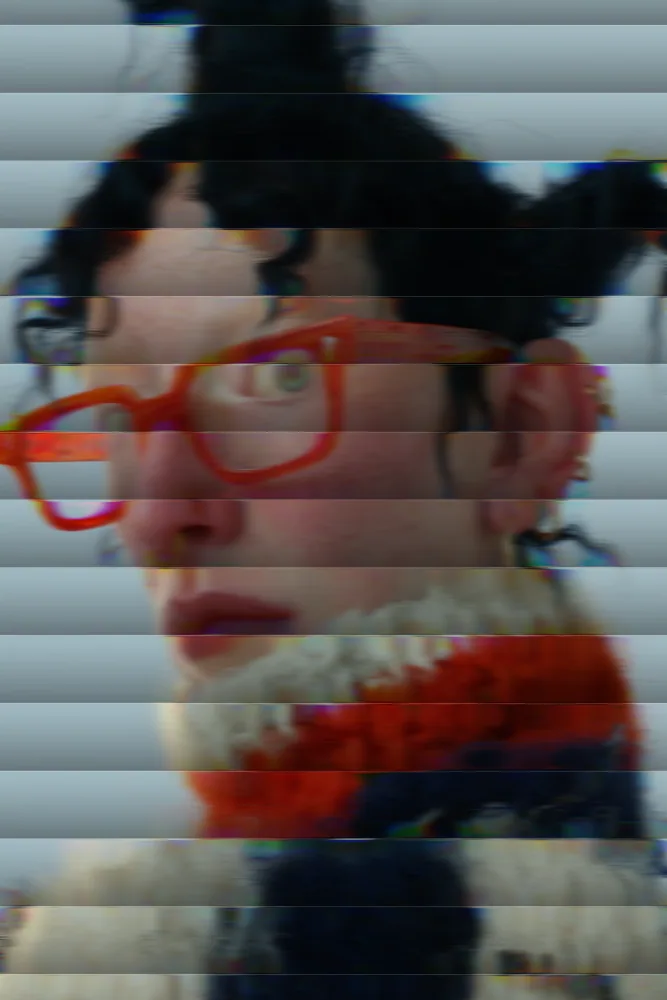
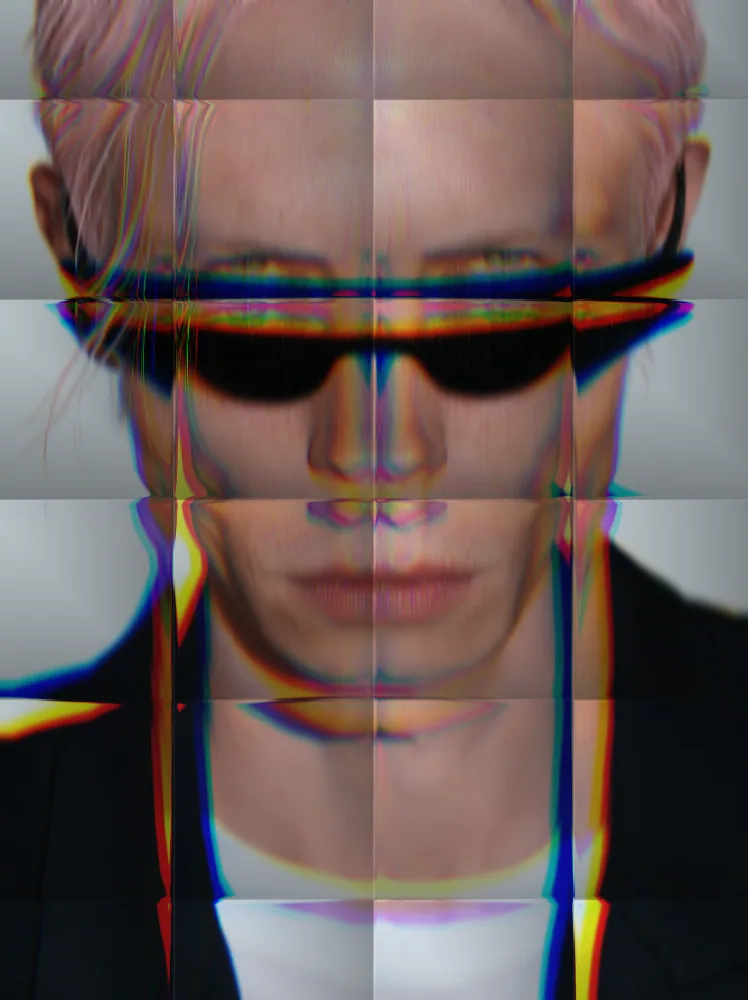
Use Reeded Glass Effect in Photoshop, After Effects, Illustrator, Affinity or Figma
The plugins are free with an account. Paid plans add bigger renders and your own filters. See pricing
Photoshop
Apply it as a Smart Filter on a Smart Object, then double-click to change it.
After Effects
Drop it on any layer as a native effect and keyframe every control on the timeline.
Illustrator
Use a selection as the source and get back native vector paths or an embedded image.
Affinity
Open Filters > Plugins > Nexus, pick the look and apply it to a pixel layer.
Figma
Select a frame or image, run the look, and the result drops back into your file.
Settings worth touching
- Reed Size
- Sets how wide each rib is. Small values give fine, dense fluting. Large values give broad bands that shift the picture further.
- Reed Pattern
- Switches the rib layout between Lines, Grid, Concentric and Chevron, from classic straight flutes to rings or zigzags.
- Light Dispersion
- Controls the red, green and blue fringe along each reed. Raise it for a prism split, lower it for clean glass.
Frequently asked questions
How do I add the reeded glass effect in Photoshop?
Install Nexus for Photoshop, apply the look as a Smart Filter on a Smart Object, then double-click it later to change the settings. You can also render the result as a new layer.
Can I make the reeded glass effect in Figma?
Yes. With Nexus for Figma, select a frame or image, run the look and the result drops back into your file. It comes back as an image, not vector paths.
Is the fluted glass effect the same as reeded glass?
Yes, the two names describe the same ribbed glass. Choose Lines in Reed Pattern for classic flutes, or switch to Grid, Concentric or Chevron for other layouts.
Does the reeded glass effect in Illustrator give vector output?
No. The look works from pixels only. Nexus for Illustrator uses your selection as the source and places the result back as an embedded image, never as vector paths.
Can I try the reeded glass look without paying?
Yes. Open the look in the Nexus web editor and try it on your own image without an account. Exporting needs a free account, which exports images up to 720px and video up to 720px with the Nexus mark.


Try Reeded Glass Effect in your browser
Free to try. Exporting needs a free account.