 Photoshop
 Illustrator
 After Effects
 Figma
 Affinity
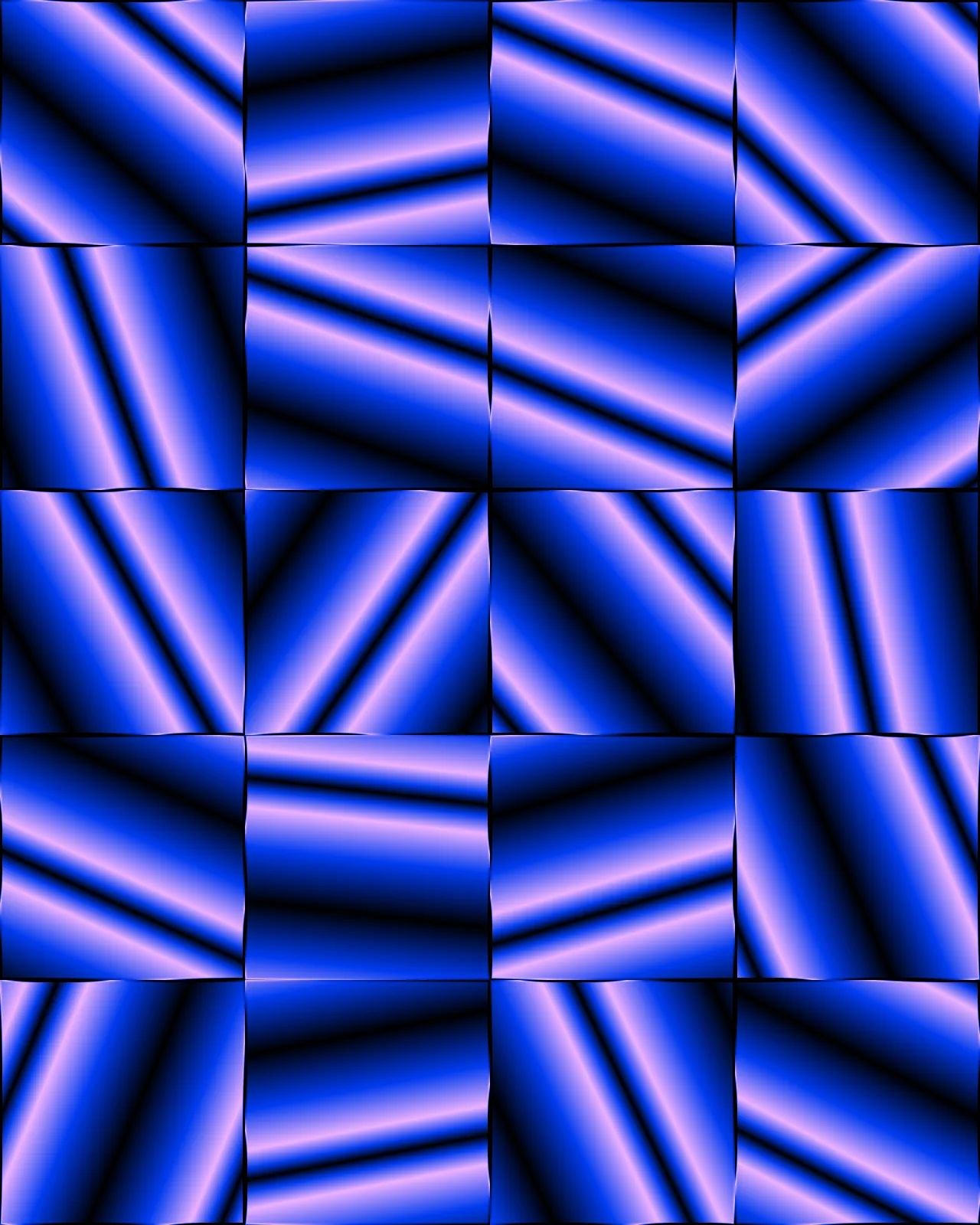
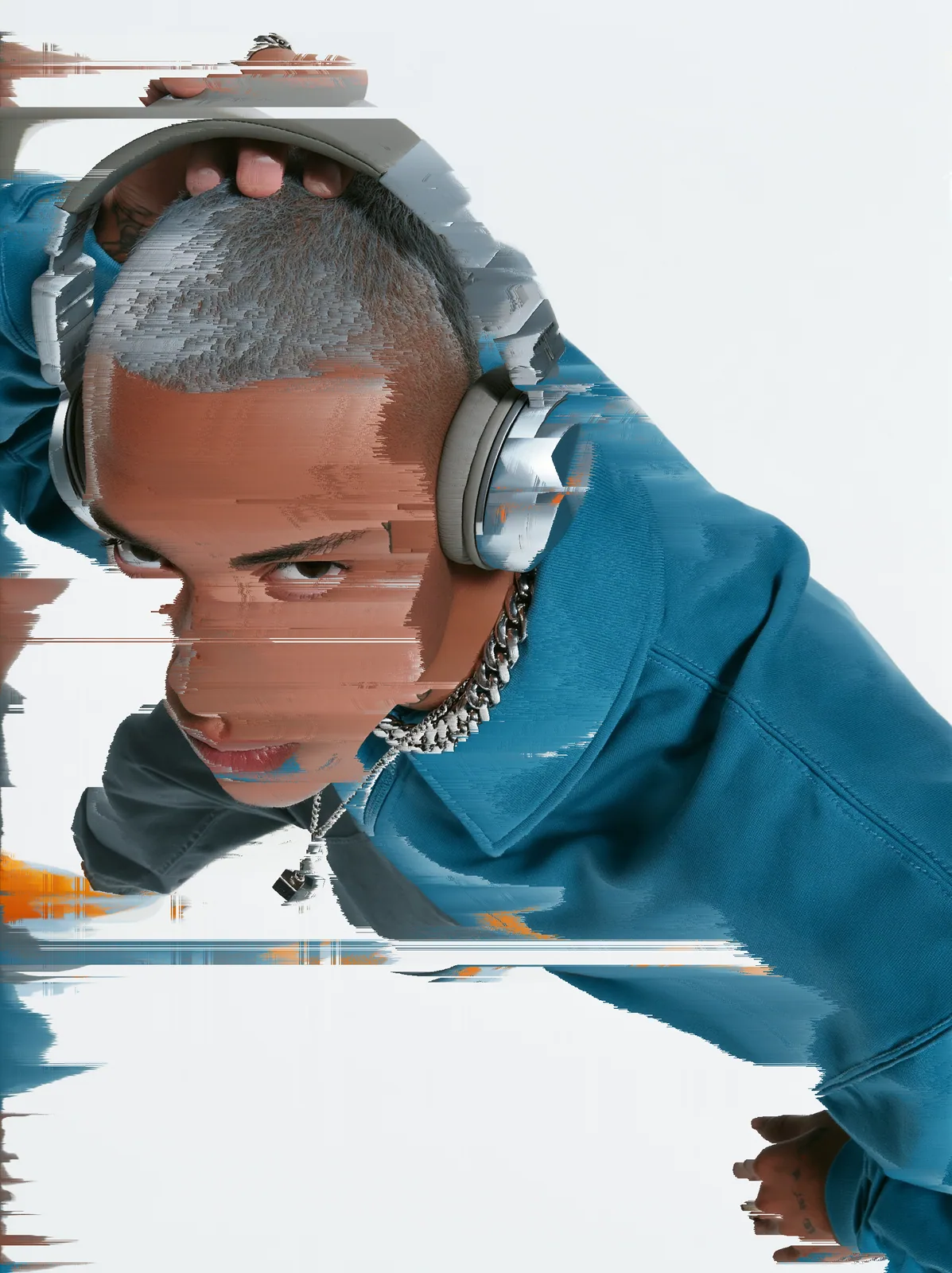
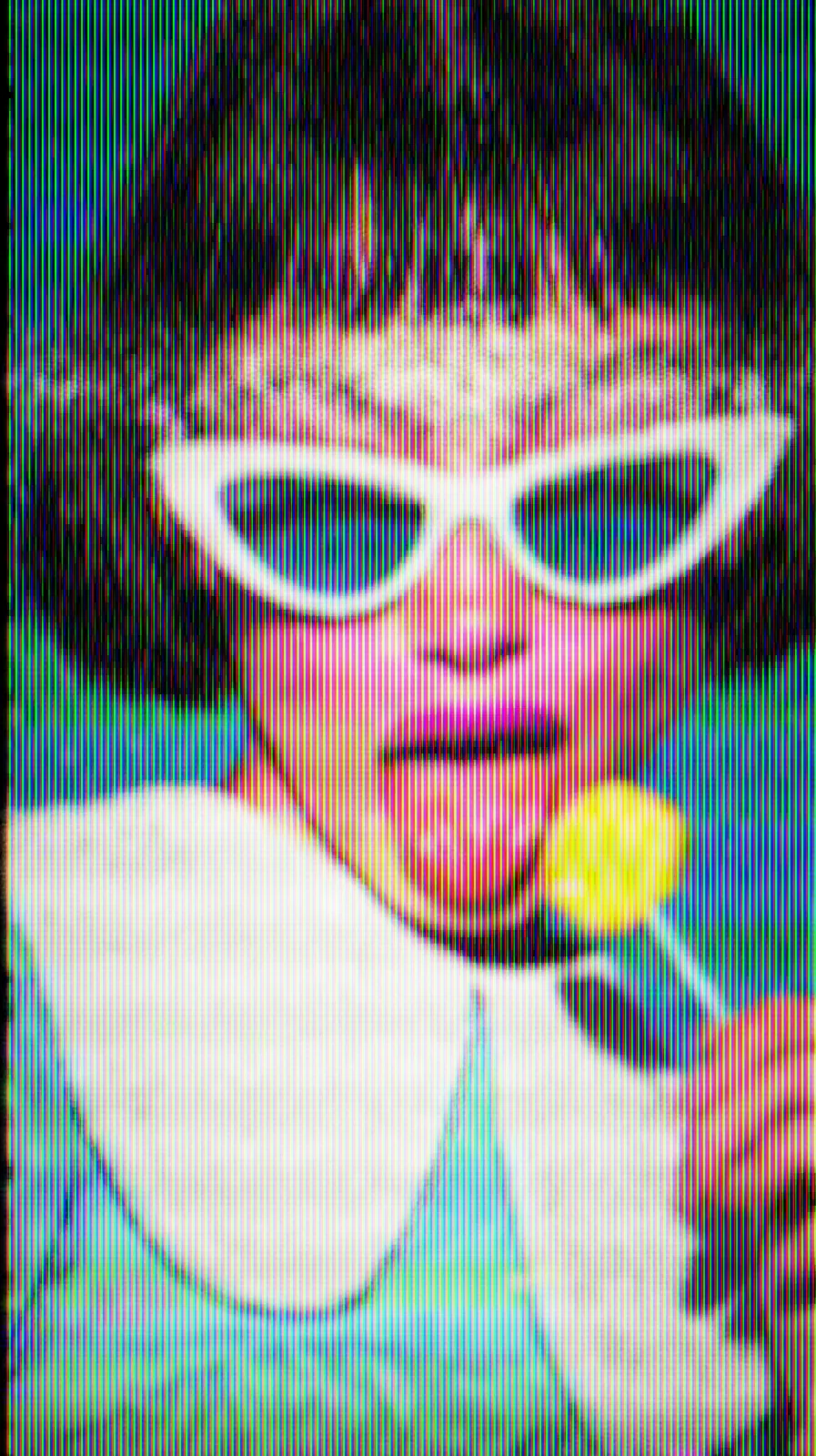
Glitch Background
Fills the canvas with a broken digital signal: blocks of error, blown pixels, color split and scanlines.
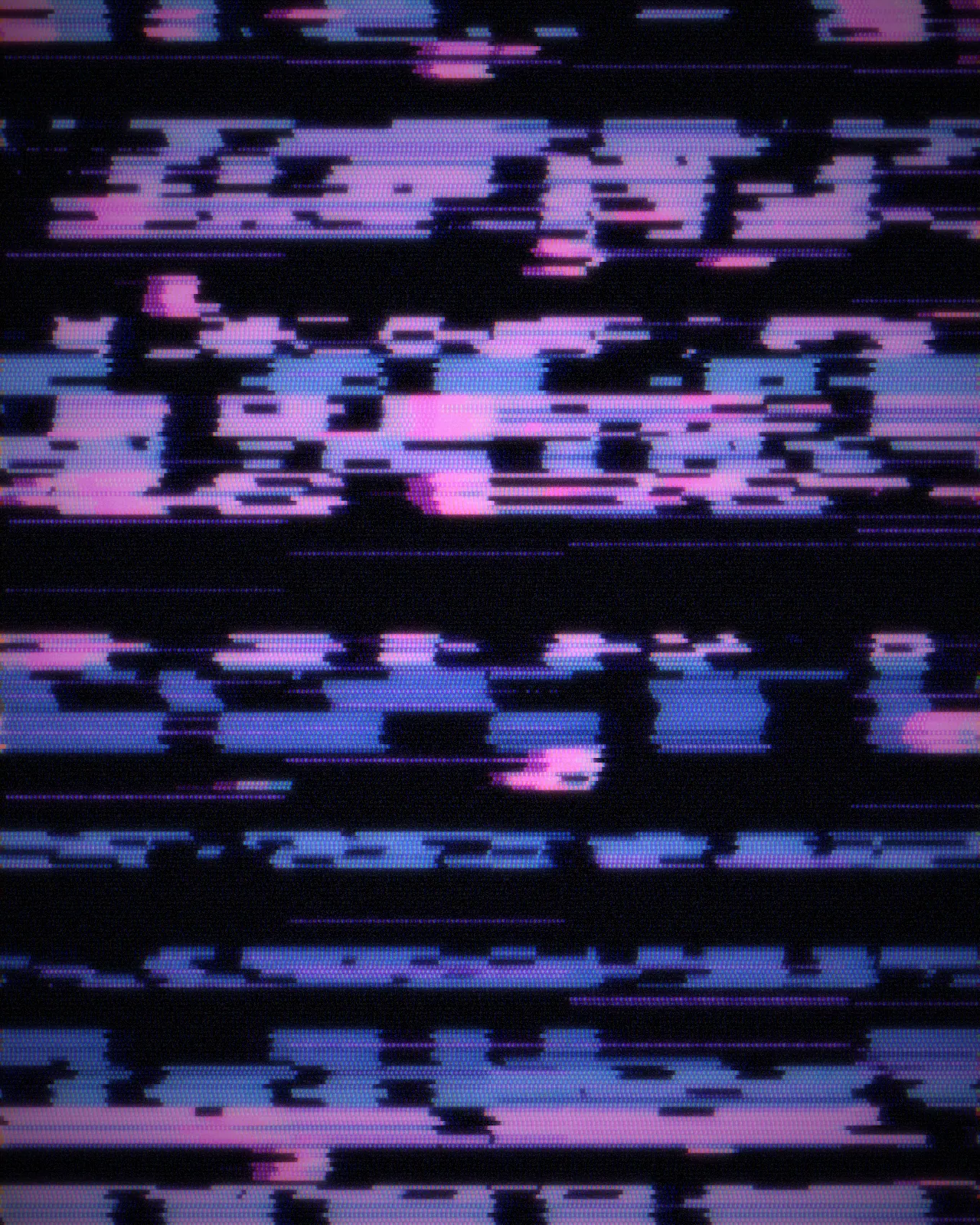
The glitch background is a generator, not a filter: it draws its own broken signal and ignores the picture underneath. A base pattern gets torn up by blocks, lines or melts, then shown on a CRT, LED or plasma screen. The palette starts in blue and magenta on black. You can change it and the pattern. The glitch background comes with Nexus, a plugin for Photoshop, After Effects, Illustrator, Affinity and Figma.
Use Glitch Background in your apps
It runs natively in Photoshop, After Effects, Illustrator, Affinity and Figma, with the same settings everywhere.
The plugins are free with an account. Paid plans add bigger renders and your own effects. See pricing
Photoshop
Apply it as a Smart Filter on a Smart Object, then double-click to change it.
After Effects
Drop it on any layer as a native effect and keyframe every control on the timeline.
Illustrator
Use a selection as the source and get back native vector paths or an embedded image.
Affinity
Open Filters > Plugins > Nexus, pick the look and apply it to a pixel layer.
Figma
Select a frame or image, run the look, and the result drops back into your file.
Settings worth touching
- Base Pattern
- Sets what gets broken: Column Rain, Block Noise, Code Grid, Plasma Waves or Fiber Weave.
- Error Mode
- Sets how it breaks: hard Blocks, thin Lines, a Wave, a Melt or a Mosaic.
- Glitch Amount
- Sets how much of the signal falls apart, from a steady pattern to a frame that is mostly errors.
Questions, answered
No. It is a generator that draws its own pattern and ignores whatever is underneath, so any layer or a blank canvas gives the same picture for the same settings.
With Nexus for Photoshop, render it as a new layer or apply it as a Smart Filter on a Smart Object. Double-click the Smart Filter later to change any setting.
Yes. Drop it on any layer as a native effect and keyframe any control on the timeline, such as Glitch Amount or RGB Split, so the errors build up over a shot.
Yes. Palette Tint is a gradient you can edit, so the signal can run in any colors. Glow Amount and Exposure set how bright it gets, and RGB Split adds color fringes.
Yes. Run it on a selection and it lands in your file as an embedded image. This look has no vector version, so it stays pixels.