CCTV Effect
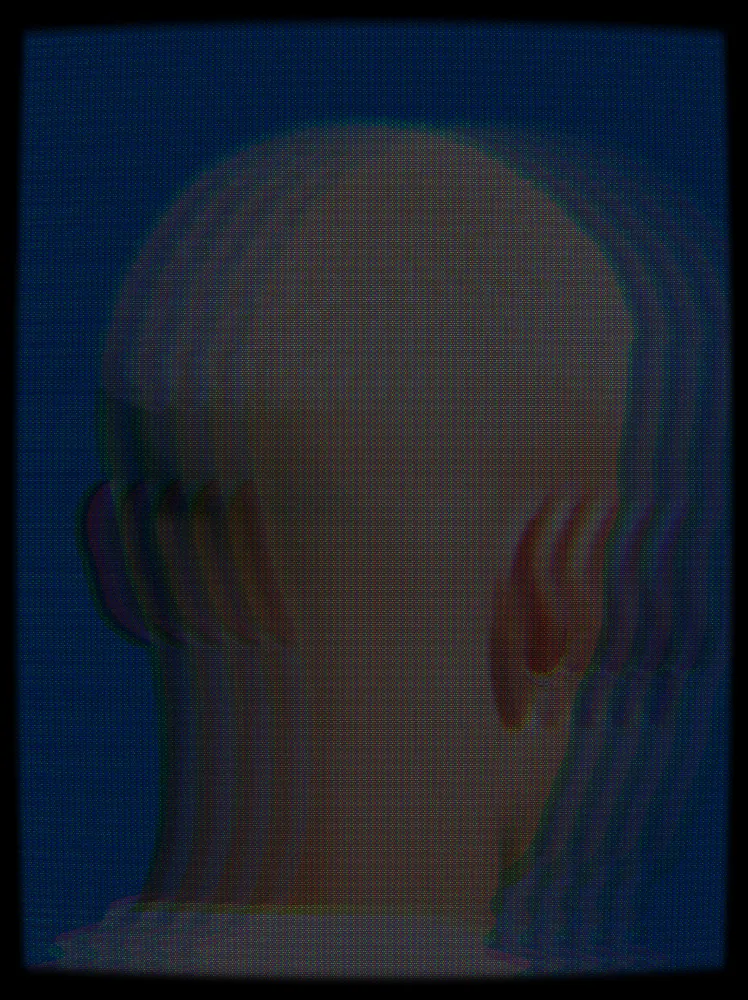
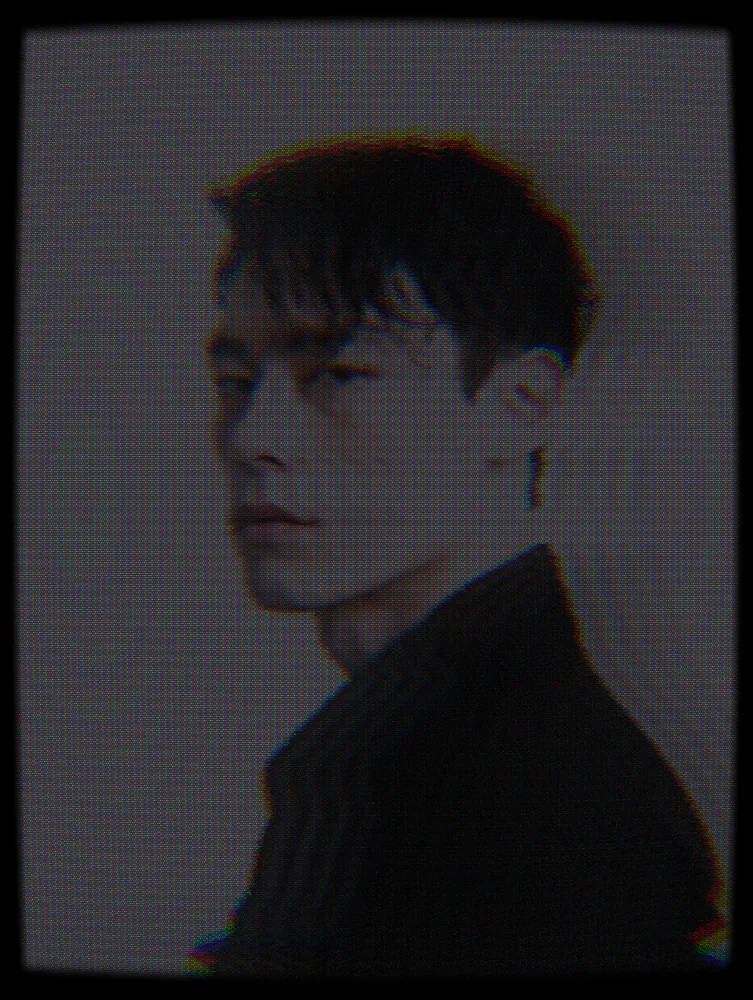
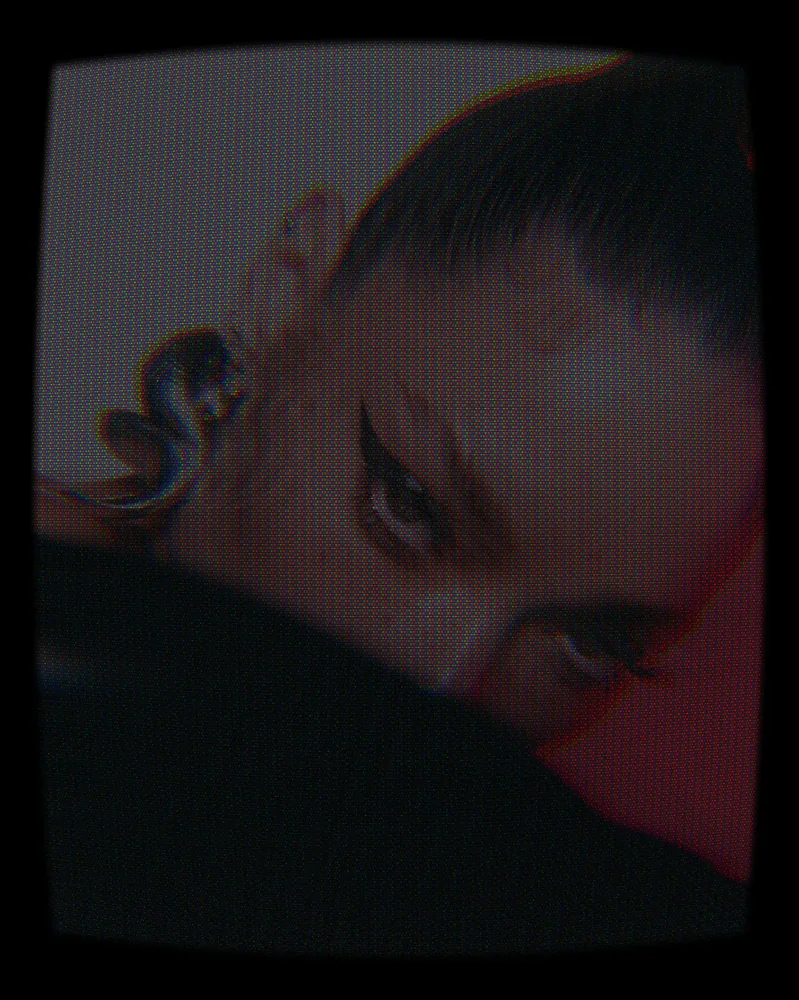
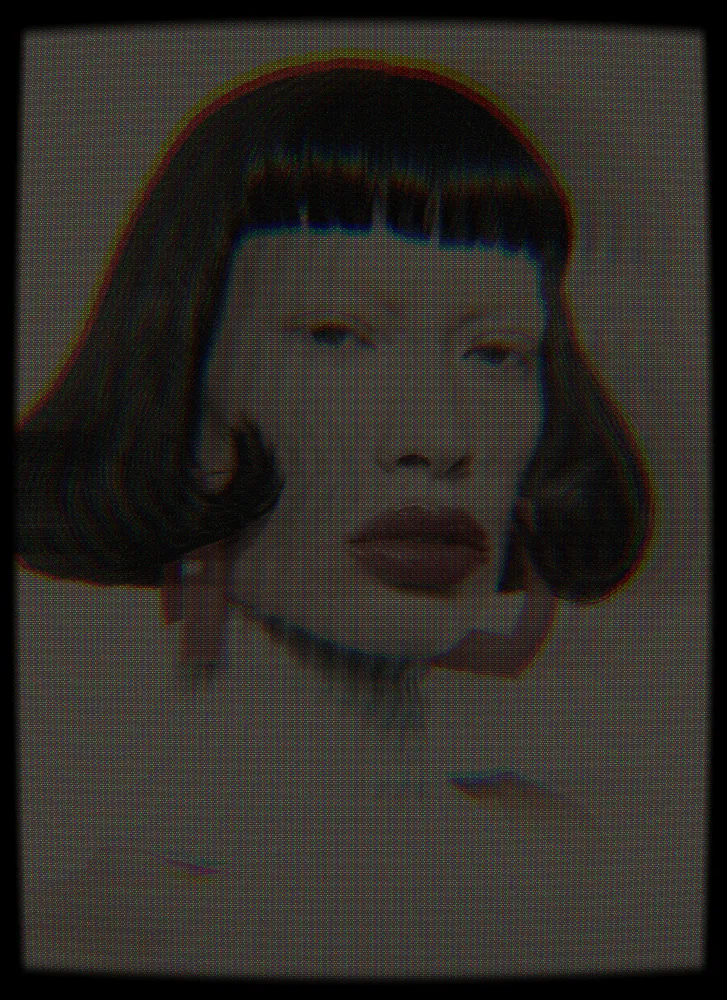
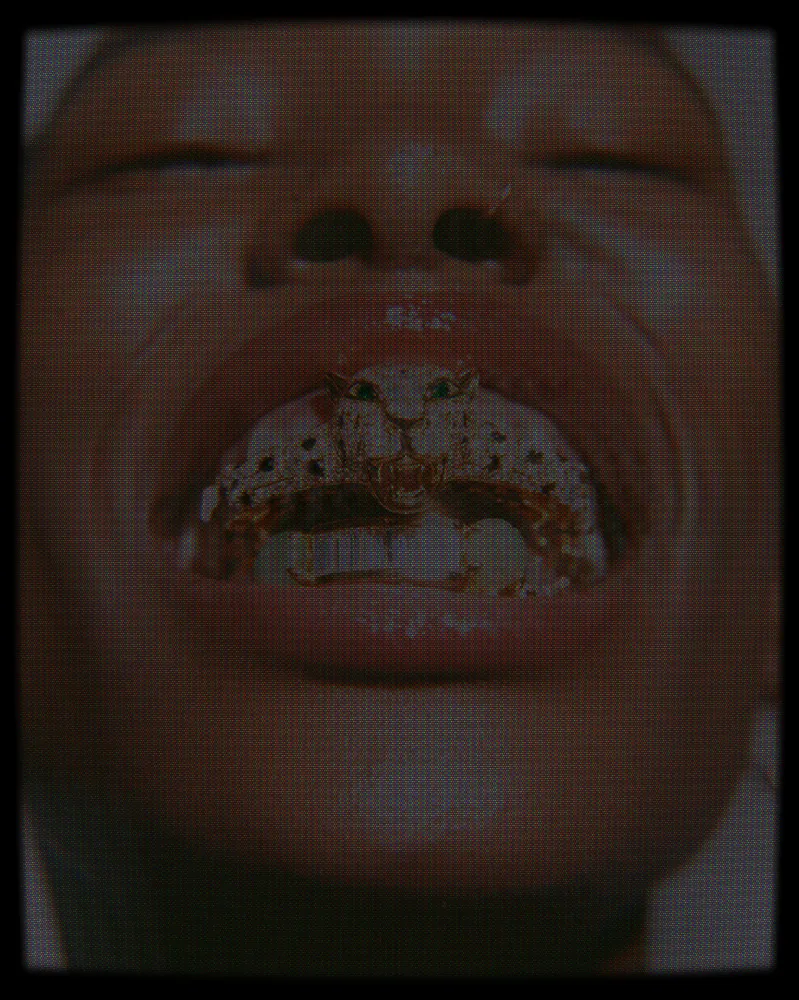
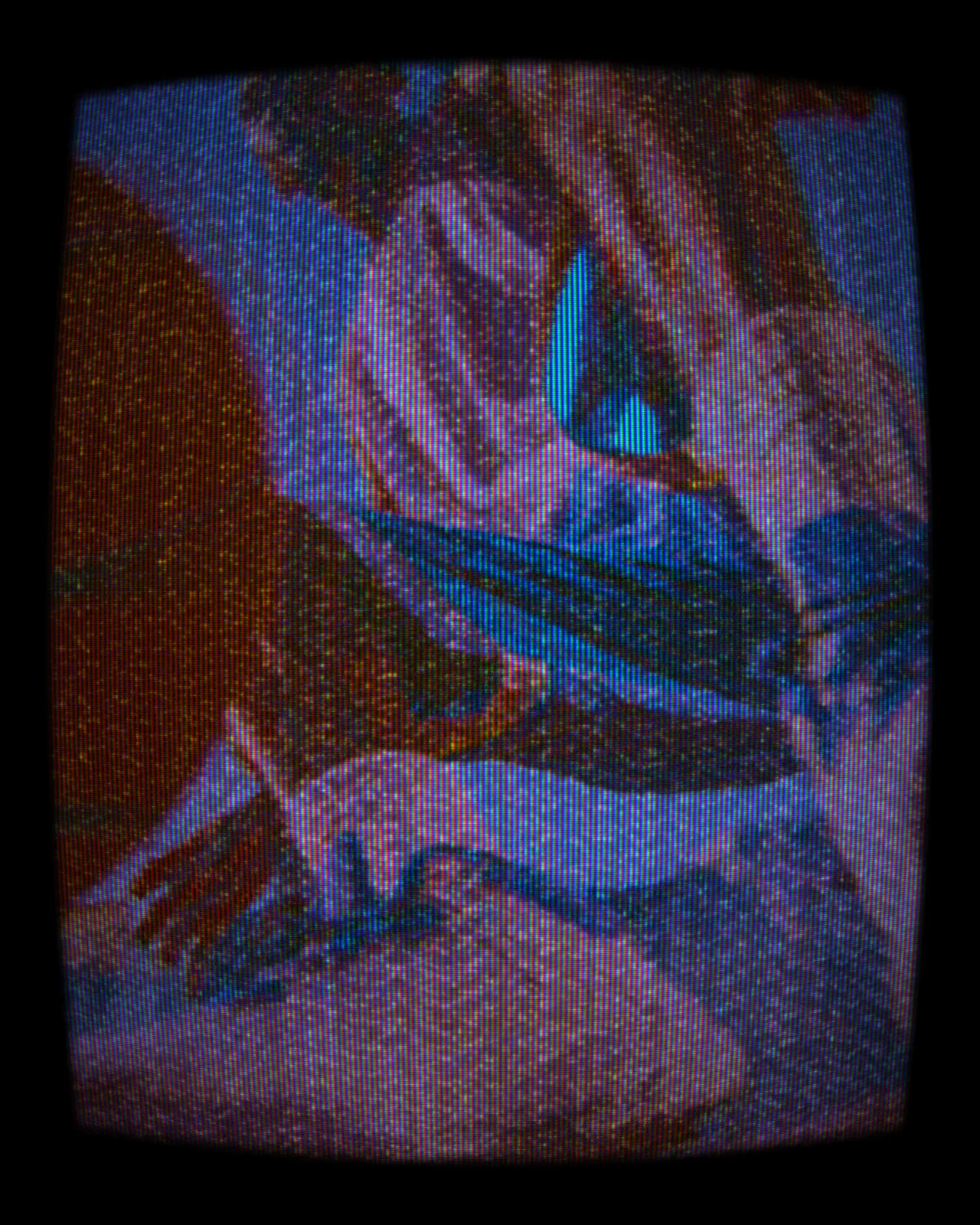
Turns any picture into a dim monitor feed with heavy scanlines, a dot mask, softened detail and color fringes.
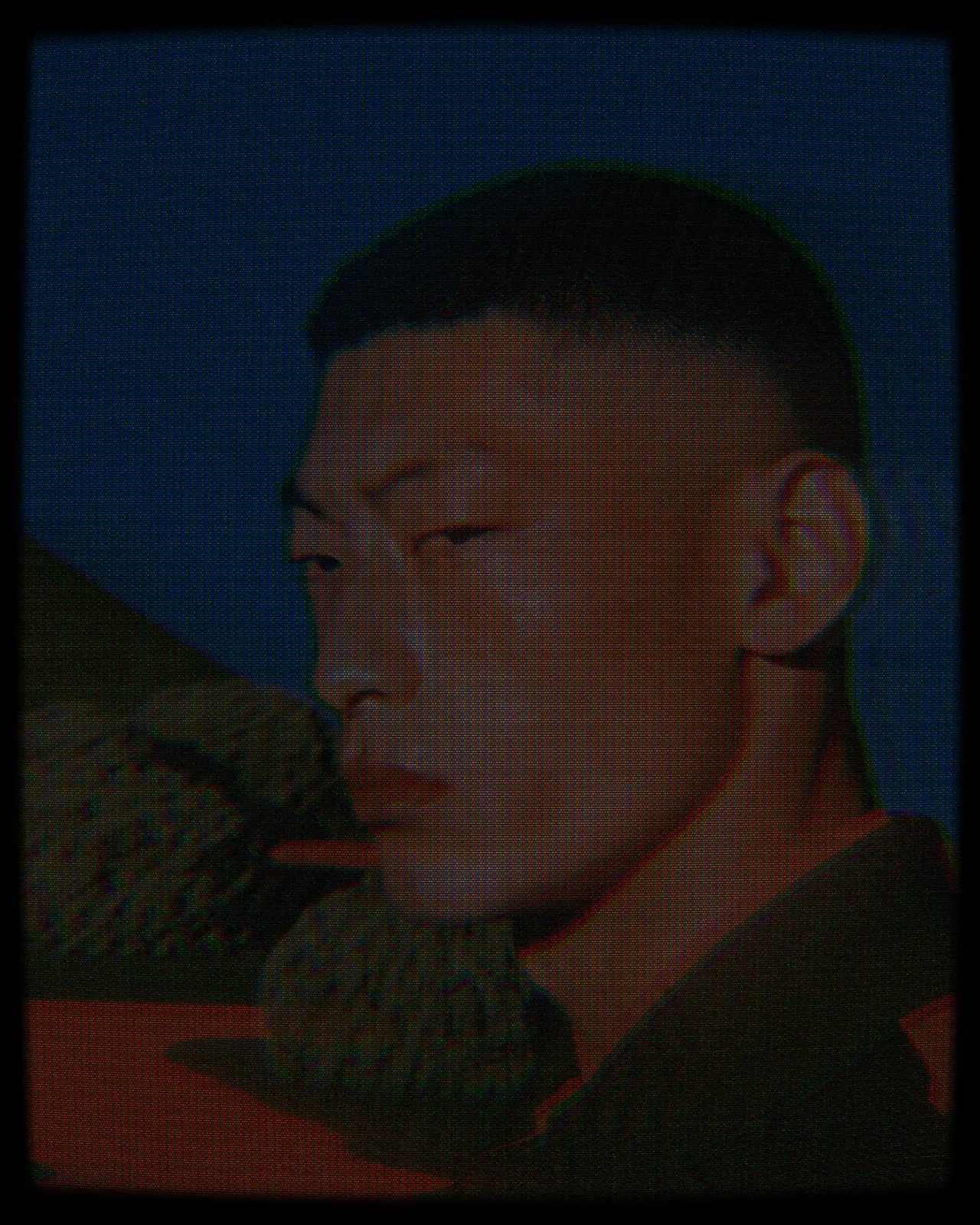
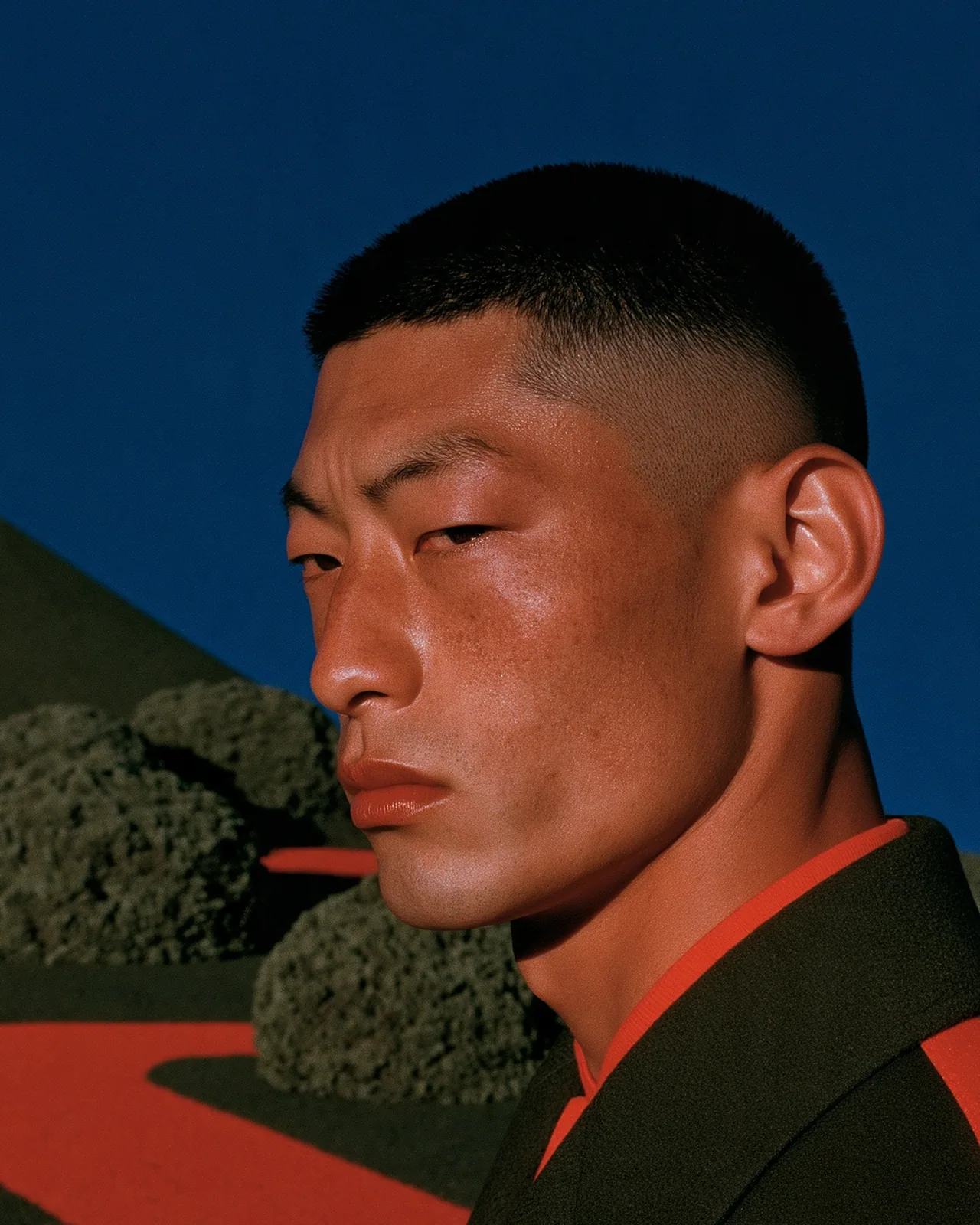
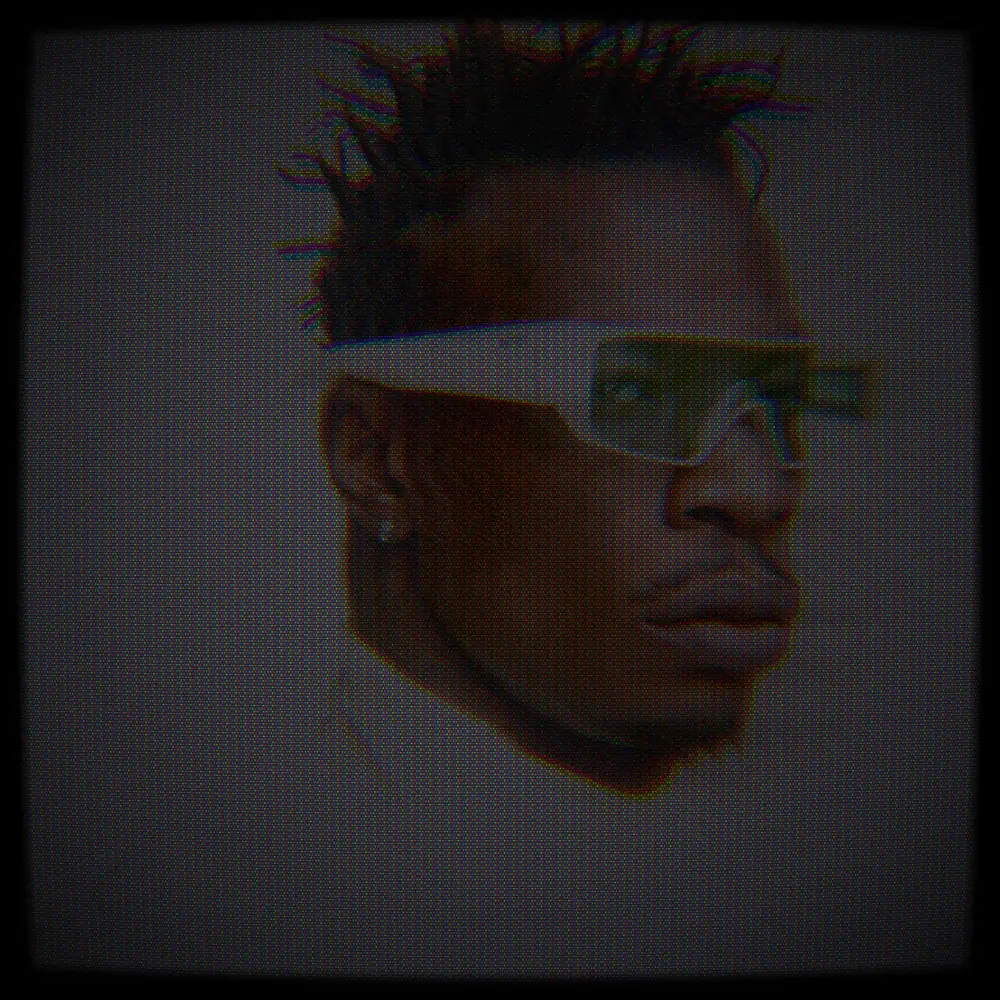
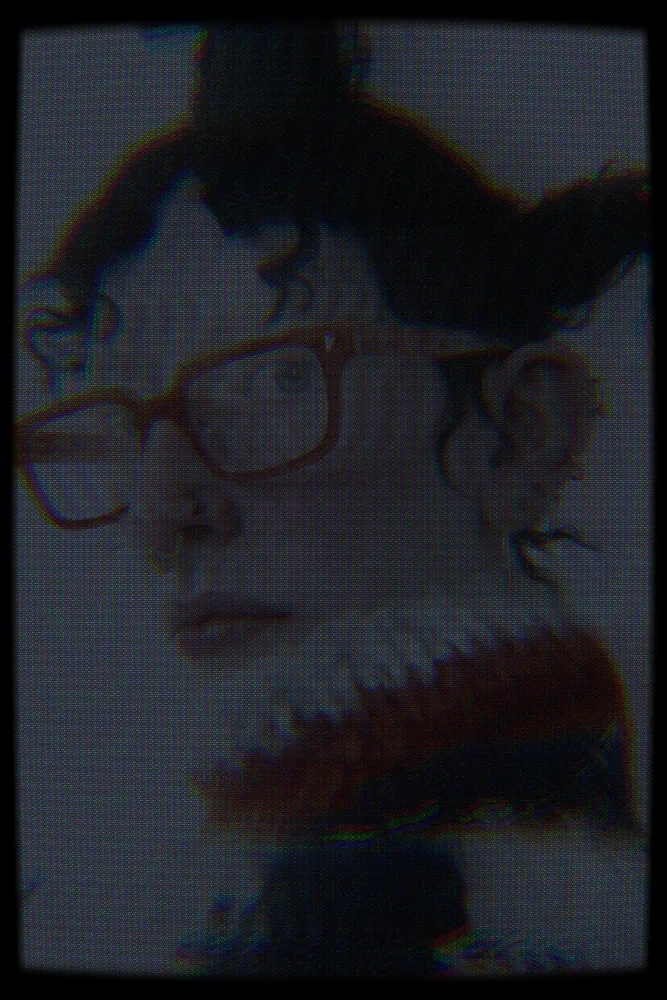
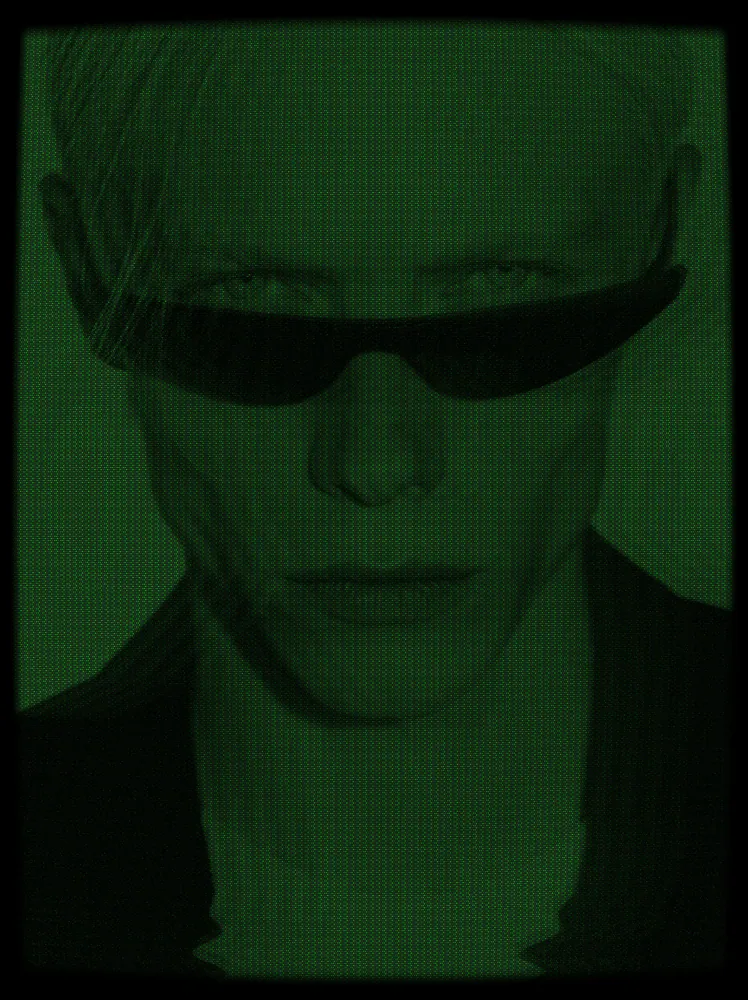
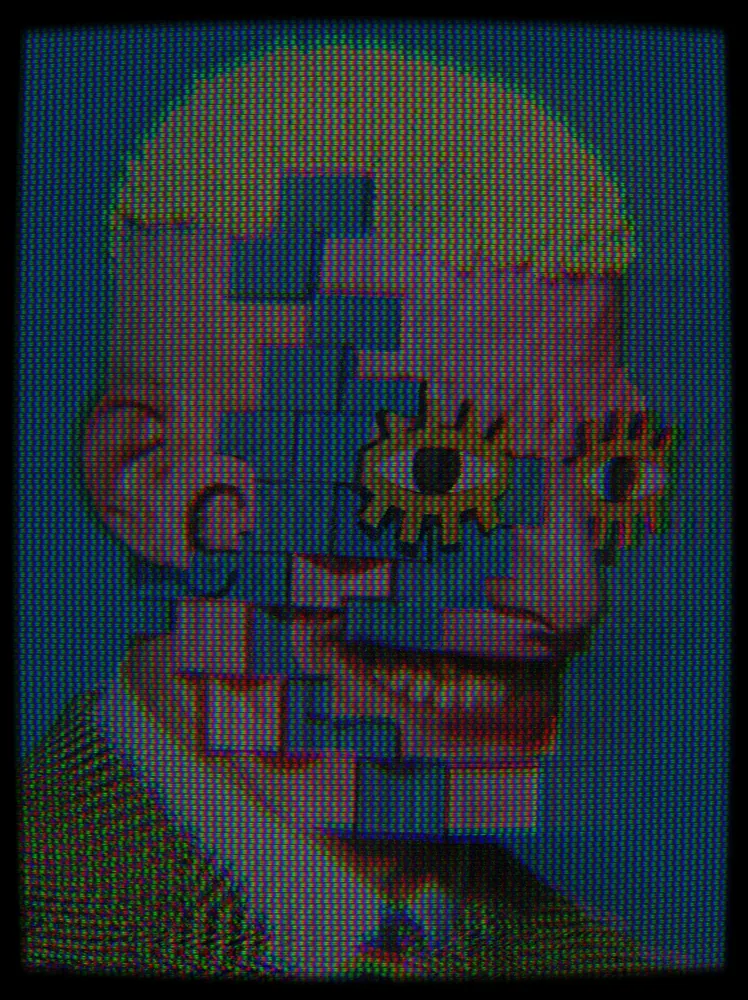
The CCTV effect runs your image through a simulated video signal and a CRT screen, the way a security monitor shows a feed. It starts with full scanlines, a shadow mask, muted color and offset color channels. You can change the mask, scanline strength, contrast, ghosting, jitter and color mode.
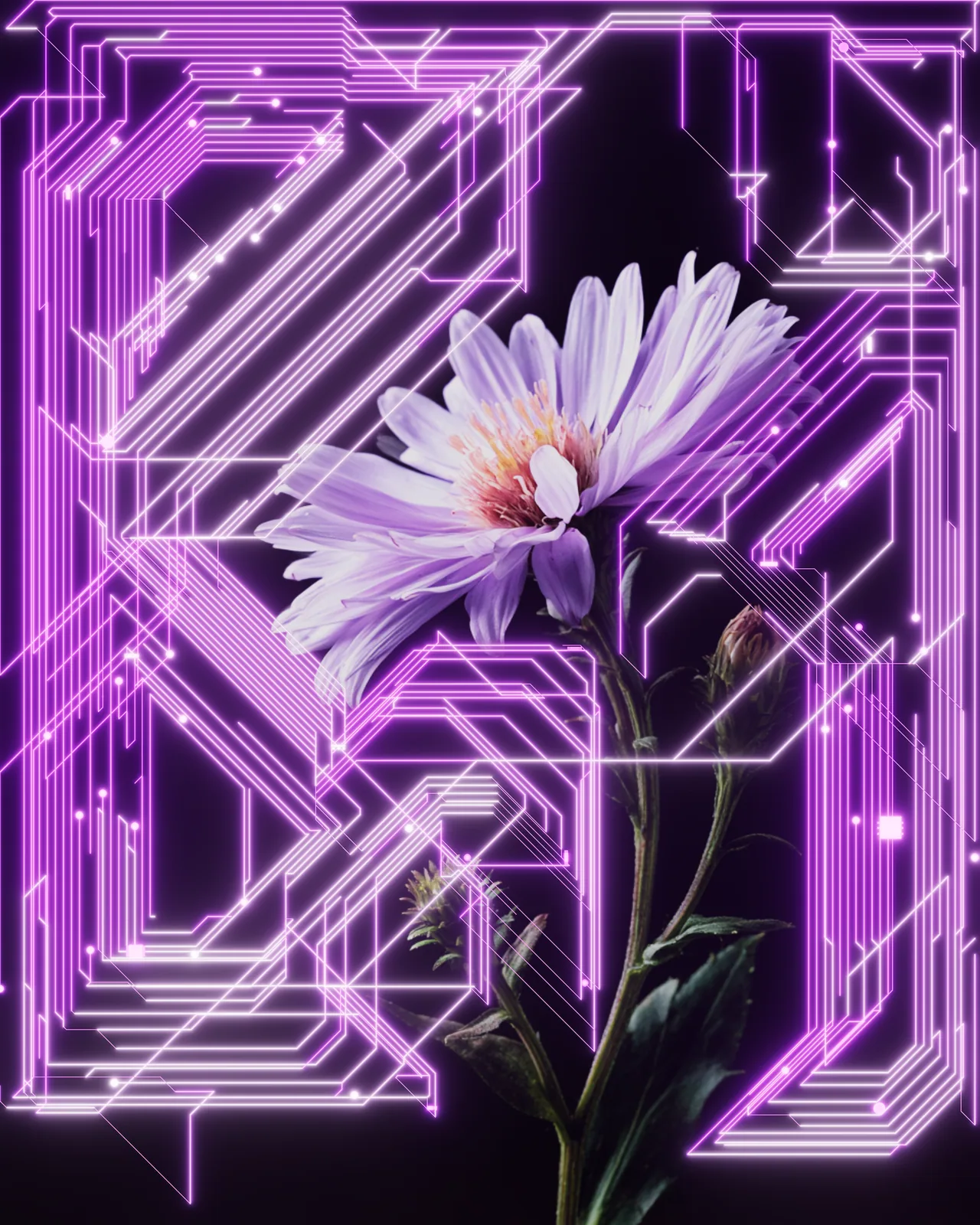
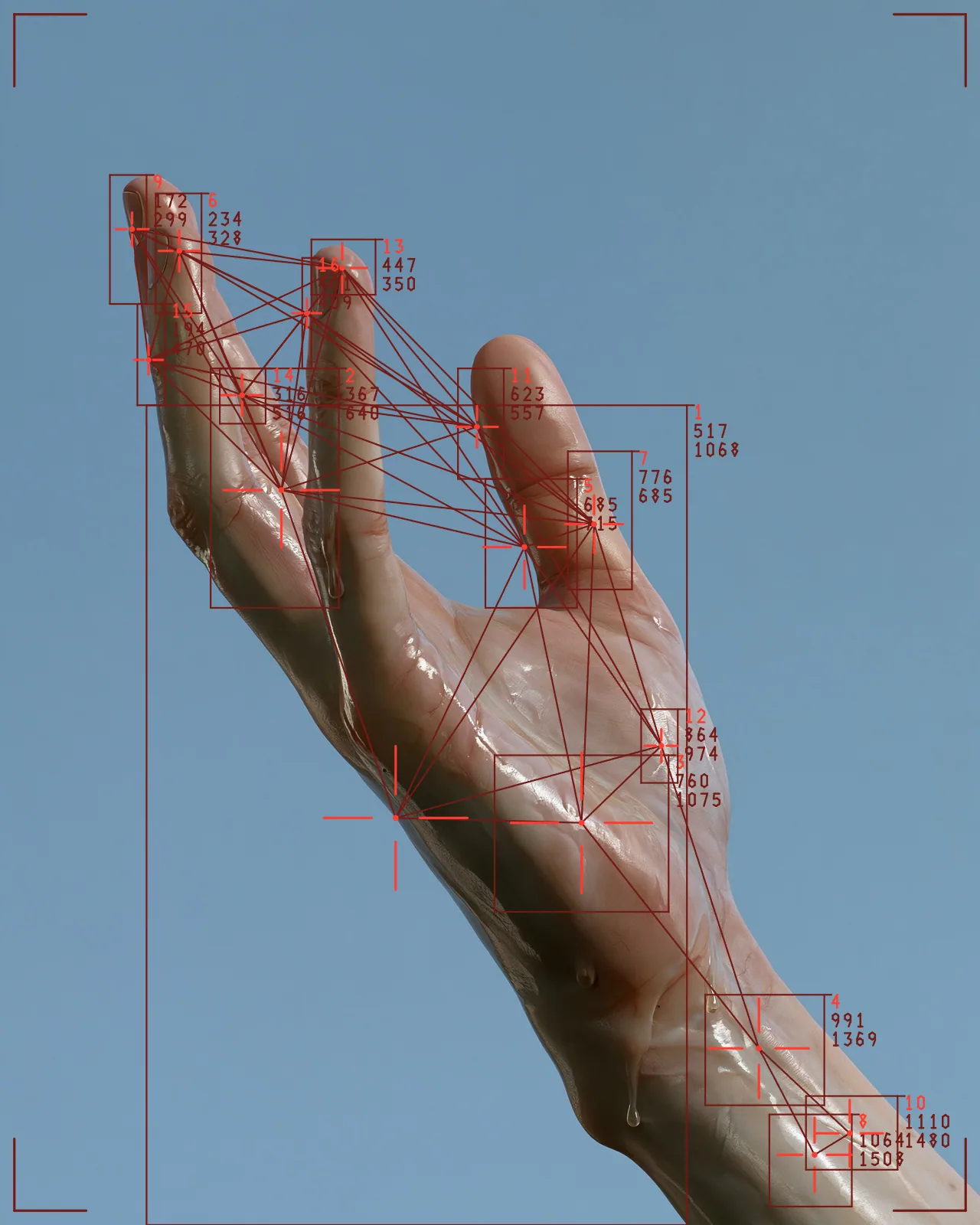
Same effect, different settings
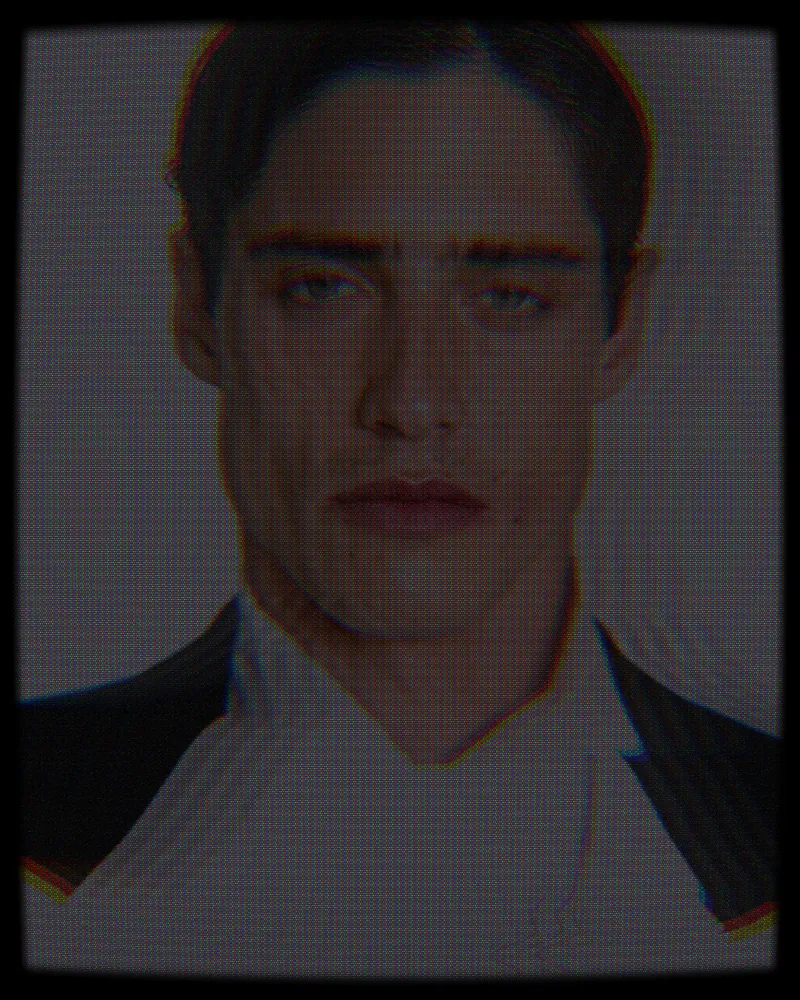
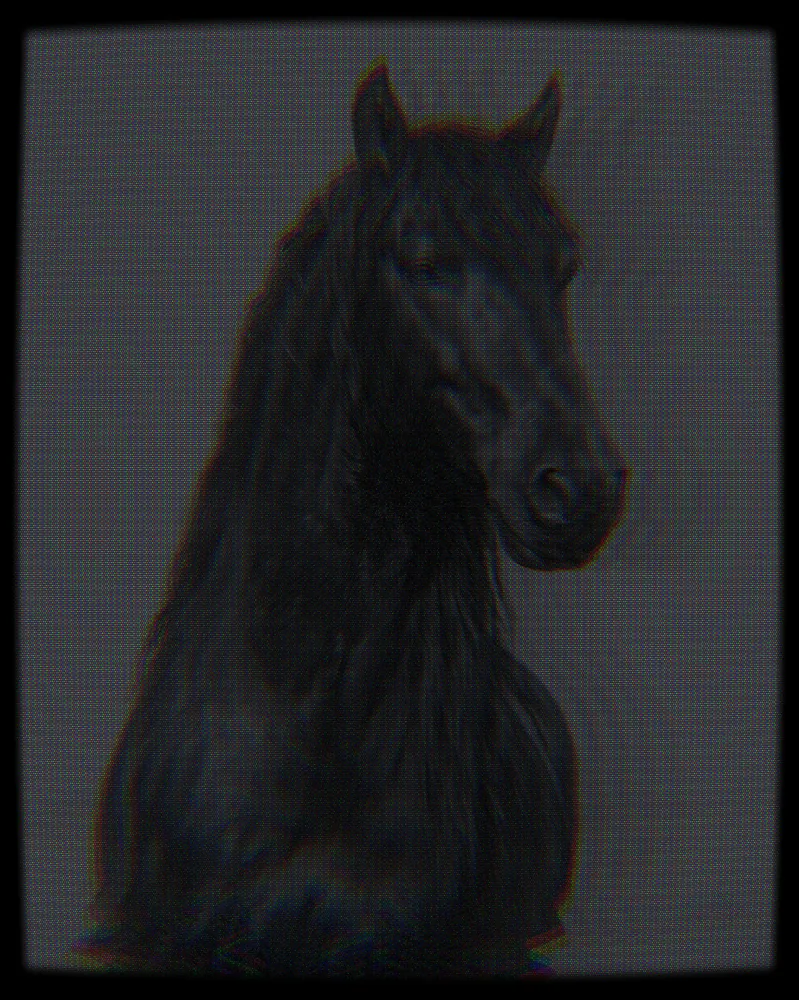
12 photos, each with its own settings. Try it on yours

Use CCTV Effect in Photoshop, After Effects, Illustrator, Affinity or Figma
The plugins are free with an account. Paid plans add bigger renders and your own filters. See pricing
Photoshop
Apply it as a Smart Filter on a Smart Object, then double-click to change it.
After Effects
Drop it on any layer as a native effect and keyframe every control on the timeline.
Illustrator
Use a selection as the source and get back native vector paths or an embedded image.
Affinity
Open Filters > Plugins > Nexus, pick the look and apply it to a pixel layer.
Figma
Select a frame or image, run the look, and the result drops back into your file.
Settings worth touching
- Scanlines
- Sets how dark the horizontal lines between rows are. It starts at full strength; lower it for a cleaner screen.
- Mask Type
- Picks the phosphor pattern: Aperture Grille, Slot Mask, Shadow Mask or LED Matrix. It starts on Shadow Mask, a fine dot grid.
- Color Mode
- Switches from Composite NTSC color to Monochrome Green, Monochrome Amber or Vivid LED for a single-tint monitor or brighter pixels.
Frequently asked questions
How do I add the CCTV effect in Photoshop?
With Nexus for Photoshop, convert your layer to a Smart Object and apply the look as a Smart Filter. Double-click the filter later to change any setting.
Can I animate the CCTV effect in After Effects?
Yes. Nexus for After Effects adds the look as a native effect. Keyframe Signal Phase, Tracking Jitter or any other control on the timeline to make the feed move and wobble.
Is there a free CCTV filter?
You can open the look in the Nexus web editor and try it on your own image without an account. Exporting needs a free account, which exports images up to 720px and video up to 720px with the Nexus mark.
How do I make a photo look like security camera footage?
Keep the scanlines strong, lower Chroma Saturation for washed out color and raise Tape Snow for noise. Add Head Switch Tear or Tracking Jitter to suggest a worn recording.
Can I get a green surveillance camera effect?
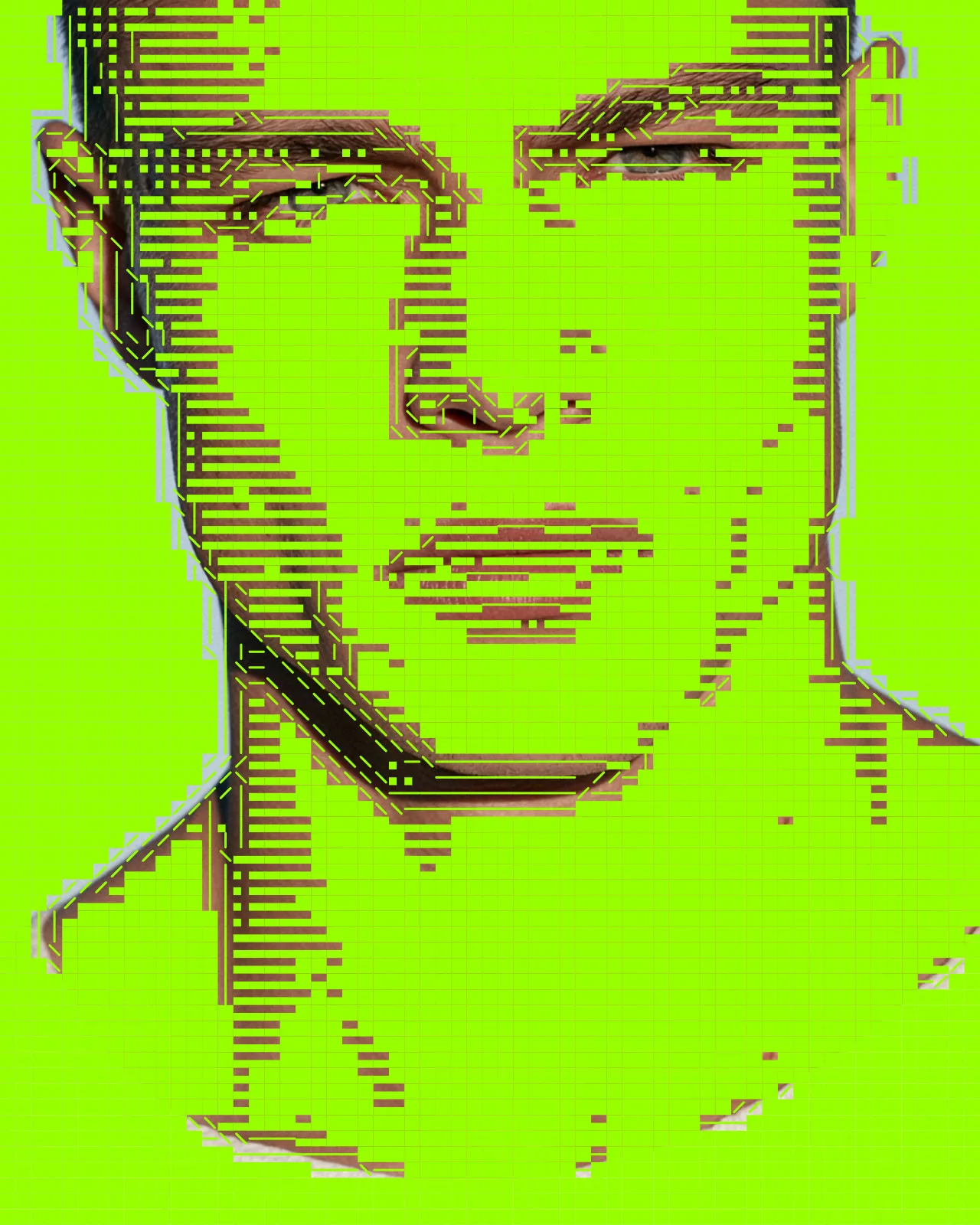
Set Color Mode to Monochrome Green or Monochrome Amber for a single color monitor. Phosphor Tint changes the glow color, and Invert flips the tones for a negative feed.

Try CCTV Effect in your browser
Free to try. Exporting needs a free account.