Metaball Effect
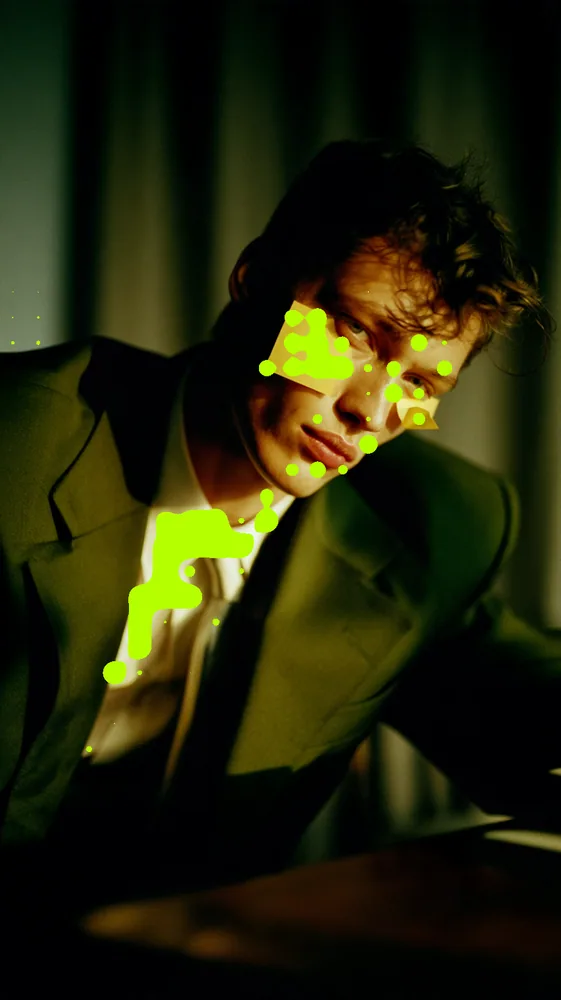
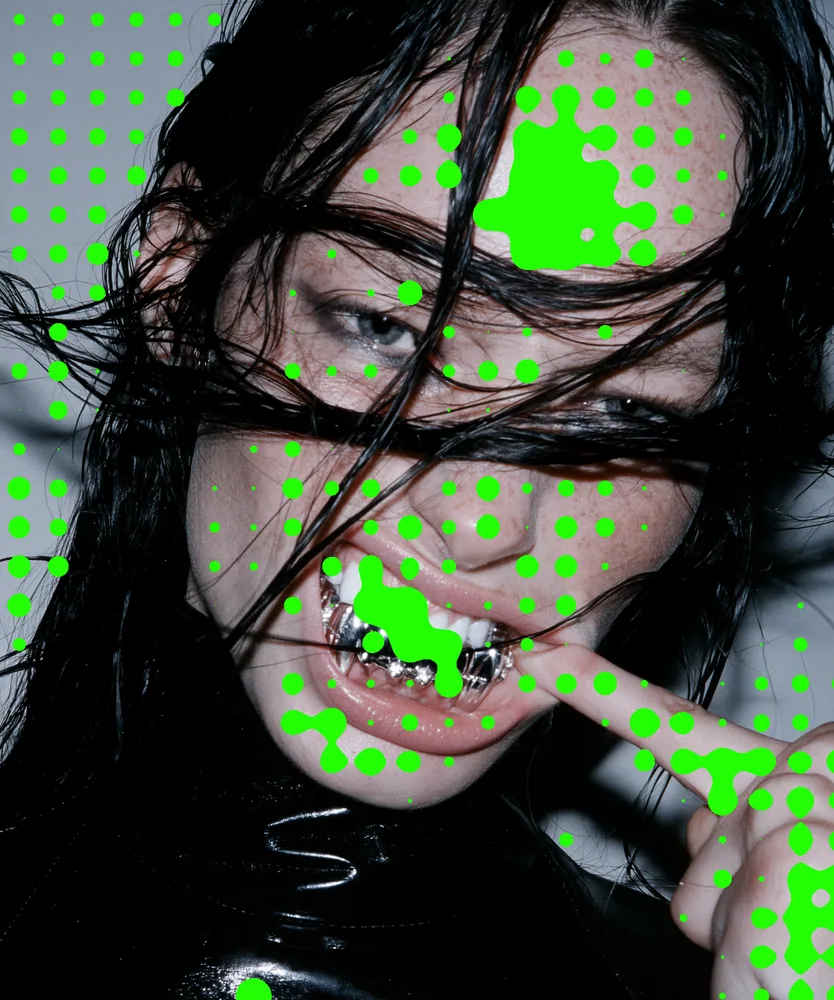
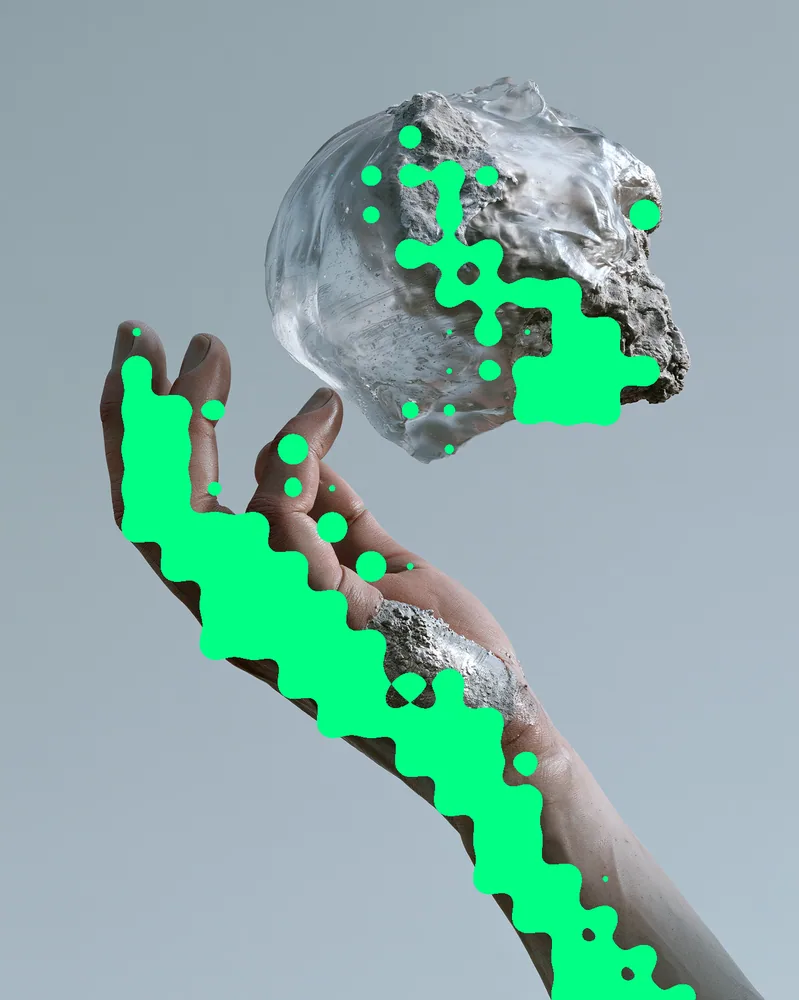
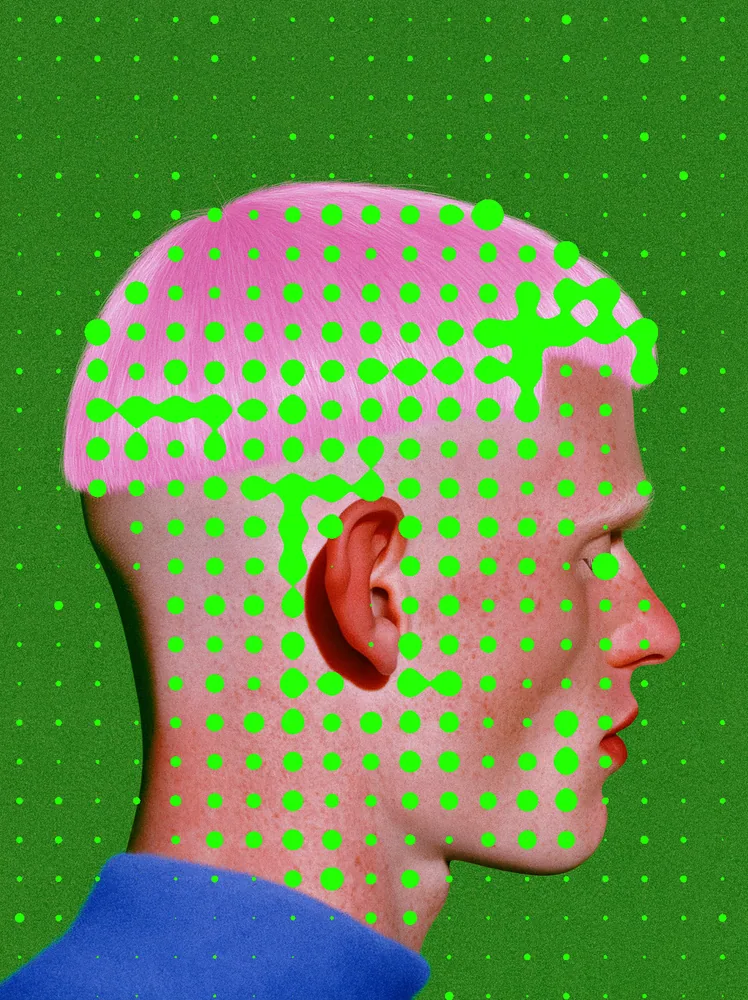
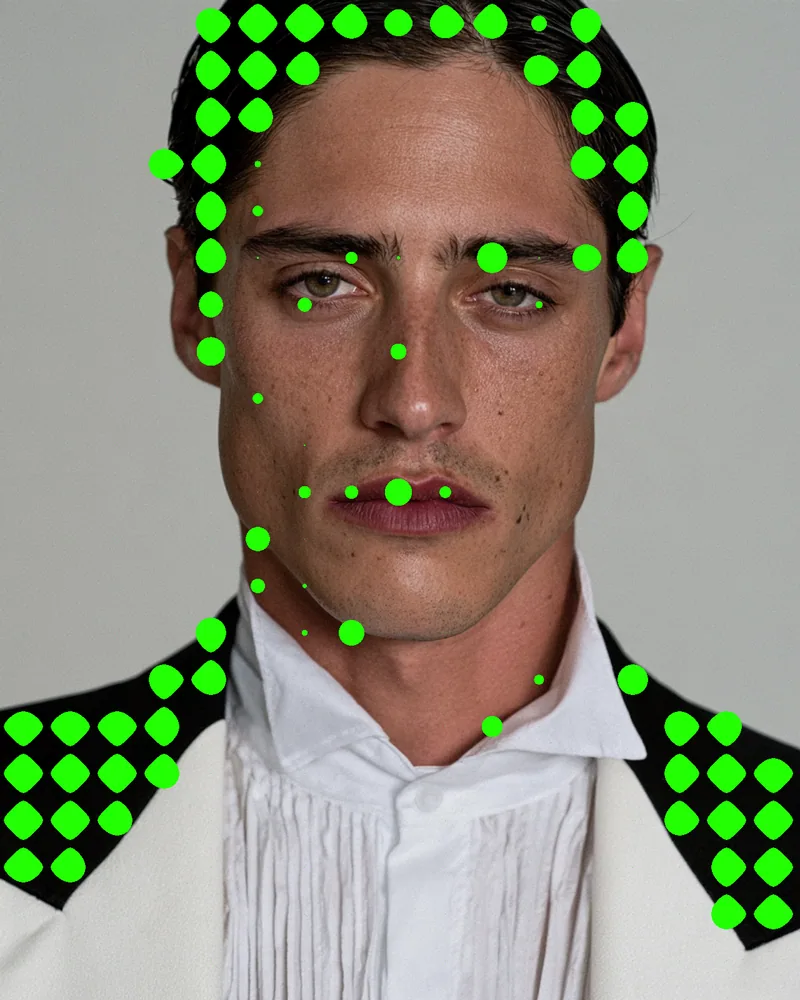
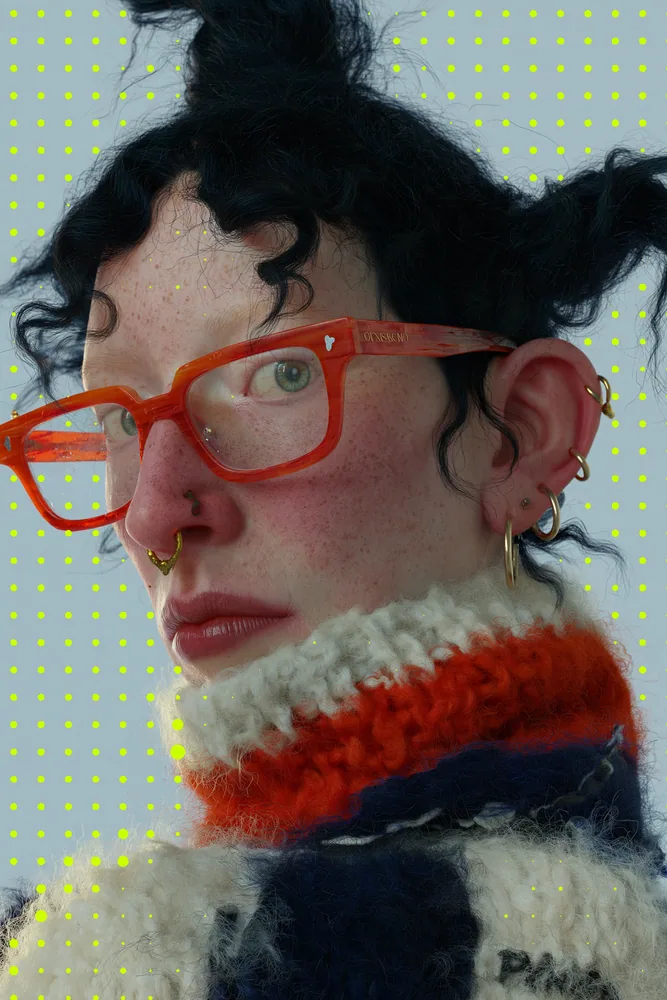
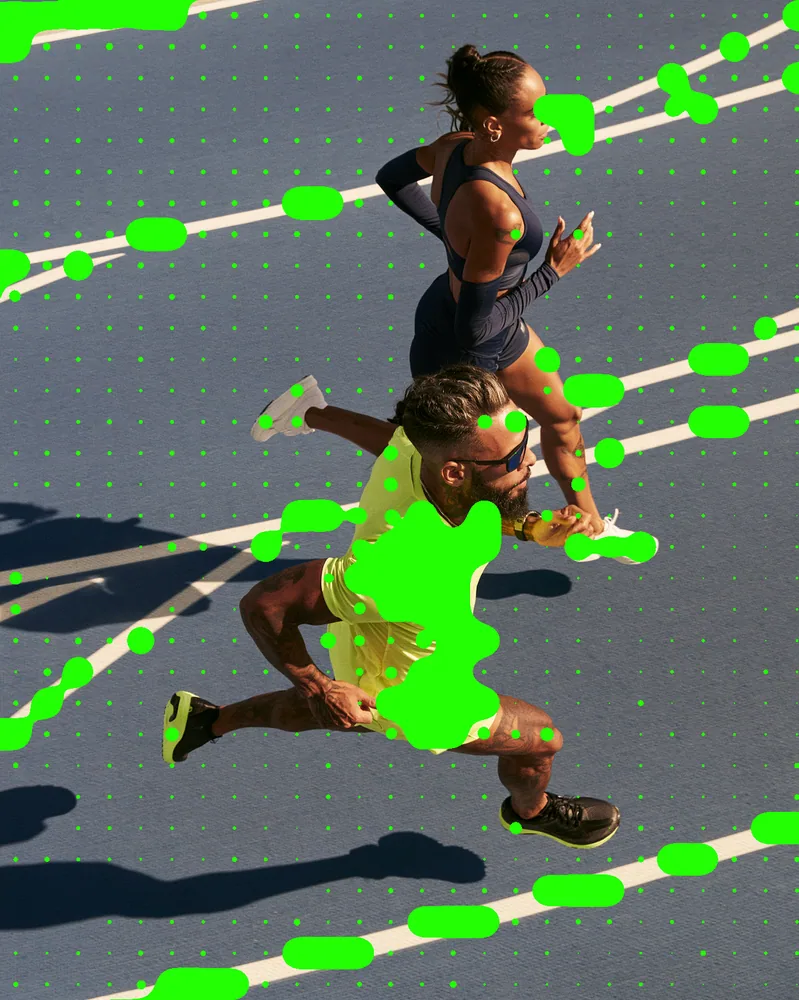
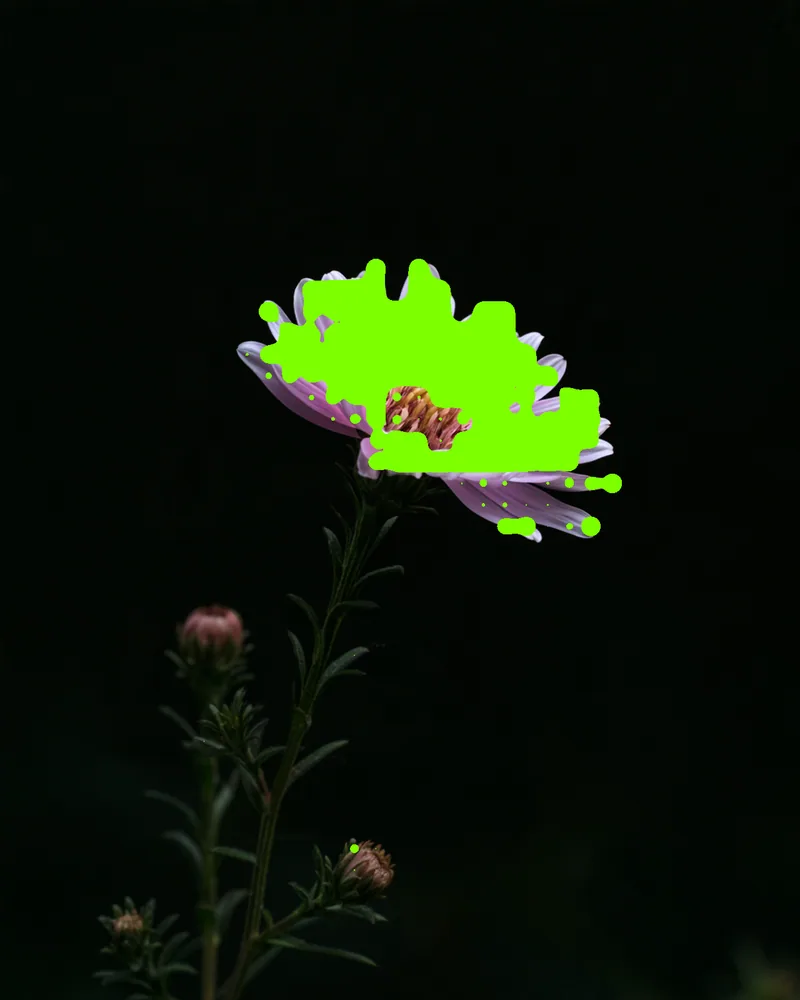
Bright blobs grow over one tonal region of your picture and fuse into thick clusters wherever their fields overlap.
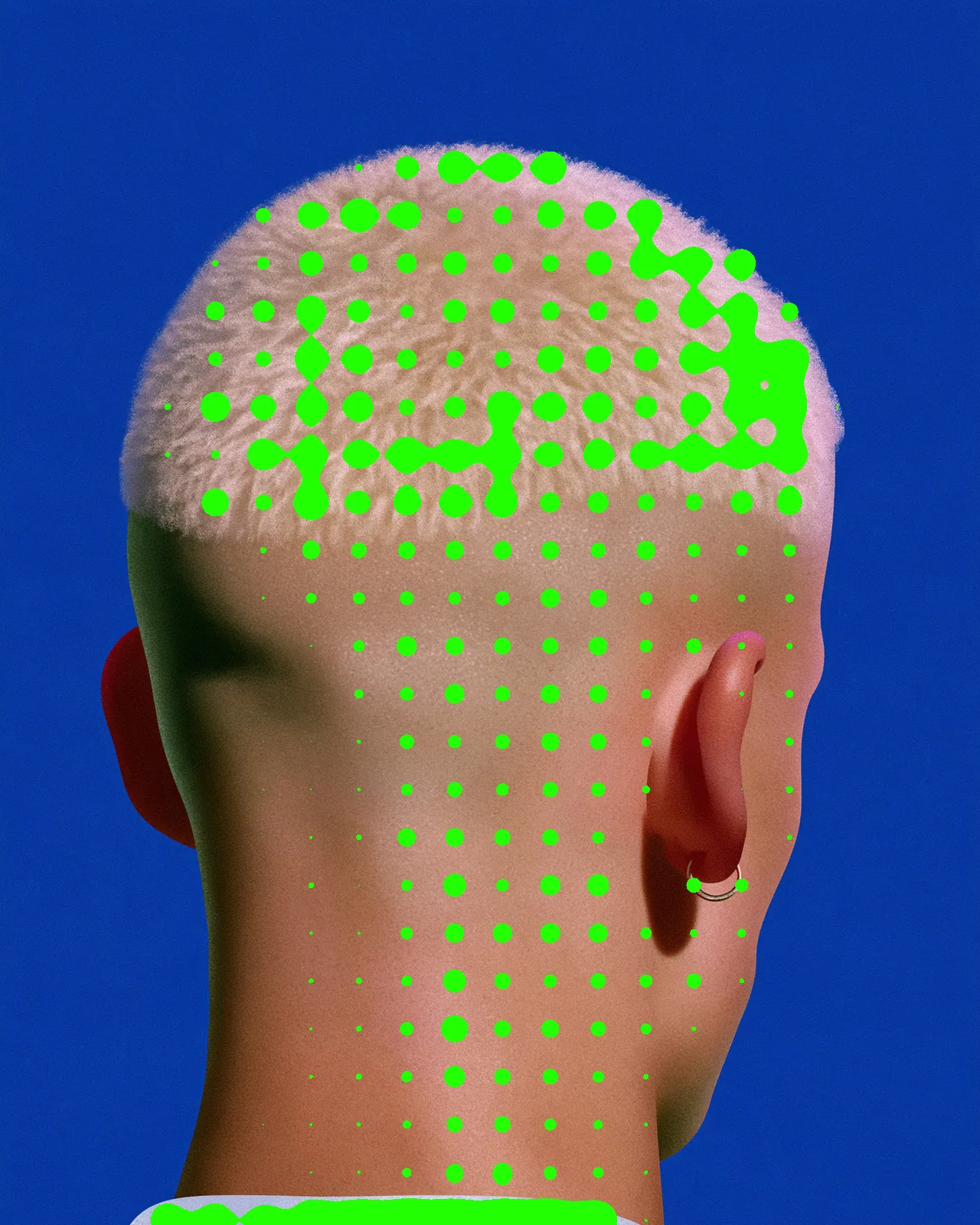
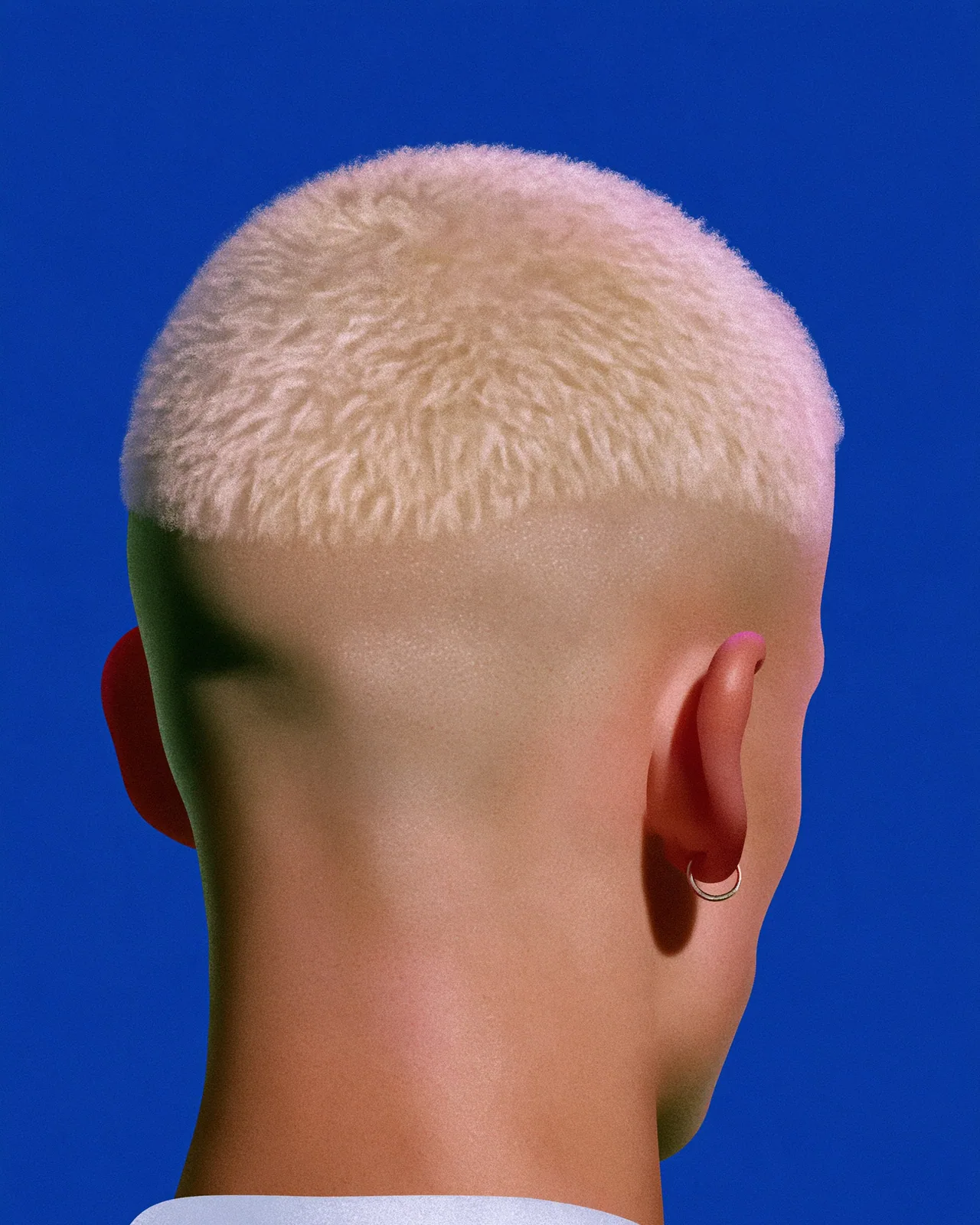
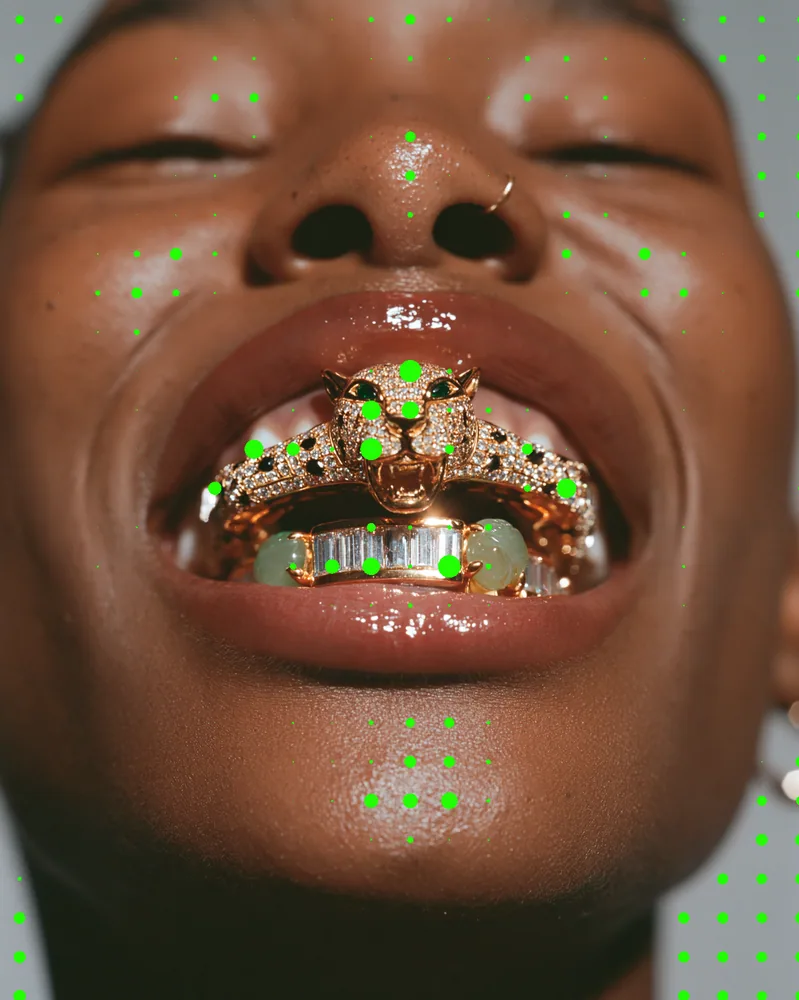
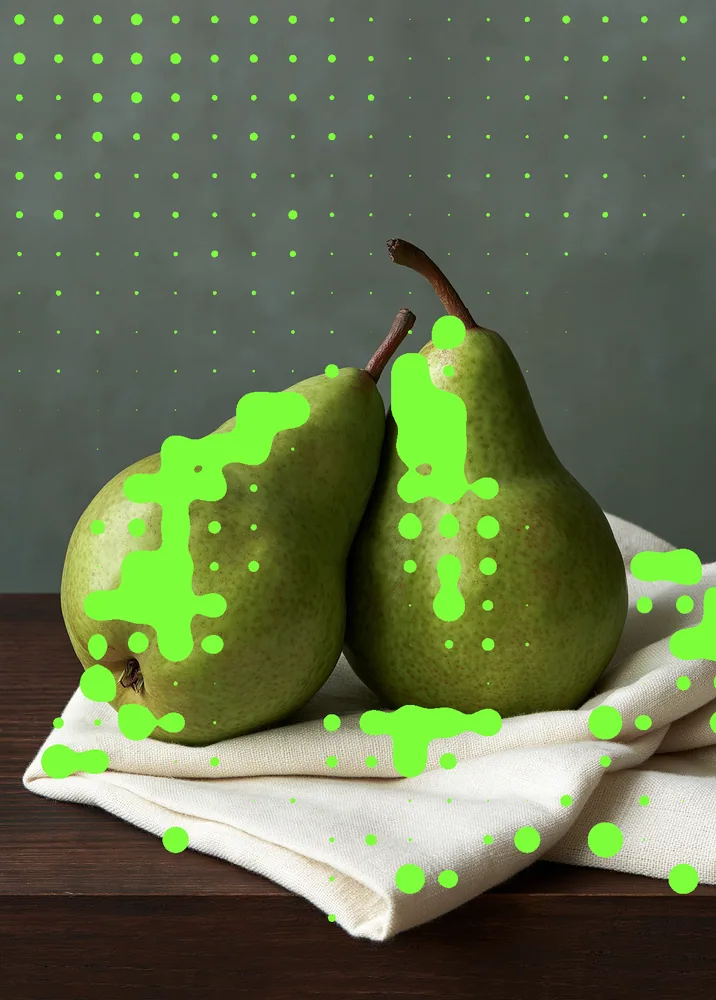
The metaball effect lays a grid of bright blobs over your picture, sized by its tones, and lets neighboring blobs melt together into gooey clusters. The look starts on highlights with large, well-merged blobs in bright green. You can switch to edges or shadows, change the color, spacing and merge, and invert the result.
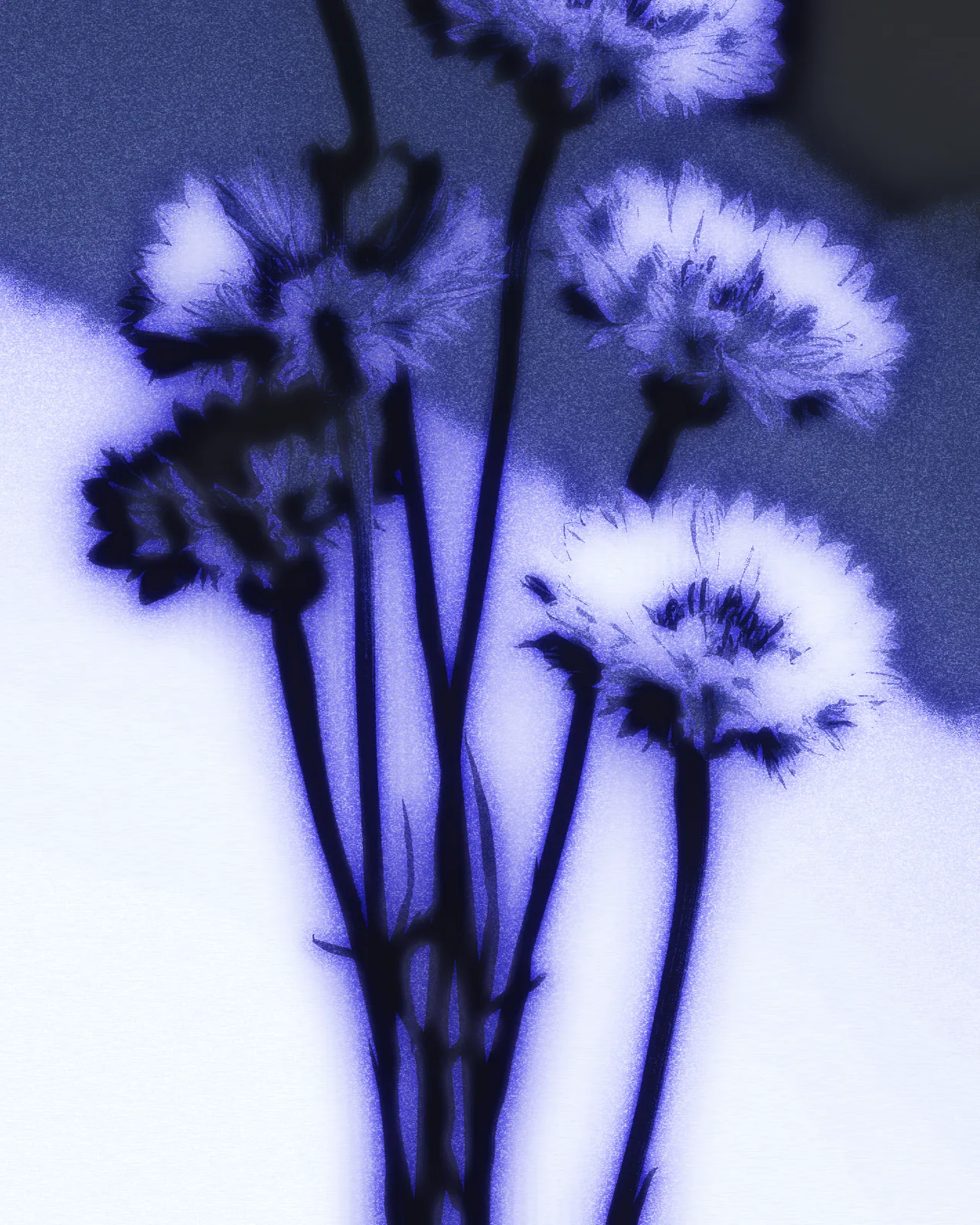
Same effect, different settings
12 photos, each with its own settings. Try it on yours


Use Metaball Effect in Photoshop, After Effects, Illustrator, Affinity or Figma
The plugins are free with an account. Paid plans add bigger renders and your own filters. See pricing
Photoshop
Apply it as a Smart Filter on a Smart Object, then double-click to change it.
After Effects
Drop it on any layer as a native effect and keyframe every control on the timeline.
Illustrator
Use a selection as the source and get back native vector paths or an embedded image.
Affinity
Open Filters > Plugins > Nexus, pick the look and apply it to a pixel layer.
Figma
Select a frame or image, run the look, and the result drops back into your file.
Settings worth touching
- Drive Region
- Chooses where blobs grow: edges, shadows or highlights. The look starts on highlights, so bright areas gather the densest clusters.
- Blob Pitch
- Sets the spacing of the blob grid. Low values give fine, dense dots; the look starts at 40 for large, open blobs.
- Merge / Bleed
- Controls how readily neighboring blobs fuse. Higher values join them into thick, liquid bands; lower values keep separate round dots.
Frequently asked questions
What is a metaball effect?
Metaballs are round shapes whose fields add together, so nearby blobs melt into one smooth mass instead of overlapping. This look builds them from your picture's tones, so the blobs follow its light and structure.
How do I make a metaball effect in Illustrator?
Select your artwork, store it as the source in Nexus and run the look. The result comes back as an embedded image, not vector paths, because this look outputs pixels only.
Can I use the metaball effect in Figma?
Yes. Select a frame or image, run the look with the Nexus plugin, and the result drops back into your file as an image. The plugin is free with a Nexus account.
Is this the same as a blob effect?
Yes, the blob effect people search for is the same idea: soft round shapes that merge where they touch. Raise Merge / Bleed and Spread for bigger, gooier blobs.
Can I try the metaball effect without paying?
Yes. Open the look in the Nexus web editor and try it on your own image without an account. Exporting needs a free account, which exports images up to 720px and video up to 720px with the Nexus mark.




Try Metaball Effect in your browser
Free to try. Exporting needs a free account.