Effects Illustrator doesn't have
Store any selection as the source, run filters over it, and drop results back as native vector paths or embedded raster.
The plugins are free with an account. Paid plans add bigger renders and your own filters. See pricing

Illustrator
Real vector paths.
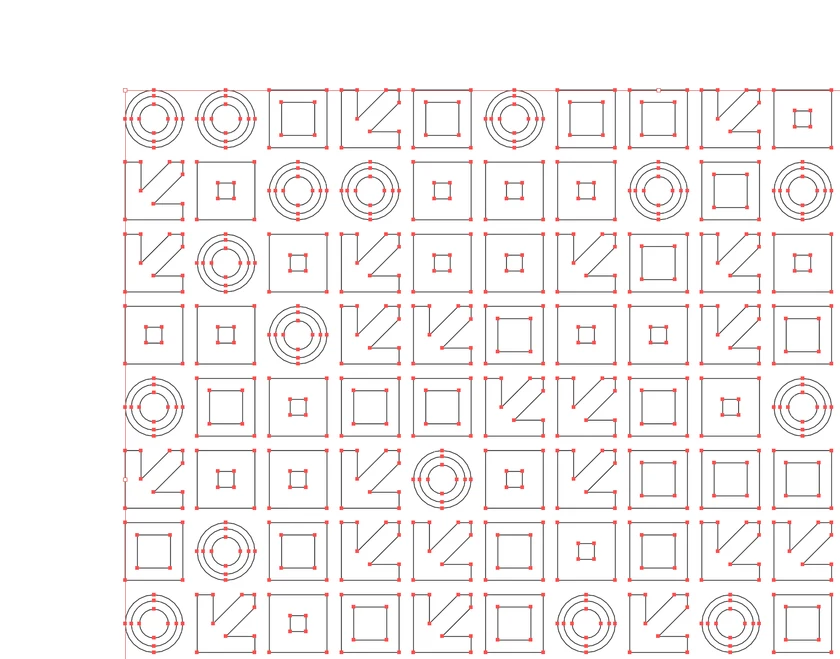
Hit Drop as vector and the look lands as paths you can edit, every anchor point included.



Every effect you get
- Risograph Effect
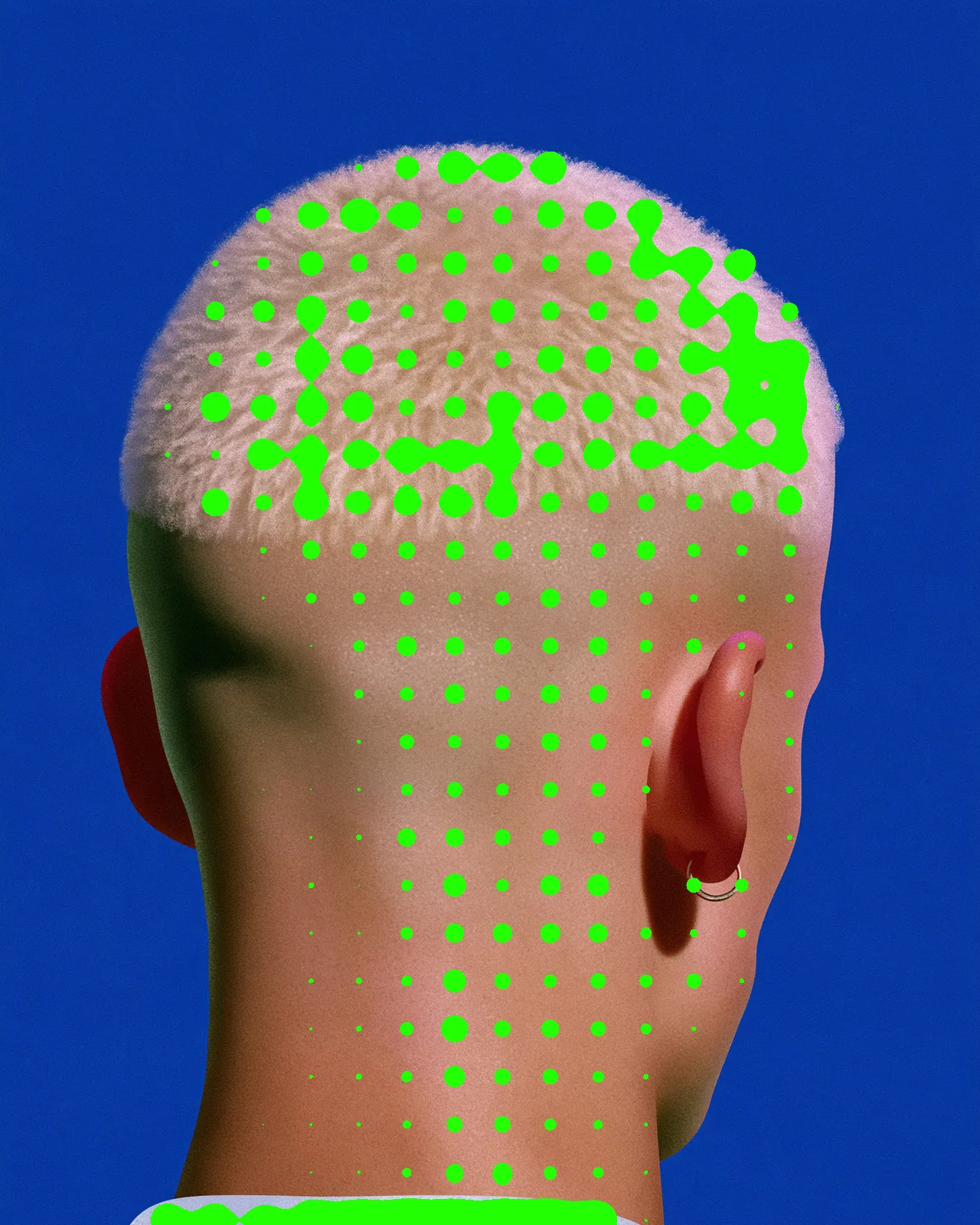
- Halftone Effect
- Dither Effect
- Metaball Effect
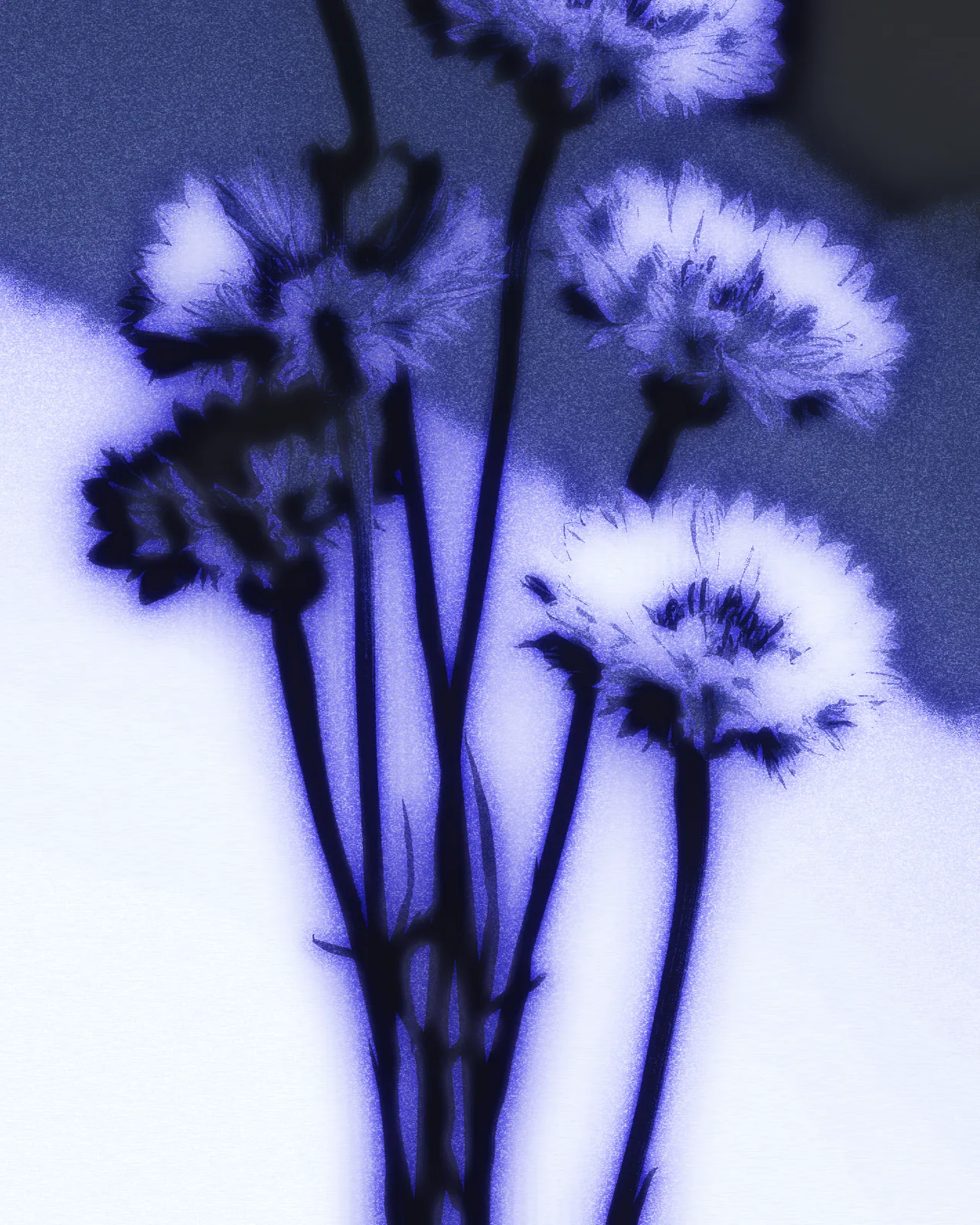
- Cyanotype Effect
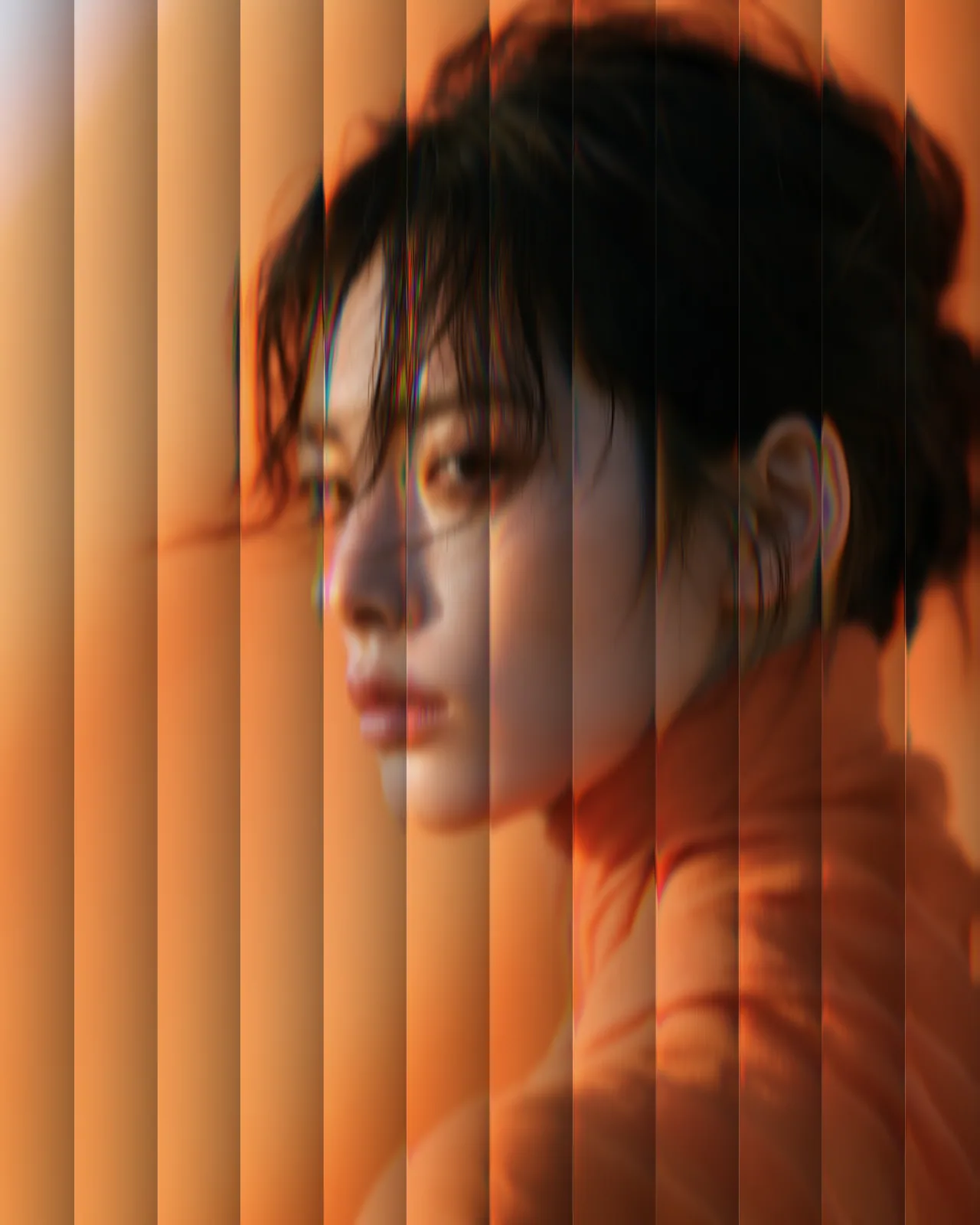
- Reeded Glass Effect
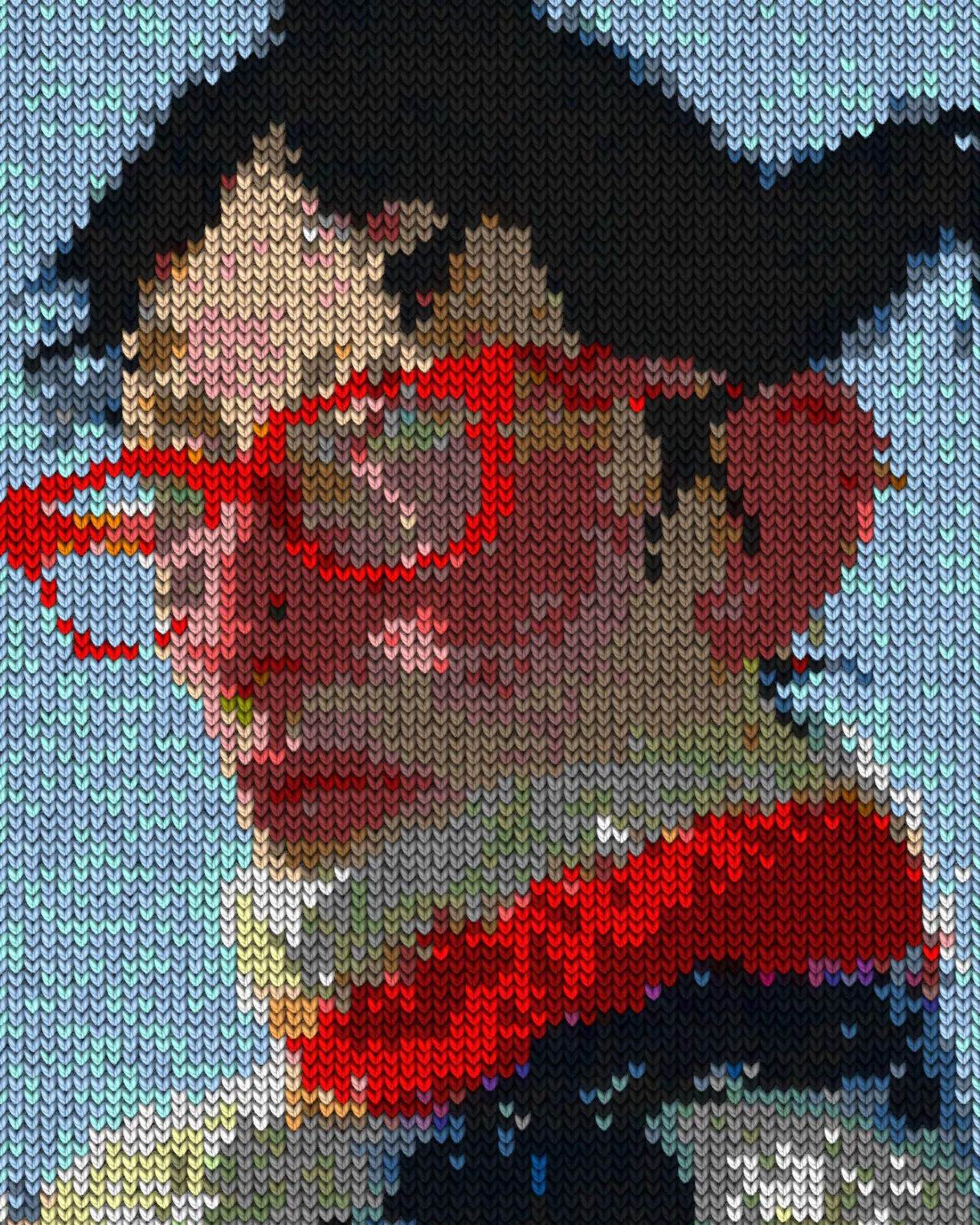
- Knit Effect
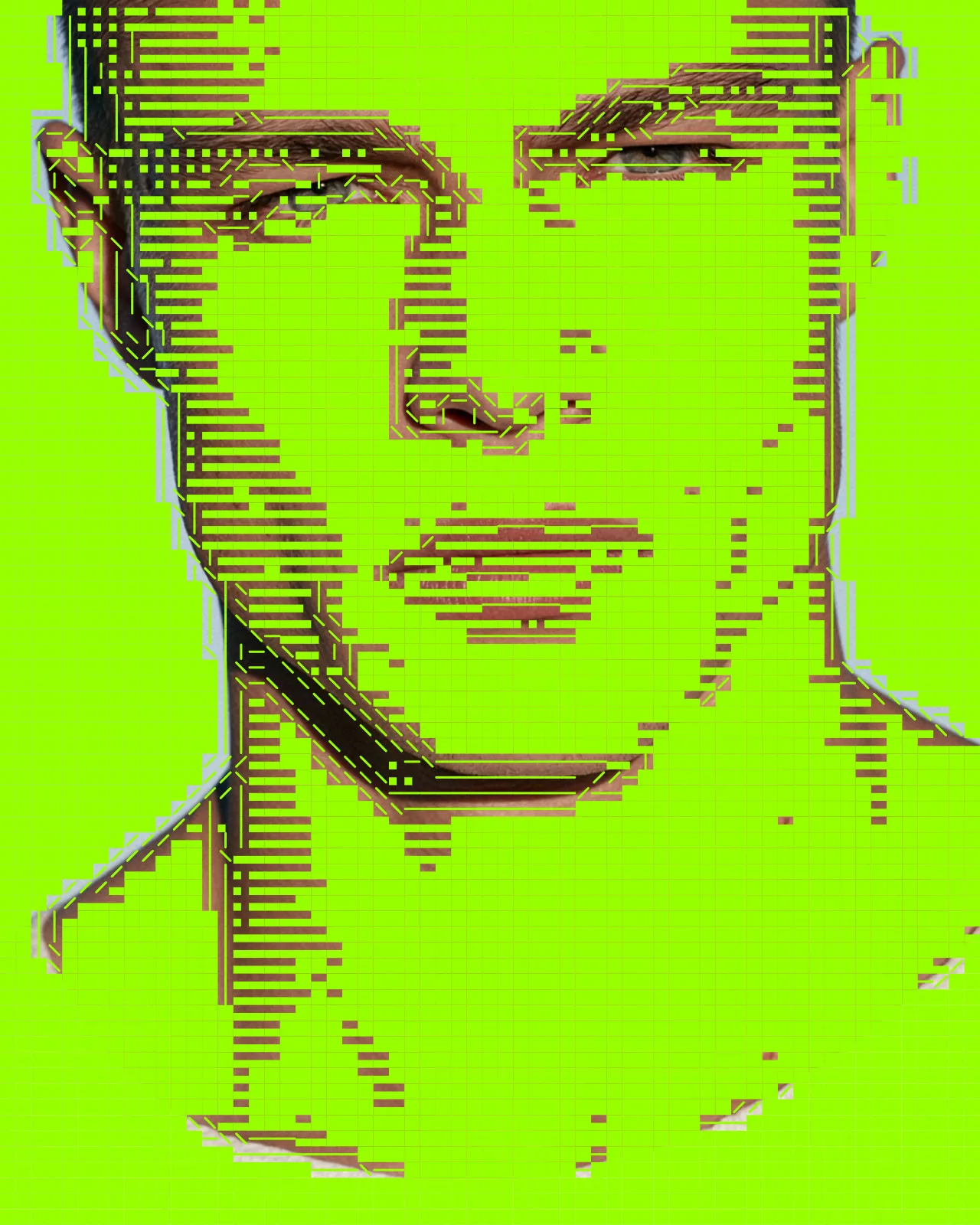
- ASCII Art Effect
- CRT Effect
- Airbrush Effect
- Shape Halftone Effect
- Text Portrait Effect
- Torn Paper Collage Effect
- Plexus Effect
- Topographic Map Effect
- Wave Lines Effect
- Circuit Board Effect
- Blob Tracking Effect
- Brick Mosaic Effect
- Gradient Grid Background
- Thorn Frame
- Stencil Effect
- Pointillism Effect
- Stipple Effect
- CMYK Effect
- CCTV Effect
- Newspaper Effect
- Grunge Effect
- Pop Art Effect
- Holographic Effect
How it works in Illustrator
Use a selection as the source and get back native vector paths or an embedded image.
- Install Nexus for Illustrator.
- Open it in Illustrator.
- Pick a look and apply it.