Halftone Effect
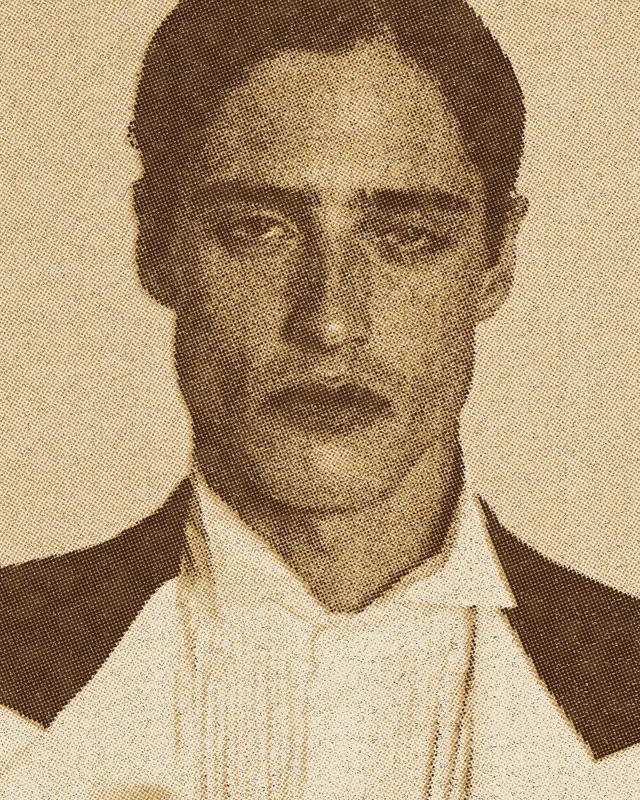
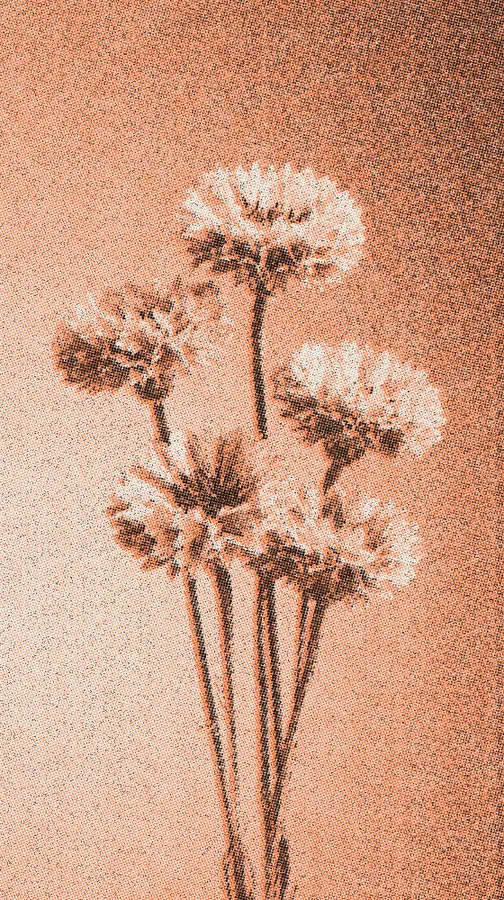
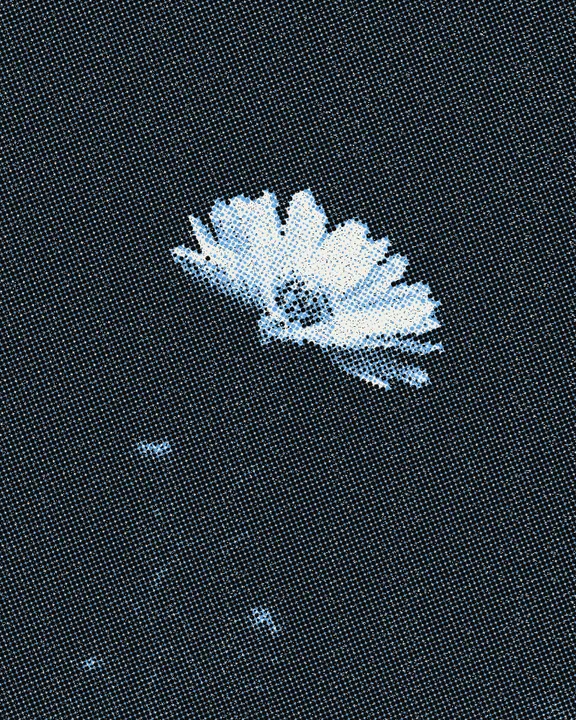
Turns any picture into a two-ink screen print: angled dot screens, slight misregistration and dirty, grainy paper.

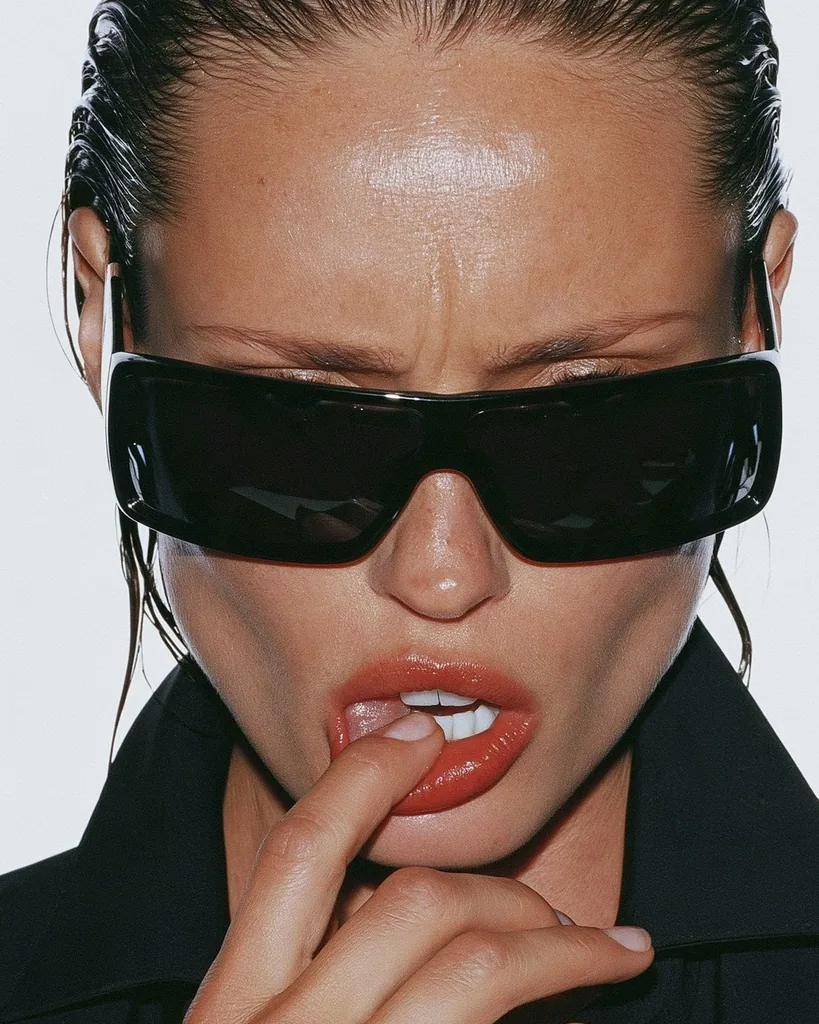
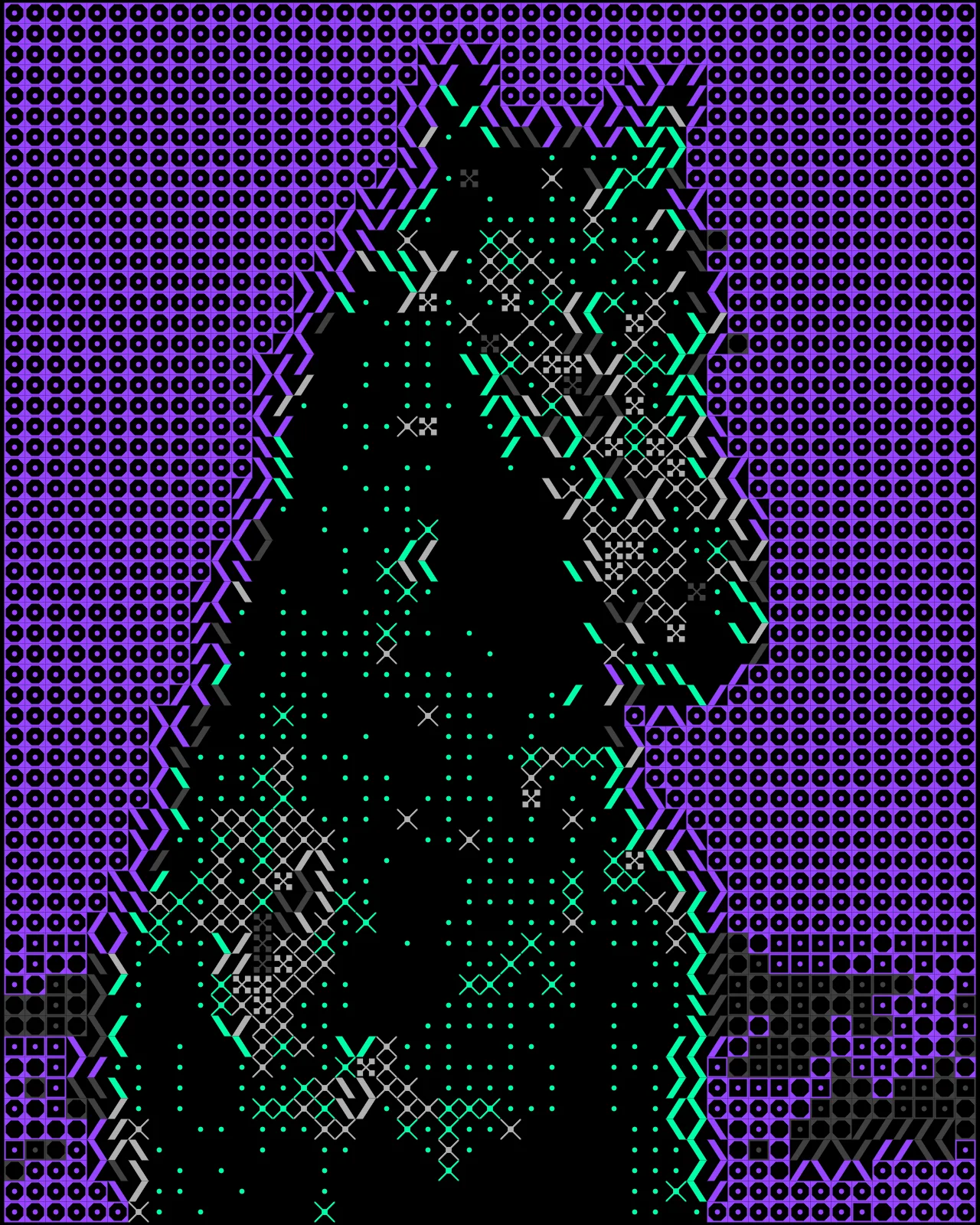
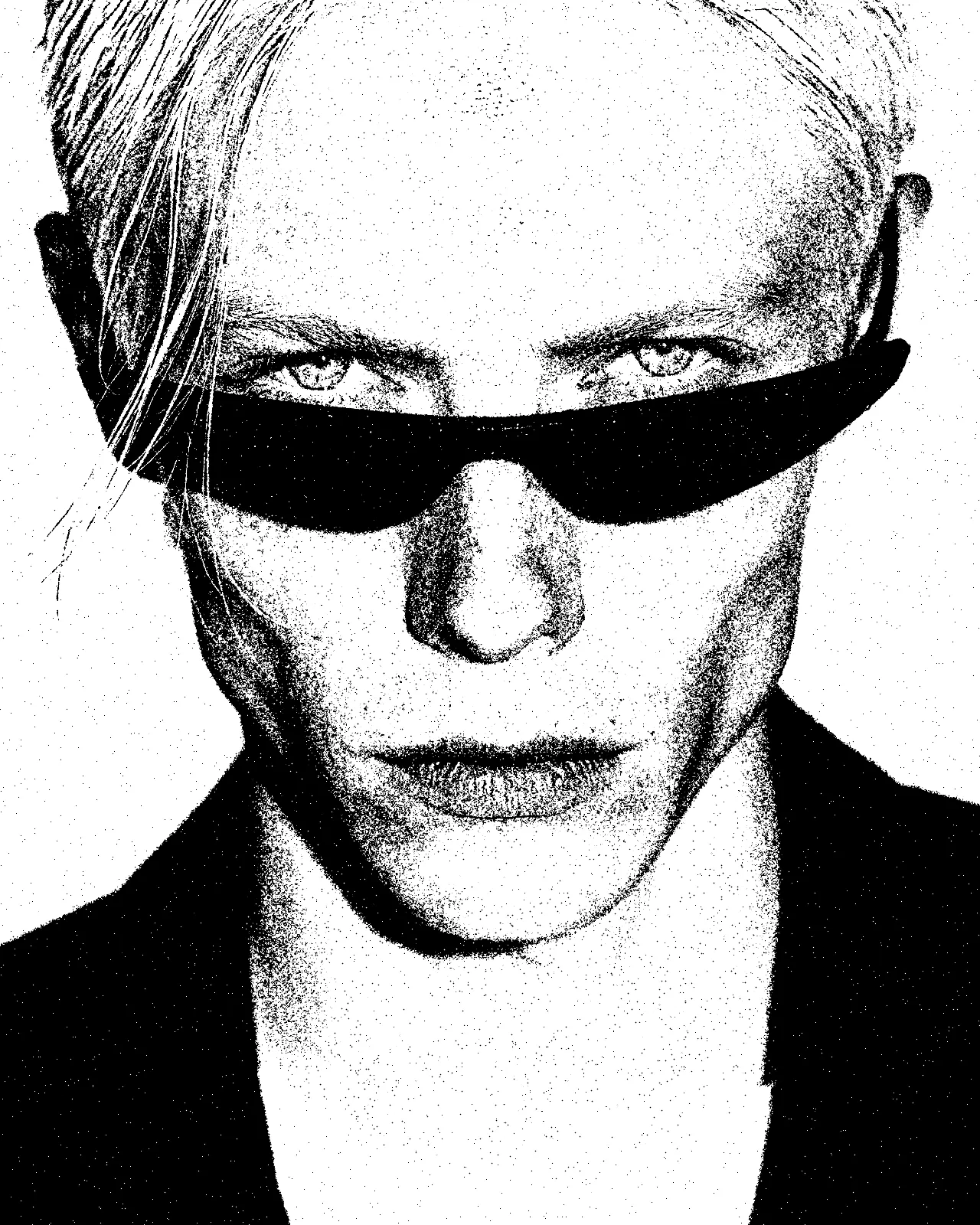
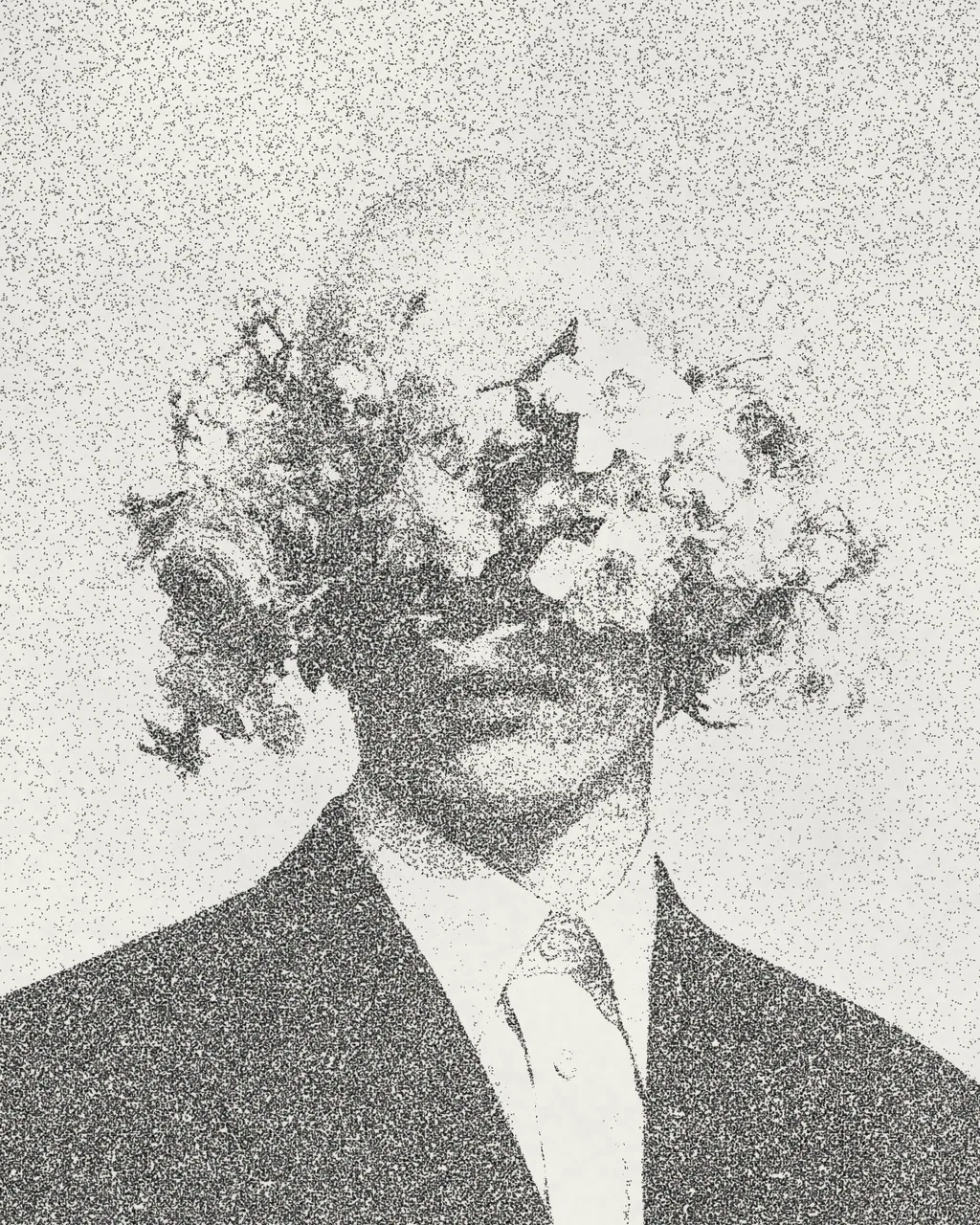
The halftone effect rebuilds your picture as a two-ink print. Tones split into a dark key screen and a bright spot screen of angled dots, printed slightly out of register on mottled, grainy paper. You can change both ink colors, the paper, dot size, screen angle and how worn the print looks.
Same effect, different settings
12 photos, each with its own settings. Try it on yours
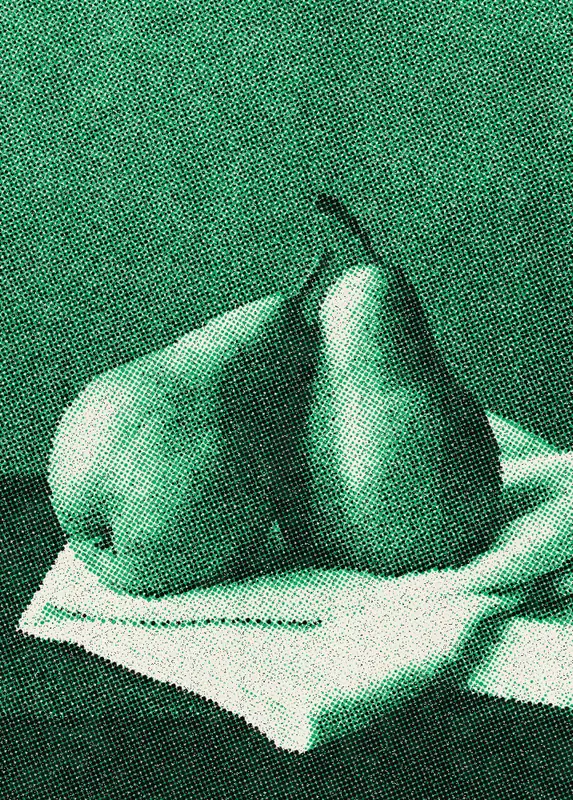
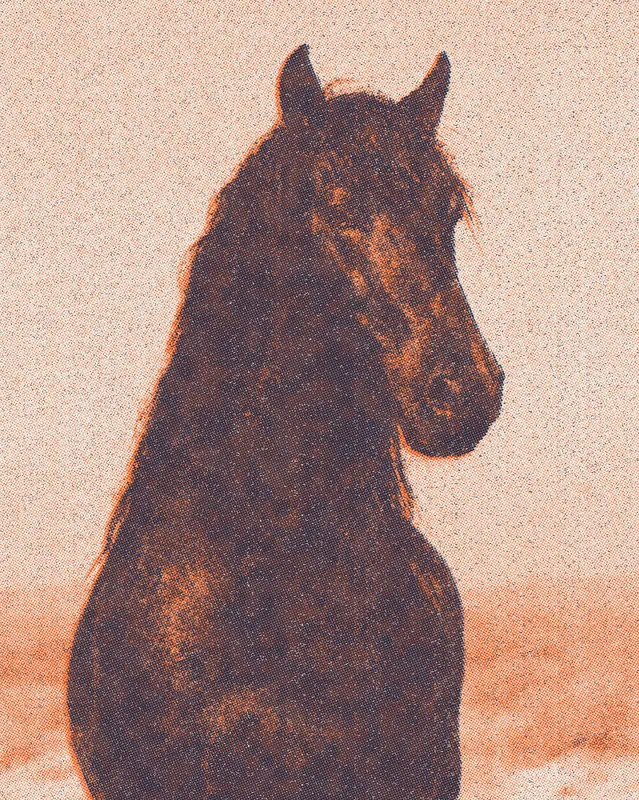
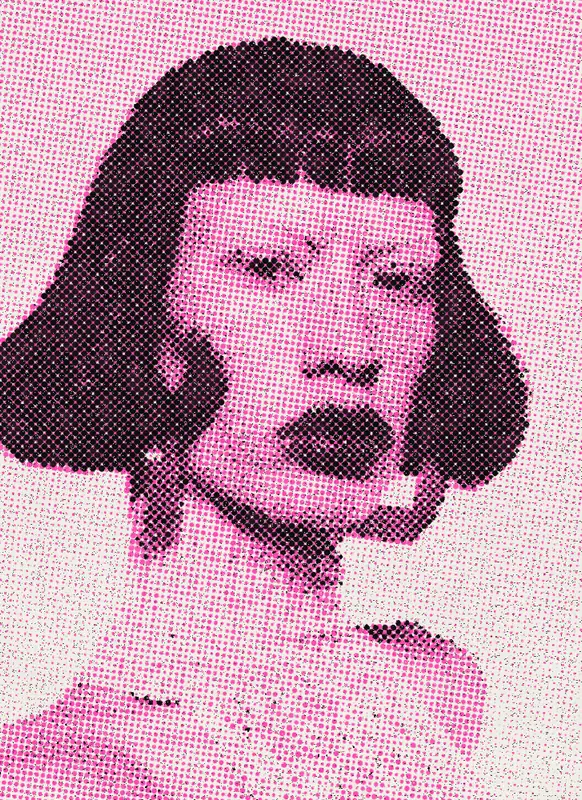
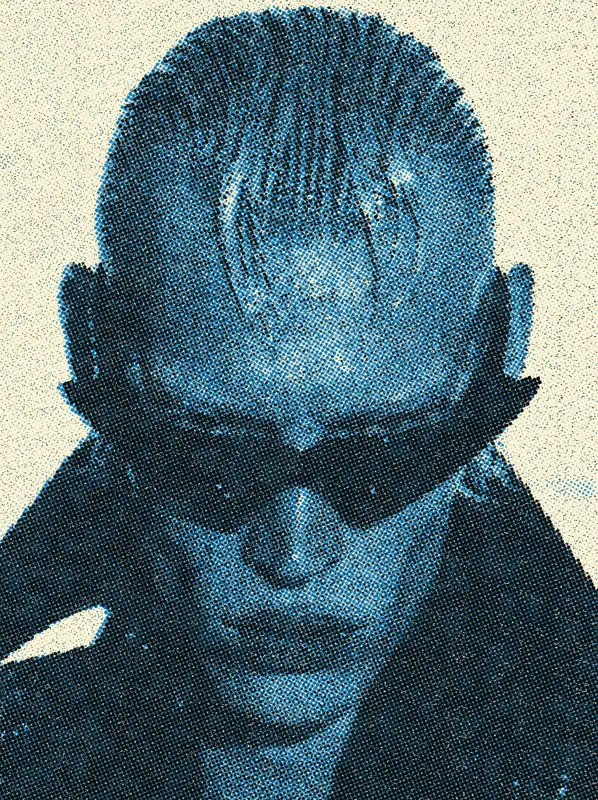
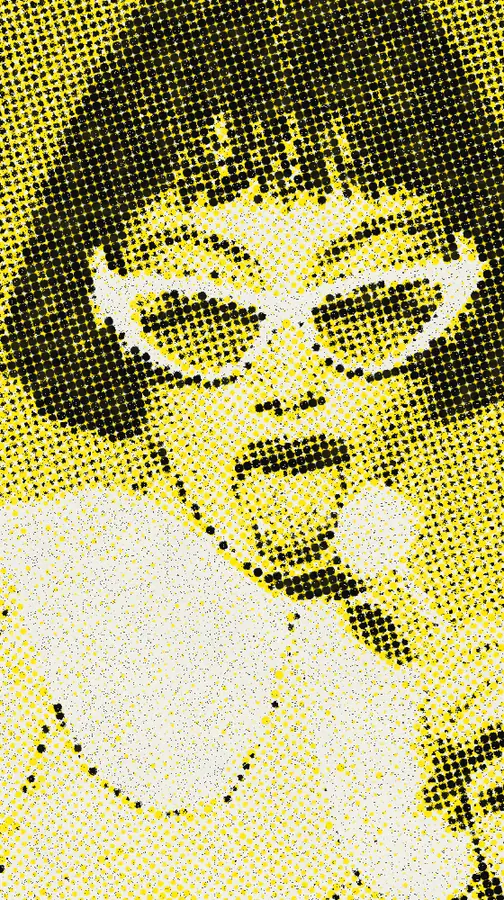

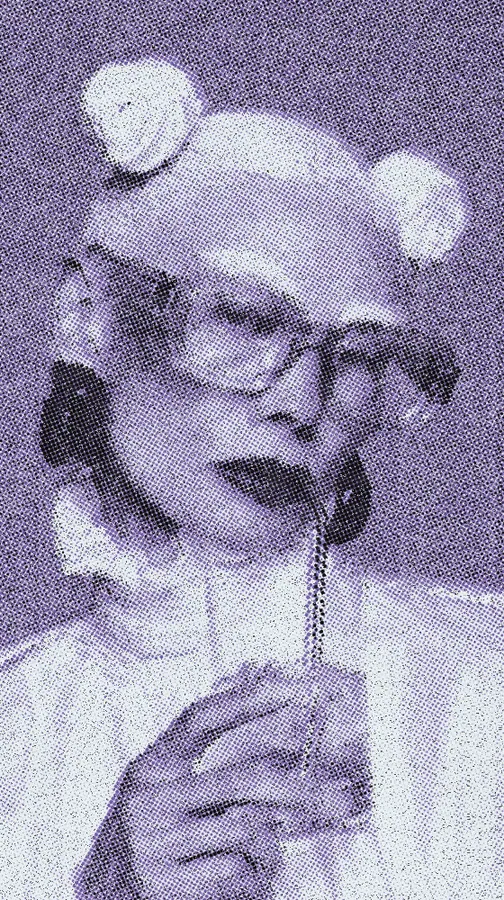
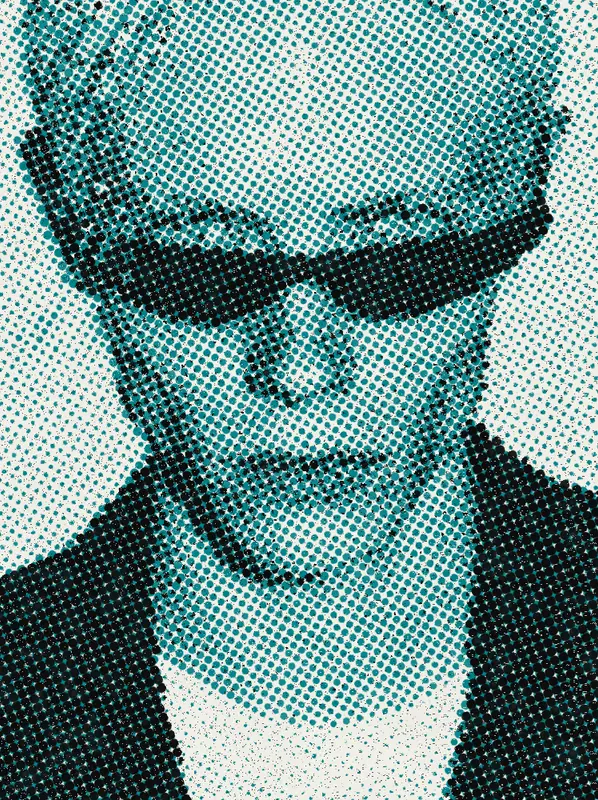

Use Halftone Effect in Photoshop, After Effects, Illustrator, Affinity or Figma
The plugins are free with an account. Paid plans add bigger renders and your own filters. See pricing
Photoshop
Apply it as a Smart Filter on a Smart Object, then double-click to change it.
After Effects
Drop it on any layer as a native effect and keyframe every control on the timeline.
Illustrator
Use a selection as the source and get back native vector paths or an embedded image.
Affinity
Open Filters > Plugins > Nexus, pick the look and apply it to a pixel layer.
Figma
Select a frame or image, run the look, and the result drops back into your file.
Settings worth touching
- Dot Size
- Sets how big the halftone dots are. Small dots keep more detail, large dots give a coarse, poster-like print.
- Spot Ink
- Picks the color of the second ink. The look starts with its default spot color, and you can swap it for any other.
- Misregistration
- Shifts the two ink screens apart. Low values print clean, higher values push the colors off register like a loose press.
Frequently asked questions
How do I add the halftone effect in Photoshop?
Install Nexus for Photoshop and apply the look as a Smart Filter on a Smart Object. Double-click it whenever you want to change the settings, or render the result as a new layer.
Can I animate the halftone effect in After Effects?
Yes. It runs as a native effect, so you drop it on a layer, tune the controls and keyframe every parameter on the timeline, such as dot size or misregistration.
Does the halftone effect give vector output in Illustrator?
No. This look is pixels only. Illustrator gets the result back as an embedded image, not as vector paths. Figma works the same way.
Is this the same as a screen print effect?
It works like one. It emulates a two-ink riso or screen print, with a separate dot screen for each ink, slight misregistration, ink breakup and dirt specks on the paper.
Can I try the halftone effect for free?
Yes. Open the look in the Nexus web editor and try it on your own image without an account. Exporting needs a free account, which exports images up to 720px and video up to 720px with the Nexus mark.


Try Halftone Effect in your browser
Free to try. Exporting needs a free account.