Pointillism Effect
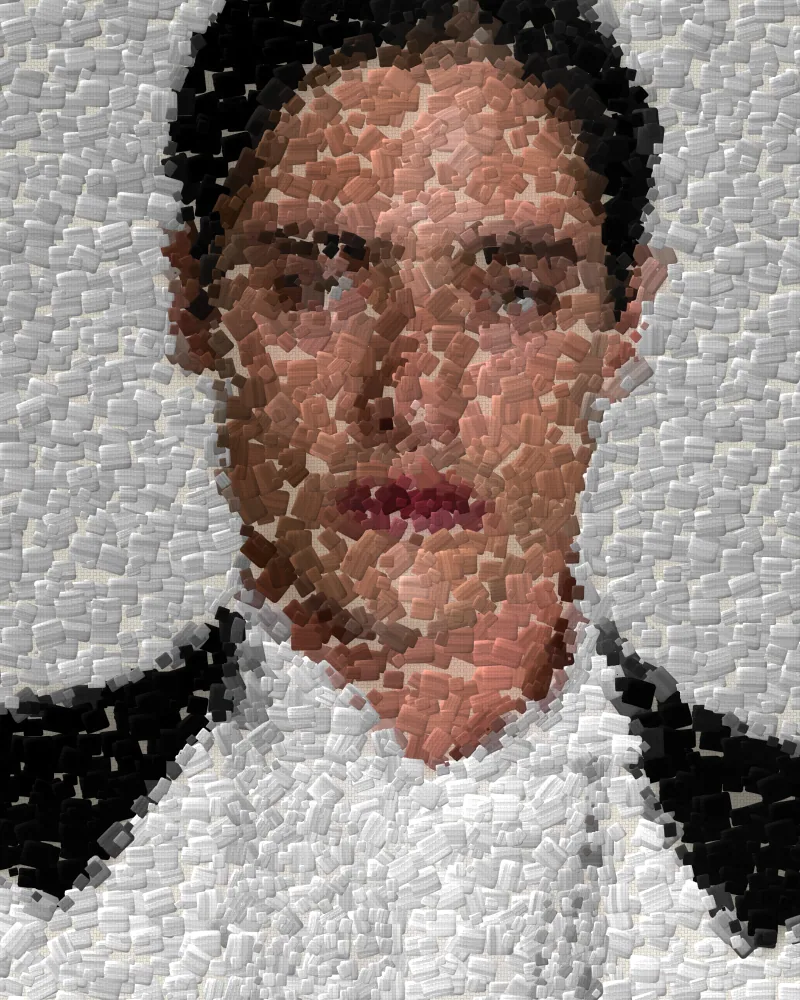
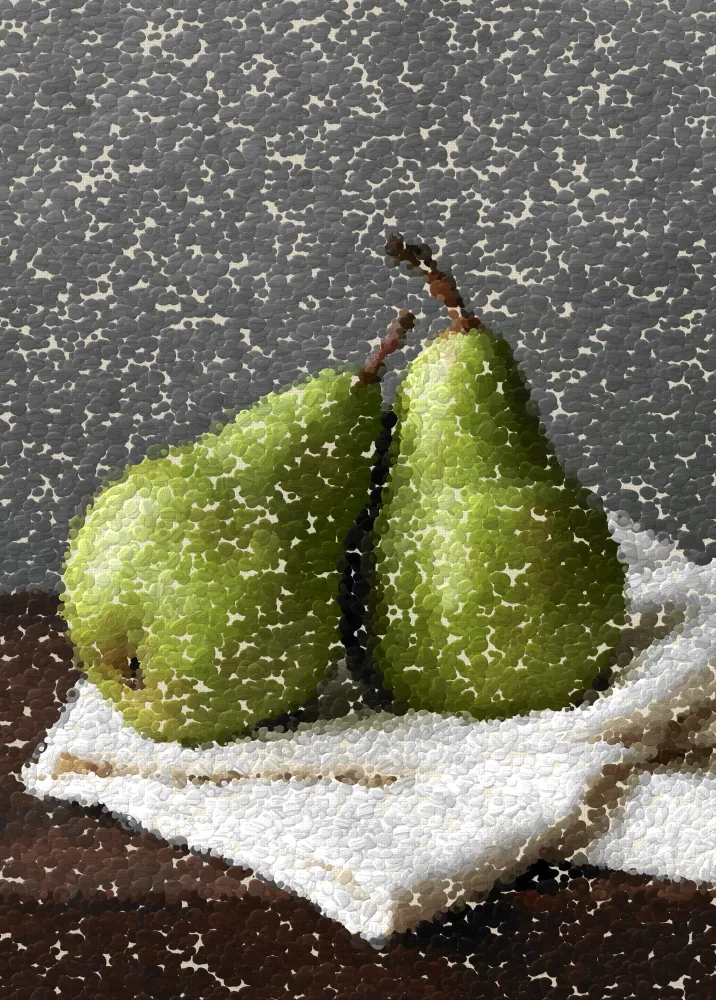
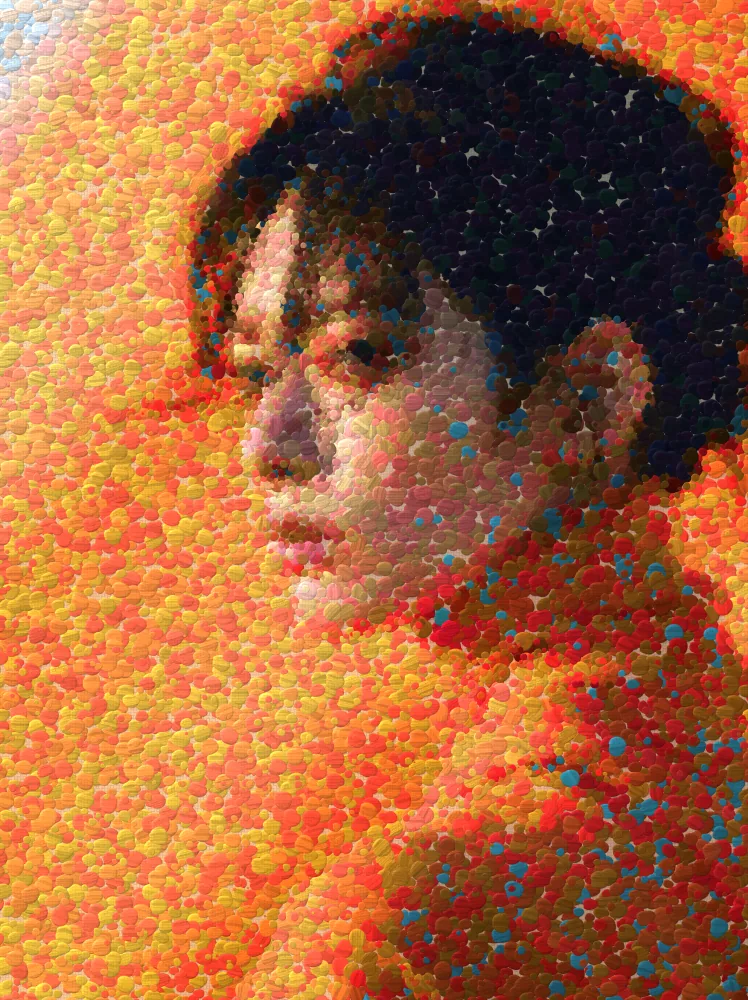
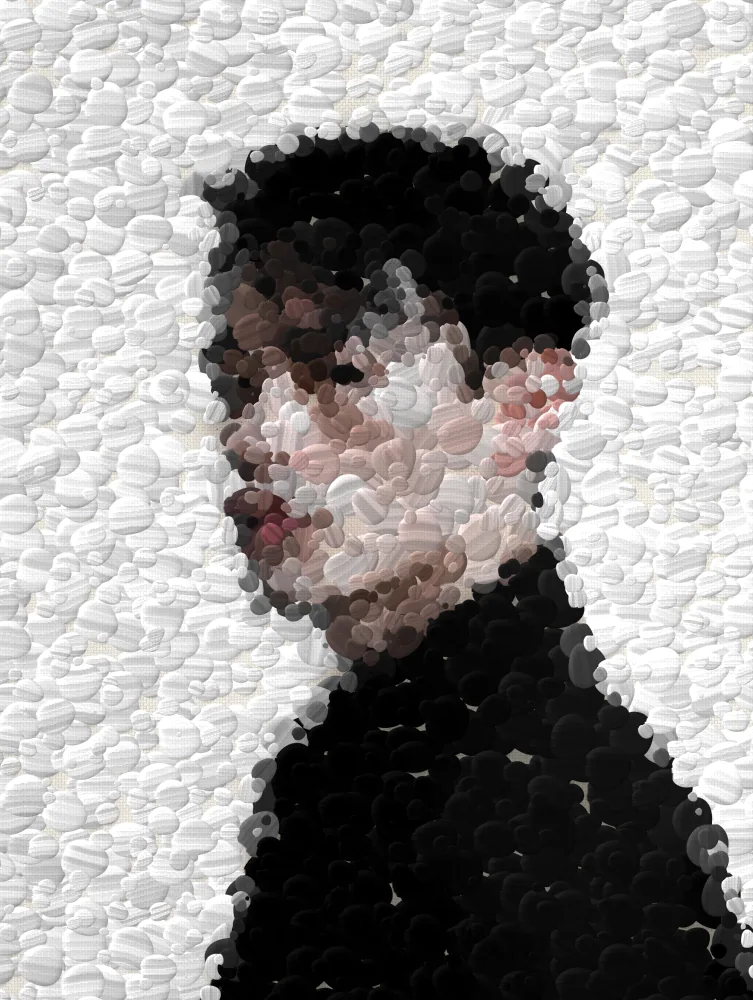
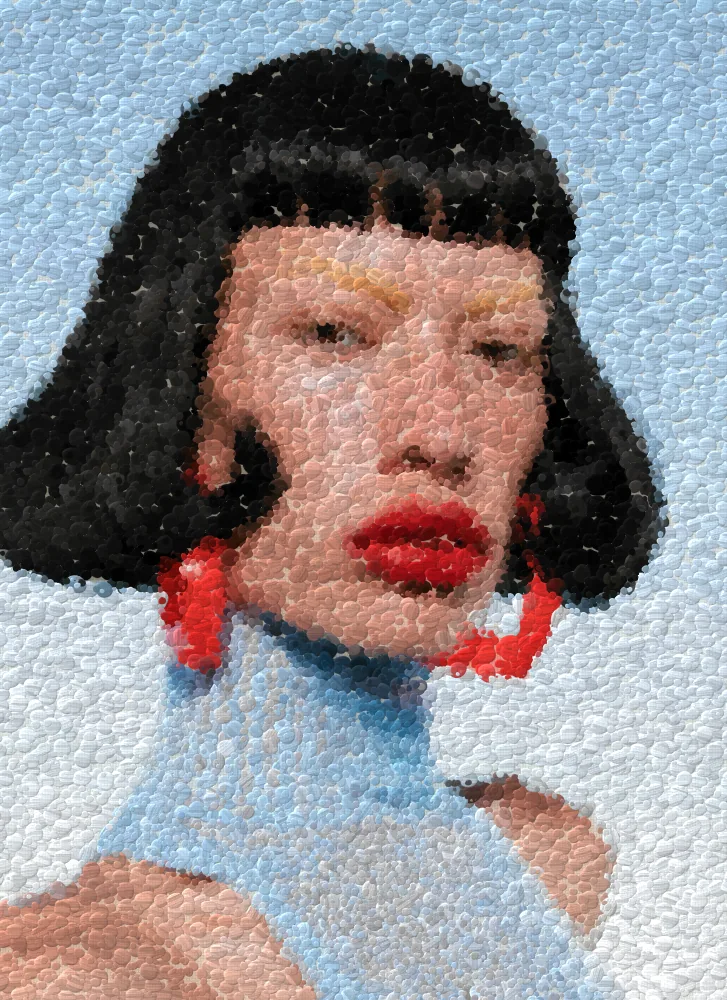
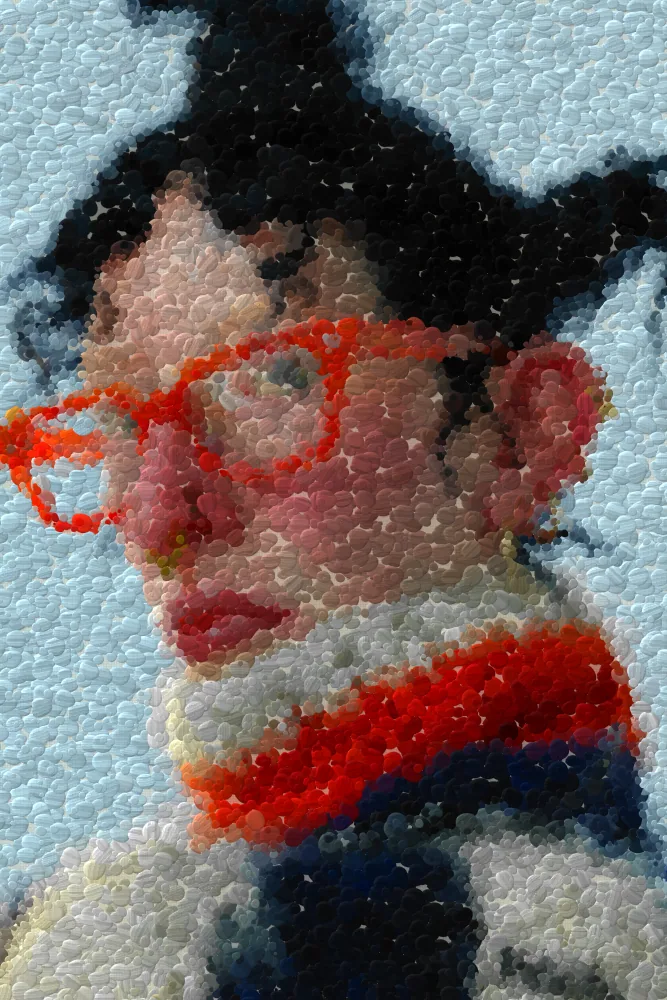
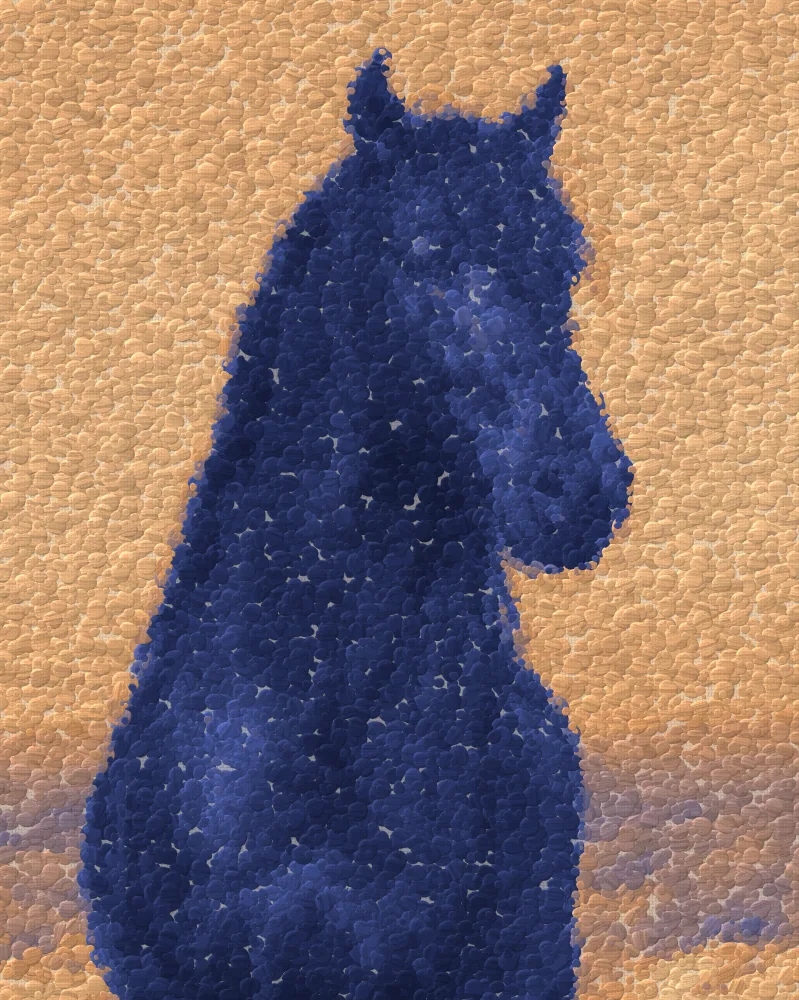
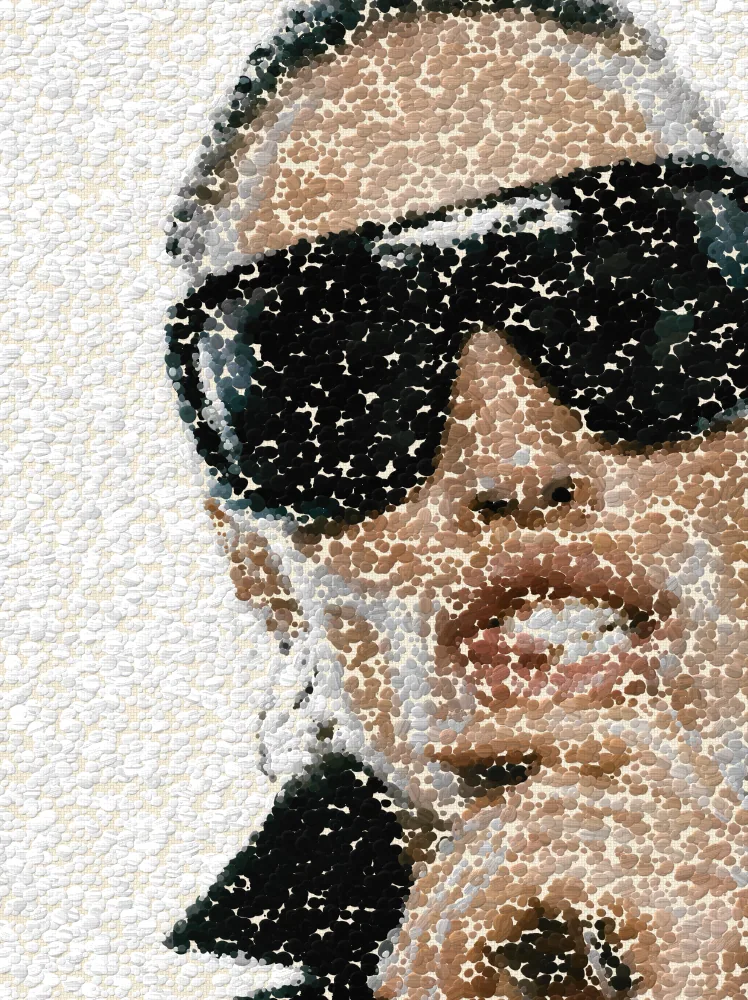
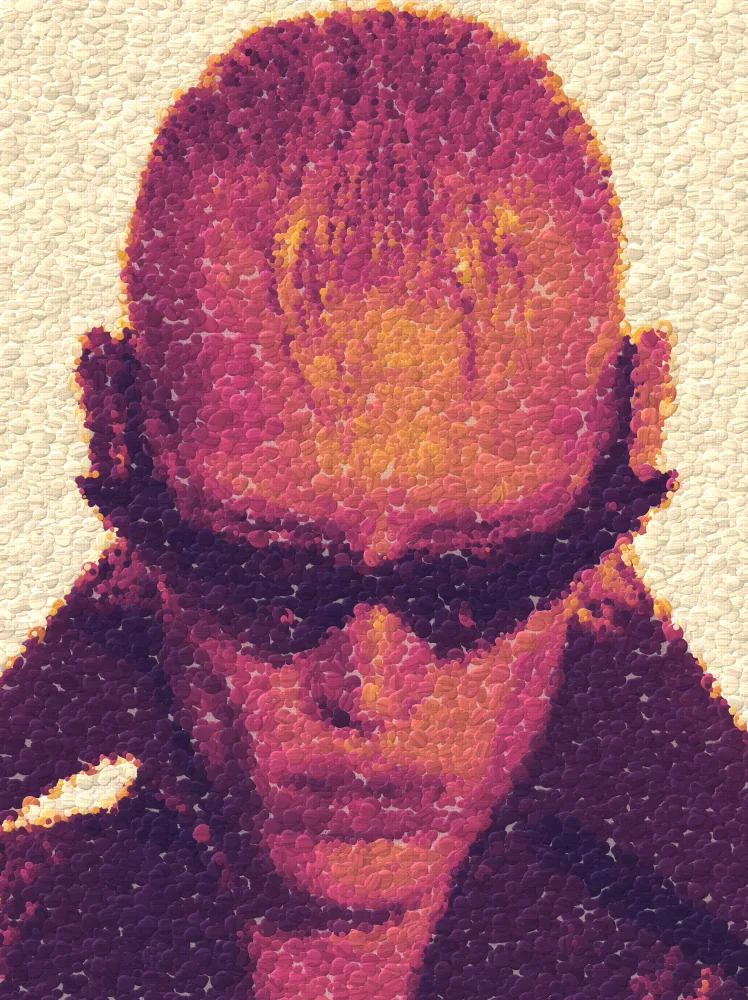
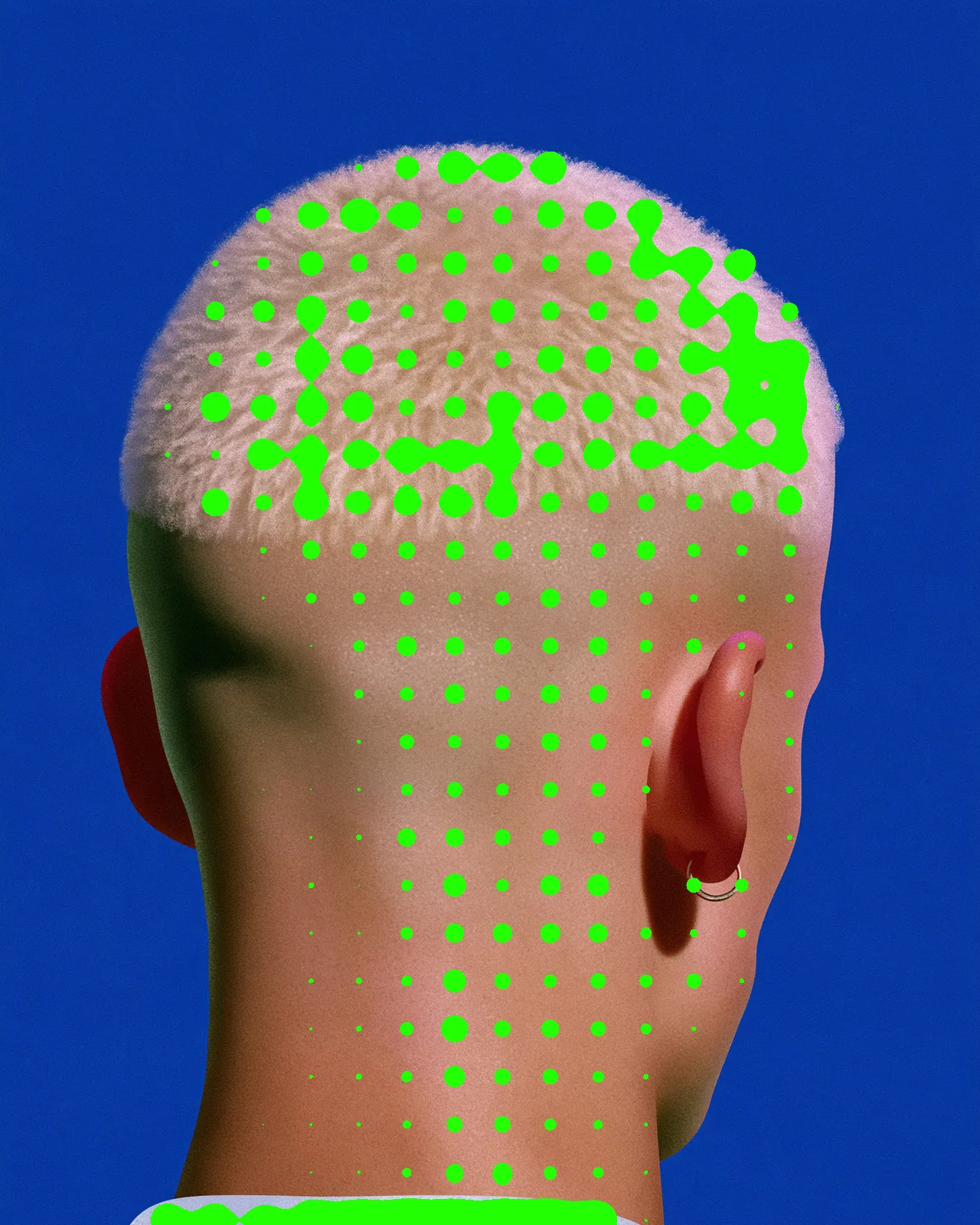
Repaints any picture as a canvas of pure color dots and thick dabs that follow its forms and mix in the eye.
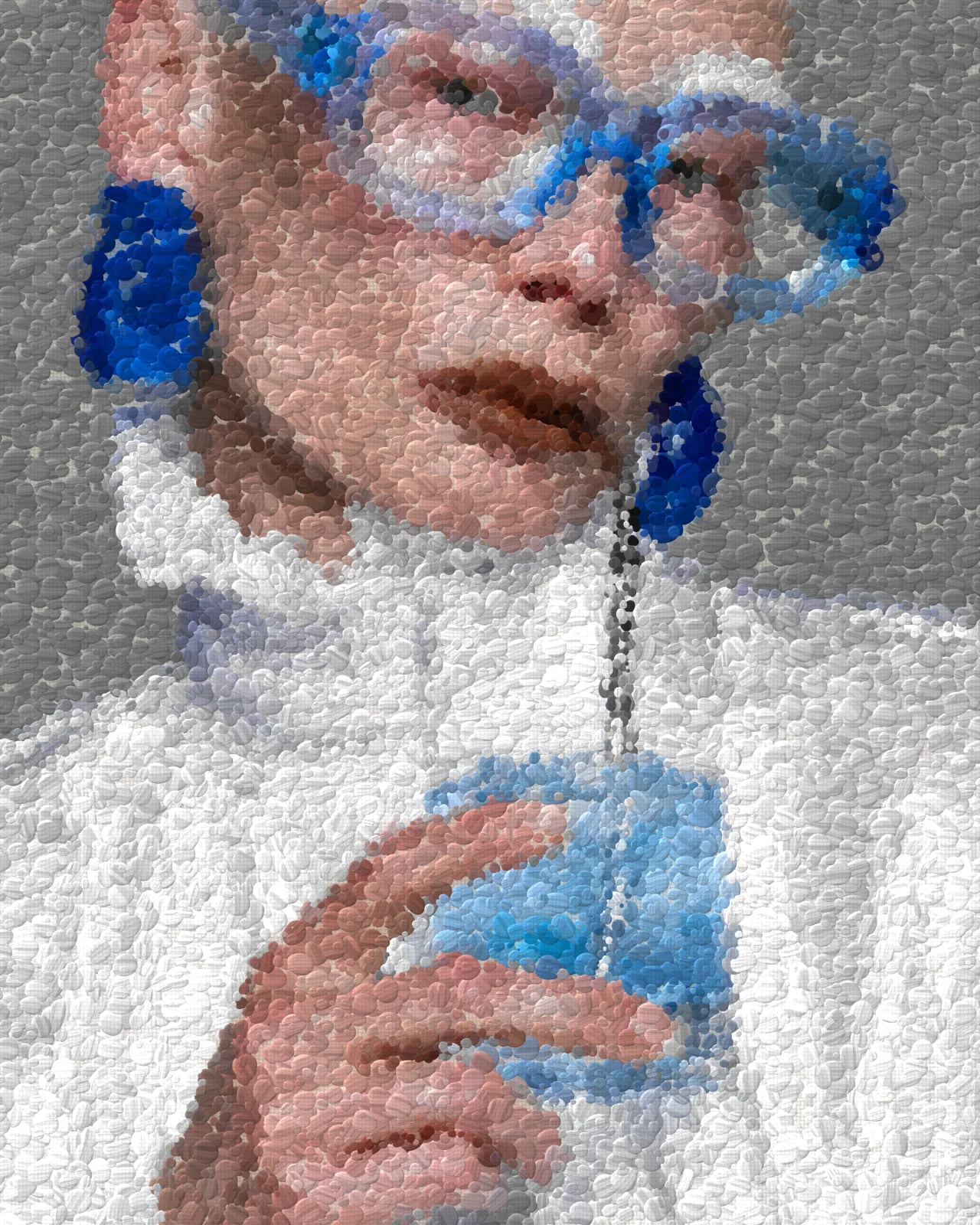
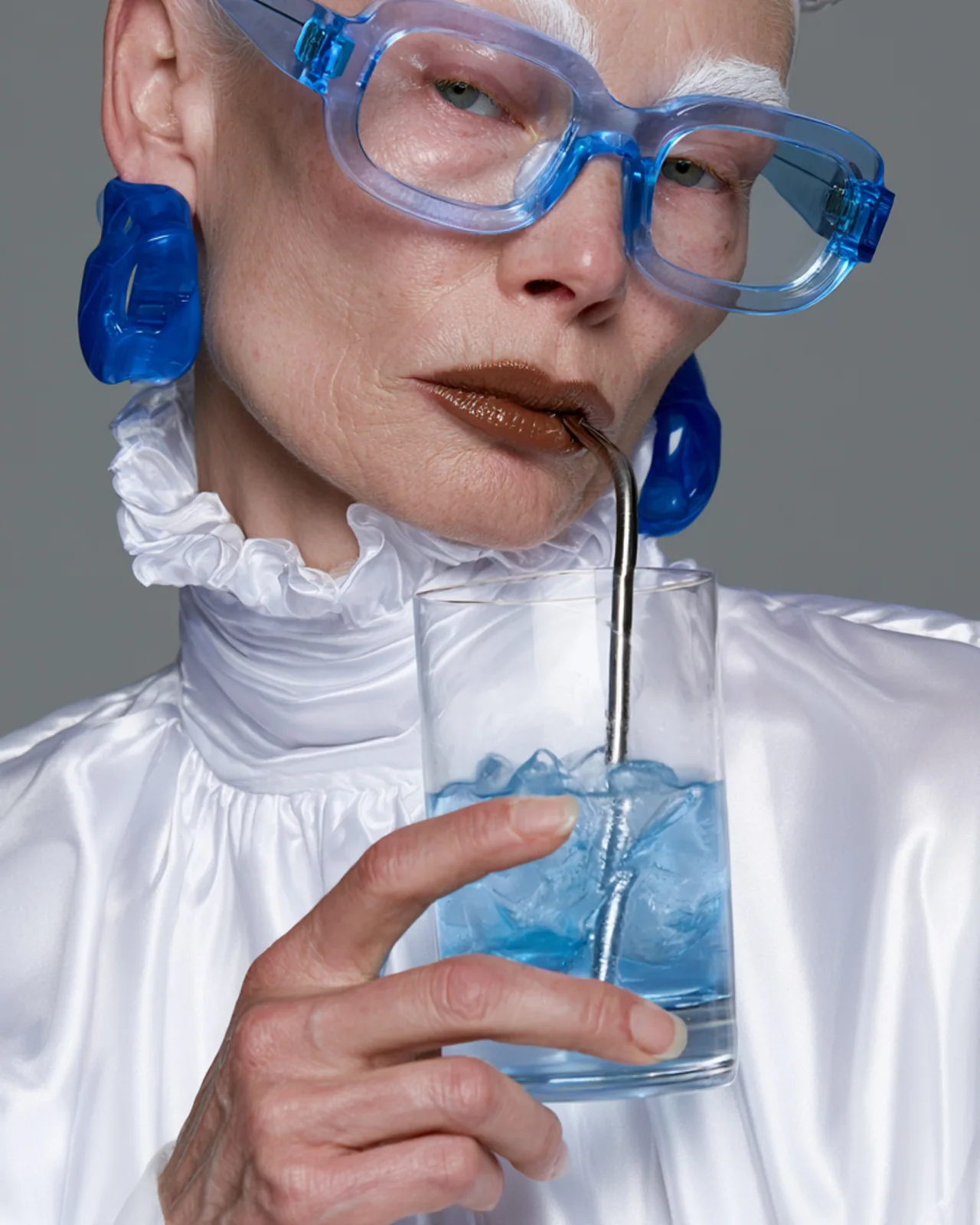
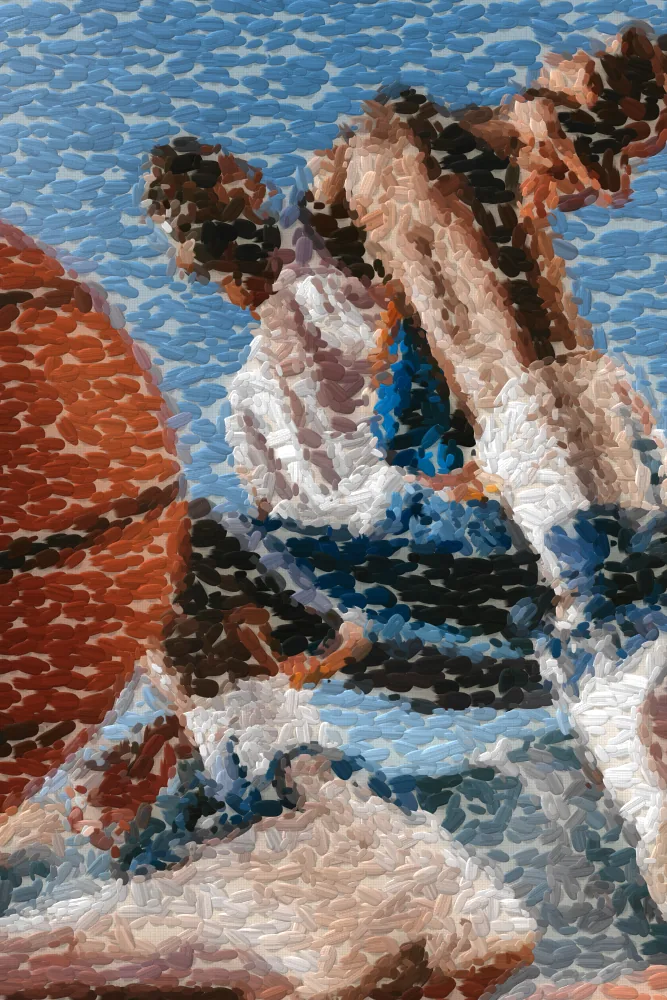
The pointillism effect rebuilds your picture from small dots of paint, placed along its forms so pure colors blend when you step back. It starts from default settings, and every trait can change: dot size and shape, how colors split, the canvas color and how thick the paint sits.
Same effect, different settings
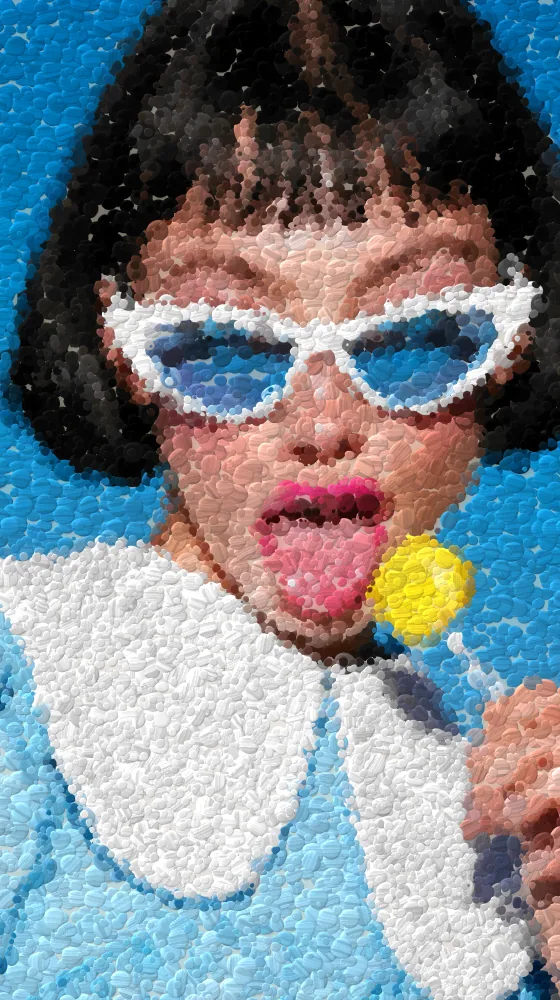
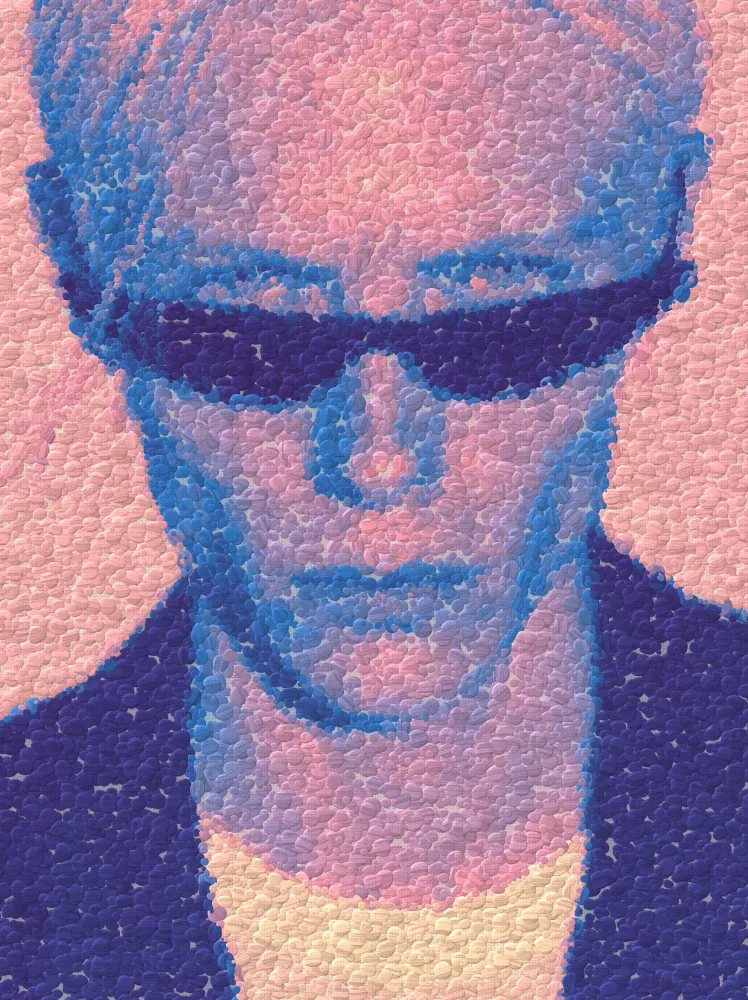
12 photos, each with its own settings. Try it on yours
Use Pointillism Effect in Photoshop, After Effects, Illustrator, Affinity or Figma
The plugins are free with an account. Paid plans add bigger renders and your own filters. See pricing
Photoshop
Apply it as a Smart Filter on a Smart Object, then double-click to change it.
After Effects
Drop it on any layer as a native effect and keyframe every control on the timeline.
Illustrator
Use a selection as the source and get back native vector paths or an embedded image.
Affinity
Open Filters > Plugins > Nexus, pick the look and apply it to a pixel layer.
Figma
Select a frame or image, run the look, and the result drops back into your file.
Settings worth touching
- Dot Size
- Sets how big each dot is, from 4 to 64. Small dots keep detail. Large dots turn the picture into bold patches of color.
- Color Mode
- Source keeps the picture's own colors. Divisionist splits them into pure hues that mix in the eye. Gradient maps tones to the Palette.
- Paint Relief
- Raises each dab so the paint looks thick, with light catching its edges. Set it to 0 for flat dots.
Frequently asked questions
How do I add the pointillism effect in Photoshop?
Install Nexus for Photoshop, convert your layer to a Smart Object and apply the look as a Smart Filter. Double-click it later to change any setting, or render the result as a new layer.
Can I animate a pointillize effect in After Effects?
Yes. Drop the look on a layer as a native effect and keyframe Paint On from 0 to 1 to watch the painting appear dot by dot. Every other control can be keyframed too.
Does the pointillism effect in Illustrator make vector dots?
No. The look outputs pixels only. Illustrator takes your selection as the source and places the result back as an embedded image, not as vector paths.
Is there a free pointillism filter I can try?
Open the look in the Nexus web editor and try it on your own image without an account. Exporting needs a free account, which exports images up to 720px and video up to 720px with the Nexus mark.
How do I make a dot painting effect look more like brushwork?
Switch Dot Shape to Brush Dab, raise Bristles for streaks inside each dab, and use Stroke Angle or Follow Edges to steer the strokes along the forms in your picture.



Try Pointillism Effect in your browser
Free to try. Exporting needs a free account.