Newspaper Effect
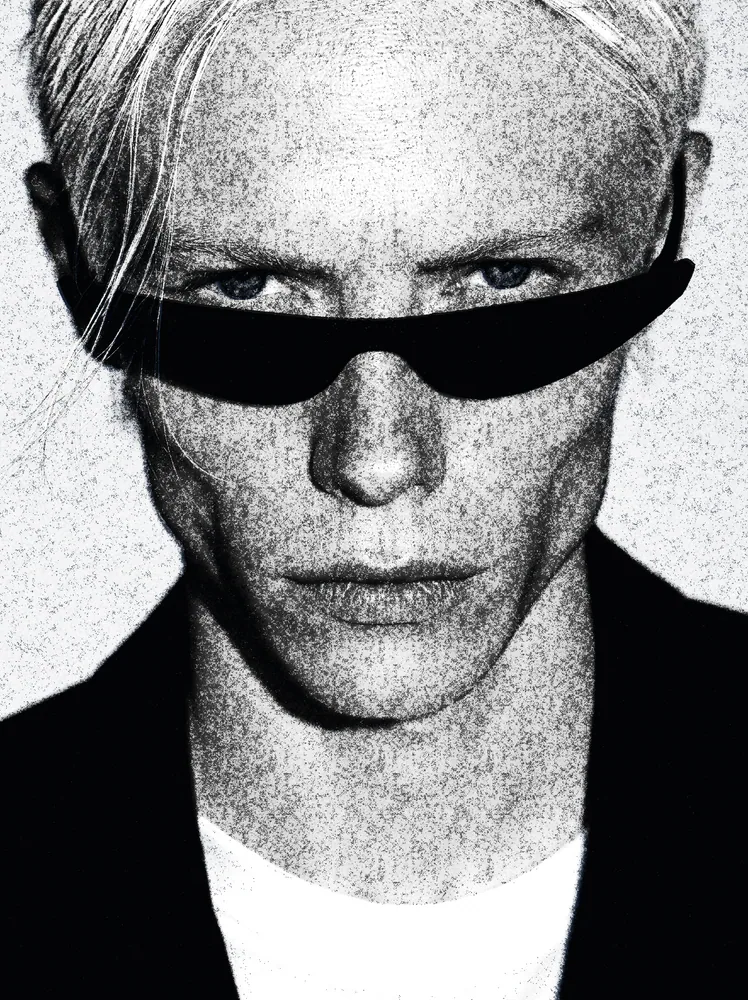
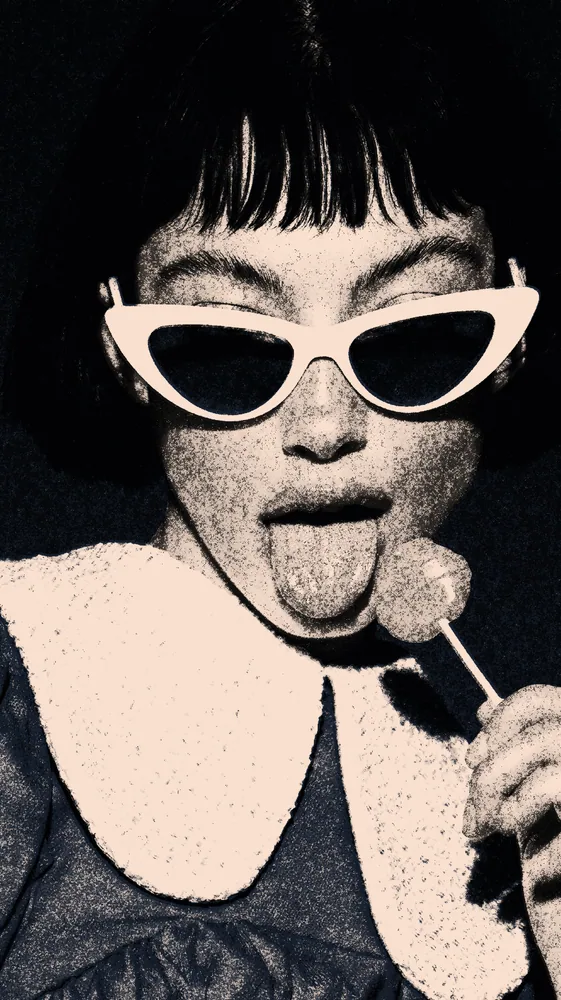
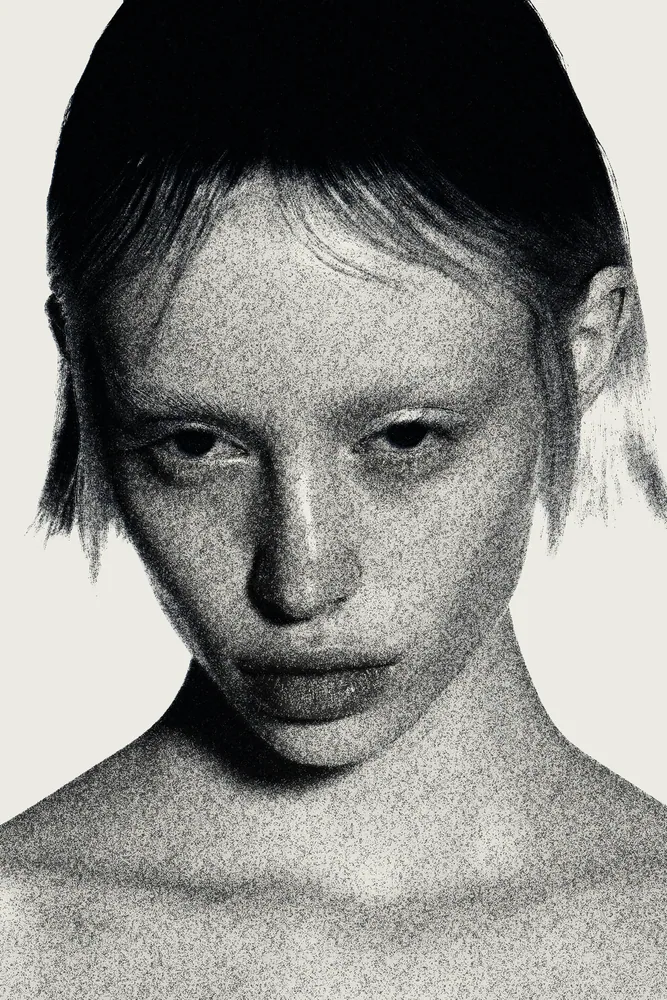
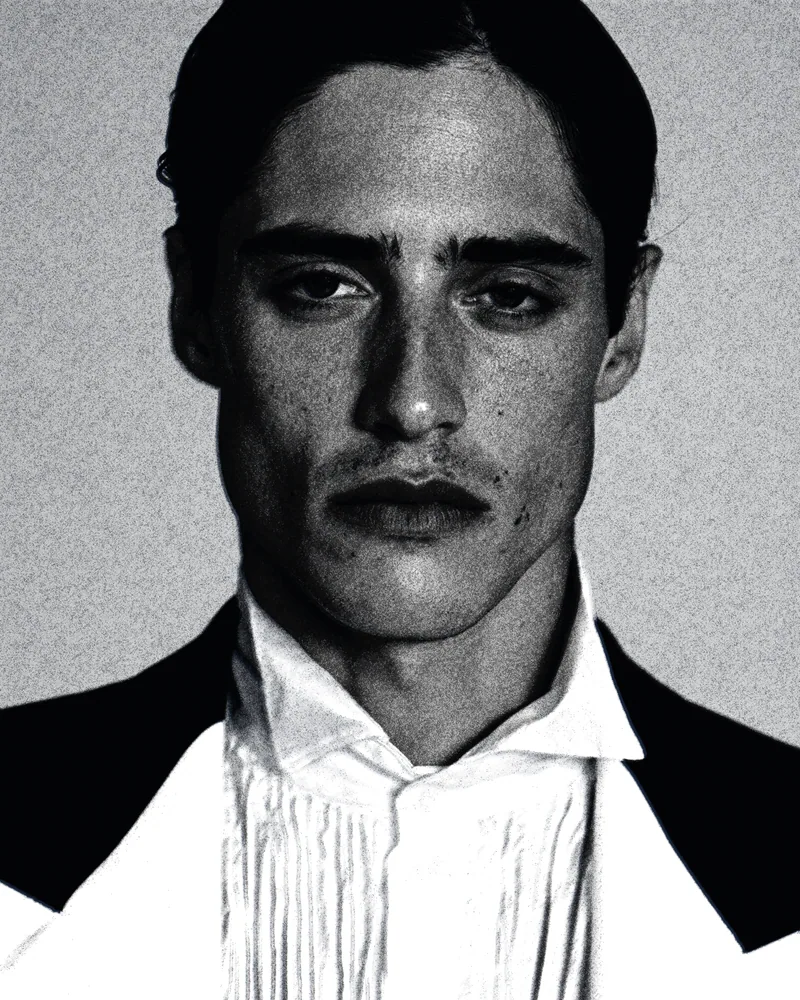
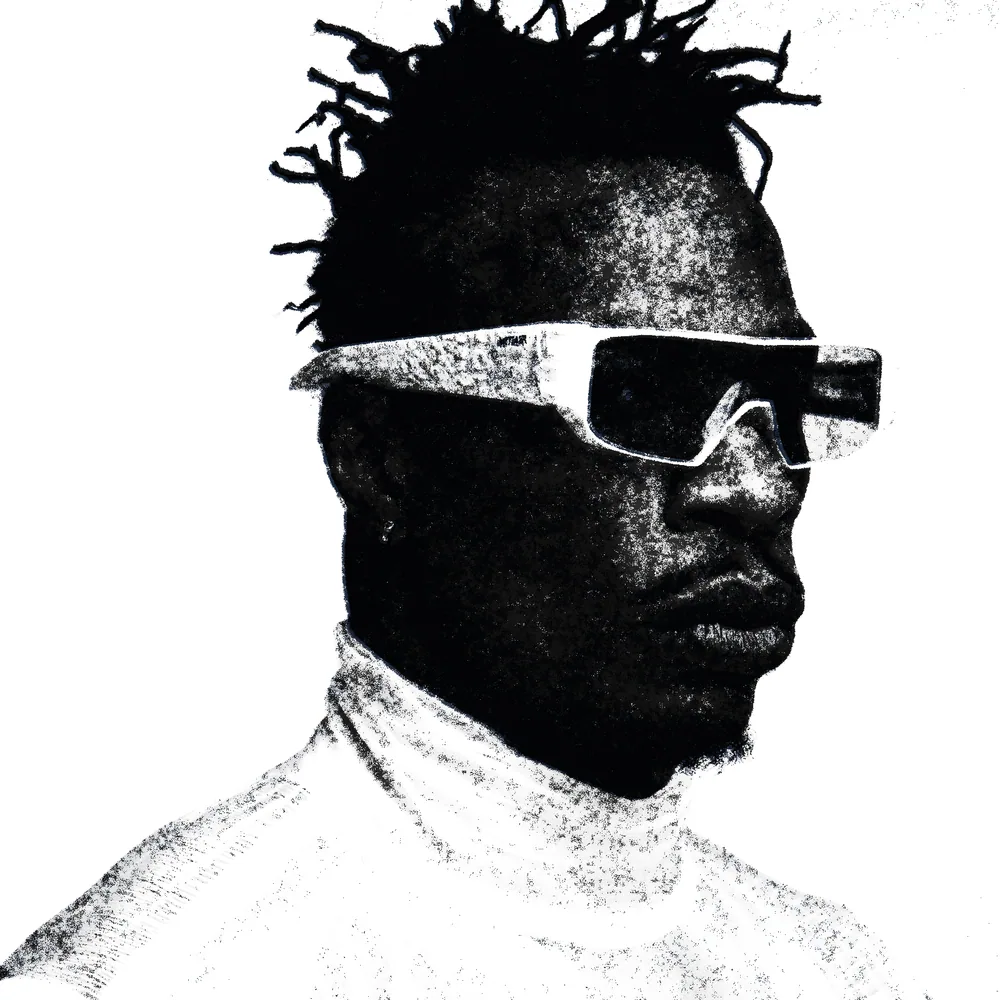
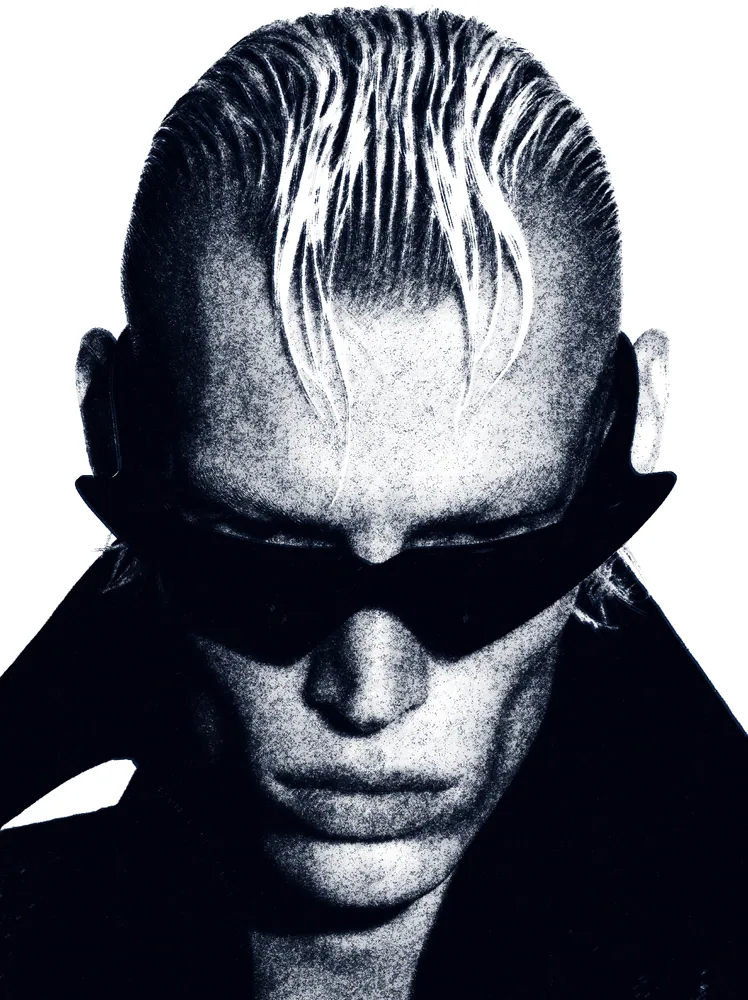
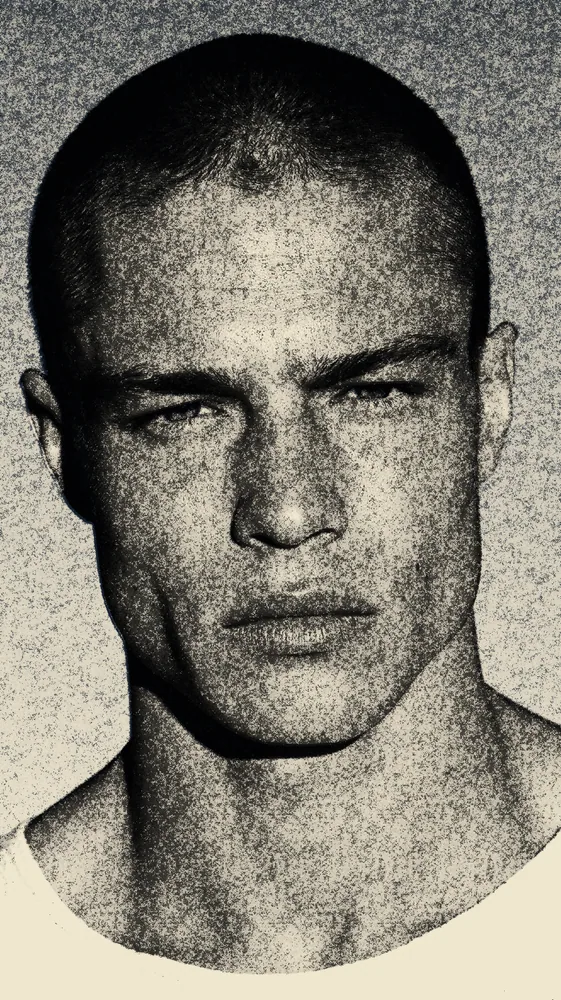
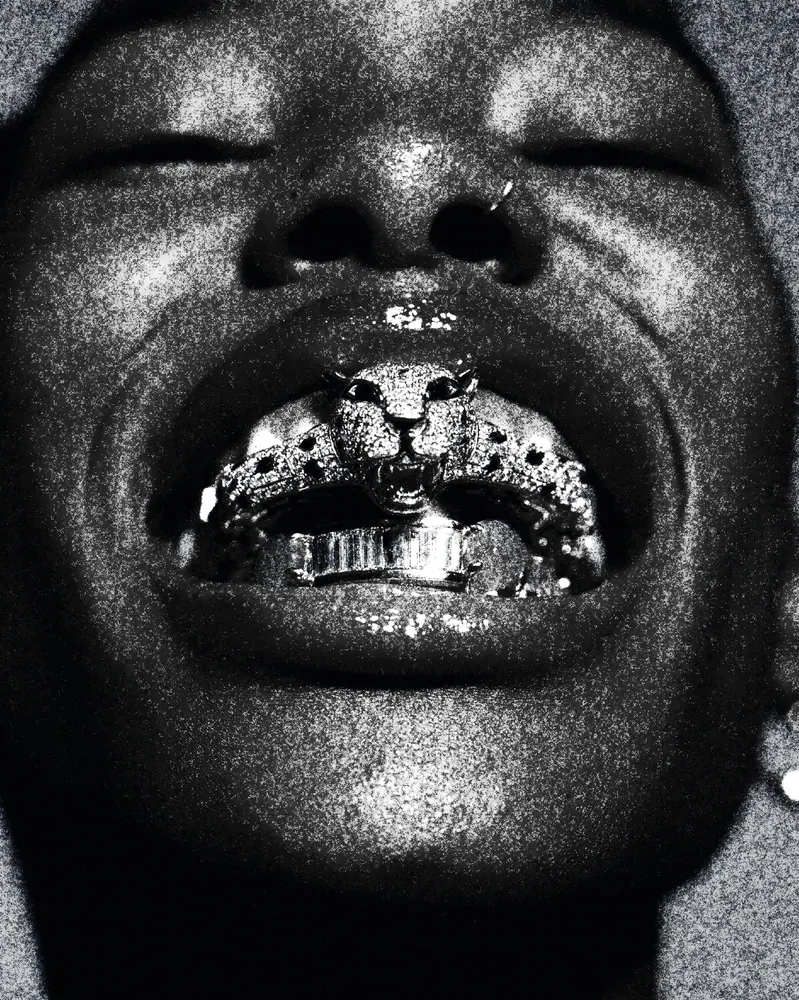
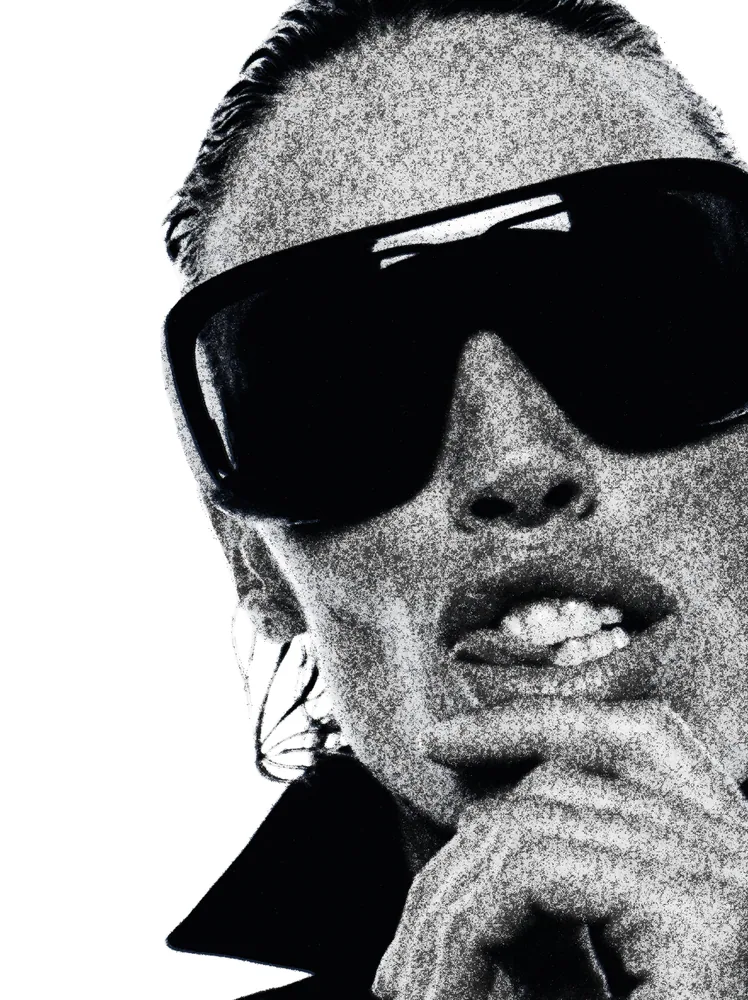
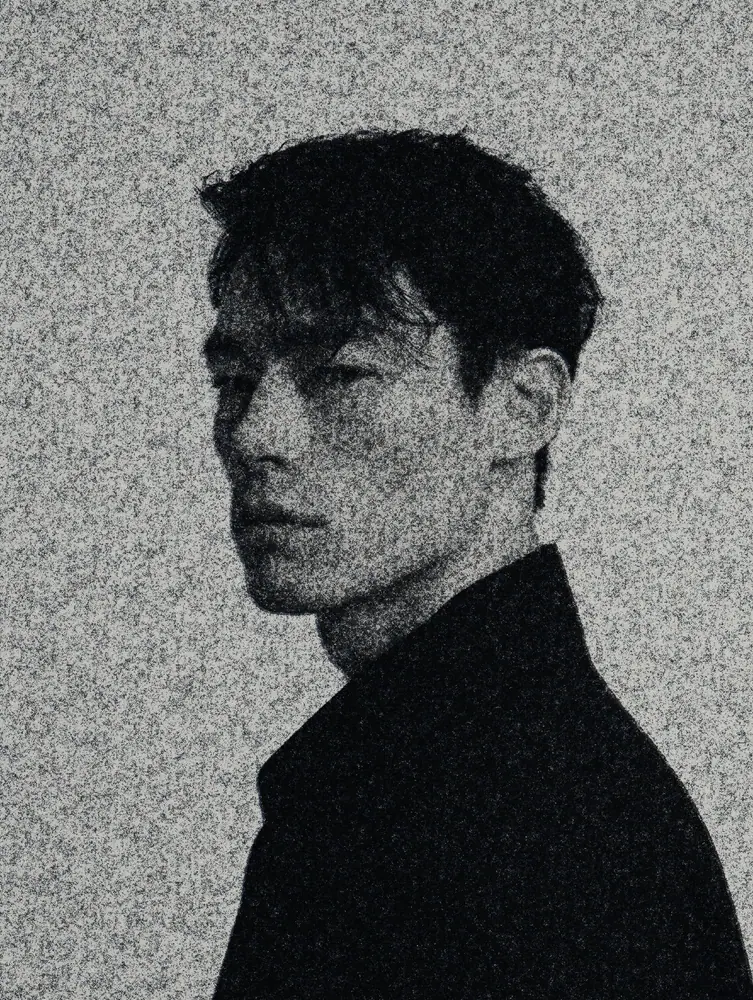
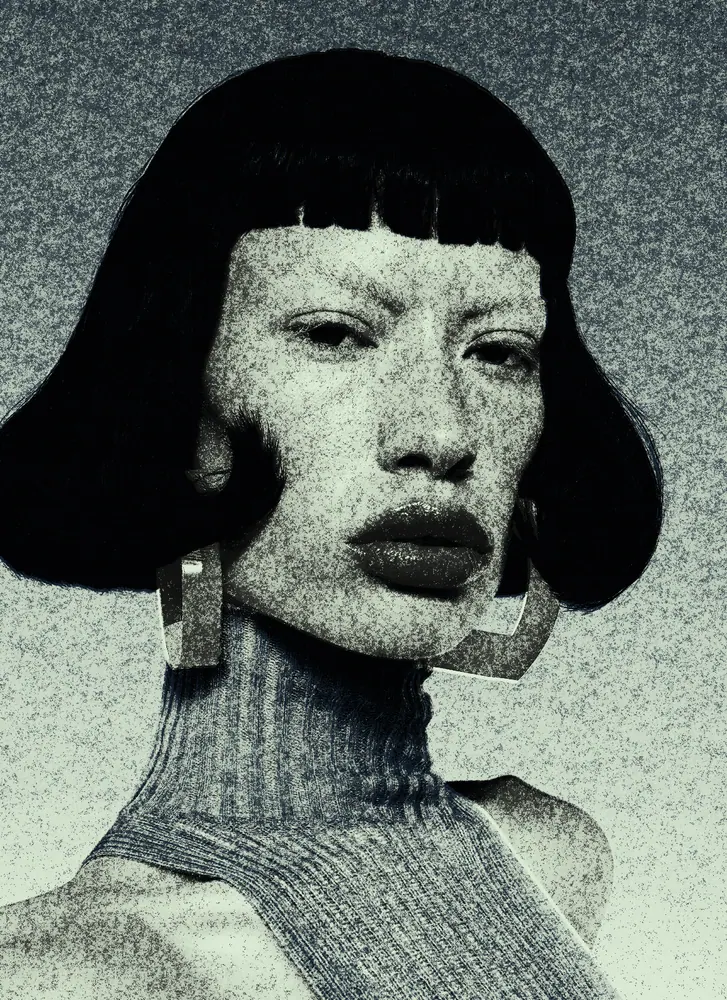
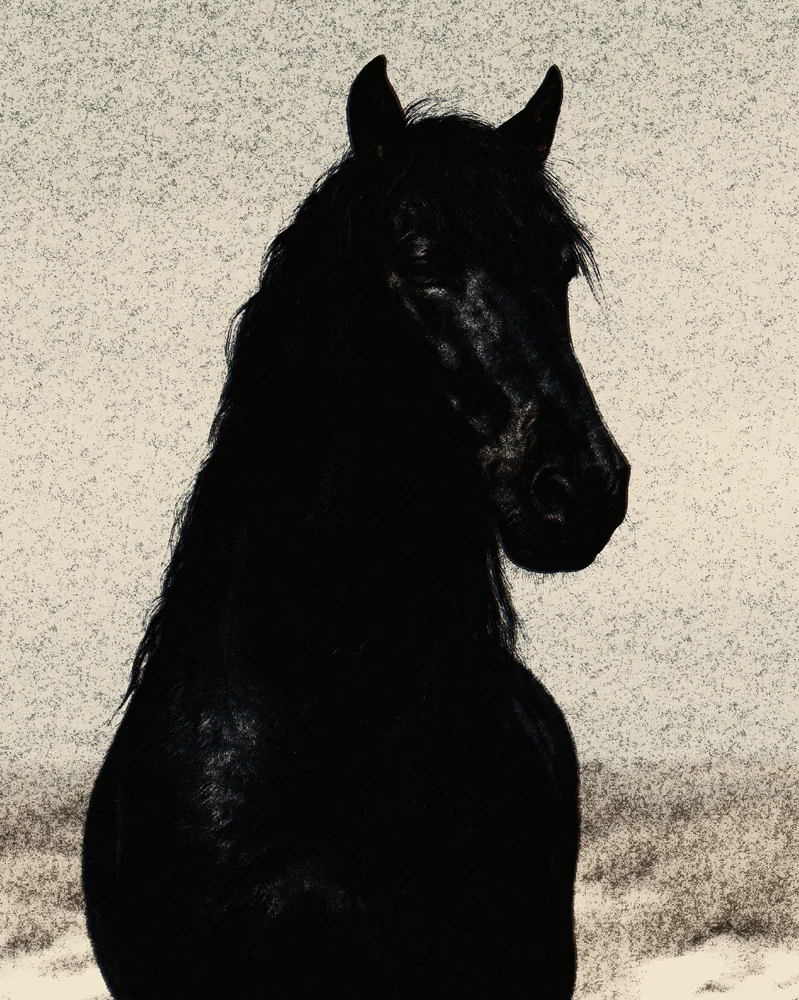
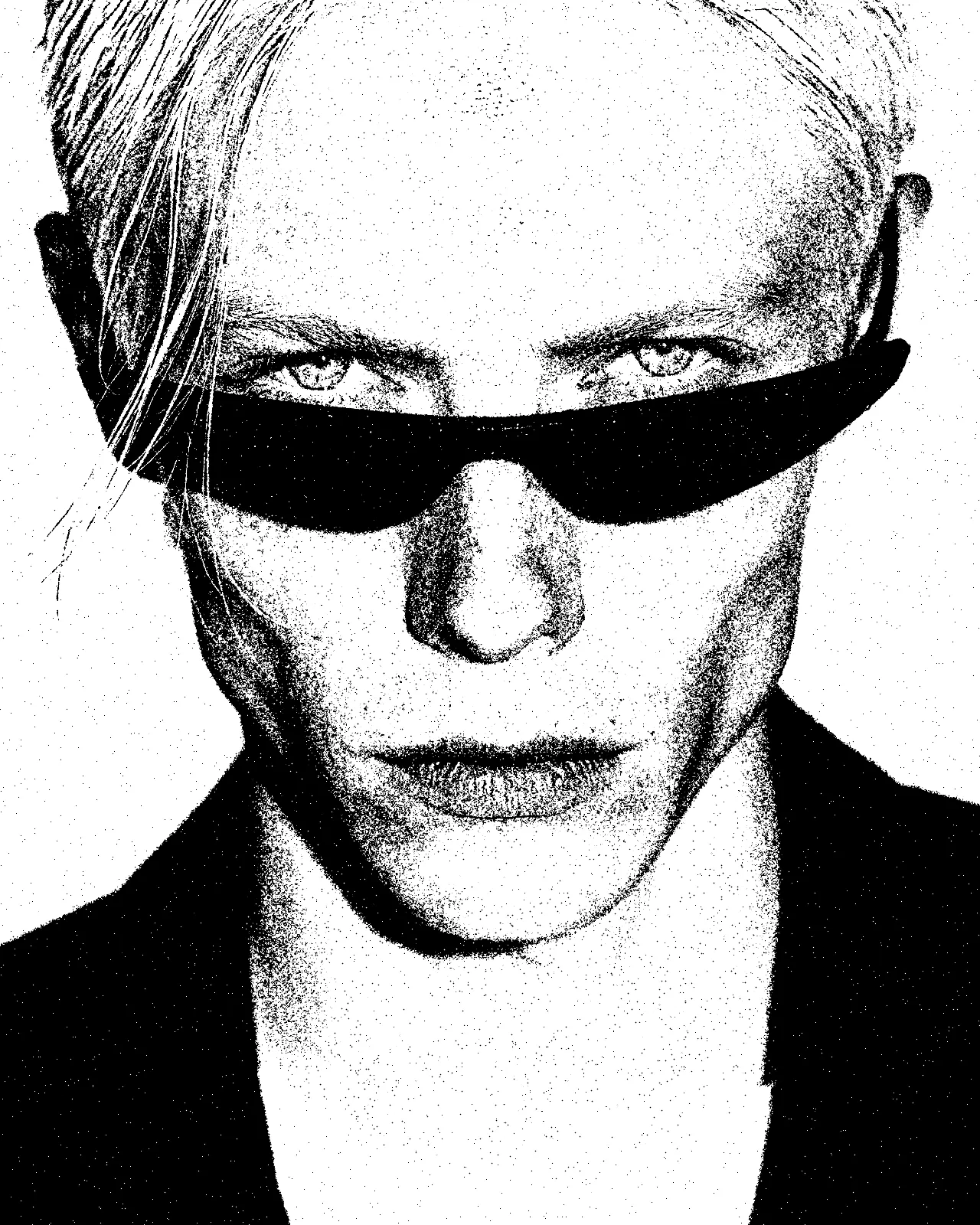
Turns any picture into grainy newsprint: dark ink broken into speckled grain on pale paper, with deep shadows and blown-out highlights.
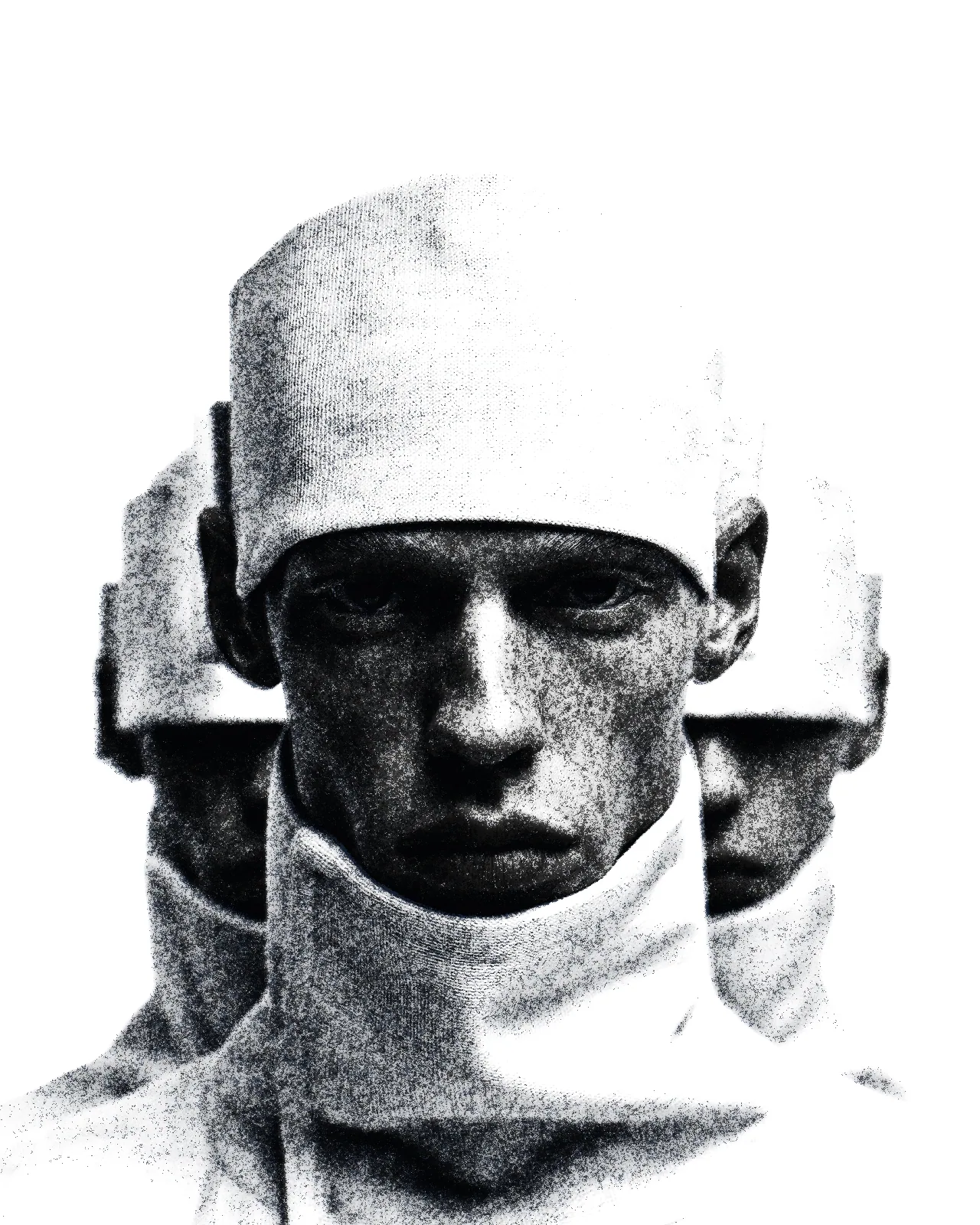
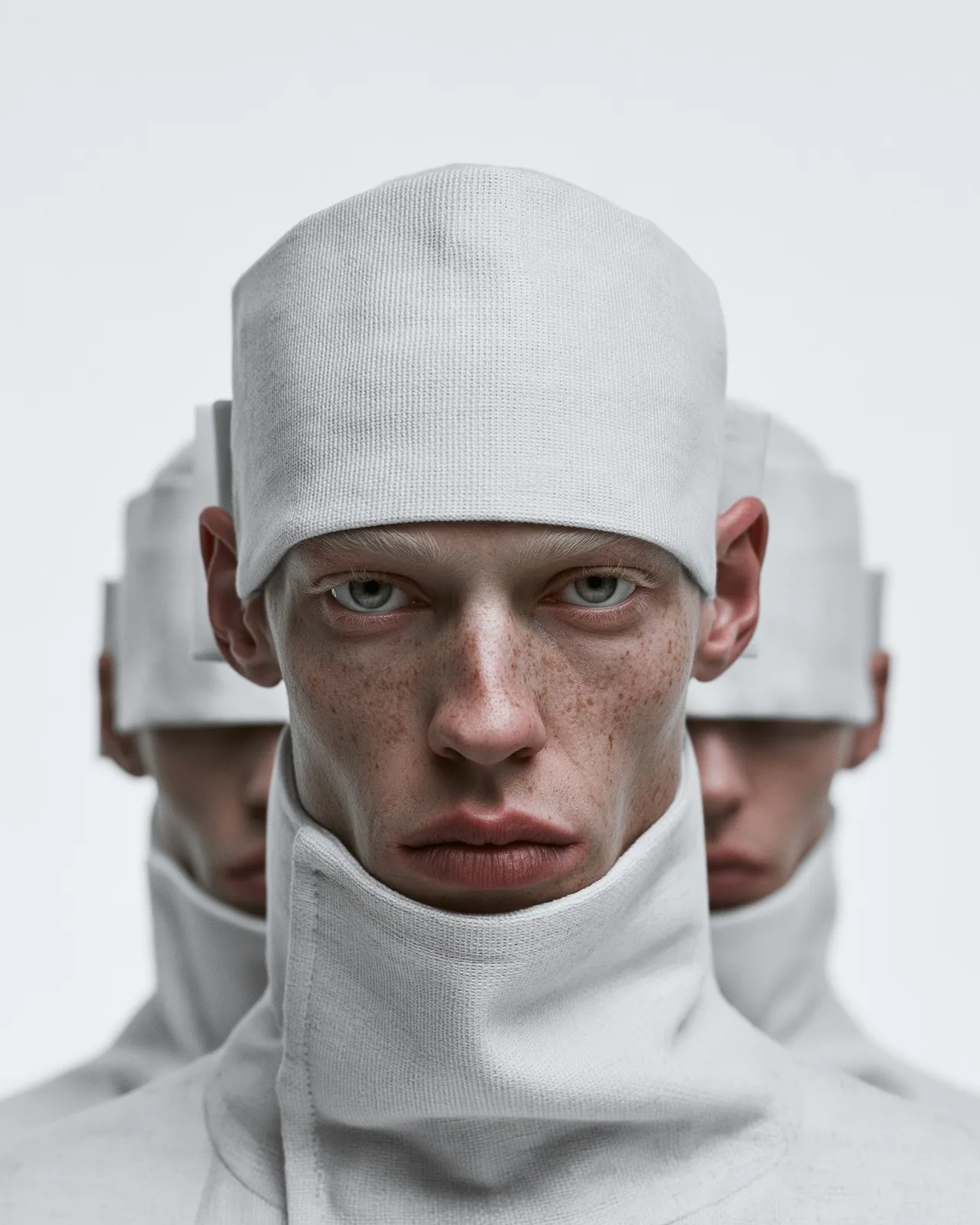
The newspaper effect rebuilds your image as a cheap print run. Two plates, starting near black and dark navy, screen through a coarse paper grain onto white stock, so tones turn to speckle and midtones drop out. You can change each ink color, its separation, the grain size and the paper color.
Same effect, different settings
12 photos, each with its own settings. Try it on yours
Use Newspaper Effect in Photoshop, After Effects, Illustrator, Affinity or Figma
The plugins are free with an account. Paid plans add bigger renders and your own filters. See pricing
Photoshop
Apply it as a Smart Filter on a Smart Object, then double-click to change it.
After Effects
Drop it on any layer as a native effect and keyframe every control on the timeline.
Illustrator
Use a selection as the source and get back native vector paths or an embedded image.
Affinity
Open Filters > Plugins > Nexus, pick the look and apply it to a pixel layer.
Figma
Select a frame or image, run the look, and the result drops back into your file.
Settings worth touching
- Separation 1
- Sets how much of the picture the first ink plate covers. Wider separations overlap more and build denser, darker shadows.
- Ink contrast
- Pushes the inks harder against the paper. The look starts at full contrast for crisp blacks; lower it for softer, grayer tones.
- Scale
- Sets the size of the paper grain the inks screen through. Raise it for coarser speckle, lower it for finer newsprint.
Frequently asked questions
How do I add the newspaper effect in Photoshop?
Install Nexus for Photoshop, apply the look as a Smart Filter on a Smart Object, and double-click it any time to change the inks, grain or paper.
Can I make a newsprint effect in After Effects?
Yes. Nexus for After Effects adds the look as a native effect. Drop it on a layer and keyframe any control, such as grain scale or ink color, over time.
How do I get an old newspaper effect with yellowed paper?
Change the Paper color to a warm off-white and lower Ink contrast slightly. The inks then sit on aged-looking stock instead of clean white.
Does the newspaper filter give vector output in Illustrator or Figma?
No. This look outputs pixels only. In Illustrator and Figma the result comes back as an embedded image, not as vector paths.
Can I try the newspaper print effect for free?
Yes. Open the look in the Nexus web editor and try it on your own image without an account. Exporting needs a free account, which exports images up to 720px and video up to 720px with the Nexus mark.



Try Newspaper Effect in your browser
Free to try. Exporting needs a free account.