 Photoshop
 Illustrator
 After Effects
 Figma
 Affinity
Photocopy Effect
Turns any picture into a rough office copy, with solid toner blacks, speckled grain and paper texture.
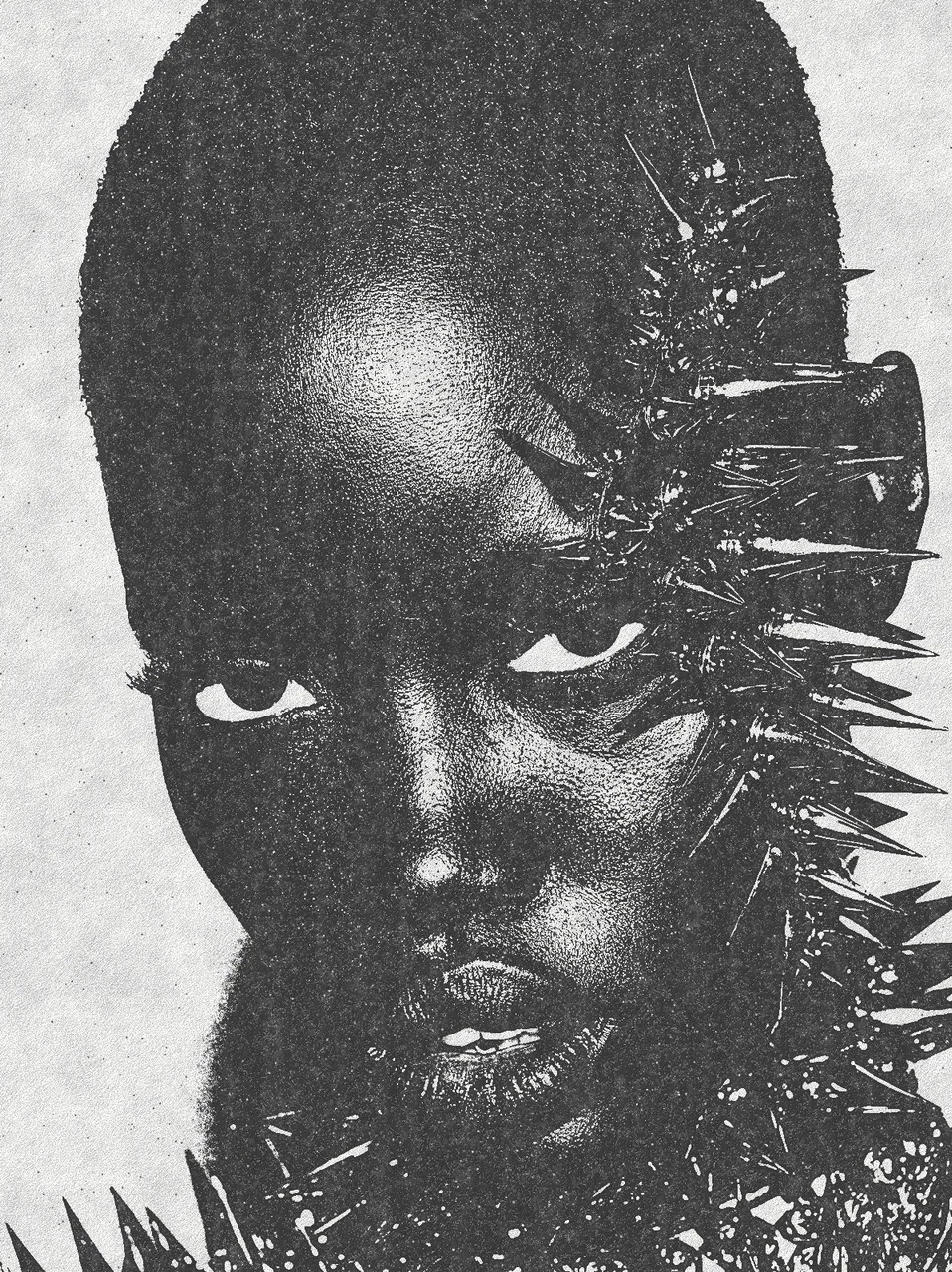

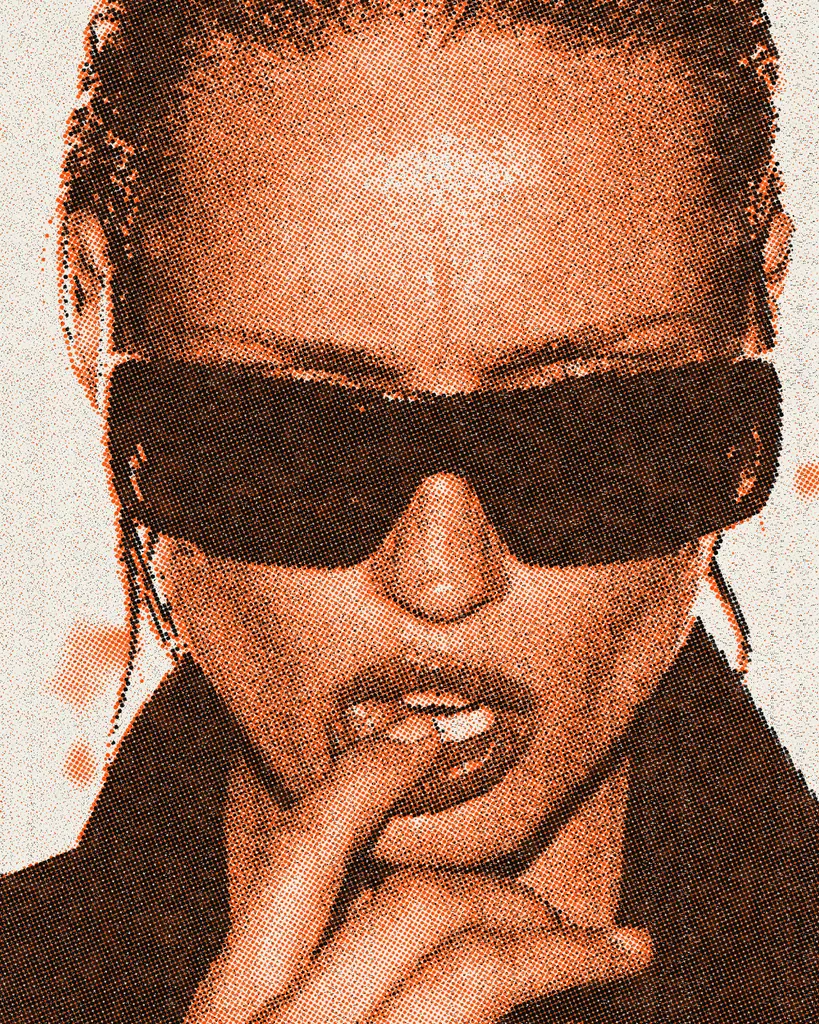
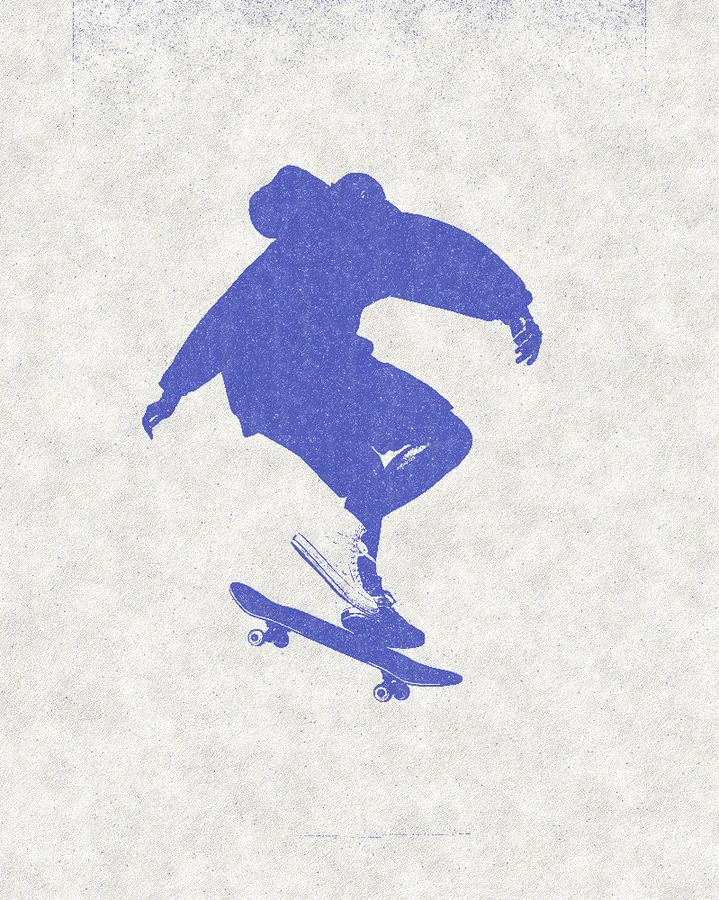
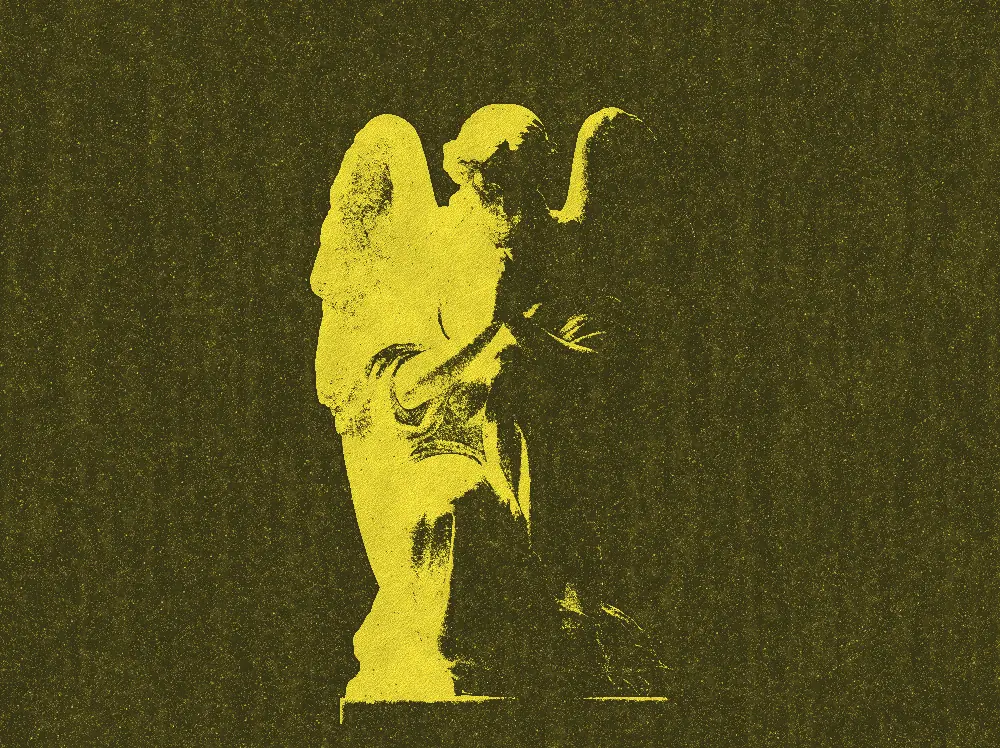
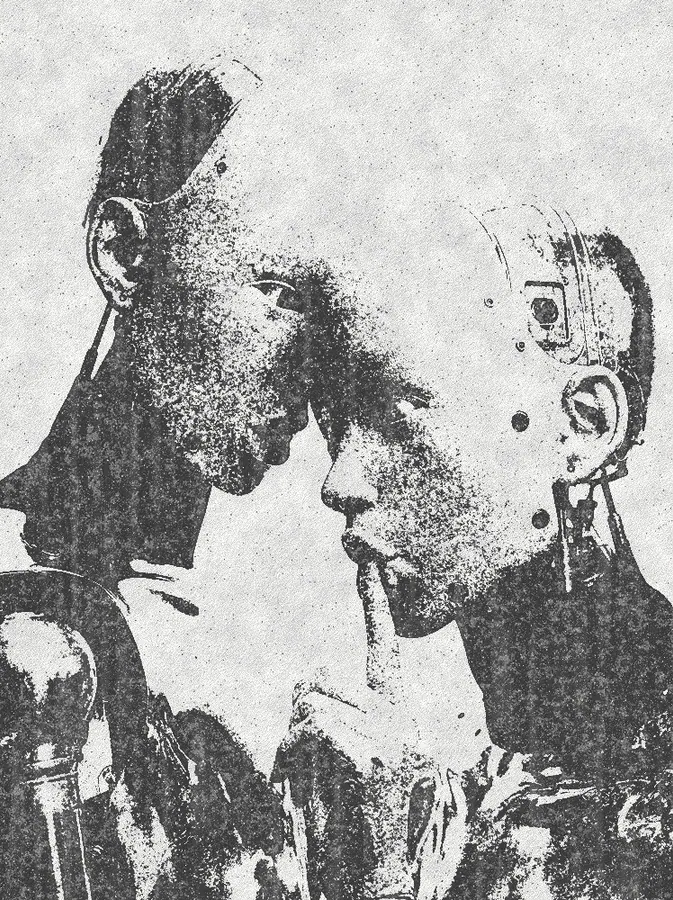
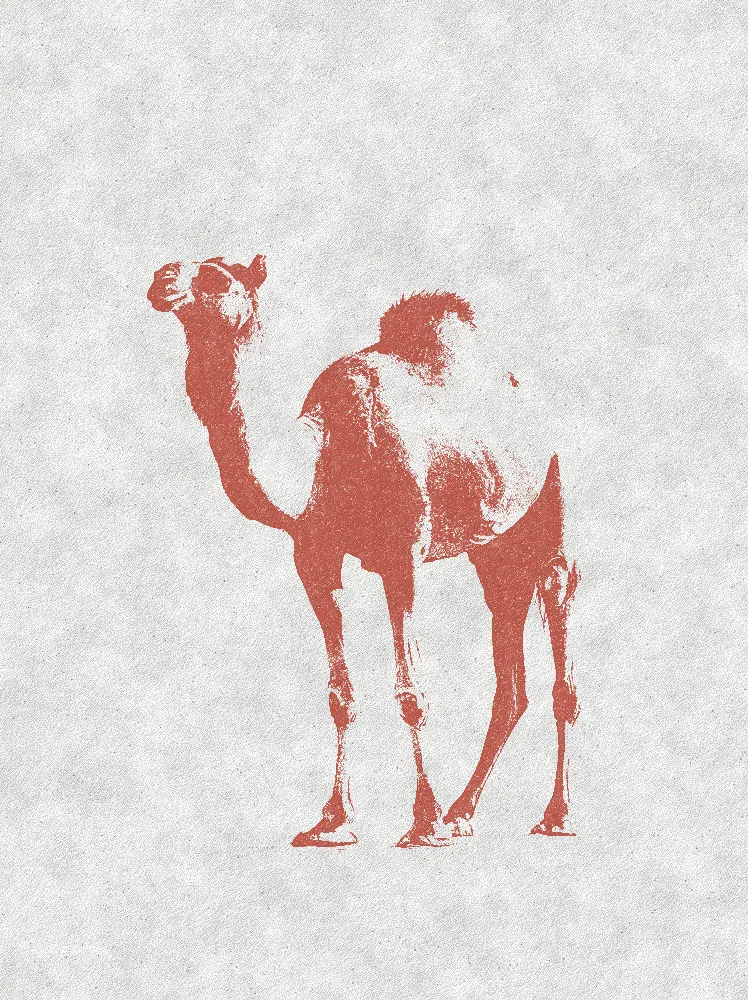
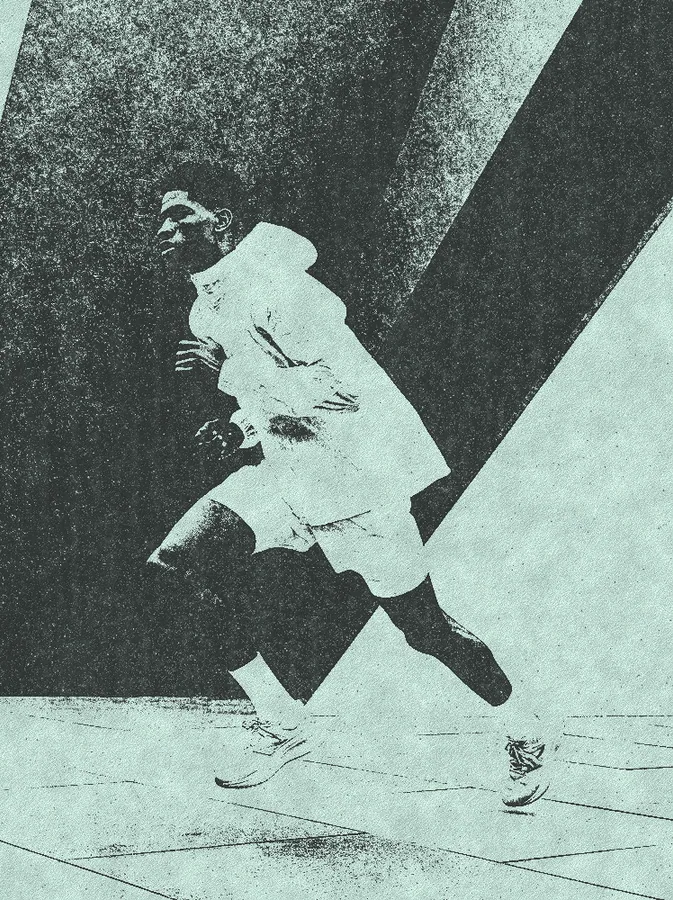
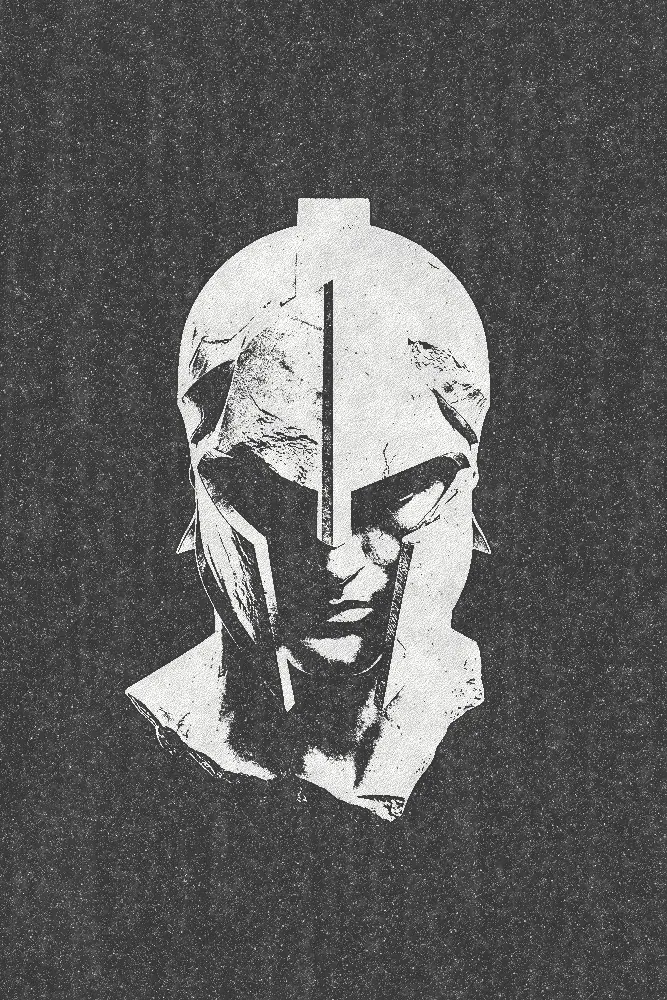
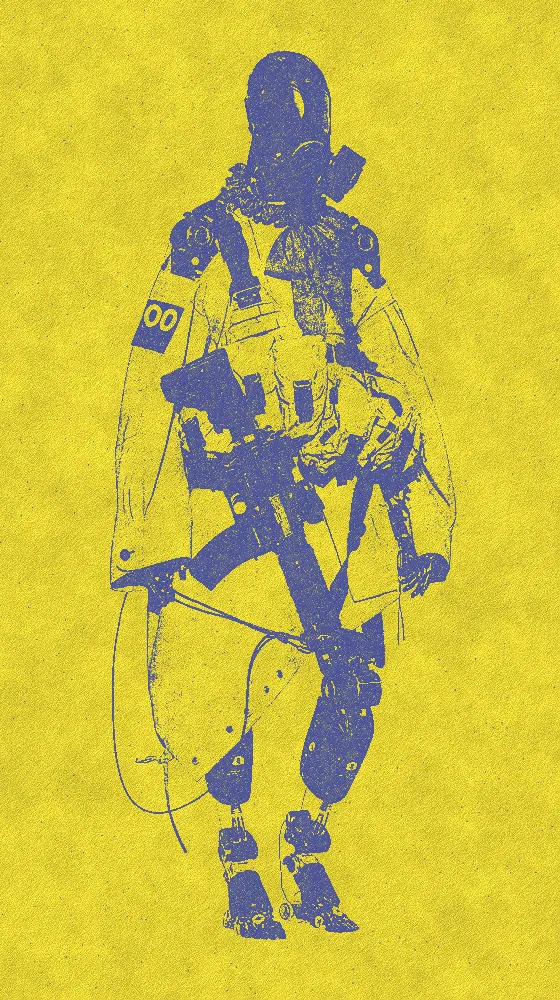
The photocopy effect, also known as a xerox effect, pushes your picture to hard black toner on pale paper. Midtones fall away, edges spread a little and grain speckles the shadows. The look starts in black on off-white. You can change the toner and paper colors, the threshold and how rough the print gets. The photocopy effect comes with Nexus, a plugin for Photoshop, After Effects, Illustrator, Affinity and Figma.
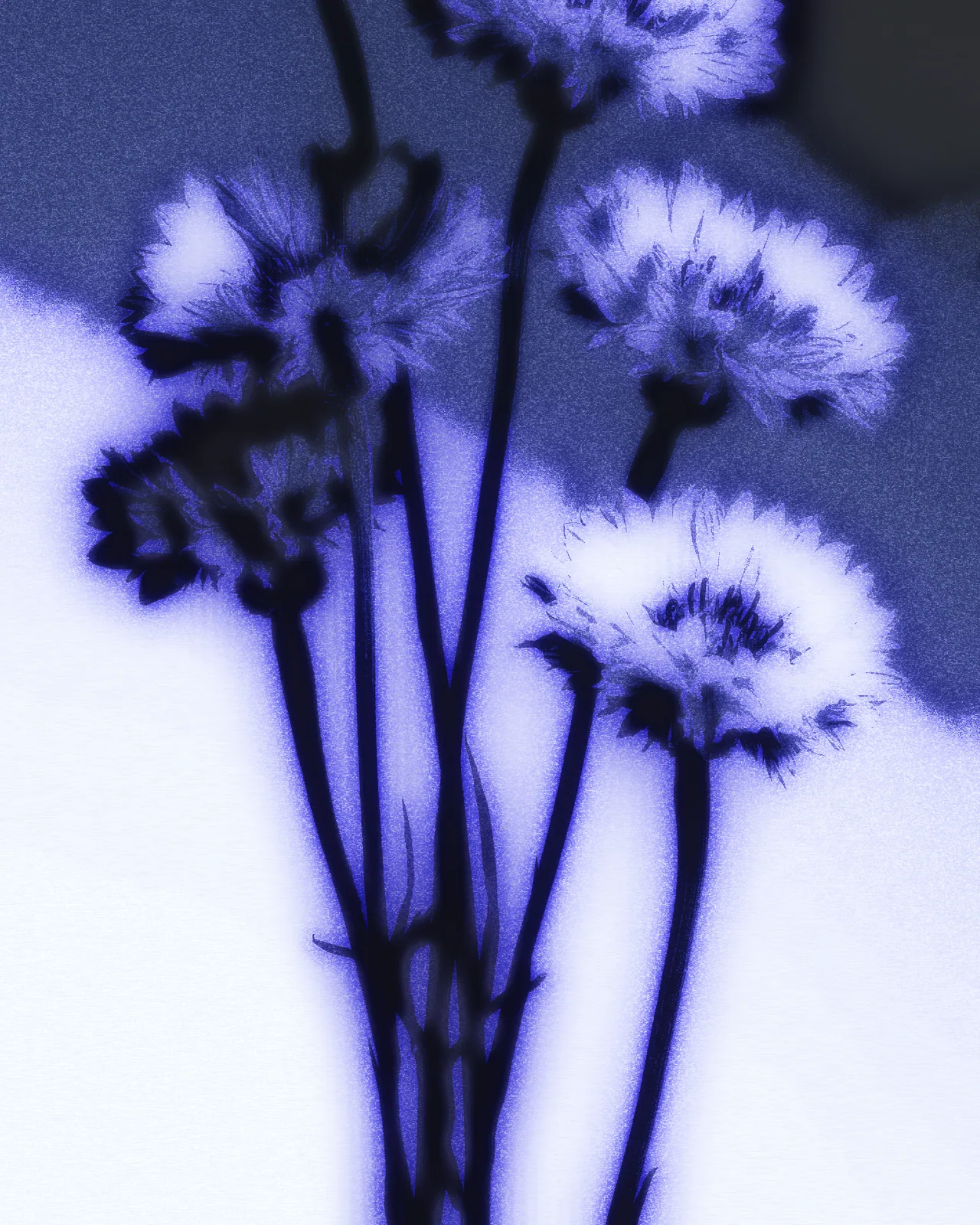
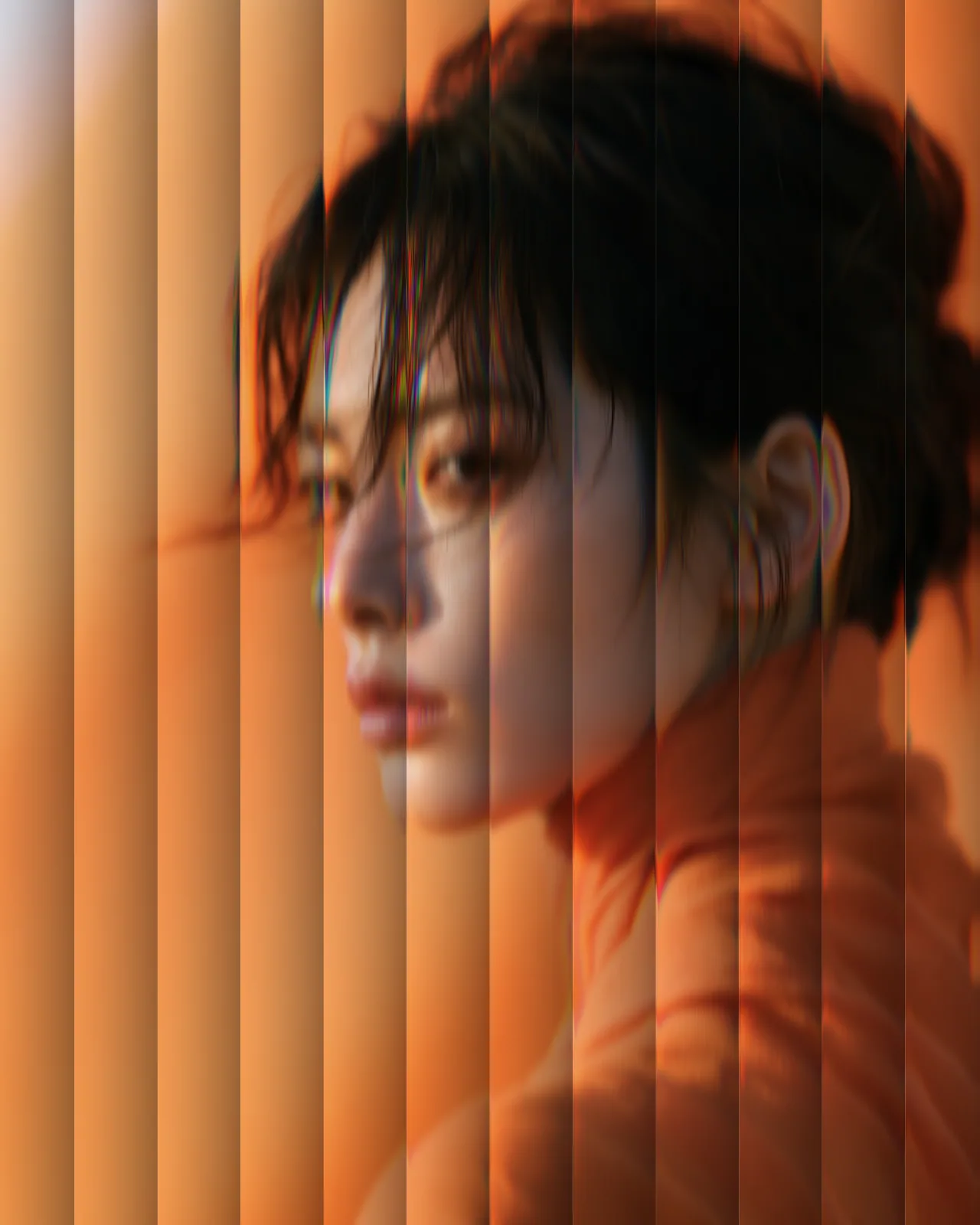
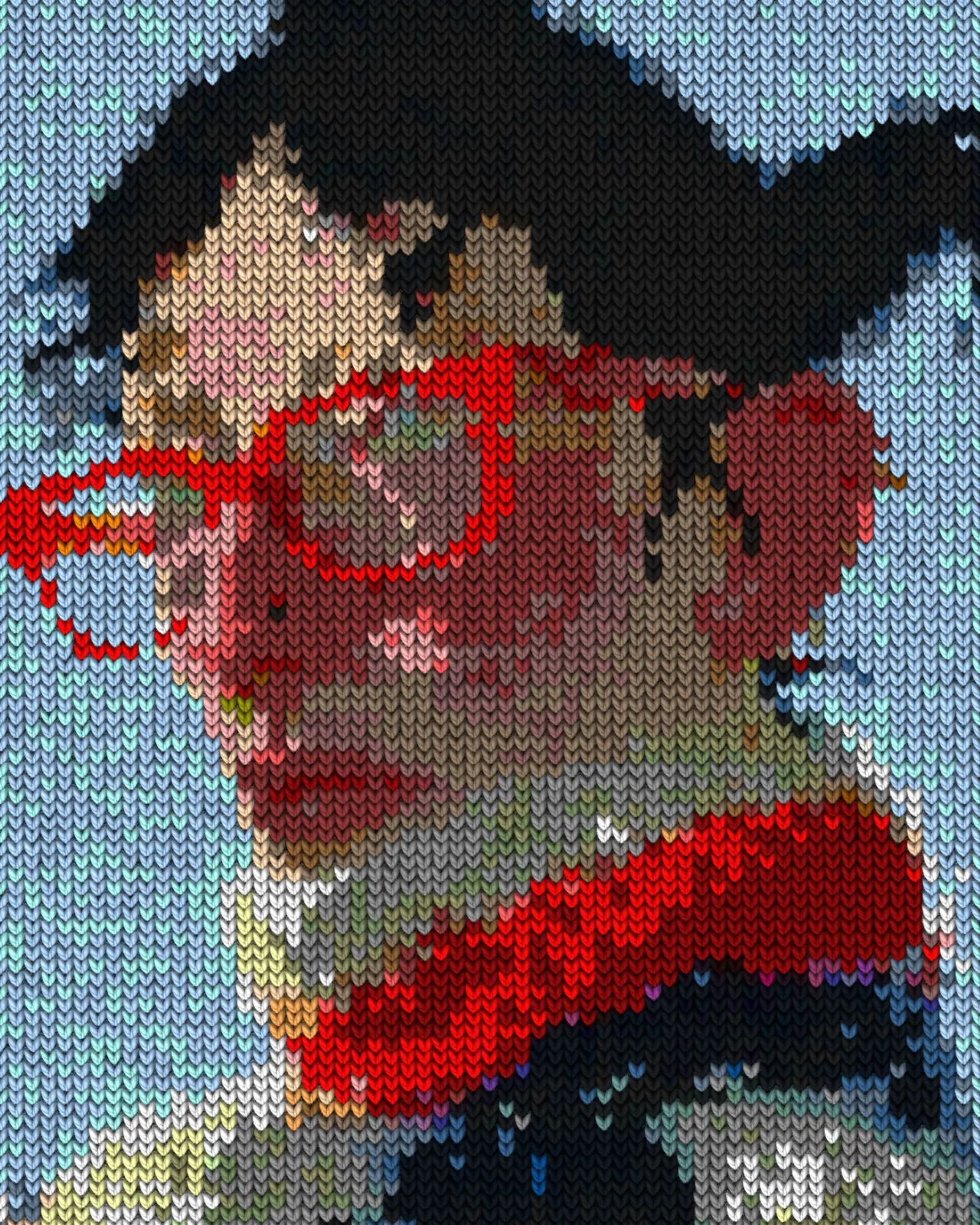
Same effect, different settings
12 photos, each with its own settings. Try it on yours
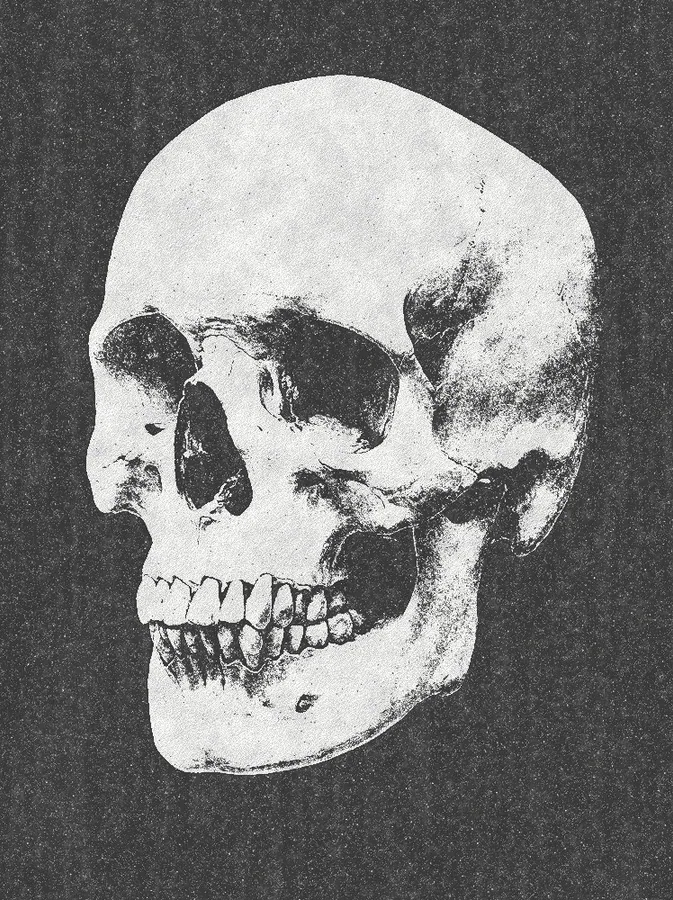
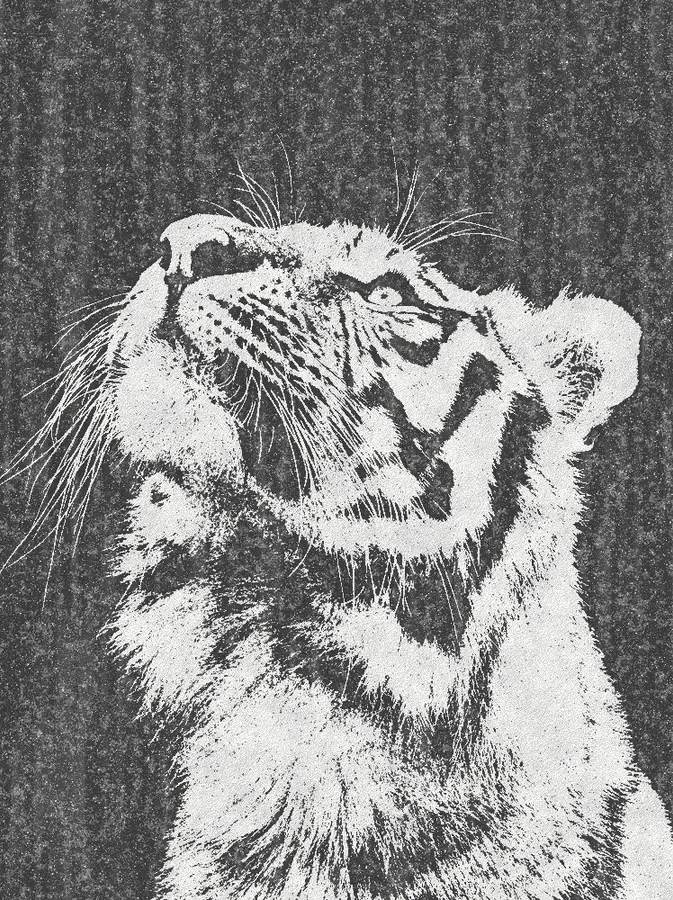
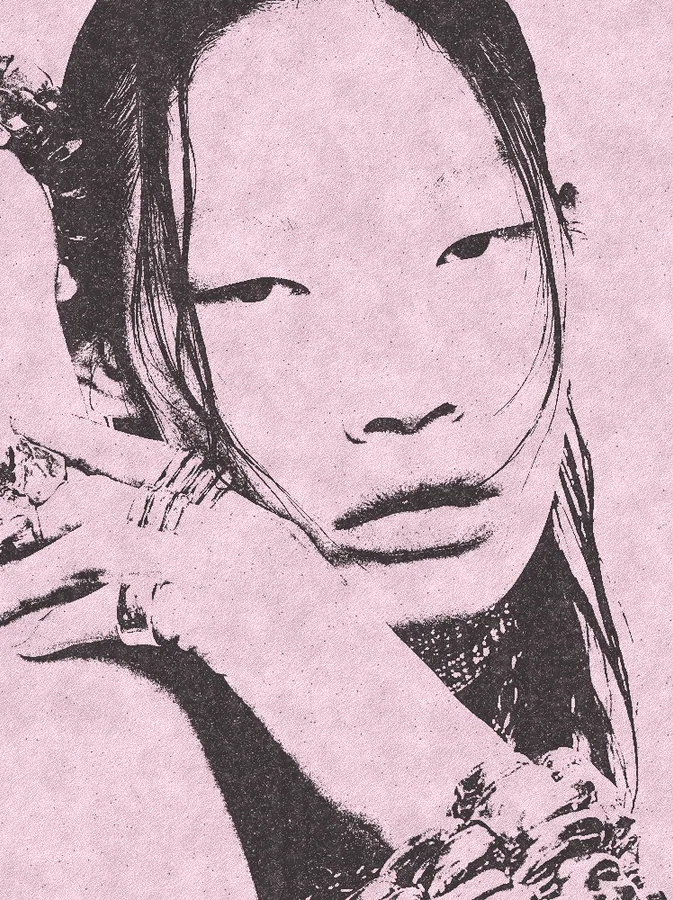
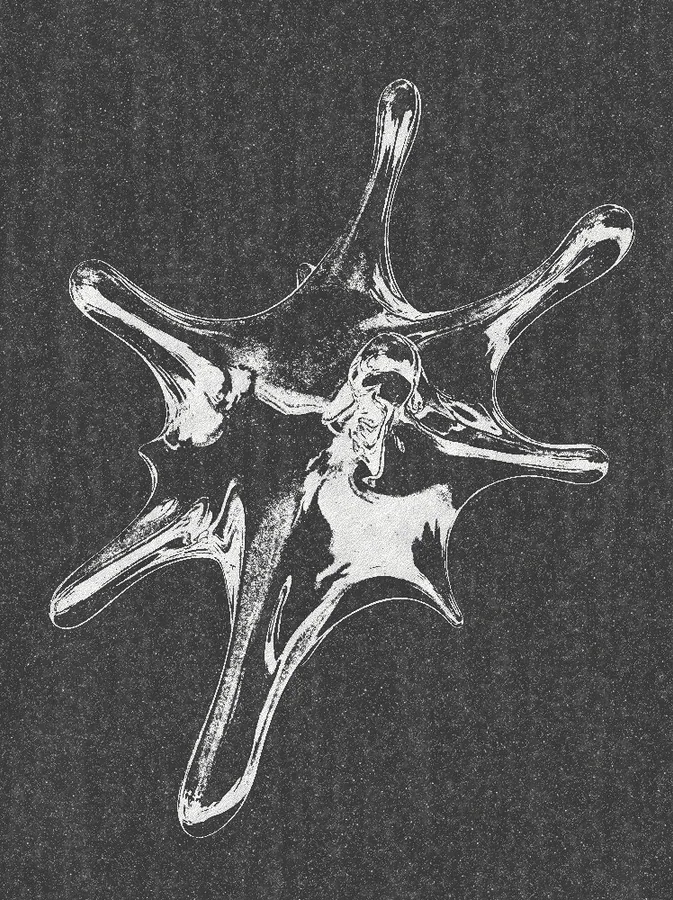
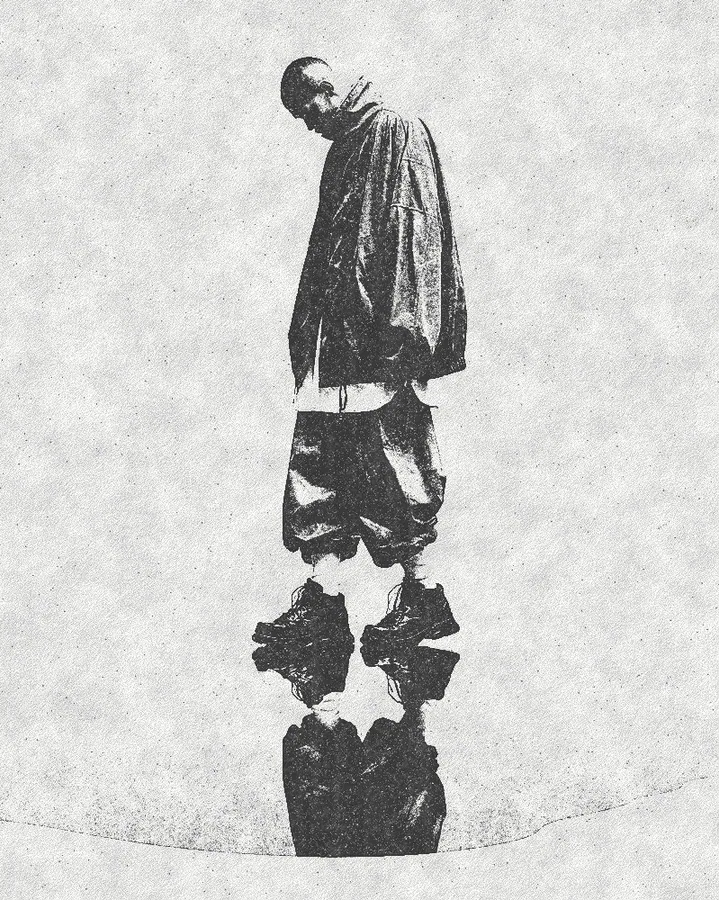
Use Photocopy Effect in your apps
It runs natively in Photoshop, After Effects, Illustrator, Affinity and Figma, with the same settings everywhere.
The plugins are free with an account. Paid plans add bigger renders and your own effects. See pricing
Photoshop
Apply it as a Smart Filter on a Smart Object, then double-click to change it.
After Effects
Drop it on any layer as a native effect and keyframe every control on the timeline.
Illustrator
Use a selection as the source and get back native vector paths or an embedded image.
Affinity
Open Filters > Plugins > Nexus, pick the look and apply it to a pixel layer.
Figma
Select a frame or image, run the look, and the result drops back into your file.
Settings worth touching
- Threshold
- Sets where the picture tips from paper to toner, so it decides how much of your picture turns solid.
- Toner Grain
- Sets how much speckle breaks up the solid areas, from clean fills to dusty, worn copies.
- Toner
- The ink color. It starts near black, and any color works, from blue copier toner to bright red.
Questions, answered
It copies the look of a picture run through an office copier: tones collapse into solid toner and bare paper, with speckle and rough edges. It is also called a xerox effect.
Install Nexus for Photoshop and apply the look as a Smart Filter on a Smart Object. Double-click it later to change Threshold, Toner or Paper without losing the original picture.
Yes. Nexus for Illustrator uses your selection as the source and places the result back as an embedded image. This look outputs pixels only, so you do not get vector paths.
Yes. Toner sets the ink and Paper sets the sheet, so you can print blue on white, black on yellow or anything else. Paper Texture sets how much grain the sheet shows.
Yes. Drop it on any layer as a native effect and keyframe any control on the timeline. Animate Threshold to make the picture break up and re-form across a shot.