

Node
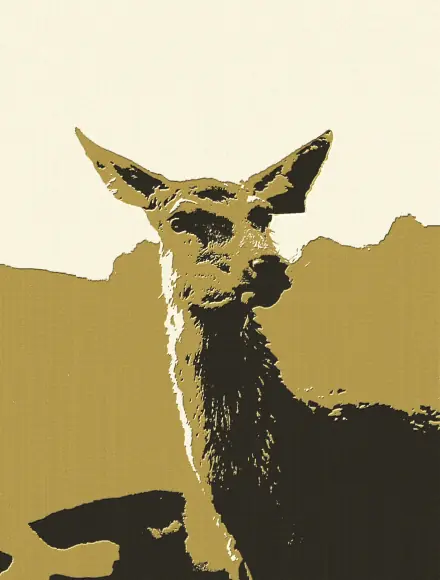
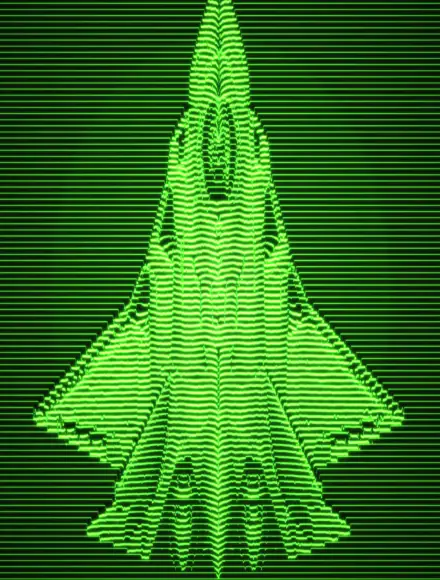
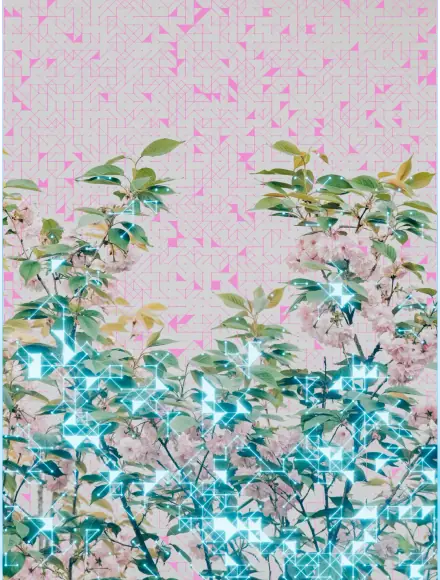
Scatters points from your image and links the nearby ones into a constellation.
Nexus runs natively in Photoshop, After Effects, Illustrator, Figma and Affinity. Sign in and every filter you've made comes with you, with the same settings everywhere.
Photoshop
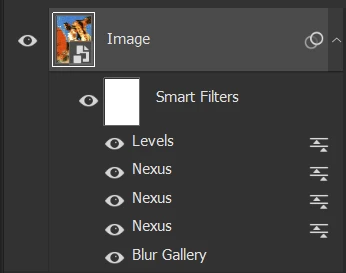
Stack Nexus with Levels, Blur Gallery or anything else in Photoshop. Double-click any of them to change the look.
After Effects
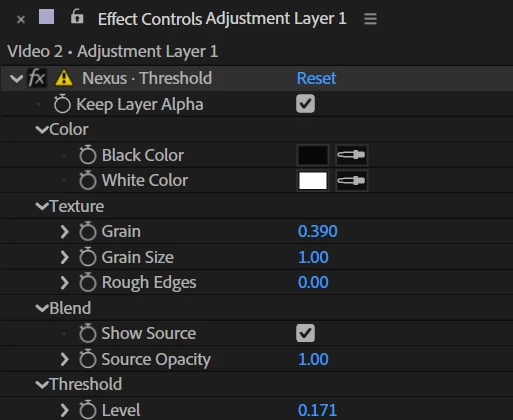
Its sliders and colors sit in Effect Controls, ready to keyframe. Stack several Nexus effects on one layer.
Illustrator
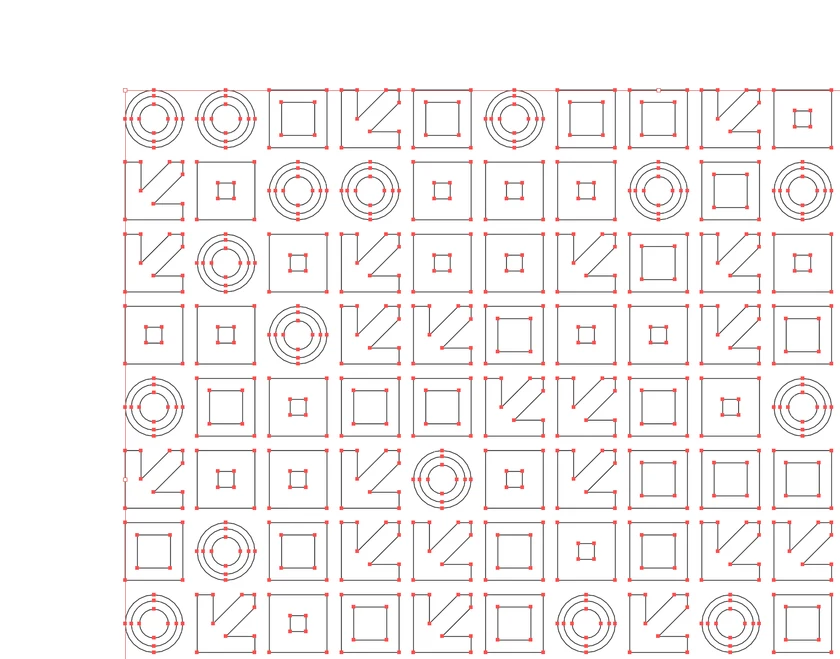
Hit Drop as vector and the look lands as paths you can edit, every anchor point included.
Figma
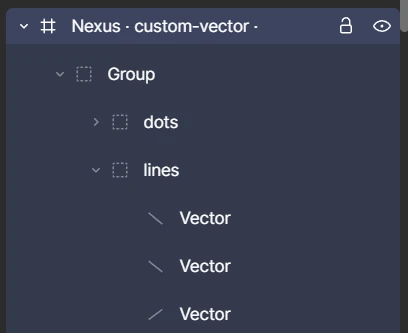
Hit Drop as vector and you get groups and paths you can edit, not a flat picture.
Affinity
Pick a look in the Nexus window and apply it to a pixel layer.
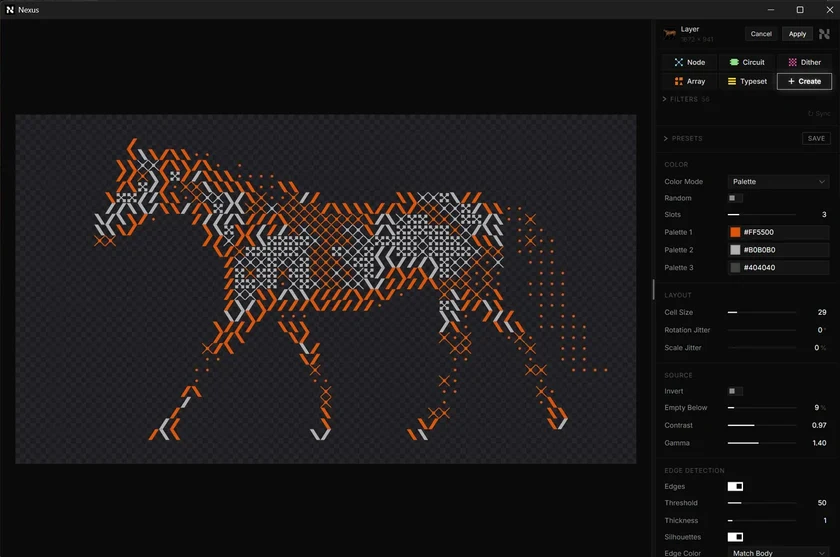
Web editor
Stack filters like layers, with video, keyframes and a vector suite, right in your browser.
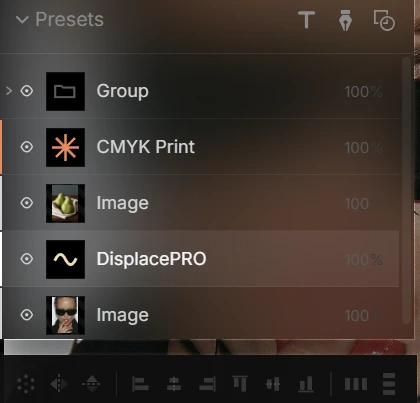
Real engines, not presets. Each one reads whatever sits below it, keeps every setting live, and exports as real SVG, in the browser or inside your apps.
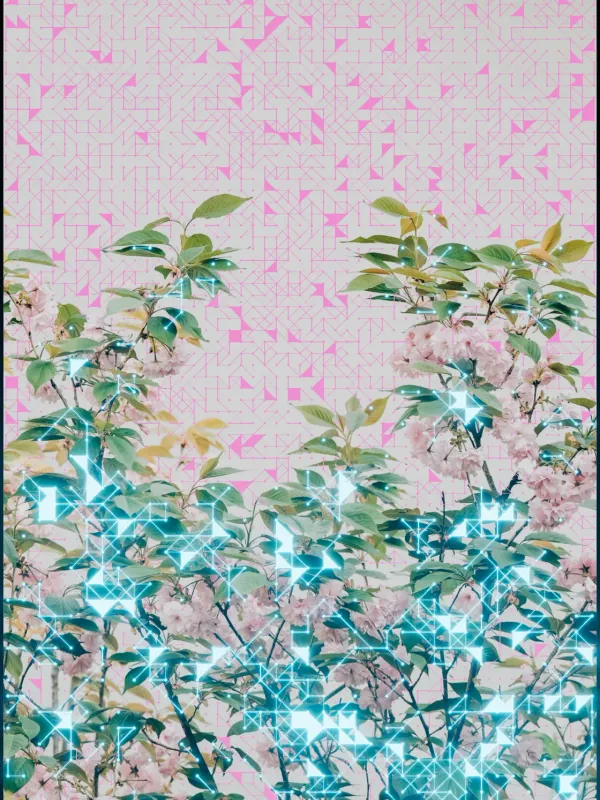
Scatters points from your image and links the nearby ones into a constellation.
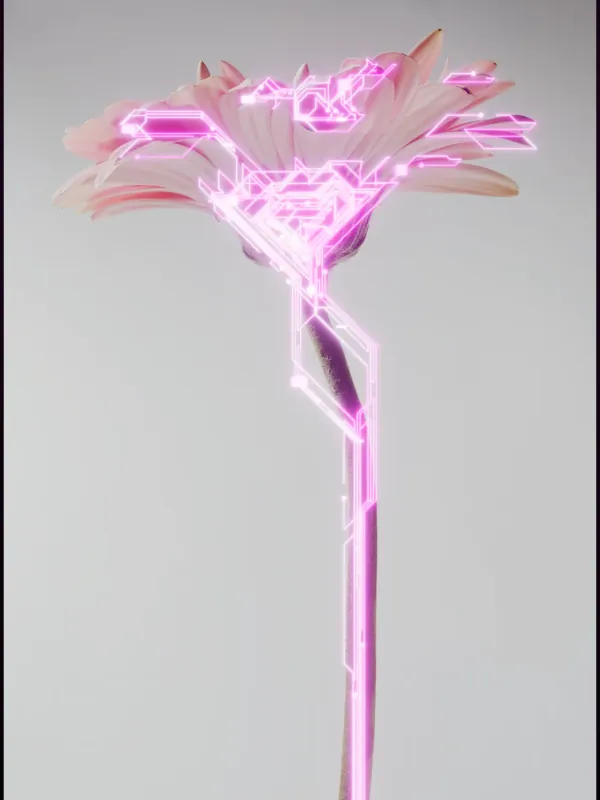
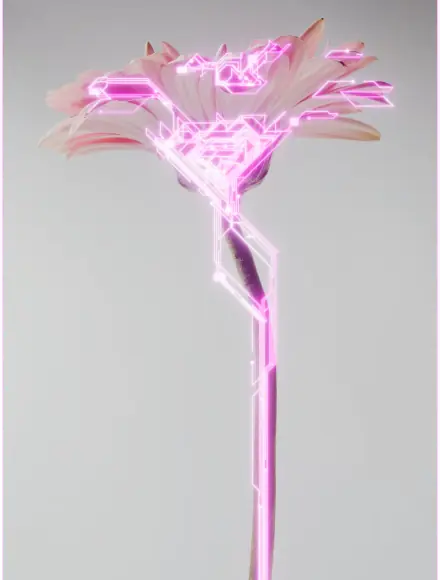
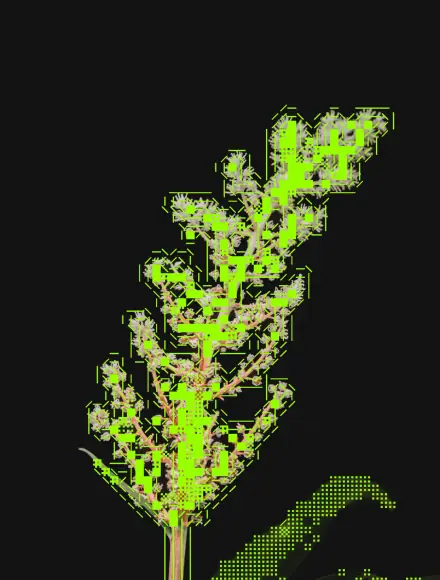
Routes circuit-board traces and pads across whatever sits below it.
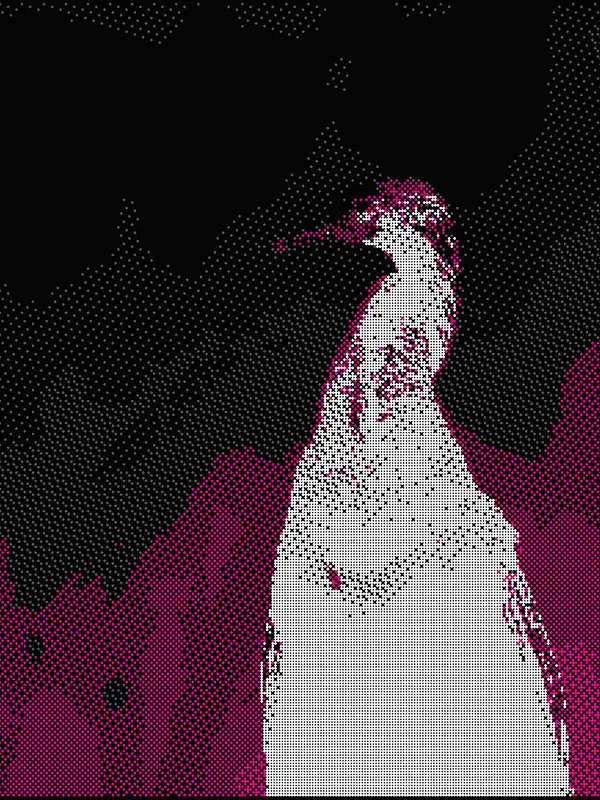
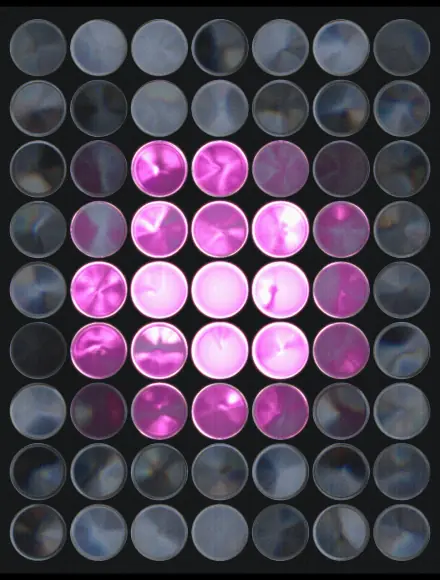
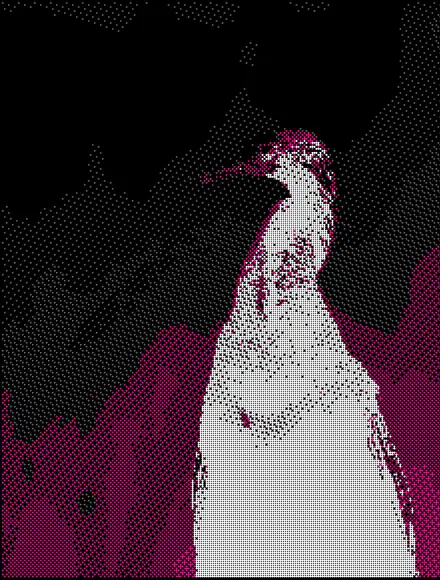
Maps brightness to a grid of dots, lines or squares.
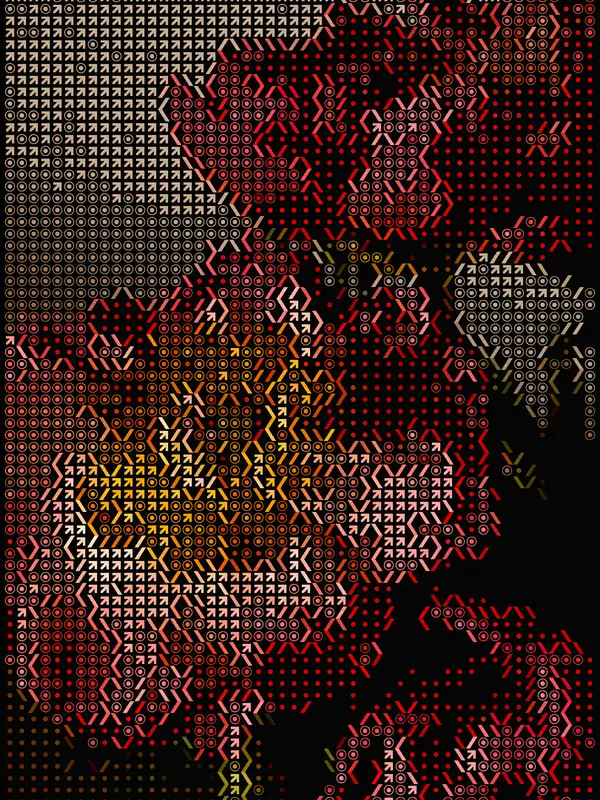
Stamps a library of shapes across the image, placed by brightness.
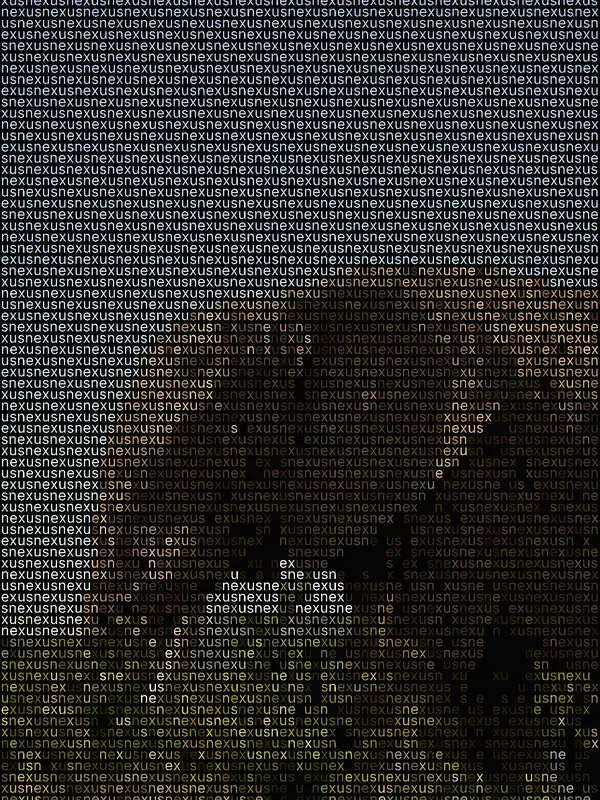
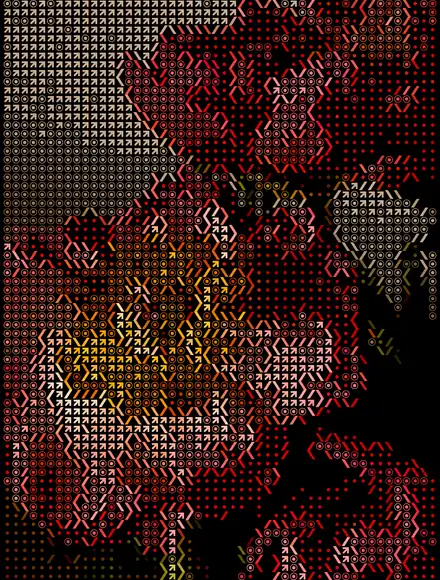
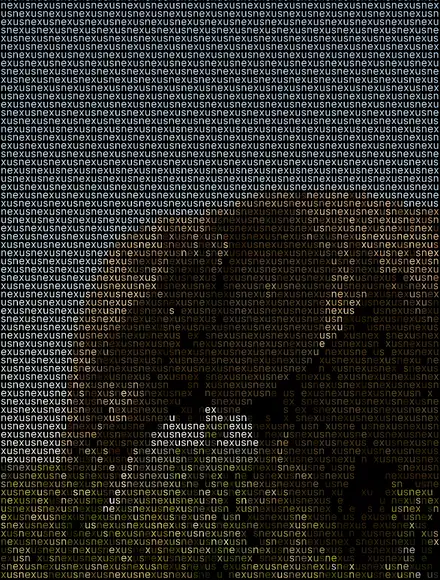
Tiles text in any font, each glyph colored by the image below.
Write a sentence or drop in a reference. Nexus plans the algorithm, writes the code, checks it, and hands you a new filter with its own controls. Not quite right? Reprompt until it is.
Not just a filter app. Nexus is a complete editor for images, footage and vectors, with filters built into the canvas.
No pages, no limits. Stack images, footage, vectors and filters, group them, and zoom from 5% to 4000%.
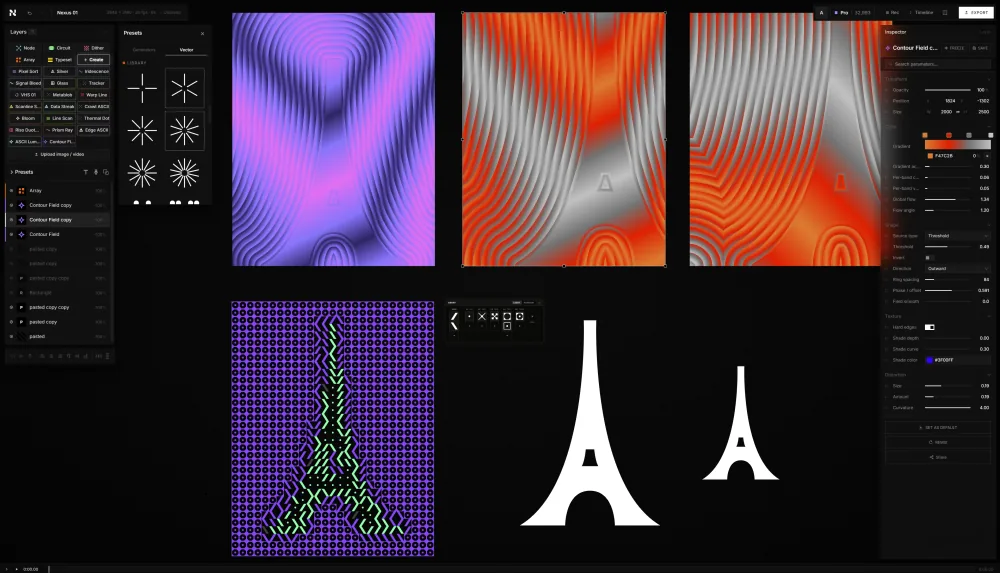
Drop in MP4, WebM or MOV footage and every filter runs on it, frame by frame. Export MP4 at 30 or 60 fps.
Every filter runs on footage, frame by frame.
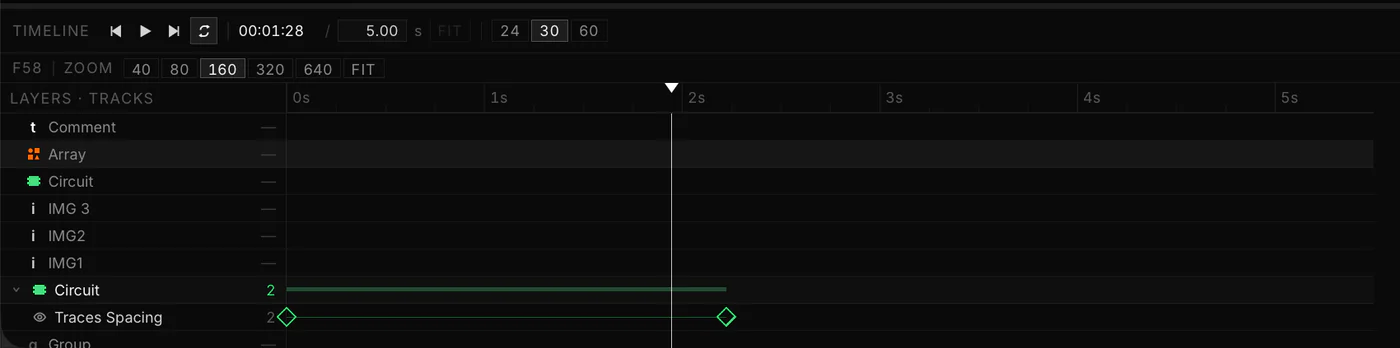
Every slider, color and toggle animates, plus position, size and rotation. Easing curves, loops and auto-key are built in.
Easing, loops and auto-key.
Pen, shapes, stars and live text. Edit true bezier paths, run boolean ops, and copy the result straight into Figma or Illustrator.
Pen, shapes, text and boolean ops.
Transparent PNG, real SVG, MP4 video and transparent animated PNG.
Transparent PNG, SVG and video.
They sample whatever sits below them: photos, footage, type, shapes, even other filters.
Groups, smart guides, radial repeat, presets, and a hundred steps of undo.
Guides, groups and radial repeat.
Every filter below was authored inside Nexus itself. Each one runs in the web editor and natively in Photoshop, Illustrator, After Effects, Affinity and Figma, with the same controls everywhere.
Native plugins for Photoshop, After Effects, Illustrator, Affinity and Figma. On Mac and Windows.
Start free in the browser and in Photoshop, After Effects, Illustrator, Affinity and Figma. Upgrade to write your own filters with AI, and to render them bigger.
Plans renew automatically. Cancel anytime. Tax calculated at checkout where applicable. Terms Privacy
A visual studio in your browser: an infinite canvas with video, keyframes, a vector suite and five live filters, plus AI that writes brand-new filters from a prompt or a reference image. Everything you make runs natively in Photoshop, After Effects, Illustrator, Affinity and Figma.
A preset is frozen. A Nexus filter is a live engine: density, color, seed and motion are settings you own, and you can re-run it on anything, forever.
In the Nexus web editor, and natively inside Photoshop, Illustrator, Affinity, Figma, and After Effects. Same engine, same settings, never a rebuild per app.
PNG and MP4 video on every plan, plus real editable SVG and transparent animated PNG on Creator and up. Stills and video go up to 720p on Free, 1080p on Starter, 4K on Creator and 8K on Pro, and Free video carries the Nexus mark.
No. Describe the look or drop a reference; Nexus writes, validates and compiles the filter. You just adjust the settings.
Yes. The Photoshop, After Effects, Illustrator and Affinity plugins run natively on Mac and Windows, the Figma plugin runs wherever Figma does, and the web editor runs in your browser.
Yes, with a free account. Free runs every Featured filter and the Community filters Nexus posts, at 480p, and After Effects renders carry the Nexus mark. Starter renders at 1080p and runs every filter, Creator and Pro at full size. Every account links up to 3 computers.
Yes. Creator, with full-size renders in all five plugins, is free for 7 days. You add a card to start the trial and can cancel anytime. The Free plan stays free forever.
Start free in your browser and in Photoshop, After Effects, Illustrator, Affinity and Figma. Full-size renders come with Creator, free for 7 days.