Stipple Effect
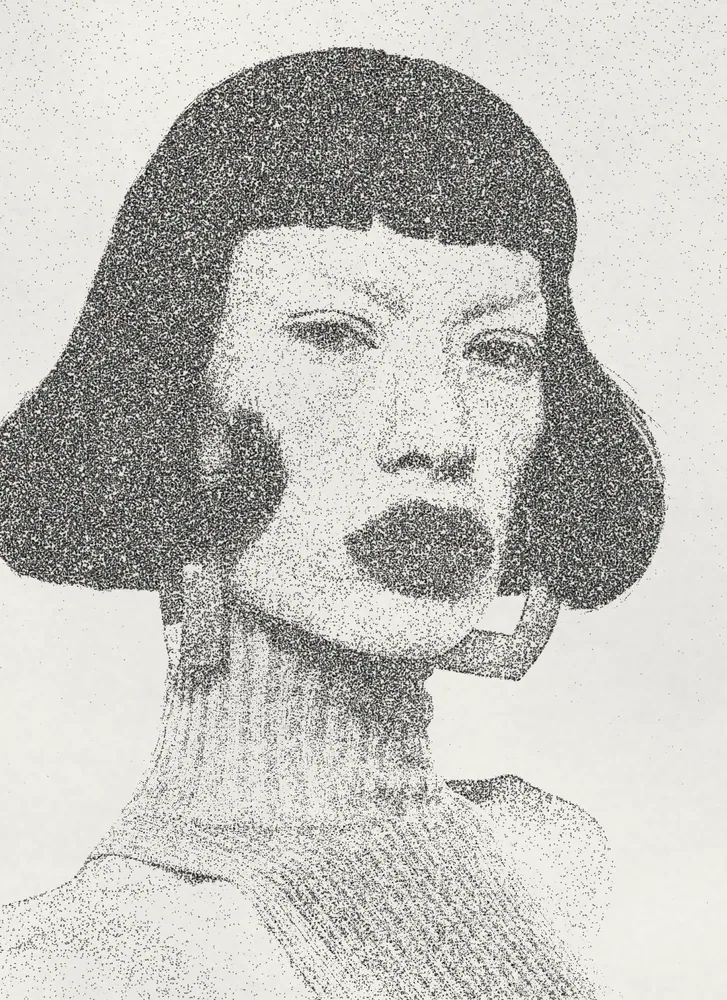
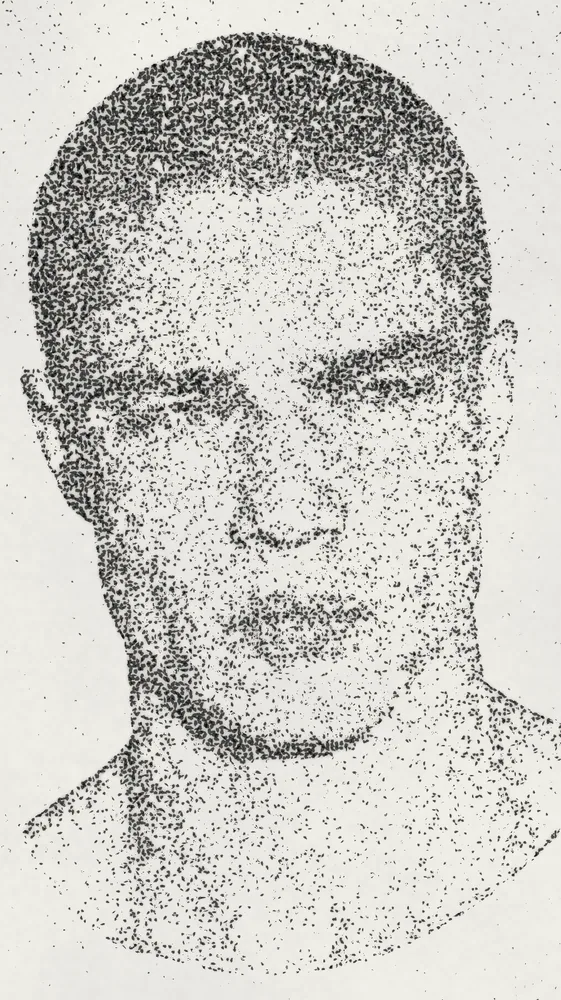
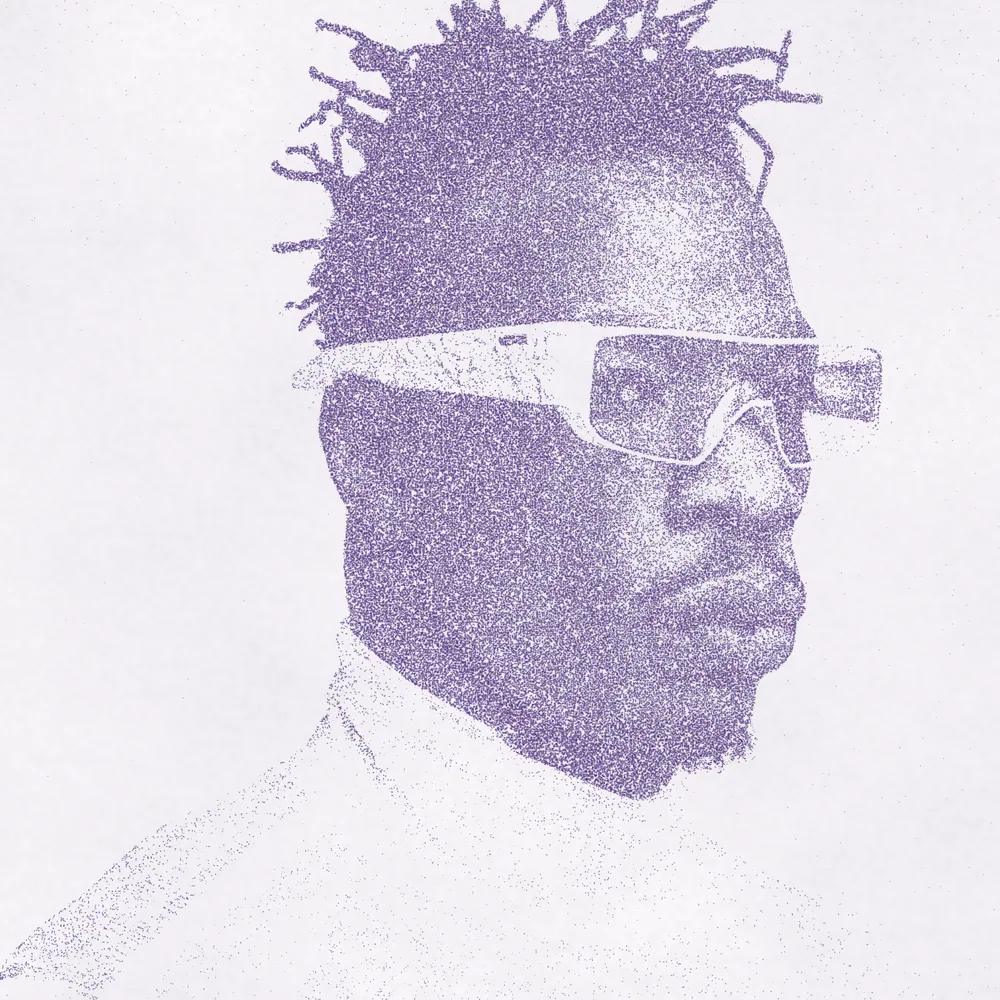
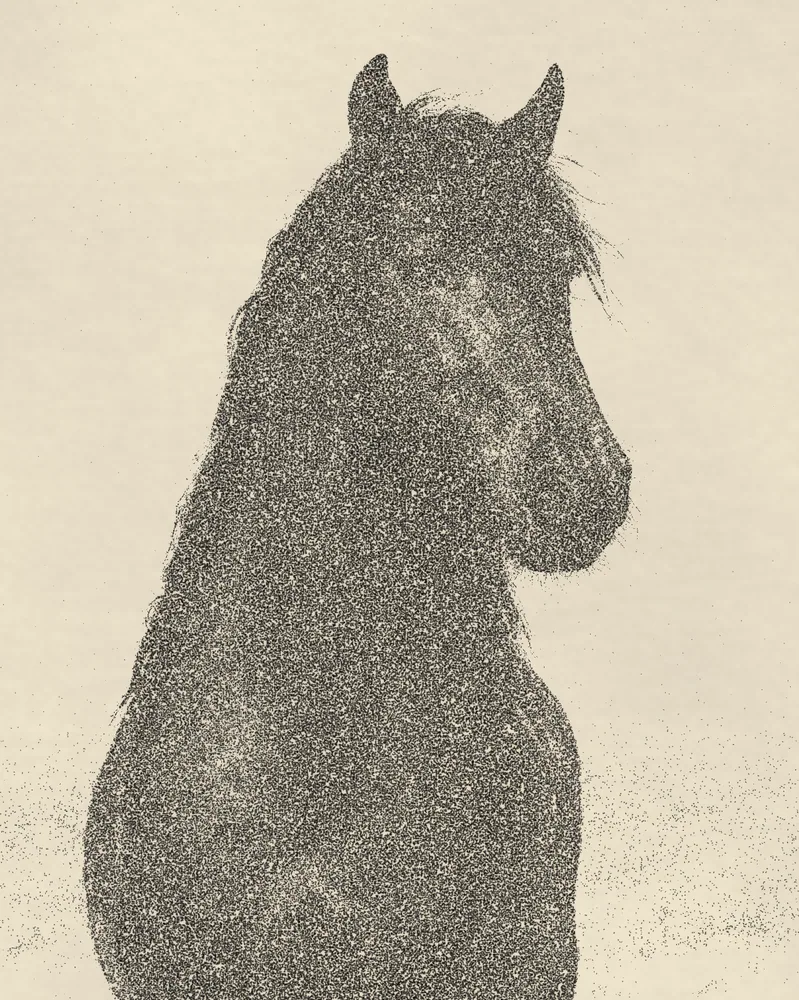
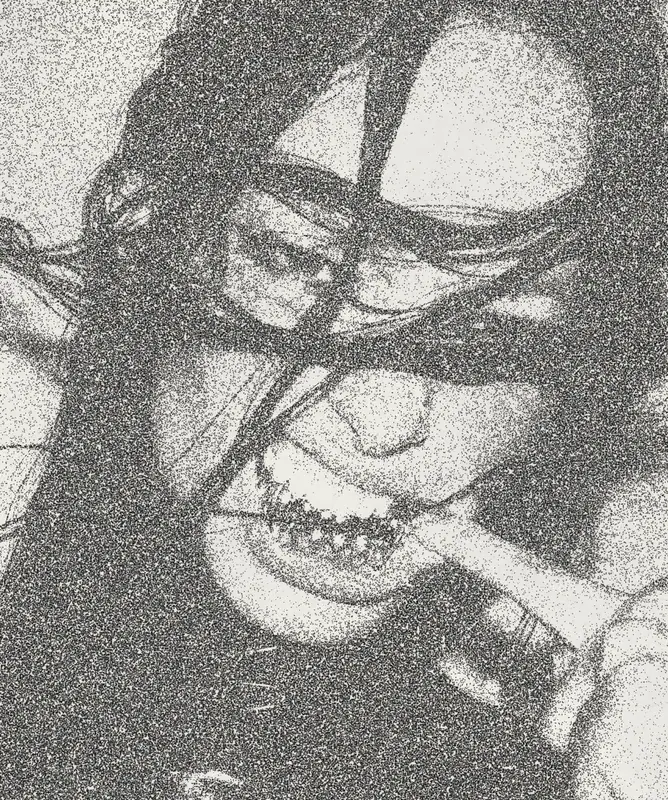
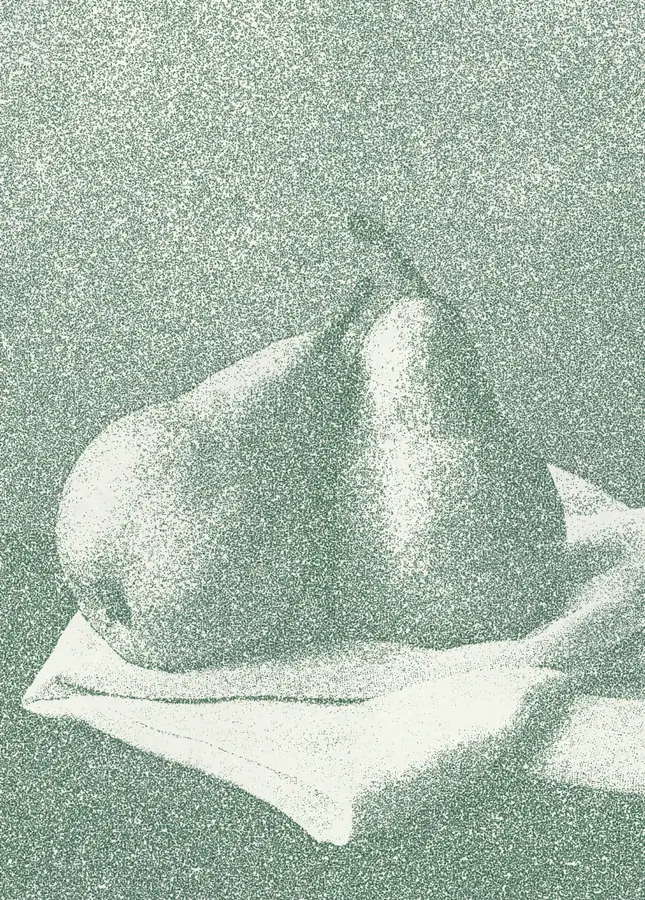
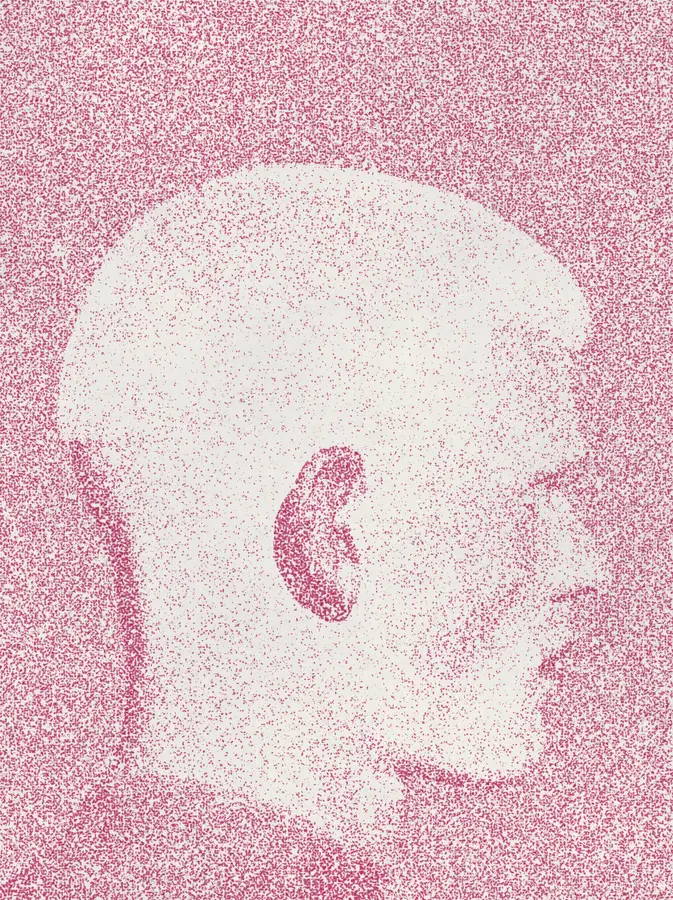
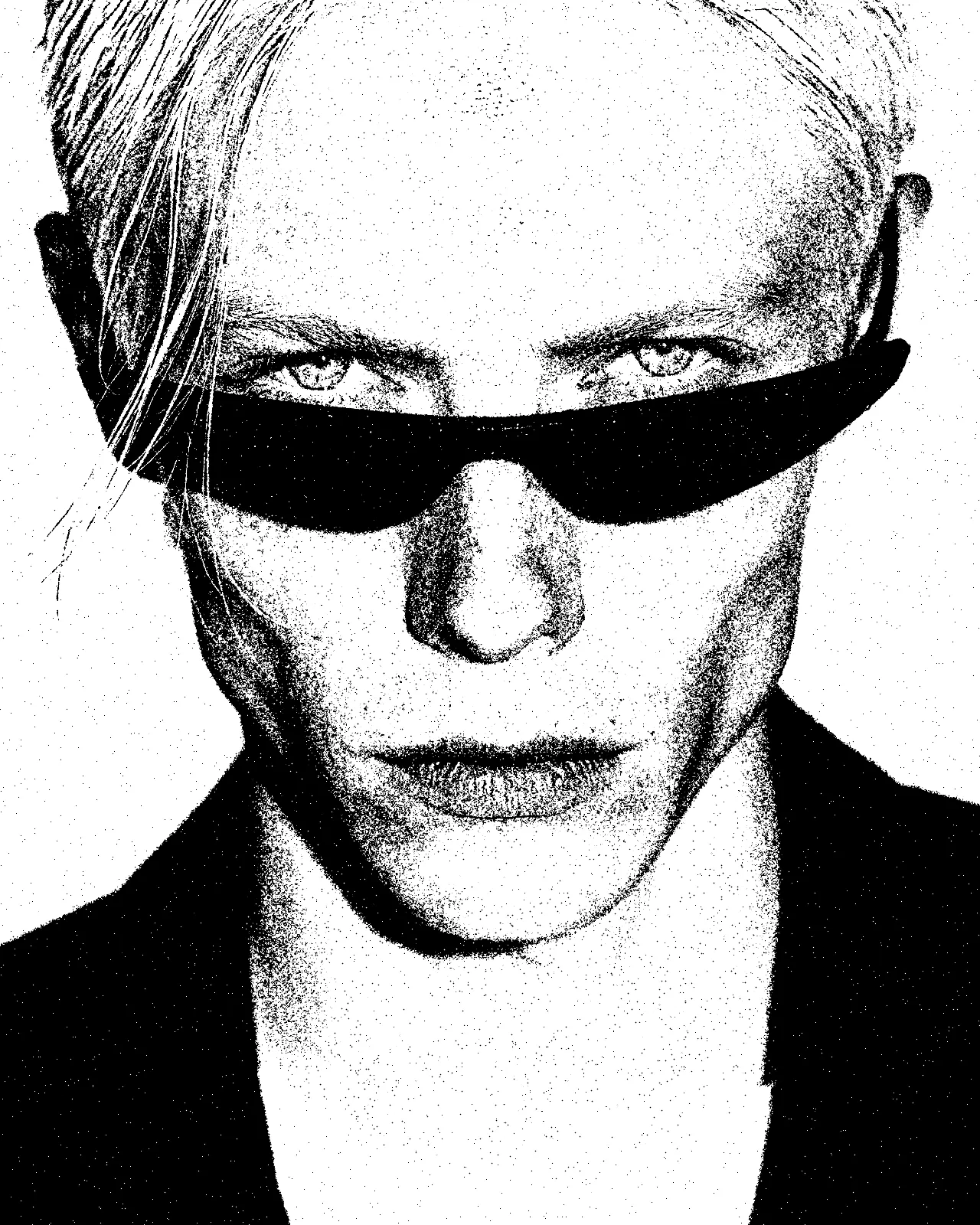
Turns any picture into irregular dry-ink flecks on bright, fibrous paper, dense in the shadows and sparse in the highlights.
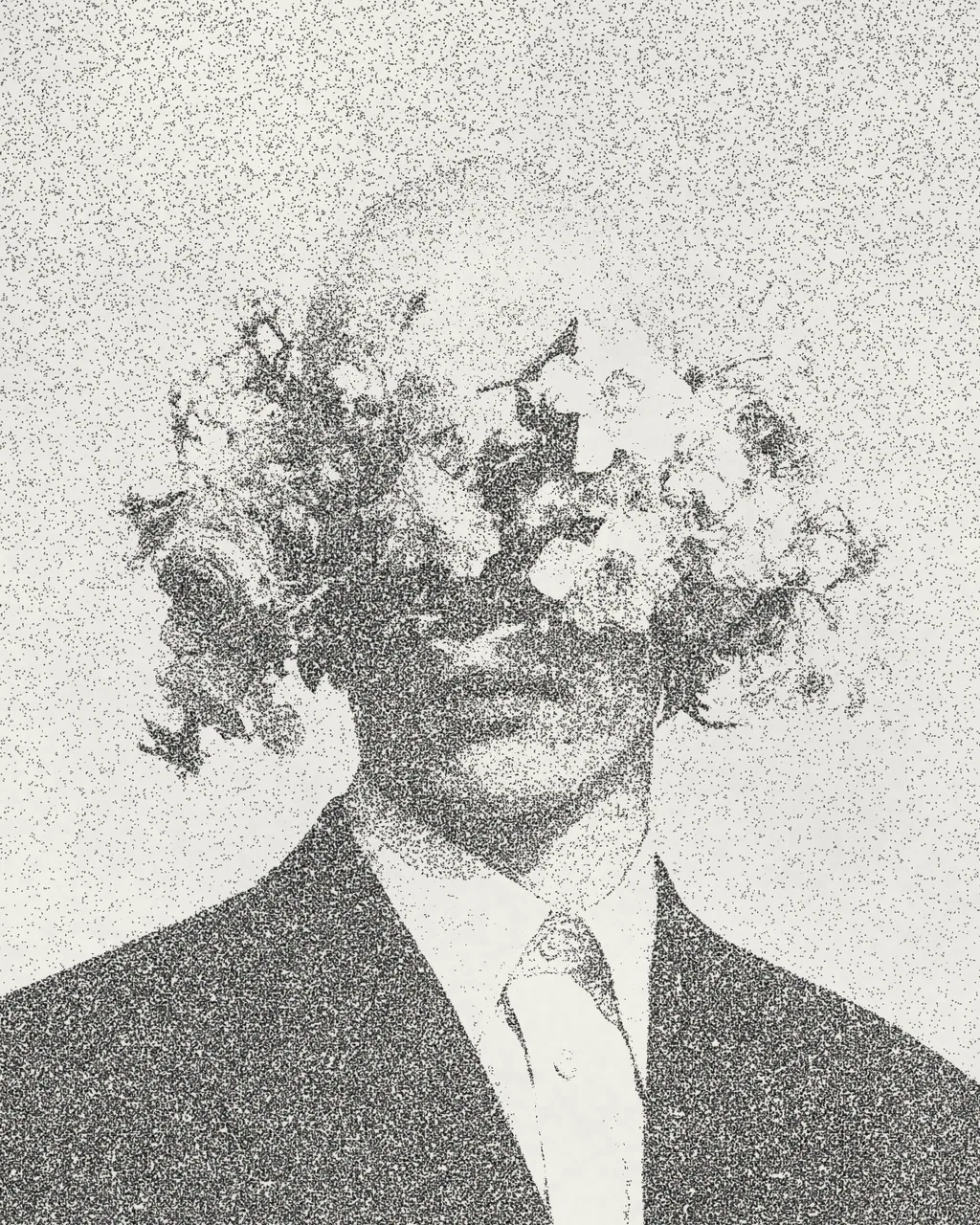
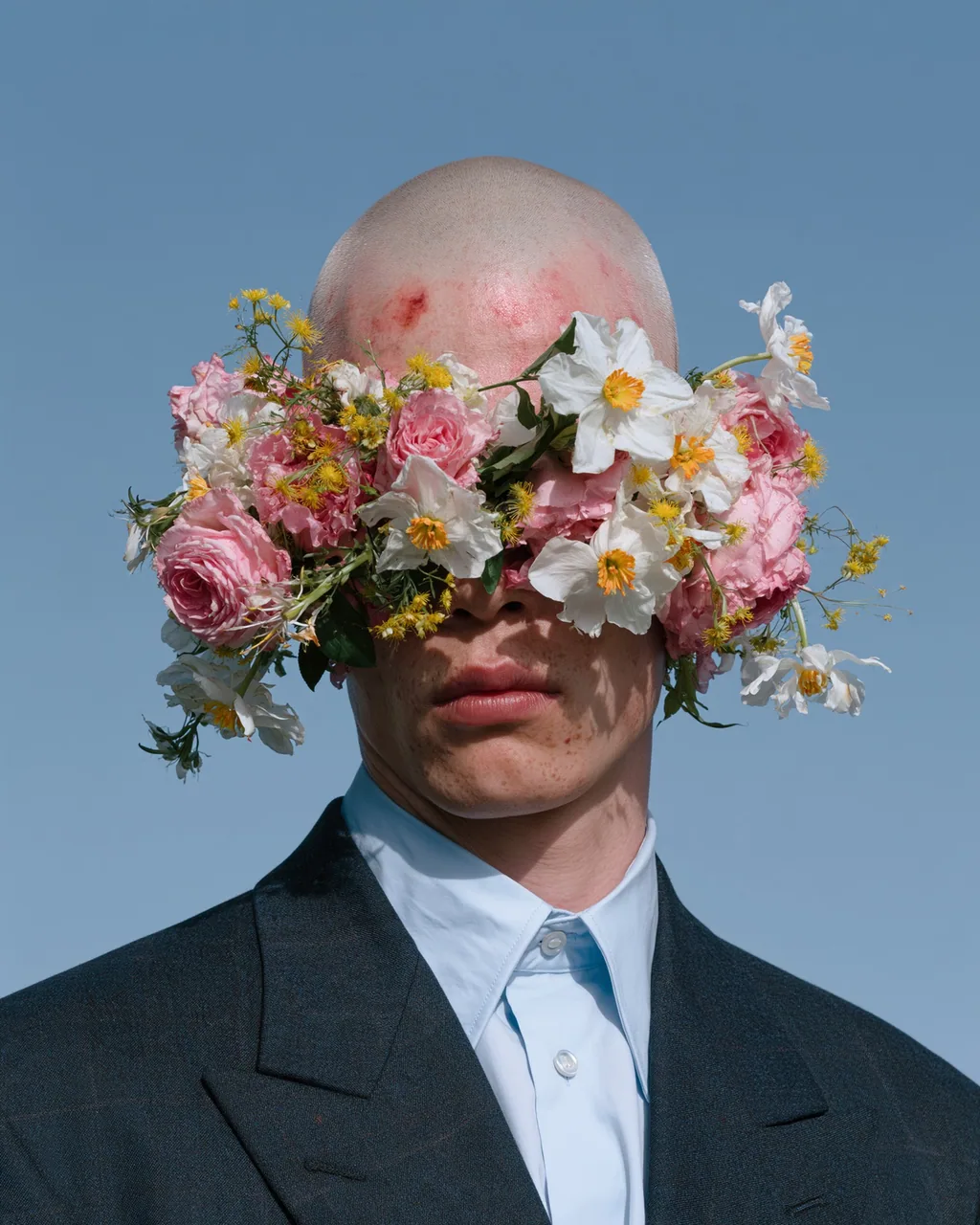
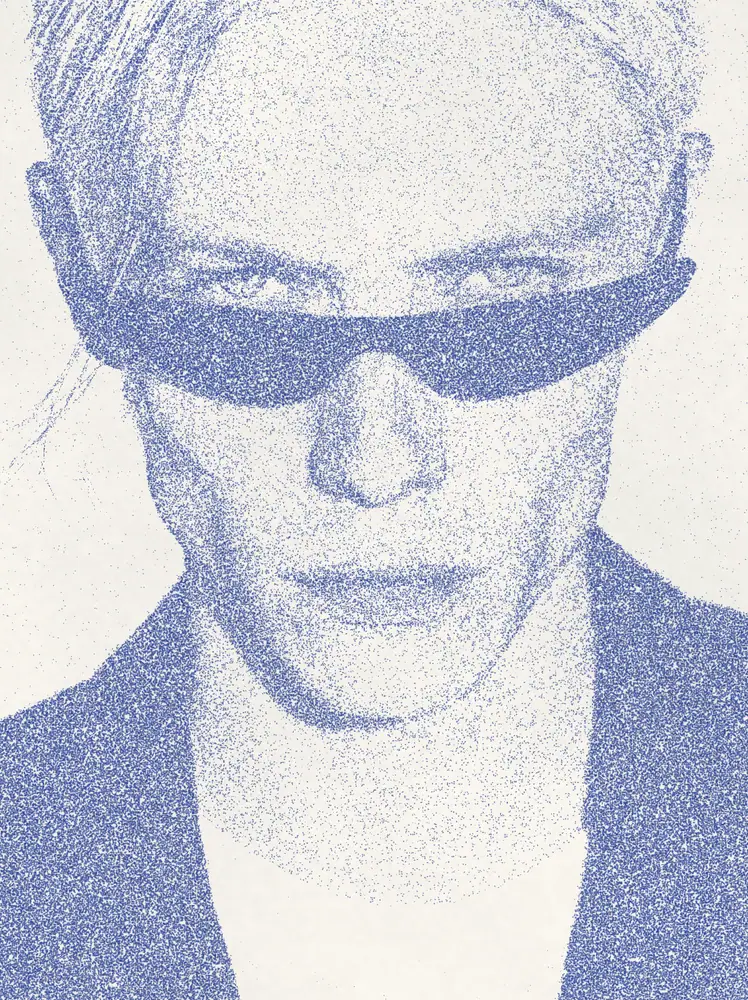
The stipple effect rebuilds your image from many irregular ink flecks printed on a paper texture with grain and fibers. Dark areas fill with dots, light areas thin out to bare paper. It starts with dark ink on bright paper, and you can change both colors, the dot spacing, size, bleed and grain.
Same effect, different settings
12 photos, each with its own settings. Try it on yours
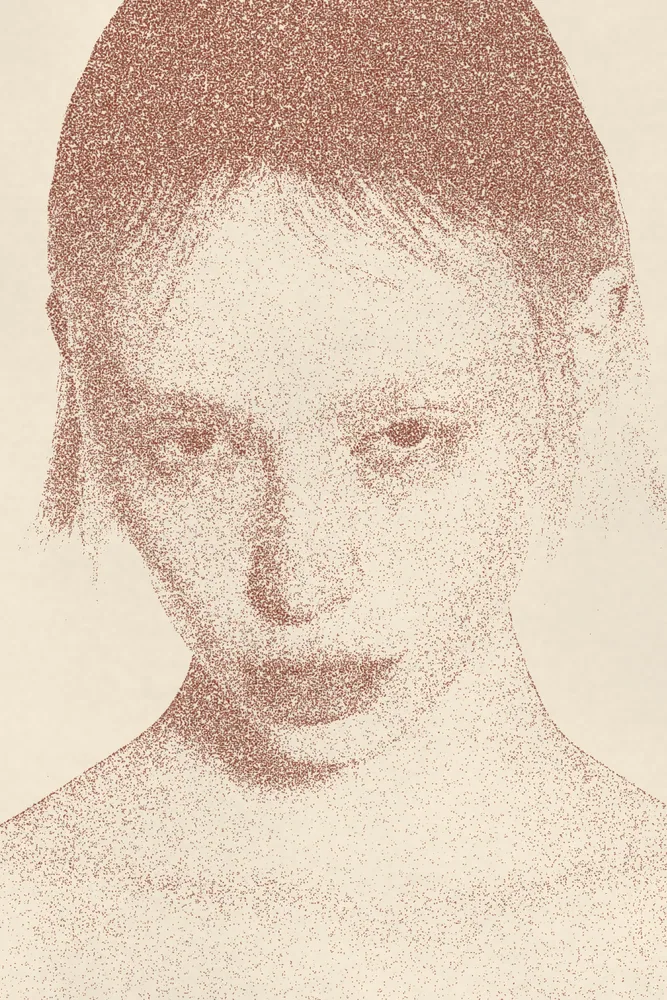
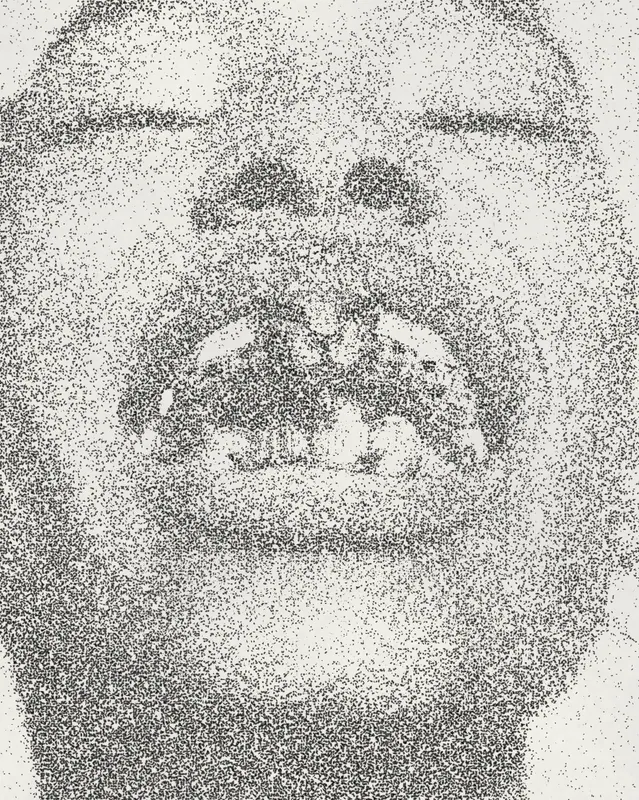
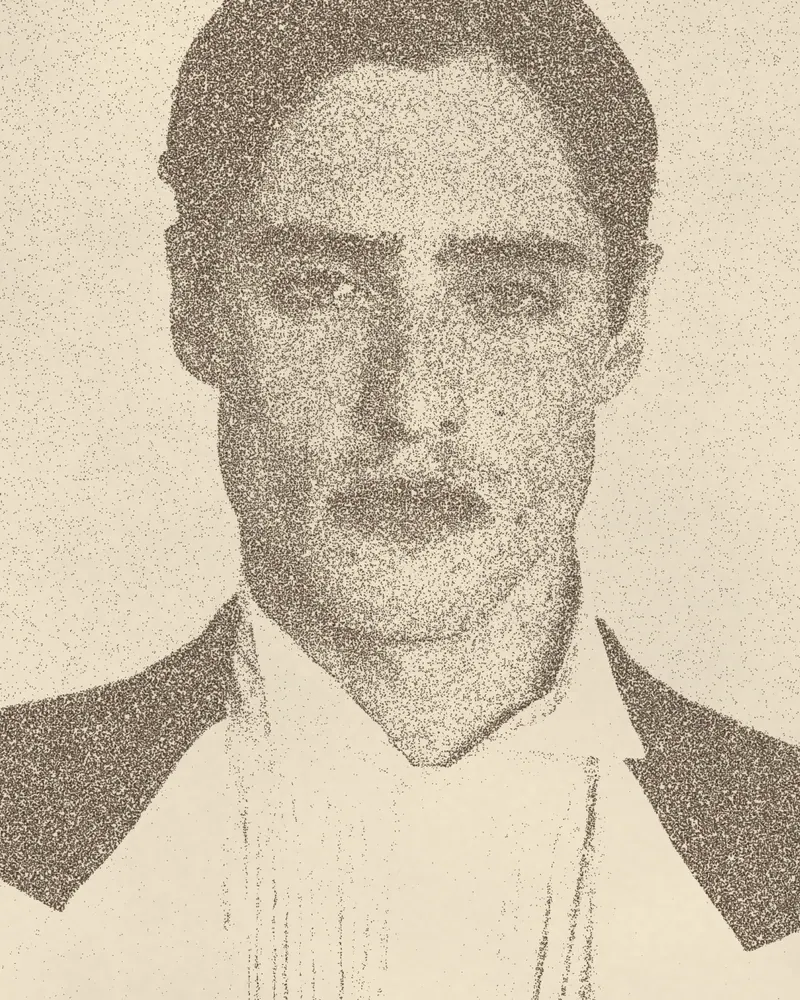
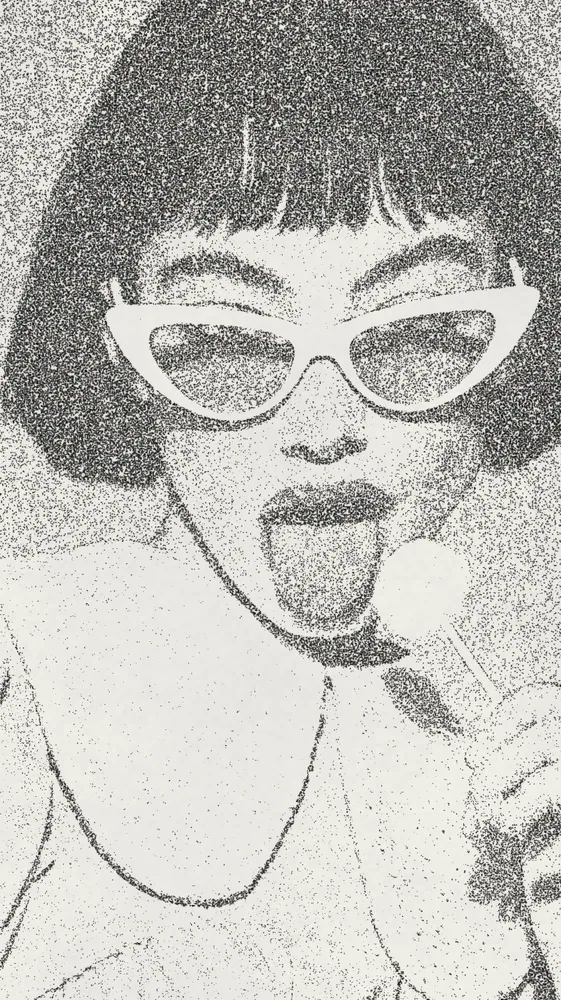
Use Stipple Effect in Photoshop, After Effects, Illustrator, Affinity or Figma
The plugins are free with an account. Paid plans add bigger renders and your own filters. See pricing
Photoshop
Apply it as a Smart Filter on a Smart Object, then double-click to change it.
After Effects
Drop it on any layer as a native effect and keyframe every control on the timeline.
Illustrator
Use a selection as the source and get back native vector paths or an embedded image.
Affinity
Open Filters > Plugins > Nexus, pick the look and apply it to a pixel layer.
Figma
Select a frame or image, run the look, and the result drops back into your file.
Settings worth touching
- Stipple Spacing
- Sets the distance between flecks. Low values give fine, dense detail. High values give a coarser, more open print.
- Dot Irregularity
- Moves flecks from even, round dots toward ragged, uneven marks that read more like hand-applied dry ink.
- Ink Bleed
- Spreads each fleck into the paper so dots soften and merge, as if the ink soaked in.
Frequently asked questions
How do I add a stipple effect in Photoshop?
Install Nexus for Photoshop, convert your layer to a Smart Object and apply the look as a Smart Filter. Double-click the filter any time to change spacing, density or colors.
Can I make a stipple effect in Illustrator?
Yes. Nexus for Illustrator uses your selection as the source and places the result back as an embedded image. This look is pixel-based, so it does not produce vector paths.
Is there a free stipple effect generator?
You can open this look in the Nexus web editor and try it on your own image without an account. Exporting needs a free account, which exports images up to 720px and video up to 720px with the Nexus mark.
Can I change the ink and paper colors?
Yes. The look starts with dark ink on bright paper, but Paper Color and Ink Color accept any color, and Invert swaps light and dark for a light-on-dark print.
How do I get a finer stippling effect?
Lower Stipple Spacing for smaller gaps between flecks, and adjust Stipple Density to control how many dots fill each tone. Dot Scale makes each fleck smaller or larger.



Try Stipple Effect in your browser
Free to try. Exporting needs a free account.