 Photoshop
 Illustrator
 After Effects
 Figma
 Affinity
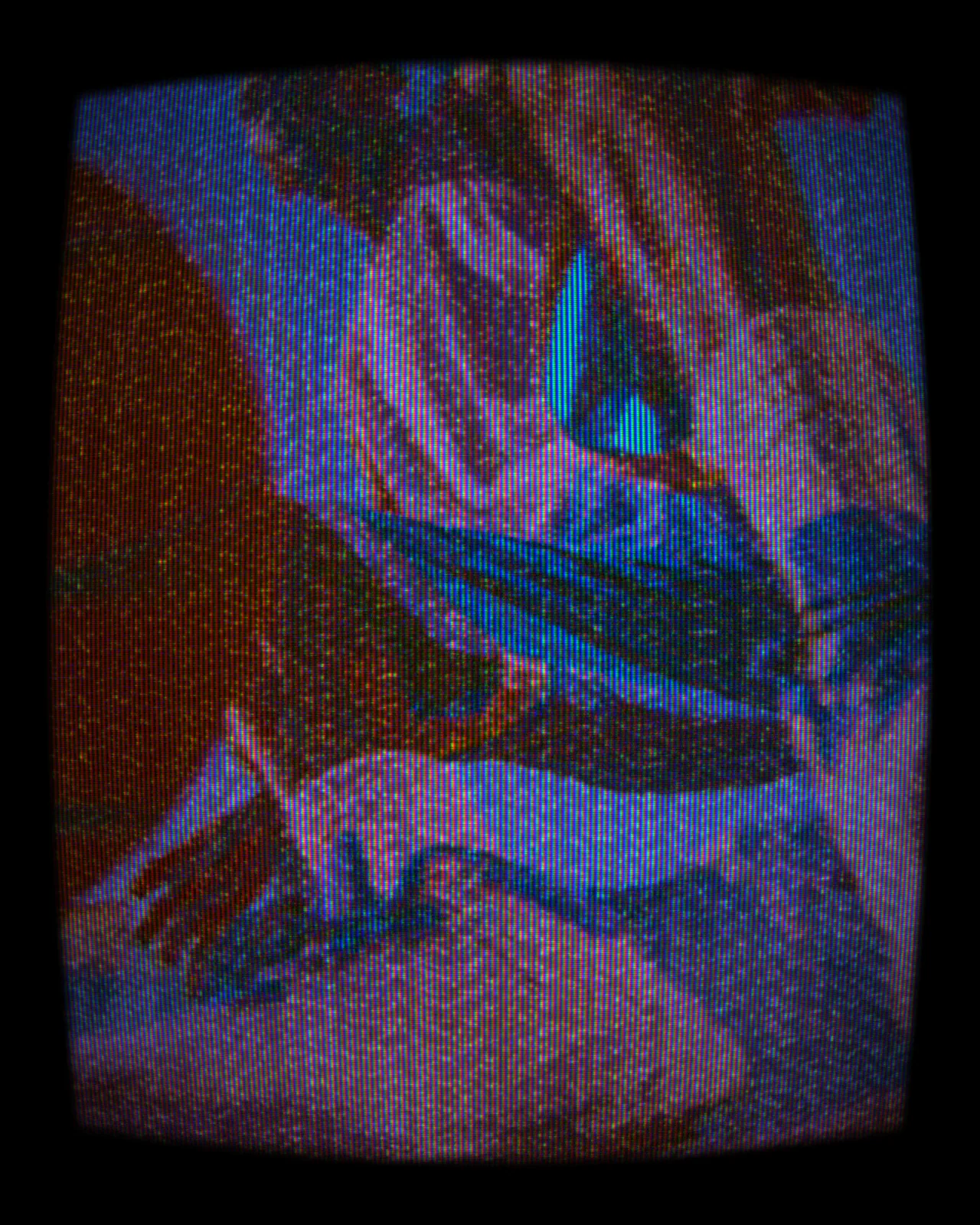
VHS Effect
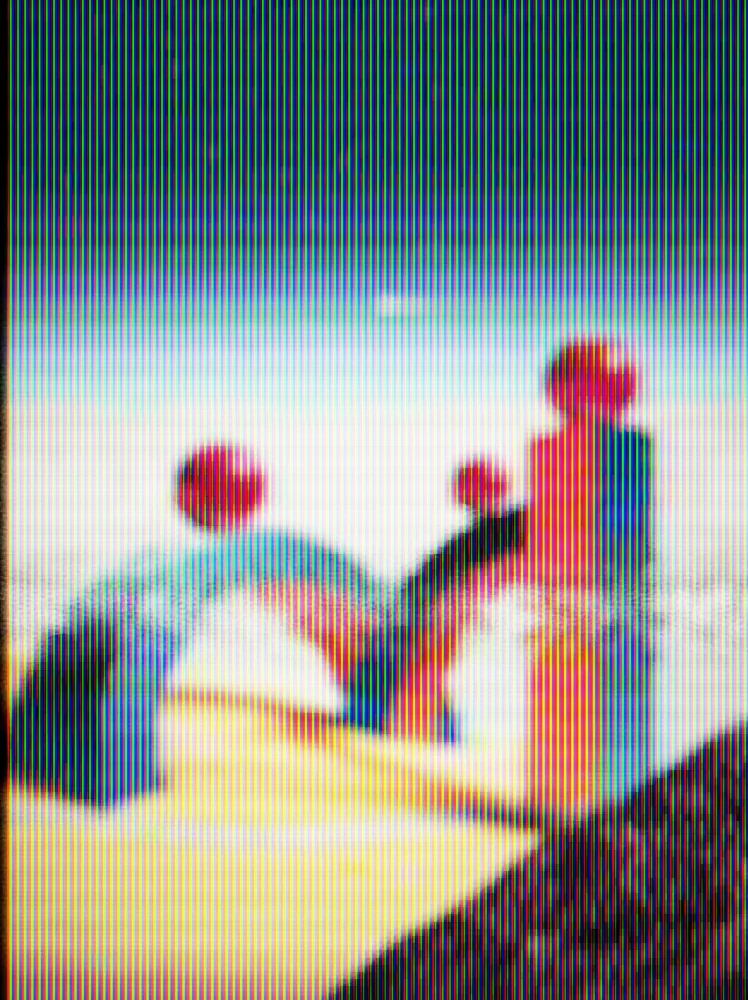
Plays any picture back like a worn tape, with ghosted edges, smeared color, tracking errors and a rolling noise bar.
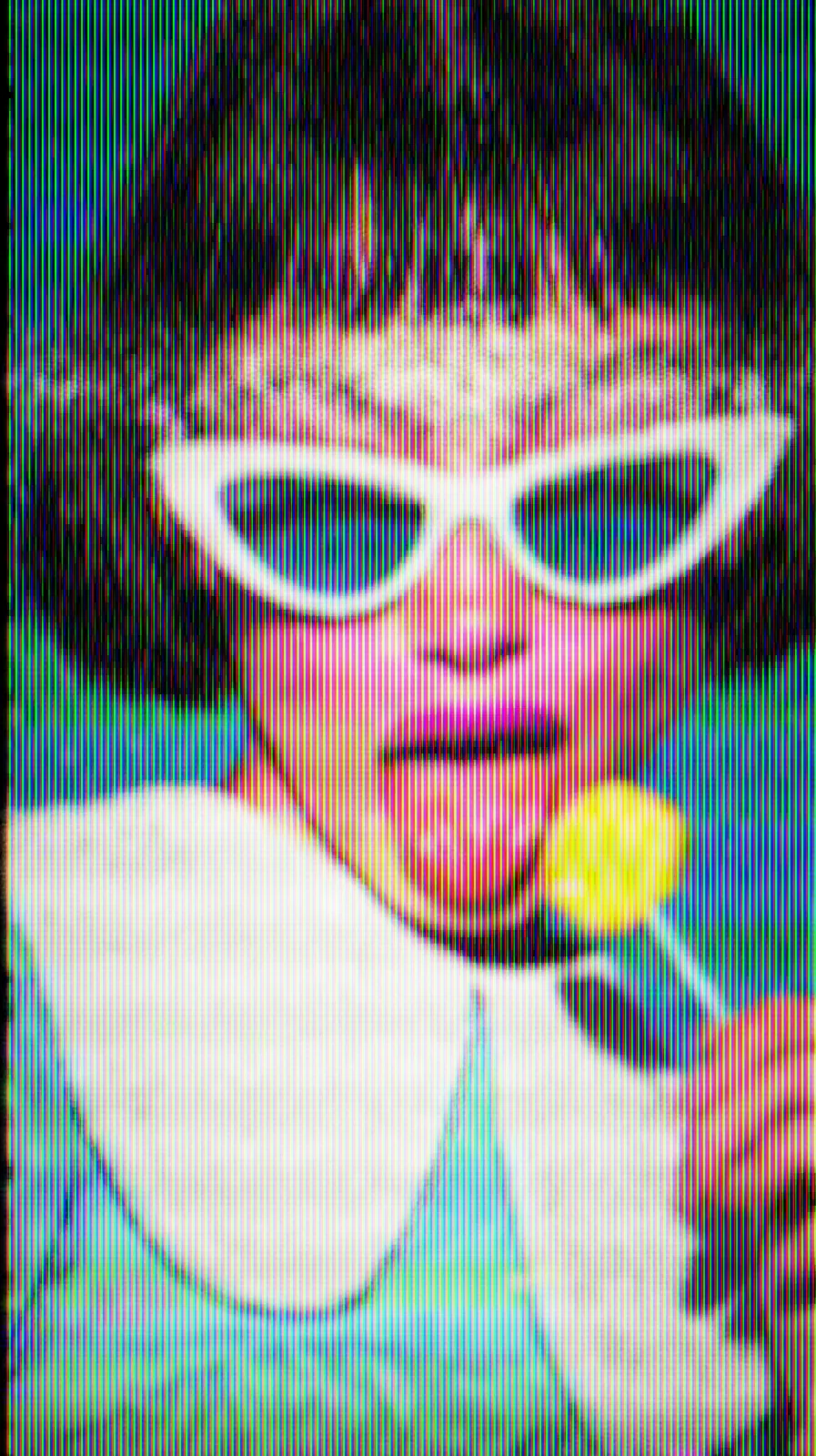

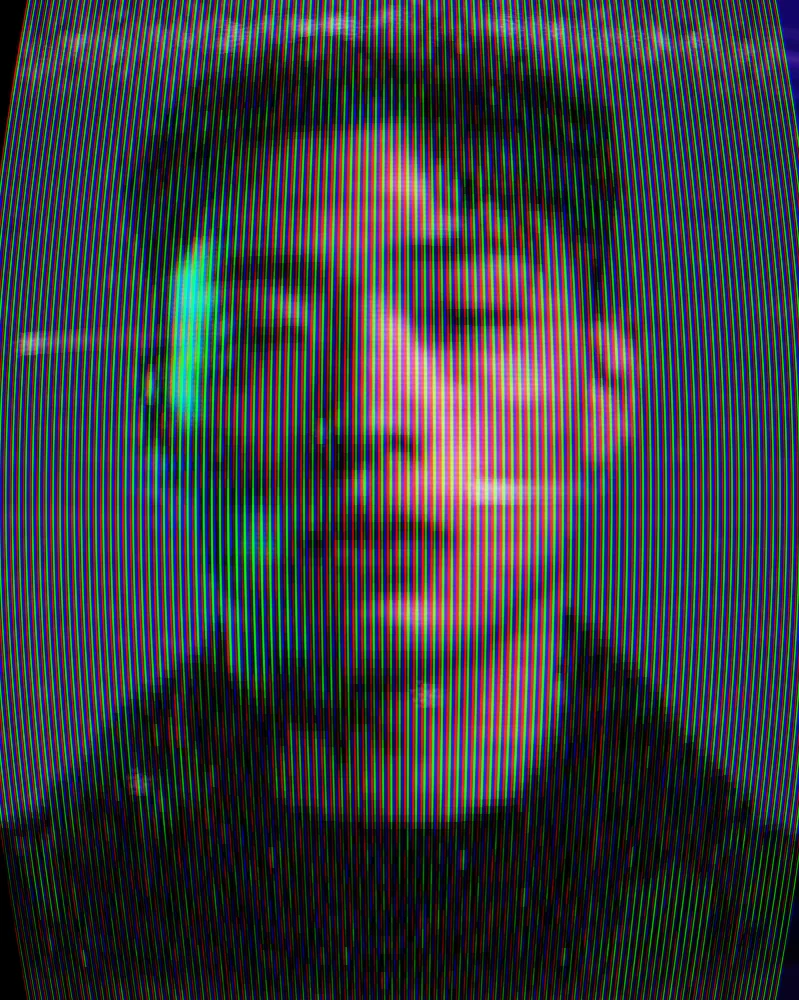
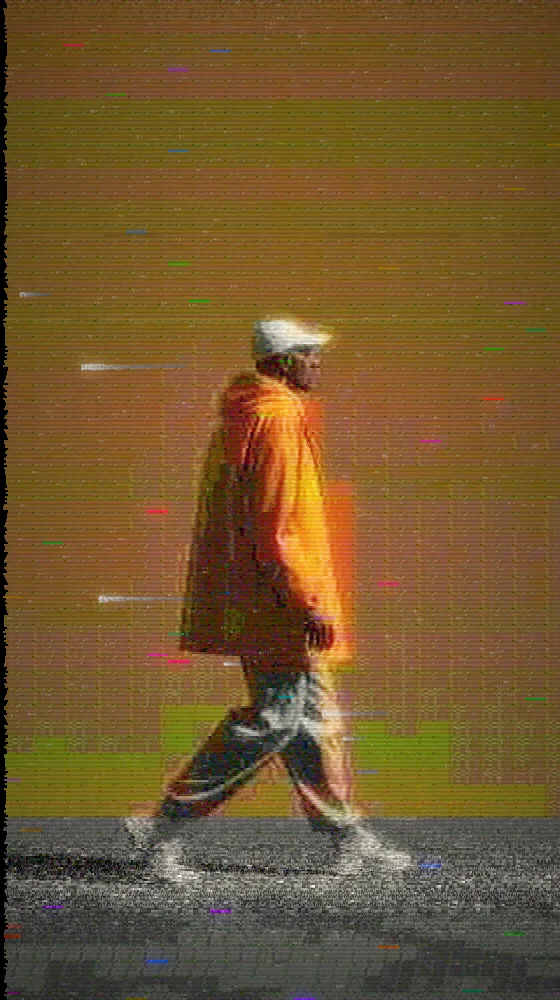
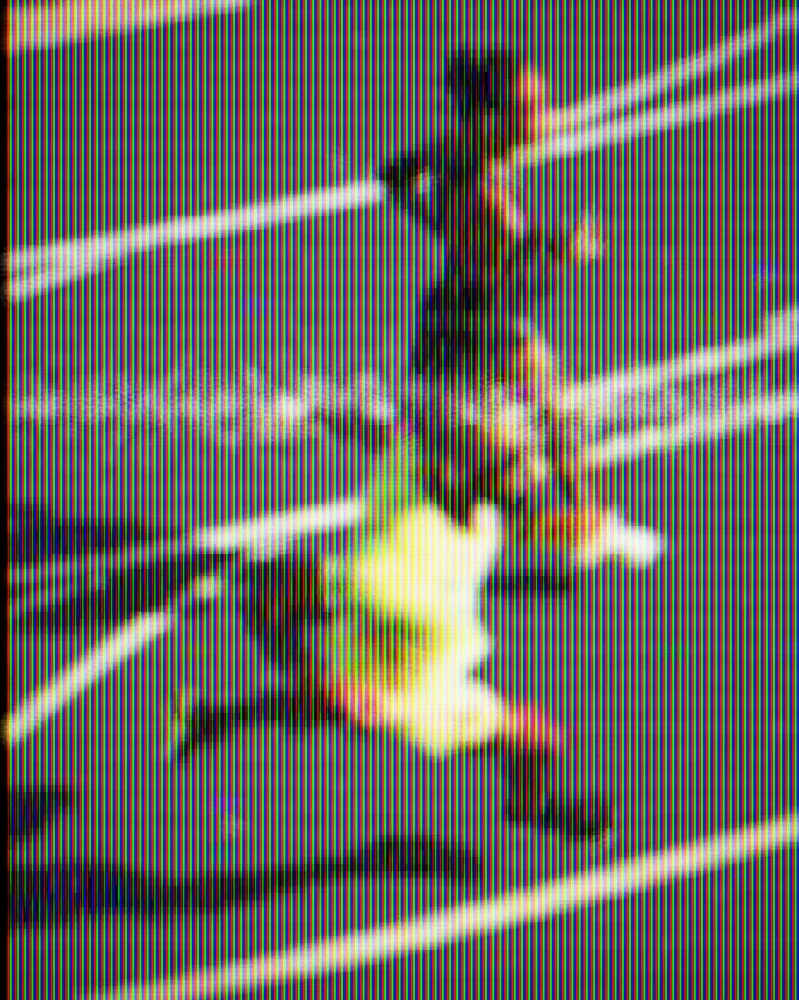
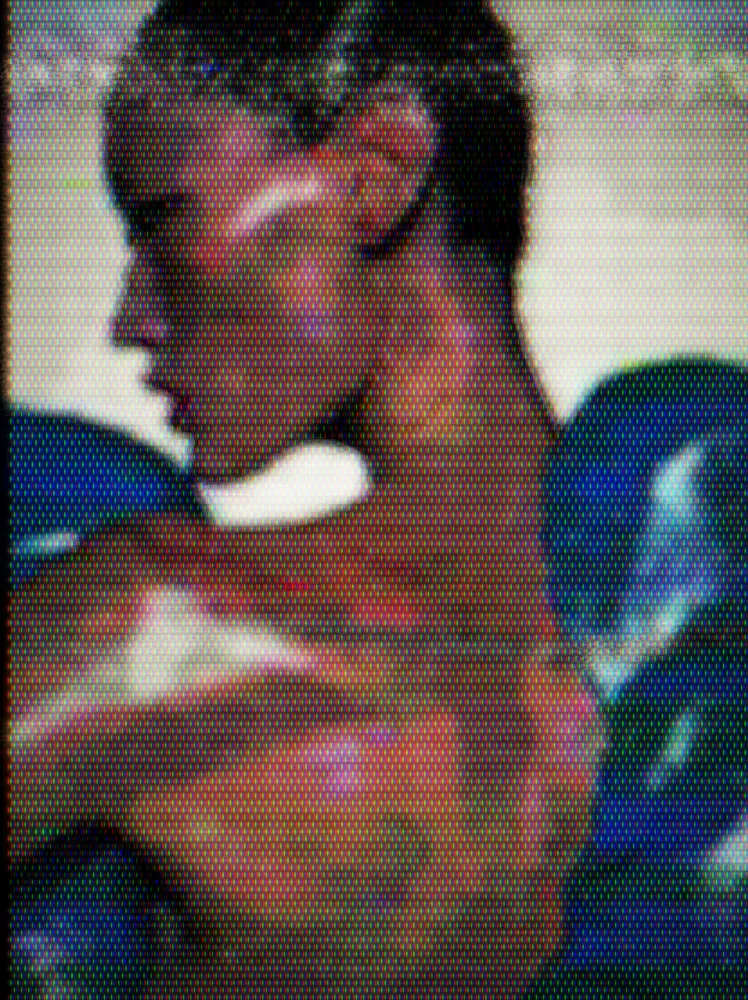
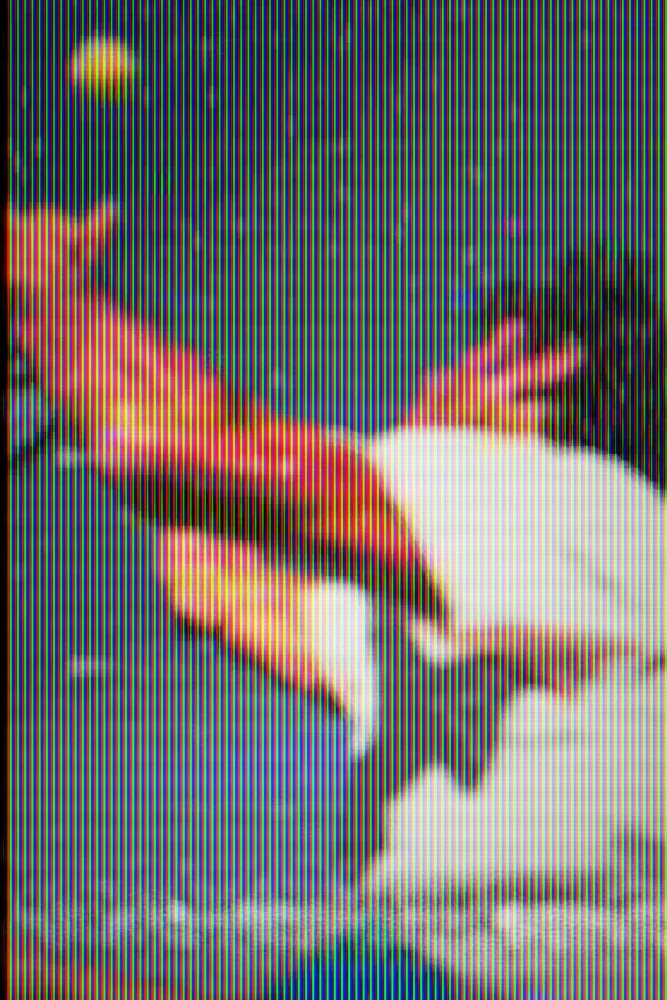
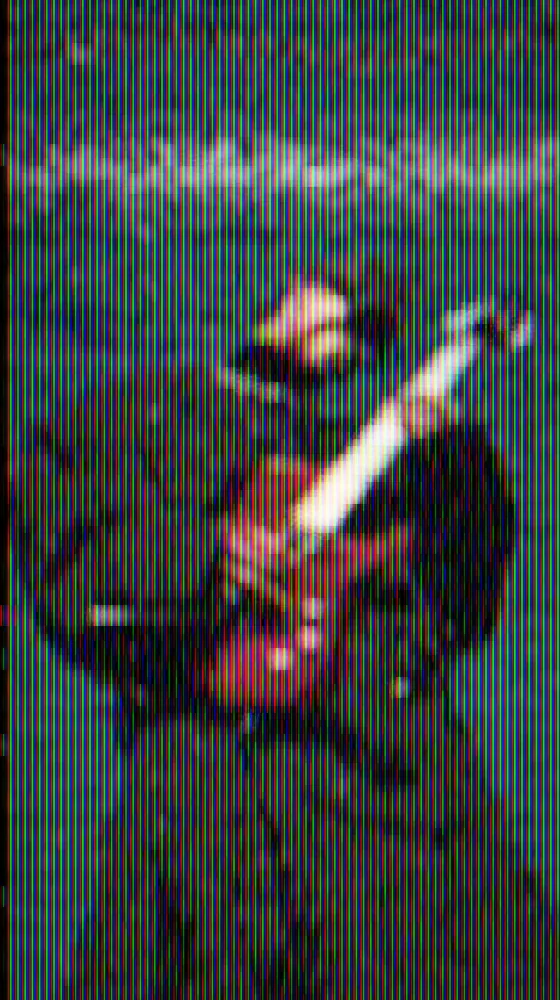
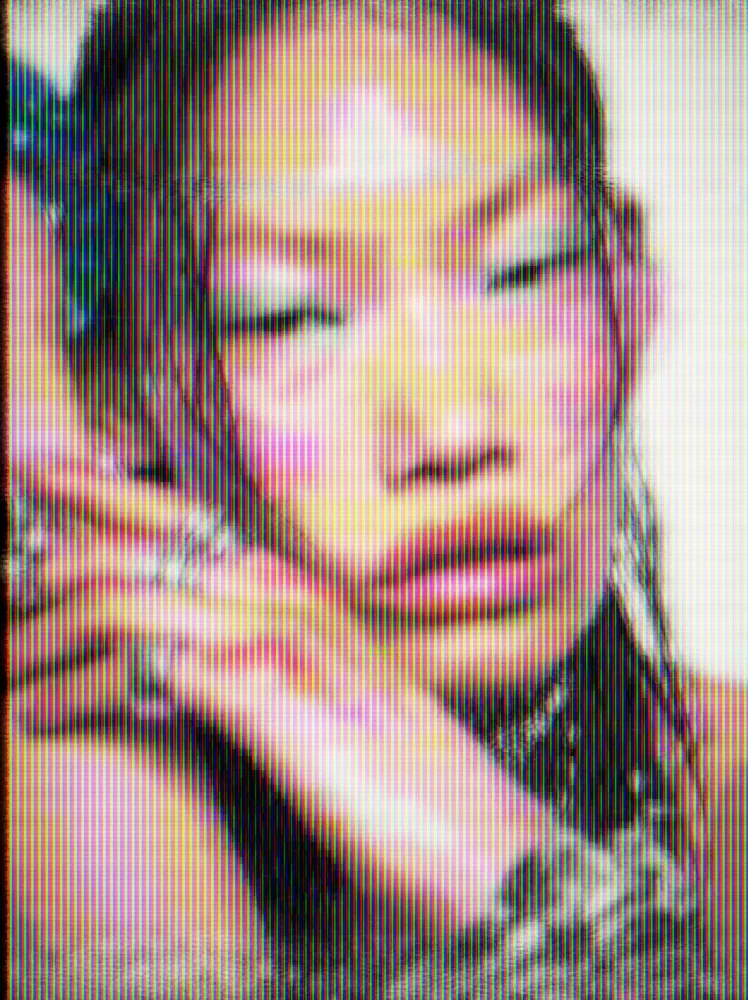
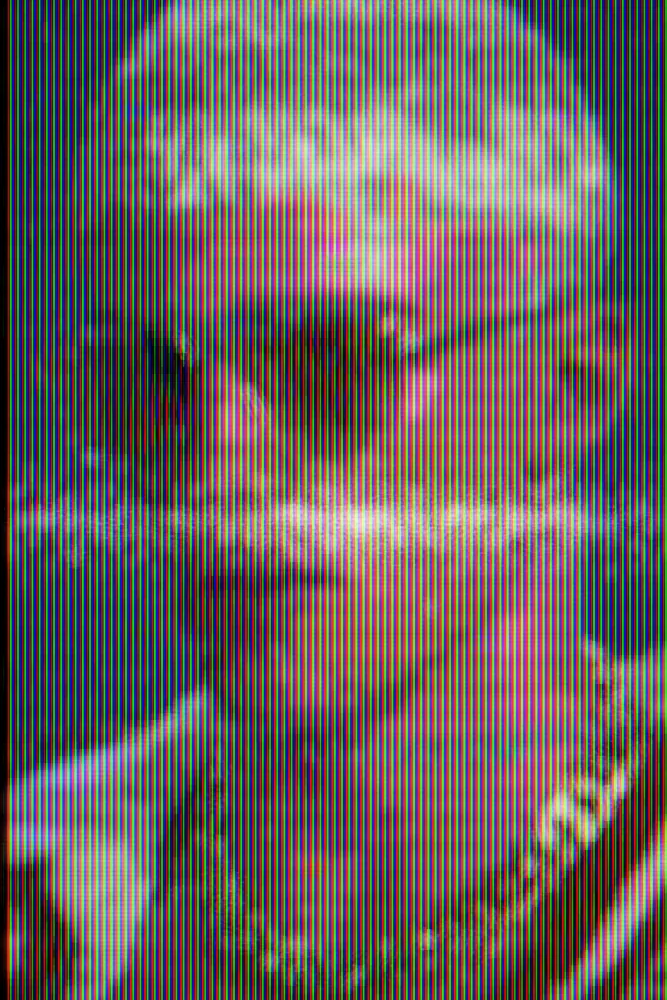
The VHS effect runs your picture through a simulated tape and a TV screen. Color bleeds past its edges, edges ghost, and noise bars and dropouts cut across the frame, all behind a phosphor mask. You can change the tape wear, tracking, ghosting, compression and the type of screen. The VHS effect comes with Nexus, a plugin for Photoshop, After Effects, Illustrator, Affinity and Figma.
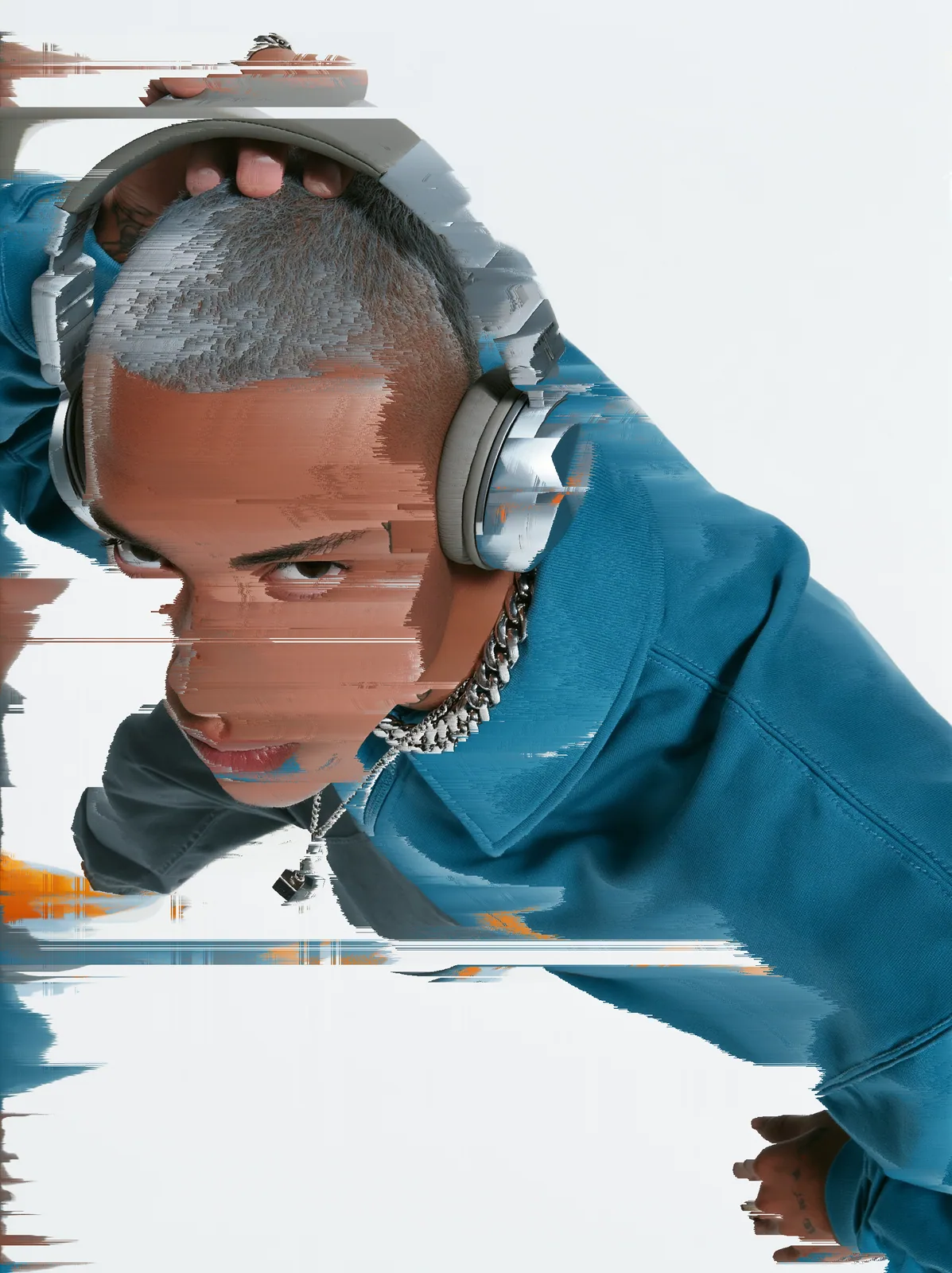
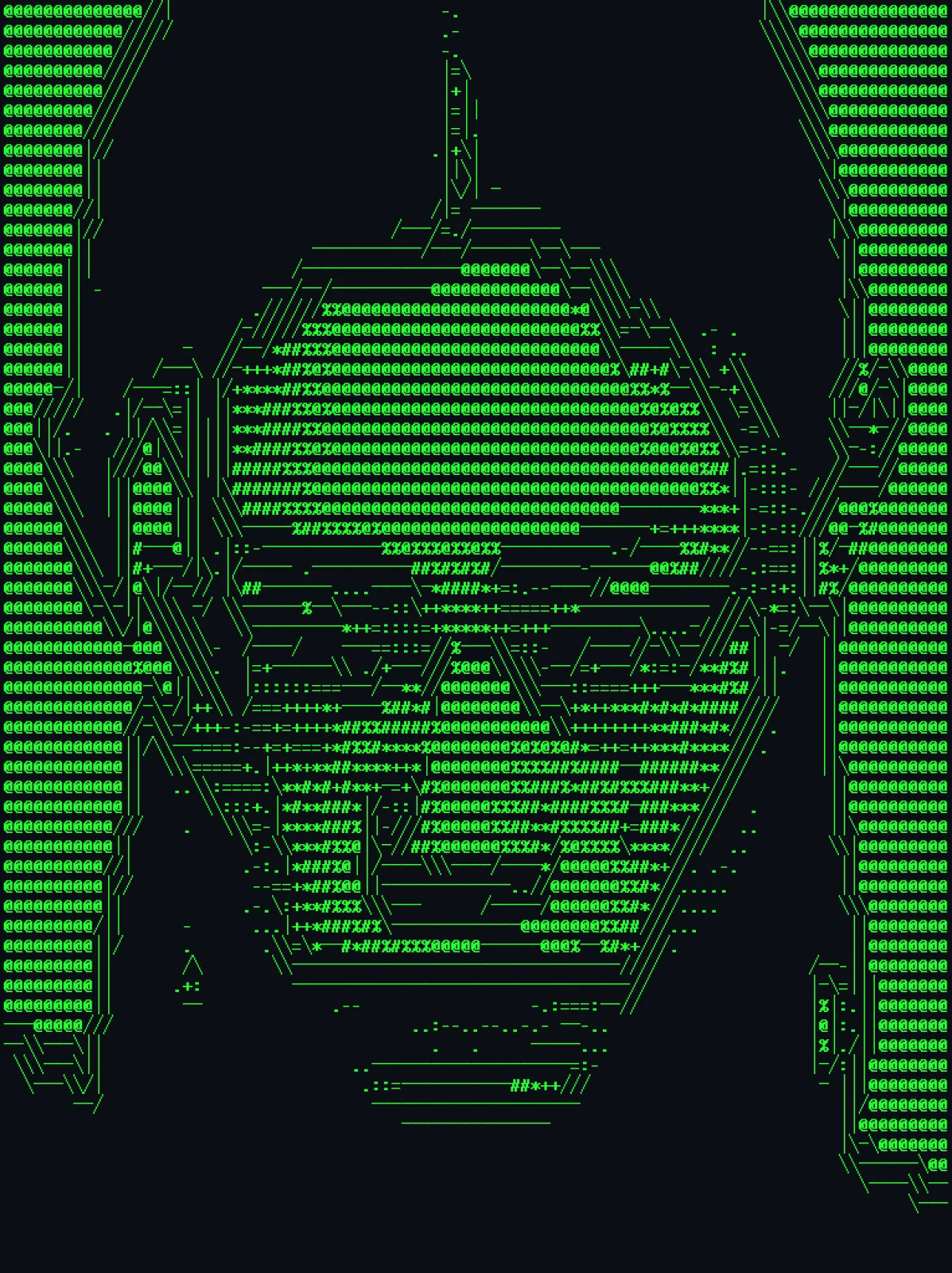
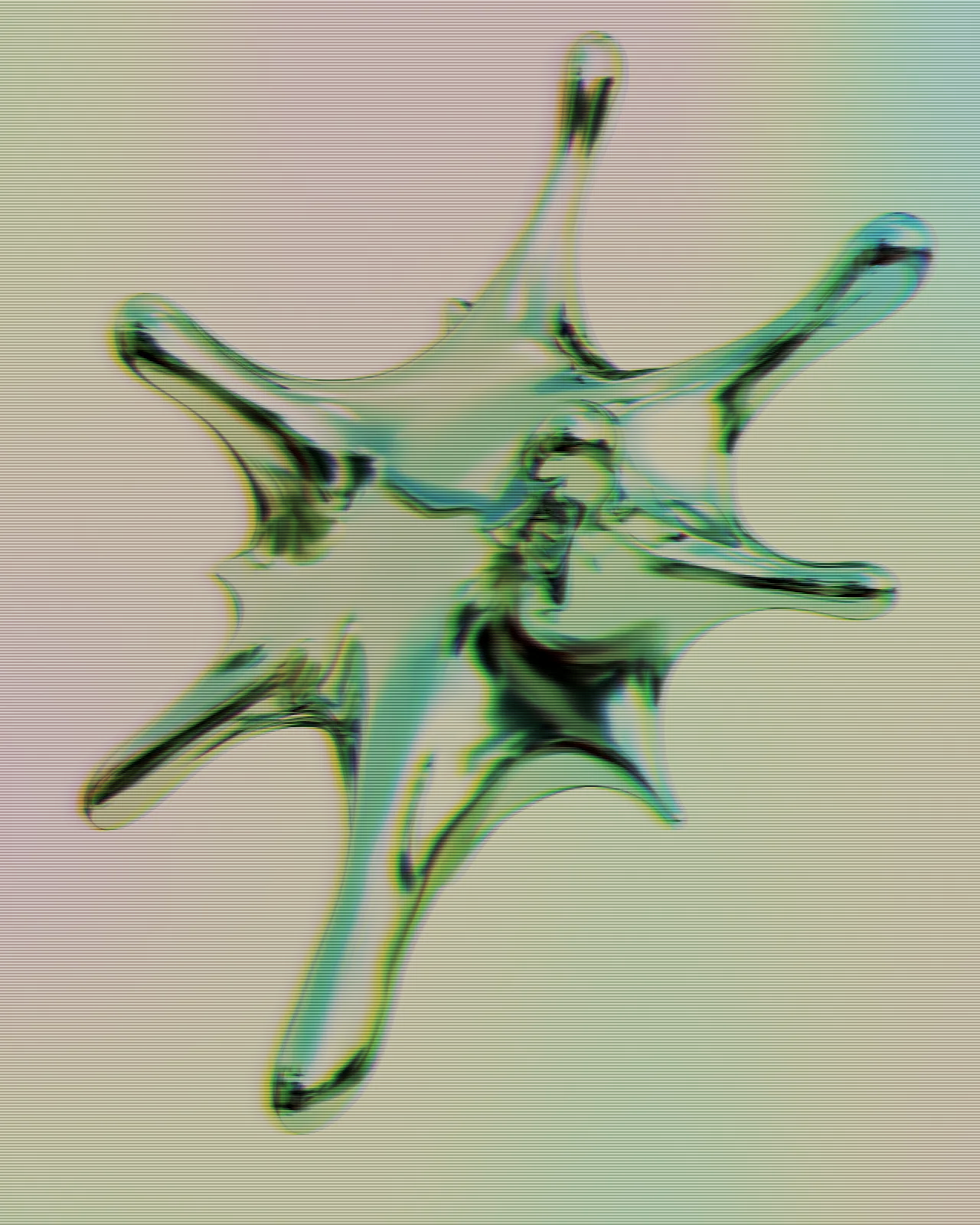
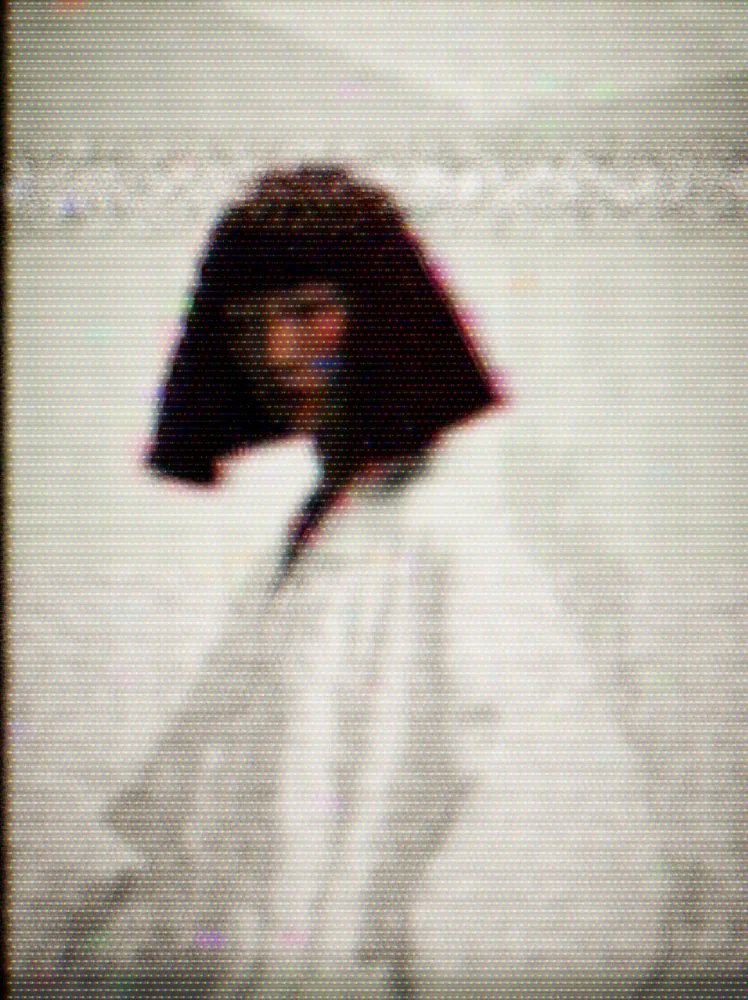
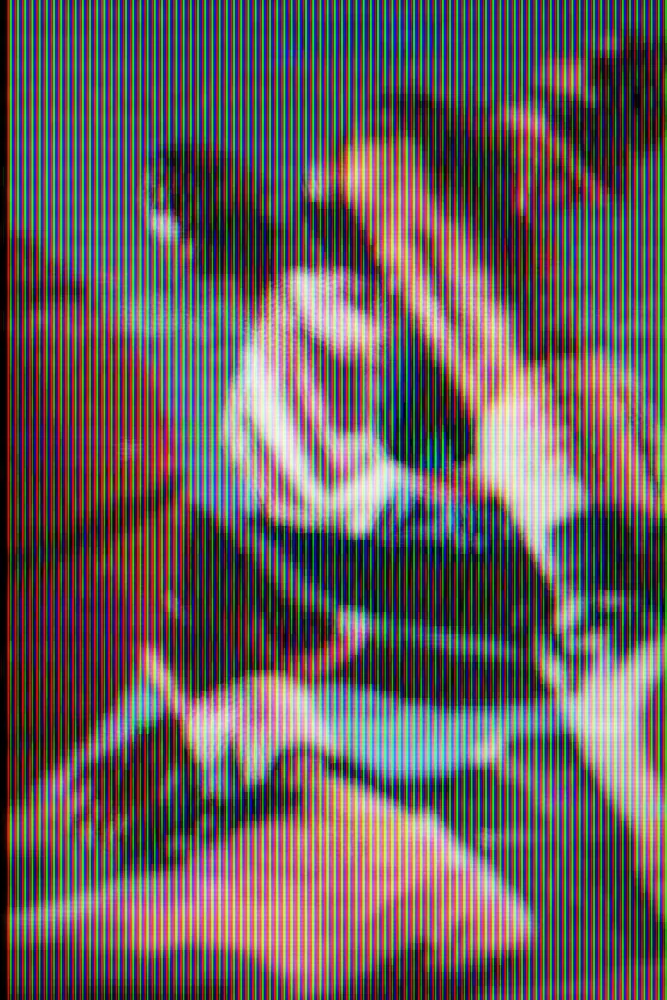
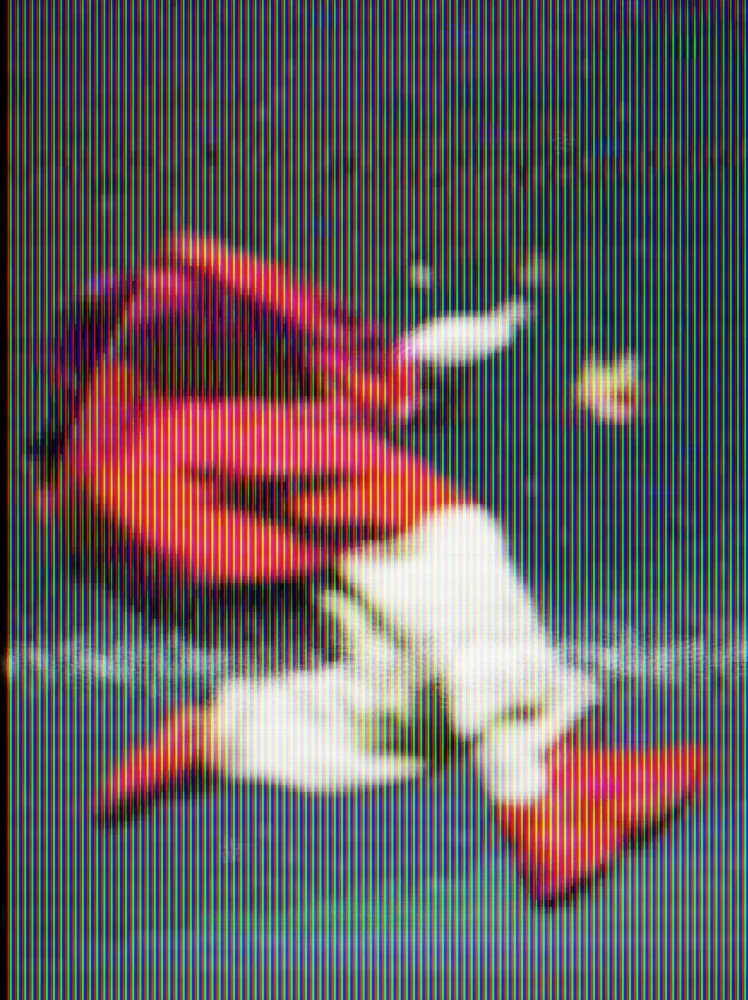
Same effect, different settings
12 photos, each with its own settings. Try it on yours
Use VHS Effect in your apps
It runs natively in Photoshop, After Effects, Illustrator, Affinity and Figma, with the same settings everywhere.
The plugins are free with an account. Paid plans add bigger renders and your own effects. See pricing
Photoshop
Apply it as a Smart Filter on a Smart Object, then double-click to change it.
After Effects
Drop it on any layer as a native effect and keyframe every control on the timeline.
Illustrator
Use a selection as the source and get back native vector paths or an embedded image.
Affinity
Open Filters > Plugins > Nexus, pick the look and apply it to a pixel layer.
Figma
Select a frame or image, run the look, and the result drops back into your file.
Settings worth touching
- Ghosting
- Sets how strongly a faint copy of the picture trails behind its edges.
- Noise Bar
- Sets the strength of the band of static that cuts across the frame. Lower it for a cleaner tape.
- Screen Type
- Switches the screen pattern between Shadow Mask, Aperture Grille, Slot Mask and LCD Pixels, or turns it off.
Questions, answered
Install Nexus for Photoshop, convert your layer to a Smart Object and apply the look as a Smart Filter. Double-click the filter any time to change its settings.
Yes. Drop it on any layer as a native effect and keyframe any control, such as Time, Tracking or Noise Bar, on the timeline, so the tape noise rolls through your shot.
It moves the tape forward, so the noise bar, flicker and dropouts land in a different place. Change it to find the frame you want, or keyframe it to play the tape.
Yes. In After Effects it runs on any footage layer. The web editor takes video too, and a free account exports video up to 720px with the Nexus mark.
Set Screen Type to Off for a tape look with no screen pattern, or lower Mask Strength to keep a fainter one. The ghosting, noise and color bleed stay the same.