 Photoshop
 Illustrator
 After Effects
 Figma
Figma Affinity
Vector effects
real paths from any picture
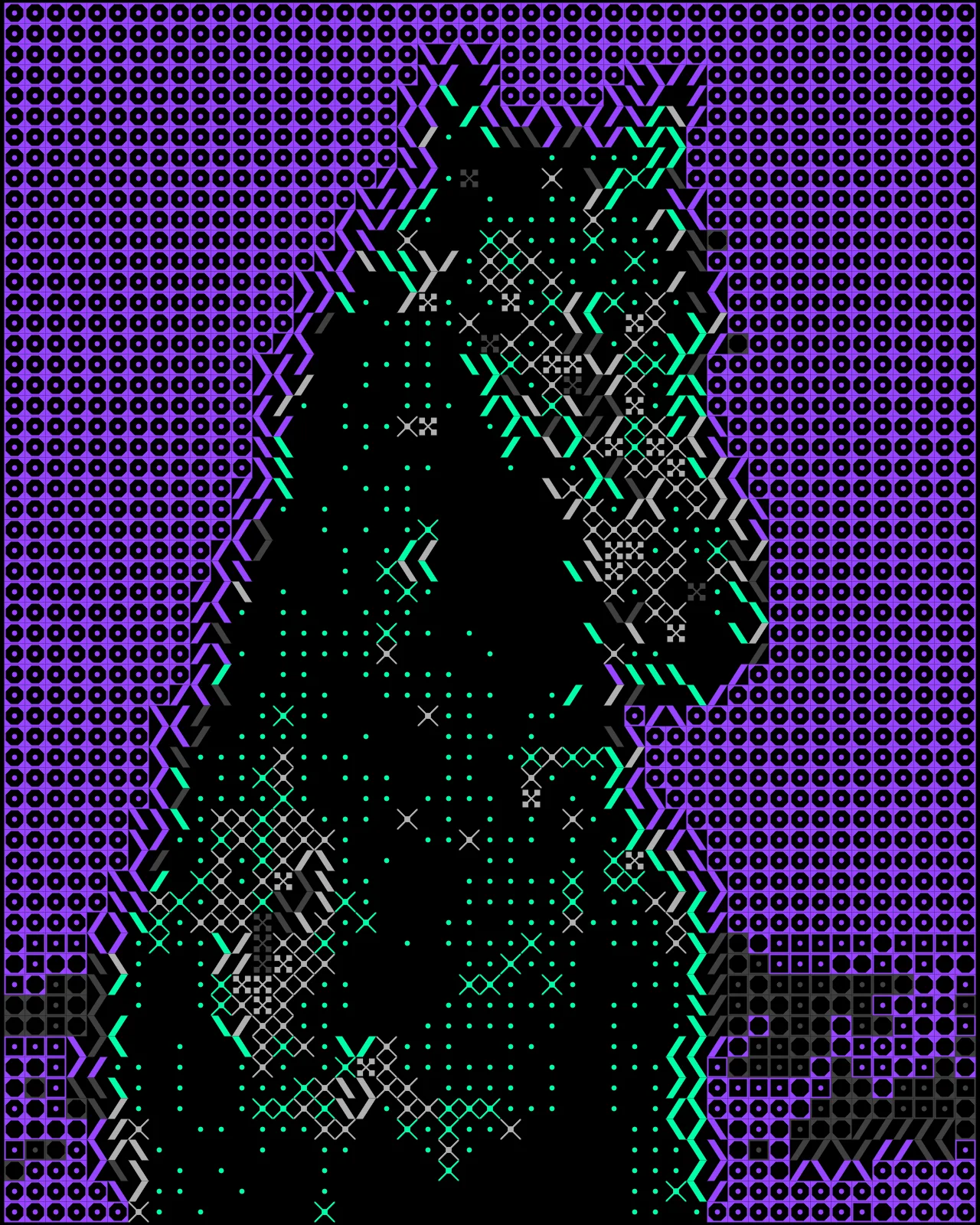
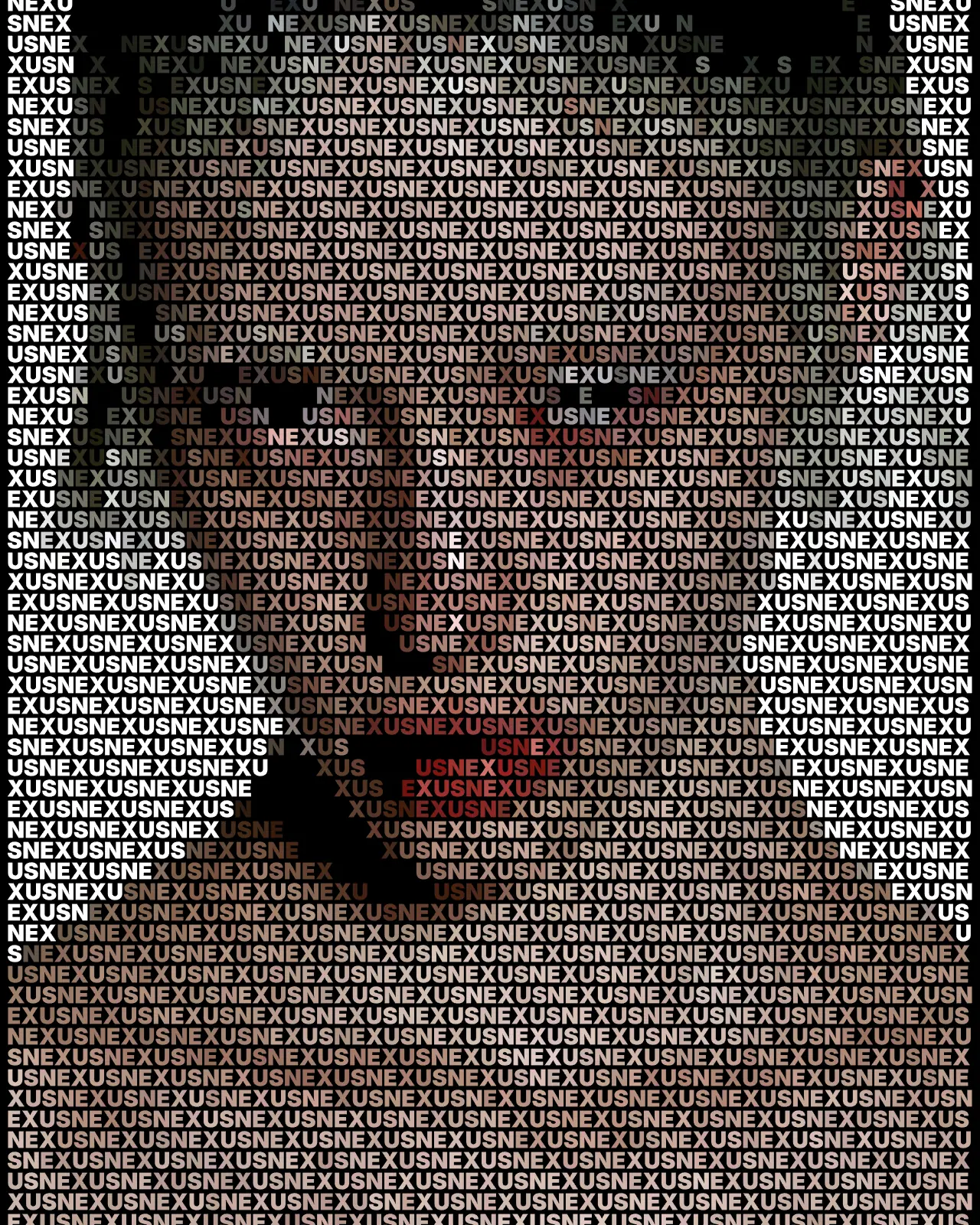
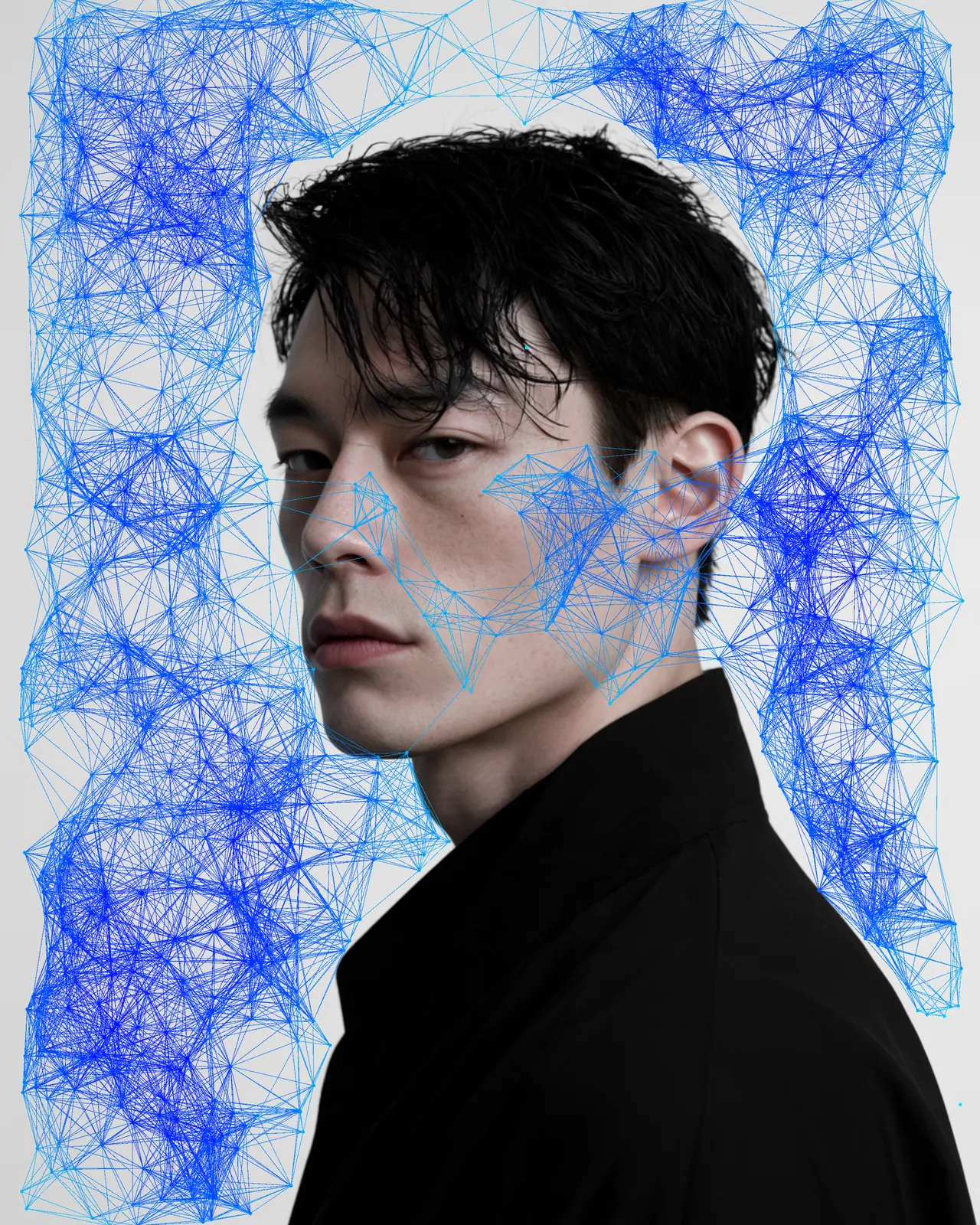
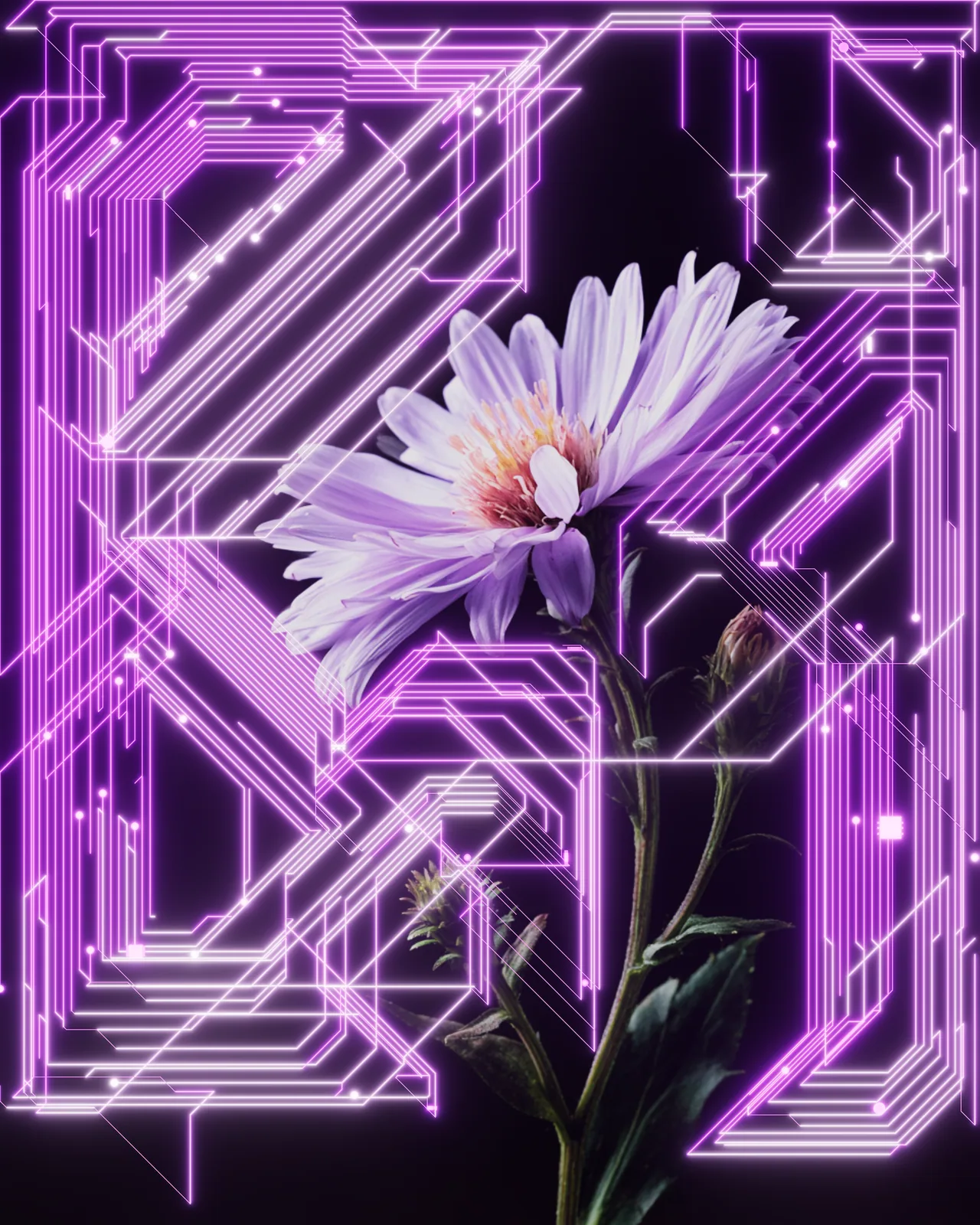
A vector effect redraws a picture as dots, lines, letters and shapes. Every mark is a real path you can scale and edit.
The plugins are free with an account. Paid plans add bigger renders and your own effects. See pricing
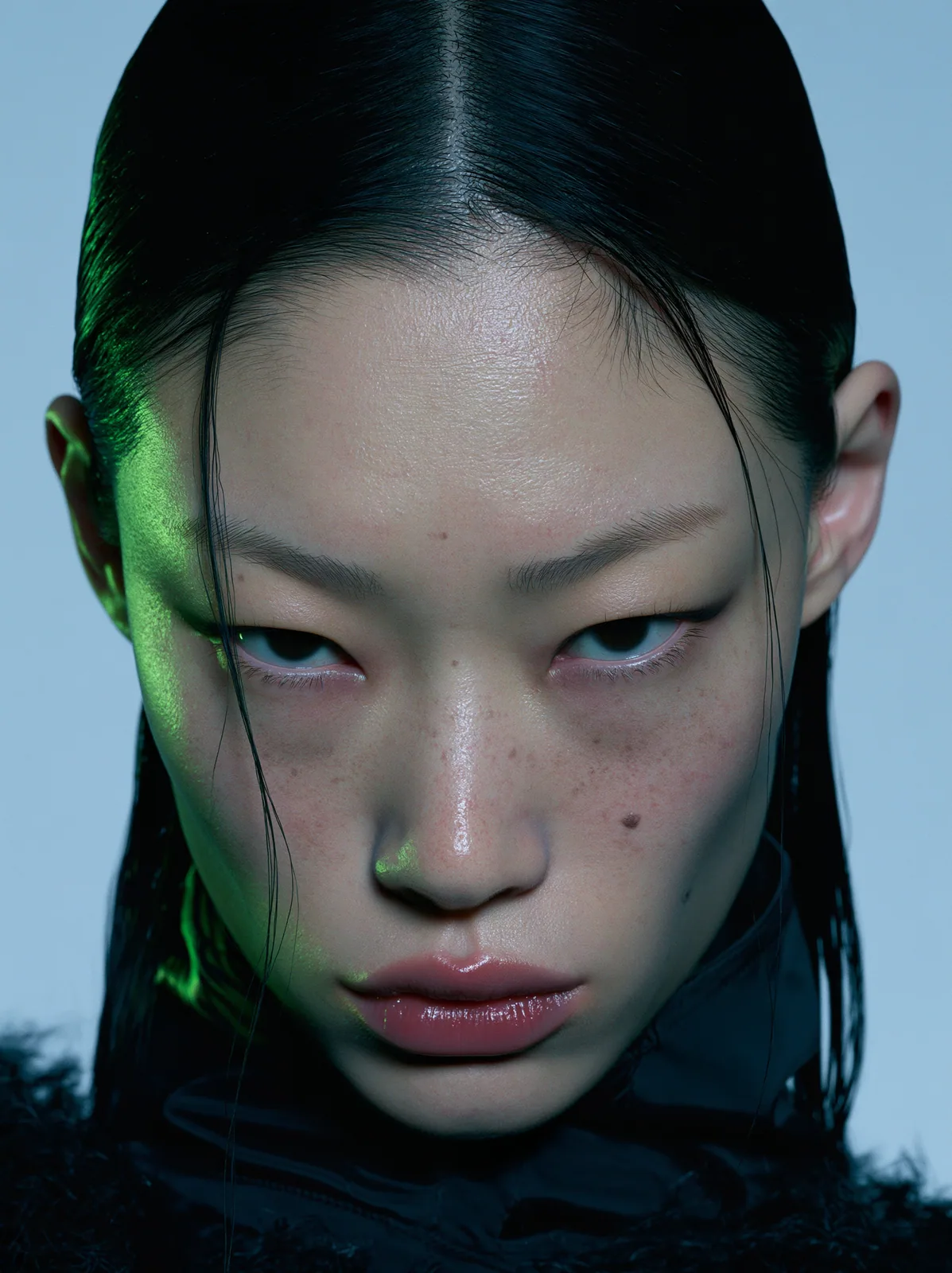
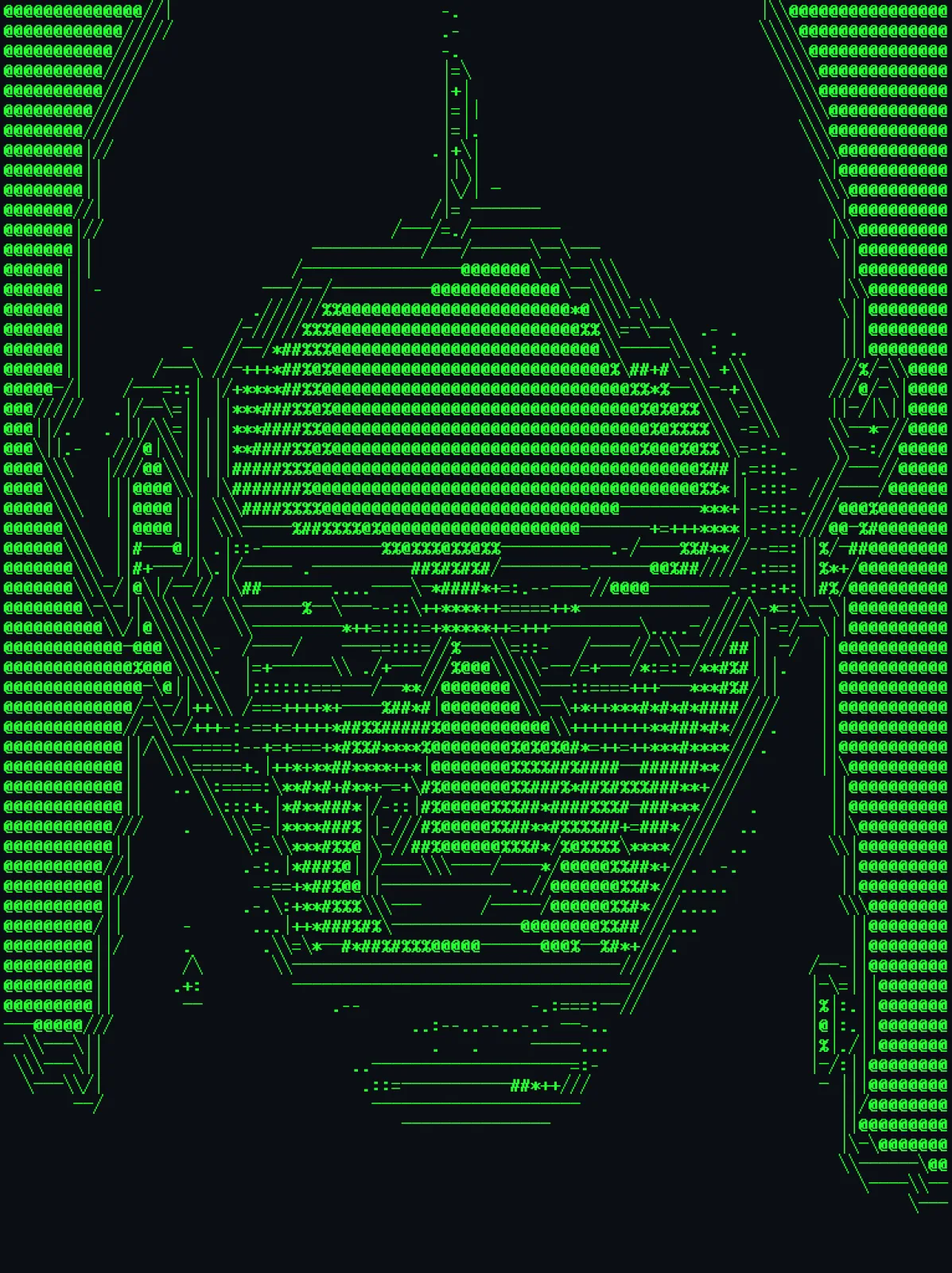
How a vector effect works
It draws the picture again with shapes, so what you get is a drawing, not a photo.
Every mark is a path
Dots, lines and letters come out as shapes, not pixels.
Sharp at any size
Blow it up to a poster and every edge stays crisp.
Yours to edit
Move points, recolor shapes or pull the parts apart.
Real paths in Illustrator and Figma
Hit Drop as vector and the look lands as paths you can edit.
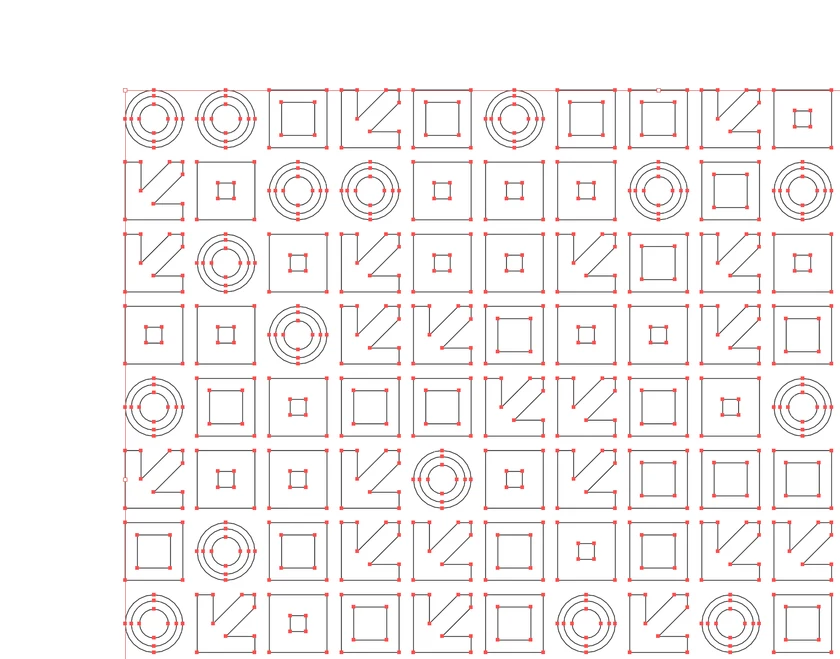
Illustrator
Real vector paths.
Hit Drop as vector and the look lands as paths you can edit, every anchor point included.
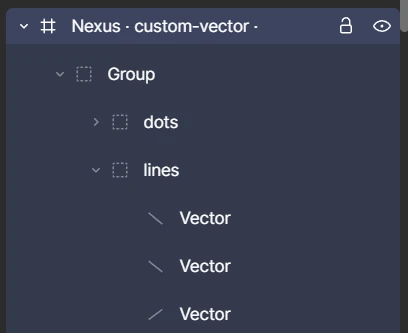
Figma
Real Figma layers.
Hit Drop as vector and you get groups and paths you can edit, not a flat picture.
Vector effects to start with
Every one runs in your apps with the same controls as the web editor. See every effect

In every app you use
Illustrator, Figma and the web editor keep the paths. Photoshop, After Effects and Affinity render them as pixels, with every setting still live.
Describe a vector effect
Switch Create to Vector and describe the look, from stipple and contour lines to flow fields and mazes.
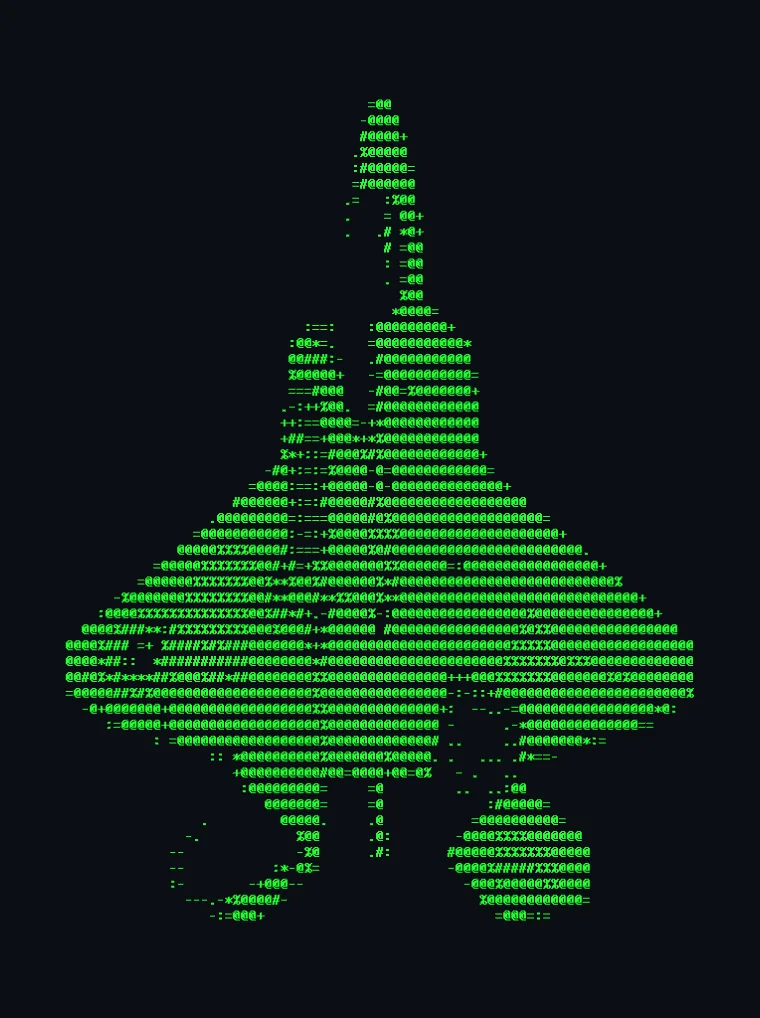
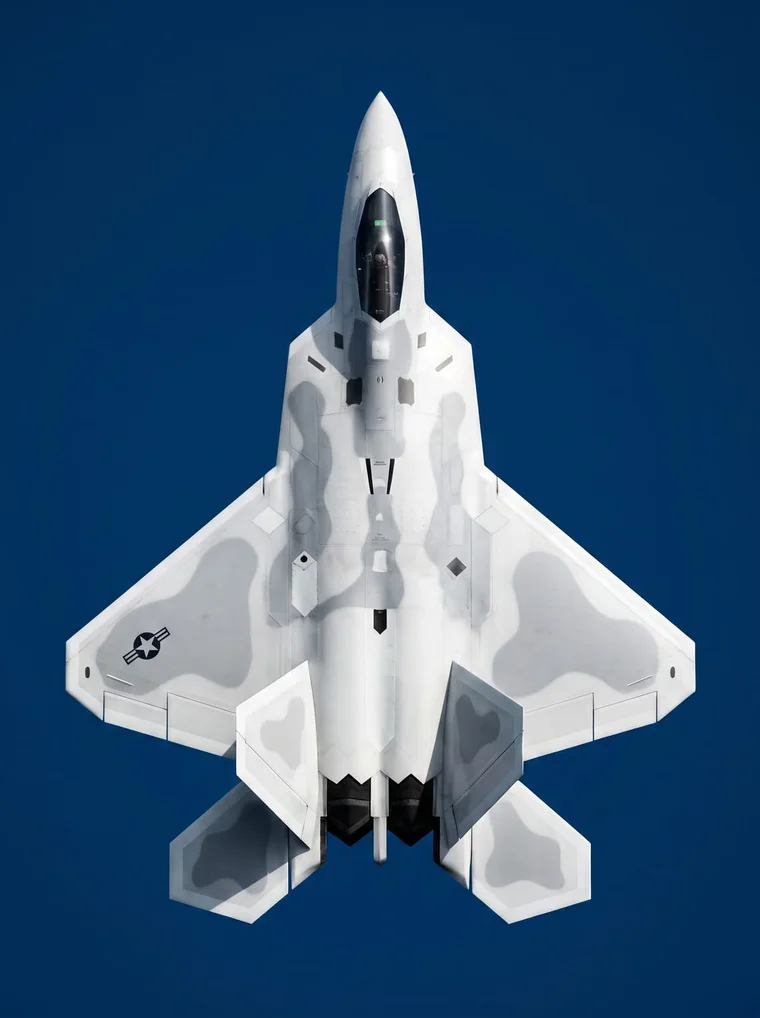
The photo as green ASCII characters on a dark terminal background
ASCII
Raster or vector?
Questions, answered
An effect that draws with shapes: dots, lines, letters and tiles, each one a real path. ASCII art, plexus, dither and text portrait are vector effects.
In Illustrator and Figma, hit Drop as vector. In the web editor, export an SVG on Creator and up.
Yes. There it renders as pixels, like any other effect, and every setting stays live.
Yes. Keyframe any setting in the web editor or in After Effects, and export the result as video.
Yes, with Create on Creator and Pro. Switch it to Vector and describe the look, from stipple and contour lines to flow fields and mazes.