 Photoshop
 Illustrator
 After Effects
 Figma
 Affinity
CRT Effect
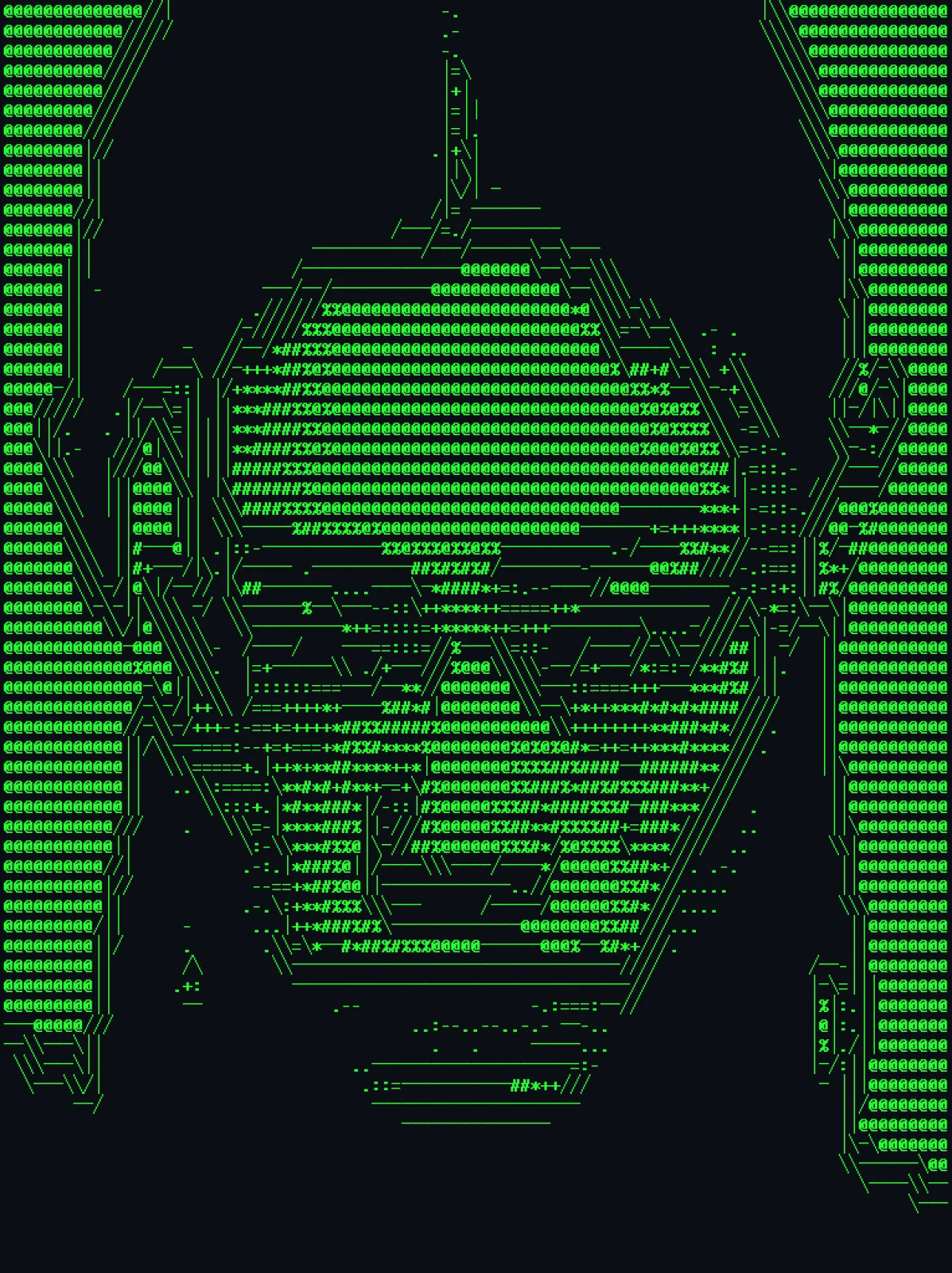
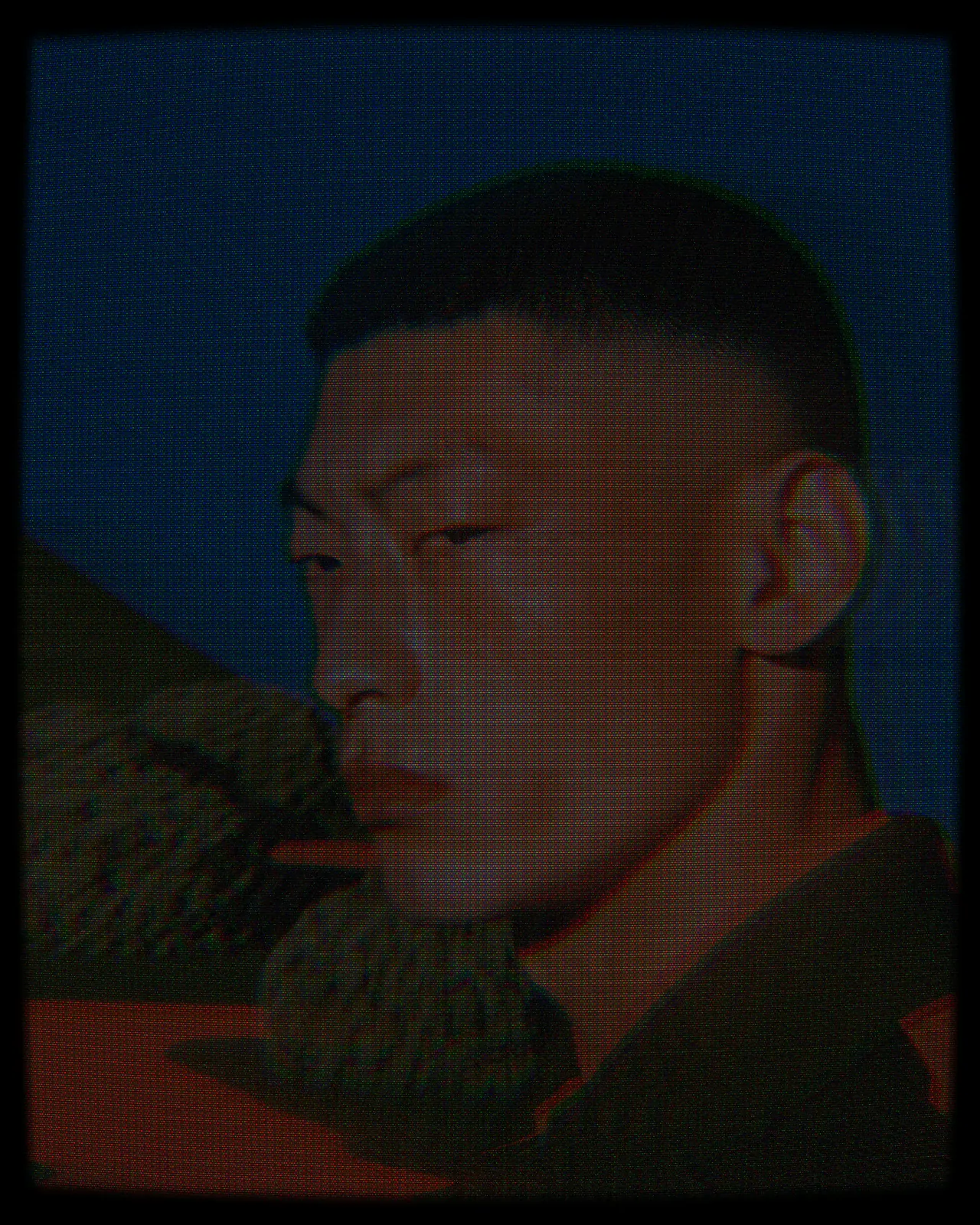
Turns any picture into a glowing image on a curved tube screen, with scanlines, phosphor masks and VHS-style signal ghosts.
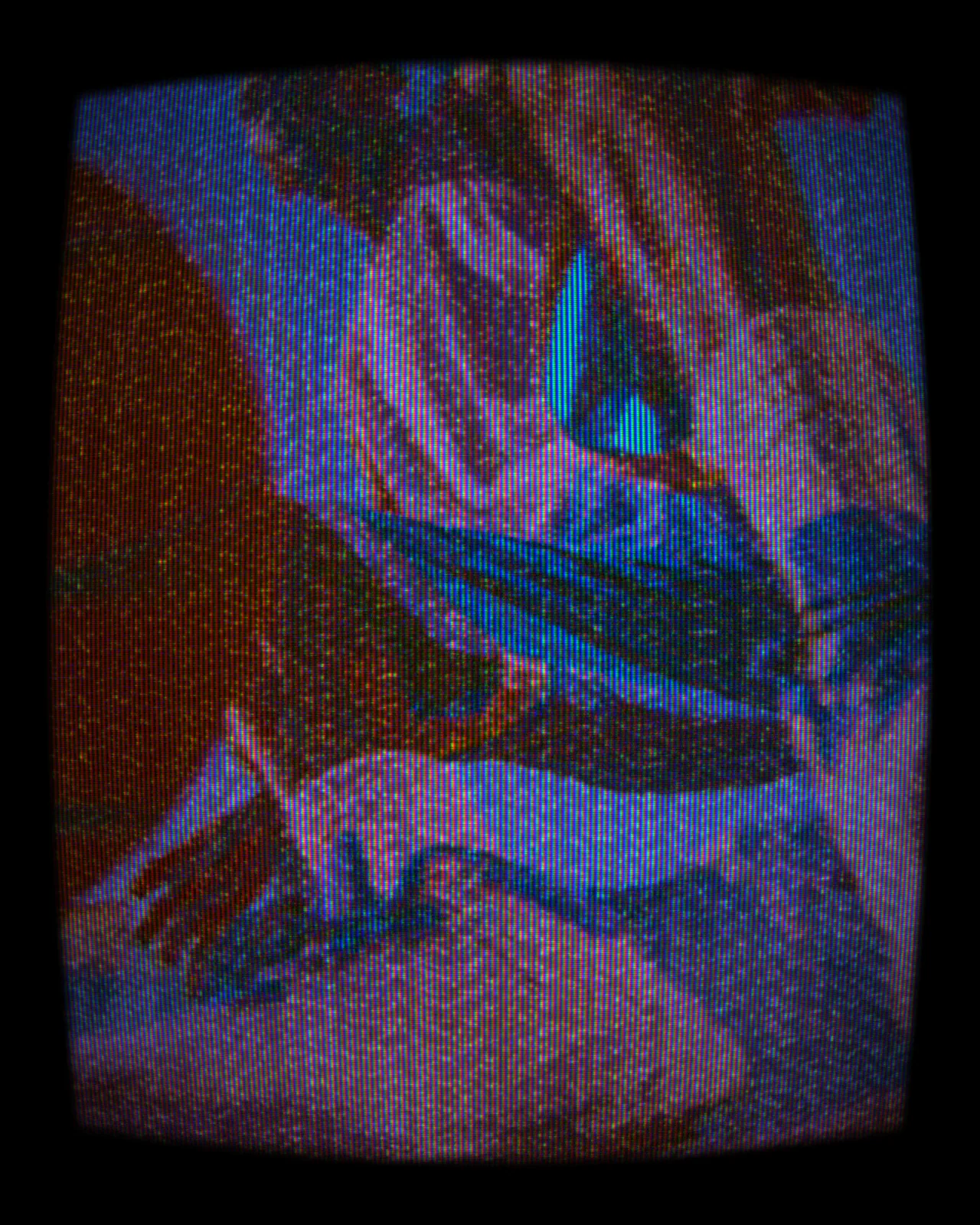

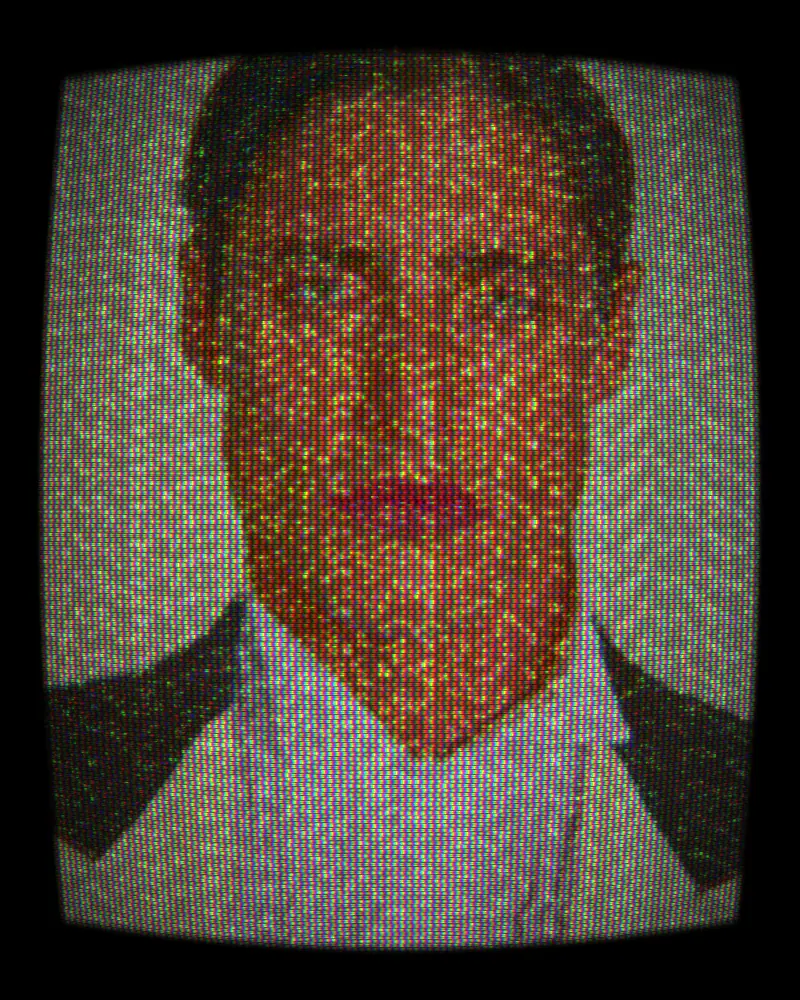
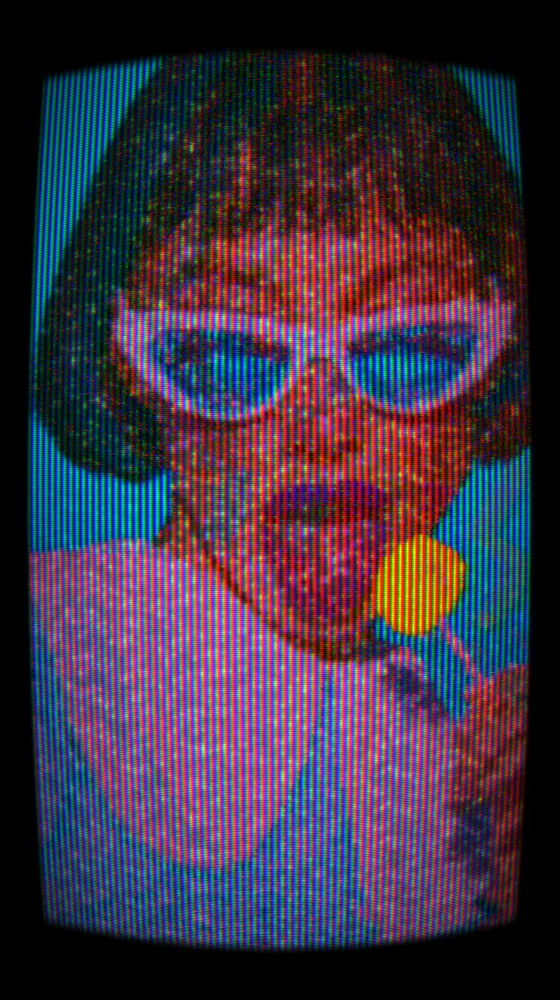
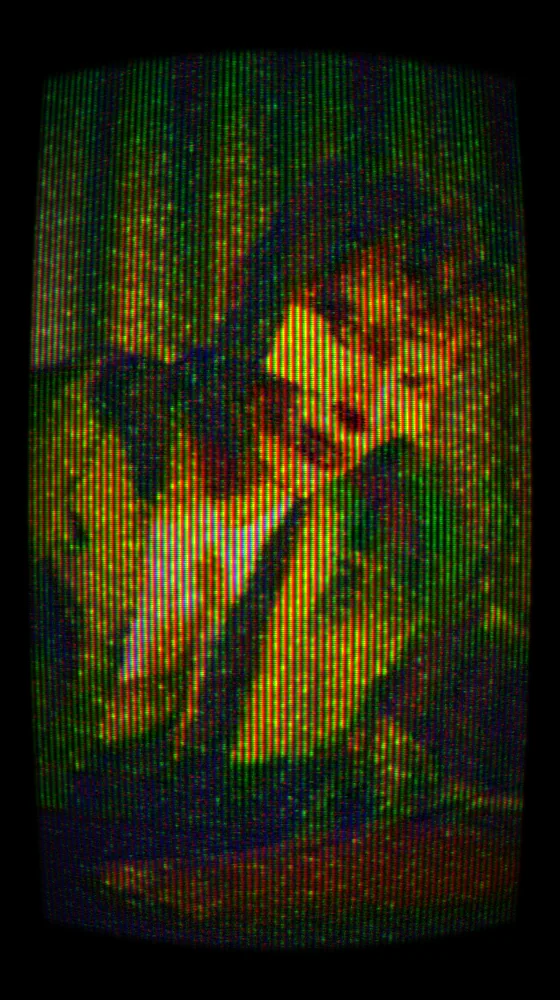
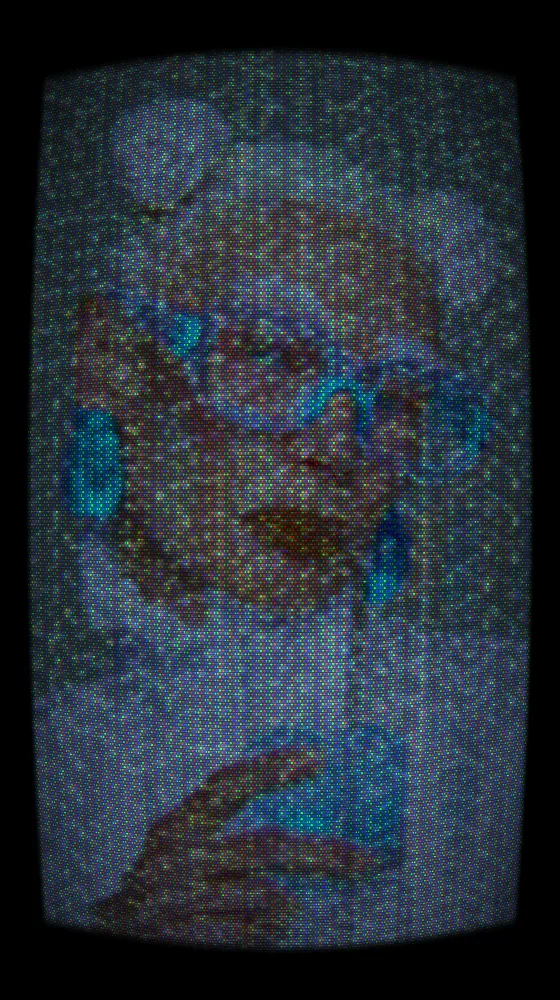
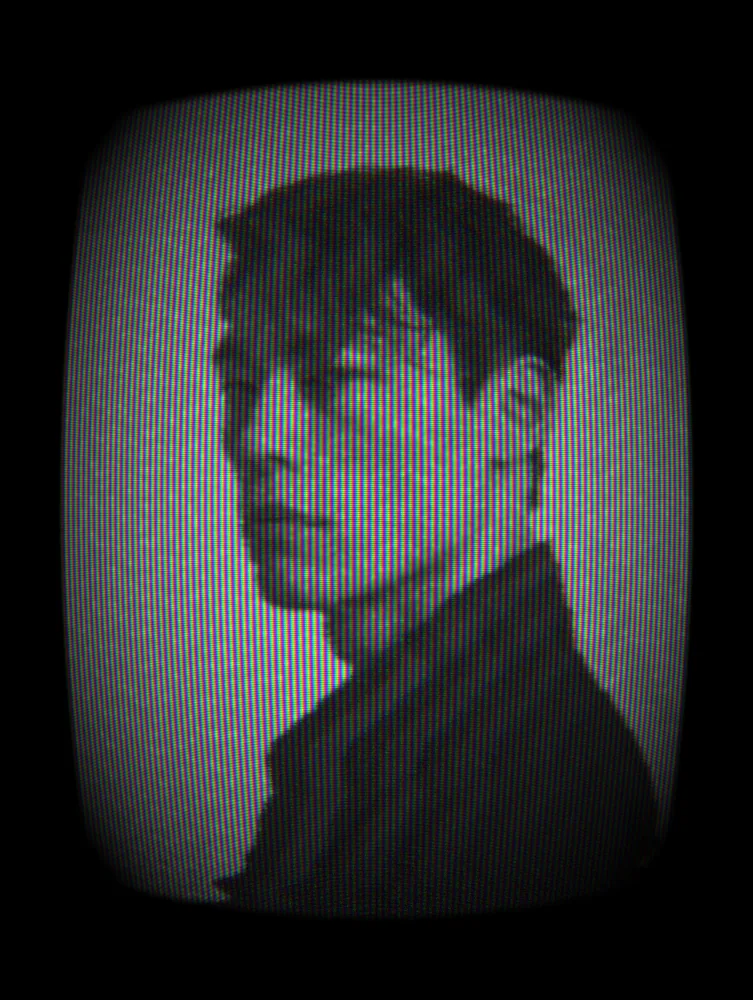
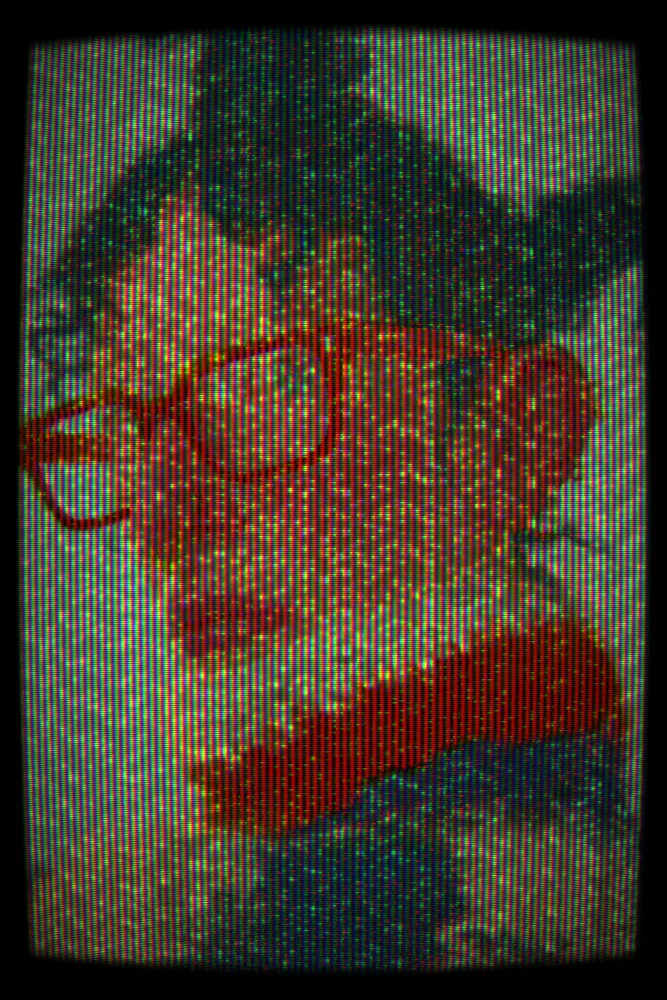
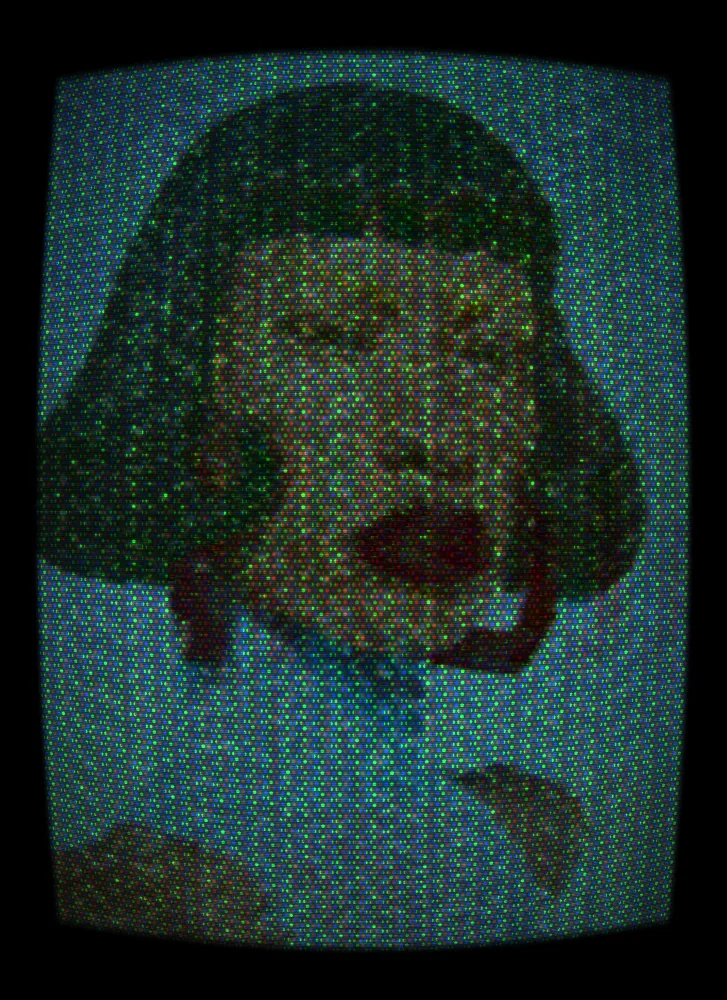
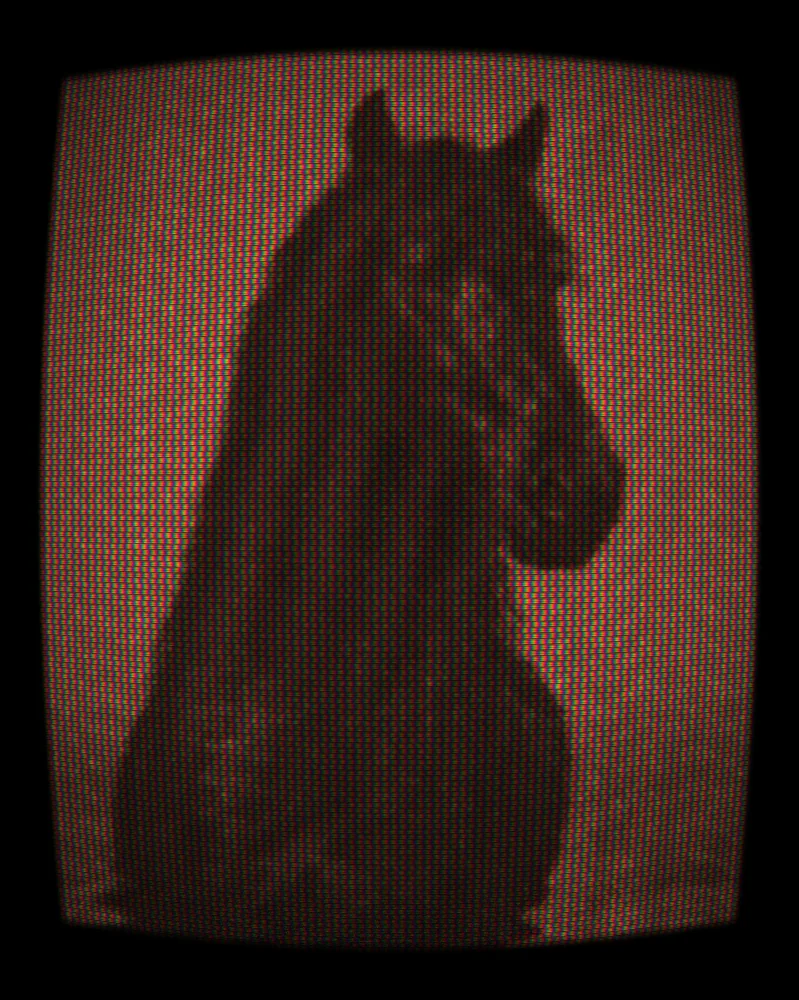
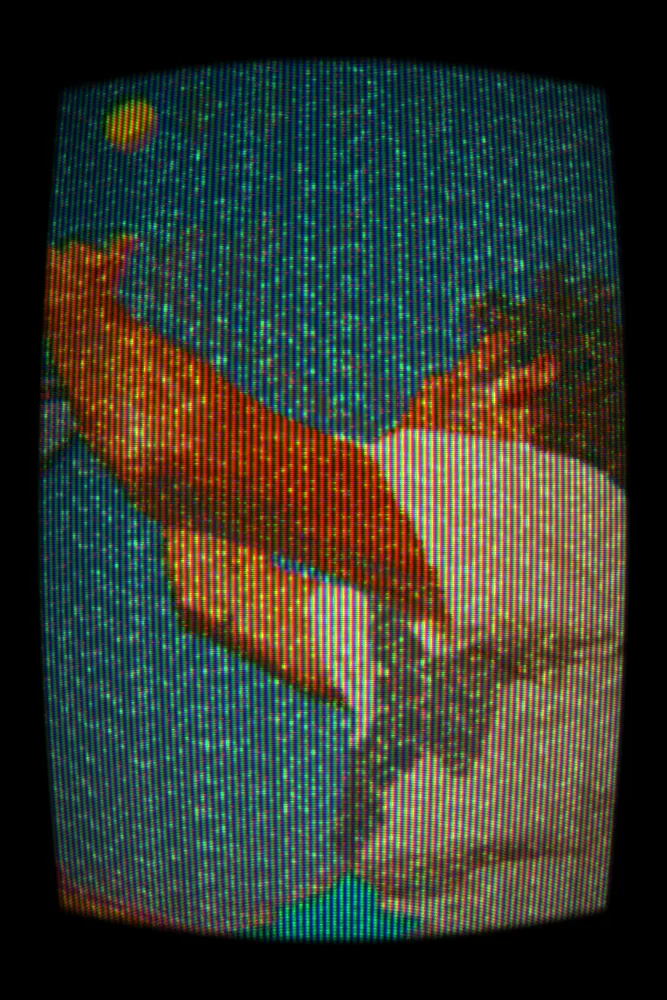
The CRT effect runs your image through a simulated NTSC and VHS signal, then displays it on a curved CRT screen. You get scanlines, a phosphor mask, color fringing, ghosted edges, tape snow and a dark vignette. You can change the mask type, curvature, color mode, ghosting, bloom and every distortion. The CRT effect comes with Nexus, a plugin for Photoshop, After Effects, Illustrator, Affinity and Figma.
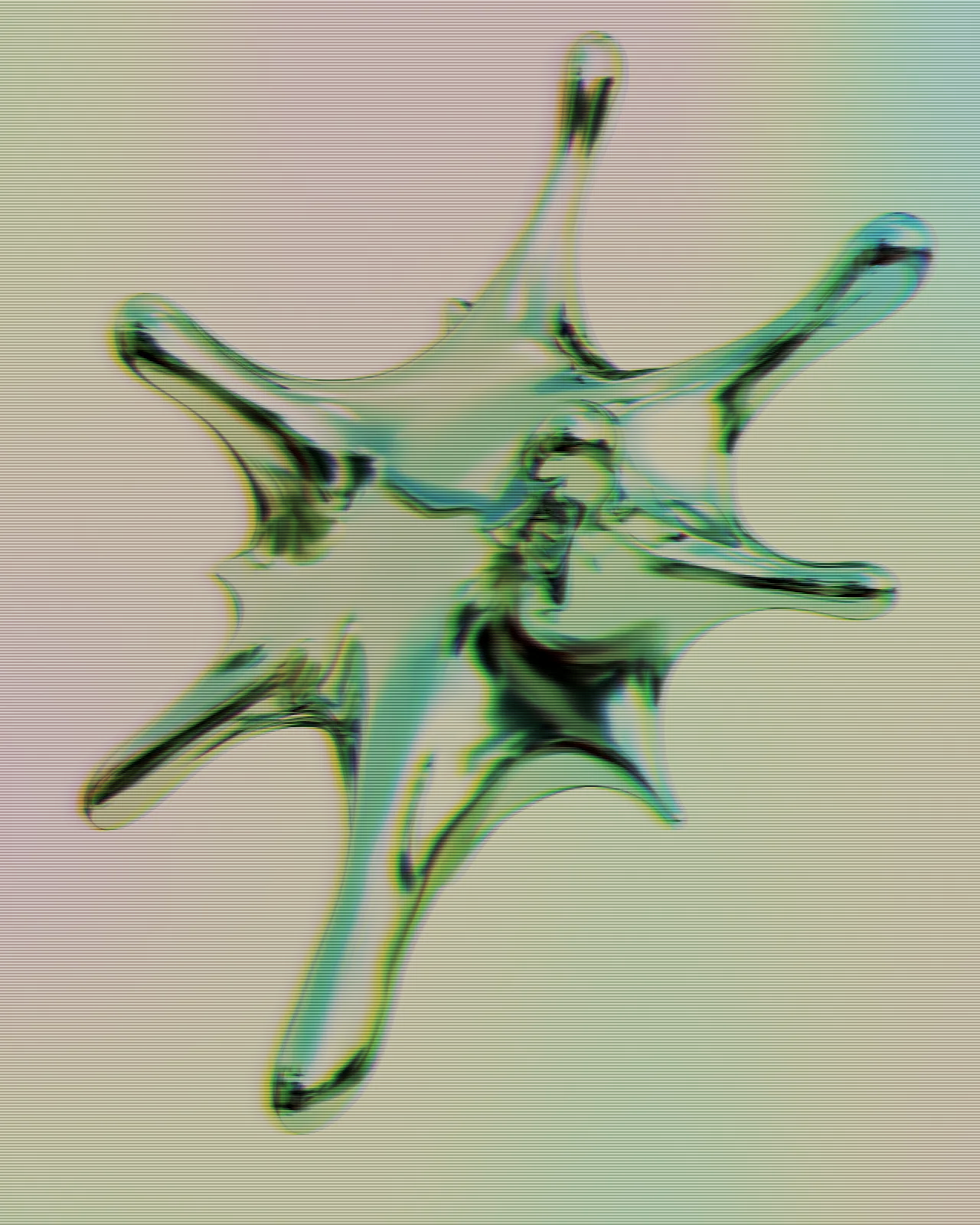
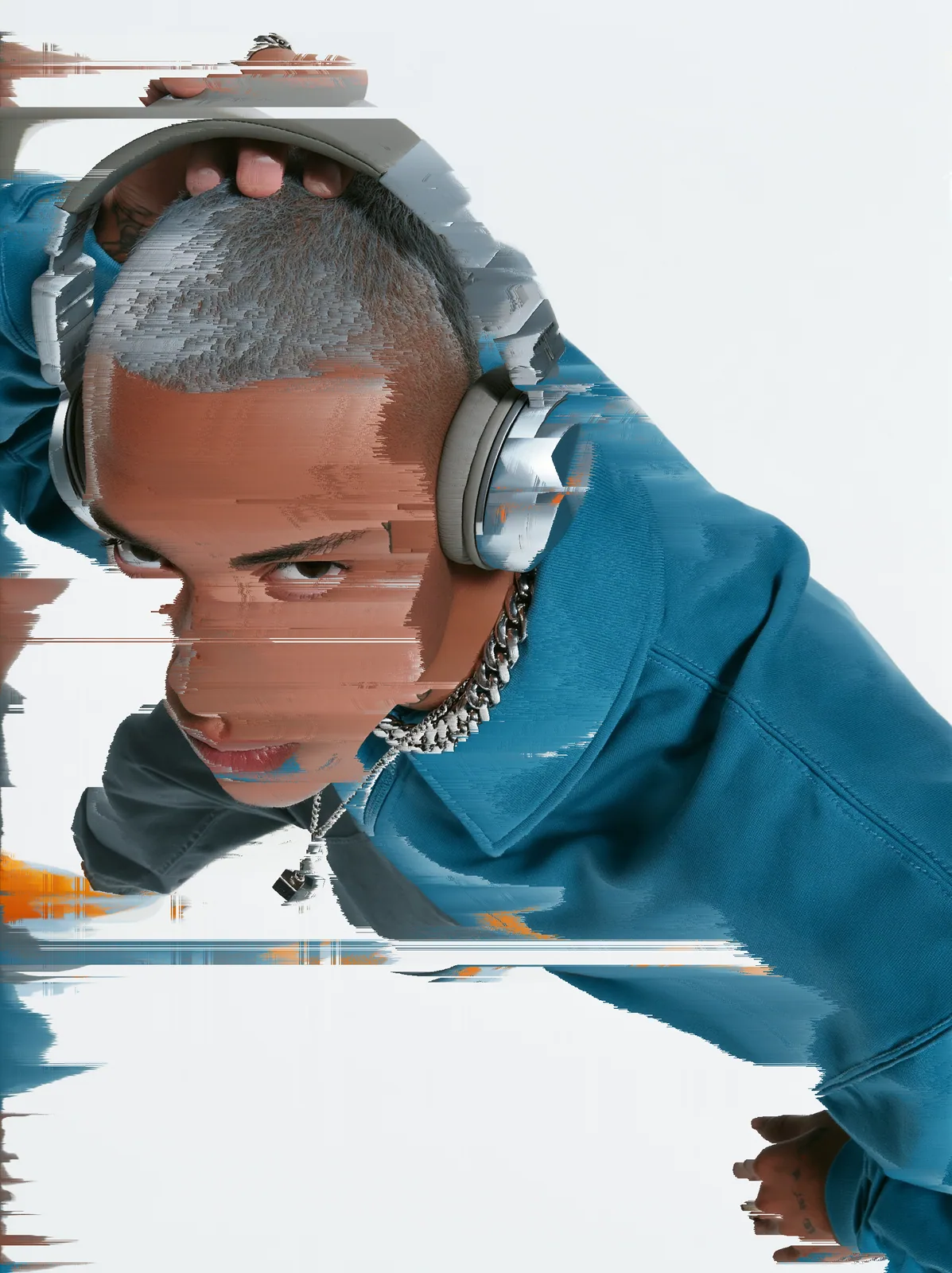
Same effect, different settings
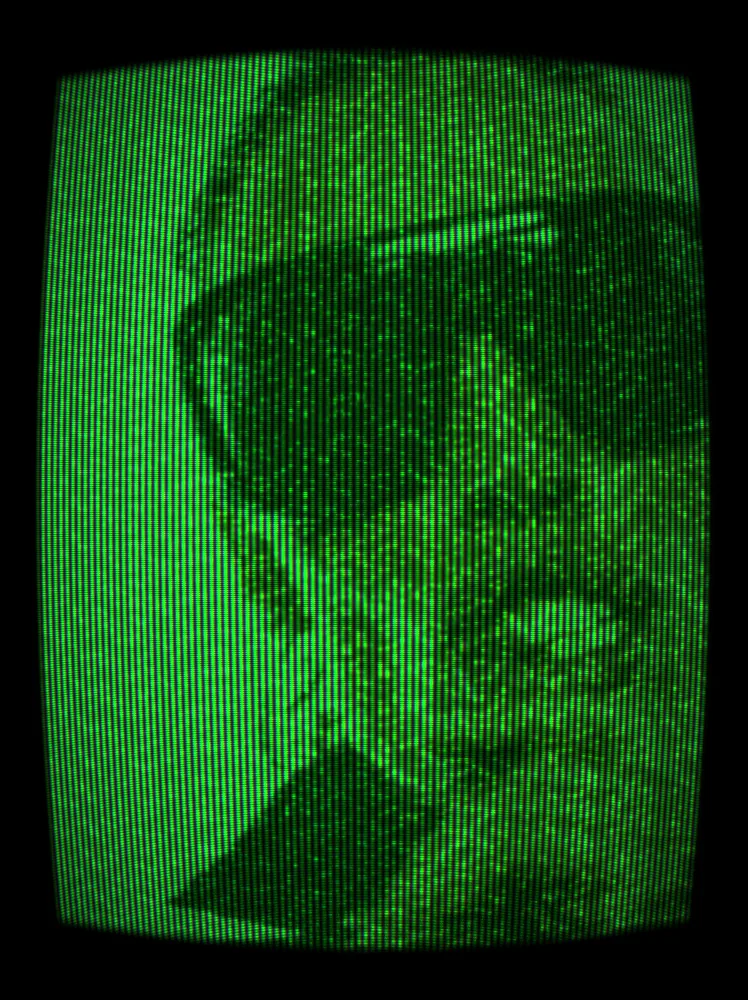
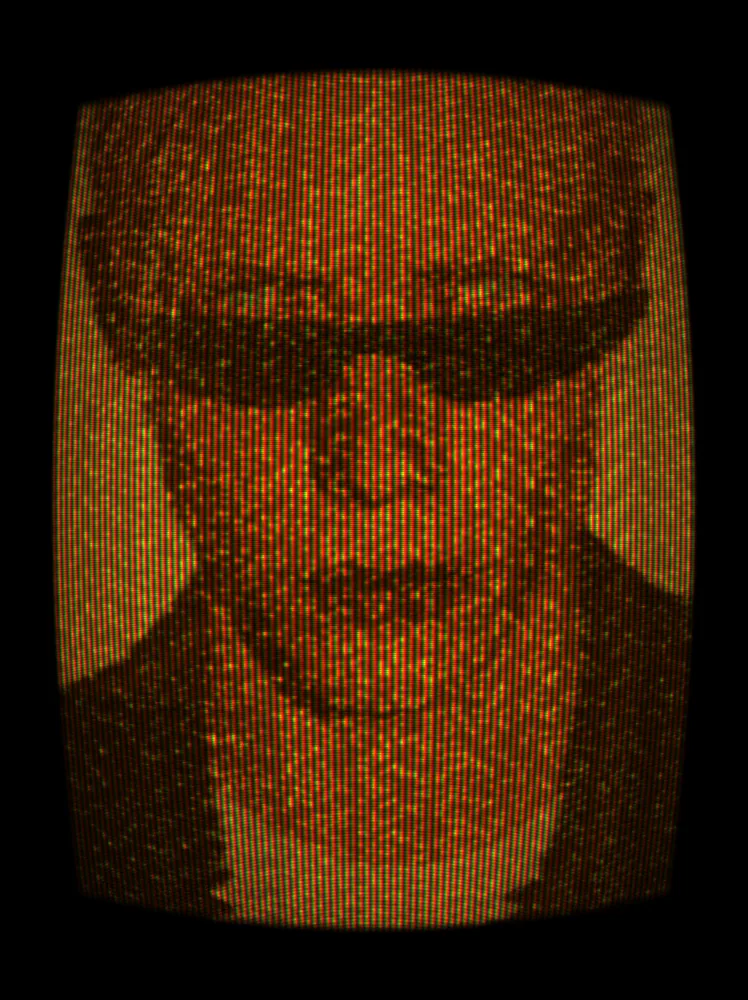
12 photos, each with its own settings. Try it on yours
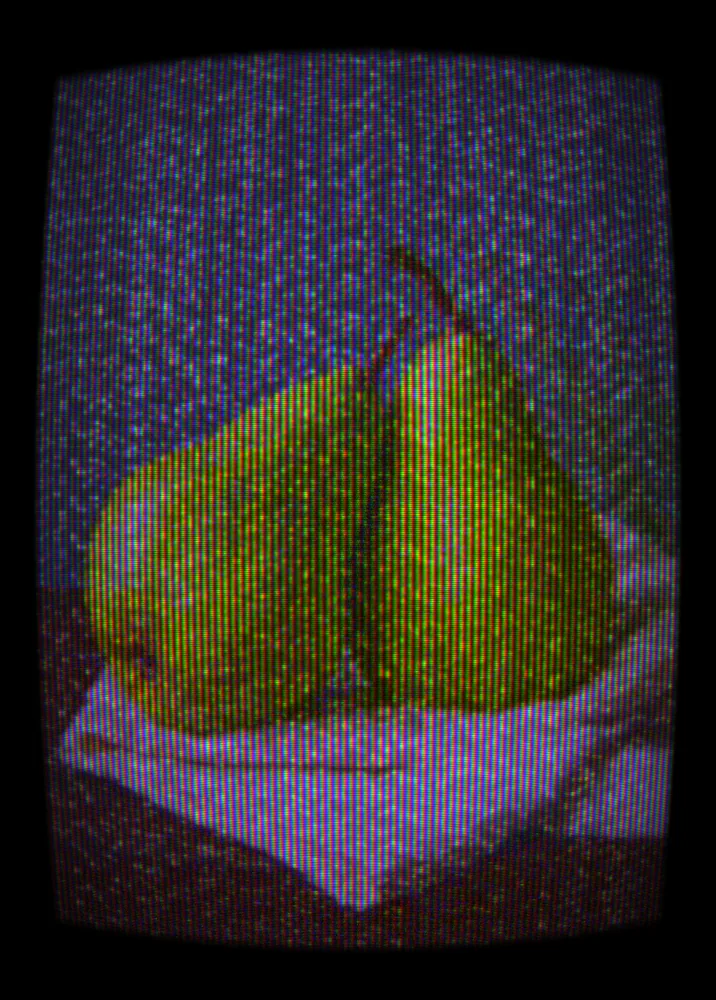
Use CRT Effect in your apps
It runs natively in Photoshop, After Effects, Illustrator, Affinity and Figma, with the same settings everywhere.
The plugins are free with an account. Paid plans add bigger renders and your own effects. See pricing
Photoshop
Apply it as a Smart Filter on a Smart Object, then double-click to change it.
After Effects
Drop it on any layer as a native effect and keyframe every control on the timeline.
Illustrator
Use a selection as the source and get back native vector paths or an embedded image.
Affinity
Open Filters > Plugins > Nexus, pick the look and apply it to a pixel layer.
Figma
Select a frame or image, run the look, and the result drops back into your file.
Settings worth touching
- Mask Type
- Switches the phosphor pattern between aperture grille stripes, slot mask, shadow mask dots or an LED matrix.
- Color Mode
- Starts at Composite NTSC color. Switch to Monochrome Green or Amber for a terminal screen, or Vivid LED for brighter color.
- CRT Curvature
- Sets how far the screen bulges, from flat glass to a rounded tube with dark, bent corners.
Questions, answered
Install Nexus for Photoshop, convert your layer to a Smart Object and apply the look as a Smart Filter. Double-click the filter any time to change its settings.
Yes. Drop it on any layer as a native effect and keyframe any control, such as Signal Phase, Tracking Jitter or Head Switch Tear, on the timeline.
Yes. The engine simulates a VHS signal before the screen stage. Raise Tape Snow, Tracking Jitter and Head Switch Tear, or lower Scanlines and CRT Curvature for a flatter tape look.
Set Color Mode to Monochrome Green or Monochrome Amber. Phosphor Tint changes the screen color further, and Scanlines and Phosphor Bloom control how much the lines show and glow.
Yes. Open the look in the Nexus web editor and try it on your own image without an account. Exporting needs a free account, which exports images up to 720px and video up to 720px with the Nexus mark.