Stencil Effect
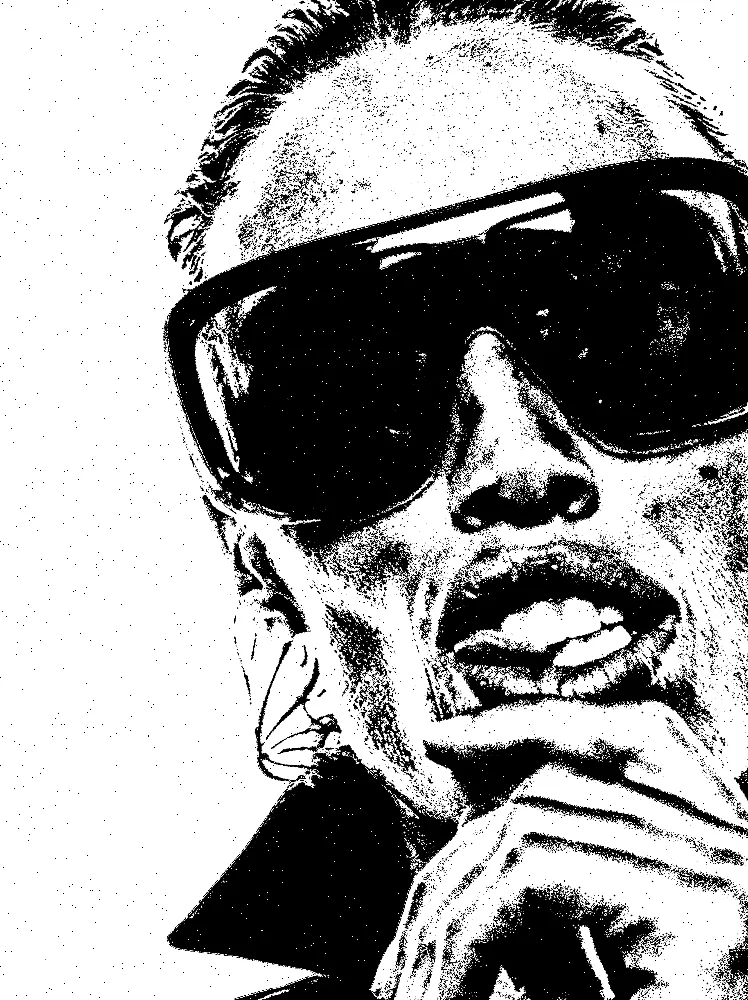
Cuts any picture into one flat ink color on paper, with smooth, clean edges and bold shapes.
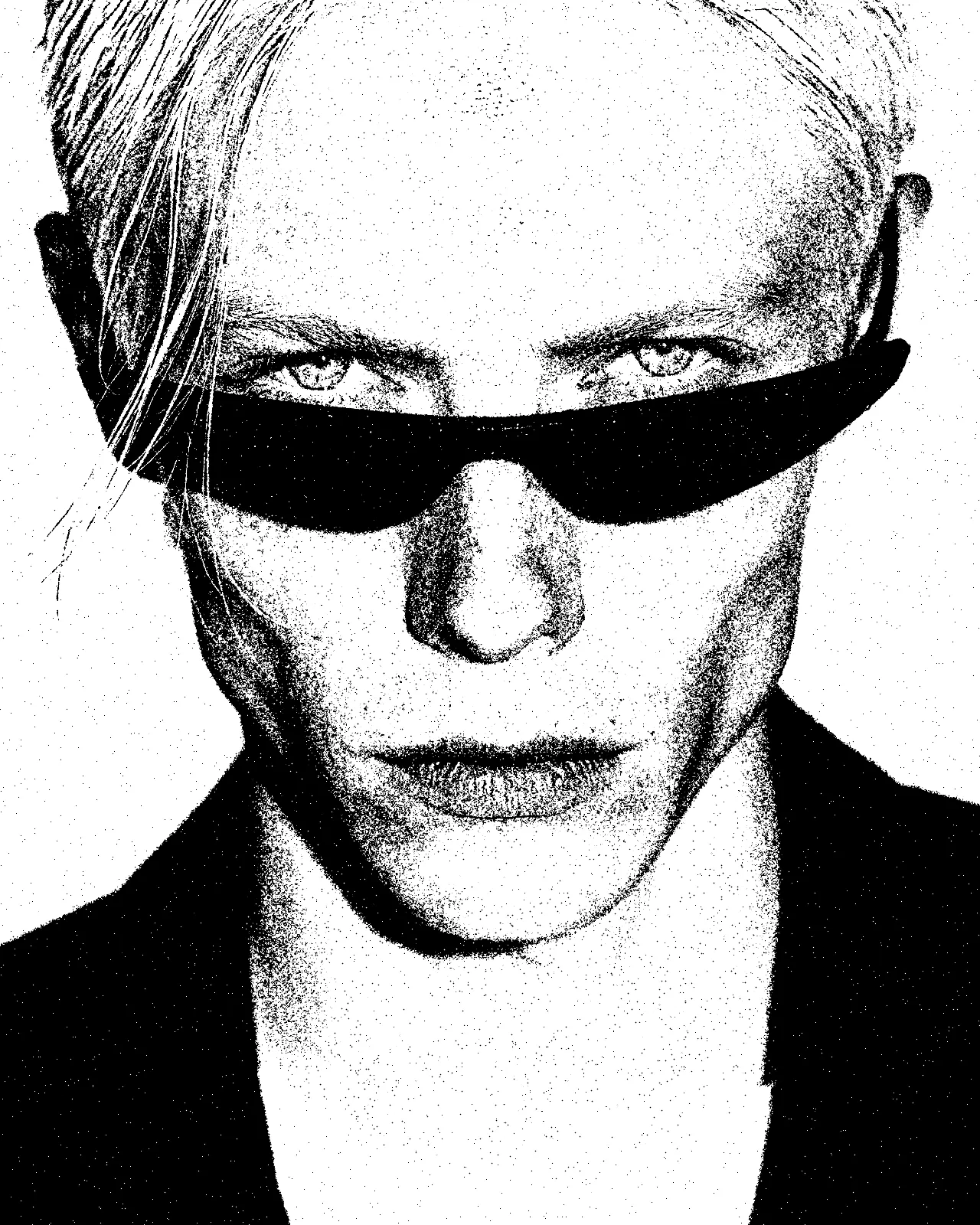
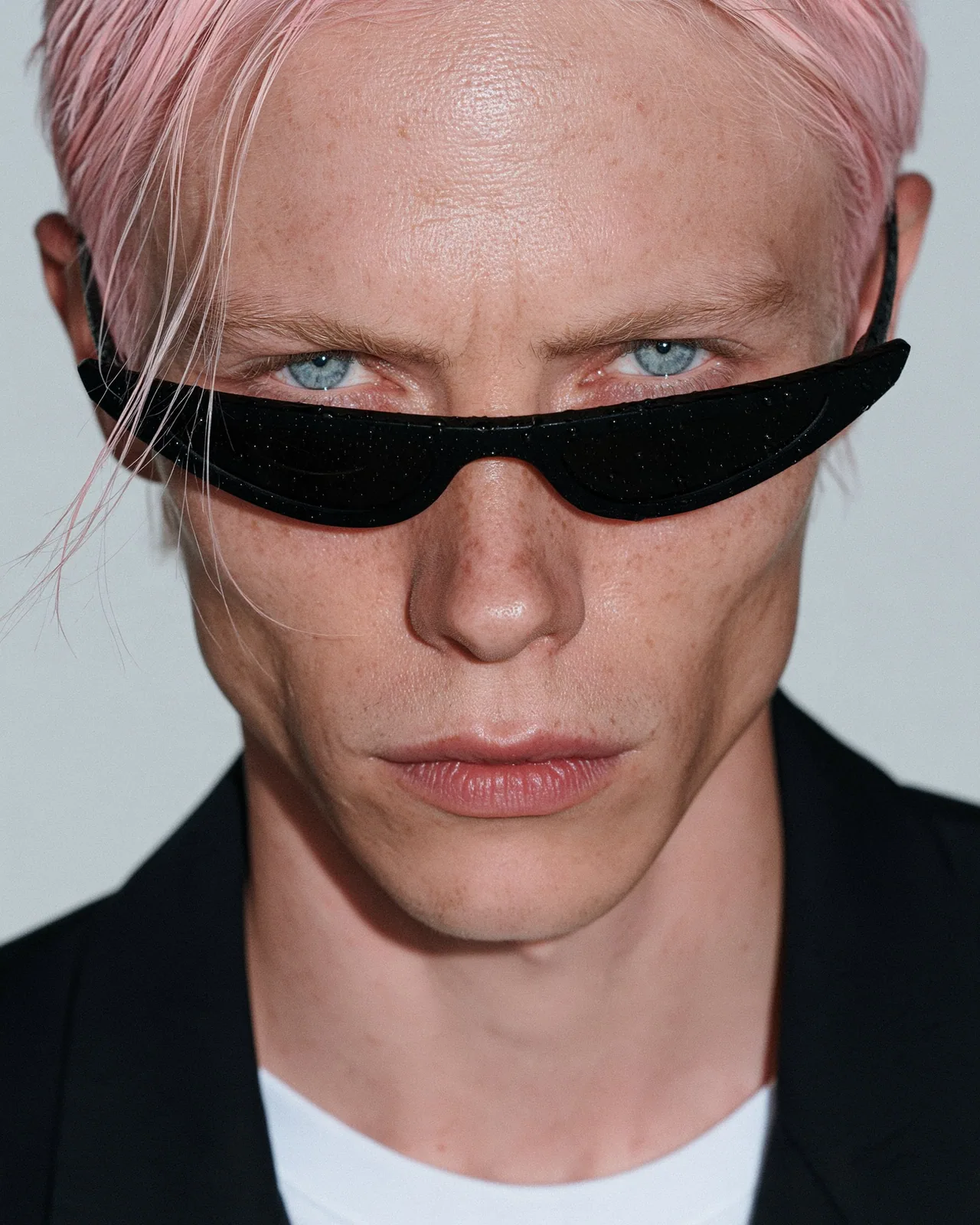
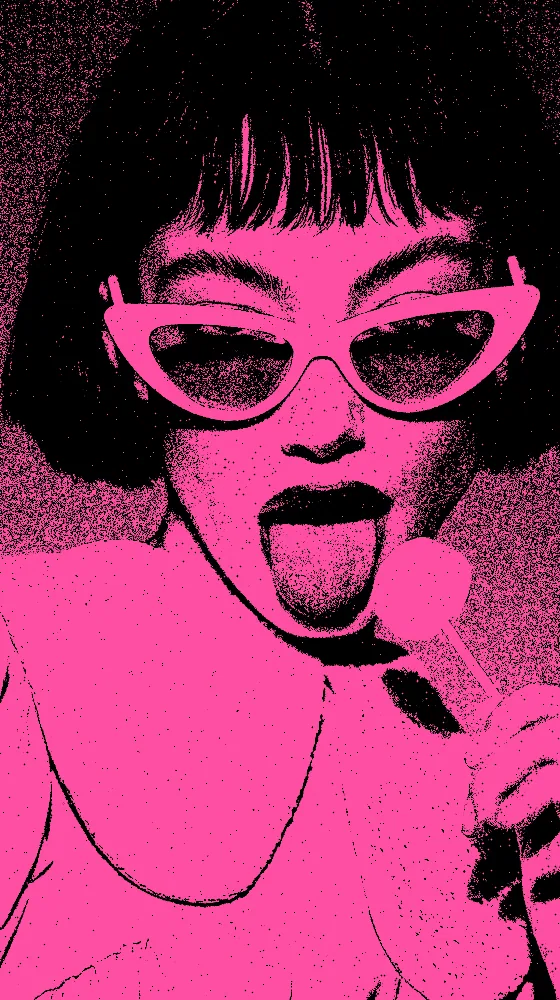
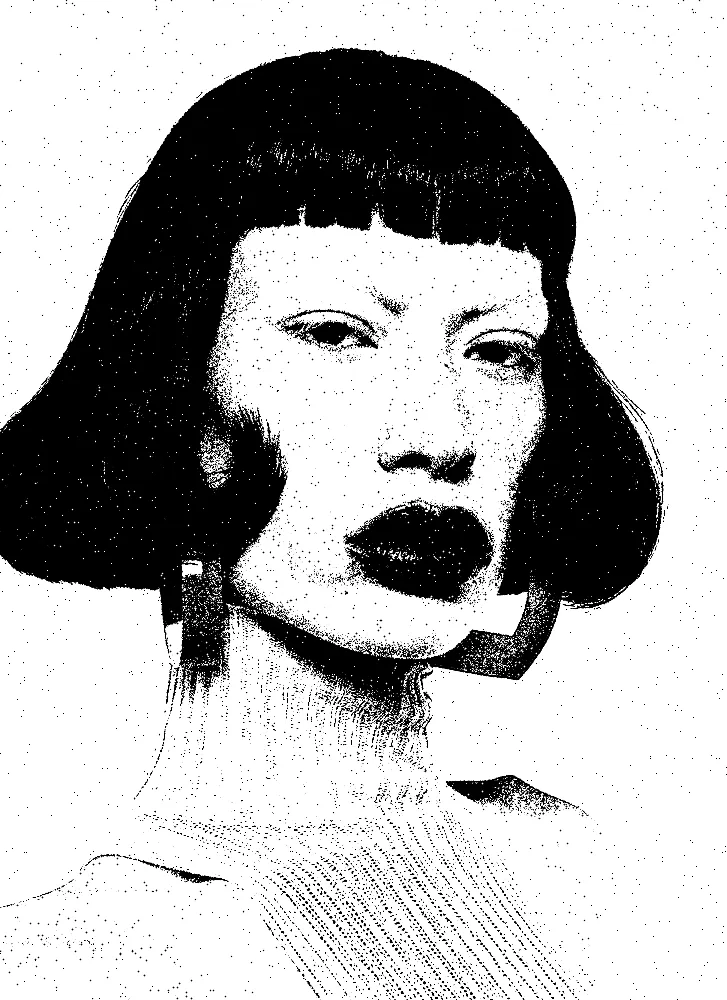
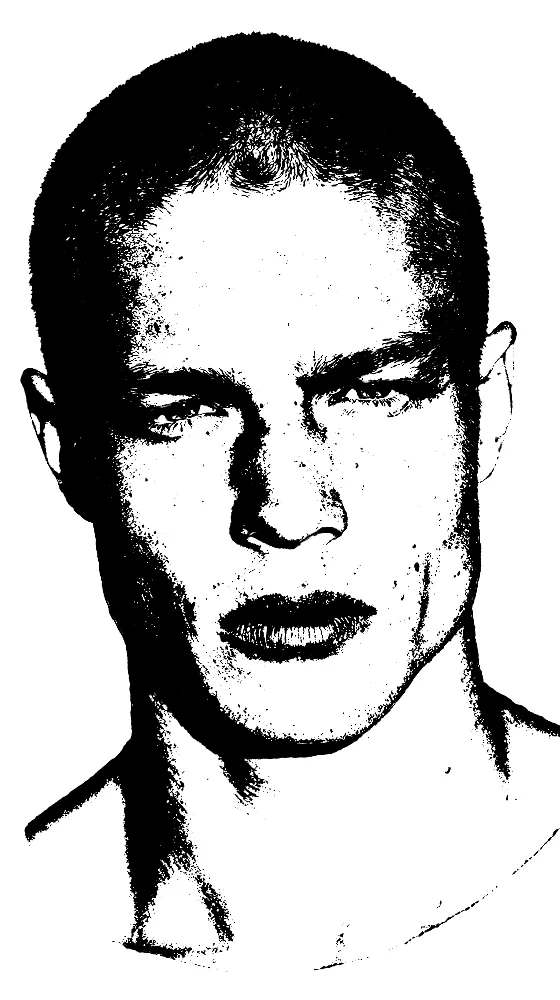
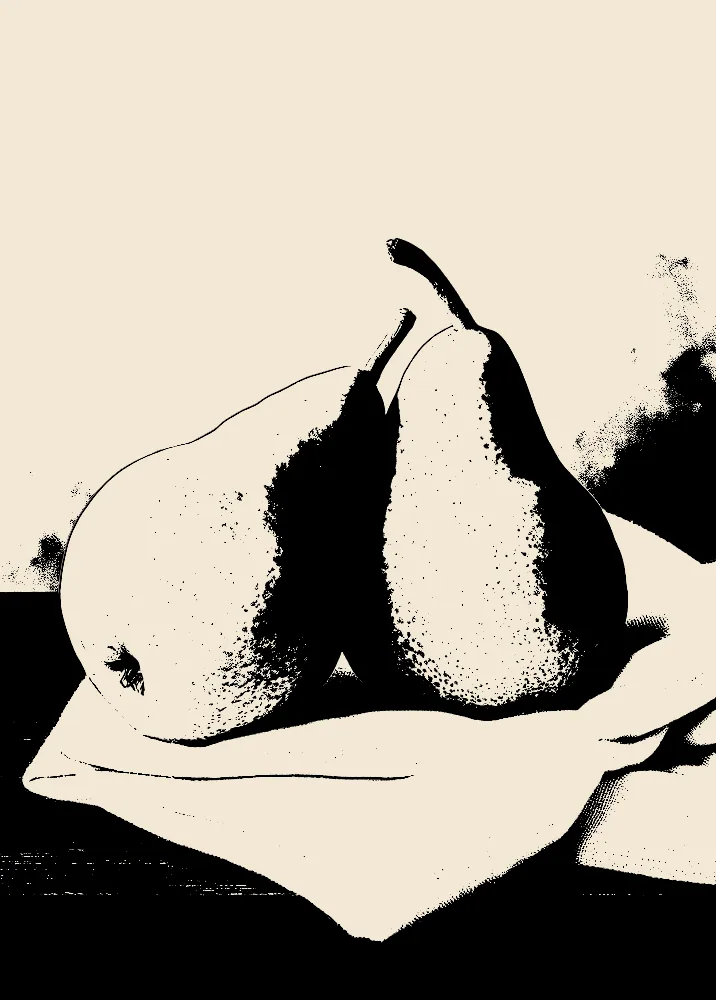
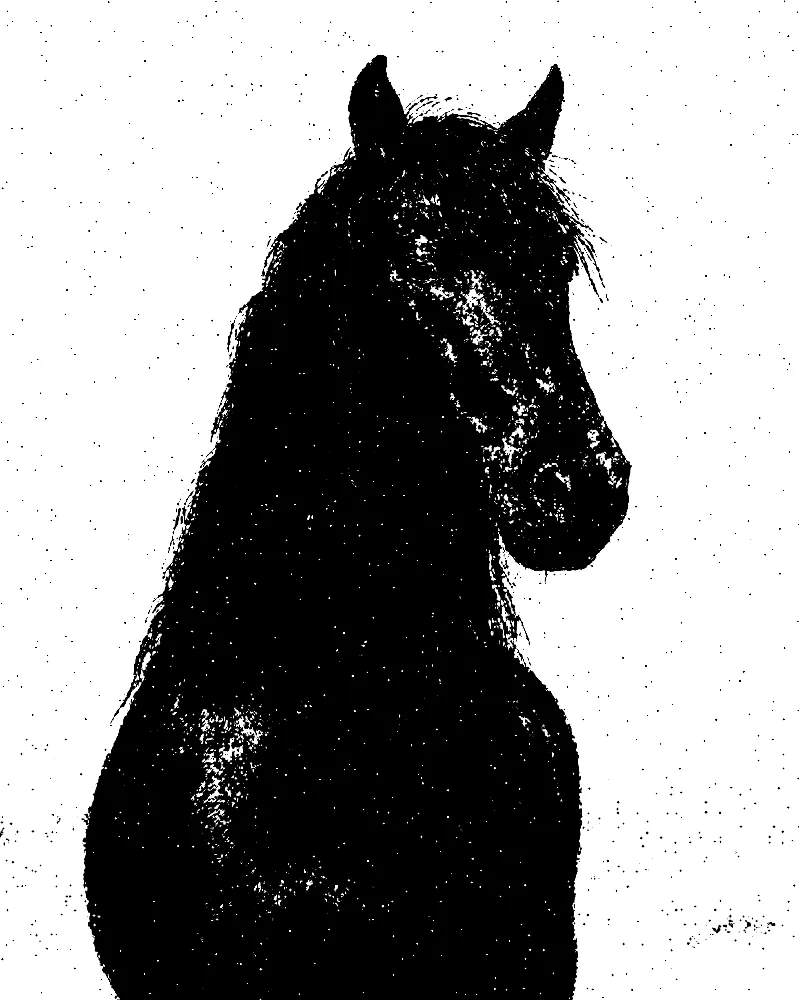
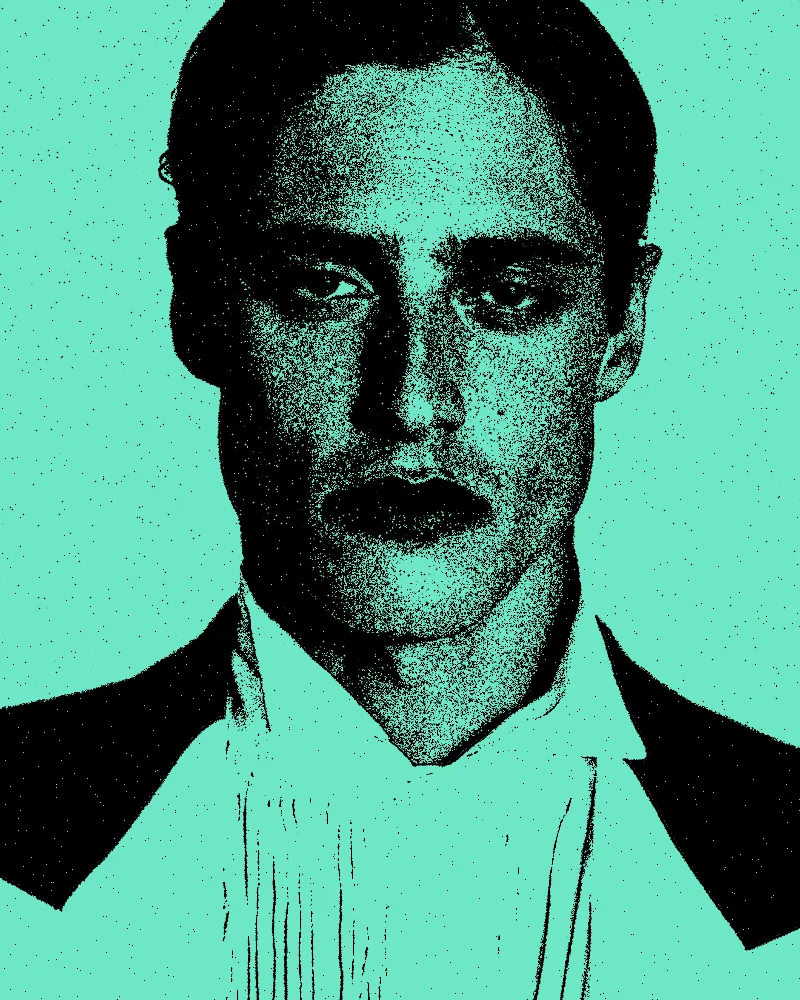
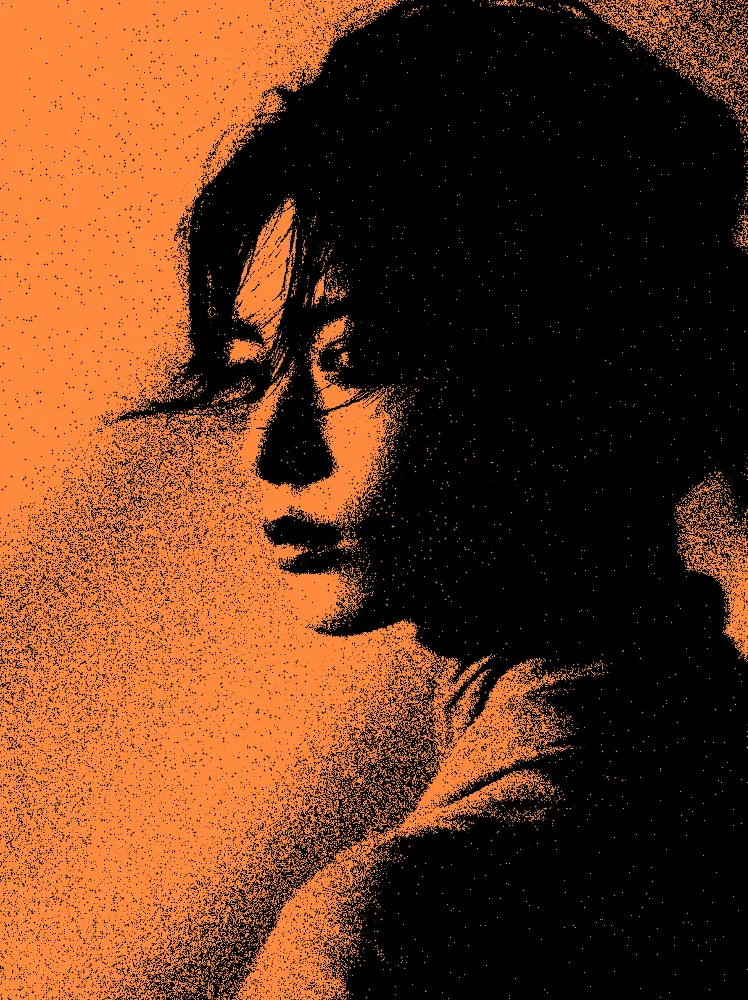
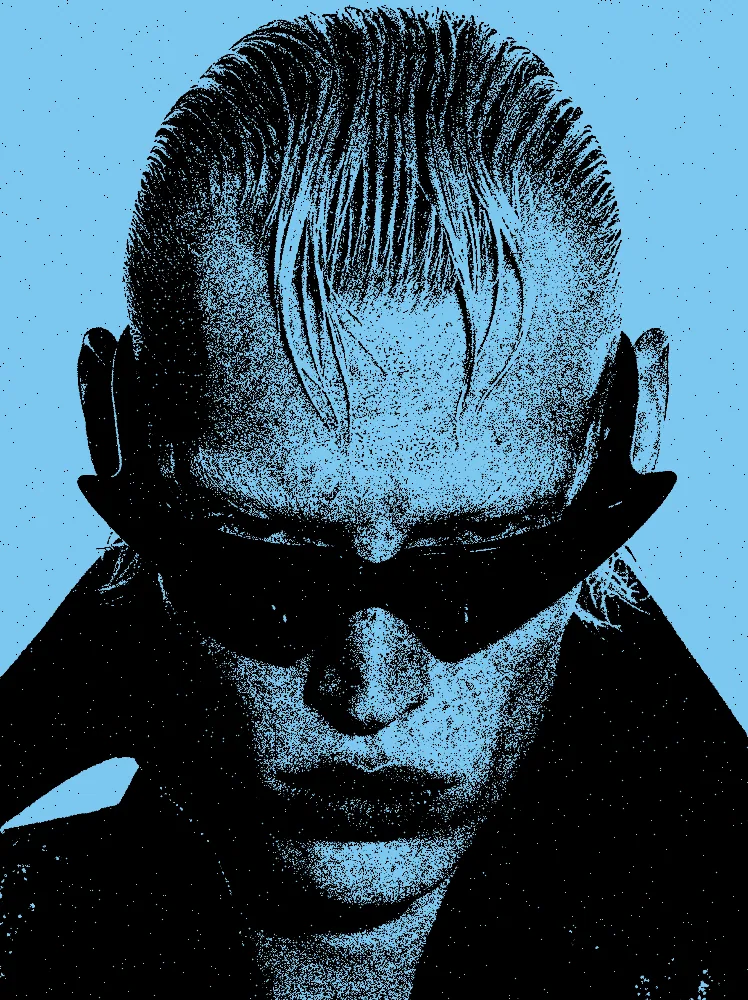
The stencil effect turns a photo into a single flat ink with smooth, clean edges, like a cut paper stencil. Light and dark split at a level you set. The look starts keeping the White side with the source hidden, and you can change the ink colors, add contour lines, grain or rough edges.
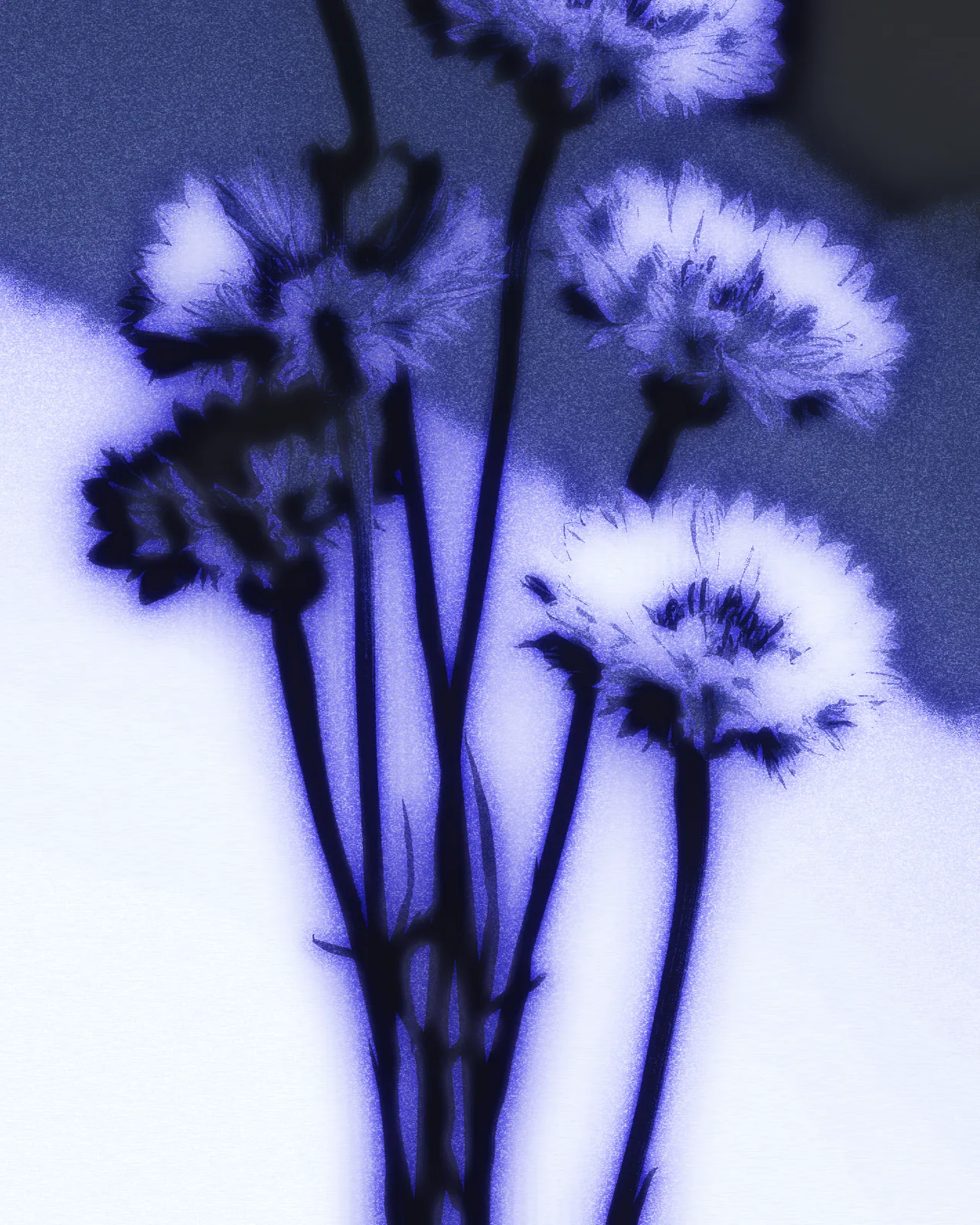
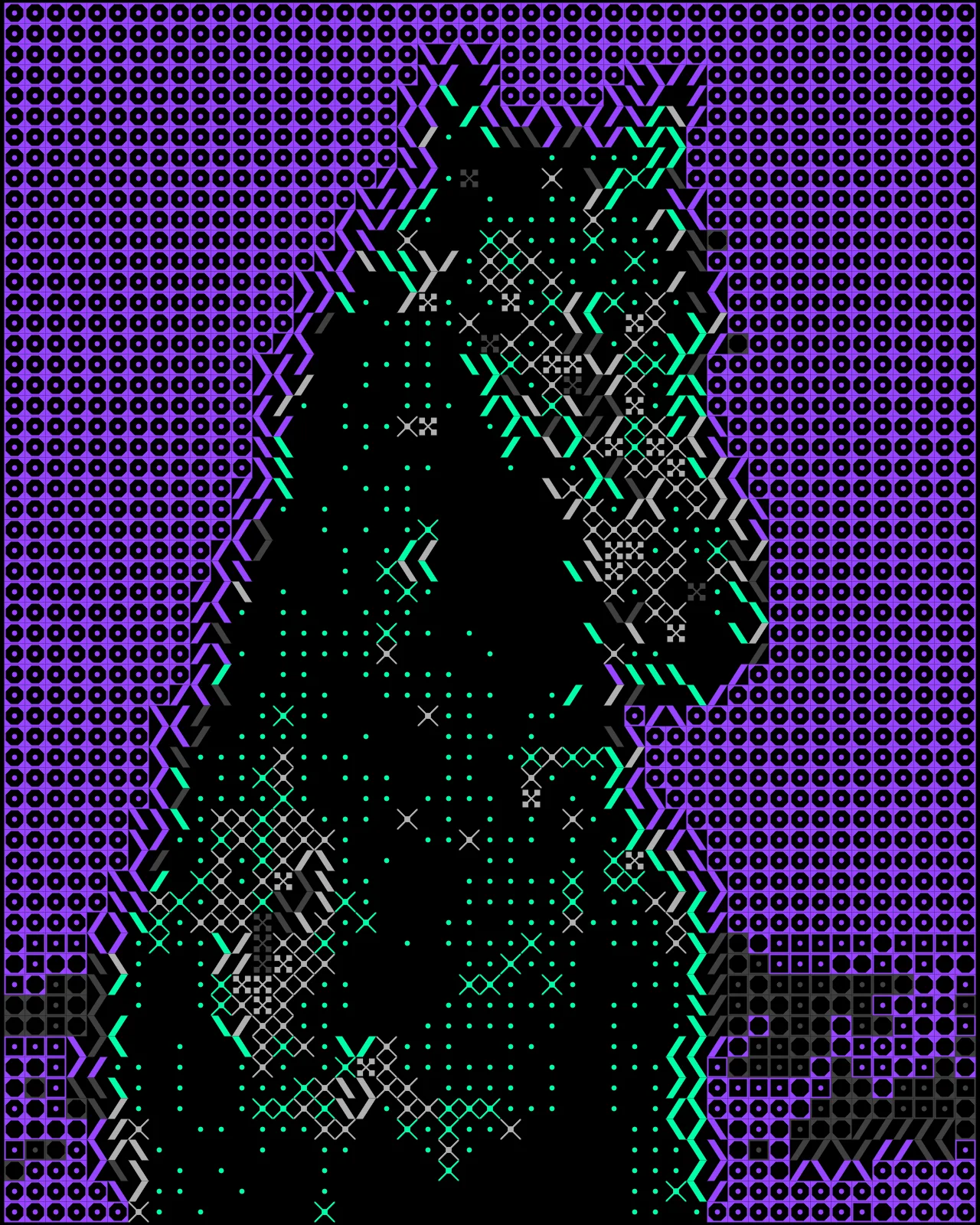
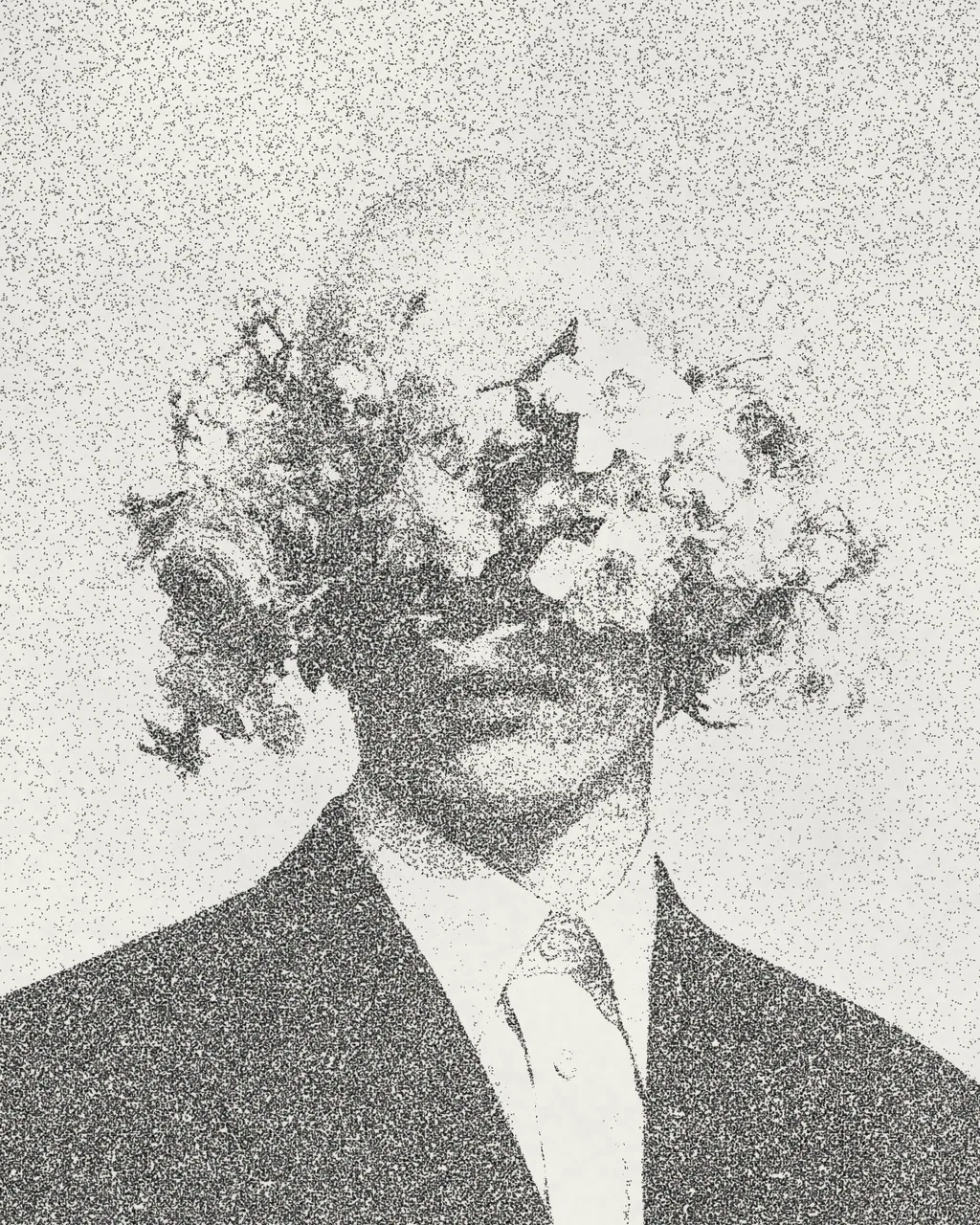
Same effect, different settings
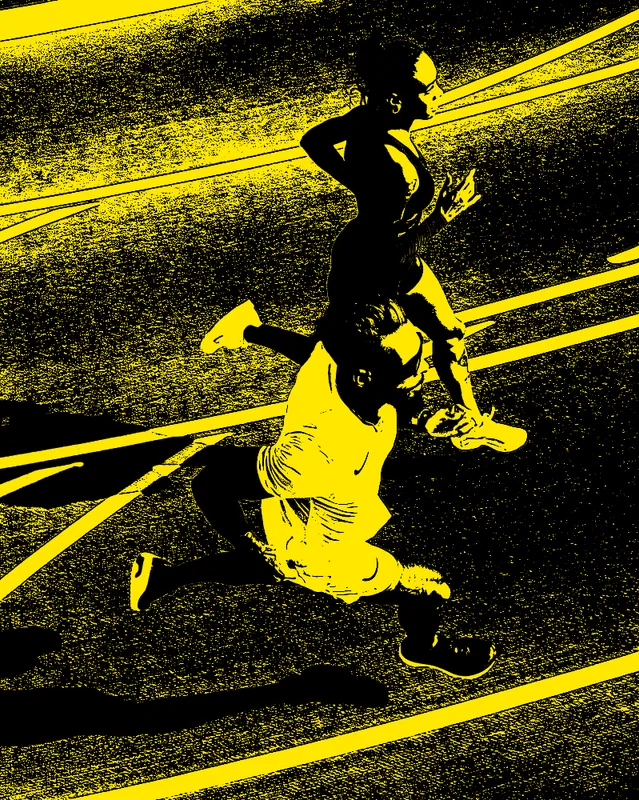
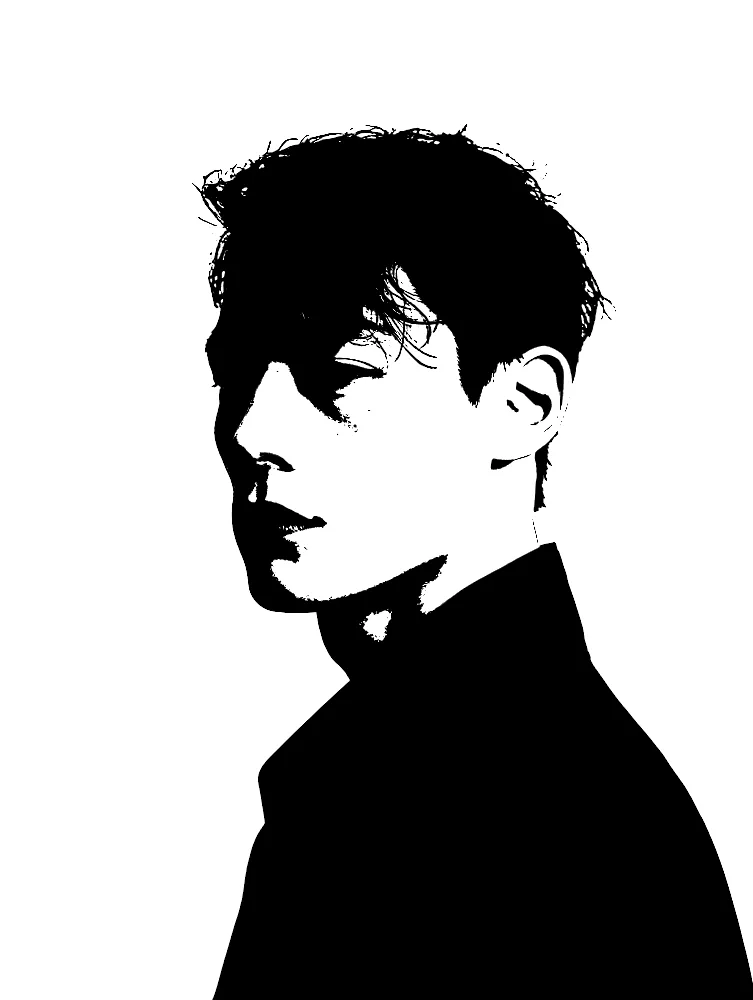
12 photos, each with its own settings. Try it on yours

Use Stencil Effect in Photoshop, After Effects, Illustrator, Affinity or Figma
The plugins are free with an account. Paid plans add bigger renders and your own filters. See pricing
Photoshop
Apply it as a Smart Filter on a Smart Object, then double-click to change it.
After Effects
Drop it on any layer as a native effect and keyframe every control on the timeline.
Illustrator
Use a selection as the source and get back native vector paths or an embedded image.
Affinity
Open Filters > Plugins > Nexus, pick the look and apply it to a pixel layer.
Figma
Select a frame or image, run the look, and the result drops back into your file.
Settings worth touching
- Level
- Moves the cut point between ink and paper. Lower or raise it to decide how much of the picture turns solid.
- Keep
- Chooses which side of the cut stays, Black or White. The look starts on White, and switching flips the stencil.
- Rough Edges
- Breaks up the clean outlines so shapes look hand cut rather than smooth. Keep it low for crisp stencils.
Frequently asked questions
How do I turn a photo to stencil art?
Open the look in the Nexus web editor and drop in your own image, no account needed. Adjust Level until the shapes read clearly. Exporting needs a free account, which exports images up to 720px.
Can I use the stencil effect in Illustrator?
Yes. Nexus for Illustrator uses your selection as the source and places the result back as an embedded image. This look outputs pixels only, so you do not get vector paths.
Can I animate the stencil art effect in After Effects?
Yes. It lands as a native effect on any layer, and every control can be keyframed on the timeline, so you can move Level, Grain or Rough Edges over time.
Can I change the stencil colors?
Yes. Black Color sets the ink and White Color sets the paper. The look starts with black ink on white paper, and you can pick any pair of colors you like.
Can I see the photo under the stencil filter?
Turn on Show Source to place the original picture underneath the ink, then use Source Opacity to set how strongly it shows. The look starts with Show Source off.



Try Stencil Effect in your browser
Free to try. Exporting needs a free account.