Wave Lines Effect
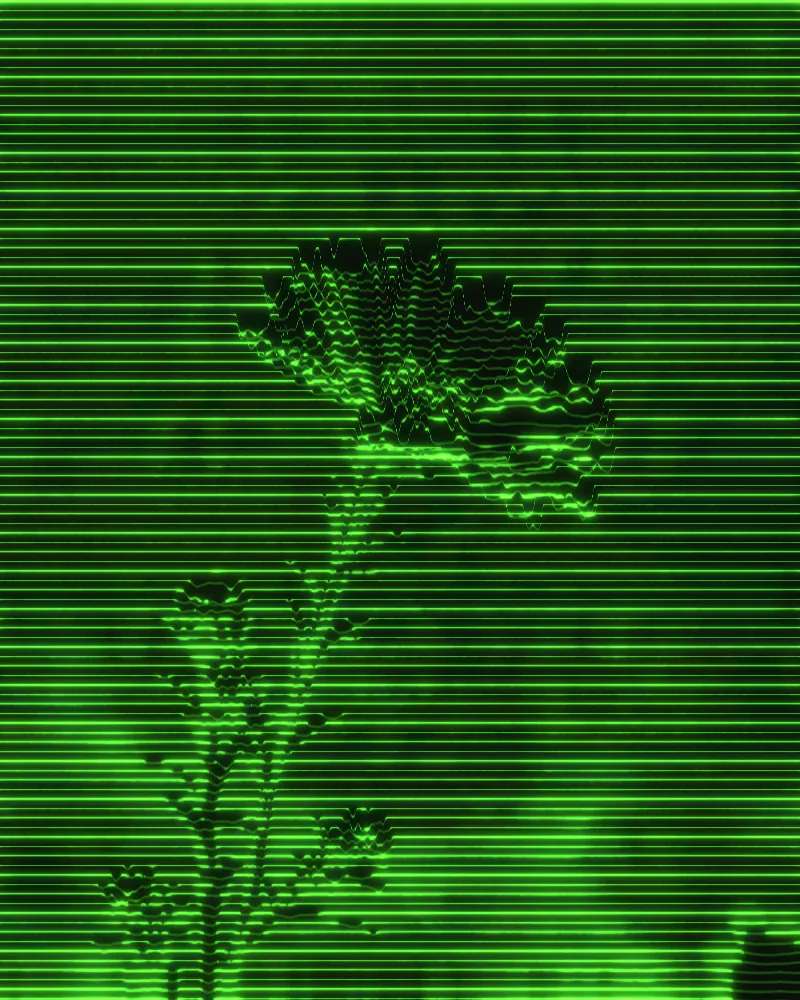
Turns any picture into horizontal lines that ripple with brightness, thinning to dots in shadow and merging into solid light.


The wave lines effect redraws your image as horizontal scanlines displaced by brightness, so shapes rise out of the lines as wavy contours. Shadows break into sparse dots and highlights fuse into solid bands, with a soft bloom on top. You can change line color, spacing, width, displacement, glow and add glitch modes.
Same effect, different settings
12 photos, each with its own settings. Try it on yours
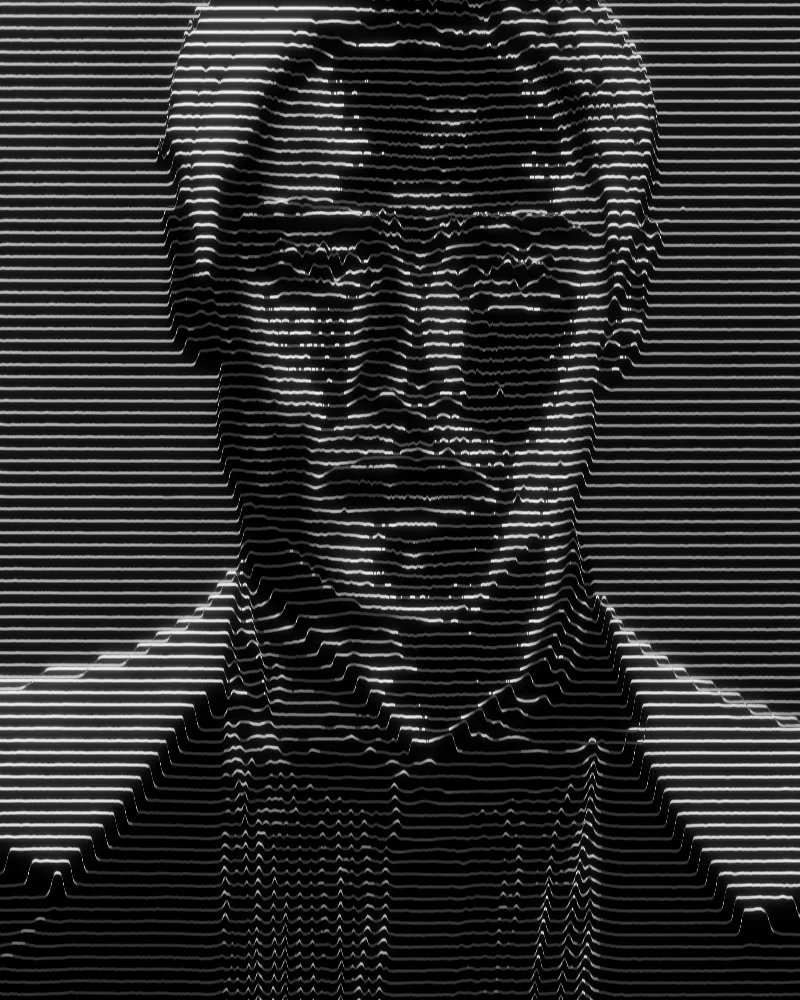
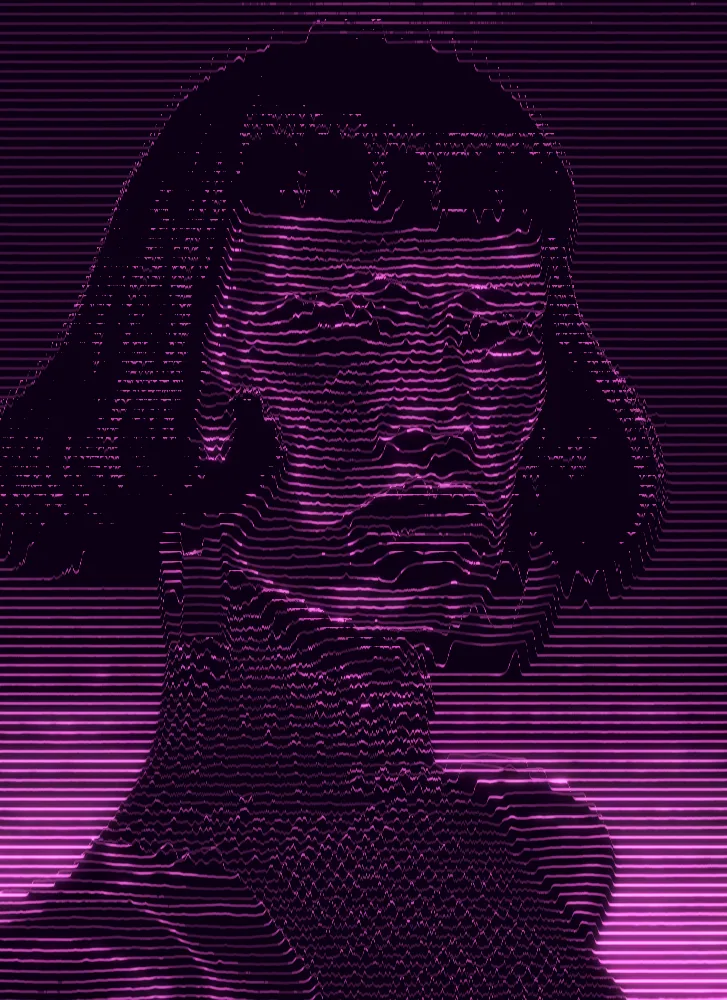

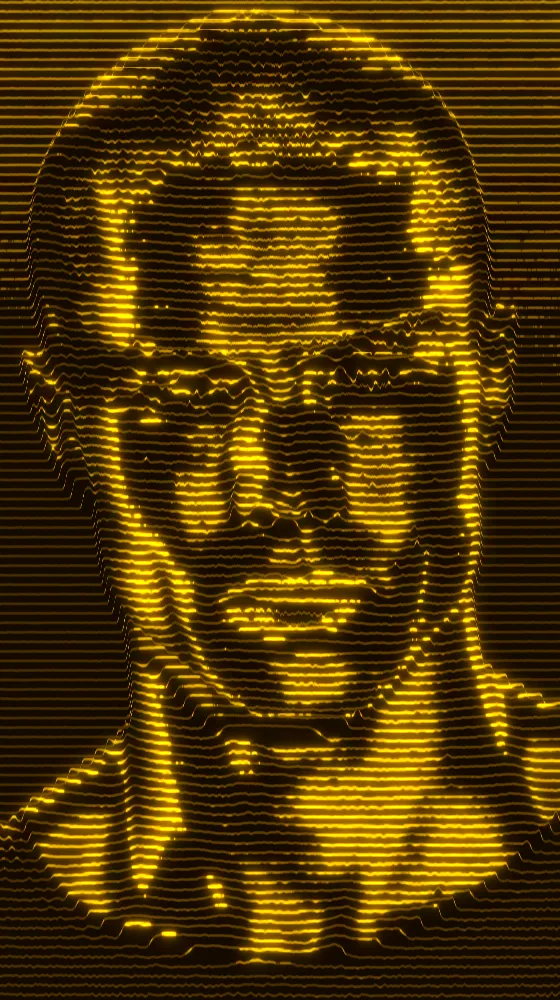
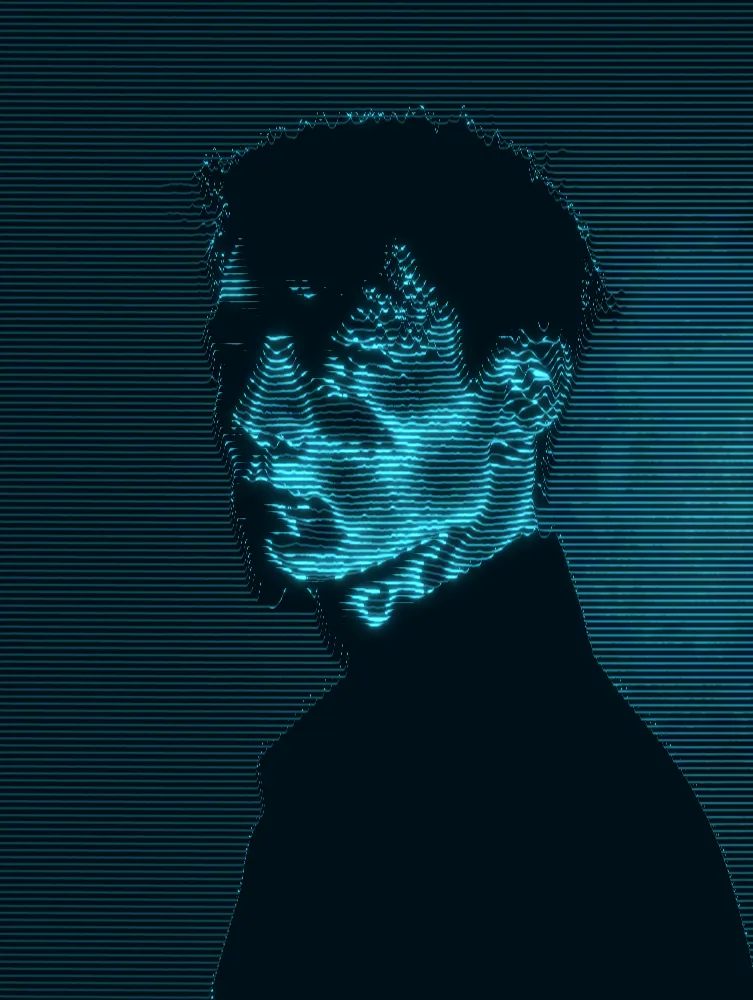






Use Wave Lines Effect in Photoshop, After Effects, Illustrator, Affinity or Figma
The plugins are free with an account. Paid plans add bigger renders and your own filters. See pricing
Photoshop
Apply it as a Smart Filter on a Smart Object, then double-click to change it.
After Effects
Drop it on any layer as a native effect and keyframe every control on the timeline.
Illustrator
Use a selection as the source and get back native vector paths or an embedded image.
Affinity
Open Filters > Plugins > Nexus, pick the look and apply it to a pixel layer.
Figma
Select a frame or image, run the look, and the result drops back into your file.
Settings worth touching
- Line Spacing
- Sets the gap between scanlines. Low values give fine, dense detail. High values give fewer, bolder lines and a more graphic result.
- Displacement
- Controls how far bright areas push the lines up. Raise it for deep, rolling waves, lower it for nearly straight lines.
- Error Mode
- Adds a glitch over the lines: Chroma Shift, Block Glitch, Scanline Tear or RGB Split. Error Strength sets how heavy it gets.
Frequently asked questions
How do I add wave lines in After Effects?
Drop Nexus on any layer as a native effect, tune the controls, and keyframe any of them, such as Displacement or Line Spacing, to make the lines move over time.
Can I make the wave line effect in Illustrator as vectors?
No. This look outputs pixels only. In Illustrator you use a selection as the source and the result comes back as an embedded image, not as editable vector paths.
How do I make a wavy lines effect in Photoshop?
Convert your layer to a Smart Object and apply the look as a Smart Filter. Double-click the filter any time to change the settings, or render the result as a new layer.
Can I change the colors of the horizontal lines effect?
Yes. The look starts with bright green lines on a green ground. Line Color, Background Color and Band Accent Color each take any color, and Invert flips which tones become lines.
Can I try the wave lines effect for free?
Yes. Open the look in the Nexus web editor and try it on your own image without an account. Exporting needs a free account, which exports images up to 720px and video up to 720px with the Nexus mark.




Try Wave Lines Effect in your browser
Free to try. Exporting needs a free account.